
Architectural Miniature Blueprint Draft
A draft-style prompt to generate detailed blueprints and 3D miniature models of Chinese architecture rising from technical drawings.
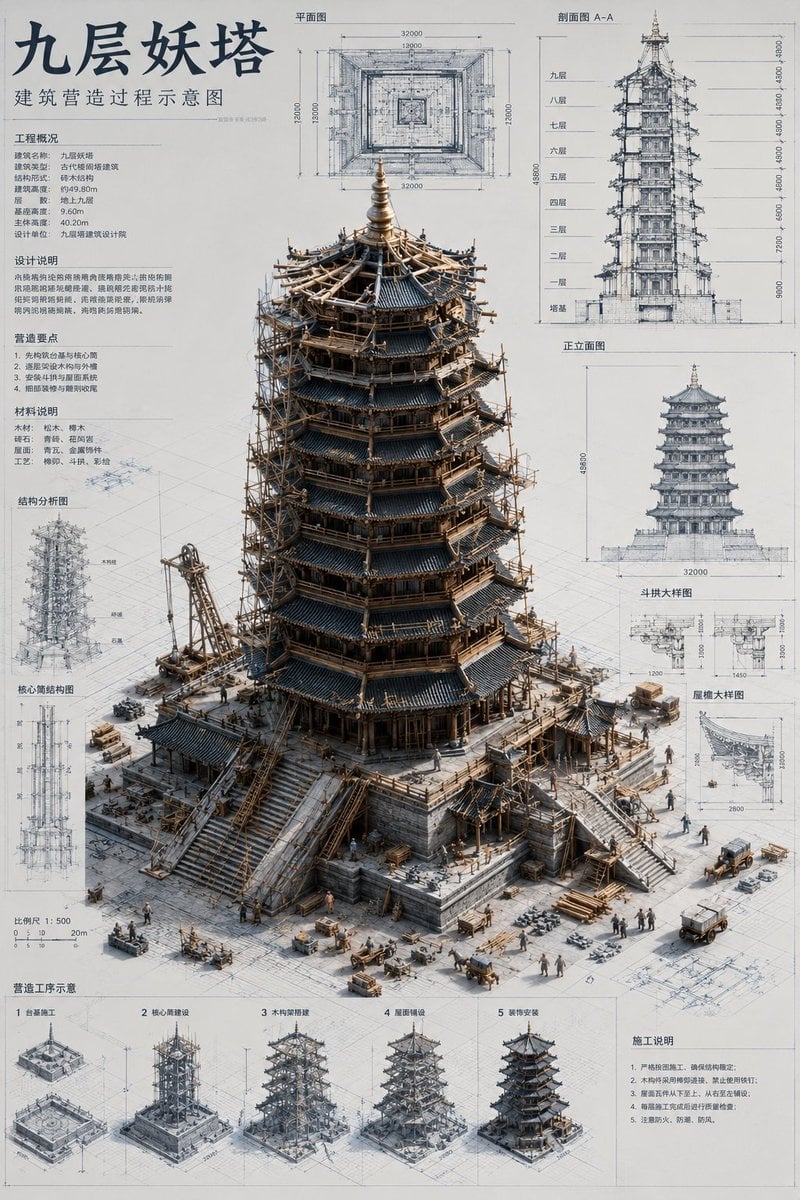
- Prompt included
- Model and format preset
- Free template
The prompt behind this image
Copy the exact prompt behind Architectural Miniature Blueprint Draft, or open it in the studio and make it yours.
Please generate a vertical 2:3 high-definition image, themed "Architectural Miniature Blueprint." Building name: {argument name="building name" default="Nine-Story Demon Tower"}. The image is a modern architectural design manuscript, covered with Chinese floor plans, section drawings, elevation drawings, structural detail drawings, dimension annotations, and construction notes. A highly realistic miniature model of a classical Chinese building "builds itself" three-dimensionally out of the drawings. The main building should occupy 65%–75% of the frame, bigger, taller, and more visually impactful. Use a low-angle 3/4 top-down viewpoint, emphasizing the model's height, sense of volume, and realistic shadows. The building should match the real characteristics of the chosen theme, and should be shown in a state of active construction, at about 70%–85% completion. Add miniature construction details: tiny construction workers, scaffolding, wooden frames, ramps, pulleys, wooden beams, stones, roof tiles, piles of materials, small carts, horse carts, half-finished steps, a roof construction area, etc. The details should be built around the structure itself, forming a realistic miniature construction world. The overall style is a modern architecture-firm concept proposal board + a museum-grade miniature model. The drawings should be clean and refined, with colors mainly in off-white, light gray, pale blue, and gray-black line art. All text must be in Chinese; the main title should say "[building name]," and the subtitle should say "建筑营造过程示意图". Use soft, neutral lighting, and make the image clear, modern, restrained, and refined.
How to use Architectural Miniature Blueprint Draft in 3 steps
- 1
Open
The prompt is already in the box next to the preview, with the template's model and format selected.
- 2…a portrait of your subject in softgolden-hour light, 85mm…
Personalize
Edit the subject and creative details for your destination.
- 3Generate
Generate
Press Generate — your image is created in PicX Studio, so you can compare it with the original and refine one variable at a time.
More like this
Templates with the same subject, style or setup. Open one to see its prompt.

Paper Tunnel Book Architecture
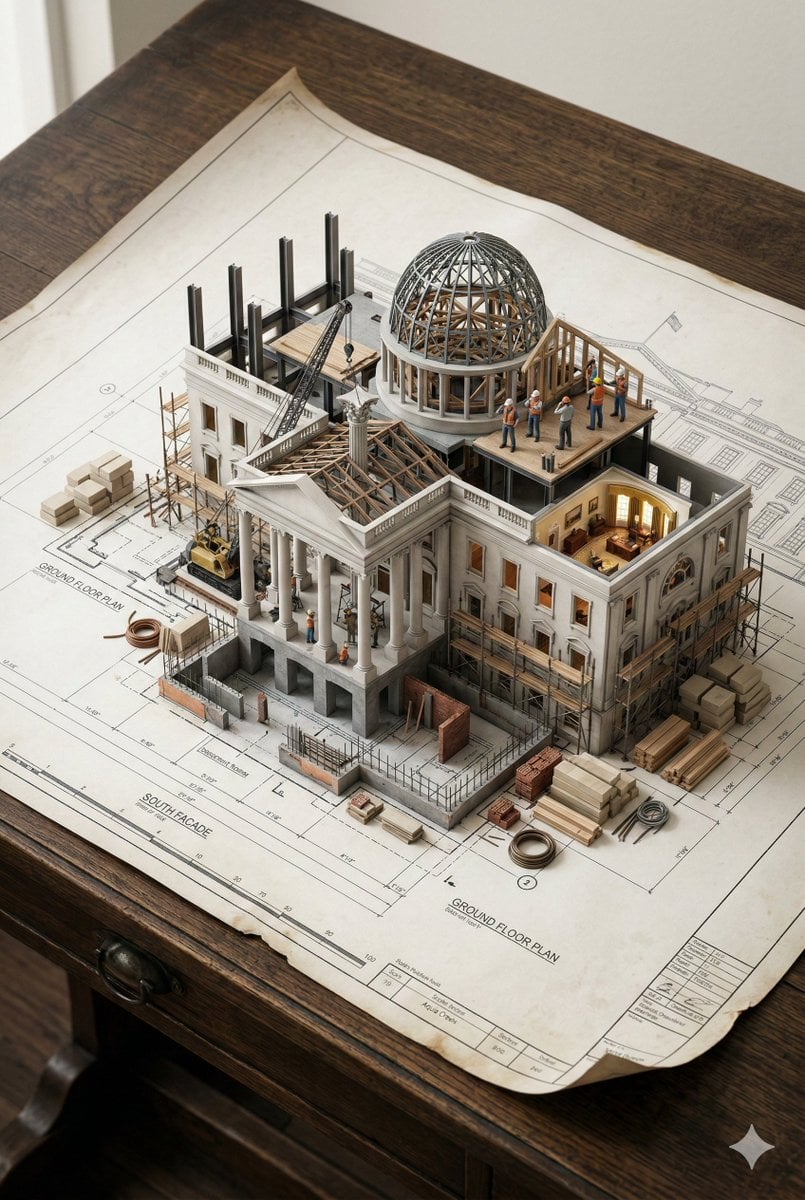
3D Miniature Architectural Blueprint Prompt
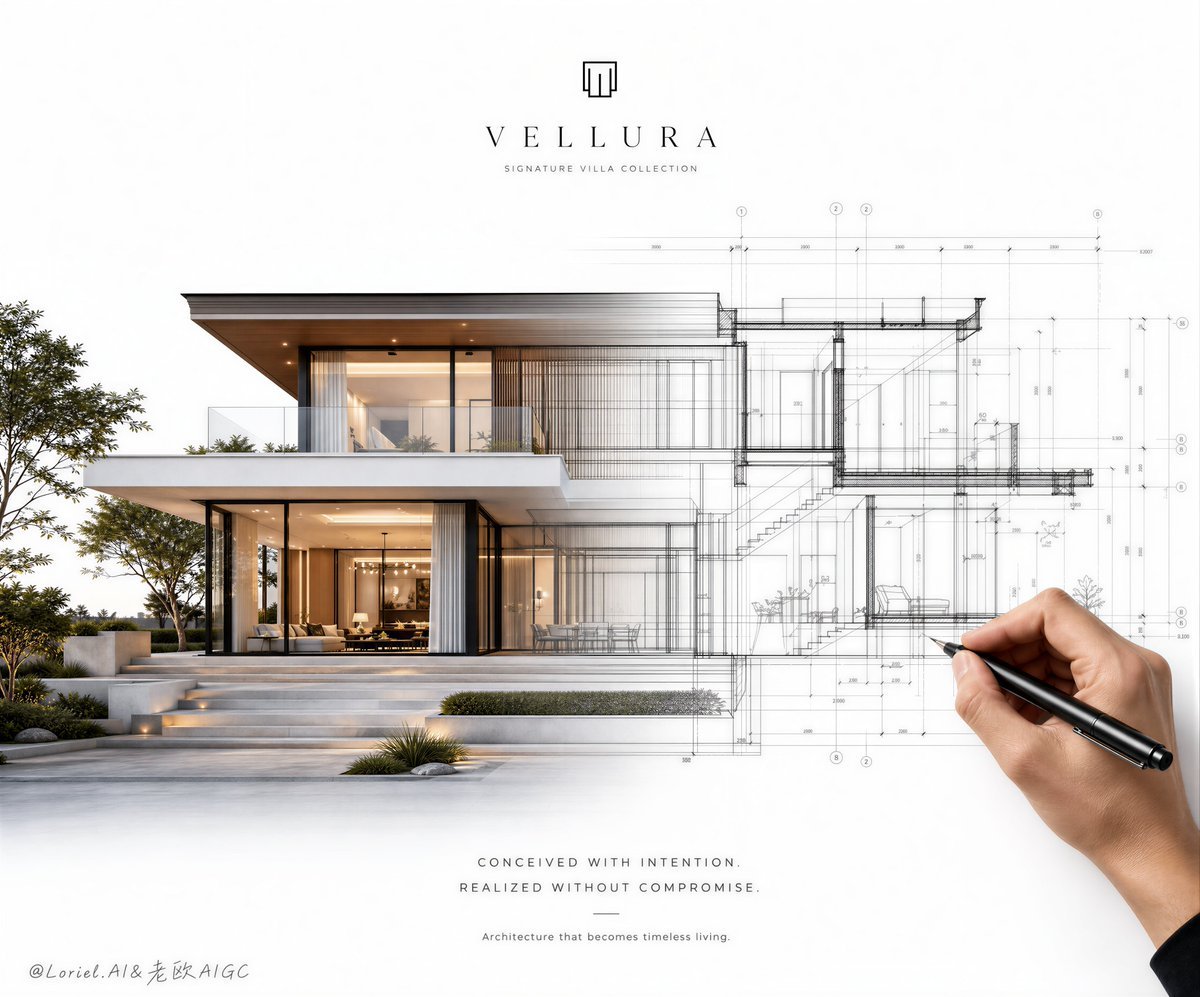
Architectural Villa Blueprint Poster
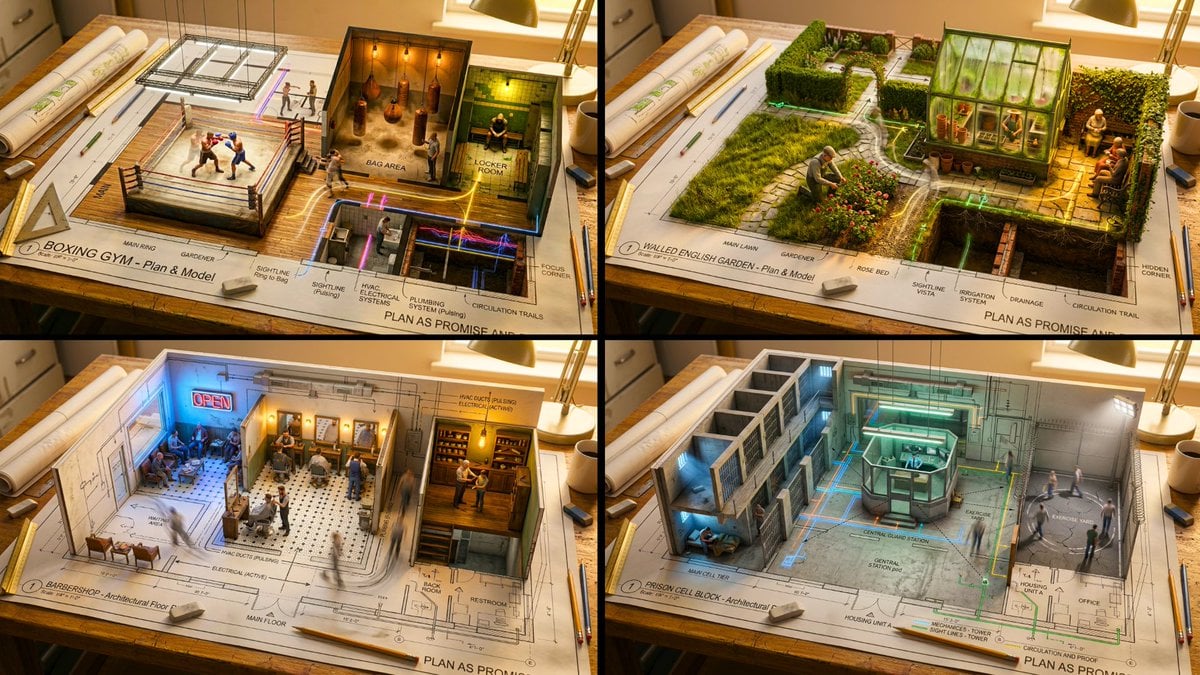
An architectural floor plan of a spread across a drafting table
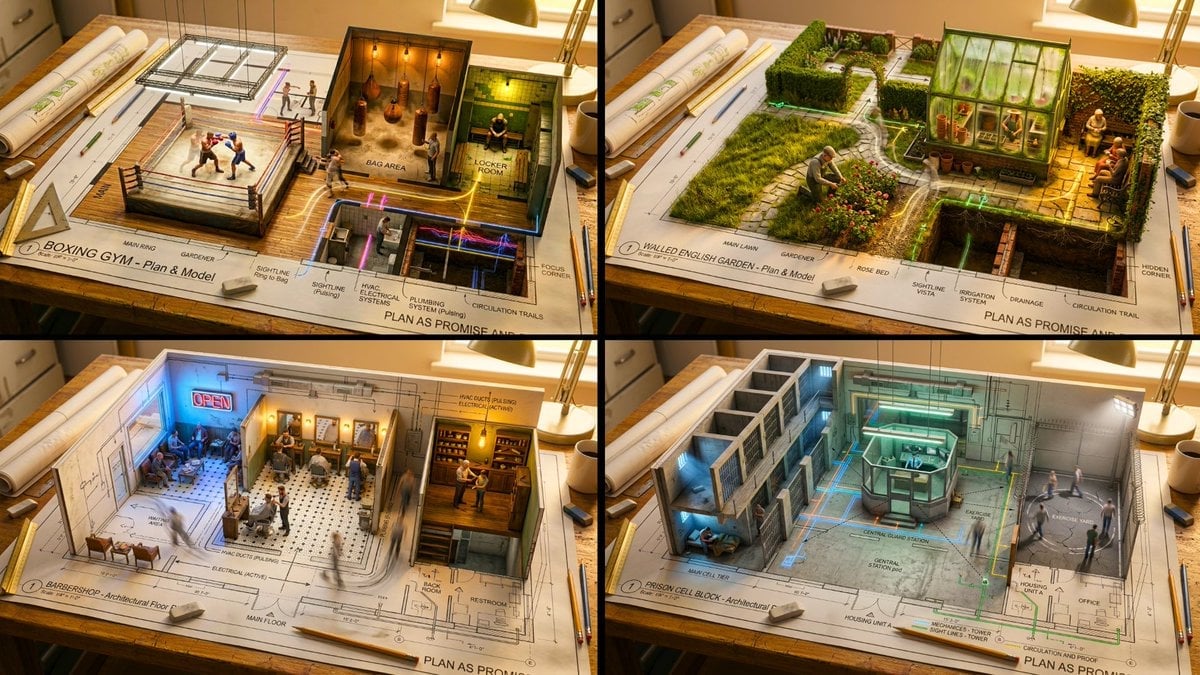
Master Architectural Paper Cut — Floor Plan Rising into Inhabitable Miniature

Automotive Blueprint Split Composition

Blueprint Split Reality Archetype Prompt
Automotive Blueprint Split Composition
Blueprint Split Reality Archetype Prompt

Isometric Brand Store Diorama
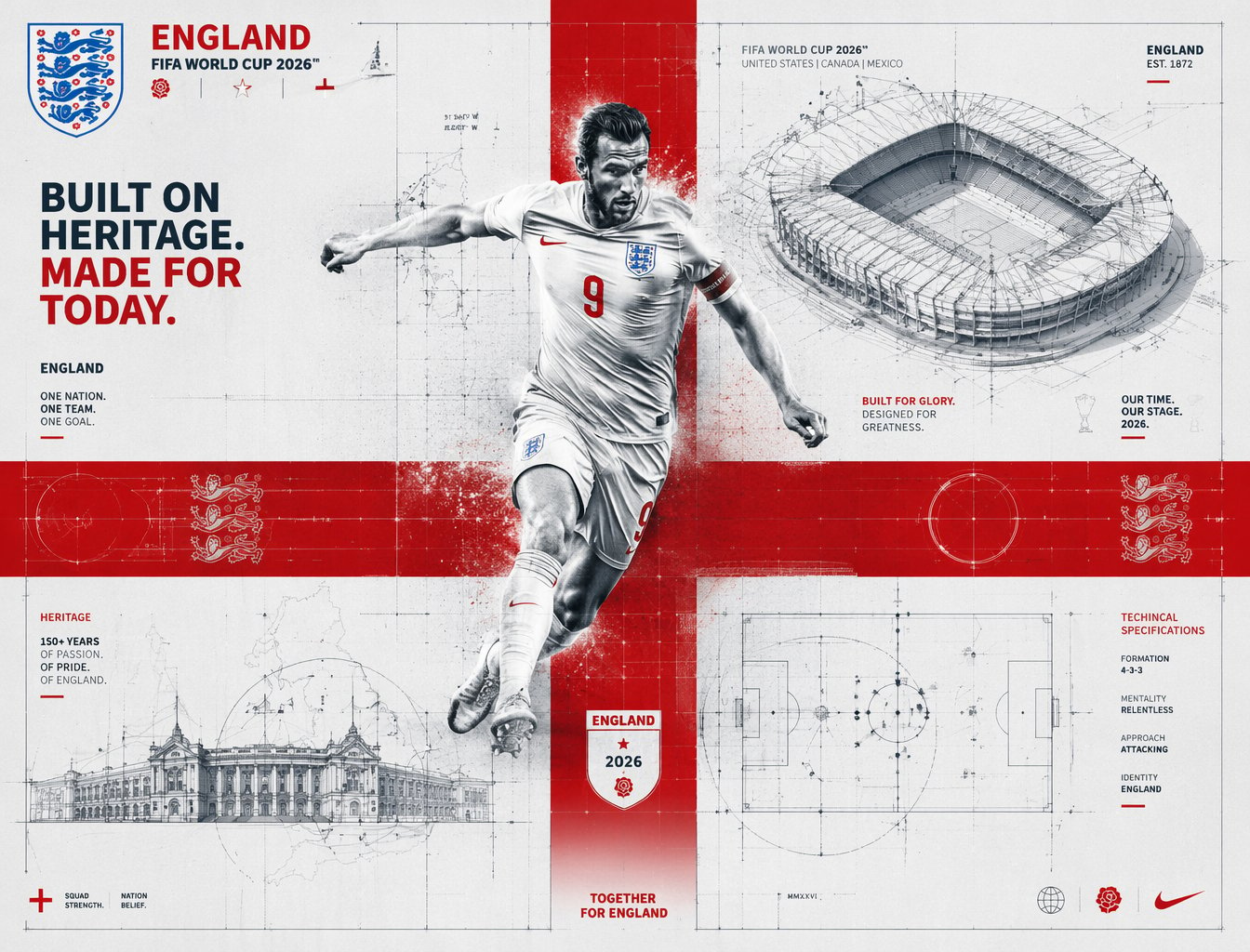
FIFA 2026 England — Blueprint Heritage
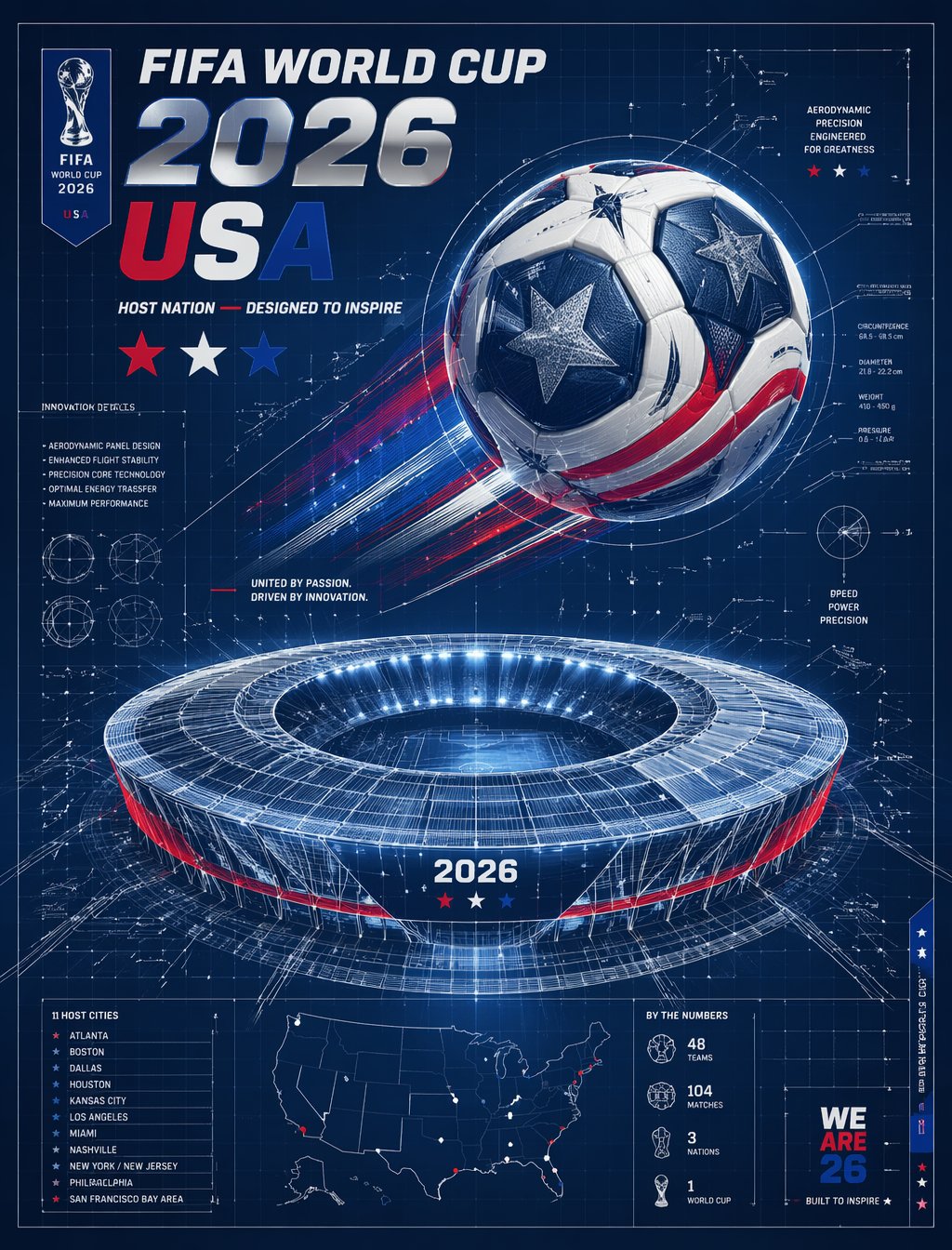
FIFA 2026 USA — Blueprint Host Nation
Make it yours
Architectural Miniature Blueprint Draft works as-is. These are the safest ways to change it without losing the look.
Change one field
Copy a single group, rewrite it, and generate again so you can see what that field is doing.
Keep the frame, change the subject
Hold the composition and light of Architectural Miniature Blueprint Draft, then swap wardrobe, props or the person for a new take.
| If the result… | Why | Fix |
|---|---|---|
| The result drifts from the preview | Too many fields changed at once. | Reuse Architectural Miniature Blueprint Draft as-is first, then change one group — subject, light, or setting. |
| The model over-stylizes the scene | The prose prompt leaves finish and camera underspecified. | Add one camera or lighting sentence and stay on GPT Image 2. |
More GPT Image 2 templates
Other prompts made for GPT Image 2.

Six VTuber Japanese Logo Sheet

Realistic Portrait of Woman and Deer

The Vista Modular Condo Poster

AI Model Routing Comparison Infographic

2.5D Anime Art Board

Isometric Productivity Desk Scene

New York Double Exposure Poster

Four-Panel AI Landscape Comparison

Japanese Tatami Lifestyle Magazine Cover

NESCAFÉ Coffee Map Poster
More image prompts
Fresh picks from across the catalog.
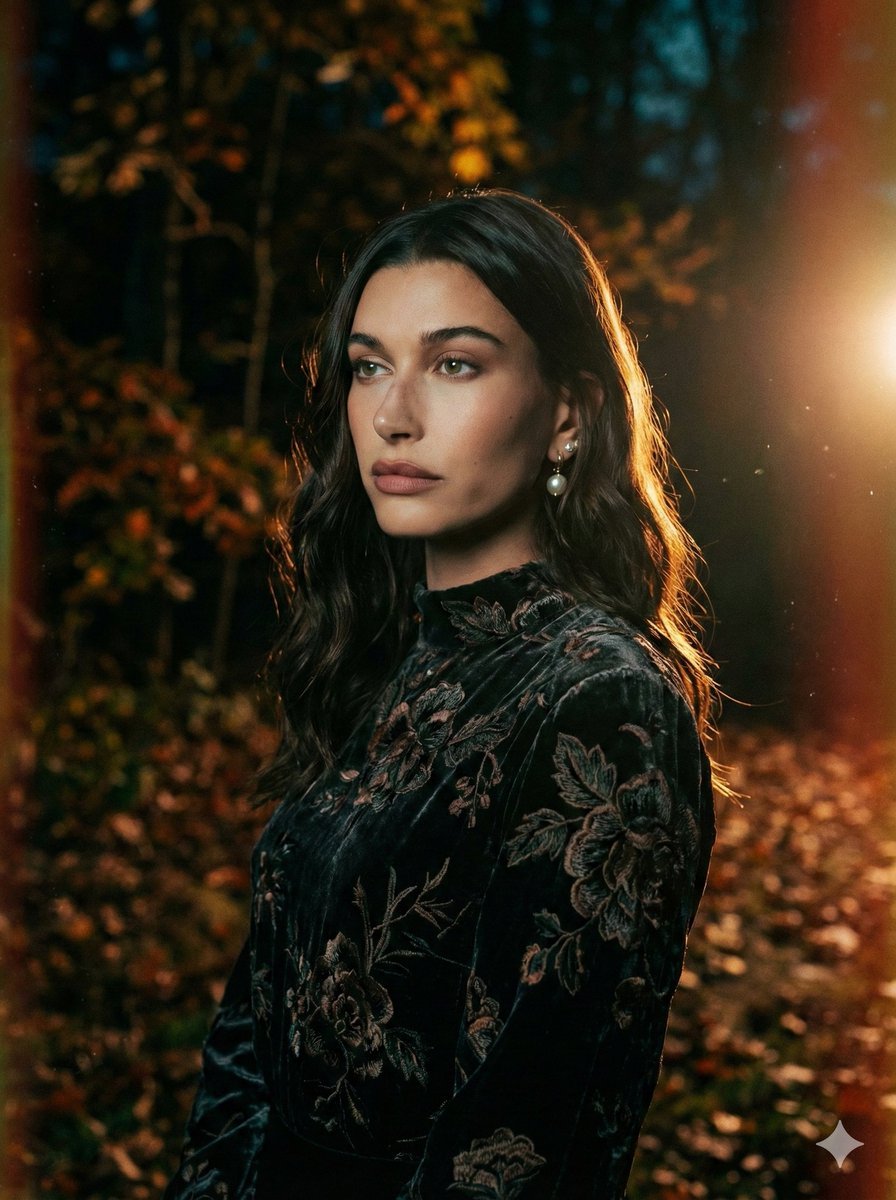
Cinematic Night Forest Editorial Portrait Prompt
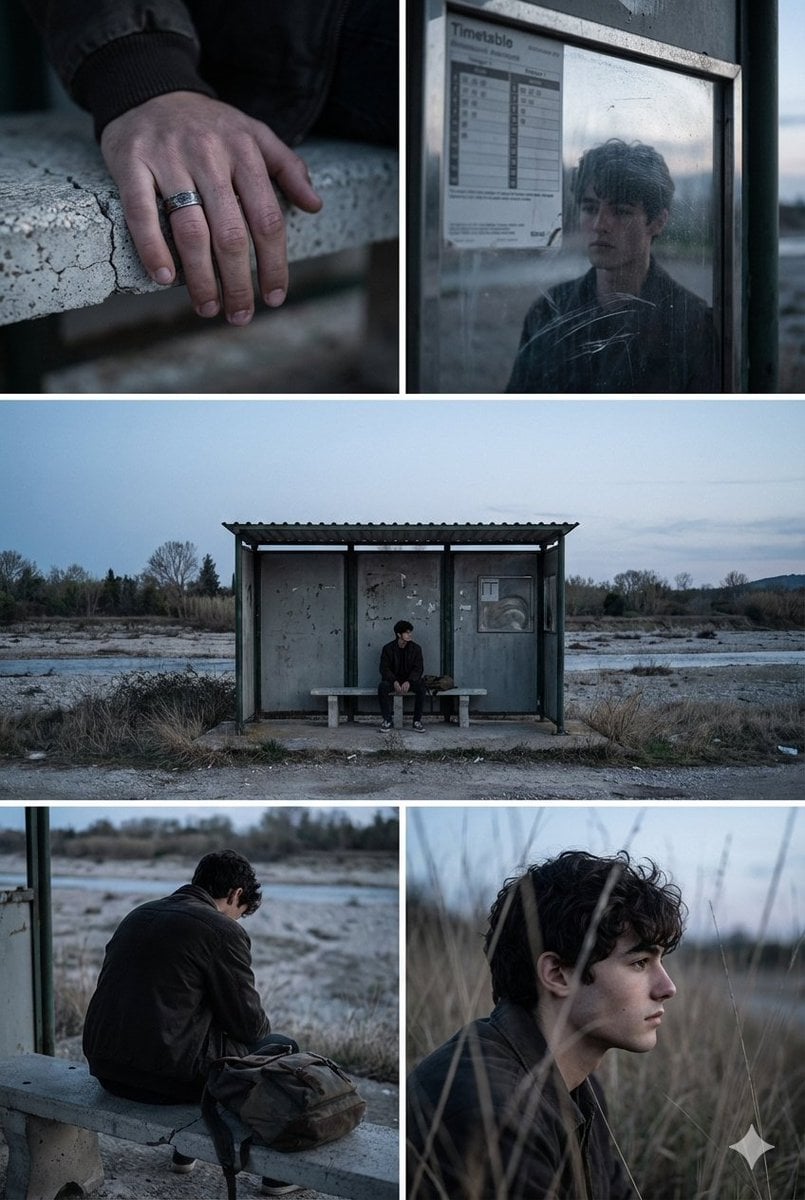
Indie Film Aesthetic Narrative Grid Prompt
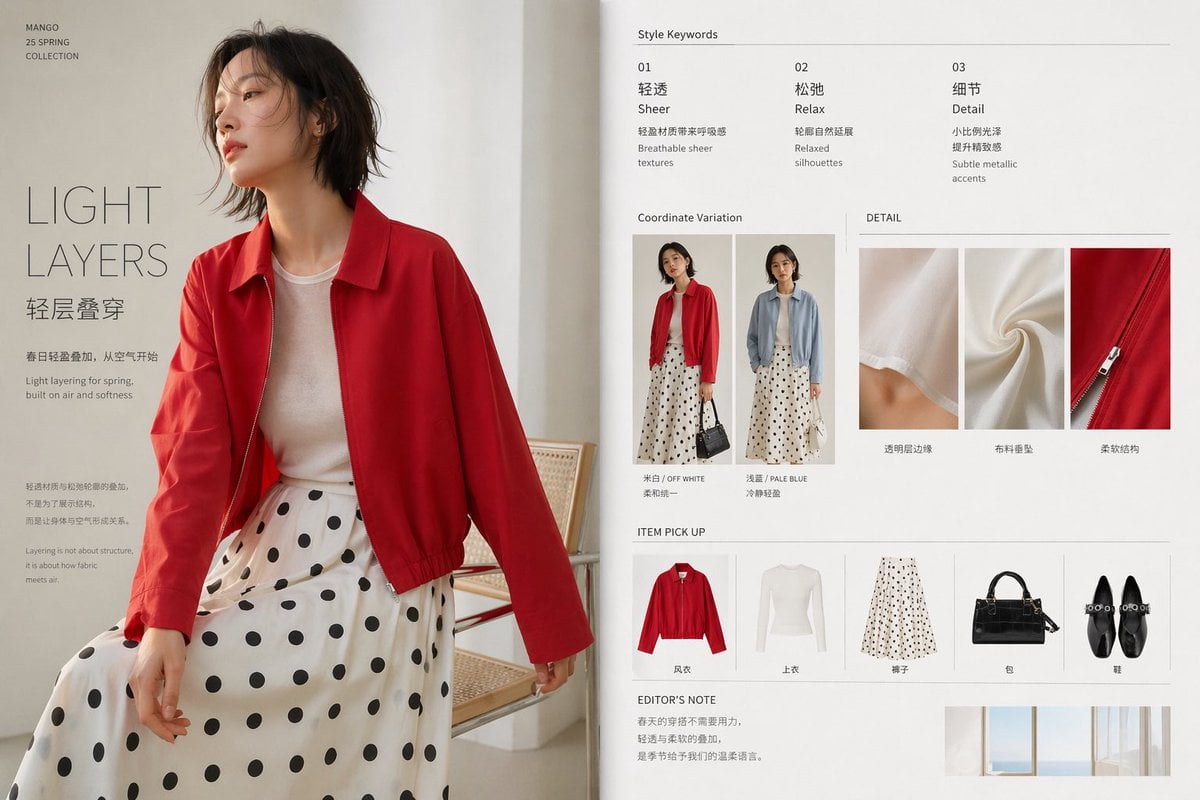
Minimal Spring Fashion Editorial Board
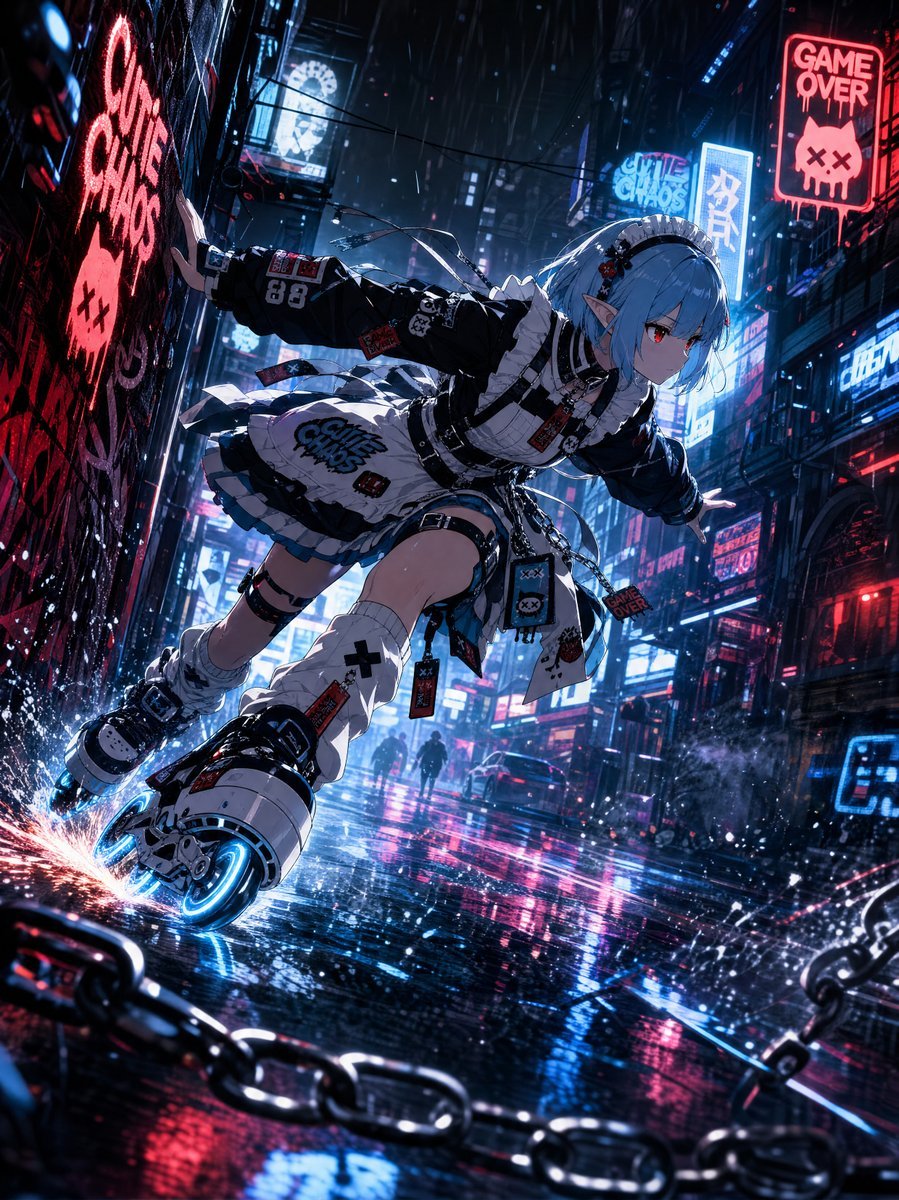
Cyberpunk Elf Rollerblader
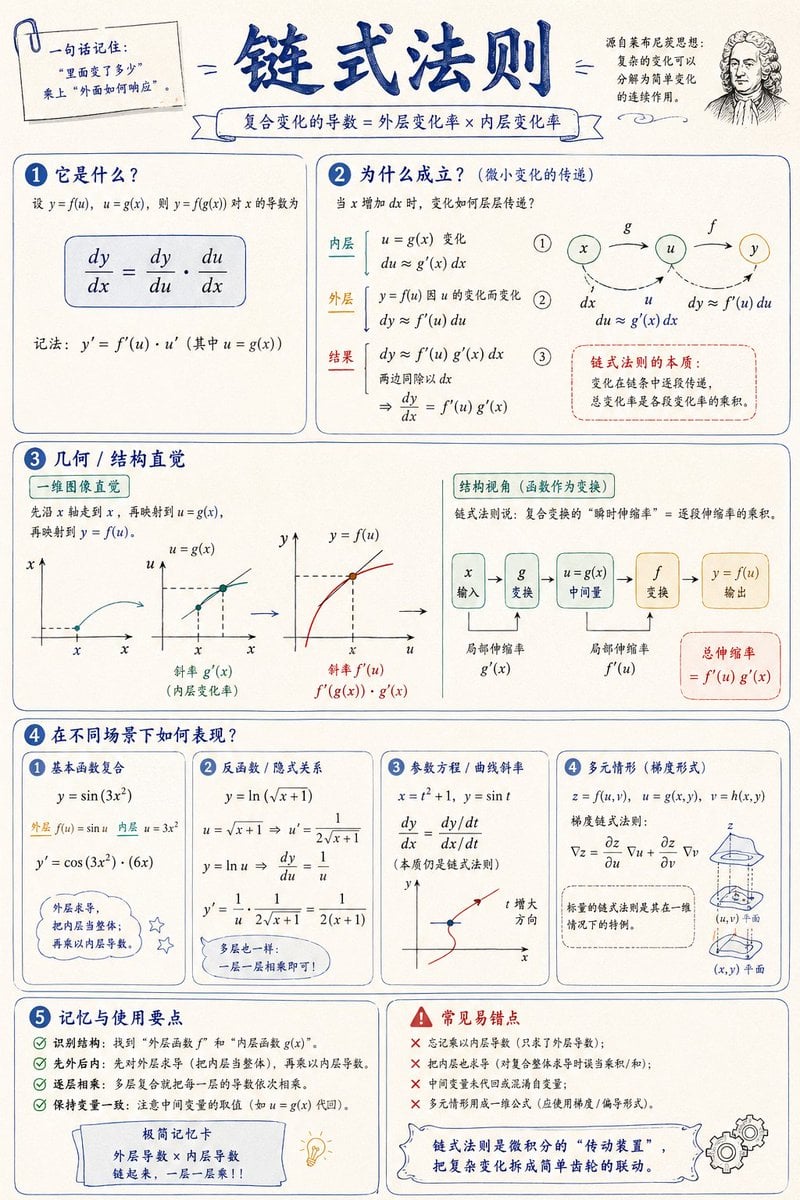
Mathematical Visualization Infographic Prompt
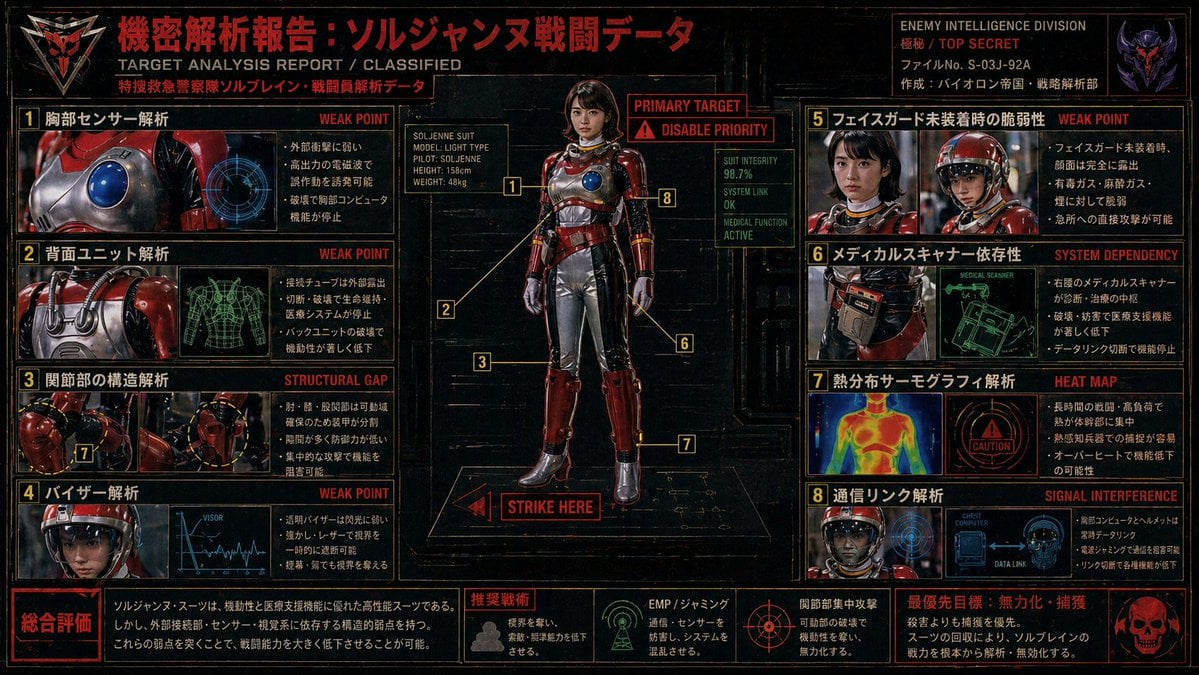
Classified Tokusatsu Target Analysis Poster
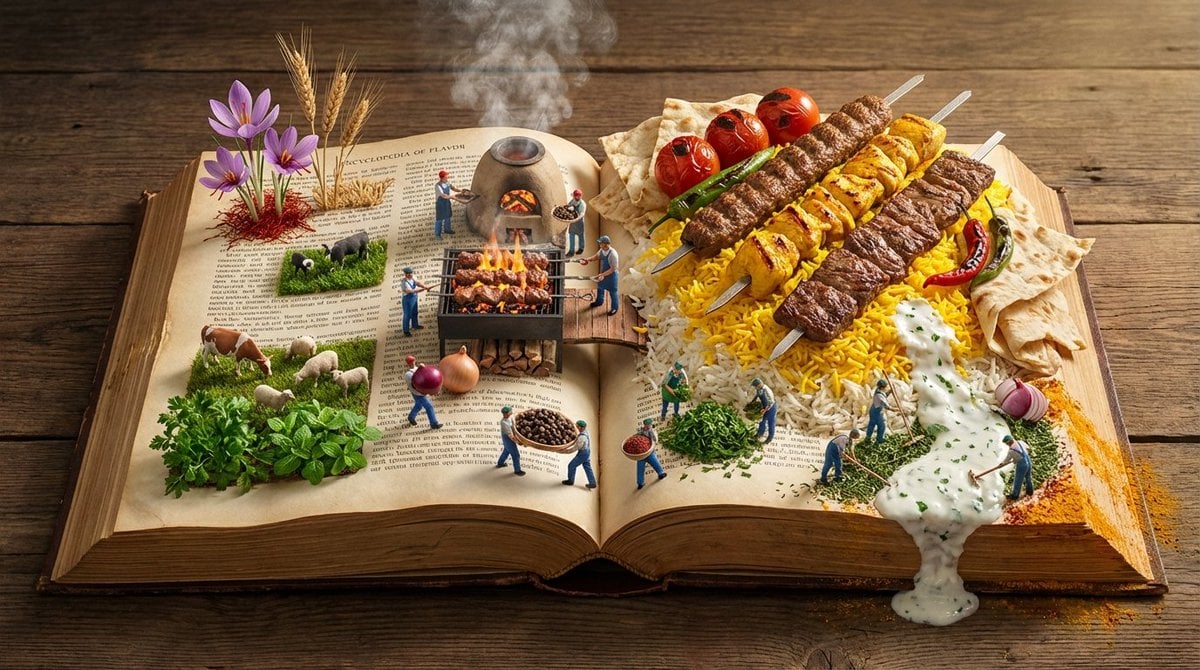
Encyclopedia of Flavor Diorama Generator
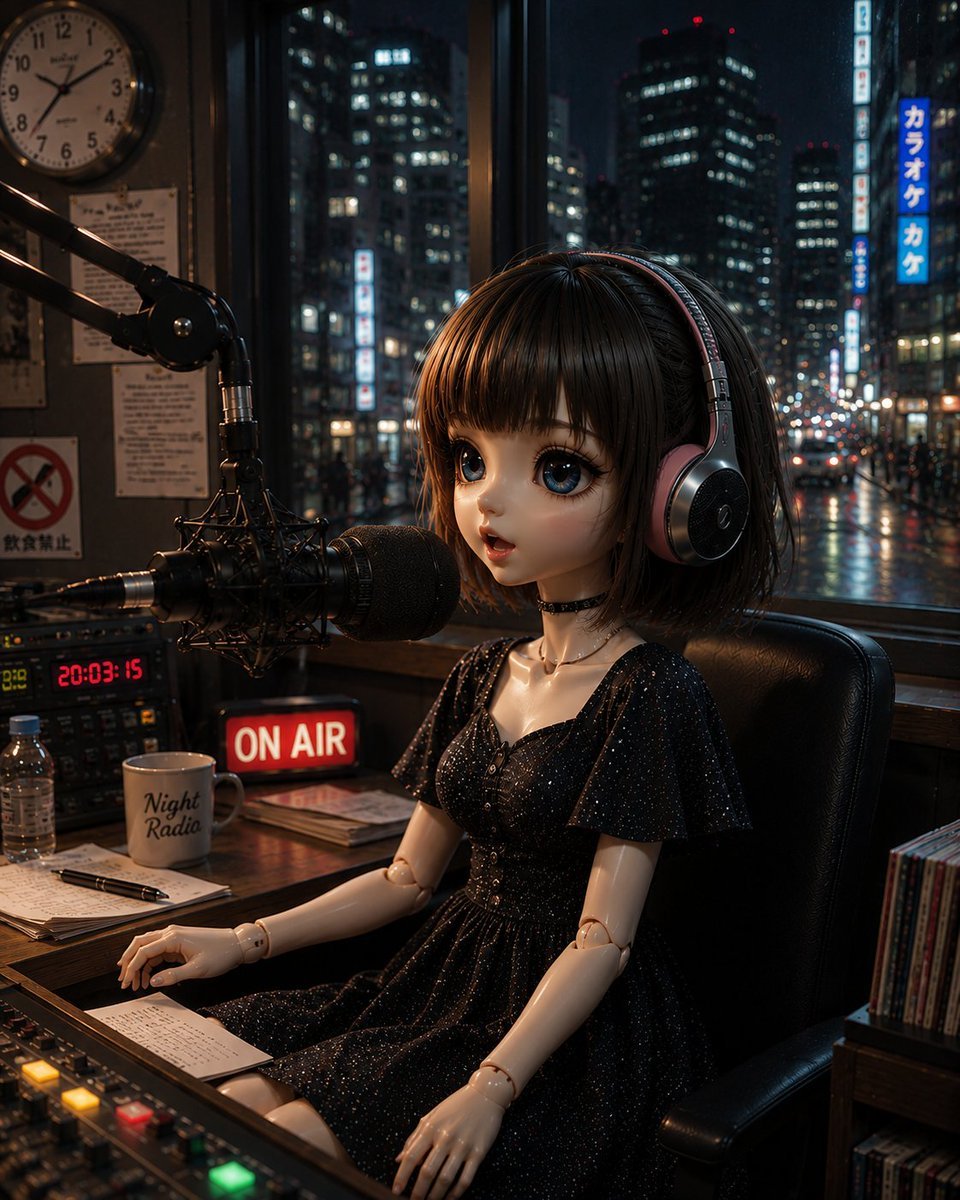
Anonymous Night Radio Doll Host
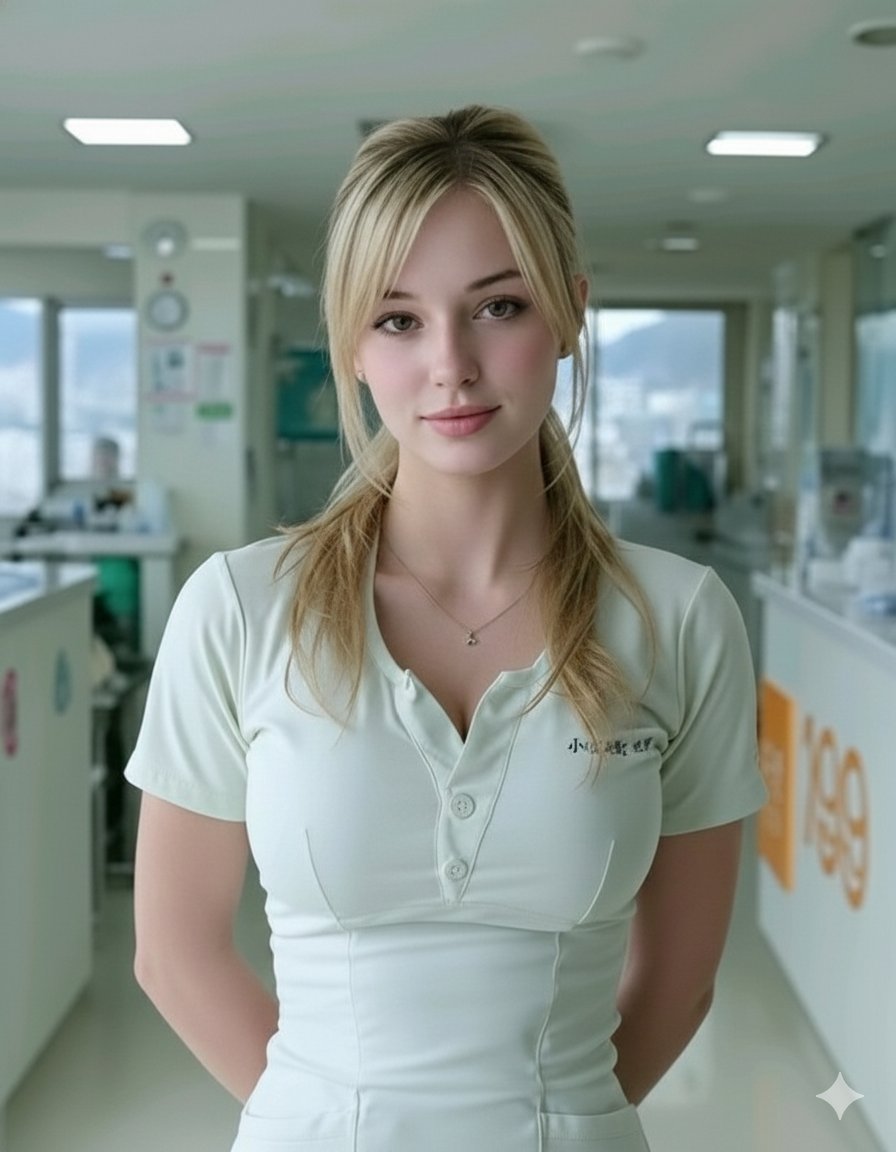
Photorealistic Portrait of a Nurse in a Modern Hospital
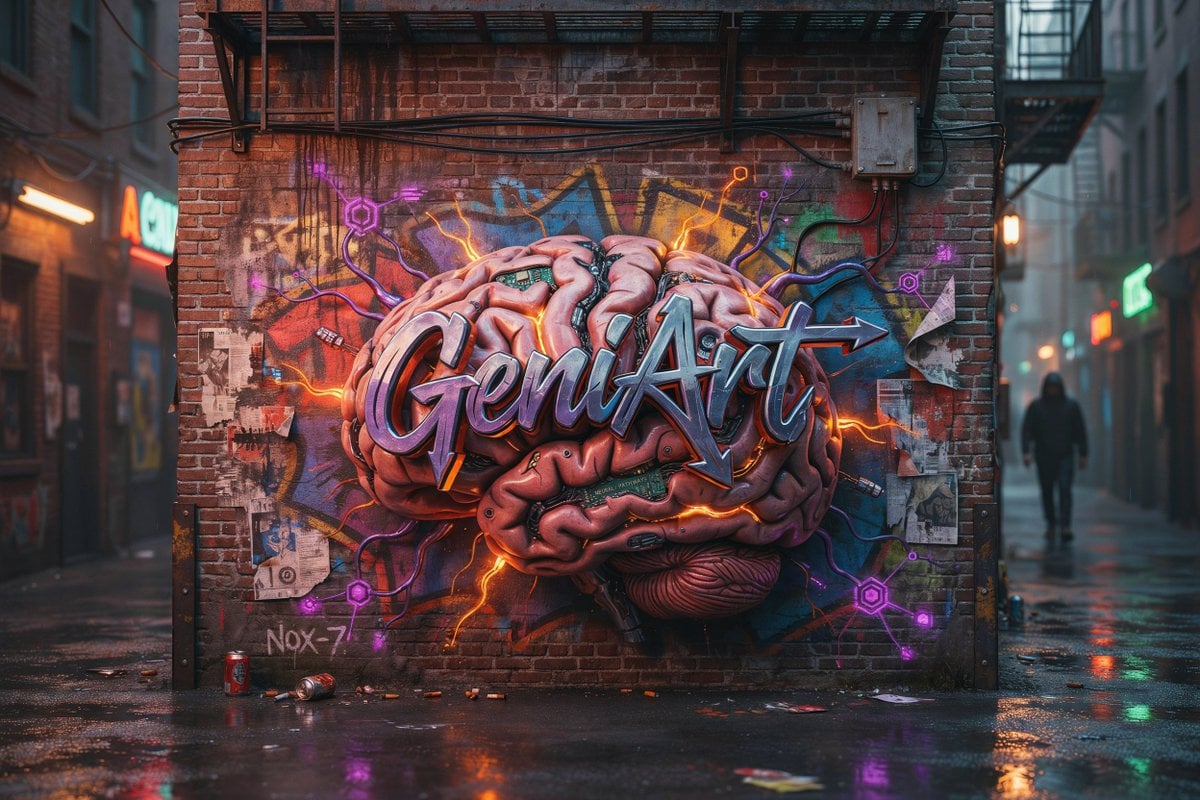
Cyberpunk Brain Graffiti Alley
Browse template categories
Architectural Miniature Blueprint Draft questions
How do I use the Architectural Miniature Blueprint Draft template?
Add your photo if the template asks for one, edit the prompt if you like — the template's model and format are already selected — and press Generate. Your version opens in PicX Studio.
Can I customize the Architectural Miniature Blueprint Draft template?
Yes. You can change the subject, setting, lighting, mood, format, and available model controls before creating your image.
Is the Architectural Miniature Blueprint Draft template free?
Opening and editing this template is free. Generating uses credits, shown on the Generate button when you are signed in.
Which AI model should I use?
Start with GPT Image 2, which is the model associated with this template. You can compare another compatible model for a different finish.
Looking for something else? Browse all templates.

Your photo, any look
Thousands of ready templates for every top image and video model, from one credit balance.