How do I use the Arcade Racing Game Candid Celebrity Portrait template?
Choose the primary action to open PicX Studio with the available template settings. Review the model and format, personalize the creative direction, and generate when ready.
A JSON prompt for generating a photorealistic, candid portrait of a woman with blonde hair sitting on a bright yellow motorcycle arcade game, wearing a red knit crop top and white glossy latex shorts, set in a vibrant, neon-lit indoor arcade environment. Change the subject, setting, or lighting one variable at a time.

{ "image_prompt": { "subject": "A photorealistic portrait of a young woman with long blonde hair, smiling looking back over her shoulder at the camera.", "action": "Sitting on a bright yellow motorcycle racing arcade game cabinet.", "attire": { "top": "{argument name="top color" default="Red"} knit crop top with a buckle strap detail and distressed texture.", "bottom": "Tight white glossy latex shorts with a black waistband reading '{argument name="brand name" default="DOLCE & GABBANA"}'." }, "environment": "A vibrant indoor arcade center filled with colorful game cabinets, neon lights (orange and blue), and signs including 'Ready to Play?' and 'SUPER BIKES'.", "lighting": "Bright, colorful artificial arcade lighting with neon highlights.", "style": "High-quality photography, candid celebrity style, sharp focus, 8k resolution." }, "tags": [ "blonde woman", "arcade", "racing game", "motorcycle game", "neon lights", "red crop top", "white shorts", "Dolce & Gabbana", "smiling", "playful", "indoor", "vibrant colors" ] }
Choose the primary action to open PicX Studio with the available template settings. Review the model and format, personalize the creative direction, and generate when ready.
Yes. You can change the subject, setting, lighting, mood, format, and available model controls before creating your image.
This template is free to open and customize. Generation usage is shown in PicX Studio before you create.
Start with Nano Banana 2, which is the model associated with this template. You can compare another compatible model for a different finish.
Follow a topic to a crawlable collection of related PicX Studio templates.
43,474 public templates available. Verified via the PicX Studio public templates API; refreshed hourly.



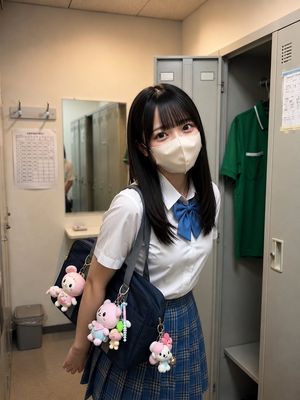
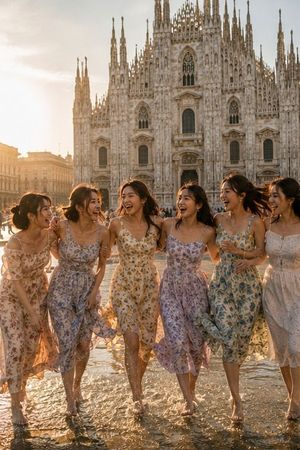







![Candid College Celebrity Portrait — Ultra-photorealistic candid daily-life portrait of {argument name="celebrity name" default="[Celebrity Name]"} as a clearly](https://cms-assets.youmind.com/media/1786344497627_idffnx_HPQPVnIX0AAvOY9-300x372.jpg)



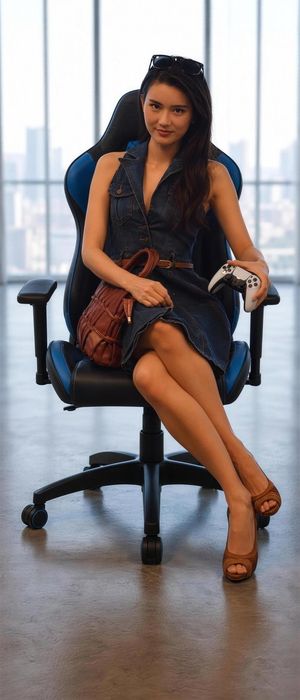


![Naive doodle-style subject illustration — A doodle-style {argument name="subject" default="[subject]"}, naive lines, humorous shape exaggeration](https://pbs.twimg.com/media/G6Wl2YxbsAARB2b.jpg)











![Cartoon Character Paper Sculpture Museum Display — A hyper-detailed paper sculpture of {argument name="character name" default="[CHARACTER]"}, mounted inside a](https://pbs.twimg.com/media/G8bFoCTakAAOIdL.jpg)