
Halloween Costume - Skull Face
Halloween Costume - Skull Face is a ready photo look.
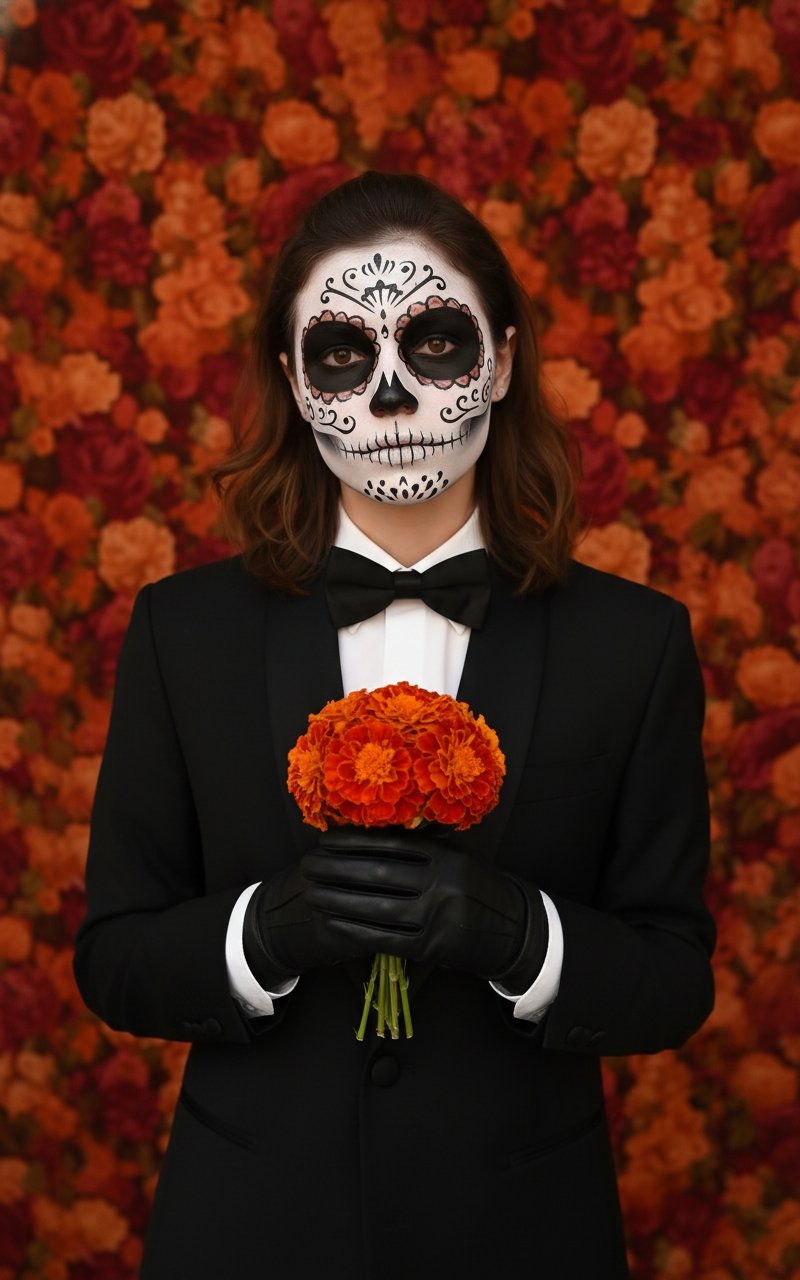
- Prompt included
- Model and format preset
- Free template
The prompt behind this image
Copy the exact prompt behind Halloween Costume - Skull Face, or open it in the studio and make it yours.
uploaded image dressed elegantly in a sleek, black tuxedo with a bow tie, wearing black leather gloves, standing against a rich, textured orange floral background. they holds a small bouquet of bright red-orange marigold flowers close to his chest. Their face is painted in detailed Día de los Muertos (Day of the Dead) skull makeup — featuring white base paint, symmetrical black eye sockets, delicate floral and swirl patterns around the eyes and forehead, a skeletal nose design, and fine black stitches drawn across their lips. The lighting is warm, cinematic, and softly directional, enhancing the contrast between their pale face paint and the warm tones of the background. The overall color palette consists of deep blacks, burnt oranges, and rich reds, evoking a refined and slightly gothic aesthetic. The atmosphere feels mysterious, cultural, and intimate, symbolizing remembrance and elegance.
How to use Halloween Costume - Skull Face in 3 steps
- 1Upload ImagePNG, JPG or paste
Add your photo
Upload the photo the template builds on. The prompt, model and format are already set.
- 2…a portrait of your subject in softgolden-hour light, 85mm…
Personalize
Edit the subject and creative details for your destination.
- 3Generate
Generate
Press Generate — your image is created in PicX Studio, so you can compare it with the original and refine one variable at a time.
More like this
Templates with the same subject, style or setup. Open one to see its prompt.
Halloween Costume - Skull Face in Hand

Dancer Character - Four View Reference Sheet

Character Archive — Blueprint Concept Sheet
Halloween Costume - Marigold
Halloween Costume - Witch with Pumpkins
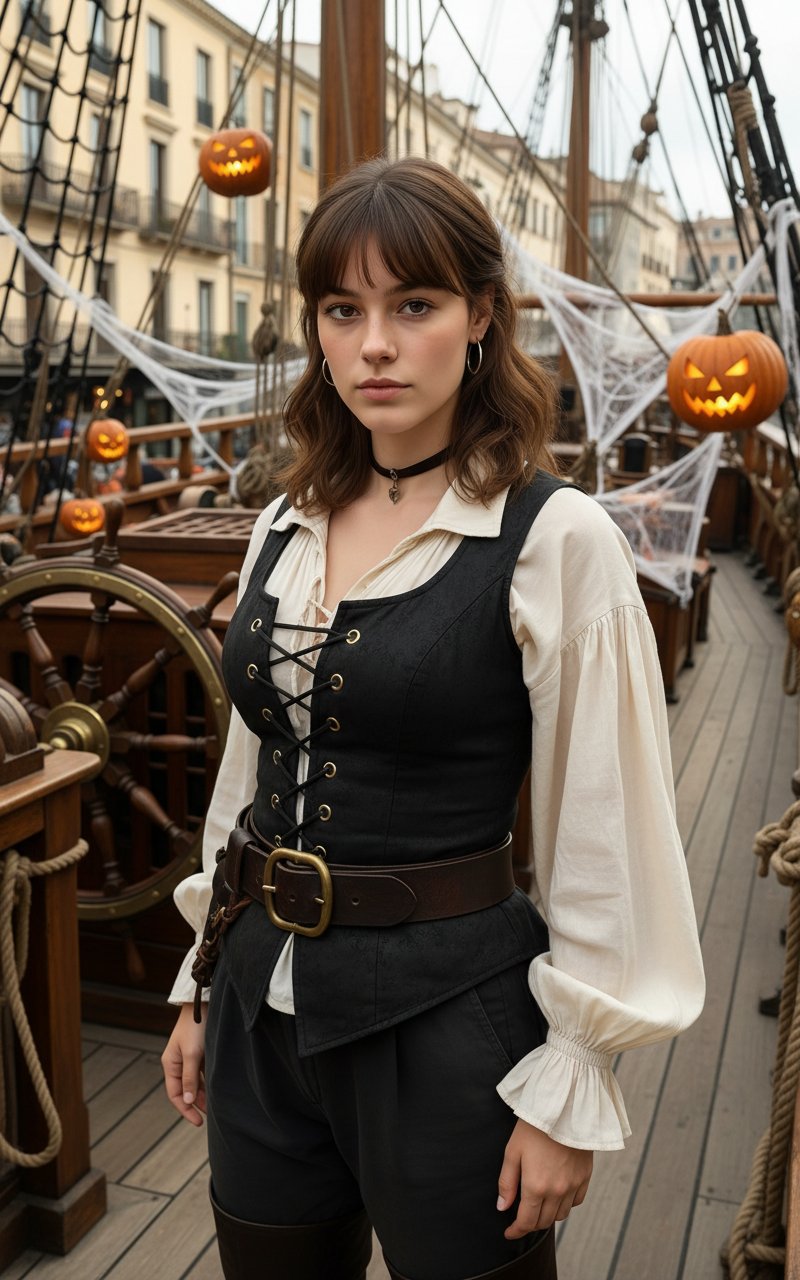
Halloween Costume Pirate
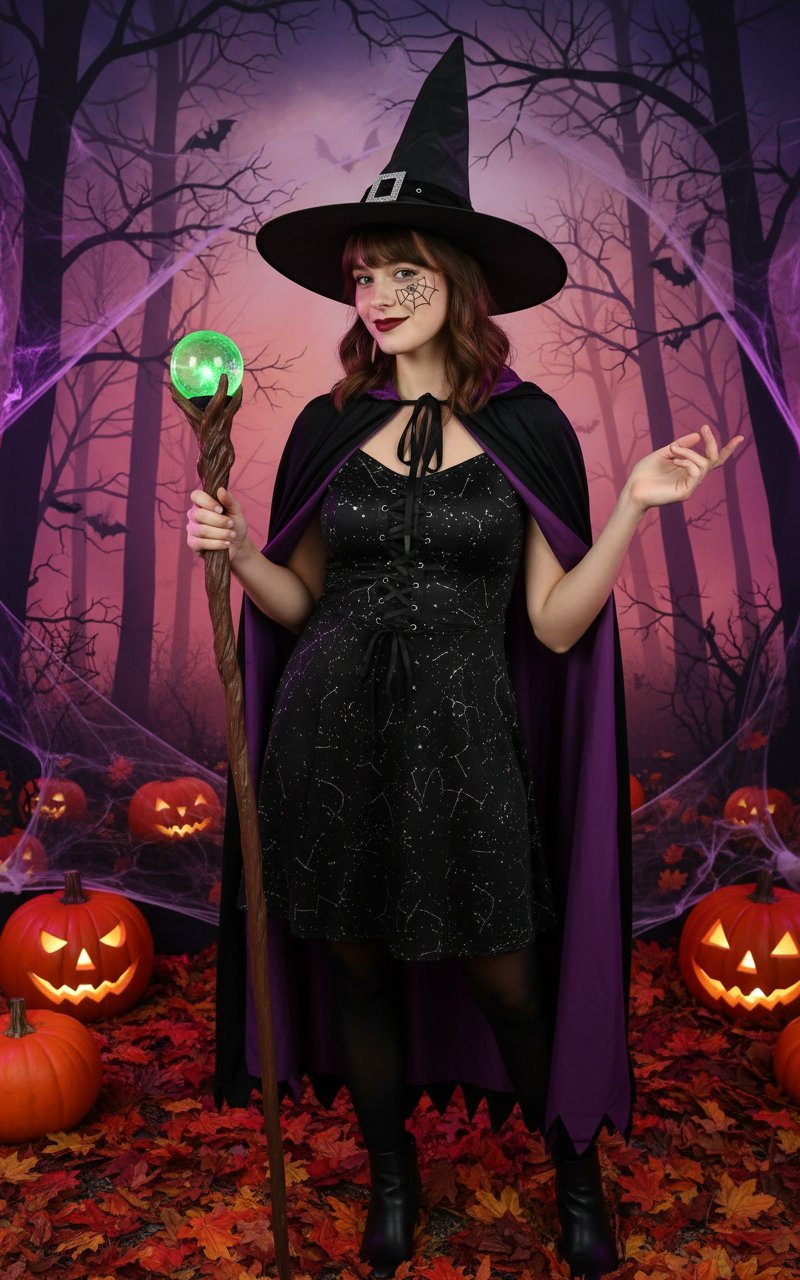
Halloween Costume
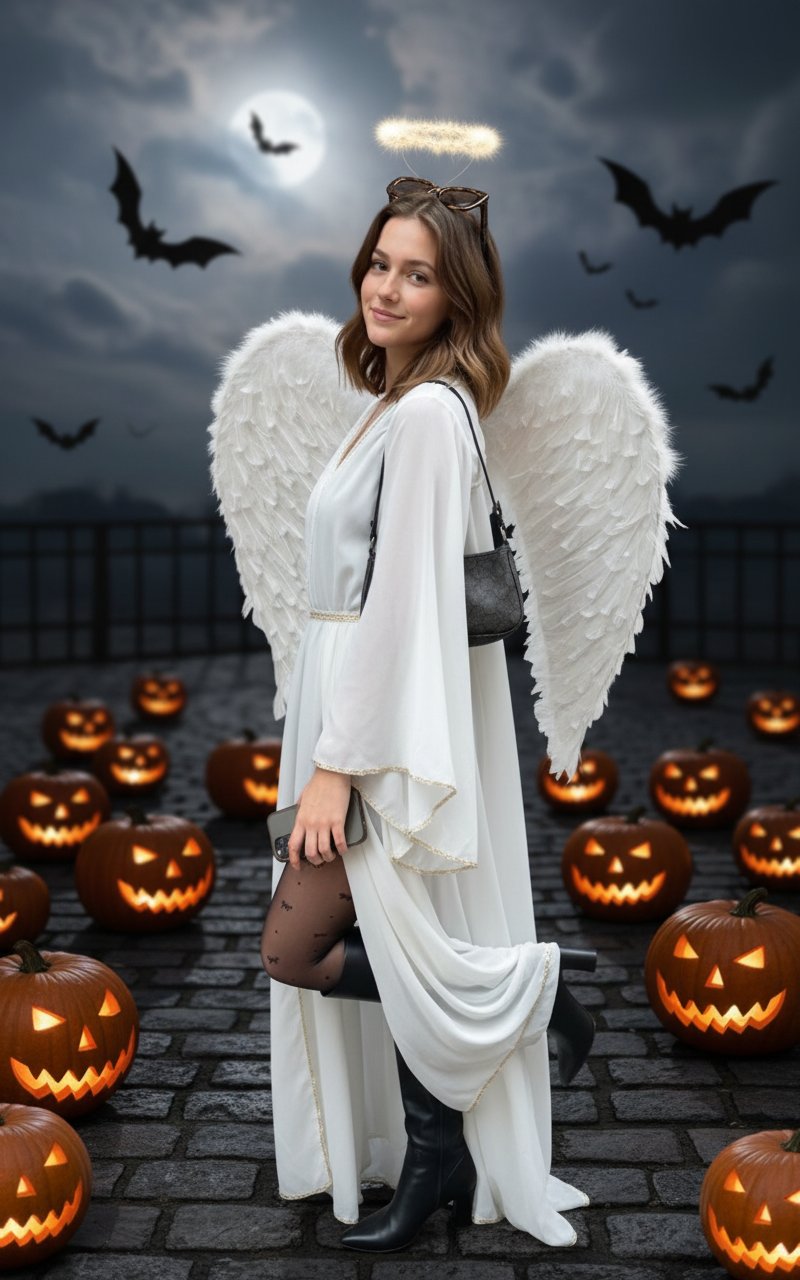
Halloween Costume(Angel)
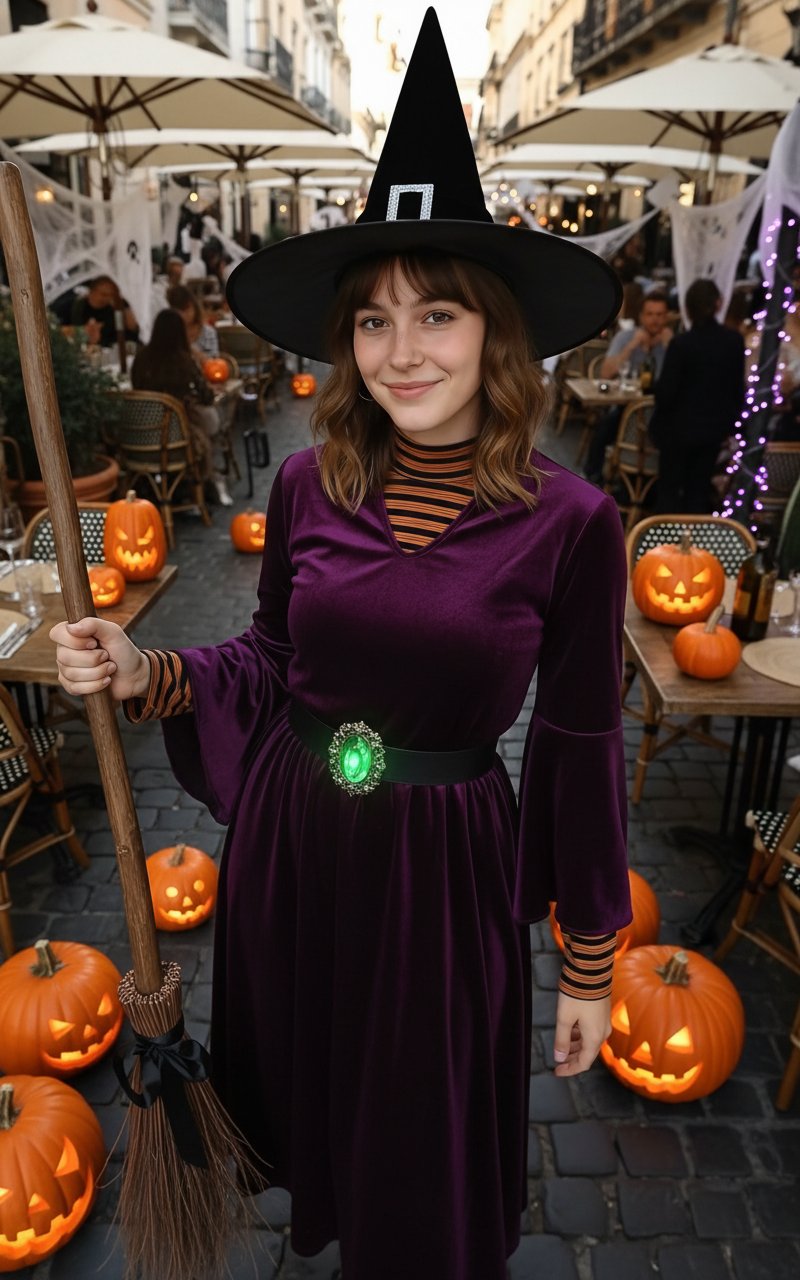
Halloween Costume(Witch)
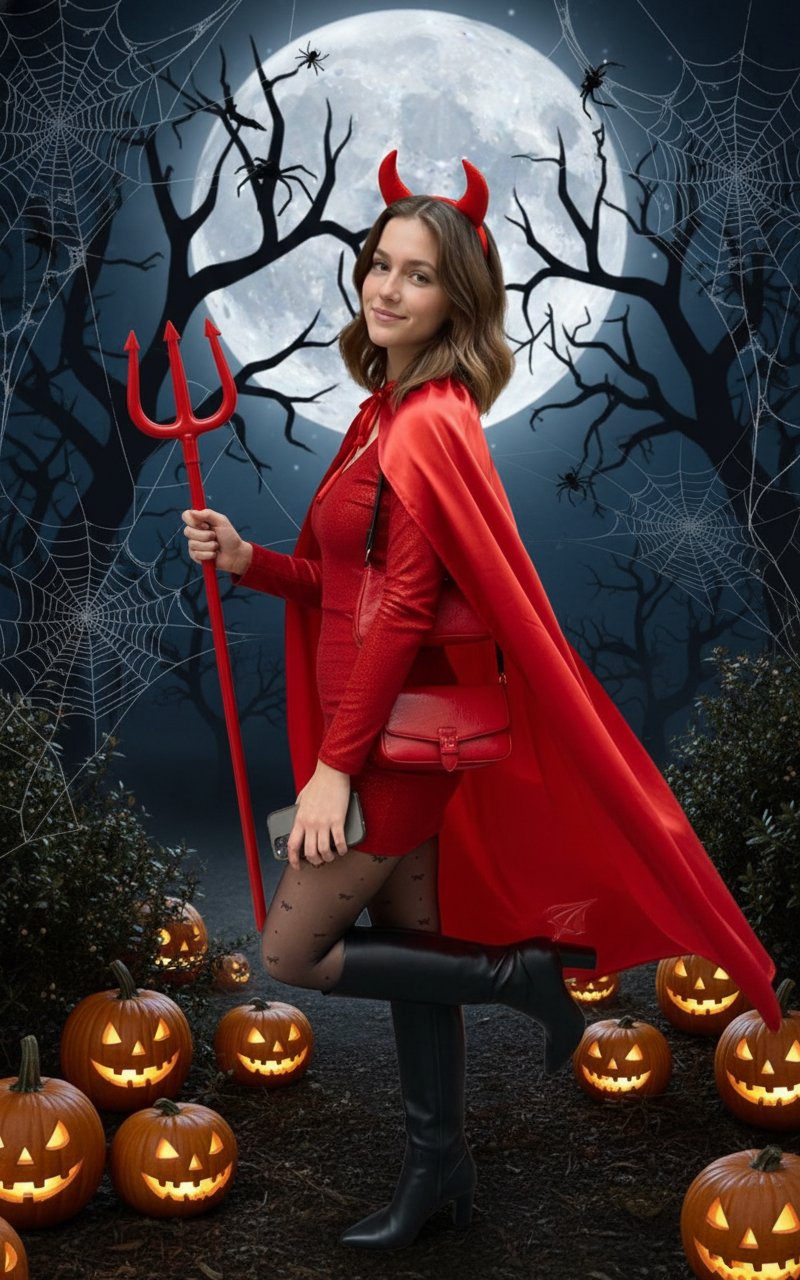
Halloween Costume(Devil)
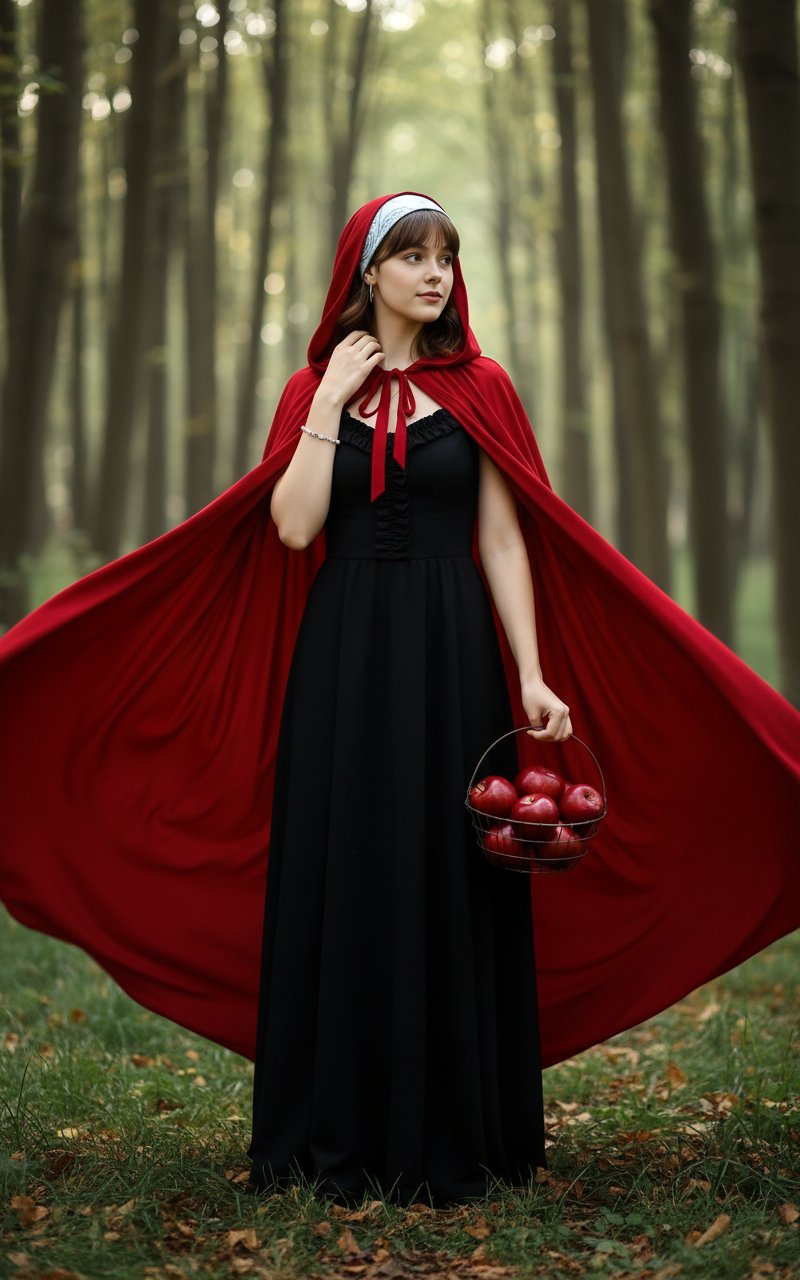
Halloween Costume(Snow White)
Dithered Pink Skull Pixel Art
Make it yours
Halloween Costume - Skull Face works as-is. These are the safest ways to change it without losing the look.
Change one field
Copy a single group, rewrite it, and generate again so you can see what that field is doing.
Keep the frame, change the subject
Hold the composition and light of Halloween Costume - Skull Face, then swap wardrobe, props or the person for a new take.
| If the result… | Why | Fix |
|---|---|---|
| The result drifts from the preview | Too many fields changed at once. | Reuse Halloween Costume - Skull Face as-is first, then change one group — subject, light, or setting. |
| The model over-stylizes the scene | The prose prompt leaves finish and camera underspecified. | Add one camera or lighting sentence and stay on PicX Studio. |
More image prompts
Fresh picks from across the catalog.
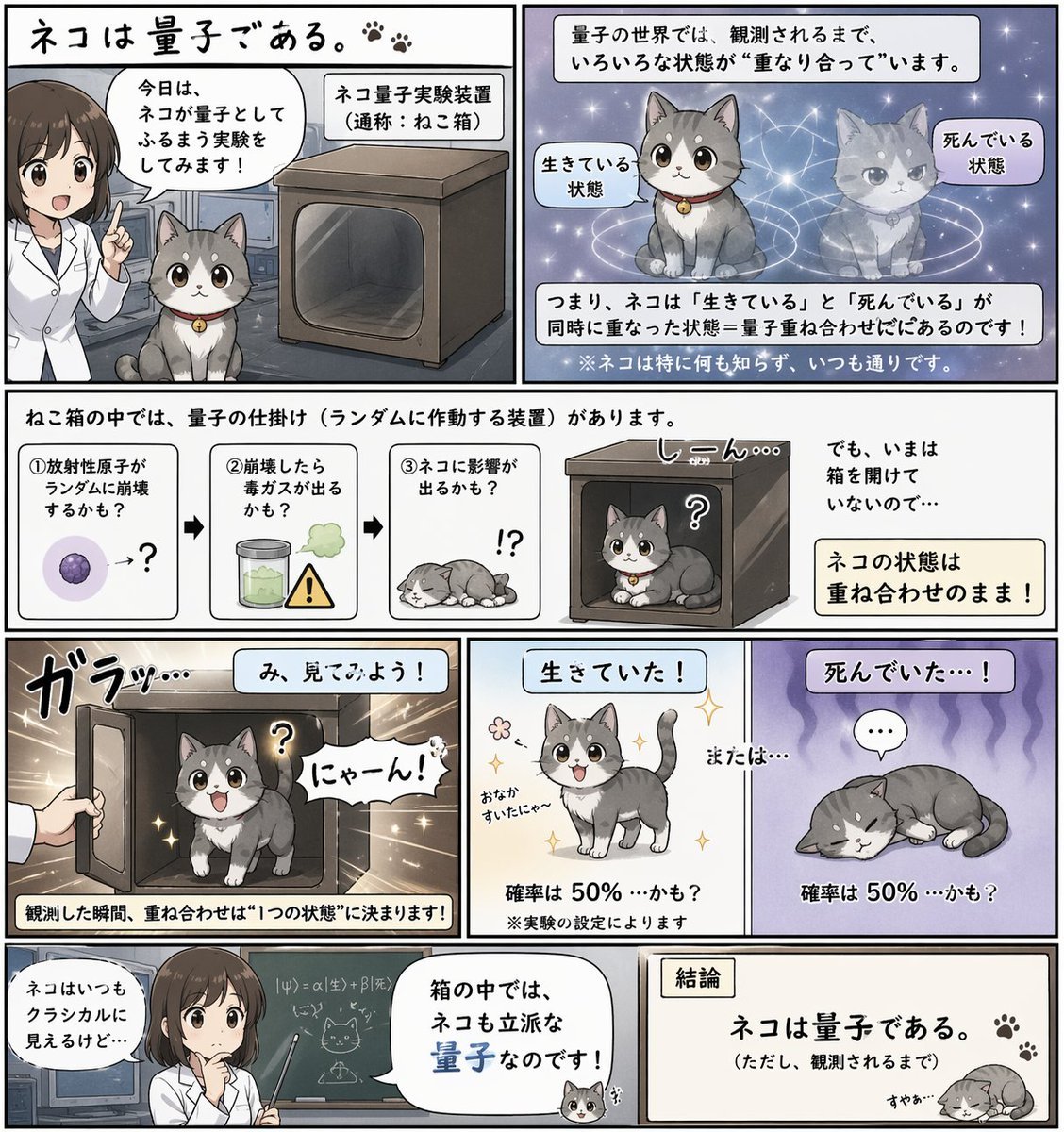
Quantum Cat Manga
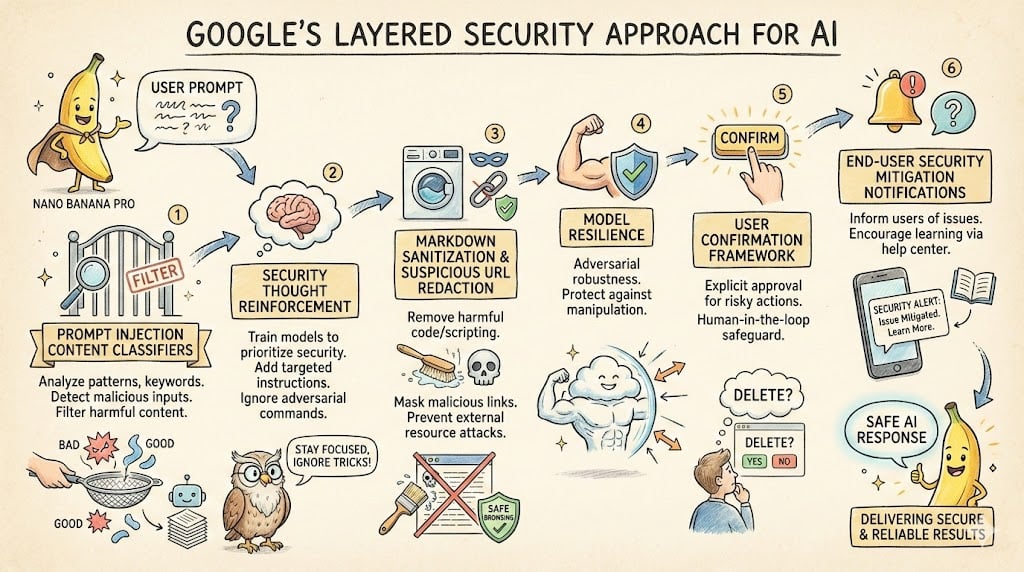
LLM System Prompt Security Measures (Conceptual)
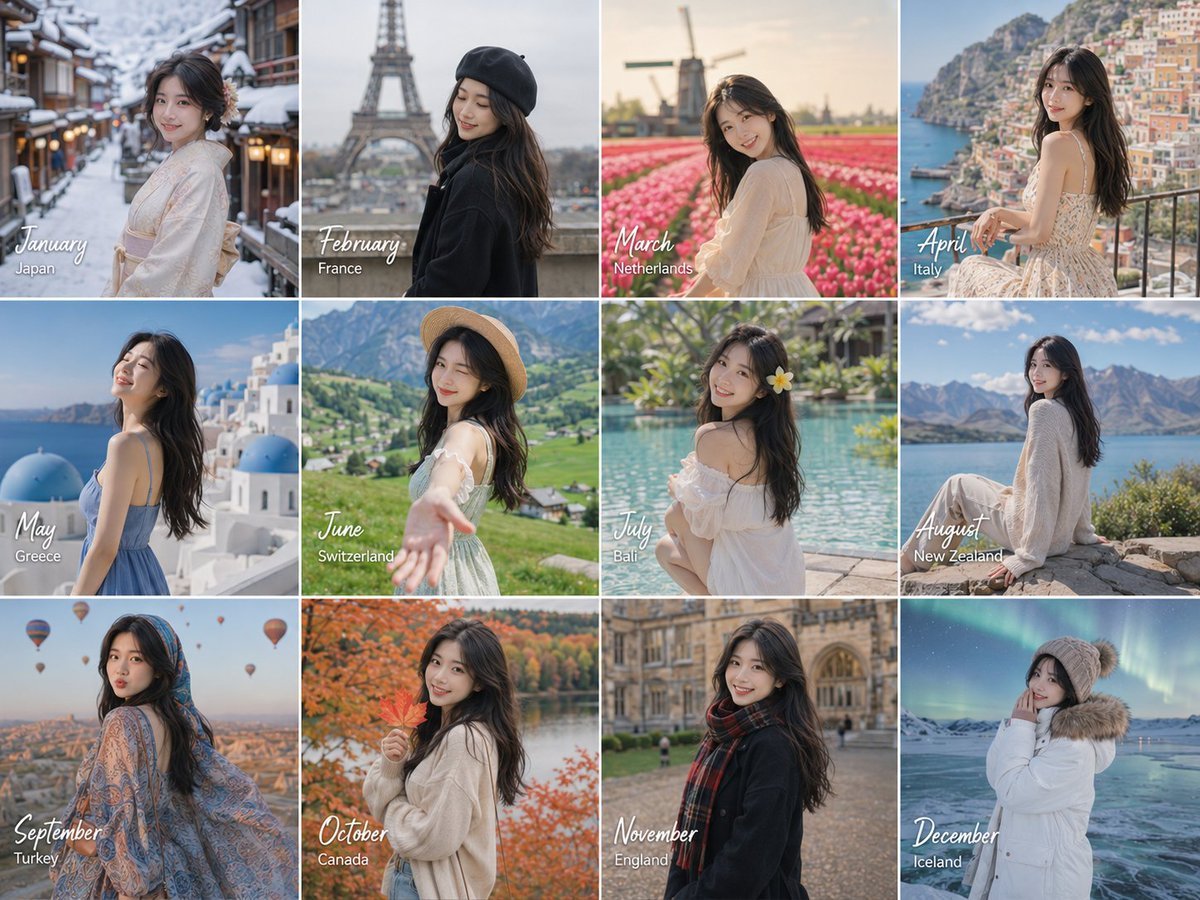
Month Travel Memory Grid
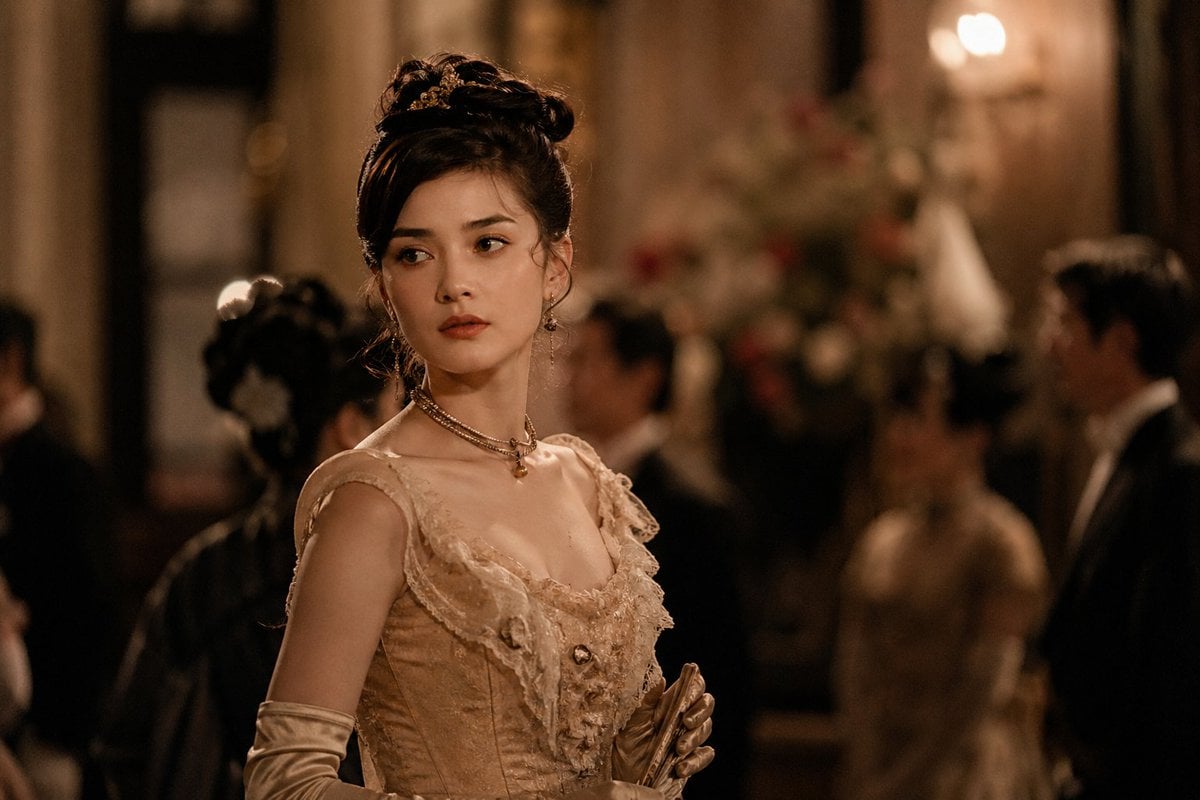
Rokumeikan Ballroom Portrait
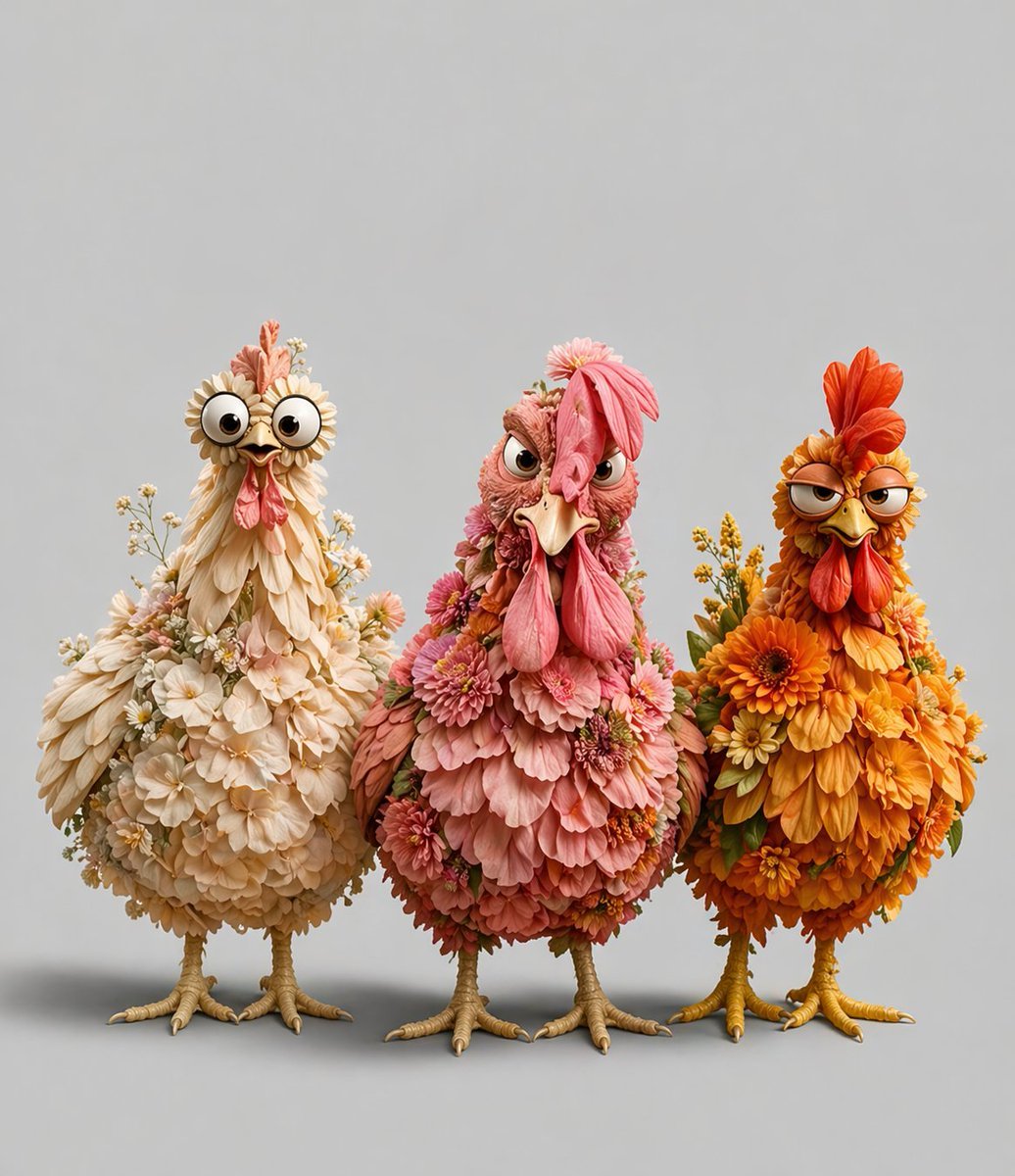
Three Floral Chickens Portrait
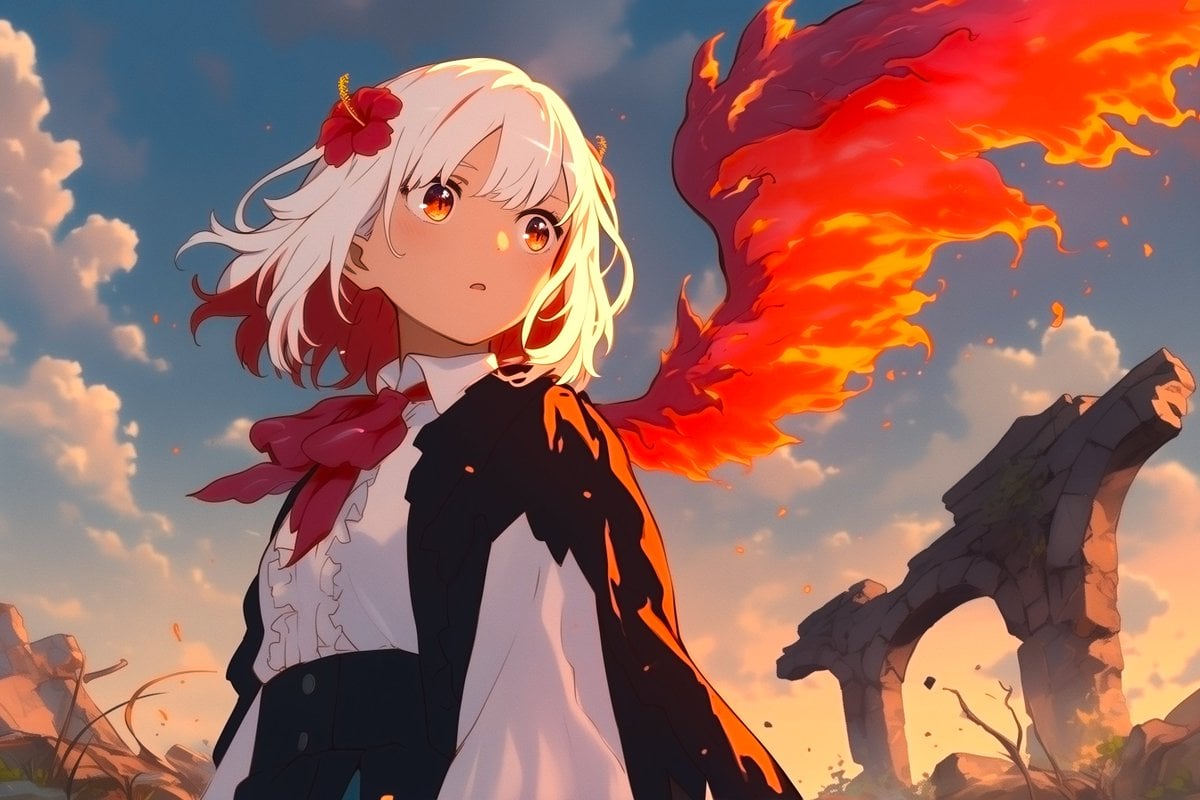
Anime Phoenix Girl Ruins Scene
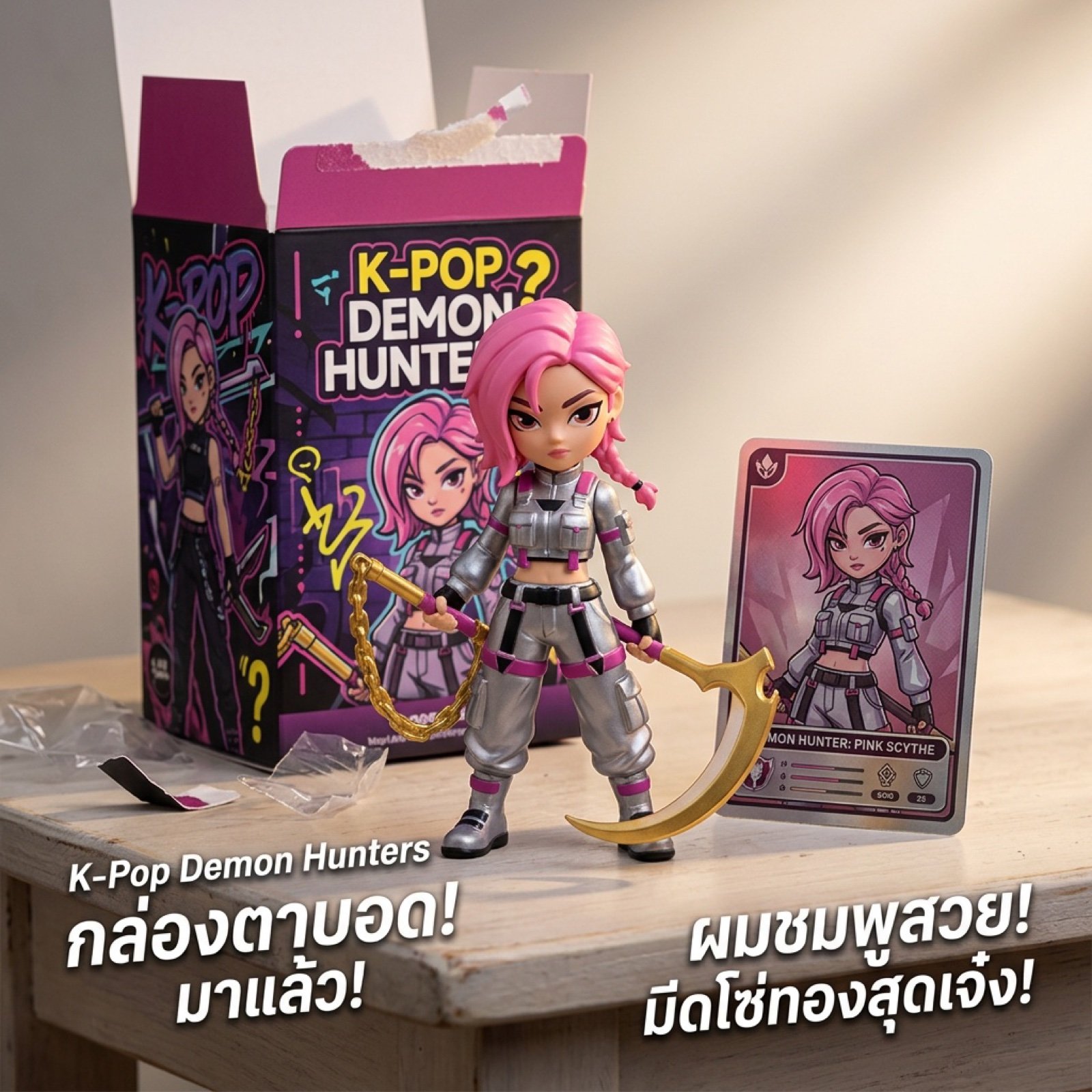
K-Pop Demon Hunters Video Script/Prompt

Thumbnail Editing Prompt: Replacing a Person
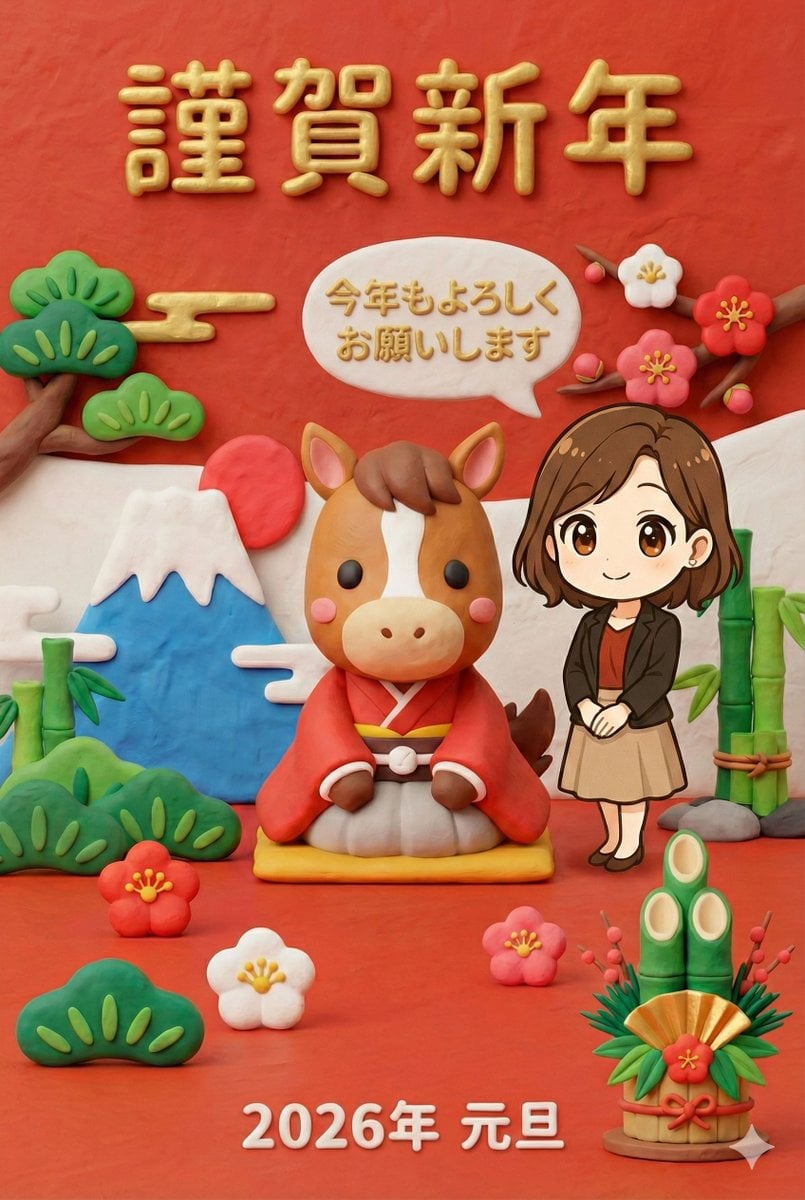
New Year's Greeting Image Generation in Claymation Style

Stylized 3D Cartoon Character Portraits
Browse template categories
Halloween Costume - Skull Face questions
How do I use the Halloween Costume - Skull Face template?
Add your photo if the template asks for one, edit the prompt if you like — the template's model and format are already selected — and press Generate. Your version opens in PicX Studio.
Can I customize the Halloween Costume - Skull Face template?
Yes. You can change the subject, setting, lighting, mood, format, and available model controls before creating your image.
Is the Halloween Costume - Skull Face template free?
Opening and editing this template is free. Generating uses credits, shown on the Generate button when you are signed in.
Which AI model should I use?
Choose a compatible model in PicX Studio based on the style, speed, and output controls your project needs.
Looking for something else? Browse all templates.

Your photo, any look
Thousands of ready templates for every top image and video model, from one credit balance.