
Halloween Costume(Snow White)
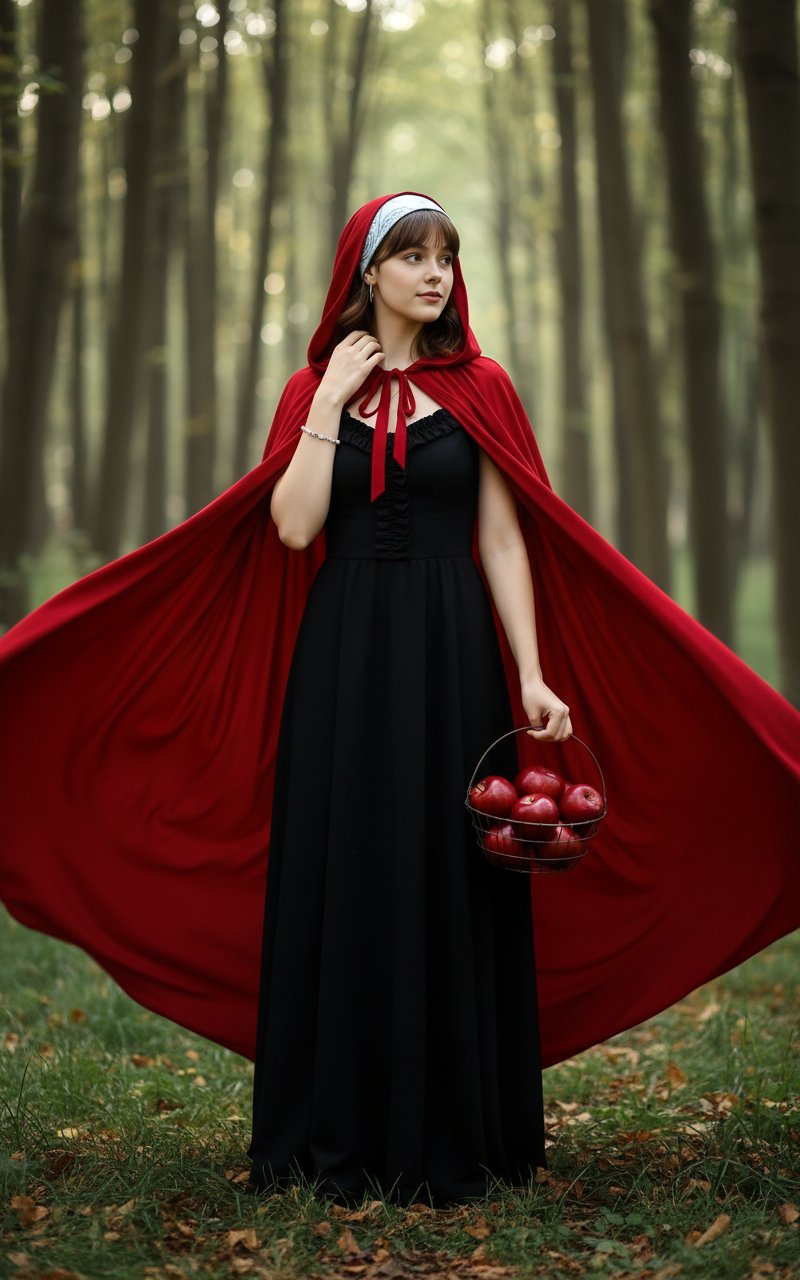
Halloween Costume(Snow White) is a ready photo look.
- Prompt included
- Model and format preset
- Free template
The prompt behind this image
Copy the exact prompt behind Halloween Costume(Snow White), or open it in the studio and make it yours.
Generate an image based on [uploaded image]. Replicate the exact facial features, expression, eye color, and lipstick color from the uploaded image. The character's face should be rendered as identical to the reference image, preserving all subtle nuances. the demeanor is serene yet enchanting. they wears a striking, flowing scarlet red hooded cape that billows around her, with the hood gently resting on their head. Beneath it, they has an elegant, floor-length black gown with subtle ruffling details around the neckline/bust. A delicate silver bracelet adorns their left wrist. She holds a simple wire basket filled with glossy, vibrant red apples in their left hand. The setting is a mysterious, ethereal forest, with tall, slender tree trunks receding into a soft background, creating a dappled light effect. Green grass and fallen leaves cover the forest floor, evoking a fairytale atmosphere. The character is captured in a full-body shot, standing upright and looking gracefully to the side (their right). their right hand is gently touching their hair or neck. High-resolution, photorealistic image with a detailed, cinematic quality. Soft, natural lighting with subtle dramatic shadows. Rich, deep colors, particularly the vibrant red of the cape and apples, creating a sense of depth and magic.
How to use Halloween Costume(Snow White) in 3 steps
- 1Upload ImagePNG, JPG or paste
Add your photo
Upload the photo the template builds on. The prompt, model and format are already set.
- 2…a portrait of your subject in softgolden-hour light, 85mm…
Personalize
Edit the subject and creative details for your destination.
- 3Generate
Generate
Press Generate — your image is created in PicX Studio, so you can compare it with the original and refine one variable at a time.
More like this
Templates with the same subject, style or setup. Open one to see its prompt.

Boardwalk Fashion Portrait
Canada Goalkeeper Twilight Editorial Portrait

Photoreal Snow Biome Name Tag UI

Minecraft You Died Winter Death Screen

Woman in Mall with Chanel Bag - Heart Gesture

Character Archive — Blueprint Concept Sheet

Outdoor Cafe Portrait — White Ruched Top Nano Banana
The sweetest feeling of winter.
Halloween Costume - Skull Face in Hand
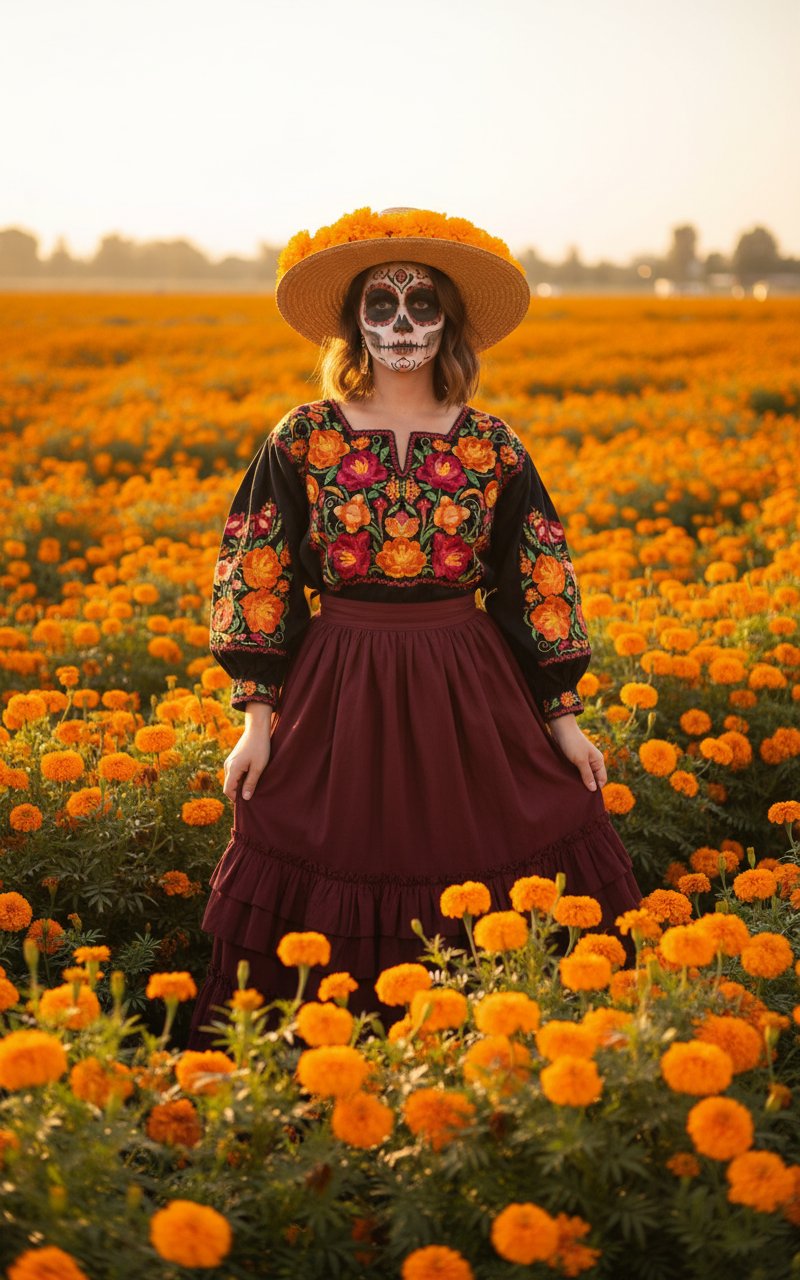
Halloween Costume - Marigold
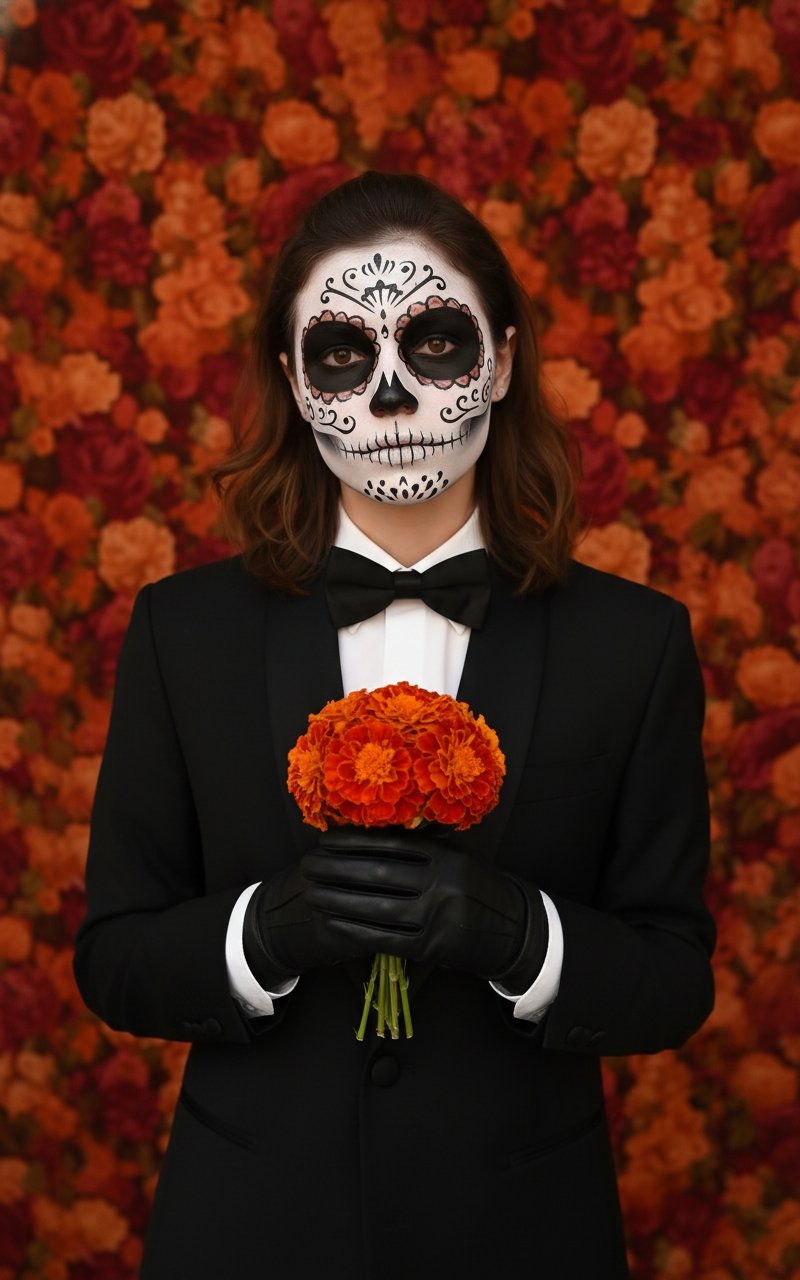
Halloween Costume - Skull Face
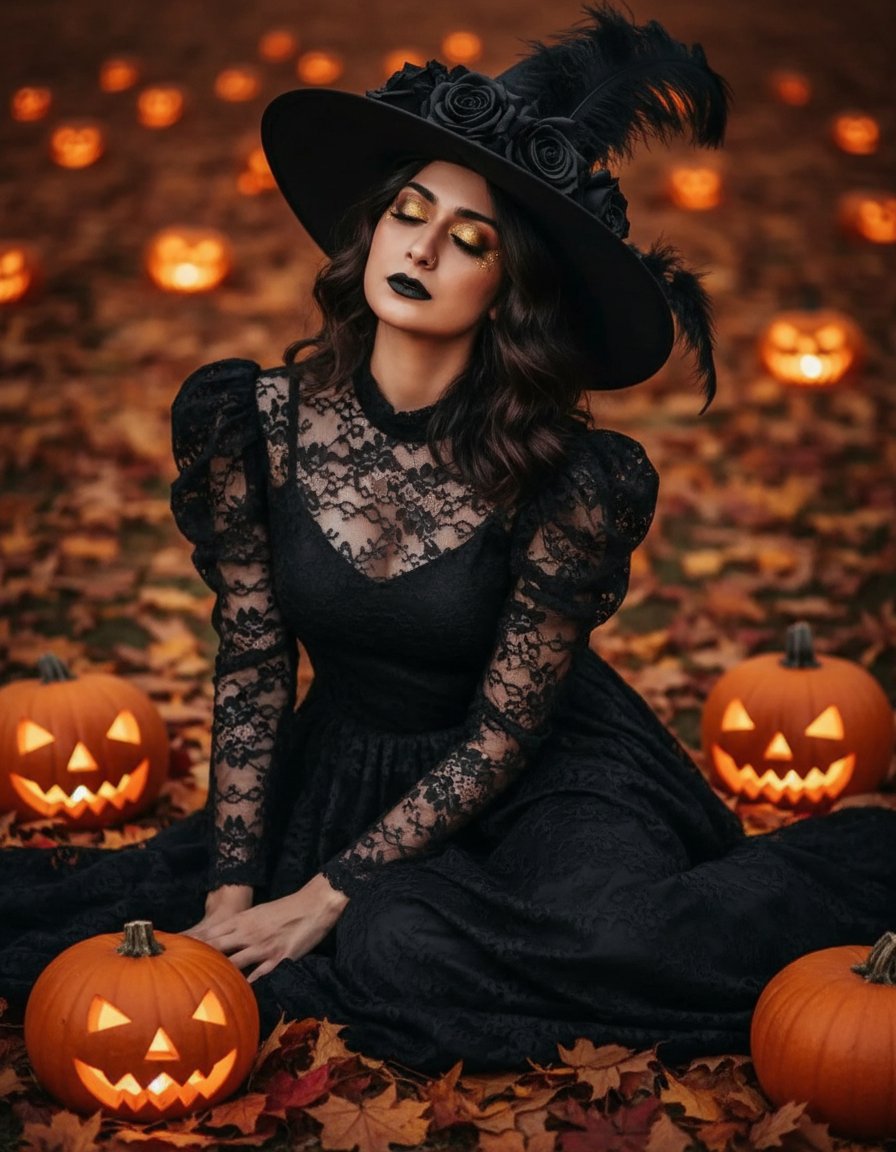
Halloween Costume - Witch with Pumpkins
Make it yours
Halloween Costume(Snow White) works as-is. These are the safest ways to change it without losing the look.
Change one field
Copy a single group, rewrite it, and generate again so you can see what that field is doing.
Keep the frame, change the subject
Hold the composition and light of Halloween Costume(Snow White), then swap wardrobe, props or the person for a new take.
| If the result… | Why | Fix |
|---|---|---|
| The result drifts from the preview | Too many fields changed at once. | Reuse Halloween Costume(Snow White) as-is first, then change one group — subject, light, or setting. |
| The model over-stylizes the scene | The prose prompt leaves finish and camera underspecified. | Add one camera or lighting sentence and stay on PicX Studio. |
More image prompts
Fresh picks from across the catalog.
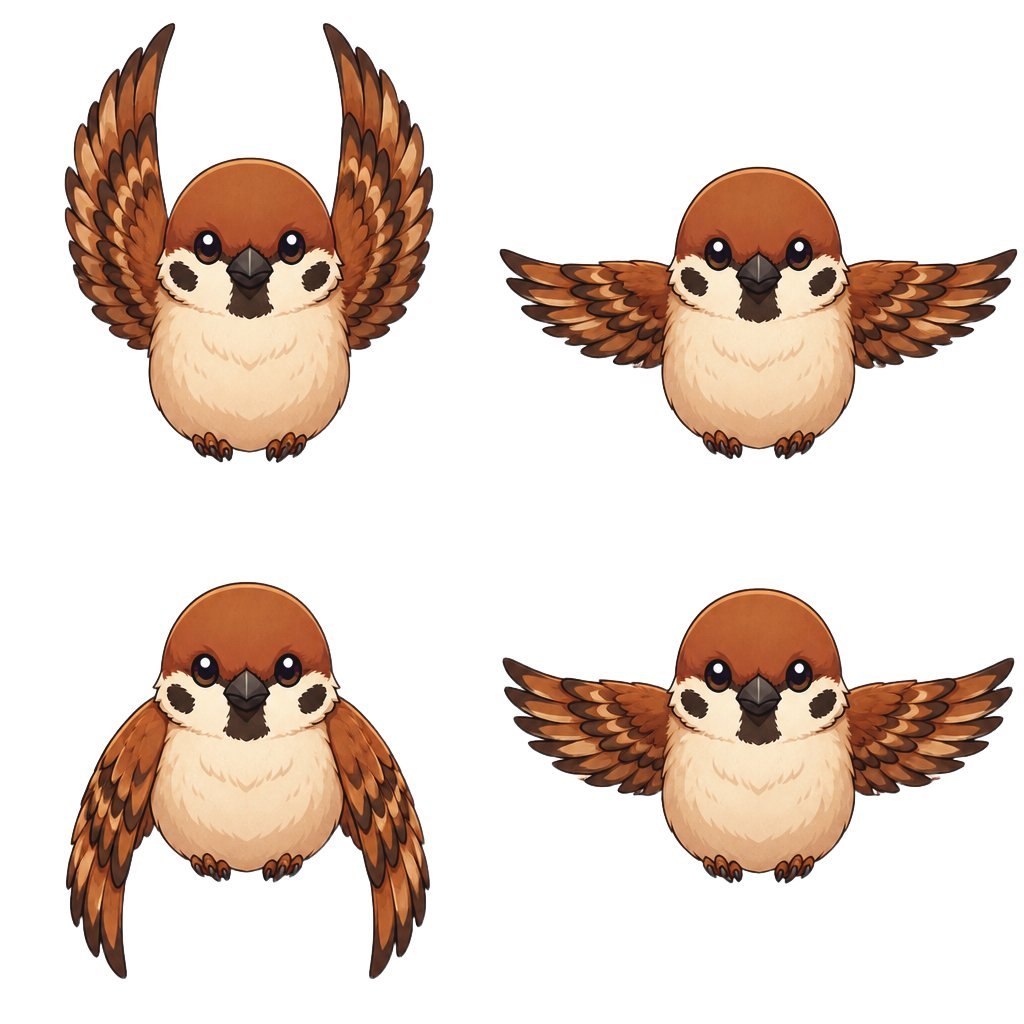
Chibi Sparrow Four-Pose Sheet
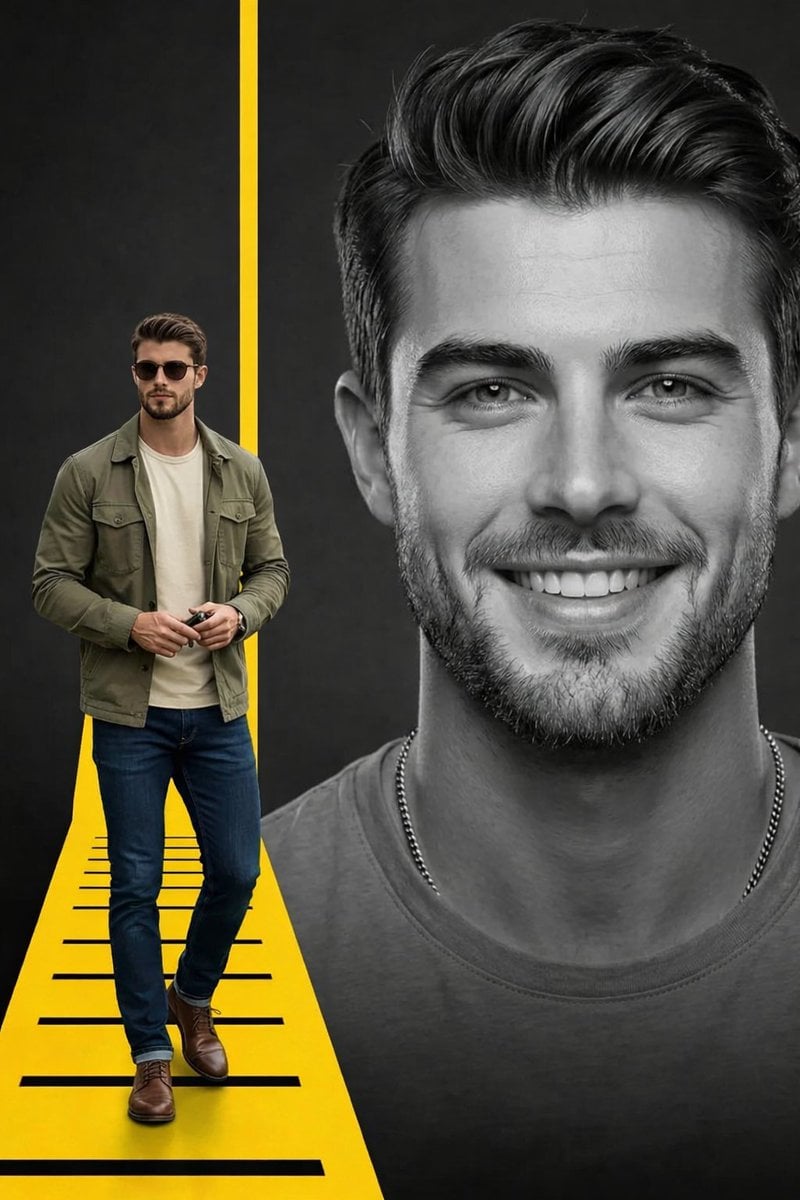
Split Composition Portrait of a Man
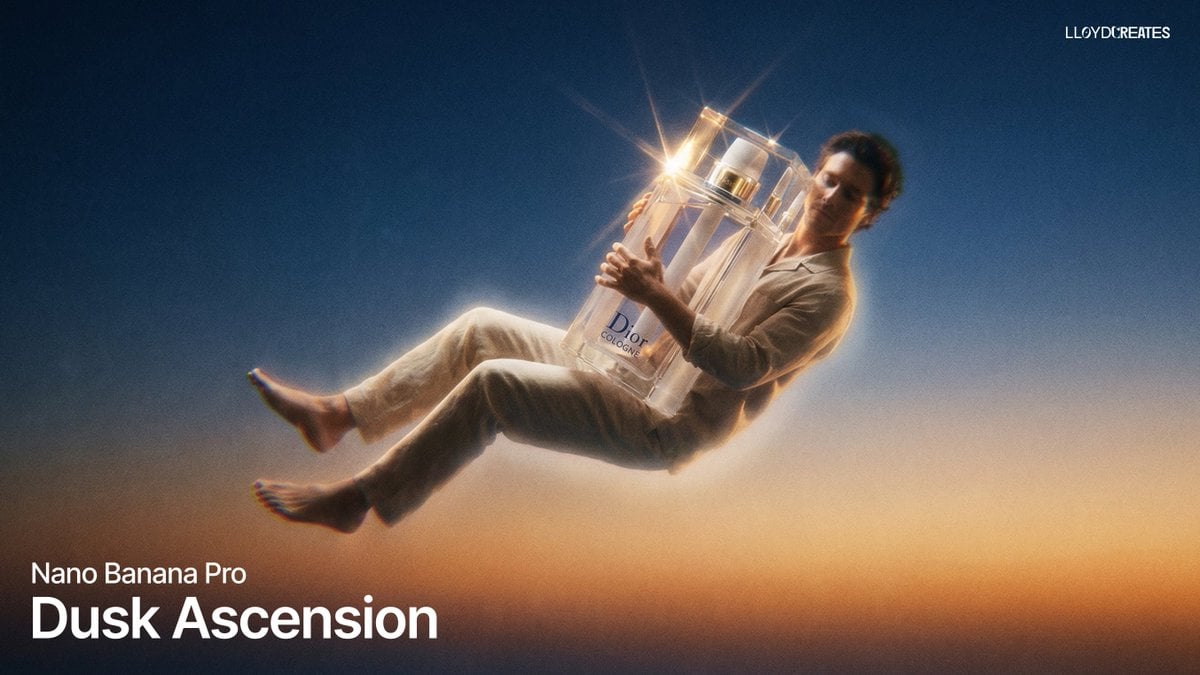
Dusk Ascension JSON Prompt for Nano Banana Pro
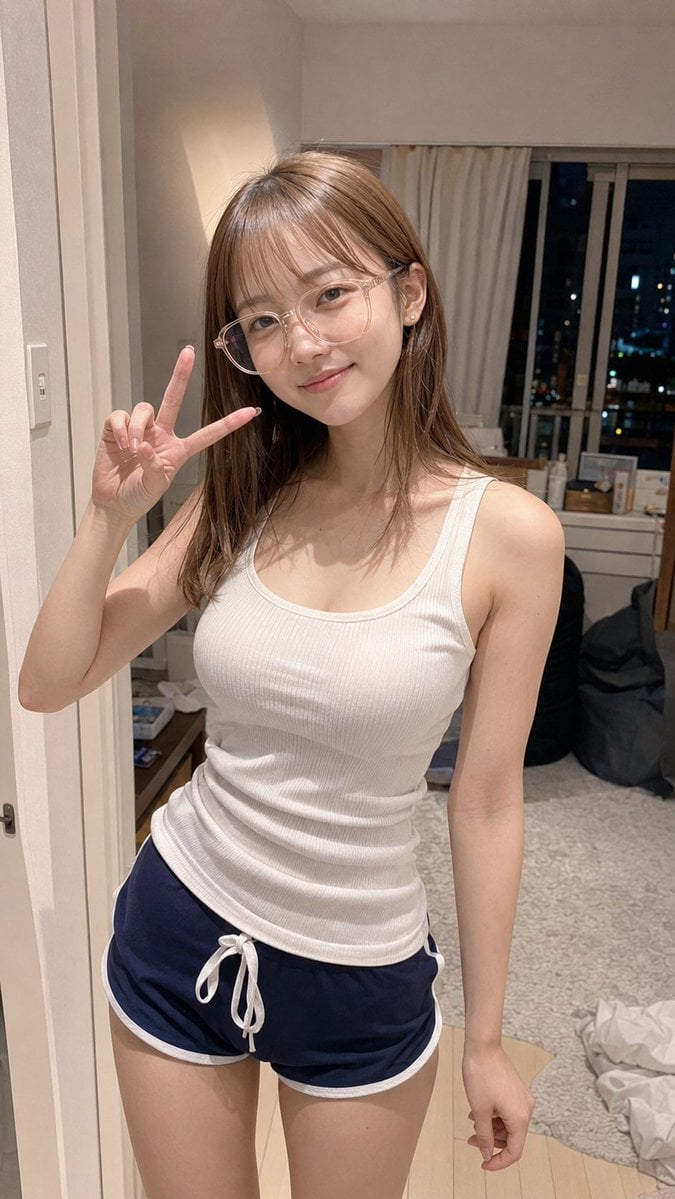
Apartment Standing Pose Transformation
Image generation prompt for Nano Banana Pro
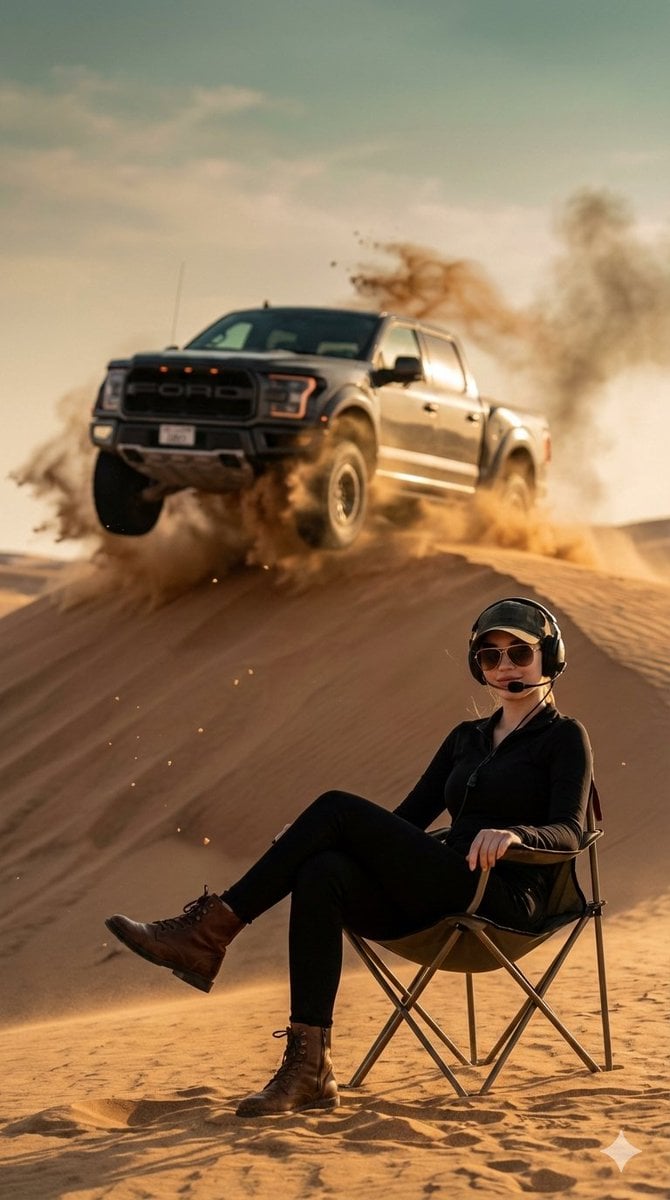
Desert Action Photography Prompt with Identity Lock
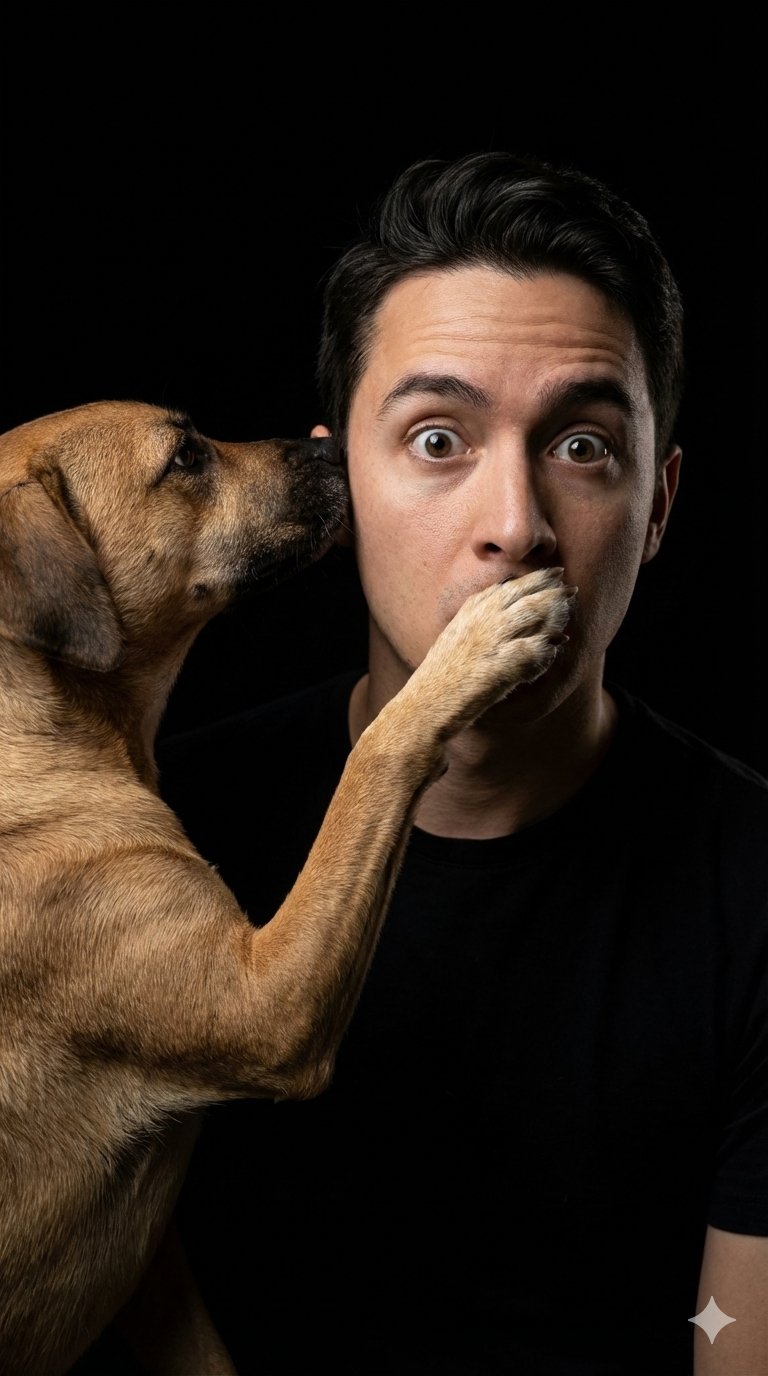
untitled
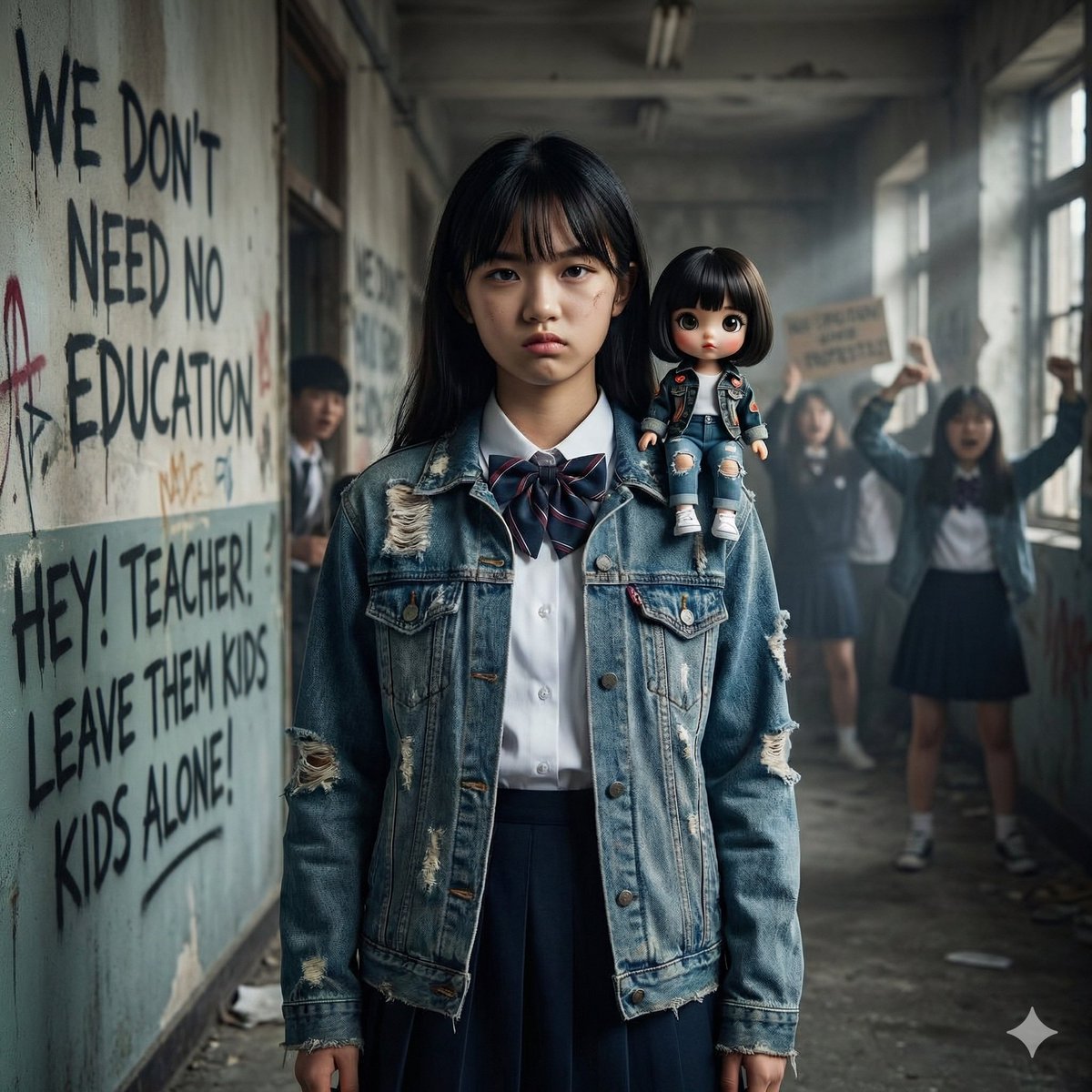
Image Generation from Western Song: Another Brick In The Wall
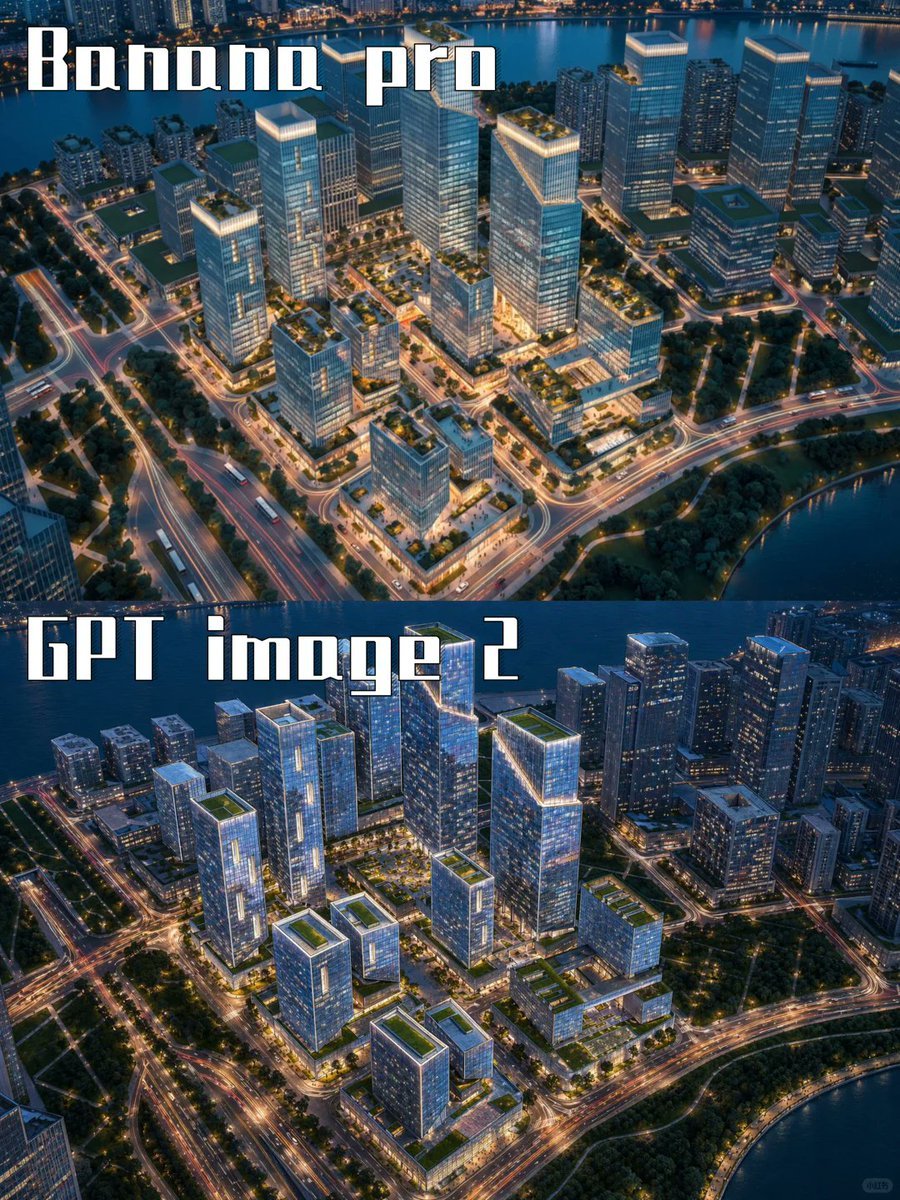
AI City Rendering Comparison Poster
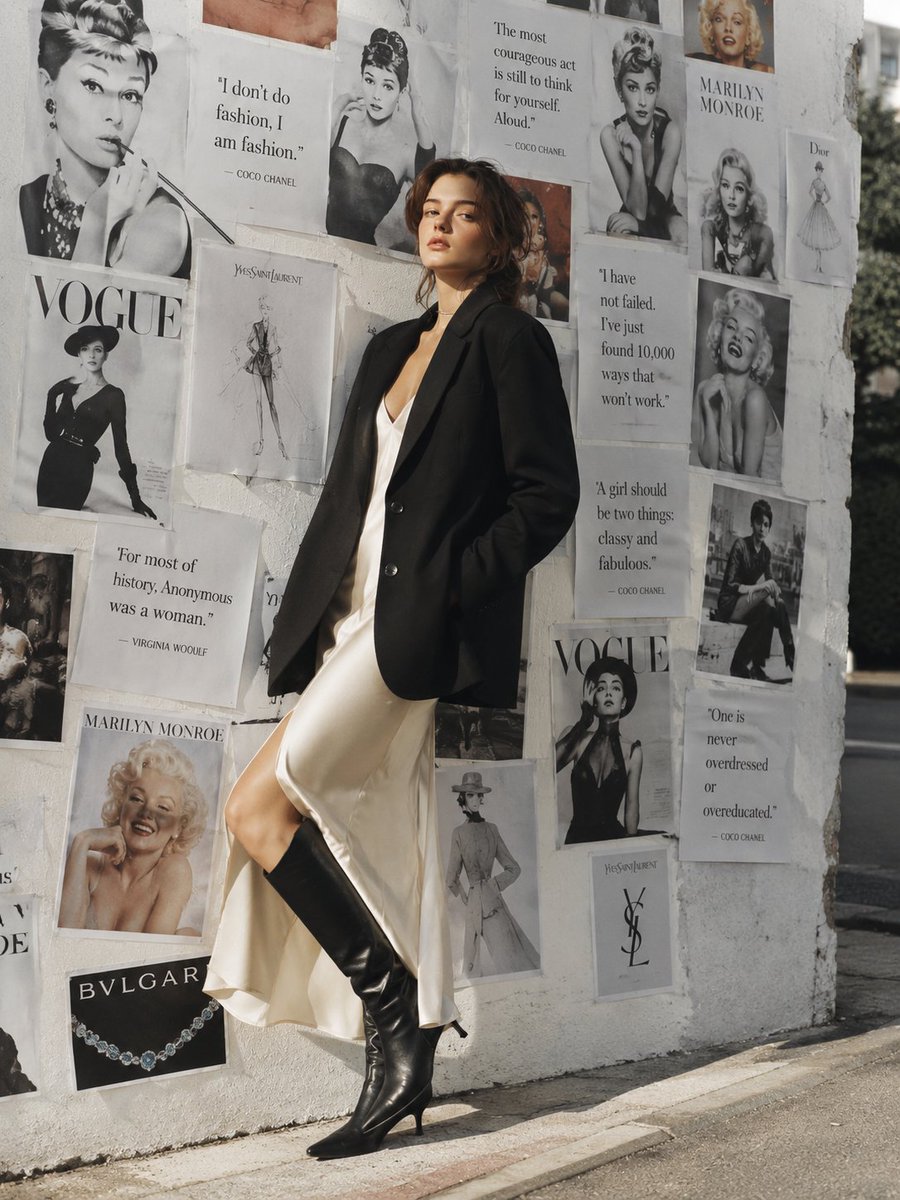
Parisian Chic Fashion Portrait
Browse template categories
Halloween Costume(Snow White) questions
How do I use the Halloween Costume(Snow White) template?
Add your photo if the template asks for one, edit the prompt if you like — the template's model and format are already selected — and press Generate. Your version opens in PicX Studio.
Can I customize the Halloween Costume(Snow White) template?
Yes. You can change the subject, setting, lighting, mood, format, and available model controls before creating your image.
Is the Halloween Costume(Snow White) template free?
Opening and editing this template is free. Generating uses credits, shown on the Generate button when you are signed in.
Which AI model should I use?
Choose a compatible model in PicX Studio based on the style, speed, and output controls your project needs.
Looking for something else? Browse all templates.

Your photo, any look
Thousands of ready templates for every top image and video model, from one credit balance.