
Halloween Costume - Skull Face in Hand
Halloween Costume - Skull Face in Hand is a ready photo look.
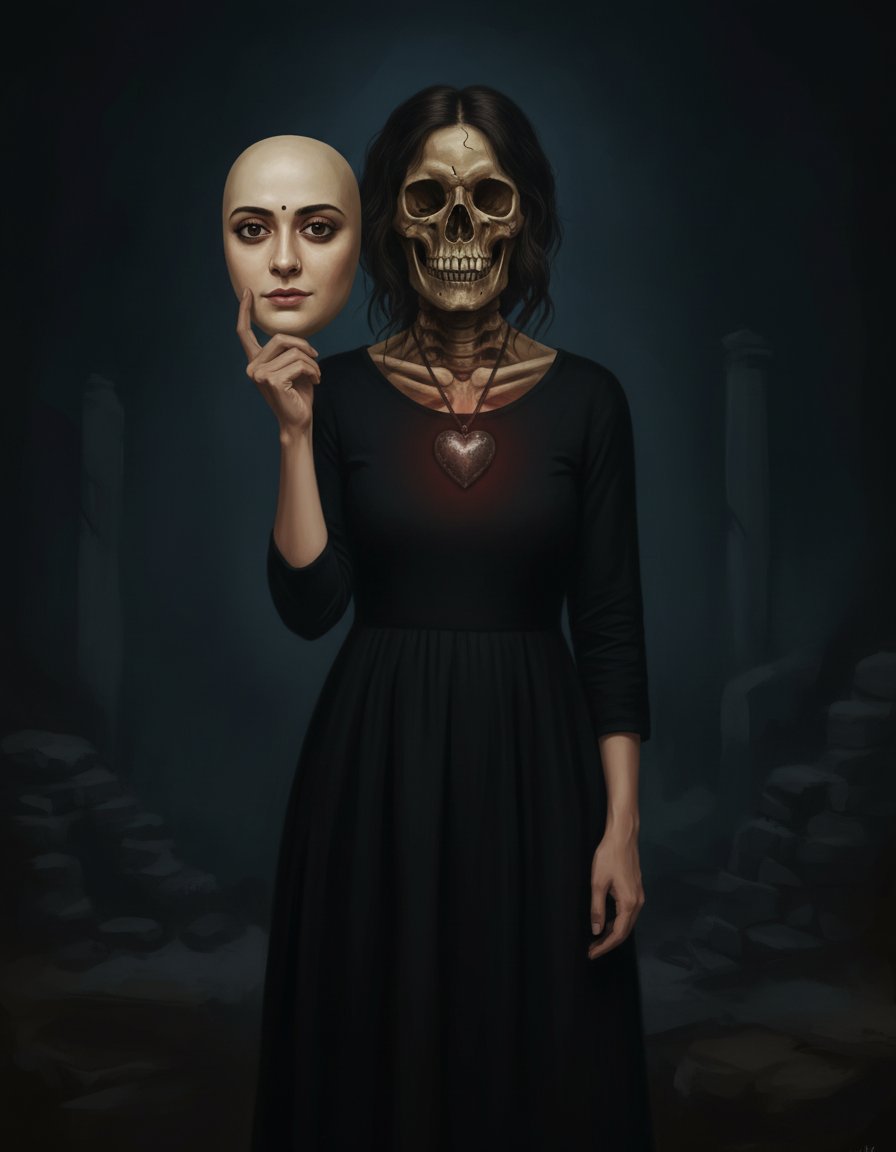
- Prompt included
- Model and format preset
- Free template
The prompt behind this image
Copy the exact prompt behind Halloween Costume - Skull Face in Hand, or open it in the studio and make it yours.
Create a haunting Halloween-themed fine art portrait inspired by the concept of dual identity. Keep the person from the uploaded image exactly the same — preserve her facial structure, proportions, expression, hairstyle, and unique features. She stands in front of a dark, moody background wearing a simple black dress. In one hand, she holds a realistic mask that perfectly resembles her own face from the uploaded image — same smile, same hairstyle, same lighting on the mask’s face. Behind the mask, her true form is partially revealed as a detailed, artistic skull — realistic in texture but styled in an elegant, painterly manner, not gory. The skull should blend naturally into her real skin, symbolizing a haunting contrast between life and death. Around her neck, a heart-shaped pendant glows faintly red, adding emotional depth and symbolic meaning. Lighting should be cinematic and softly directional, creating shadows that highlight the eerie yet beautiful contrast between the living face and the skeletal form. The overall tone should be mysterious, symbolic, and atmospheric — a fine-art Halloween portrait representing duality, mortality, and hidden truth. Maintain a realistic, high-detail, and emotionally expressive style.
How to use Halloween Costume - Skull Face in Hand in 3 steps
- 1Upload ImagePNG, JPG or paste
Add your photo
Upload the photo the template builds on. The prompt, model and format are already set.
- 2…a portrait of your subject in softgolden-hour light, 85mm…
Personalize
Edit the subject and creative details for your destination.
- 3Generate
Generate
Press Generate — your image is created in PicX Studio, so you can compare it with the original and refine one variable at a time.
More like this
Templates with the same subject, style or setup. Open one to see its prompt.
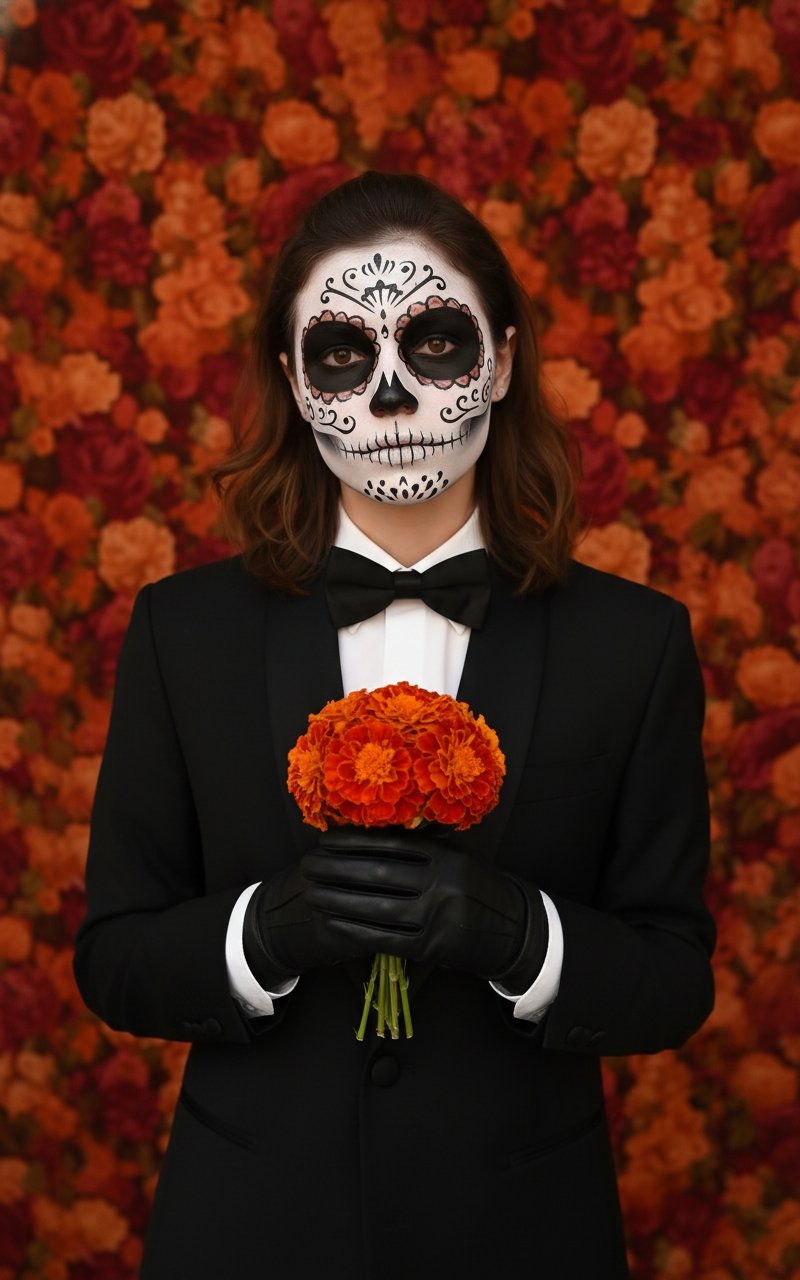
Halloween Costume - Skull Face

Dancer Character - Four View Reference Sheet

Character Archive — Blueprint Concept Sheet

Halloween Costume - Marigold
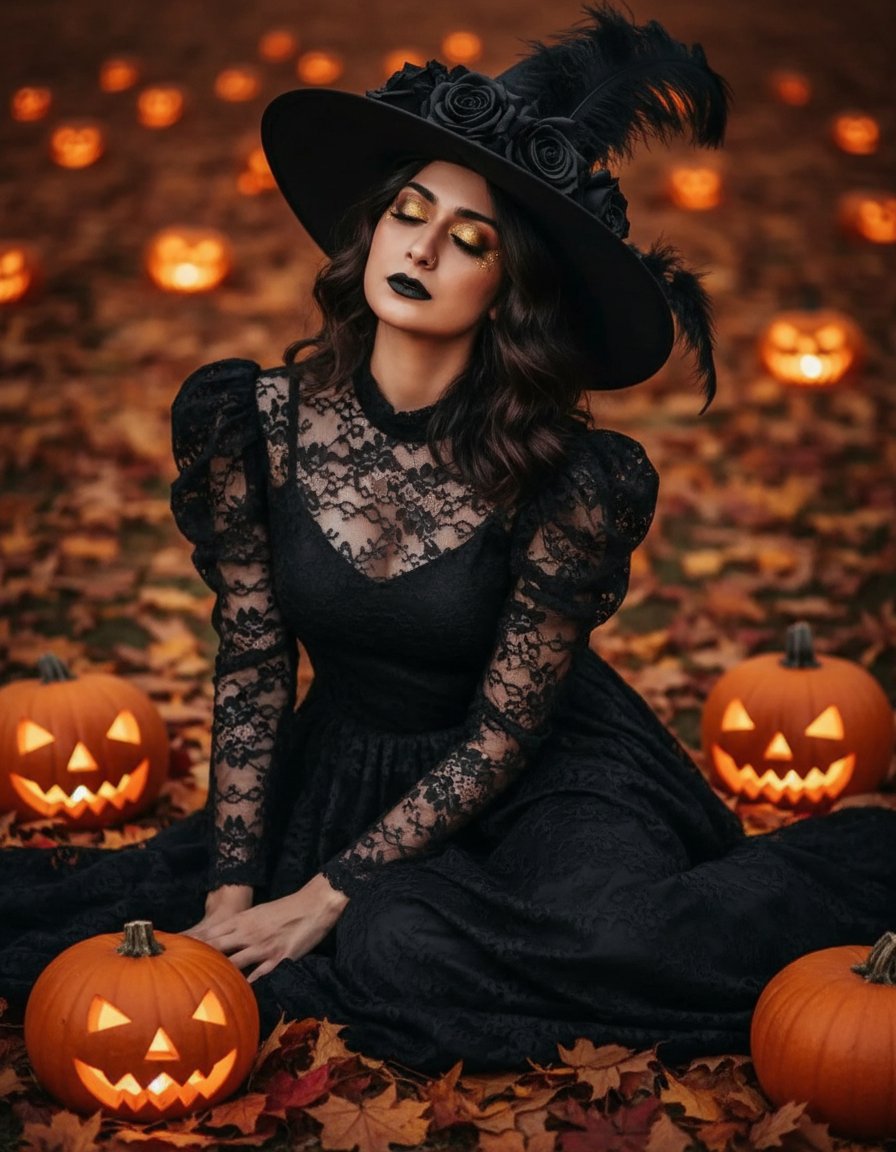
Halloween Costume - Witch with Pumpkins

Halloween Costume Pirate
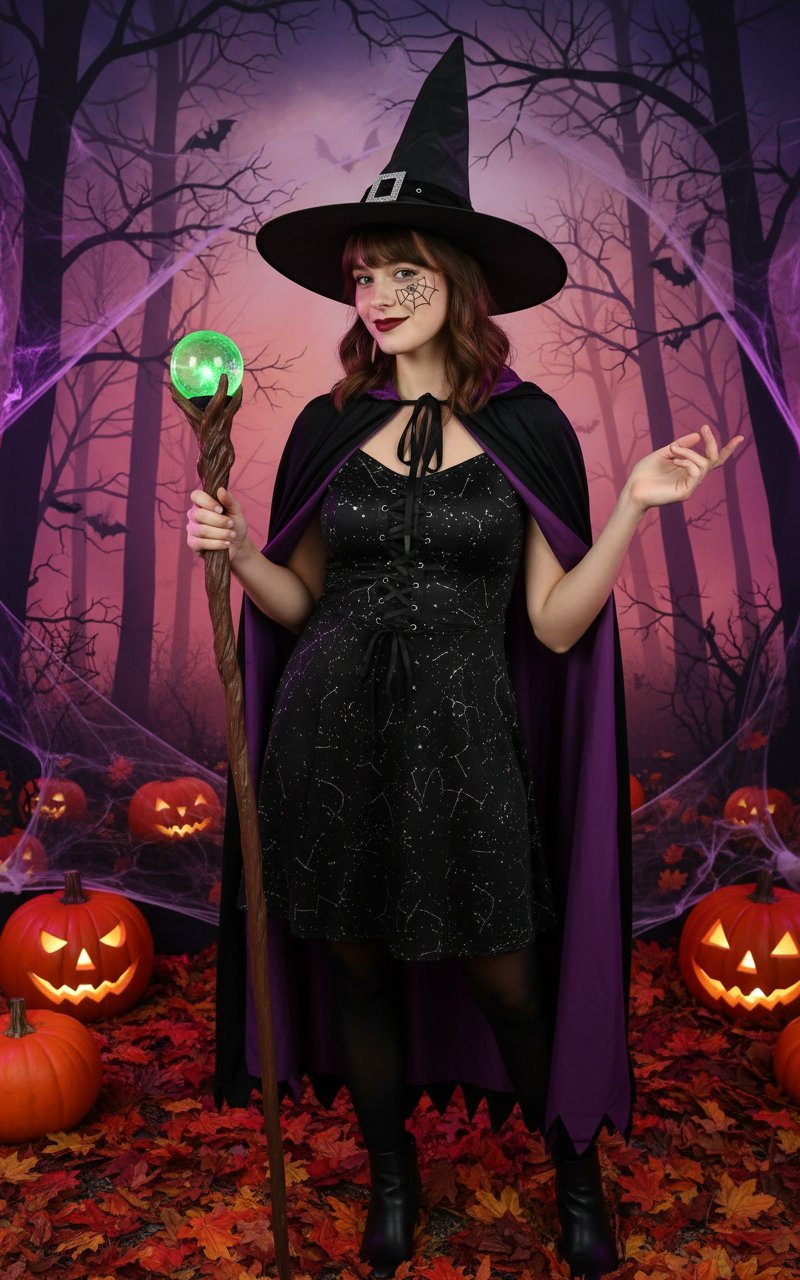
Halloween Costume

Halloween Costume(Angel)
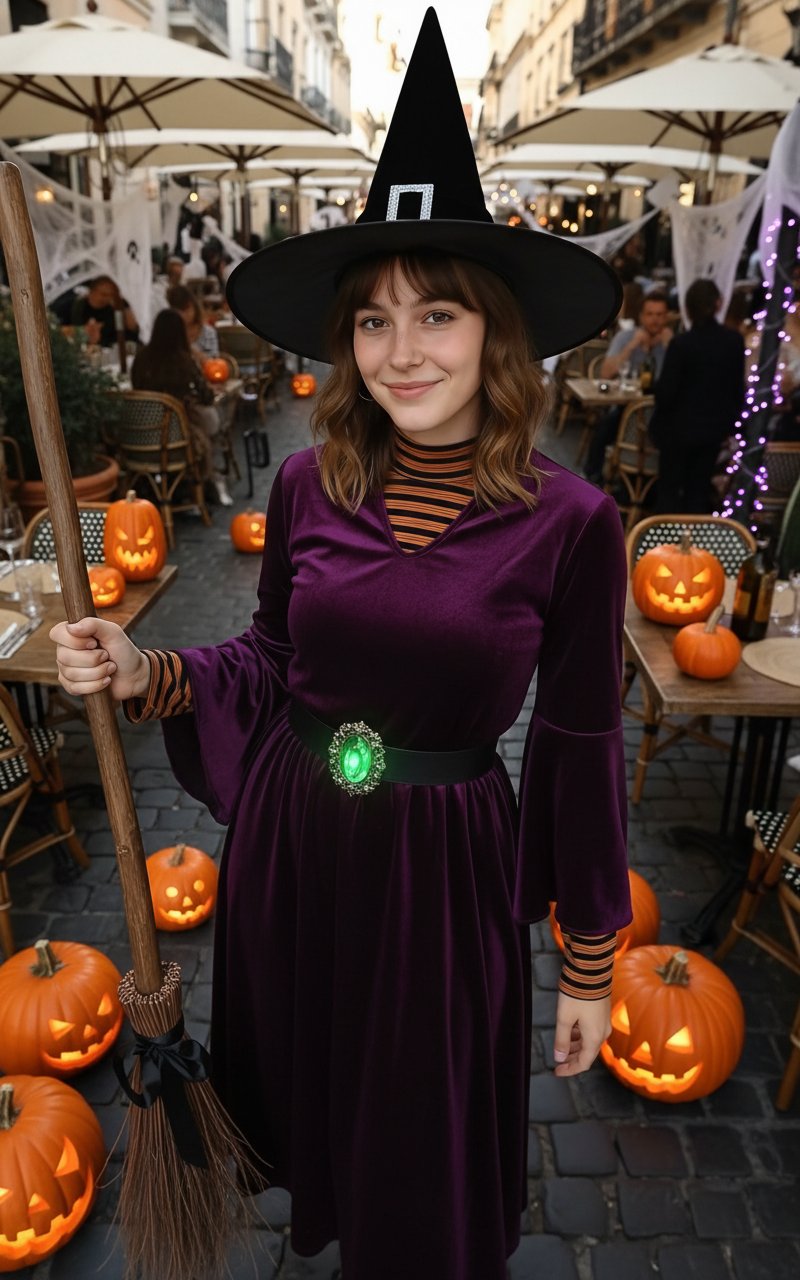
Halloween Costume(Witch)
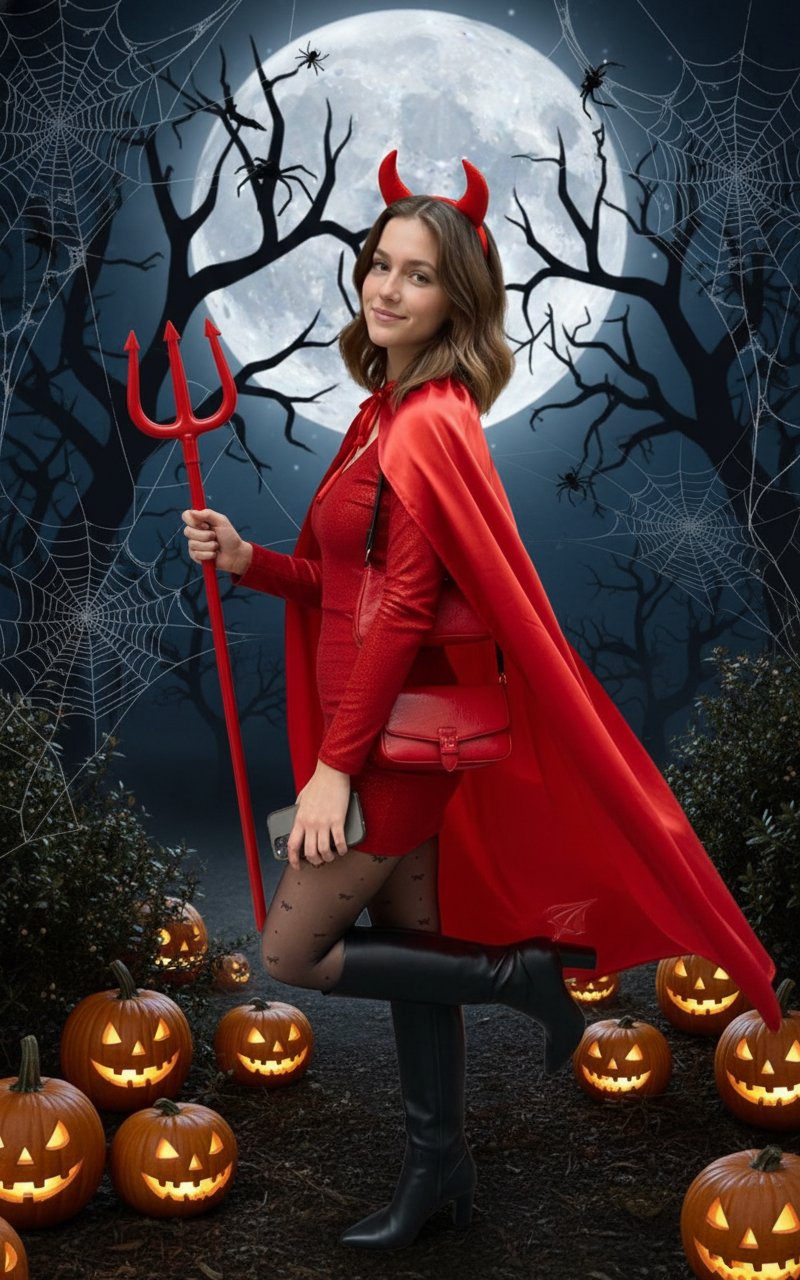
Halloween Costume(Devil)

Halloween Costume(Snow White)

Dithered Pink Skull Pixel Art
Make it yours
Halloween Costume - Skull Face in Hand works as-is. These are the safest ways to change it without losing the look.
Change one field
Copy a single group, rewrite it, and generate again so you can see what that field is doing.
Keep the frame, change the subject
Hold the composition and light of Halloween Costume - Skull Face in Hand, then swap wardrobe, props or the person for a new take.
| If the result… | Why | Fix |
|---|---|---|
| The result drifts from the preview | Too many fields changed at once. | Reuse Halloween Costume - Skull Face in Hand as-is first, then change one group — subject, light, or setting. |
| The model over-stylizes the scene | The prose prompt leaves finish and camera underspecified. | Add one camera or lighting sentence and stay on PicX Studio. |
More image prompts
Fresh picks from across the catalog.

Nostalgic 80s 90s China Memory Poster

Cyberpunk Rooftop Selfie with Cold Stare

Hard-Lock Lounge Pose Reconstruction Prompt
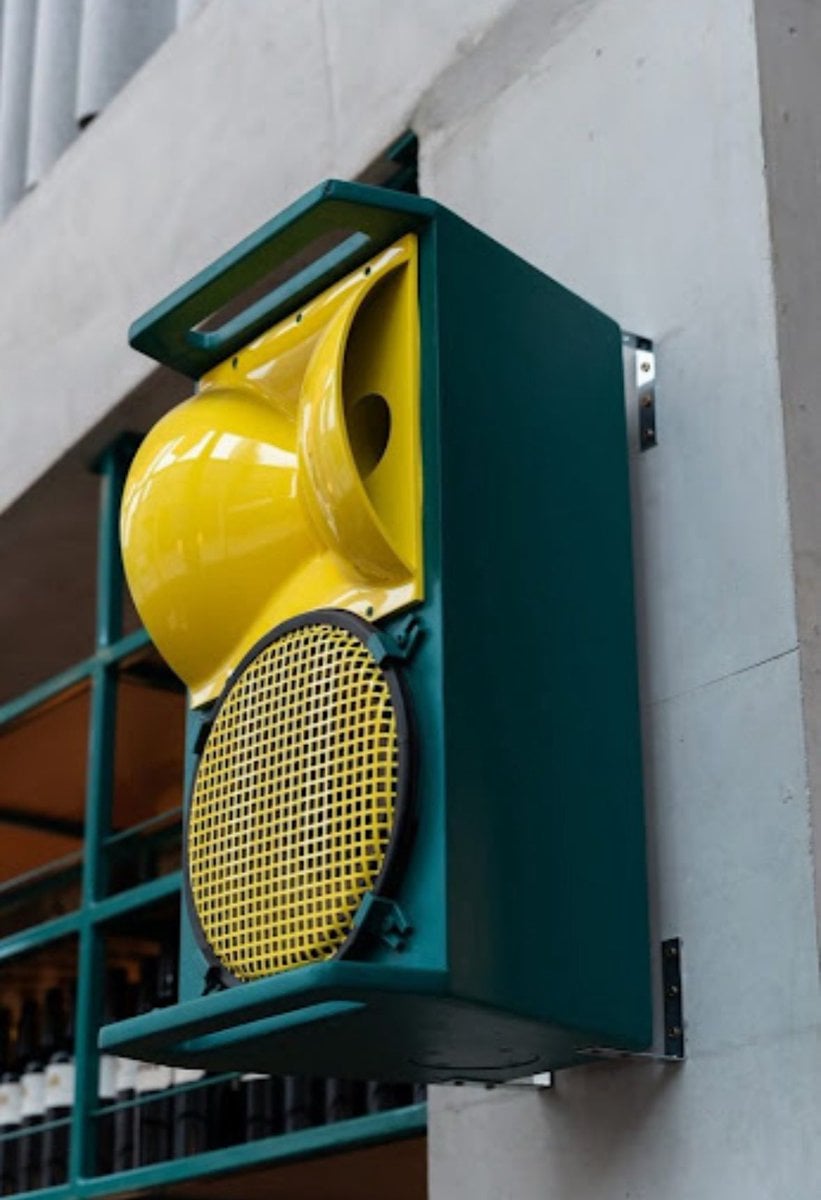
Technical drawing of a speaker from reference

Romantic Rainy Autumn Couple Scene with Identity Lock

Anime Roses and Books End Card

Nano Banana Pro Image Generation Prompt
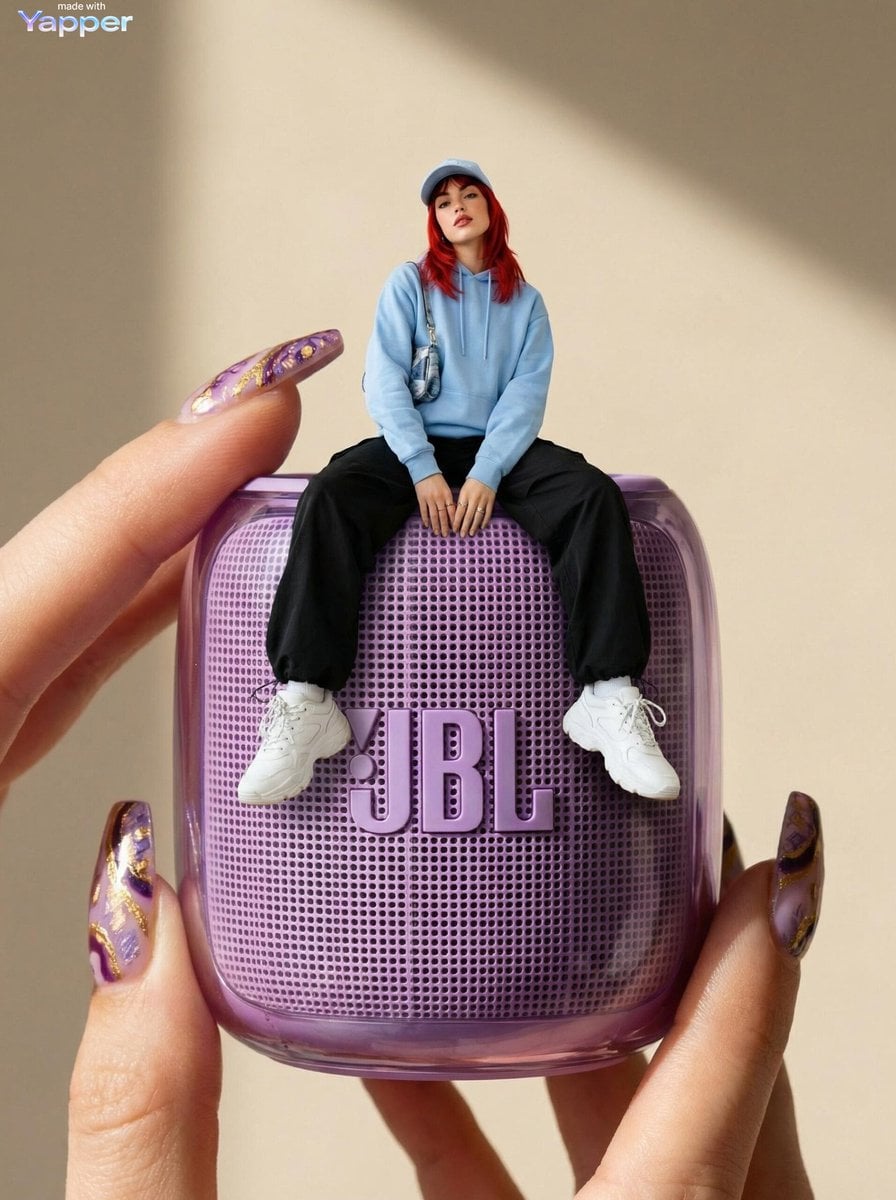
Forced Perspective Miniature Woman on Speaker
Line Art Correction Prompt for Nano Banana Pro
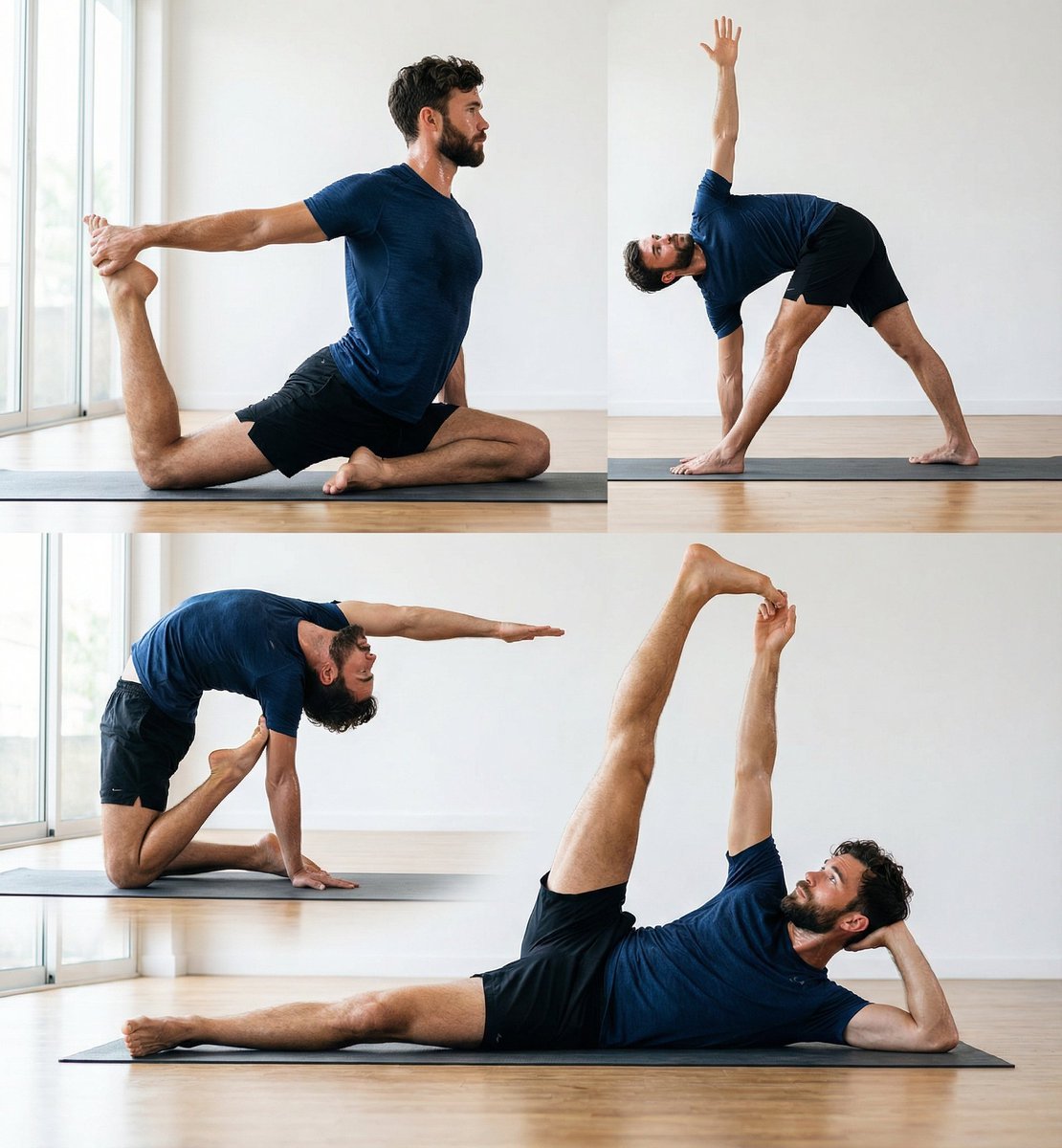
Pose transfer for fitness shots
Browse template categories
Halloween Costume - Skull Face in Hand questions
How do I use the Halloween Costume - Skull Face in Hand template?
Add your photo if the template asks for one, edit the prompt if you like — the template's model and format are already selected — and press Generate. Your version opens in PicX Studio.
Can I customize the Halloween Costume - Skull Face in Hand template?
Yes. You can change the subject, setting, lighting, mood, format, and available model controls before creating your image.
Is the Halloween Costume - Skull Face in Hand template free?
Opening and editing this template is free. Generating uses credits, shown on the Generate button when you are signed in.
Which AI model should I use?
Choose a compatible model in PicX Studio based on the style, speed, and output controls your project needs.
Looking for something else? Browse all templates.

Your photo, any look
Thousands of ready templates for every top image and video model, from one credit balance.