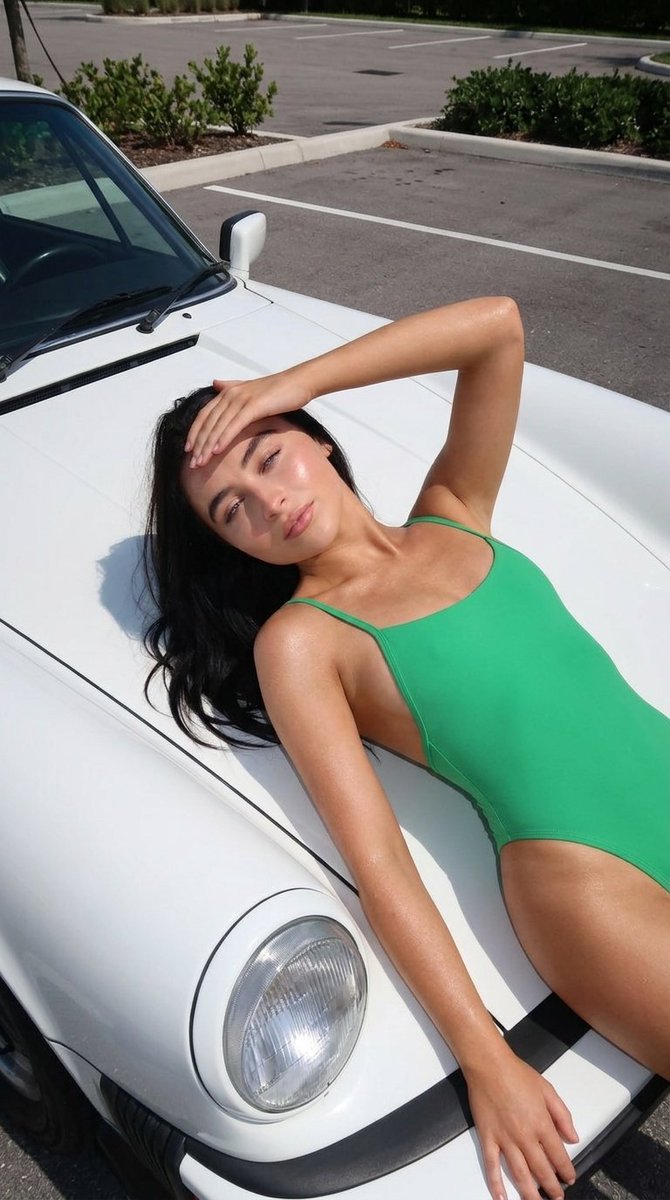
How do I use the Casual Lifestyle Portrait in Cafe template?
Choose the primary action to open PicX Studio with the available template settings. Review the model and format, personalize the creative direction, and generate when ready.
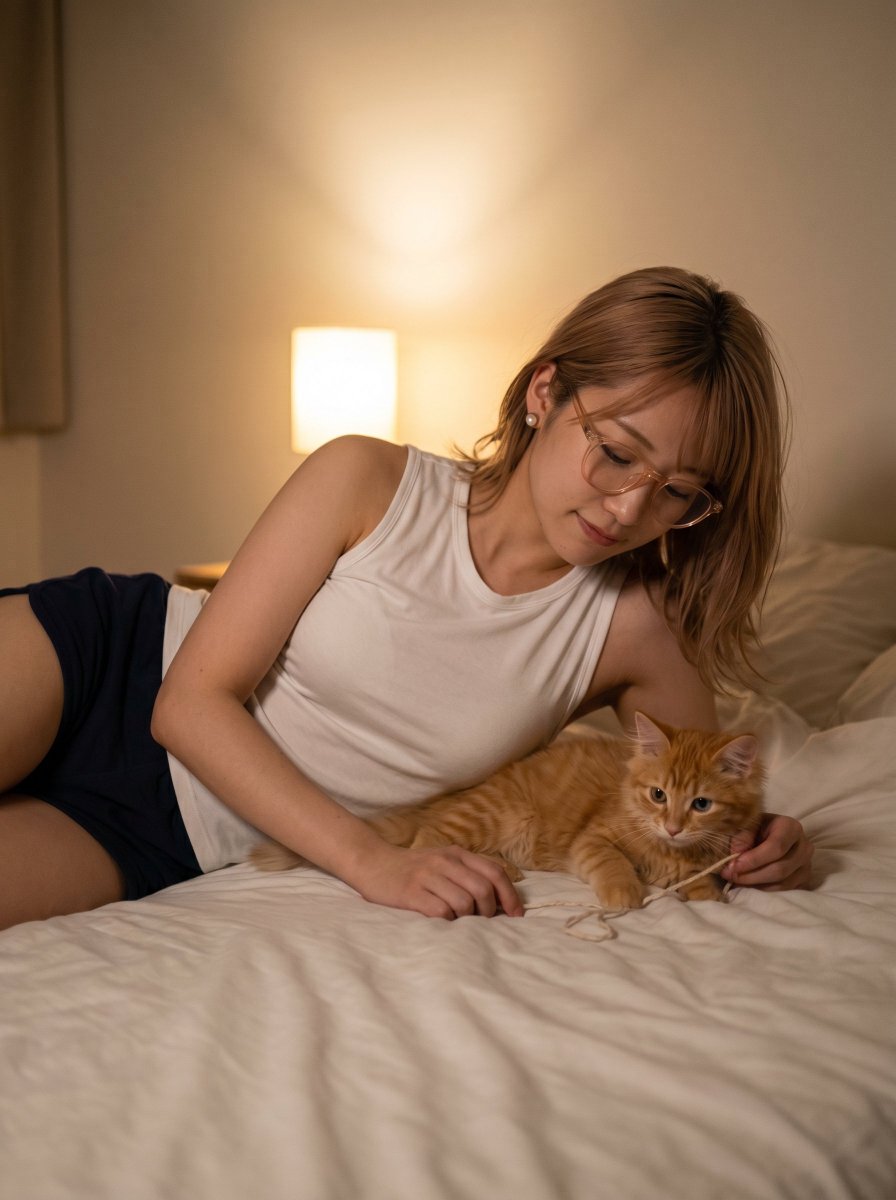
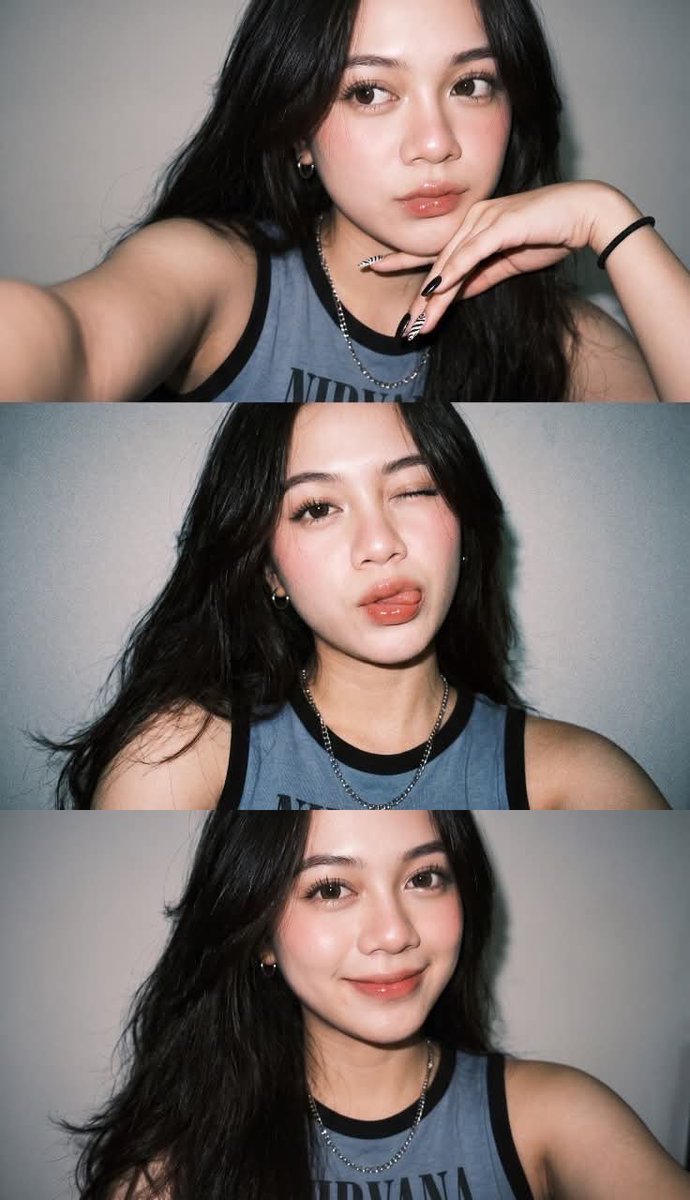
A detailed JSON prompt for generating a casual lifestyle portrait of a young woman in a cafe, focusing on specific pose details, athleisure outfit (unitard/jumpsuit), and high-end accessories like a Louis Vuitton handbag, captured with a relaxed, confident aesthetic. (free to use) — Free AI image template on PicX Studio.
{ "scene": "Casual lifestyle portrait in an indoor cafe setting", "subject": { "character": "Young female with a friendly, relaxed demeanor", "face": { "structure": "Oval shape with prominent cheekbones and visible dimples", "skin": "Tan, smooth, glowing complexion", "eyes": { "shape": "Almond", "color": "Dark brown", "expression": "Direct eye contact, engaging" }, "mouth": { "lips": "Natural pink, smiling gently" }, "makeup": "Natural 'no-makeup' look, light blush, groomed brows" }, "hair": { "color": "Dark brown to black", "length": "Shoulder-length (lob)", "texture": "Straight with slight volume", "style": "Loose with wispy bangs framing the forehead", "shine": "Healthy, slight sheen" }, "accessories": { "necklace": "Thin gold chain with a heart pendant", "earrings": "Small silver or gold hoops", "bracelets": "Thin metallic bracelets on both wrists", "rings": "Simple bands on fingers" } }, "pose": { "overall": "Casual seated pose, leaning back slightly against the chair", "position": { "base": "Sitting on a wooden chair", "orientation": "Facing forward towards the camera" }, "torso": { "direction": "Frontal", "posture": "Relaxed but upright" }, "arms": { "position": "Right arm holding a straw/drink, left arm resting near the table", "other": "Holding an iced drink near chest level" }, "legs": { "position": "Asymmetrical; right leg bent with knee drawn up, left leg extended downwards", "visible": "Legs fully visible in tight fitting clothing" }, "head": { "turn": "Facing straight forward", "expression": "Soft, confident smile" } }, "outfit": { "activewear": { "type": "Sleeveless unitard / jumpsuit", "color": "Beige / Nude", "style": "Athleisure", "details": { "top": "V-neckline, sleeveless", "fit": "Form-fitting, skin-tight", "material": "Ribbed or smooth stretch fabric" } }, "footwear": { "type": "Sneakers", "style": "Grey athletic running shoes (New Balance style)", "socks": "White ribbed crew socks" } }, "body": { "type": "Fit, slender", "skin": "Tan" }, "environment": { "location": "Coffee shop interior", "furniture": { "table": "Round wooden table with slatted base", "chair": "Wooden chairs with simple backrests" }, "objects": { "drink": "Glass of iced {argument name="drink type" default="green matcha latte"} with a glass straw", "bag": "Louis Vuitton Monogram Speedy handbag on the table", "sunglasses": "Black frame sunglasses on the table", "coaster": "Small wooden plate/coaster" }, "background": { "people": "Blurred figures sitting at other tables", "floor": "Concrete or stone tile" } } }
Use Casual Lifestyle Portrait in Cafe to plan an AI image around nano-banana-2 generation. Match the preview's composition first, then personalize the subject, setting, and mood for your own project.
Use the primary action to load the template settings in PicX Studio.
Adjust the subject and creative details for your destination.
Create the image, compare the result with the preview, and refine one variable at a time.
A continuous mix — similar concepts first, woven with same-model prompts and fresh picks from the catalog.
Choose the primary action to open PicX Studio with the available template settings. Review the model and format, personalize the creative direction, and generate when ready.
Yes. You can change the subject, setting, lighting, mood, format, and available model controls before creating your image.
This template is free to open and customize. Generation usage is shown in PicX Studio before you create.
Start with nano-banana-2, which is the model associated with this template. You can compare another compatible model for a different finish.
Follow a topic to a crawlable collection of related PicX Studio templates.
39,155 public templates available. Verified via the PicX Studio public templates API; refreshed hourly.
A continuous mix — similar concepts first, woven with same-model prompts and fresh picks from the catalog.