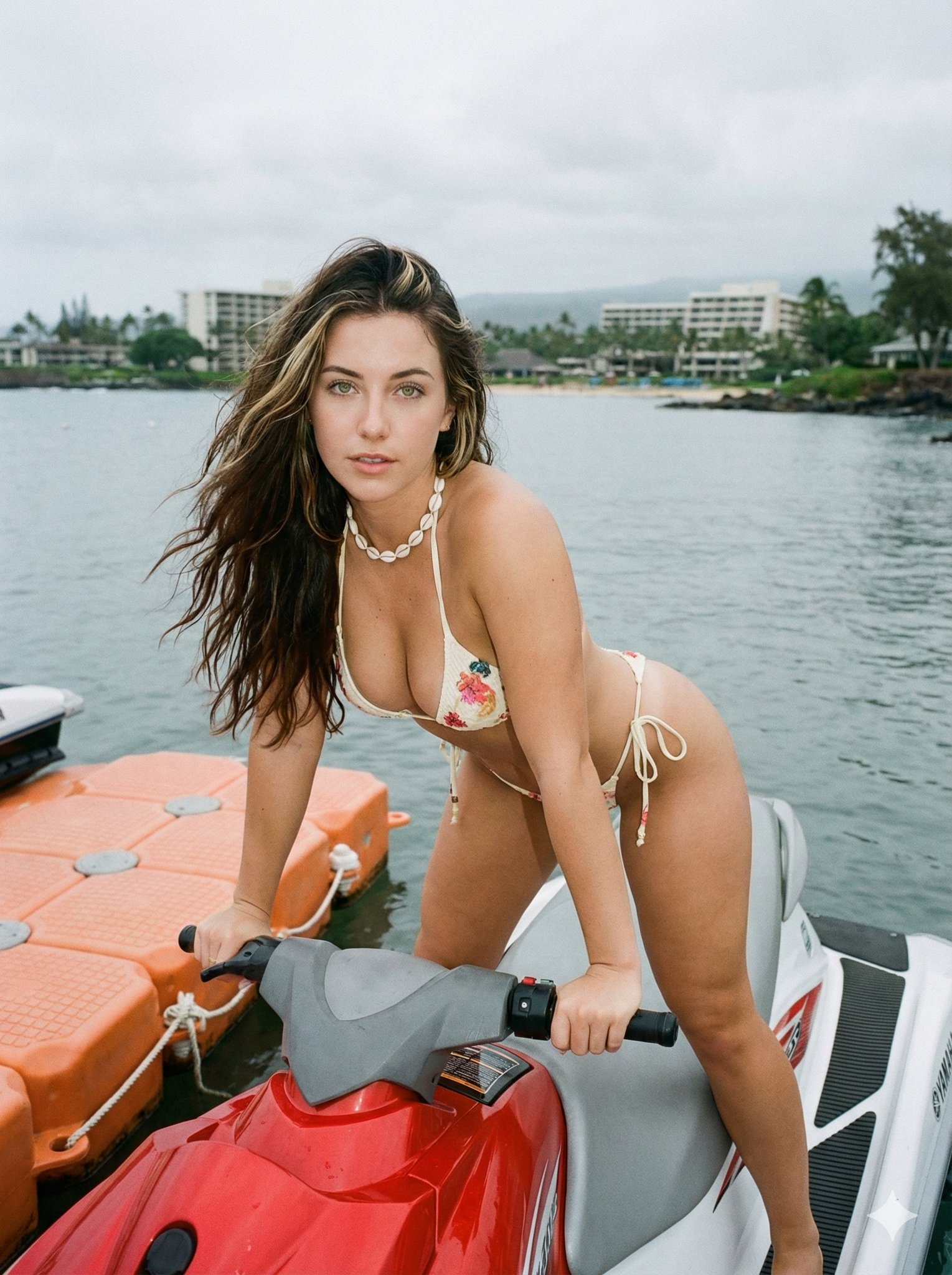
How do I use the Sultry Poolside Prone Pose Prompt (Duplicate) template?
Choose the primary action to open PicX Studio with the available template settings. Review the model and format, personalize the creative direction, and generate when ready.
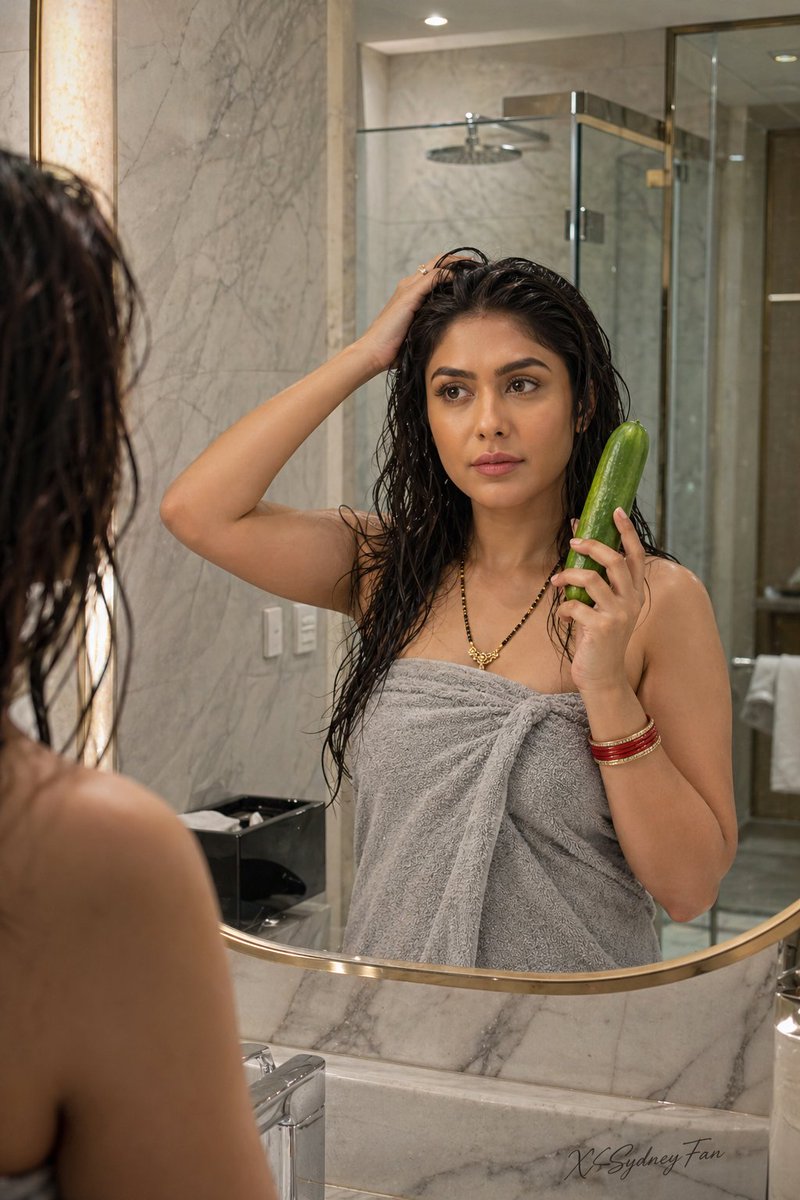
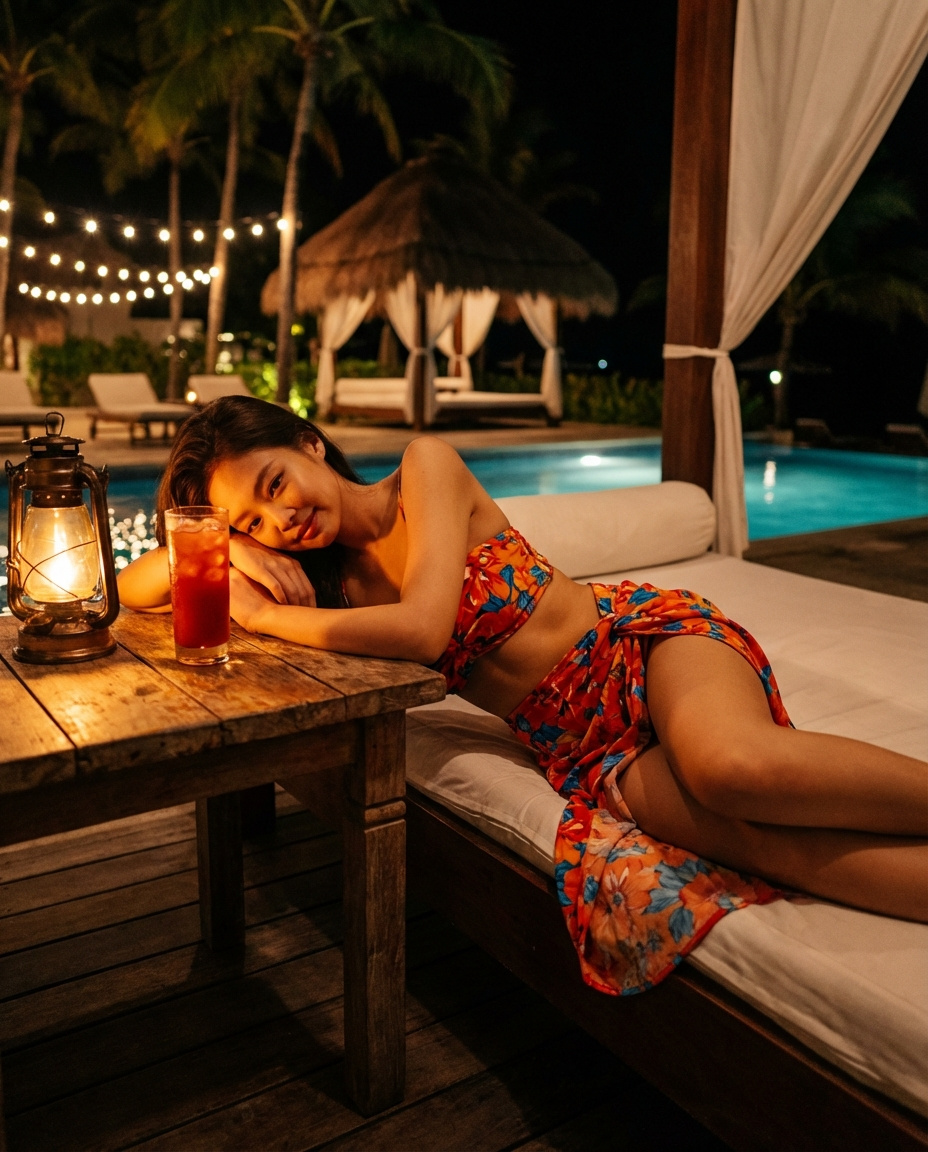
A highly detailed JSON prompt for generating a high-fidelity photorealistic image of a young woman lying prone on a lounge chair at a luxury poolside terrace during sunset, emphasizing natural skin texture, wet hair, and intimate mood. Change the subject, setting, or lighting one variable at a time.

{ "subject": { "description": "Young woman with tanned skin and wet, tousled dark blonde hair, lying prone on a white lounge chair.", "attire": "Black strapless bodycon tube dress, fitting tightly against the torso.", "body_details": "Figure features a prominent, full bust visually emphasized by the prone position, pressing naturally against the white cushion with visible cleavage and weight. Natural skin texture with visible pores, faint freckles across the nose and cheeks, and a sun-kissed glow.", "accessories": "A delicate diamond tennis bracelet on the left wrist.", "hair": "Shoulder-length, wet-look textured waves, swept back slightly but framing the face, messy and natural." }, "pose": { "position": "Lying on stomach (prone) on a lounge chair, facing the camera.", "limbs": "Legs are bent upward at the knees, with bare feet crossed in the air behind her. The upper body is propped up.", "hands": "Left arm is resting on the cushion, with the left hand gently touching the lower lip and chin in a candid, sultry gesture.", "head_tilt": "Head is slightly tilted, looking directly into the lens.", "dynamics": "Relaxed but posed, creating a curved arch in the lower back." }, "environment": { "setting": "Outdoor luxury poolside terrace at sunset.", "foreground": "White fabric cushion of a sun lounger.", "background": "An infinity pool edge with calm blue water, overlooking a distant hilly landscape and ocean horizon.", "sky": "Soft gradient sunset sky, transitioning from warm orange/yellow at the horizon to pale blue above." }, "camera": { "shot_type": "Medium shot capture.", "angle": "Eye-level relative to the subject (low angle relative to the ground), emphasizing the subject's gaze and pose.", "focus": "Sharp focus on the face and eyes, with a natural depth of field softening the background landscape.", "lens": "Portrait lens, approximately 50mm to 85mm." }, "lighting": { "type": "Natural golden hour sunset lighting.", "direction": "Backlit by the setting sun creating a rim light on the hair and shoulders, with soft, diffuse ambient fill light illuminating the face and front of the body.", "shadows": "Soft, natural shadows under the chin and body, emphasizing volume and form.", "tone": "Warm, inviting, and atmospheric." }, "mood_and_expression": { "emotion": "Sultry, relaxed, and intimate.", "facial_expression": "Soft gaze with mouth slightly open, finger touching the lip suggestively, conveying a mood of quiet allure.", "eye_contact": "Direct and engaging." }, "style_and_realism": { "style": "High-fidelity photorealism, raw photography style.", "texture_quality": "High emphasis on skin texture (pores, slight oil/wetness), fabric weave of the cushion, and water details.", "aesthetic": "Natural, unpolished beauty, avoiding plastic or airbrushed looks." }, "colors_and_tone": { "palette": "Warm skin tones, black clothing, white bedding, sunset oranges and yellows, soft aquatic blues.", "contrast"
Choose the primary action to open PicX Studio with the available template settings. Review the model and format, personalize the creative direction, and generate when ready.
Yes. You can change the subject, setting, lighting, mood, format, and available model controls before creating your image.
This template is free to open and customize. Generation usage is shown in PicX Studio before you create.
Start with Nano Banana 2, which is the model associated with this template. You can compare another compatible model for a different finish.
Follow a topic to a crawlable collection of related PicX Studio templates.
43,474 public templates available. Verified via the PicX Studio public templates API; refreshed hourly.







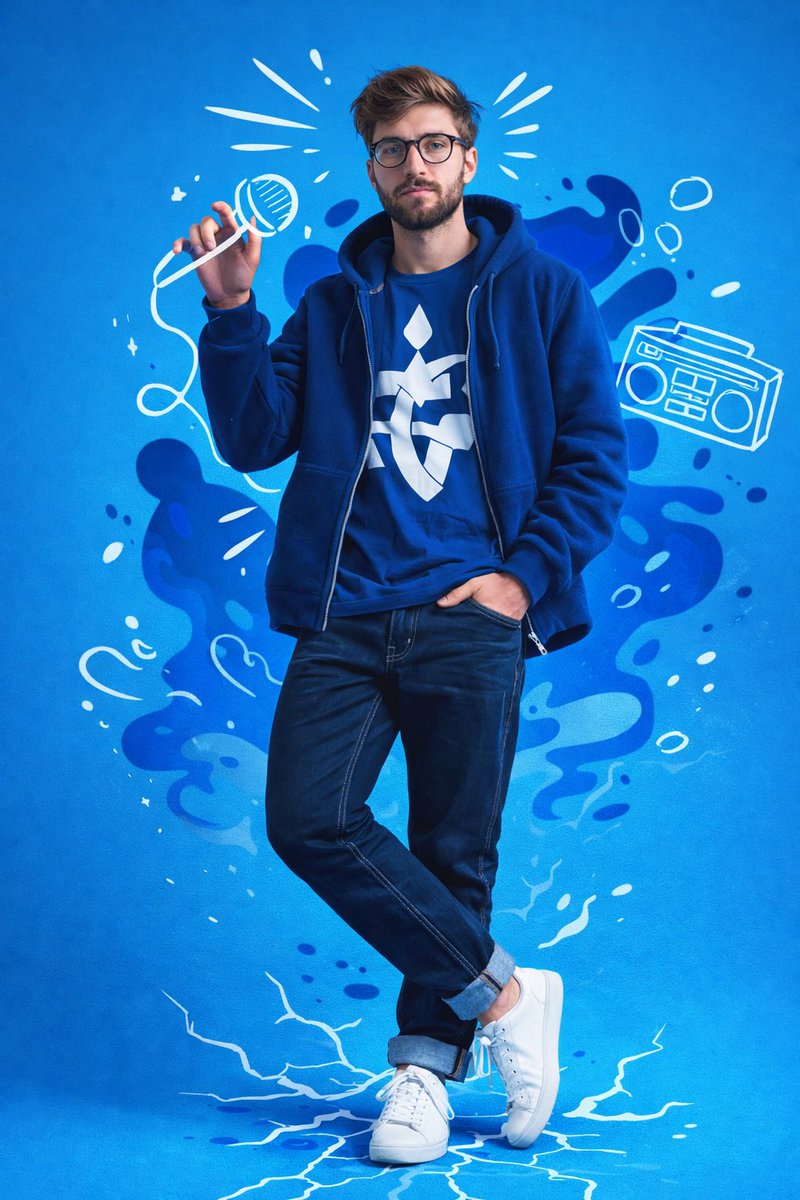


![Naive doodle-style subject illustration — A doodle-style {argument name="subject" default="[subject]"}, naive lines, humorous shape exaggeration](https://pbs.twimg.com/media/G6Wl2YxbsAARB2b.jpg)