
Luxury Poolside Fashion Portrait
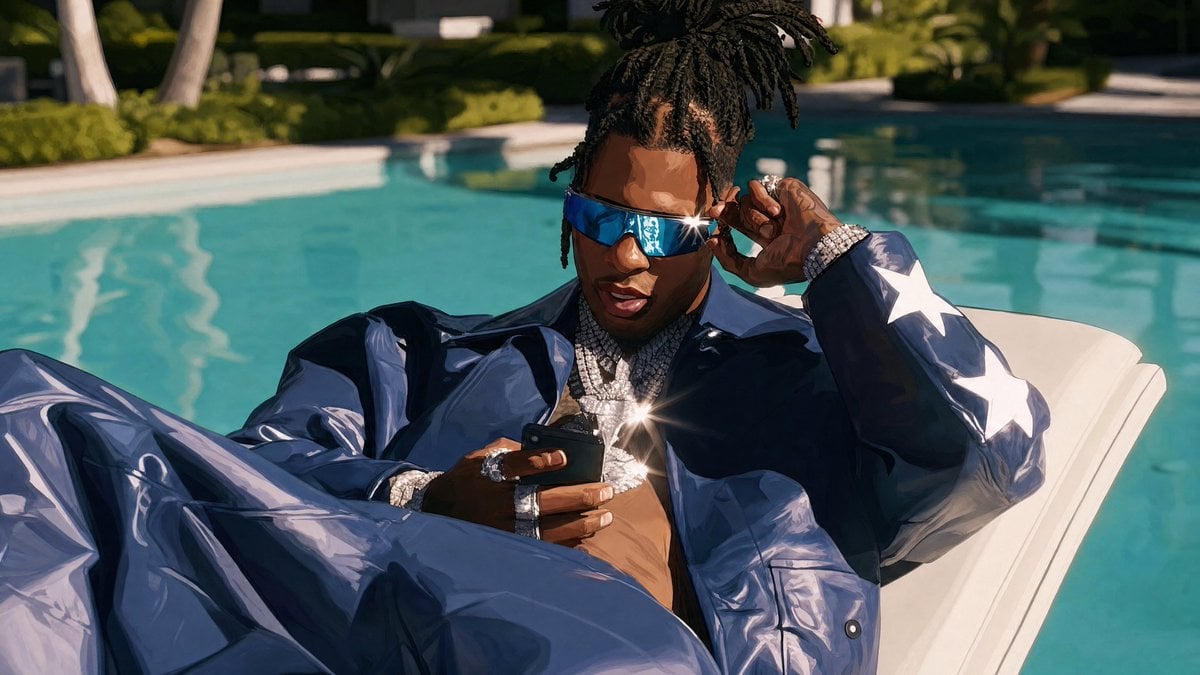
A cinematic prompt for generating a glossy high-fashion poolside portrait with reflective sunglasses, diamond jewelry, and resort luxury styling.
- Prompt included
- Model and format preset
- Free template
The prompt behind this image
Copy the exact prompt behind Luxury Poolside Fashion Portrait, or open it in the studio and make it yours.
Create a cinematic luxury editorial portrait of {argument name="character description" default="a stylish young Black man with medium-brown skin and high tied dreadlocks"} lounging on a white poolside chaise beside a bright turquoise swimming pool at a modern resort. He wears oversized reflective blue wraparound sunglasses with a sharp starburst glint, an open glossy navy-blue leather or vinyl jacket and matching loose pants, with exactly 3 large white star patches visible down the right sleeve. His bare chest is covered with layered diamond necklaces and pendants, diamond bracelets, and rings; add exactly 3 intense sparkle flares on the jewelry and sunglasses. He holds a black smartphone low in one hand while lifting the sunglasses with the other, looking cool and focused. Use a low, close, slightly wide-angle composition with his legs filling the lower left foreground, torso centered, head near the upper middle, and the pool stretching behind him. Background: sunlit teal water, soft-focus hedges, palm trunks, and modern architecture, shallow depth of field. Visual style: high-end fashion photography mixed with polished digital painting, hyper-detailed glossy fabric reflections, strong midday sunlight, crisp shadows, saturated cyan-and-navy color palette, cinematic 16:9 aspect ratio, no text, no watermark.
How to use Luxury Poolside Fashion Portrait in 3 steps
- 1Upload ImagePNG, JPG or paste
Add your photo
Upload the photo the template builds on. The prompt, model and format are already set.
- 2…a portrait of your subject in softgolden-hour light, 85mm…
Personalize
Edit the subject and creative details for your destination.
- 3Generate
Generate
Press Generate — your image is created in PicX Studio, so you can compare it with the original and refine one variable at a time.
More like this
Templates with the same subject, style or setup. Open one to see its prompt.

Nano Banana 2 High Fashion Sports Campai

Couture Fashion Editorial Woman and Drag

Ive Yujin Fashion Portrait in Blue

Nano Banana 2 Editorial Fashion Portrait

Caution Tape Fashion — Industrial Editorial

Luxury Fashion Editorial Portrait
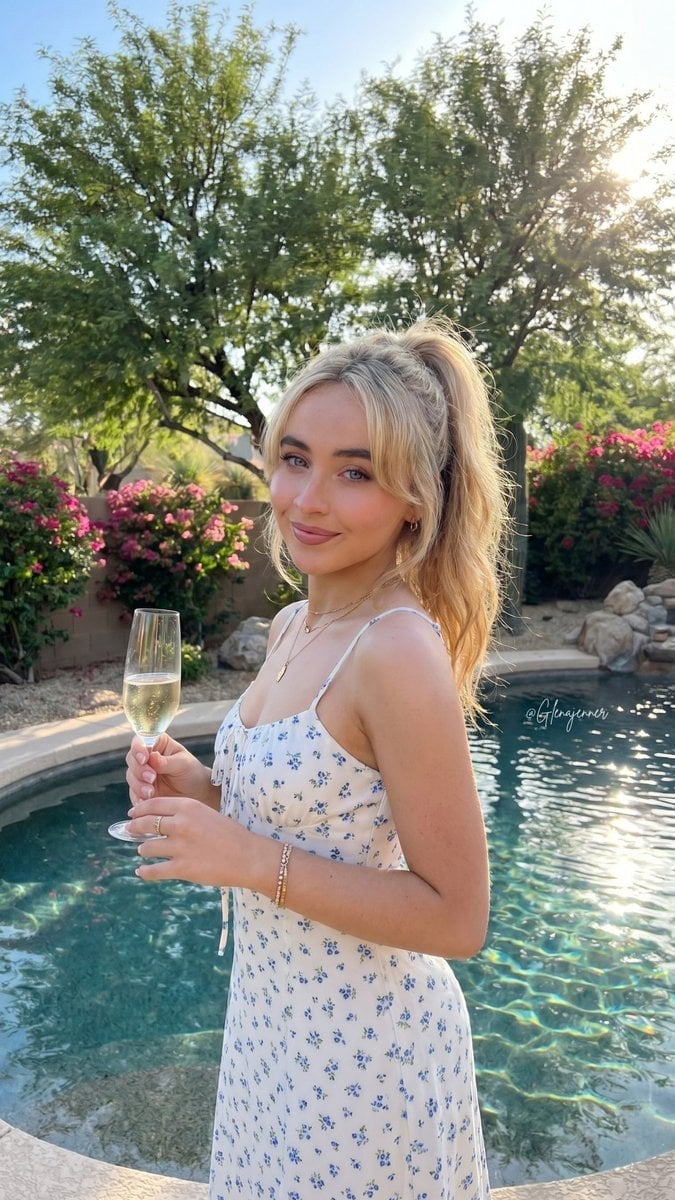
Luxury Poolside Lifestyle Portrait
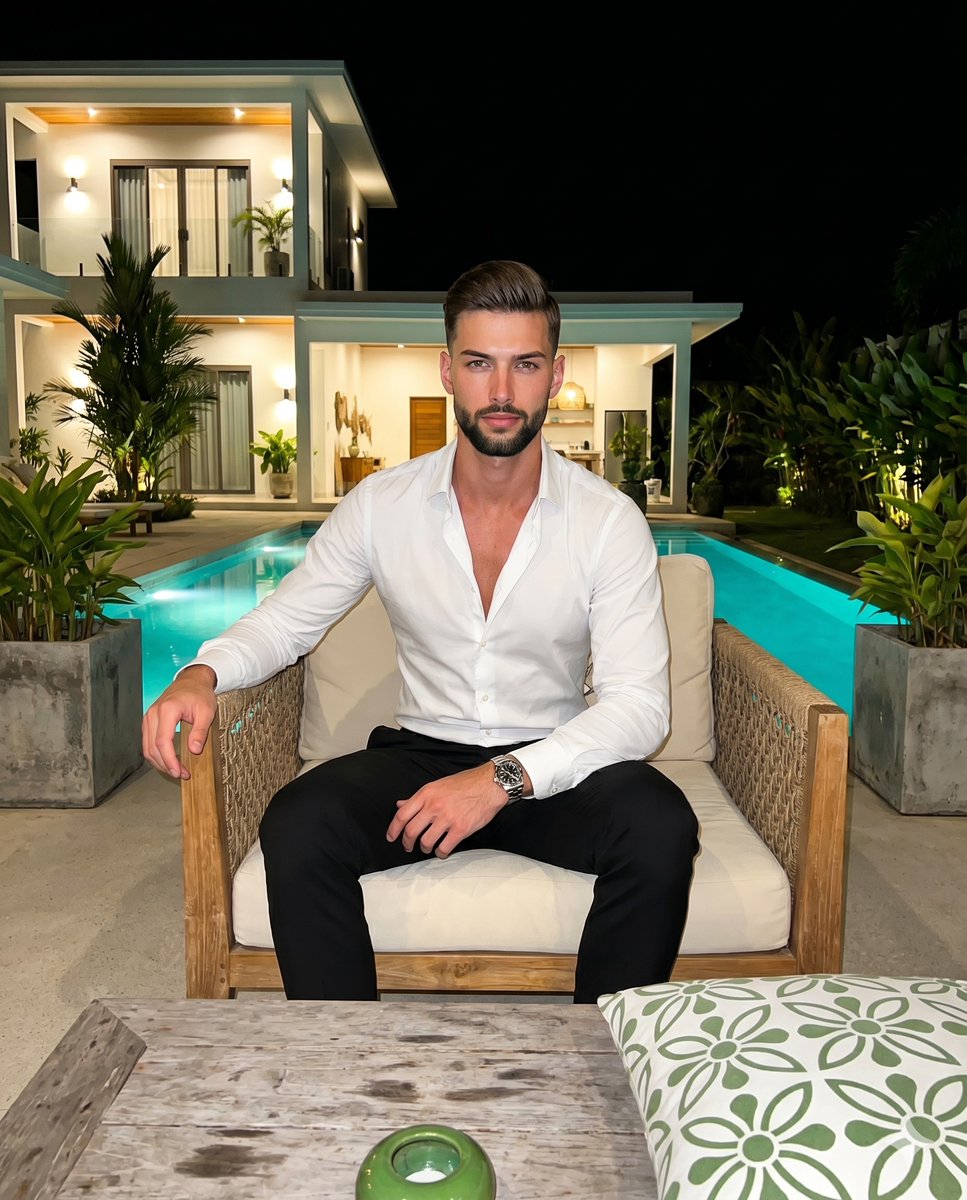
Luxury Villa Evening Poolside Portrait
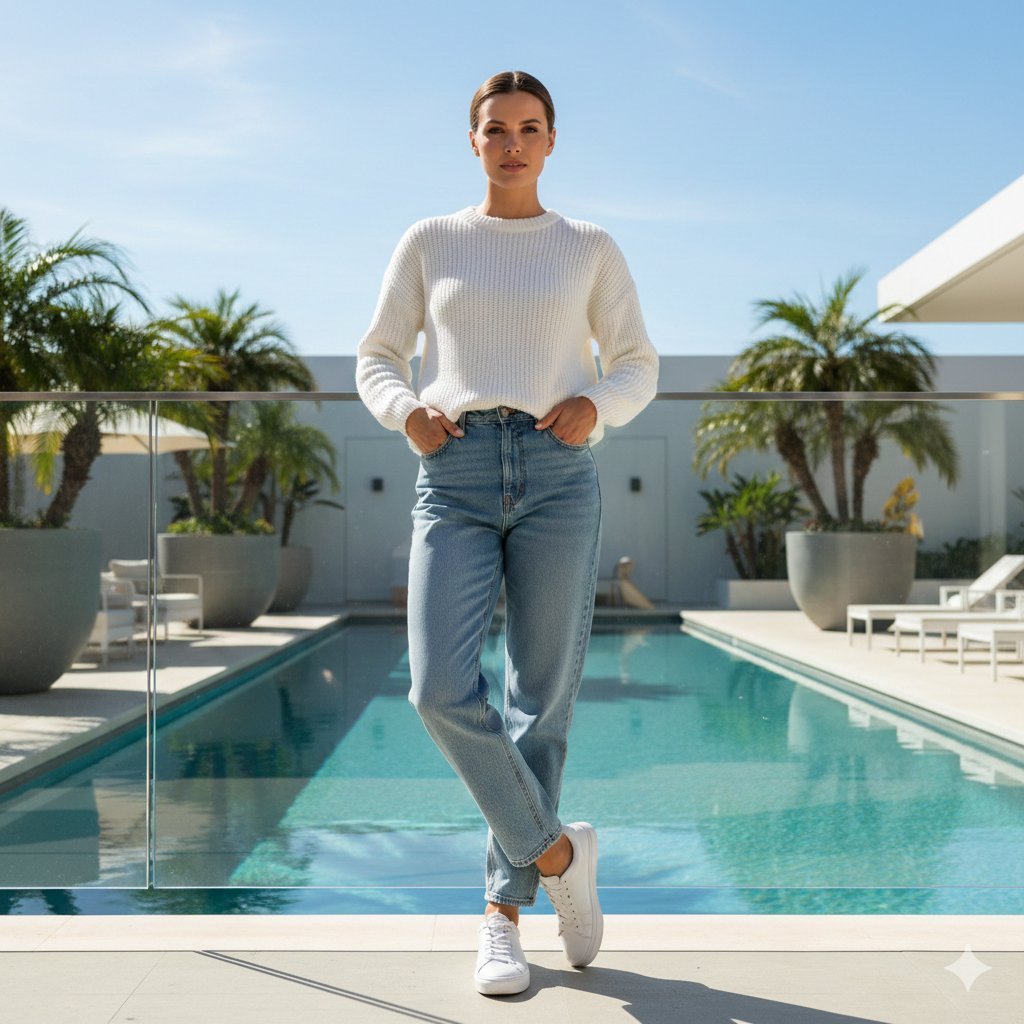
Ultra-realistic Lifestyle Portrait at Luxury Poolside with Identity Lock
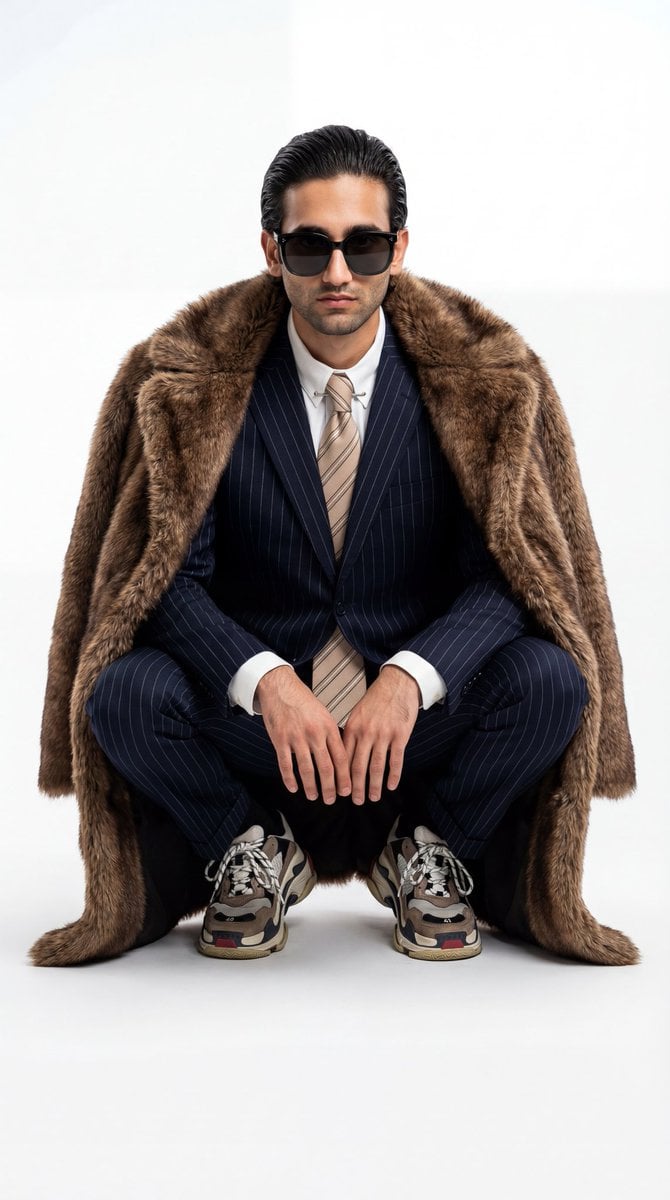
Ultra-Realistic Luxury Fashion Editorial Portrait

19 Luxury Helicopter Travel — California Series

08 Rodeo Drive Luxury Exit — California Series
Make it yours
Luxury Poolside Fashion Portrait works as-is. These are the safest ways to change it without losing the look.
Change one field
Copy a single group, rewrite it, and generate again so you can see what that field is doing.
Keep the frame, change the subject
Hold the composition and light of Luxury Poolside Fashion Portrait, then swap wardrobe, props or the person for a new take.
| If the result… | Why | Fix |
|---|---|---|
| The result drifts from the preview | Too many fields changed at once. | Reuse Luxury Poolside Fashion Portrait as-is first, then change one group — subject, light, or setting. |
| The model over-stylizes the scene | The prose prompt leaves finish and camera underspecified. | Add one camera or lighting sentence and stay on GPT Image 2. |
More GPT Image 2 templates
Other prompts made for GPT Image 2.

Six VTuber Japanese Logo Sheet

Realistic Portrait of Woman and Deer

The Vista Modular Condo Poster

AI Model Routing Comparison Infographic

2.5D Anime Art Board

Isometric Productivity Desk Scene

New York Double Exposure Poster

Four-Panel AI Landscape Comparison

Japanese Tatami Lifestyle Magazine Cover

NESCAFÉ Coffee Map Poster
More image prompts
Fresh picks from across the catalog.
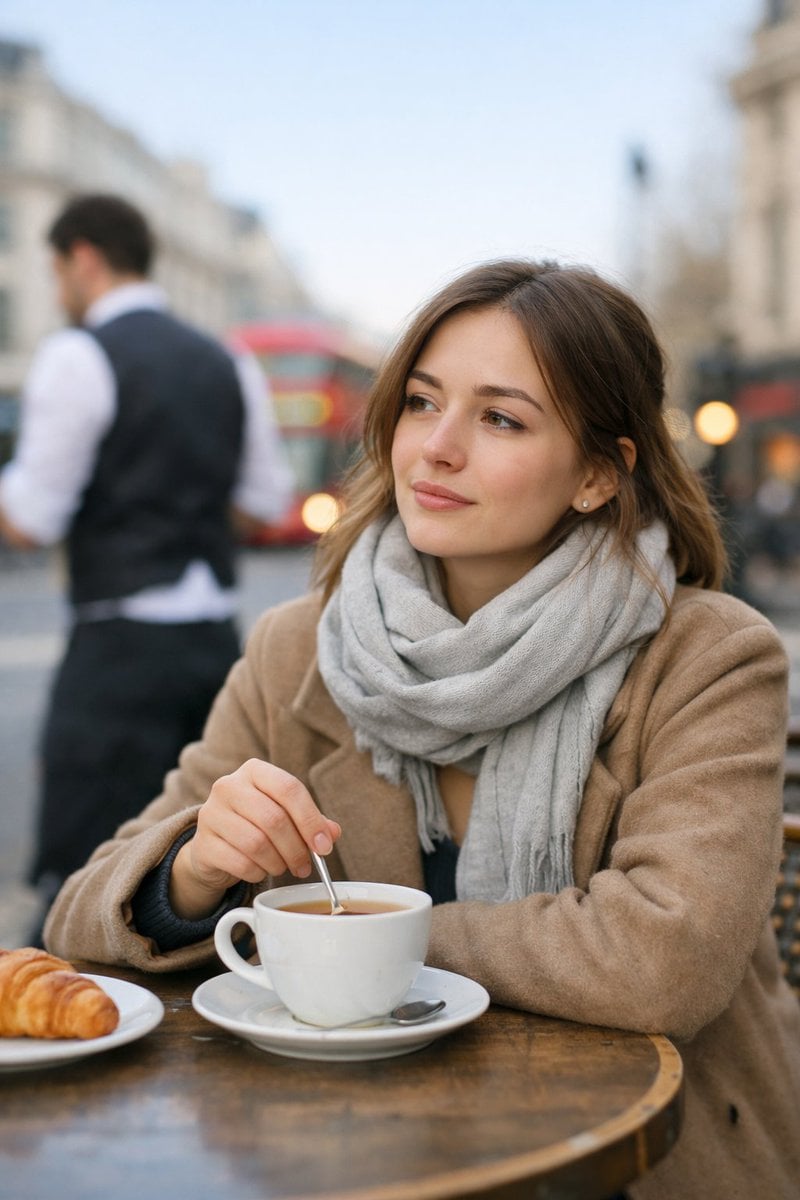
Cinematic London Morning Restaurant Portrait
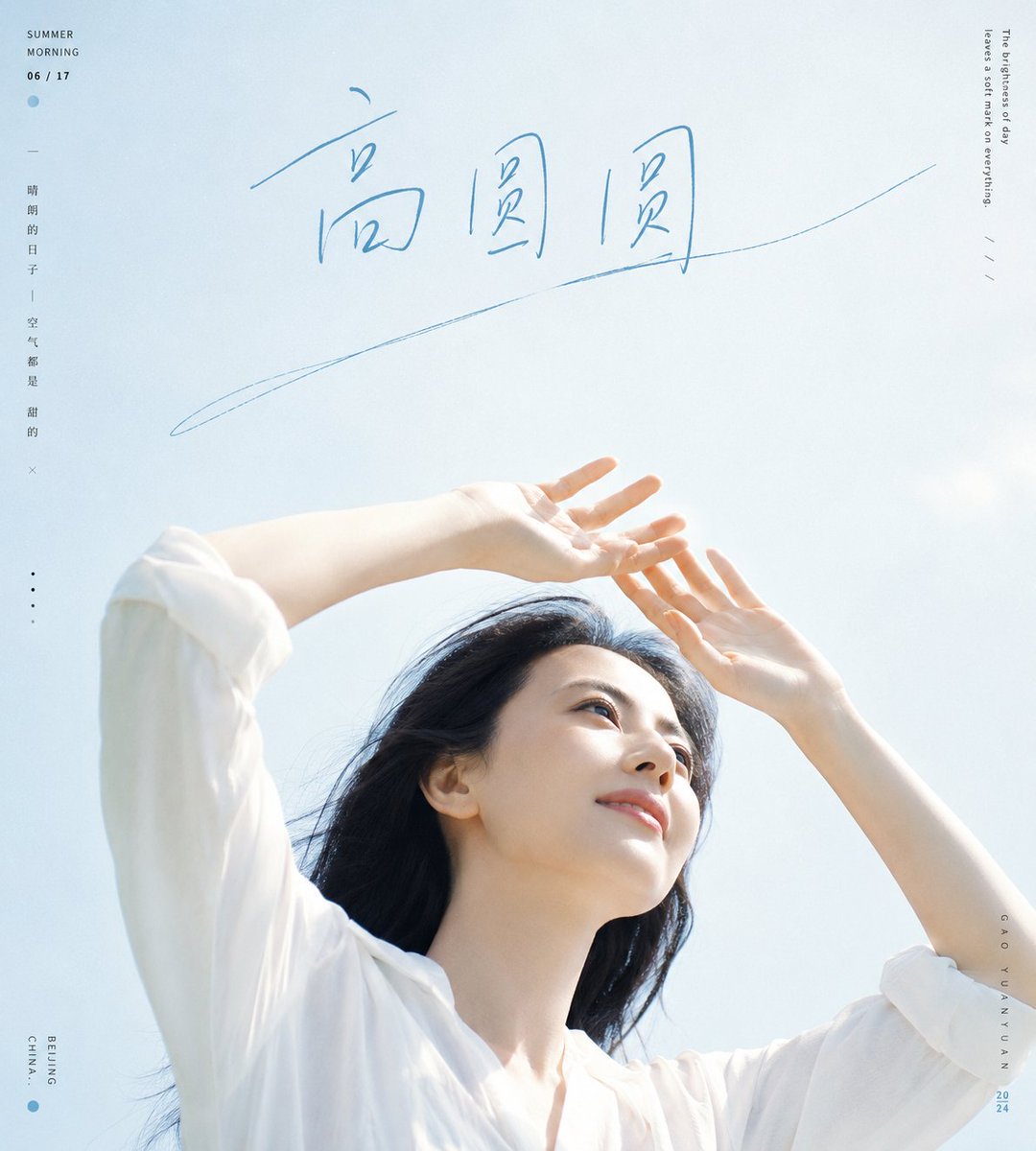
Fresh Summer Sky Portrait Poster
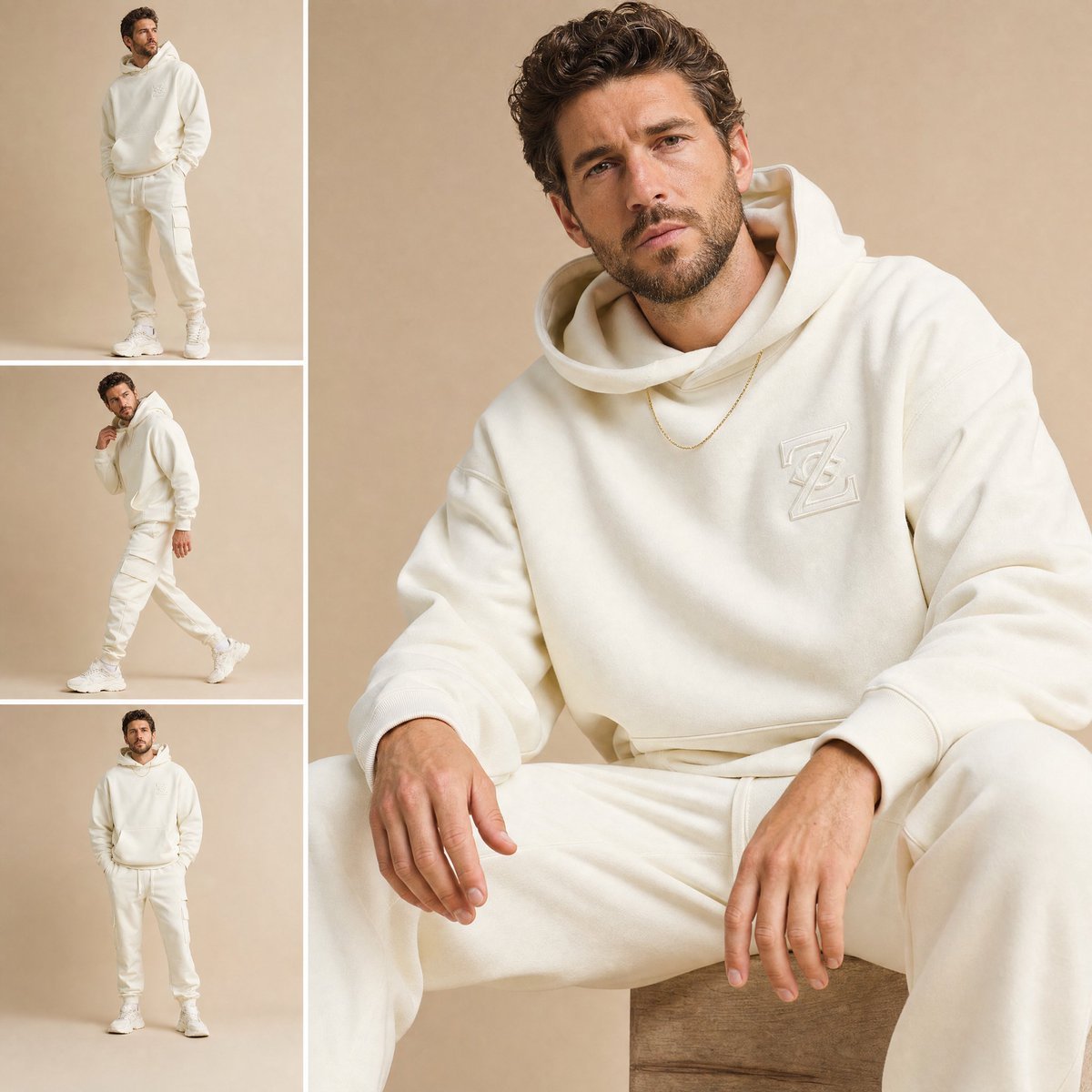
High-End Fashion Lookbook Collage
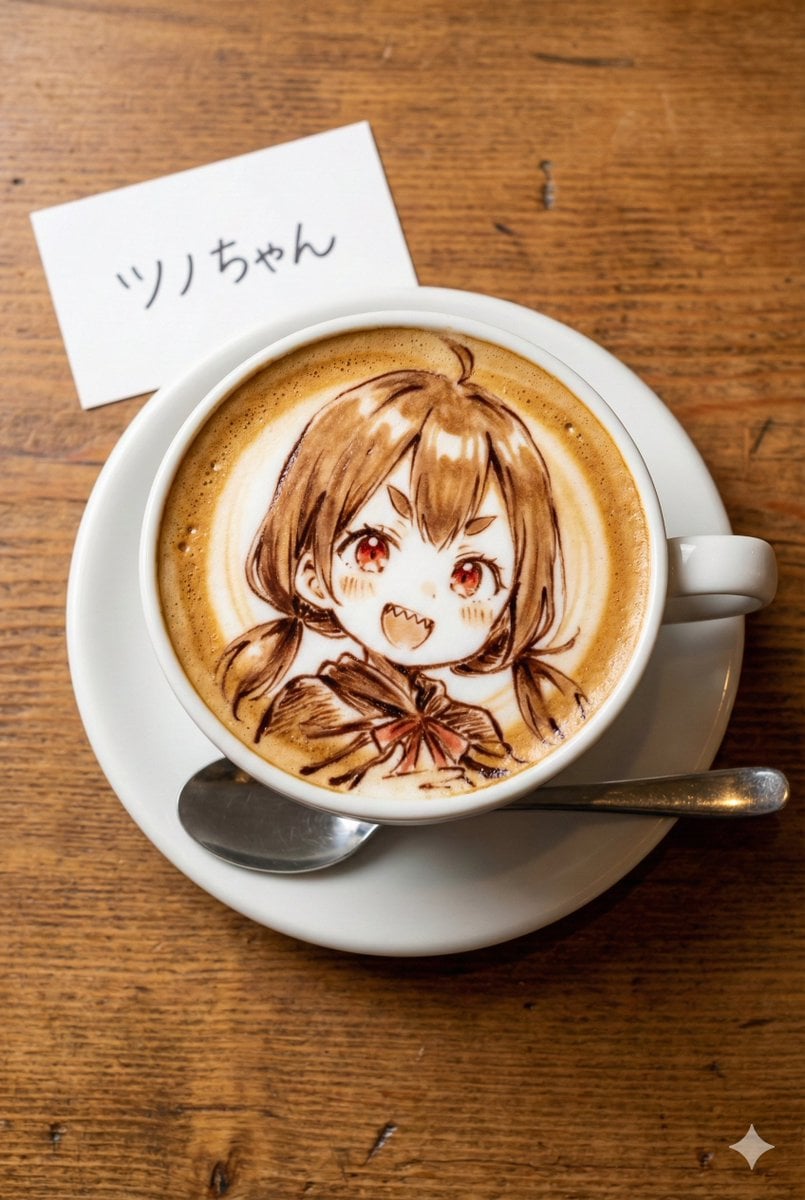
Custom Character Latte Art Generation Prompt
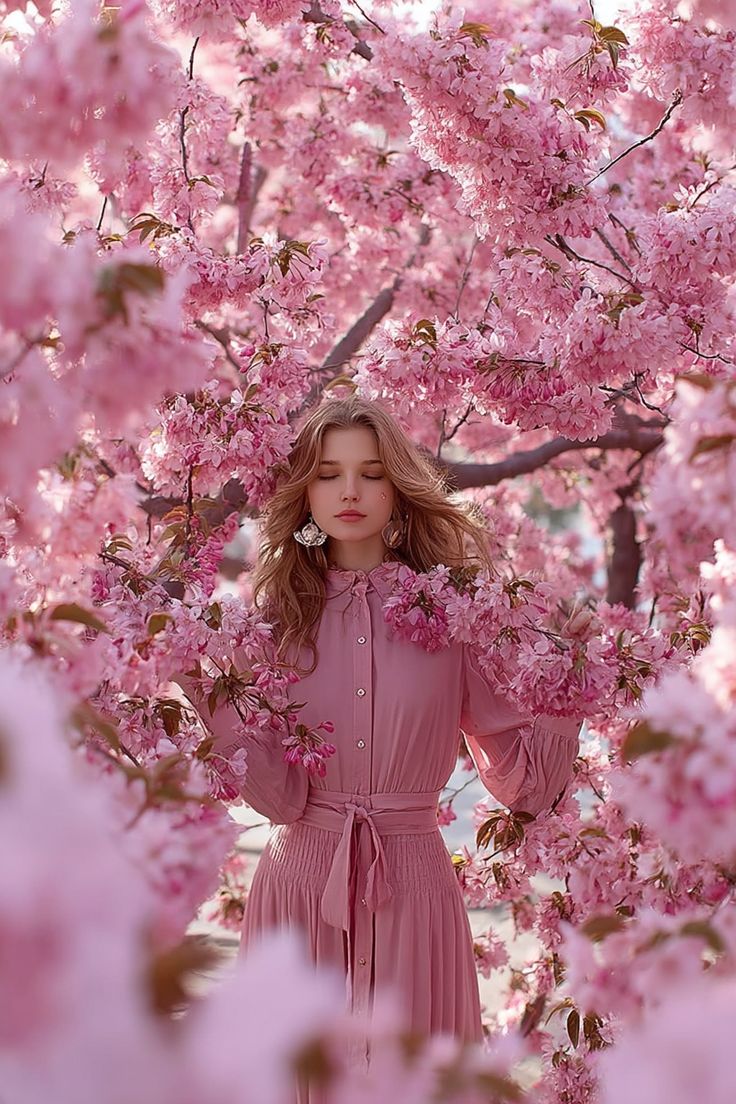
Dreamy Cinematic Portrait under Cherry Blossoms
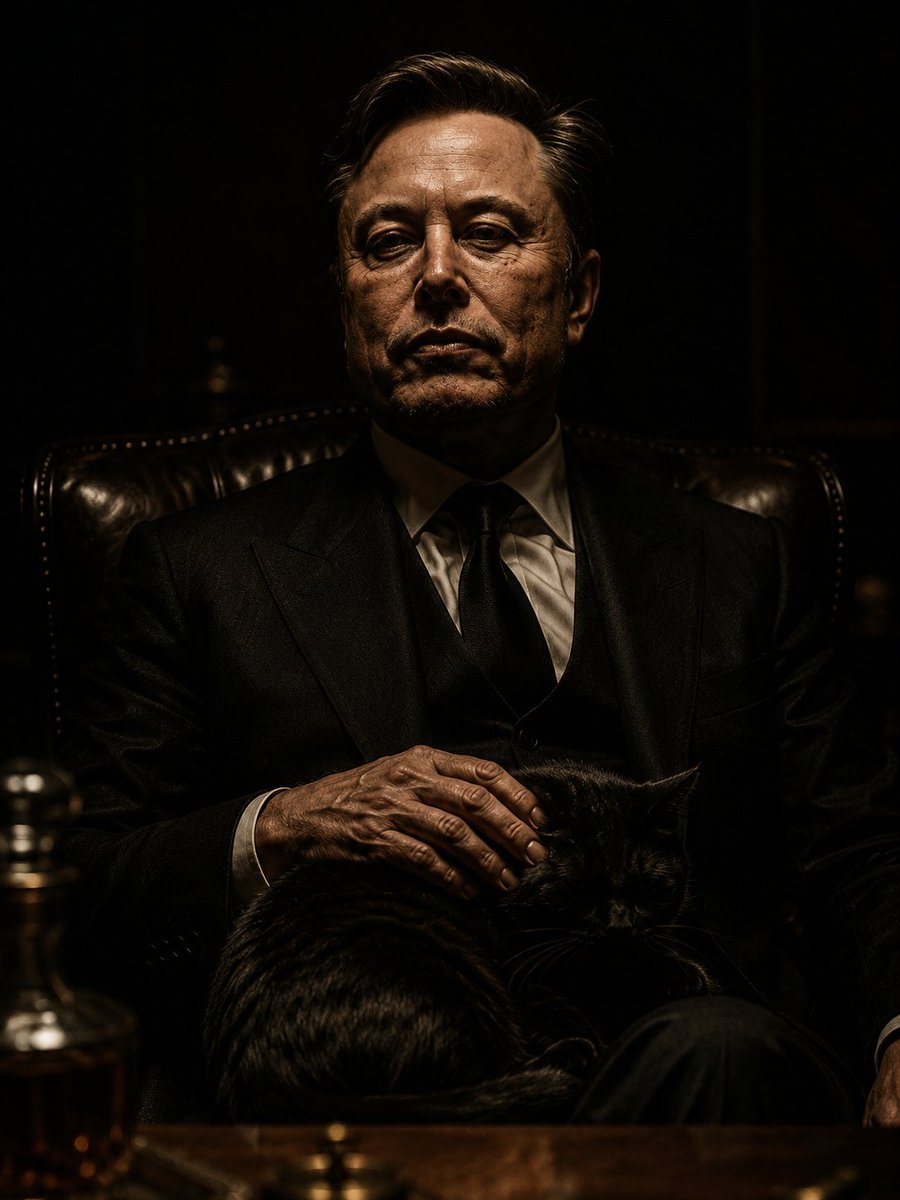
The Dark Godfather Structural Portrait
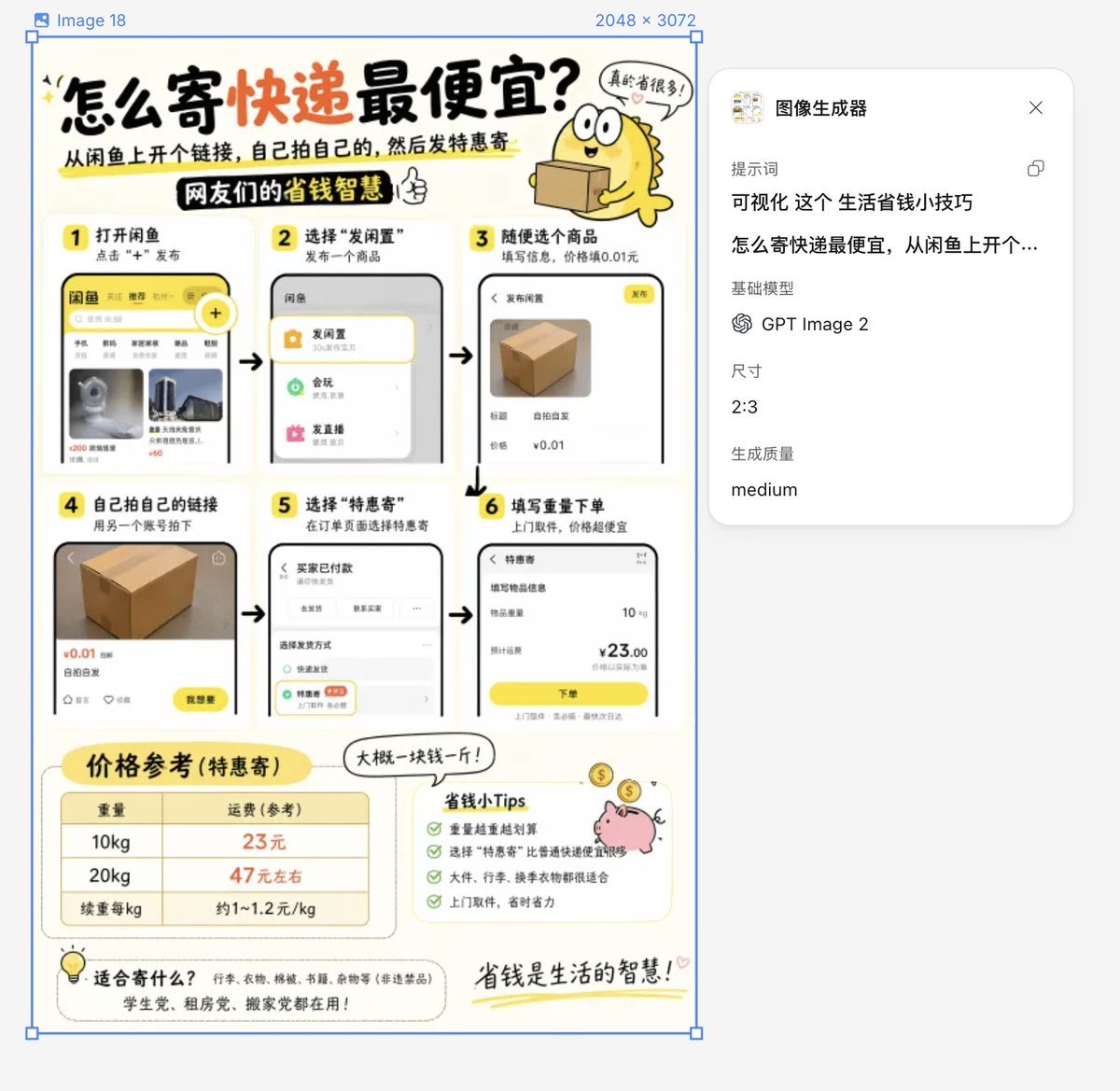
Life Hack Visualization
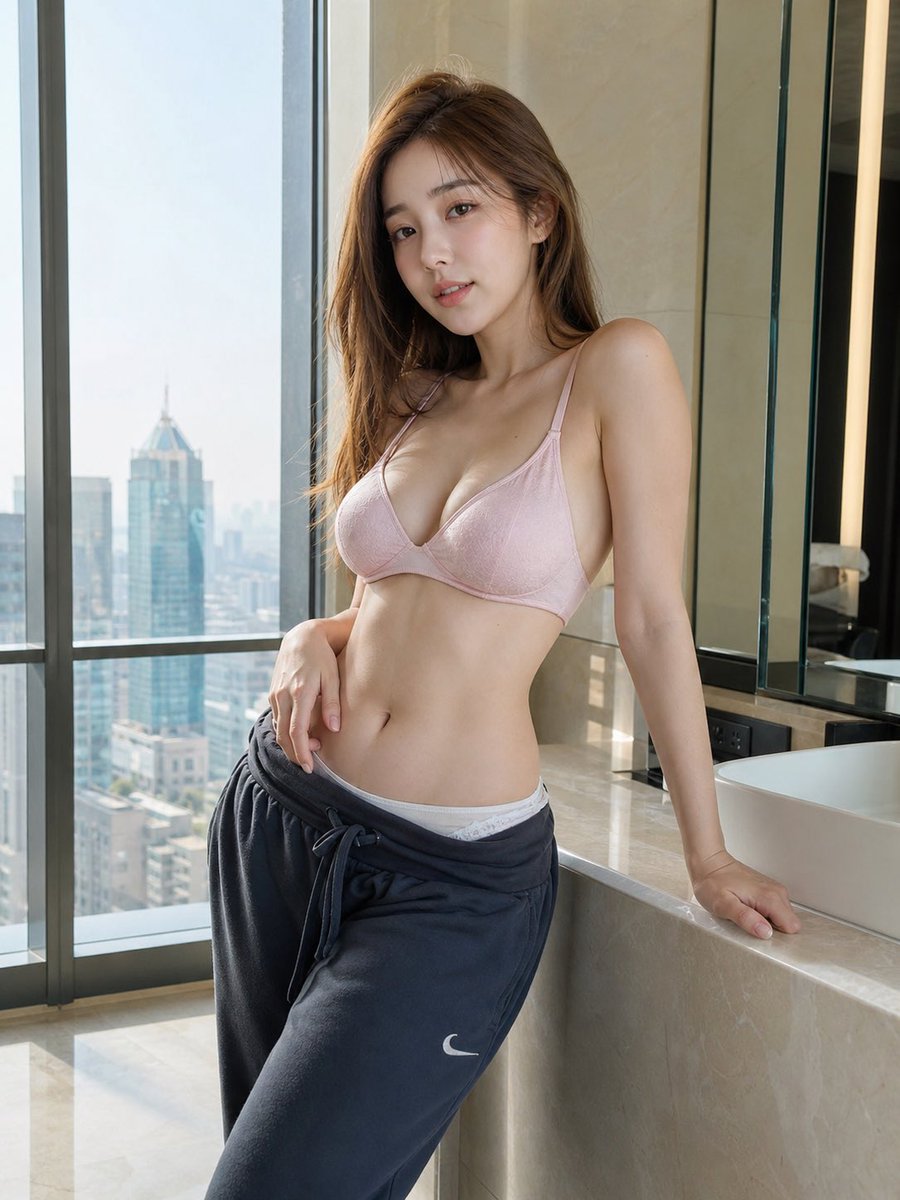
Hyper-realistic Apartment Interior Portrait
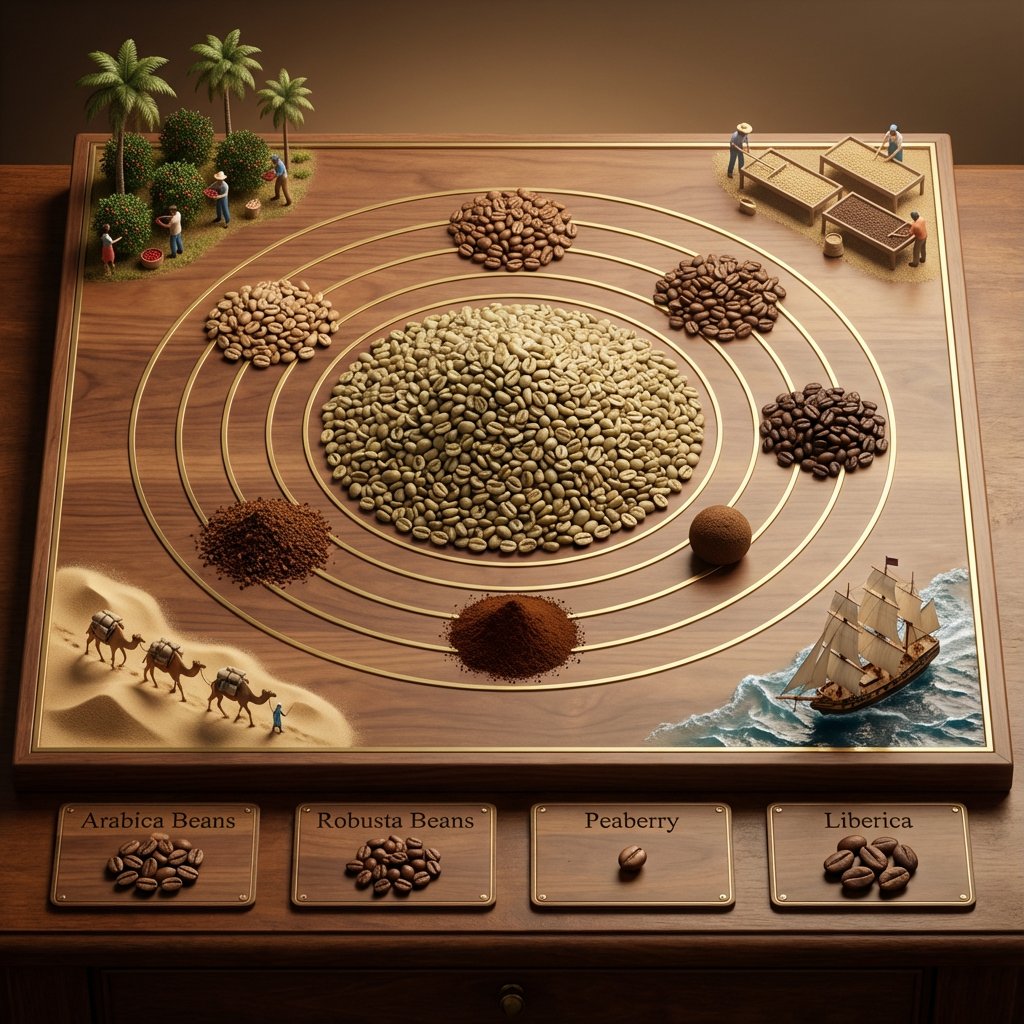
Educational Commodity Universe Diorama Prompt
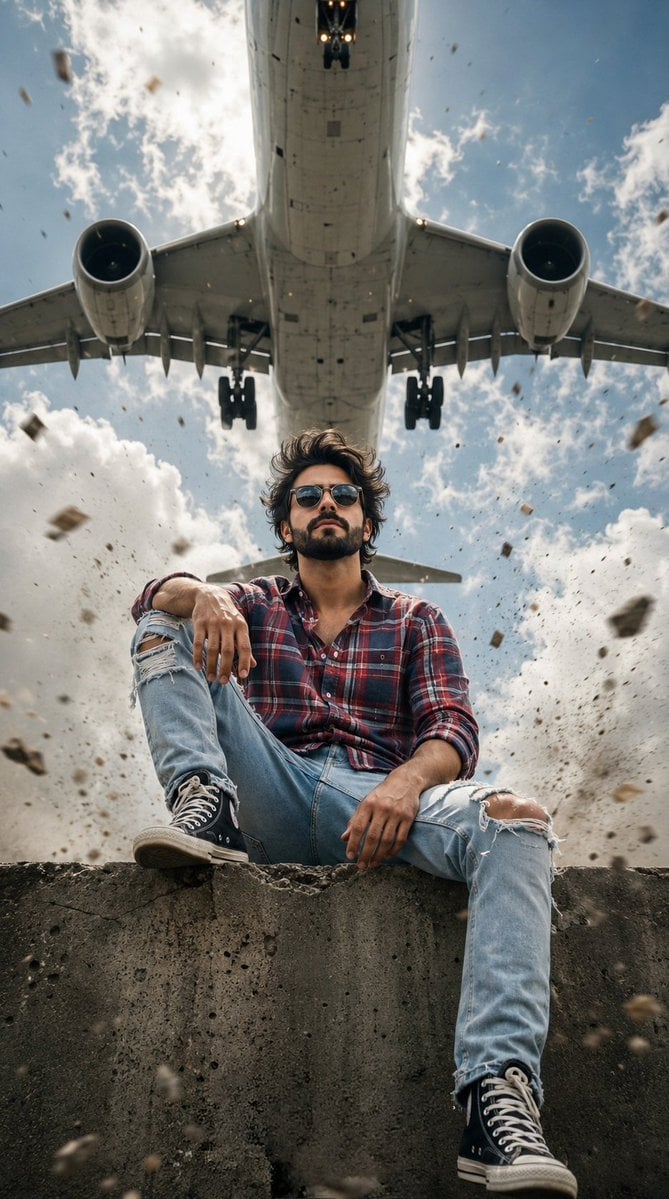
Extreme Low Angle Airplane Portrait
Browse template categories
Luxury Poolside Fashion Portrait questions
How do I use the Luxury Poolside Fashion Portrait template?
Add your photo if the template asks for one, edit the prompt if you like — the template's model and format are already selected — and press Generate. Your version opens in PicX Studio.
Can I customize the Luxury Poolside Fashion Portrait template?
Yes. You can change the subject, setting, lighting, mood, format, and available model controls before creating your image.
Is the Luxury Poolside Fashion Portrait template free?
Opening and editing this template is free. Generating uses credits, shown on the Generate button when you are signed in.
Which AI model should I use?
Start with GPT Image 2, which is the model associated with this template. You can compare another compatible model for a different finish.
Looking for something else? Browse all templates.

Your photo, any look
Thousands of ready templates for every top image and video model, from one credit balance.