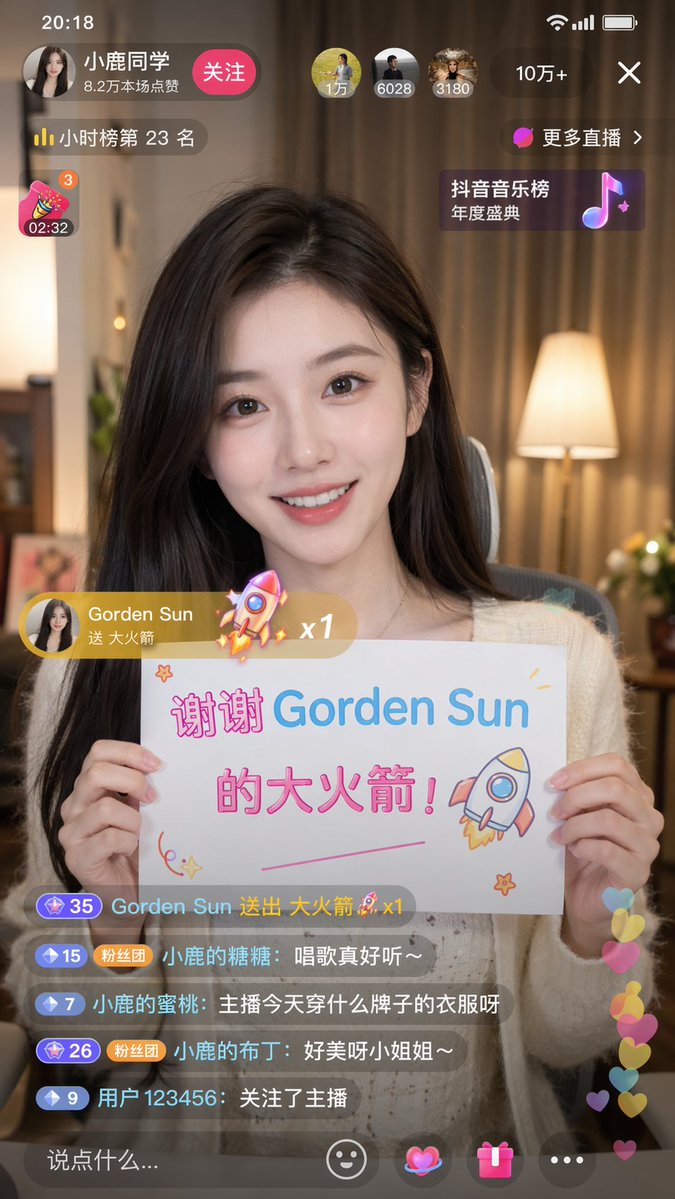
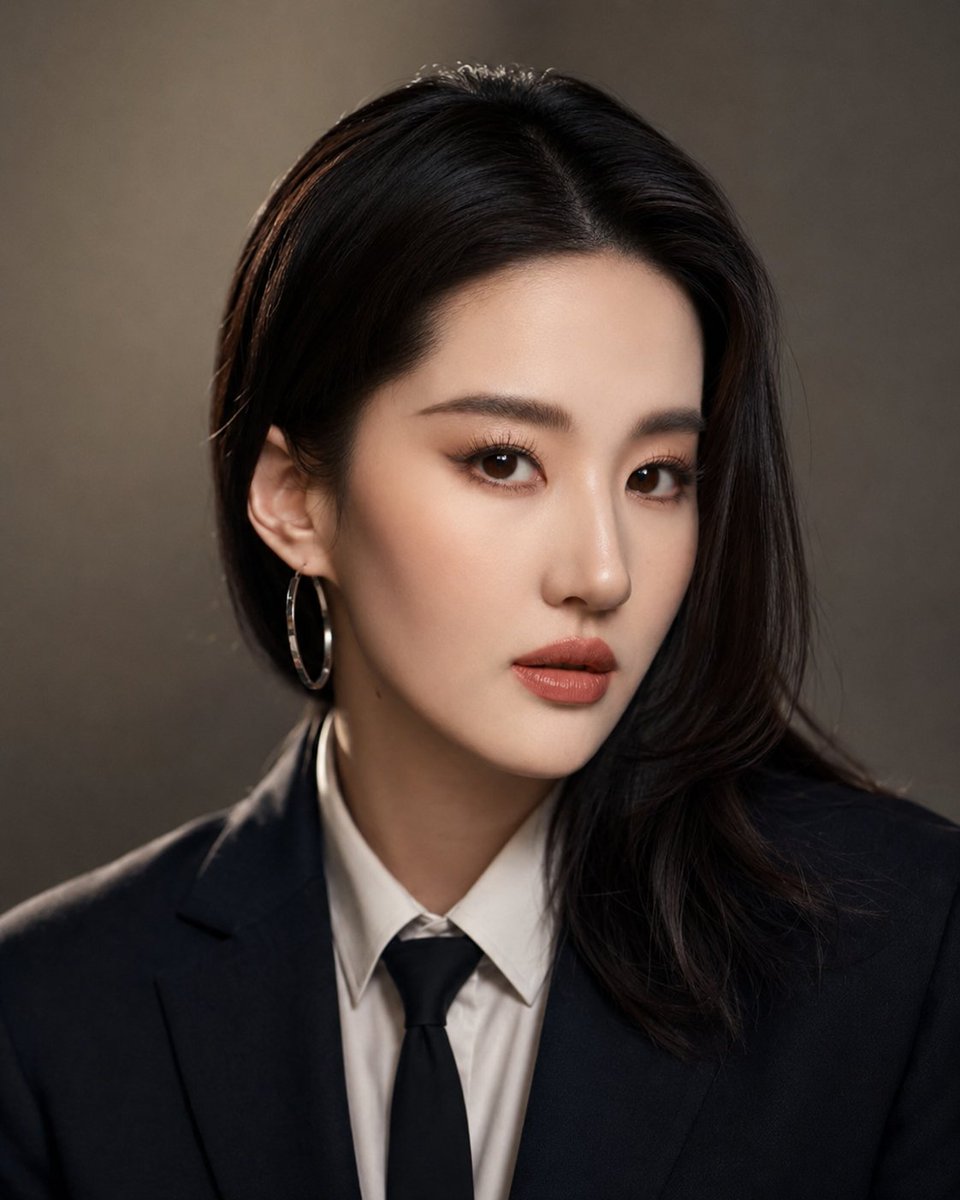
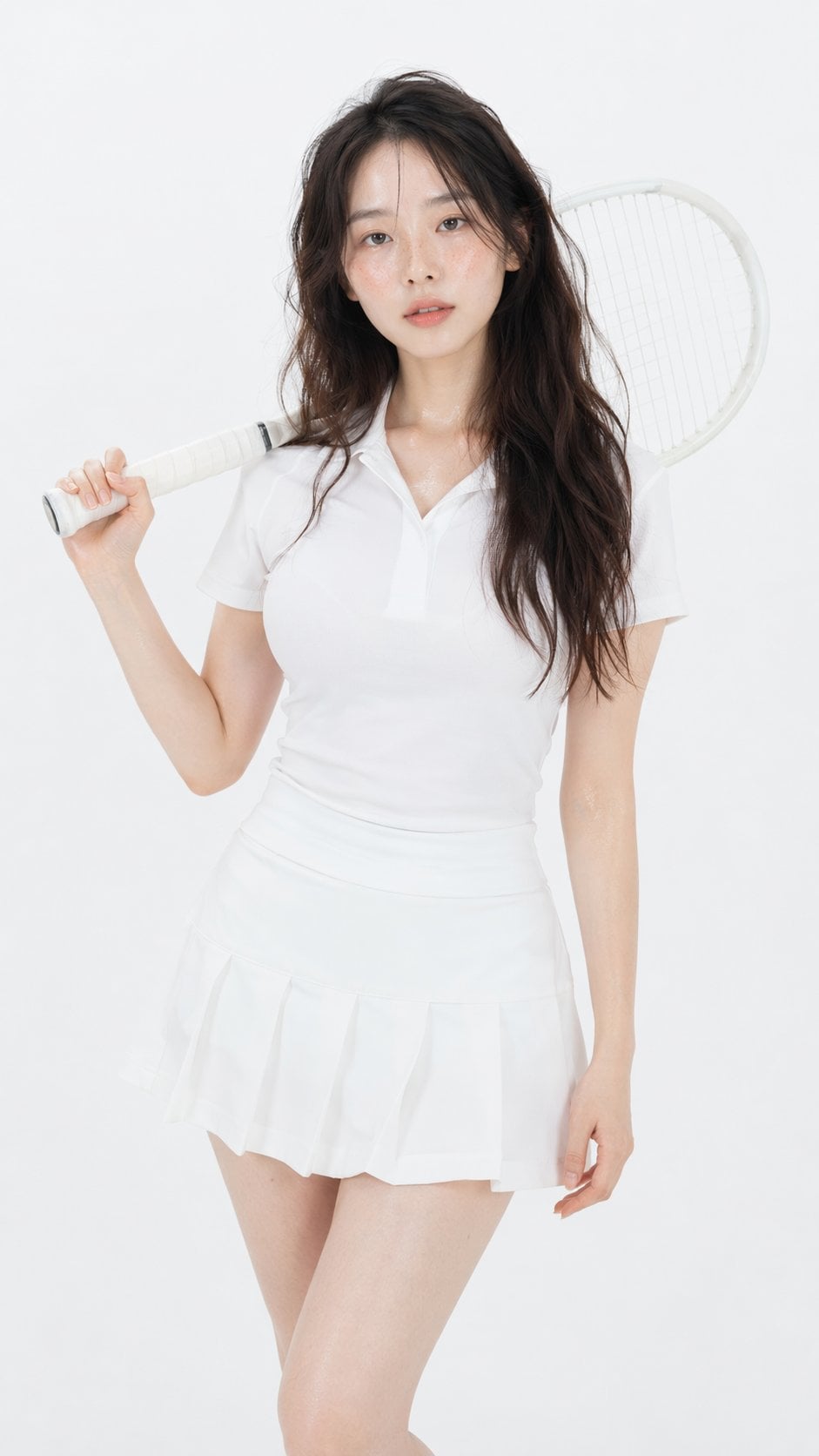
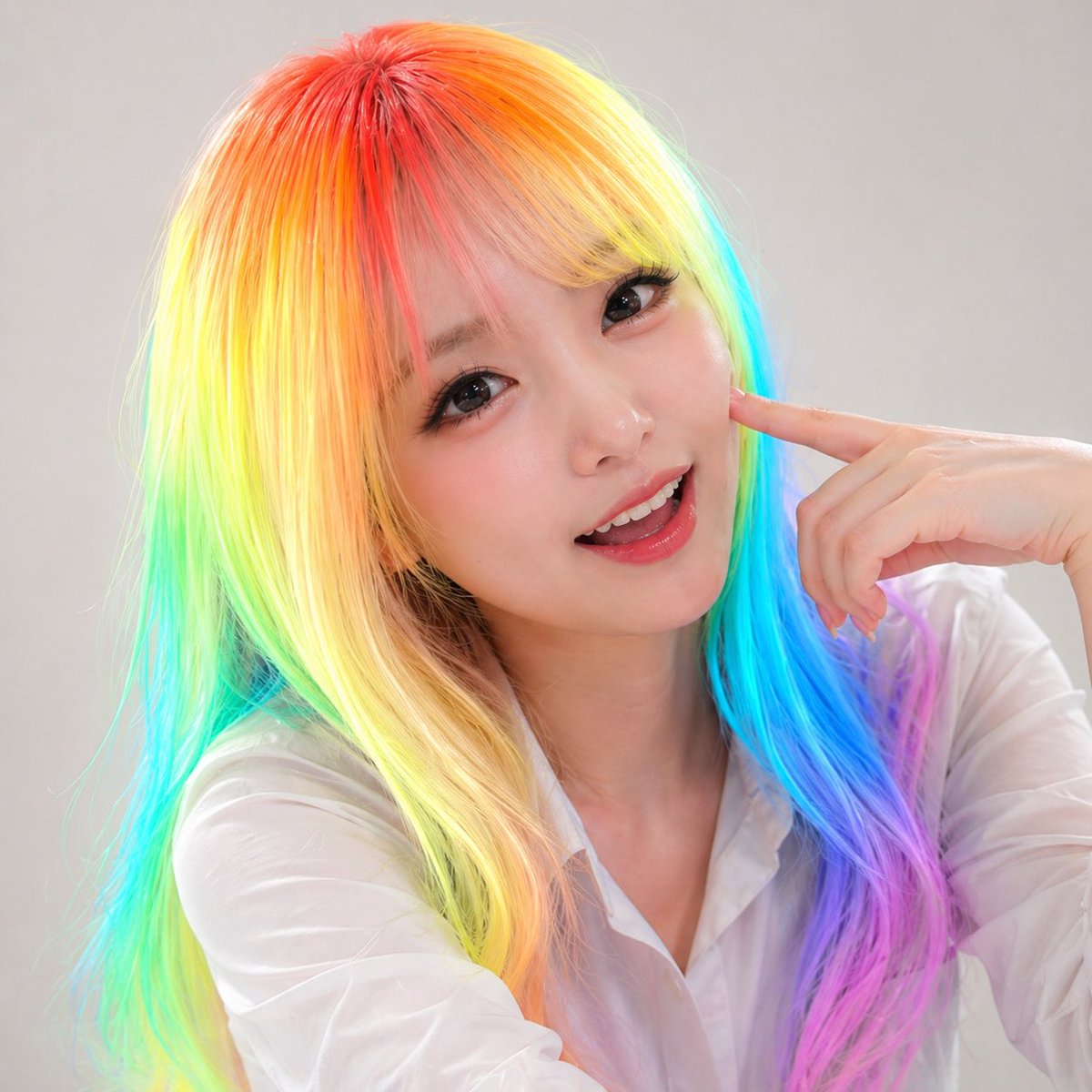
How do I use the Luxury Poolside Lifestyle Portrait template?
Choose the primary action to open PicX Studio with the available template settings. Review the model and format, personalize the creative direction, and generate when ready.
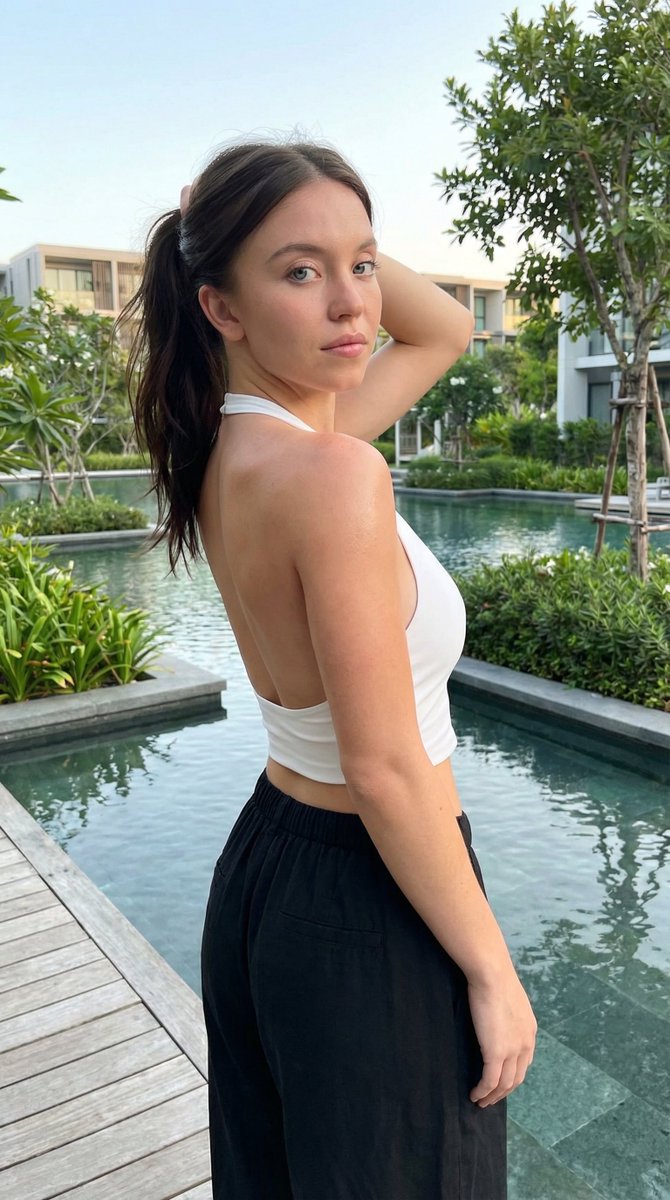
A comprehensive lifestyle photography prompt that places a subject by a luxury pool while strictly preserving facial identity from a reference image.
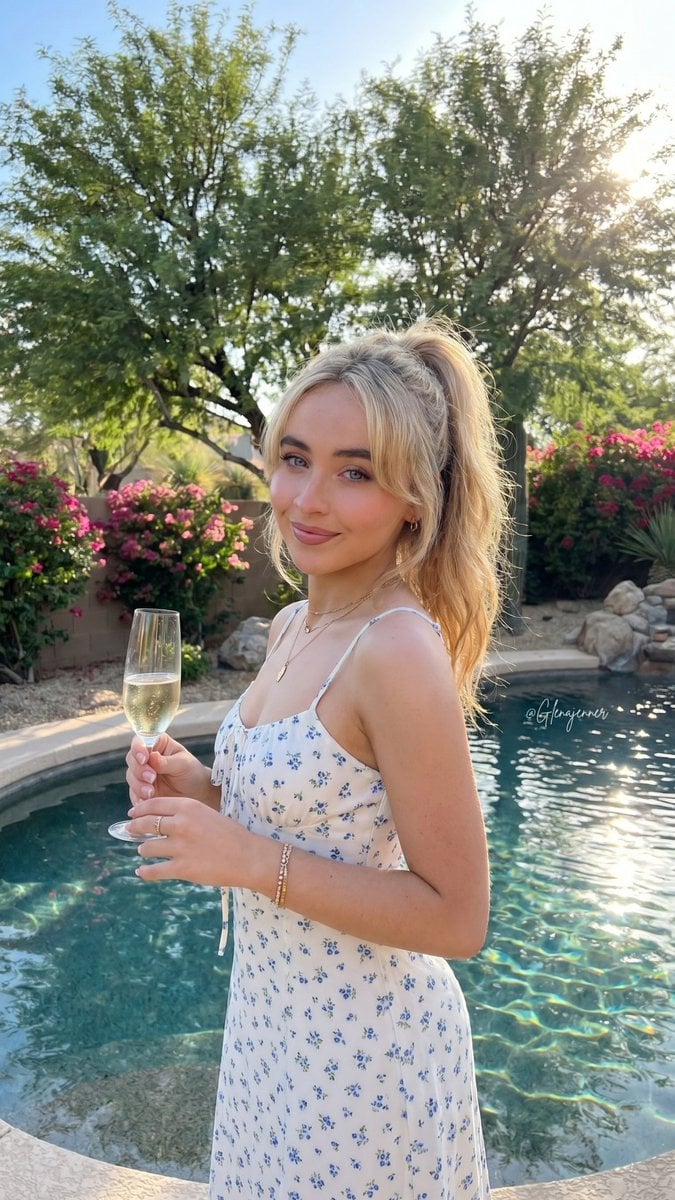
{ "subject": { "face": { "description": "{argument name="face description" default="Use uploaded reference image face, keep identity exact. Preserve exact hair color, hairstyle, eyes, lips, eyebrows, skin tone, and all natural facial details. Do not alter identity, beautify, or stylize."}" }, "expression": "soft confident smile with relaxed eyes", "pose": "{argument name="pose" default="standing upright near swimming pool, body angled slightly to the side, one hand holding a champagne flute near chest level, opposite arm relaxed behind body"}", "body": { "build": "slim", "skin_tone": "light tan with warm sun exposure" }, "clothing": { "outfit": "{argument name="outfit" default="short white sundress with tiny blue floral print, fitted bodice, thin shoulder straps, scalloped neckline, ruffled hem"}", "accessories": [ "small gold necklace", "gold bracelet", "rings", "champagne flute with pale sparkling drink" ] } }, "environment": { "location": "luxury suburban backyard with swimming pool", "background_elements": [ "large green desert trees", "flower bushes with pink blossoms", "desert landscaping rocks", "poolside concrete deck", "metal garden bench", "clear blue sky", "pool water reflections", "residential fencing" ], "atmosphere": "bright sunny afternoon with warm upscale outdoor gathering vibe" }, "lighting": { "type": "adjusted natural sunlight", "direction": "soft frontal daylight with balanced highlights", "qualities": [ "realistic skin reflections", "balanced exposure", "soft natural shadows", "reduced harsh highlights", "natural outdoor white balance", "slightly softened contrast", "realistic daylight rendering" ] }, "camera": { "framing": "mid-thigh portrait", "angle": "slightly above eye level", "lens": "smartphone wide lens", "depth_of_field": "moderately shallow with soft background blur", "image_quality": "ultra realistic high-resolution social media photo" }, "style": { "photography_type": "realistic candid lifestyle photography", "color_palette": "warm greens, bright blues, soft whites, natural sunlit skin tones", "filter": "subtle realistic photo filter with natural skin tones, realistic dynamic range, softened digital sharpness, reduced oversaturation, and authentic outdoor lighting response", "imperfections": [ "minor skin texture", "natural fabric wrinkles", "subtle lens softness", "realistic sunlight reflections", "slight environmental haze", "natural depth imperfections" ] } }
Choose the primary action to open PicX Studio with the available template settings. Review the model and format, personalize the creative direction, and generate when ready.
Yes. You can change the subject, setting, lighting, mood, format, and available model controls before creating your image.
This template is free to open and customize. Generation usage is shown in PicX Studio before you create.
Start with Nano Banana 2, which is the model associated with this template. You can compare another compatible model for a different finish.
Follow a topic to a crawlable collection of related PicX Studio templates.