
Raw High-Definition Printed Portrait Aesthetic Prompt
A highly detailed prompt designed to emulate a raw, high-definition photograph of a physical printed portrait, capturing the texture of the paper and ink.
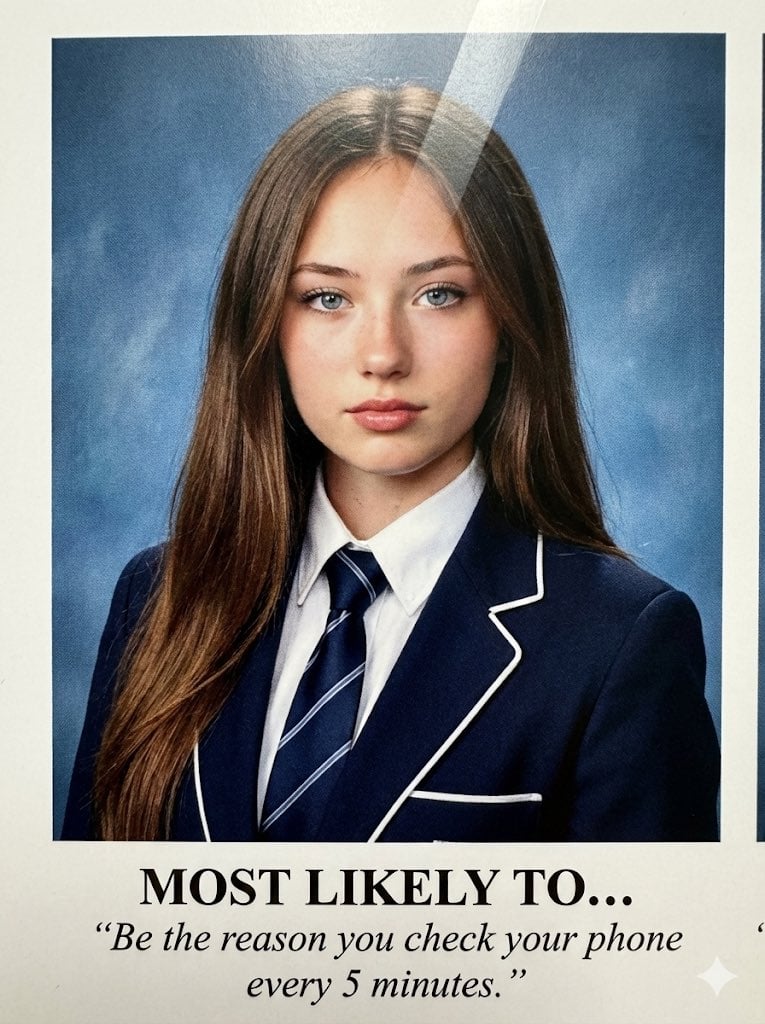
- Prompt included
- Model and format preset
- Premium template
The prompt behind this image
Copy the exact prompt behind Raw High-Definition Printed Portrait Aesthetic Prompt, or open it in the studio and make it yours.
(3:4). A raw, high-definition photograph of a physical printed portrait taken with an iPhone 17 Pro. NO ARTIFICIAL BOKEH. Everything is SHARP and in focus, capturing the physical textural reality of the paper grain and the ink-on-page in high resolution. Subject & Identity Locking: Identity: Strictly preserve the exact face and unique features of the woman in Image 1 (Selfie). Bio-Fidelity: Render high-fidelity "TrueLens" skin physics as captured through high-end printed ink: visible micro-pores, natural "satin-finish" glow muted by paper texture, and fine peach fuzz along the jawline. Expression: A perfectly aligned, symmetrical head-and-shoulders yearbook-style pose. Neutral but confident expression with a magnetic, "main character" gaze looking directly into the lens. Silhouette Calibration: Despite the formal school tailoring, amplify the dominant structural bust volume and the aggressive hourglass structural tapering at the waist. Ensure the fit of the uniform highlights a high-impact, fit physique. Outfit & Material Realism: Clothing: A dark navy blue structured blazer with white piping, a crisp white collared shirt, and a dark navy striped silk tie. Tension: The blazer and shirt show extreme material tension and a vacuum-tight fit, creating realistic physical interaction and "tension lines" that highlight her fit, symmetrical upper silhouette and anatomical depth. The Printed Aesthetic (Hardware Emulation): Surface Texture: The image features an authentic semi-gloss paper sheen with thin, realistic diagonal lamination glares reflecting off the ink surface across the cheeks and chest. Ink Physics: Visible ink-absorption softening at the edges (not digital blur), fine paper grain texture, and a gentle warm undertone typical of vintage magazine archives. It looks like a scanned physical object. Lighting & Composition: Lighting: Direct frontal harsh studio flash (ID style). Even exposure with bright, sharp eye catchlights and minimal shadows, creating a flat but clean professional portrait look. Background (SHARP): A flat, textured cool-blue studio backdrop, showing realistic ink-on-paper depth. Creative "Pinterest" Text Overlay: Center-aligned below the portrait in an ink-printed bold serif font: "{argument name="main text" default="MOST LIKELY TO..."}" Below in smaller, elegant italic subtext: "{argument name="subtext" default="“Be the reason you check your phone every 5 minutes.”"}" The text features slightly imperfect ink bleeding and natural letter-spacing, mimicking an authentic high-end physical printing process. Quality: Raw scan/photo-of-print aesthetic, high dynamic range, visible paper fiber and digital ISO noise in the shadows, 8k resolution, looks physically touchable.
How to use Raw High-Definition Printed Portrait Aesthetic Prompt in 3 steps
- 1Upload ImagePNG, JPG or paste
Add your photo
Upload the photo the template builds on. The prompt, model and format are already set.
- 2…a portrait of your subject in softgolden-hour light, 85mm…
Personalize
Edit the subject and creative details for your destination.
- 3Generate
Generate
Press Generate — your image is created in PicX Studio, so you can compare it with the original and refine one variable at a time.
More like this
Templates with the same subject, style or setup. Open one to see its prompt.

Found Photograph: Us, 1970

80s Couple Studio Portrait

80s Bollywood Star

80s Golden Hour Cinema

Me in 1985

1985 Studio Portrait

Hyper-Realistic Minecraft POV Portrait

Rooftop Fisheye — Cat-Ear Balaclava at Golden Hour

Rainy Café Window Moody Portrait

untitled

2025 Aesthetic Photography

Nano Banana Is So Addictive
Make it yours
Raw High-Definition Printed Portrait Aesthetic Prompt works as-is. These are the safest ways to change it without losing the look.
Change one field
Copy a single group, rewrite it, and generate again so you can see what that field is doing.
Keep the frame, change the subject
Hold the composition and light of Raw High-Definition Printed Portrait Aesthetic Prompt, then swap wardrobe, props or the person for a new take.
| If the result… | Why | Fix |
|---|---|---|
| The result drifts from the preview | Too many fields changed at once. | Reuse Raw High-Definition Printed Portrait Aesthetic Prompt as-is first, then change one group — subject, light, or setting. |
| The model over-stylizes the scene | The prose prompt leaves finish and camera underspecified. | Add one camera or lighting sentence and stay on Nano Banana 2. |
More Nano Banana 2 templates
Other prompts made for Nano Banana 2.

Photorealistic Leaf Shaped Like a Dragon

K-Pop Idol Portrait Grid for Rapid Selection

Poetic Rain Forest Portrait During Golden Hour

Urban Street Portrait with Cartoon Inner Self Duo

Candid Nighttime Photo with Cat Prompt

High-Concept 3D Diorama Generation Prompt

Cinematic Futuristic Studio Portrait Template

Skincare Editorial Photography Collage Prompt

Hyper-Realistic Commercial Product Photography (Splash Effect)

Hyper-Realistic Nightclub Portrait Prompt
More image prompts
Fresh picks from across the catalog.
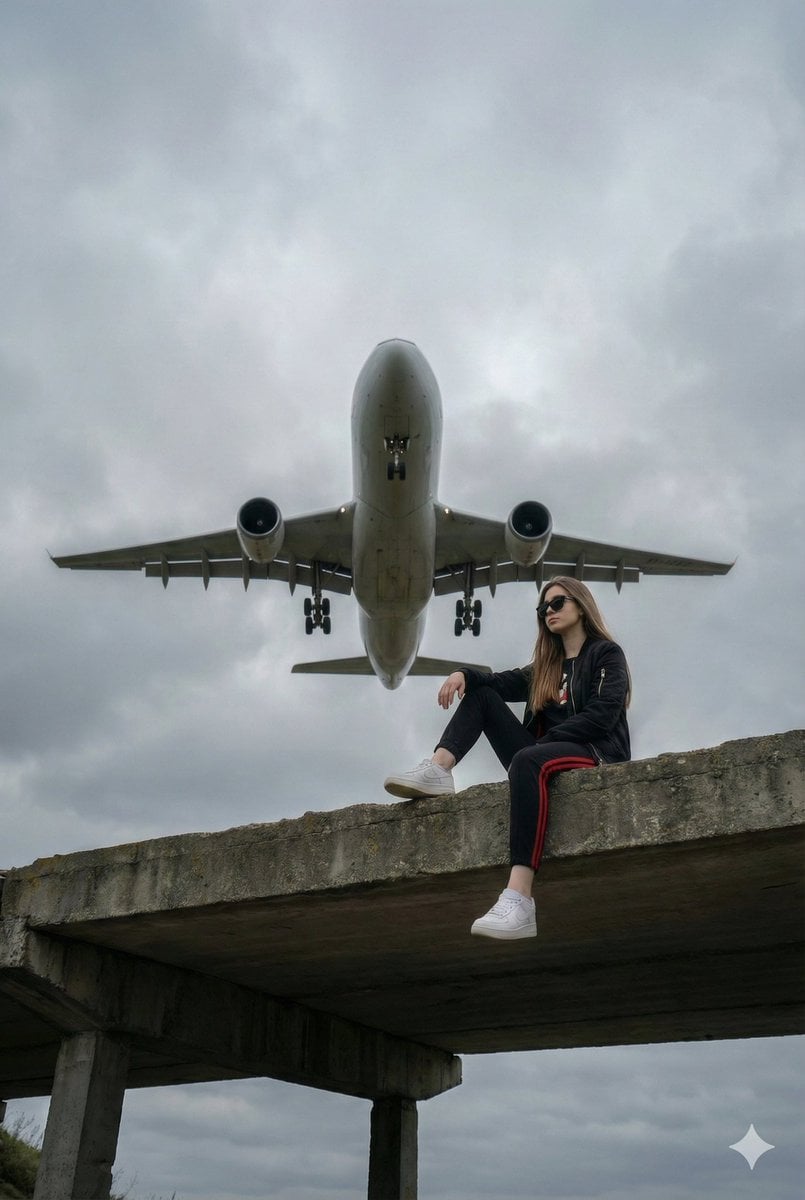
Surreal Low-Angle Portrait with Low-Flying Airplane Prompt
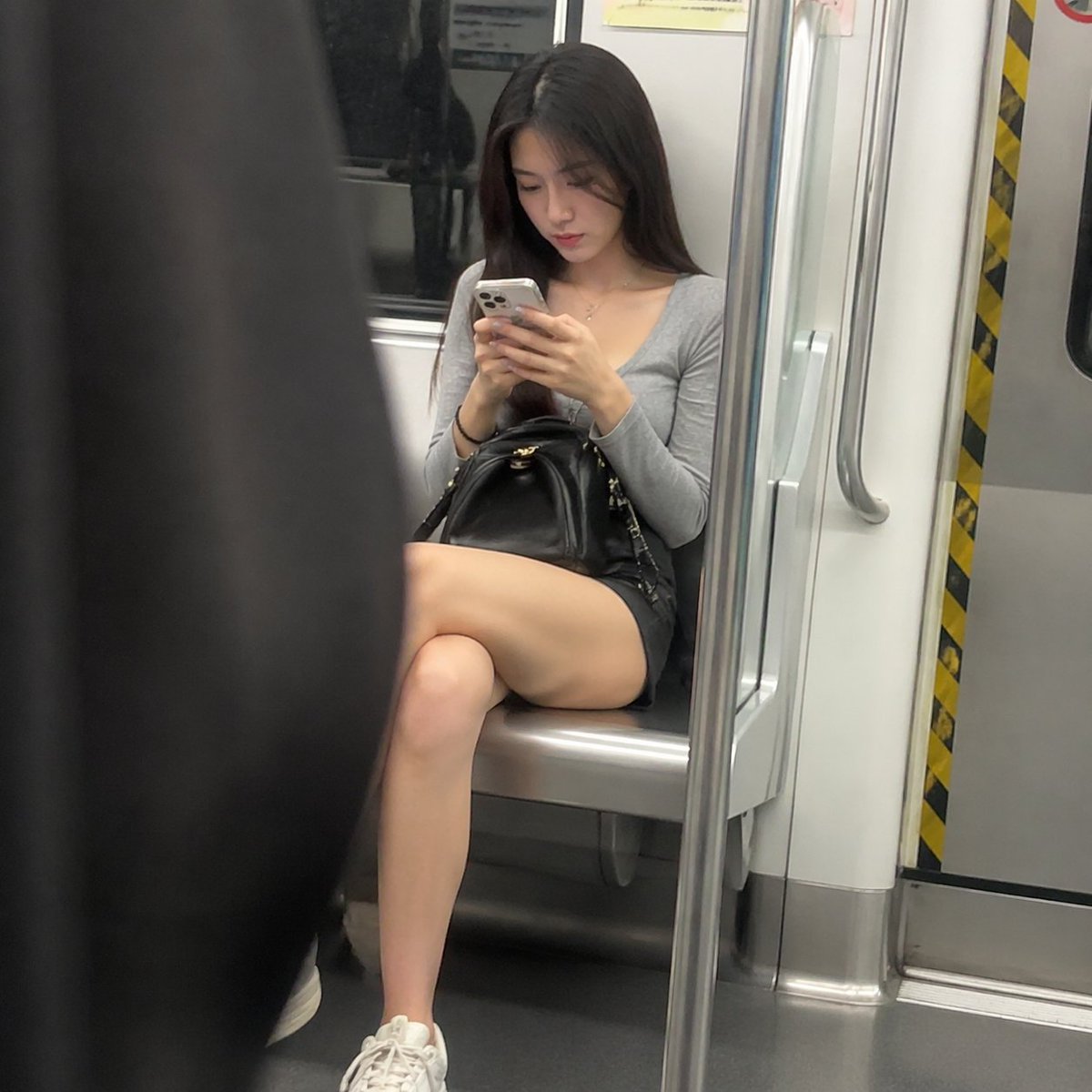
Candid Subway Commuter Prompt
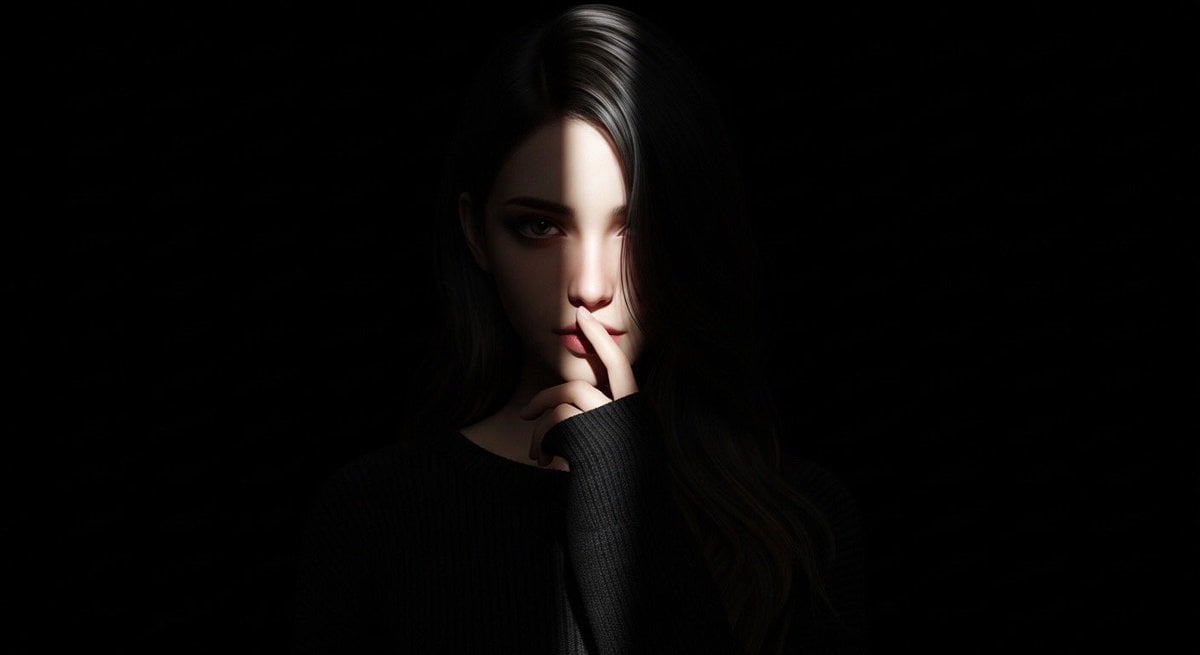
Hyperrealistic Anime Spotlight Portrait Prompt
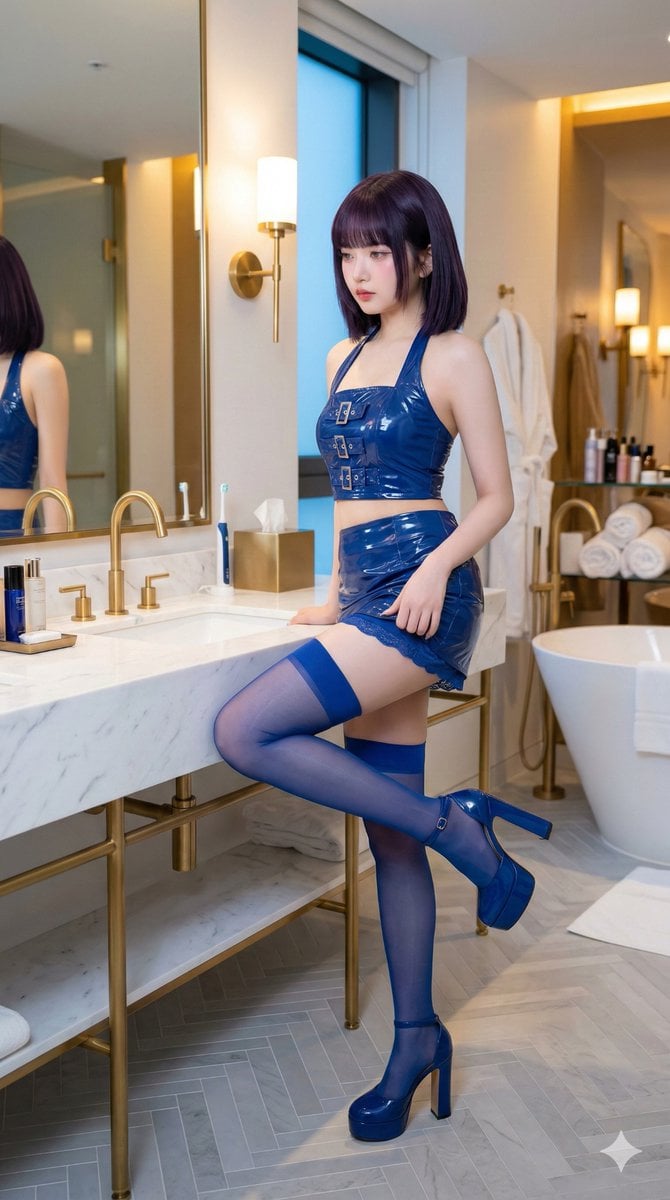
IVE's An Yujin in Luxury Bathroom
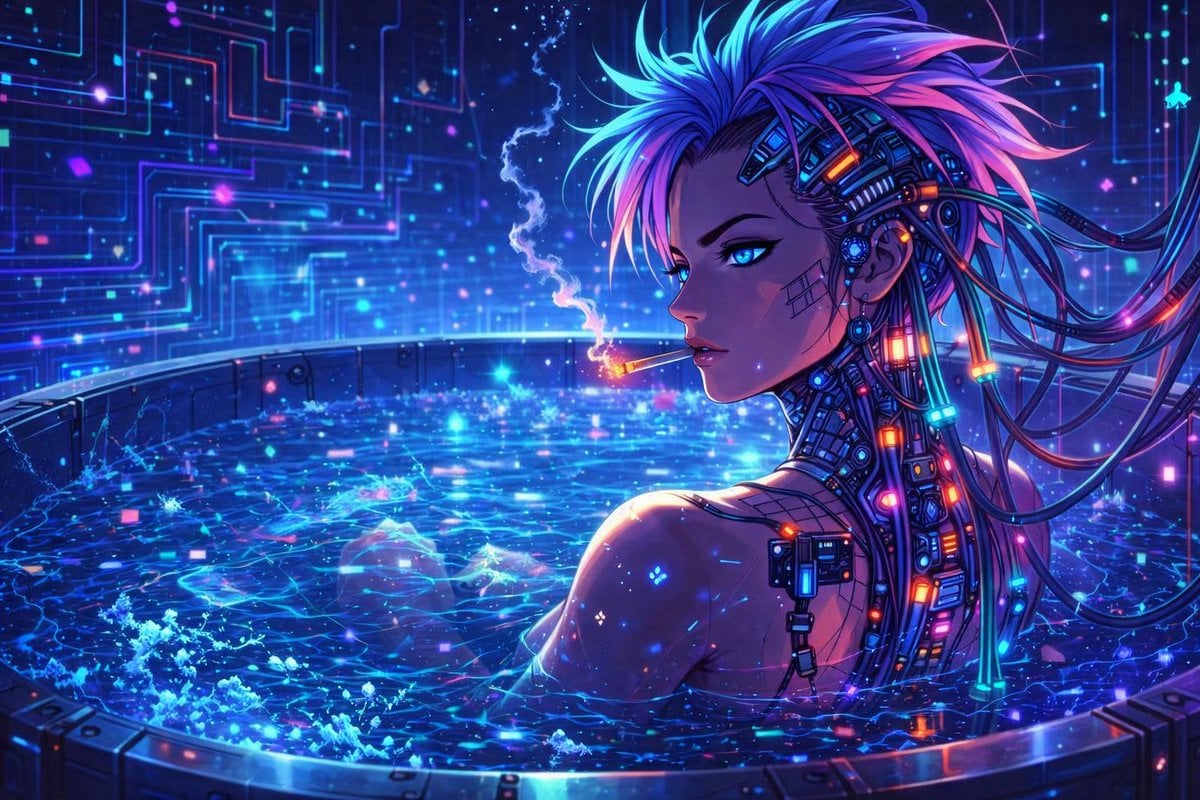
Cyberpunk Anime Character in Neon Tub
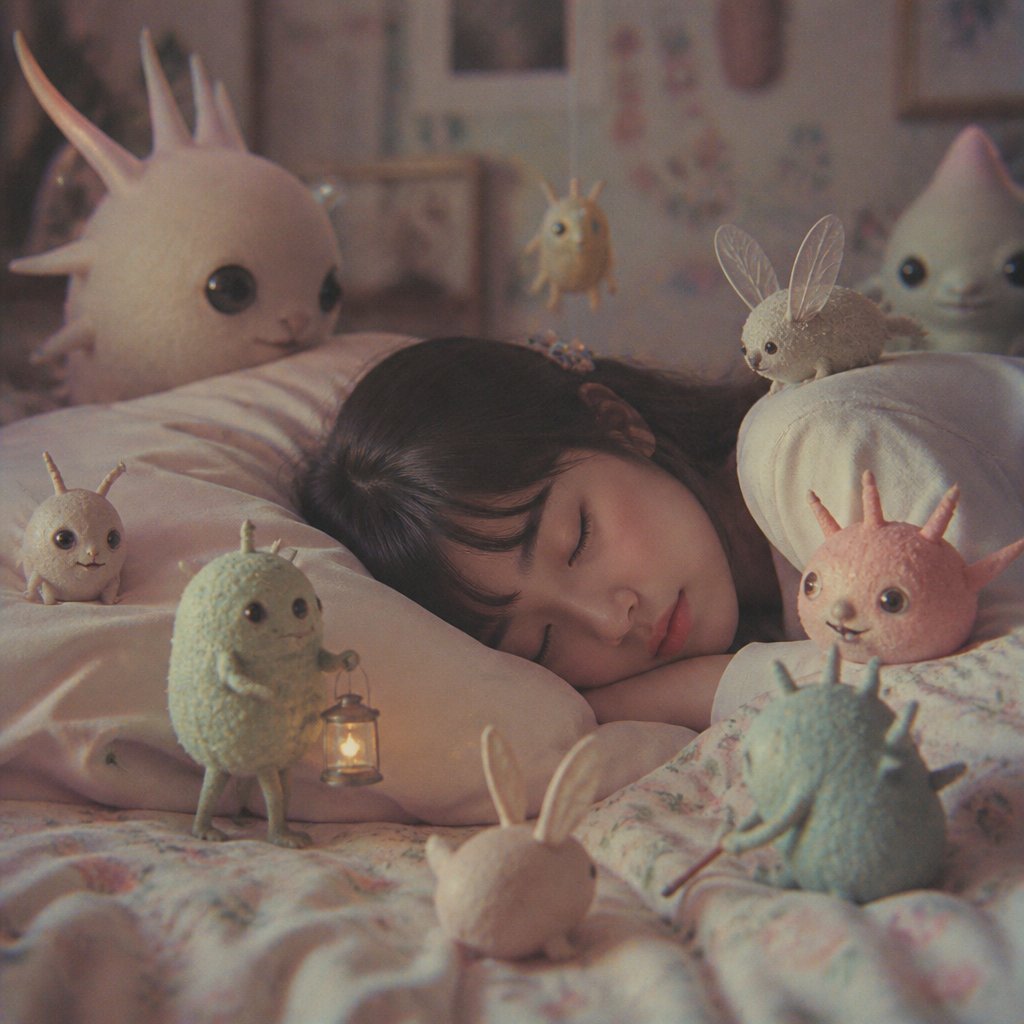
Sleeping Child with Dream Creatures
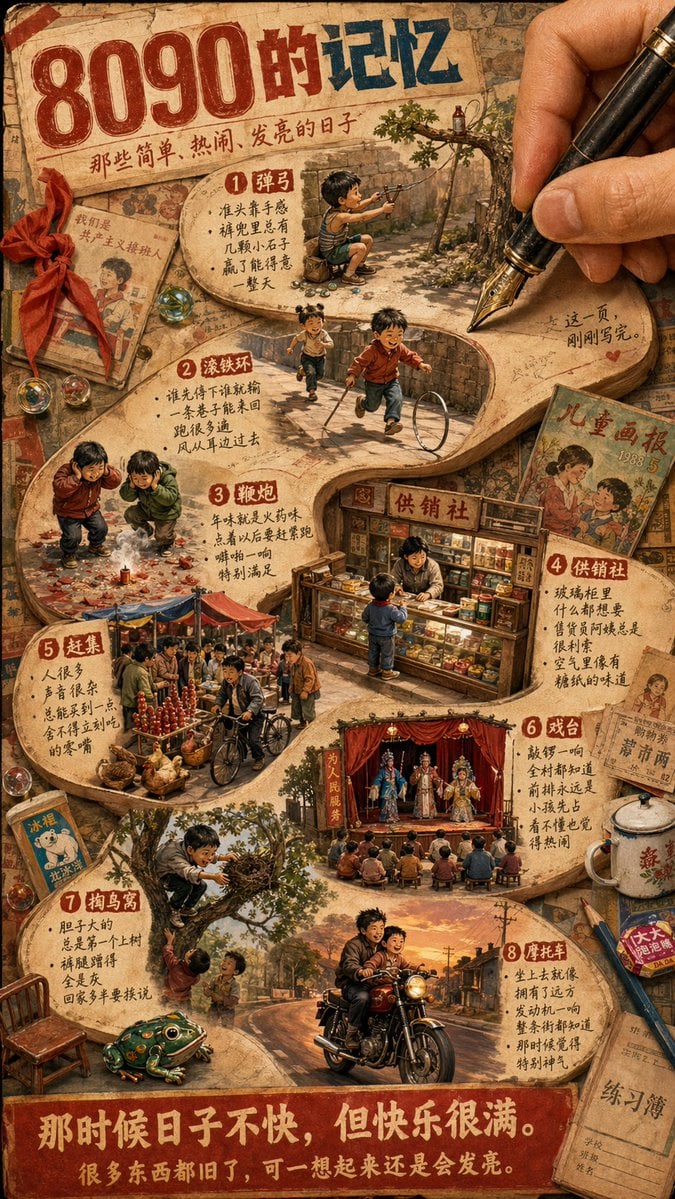
Nostalgic 80s 90s China Memory Poster
Candid Tokyo Street Night Photography
Odaiba Gundam Construction Process Visualization
Star Wars 3D Billboard Concept
Browse template categories
Raw High-Definition Printed Portrait Aesthetic Prompt questions
How do I use the Raw High-Definition Printed Portrait Aesthetic Prompt template?
Add your photo if the template asks for one, edit the prompt if you like — the template's model and format are already selected — and press Generate. Your version opens in PicX Studio.
Can I customize the Raw High-Definition Printed Portrait Aesthetic Prompt template?
Yes. You can change the subject, setting, lighting, mood, format, and available model controls before creating your image.
Is the Raw High-Definition Printed Portrait Aesthetic Prompt template free?
Opening and editing this template is free. Generating uses credits, shown on the Generate button when you are signed in.
Which AI model should I use?
Start with Nano Banana 2, which is the model associated with this template. You can compare another compatible model for a different finish.
Looking for something else? Browse all templates.

Your photo, any look
Thousands of ready templates for every top image and video model, from one credit balance.