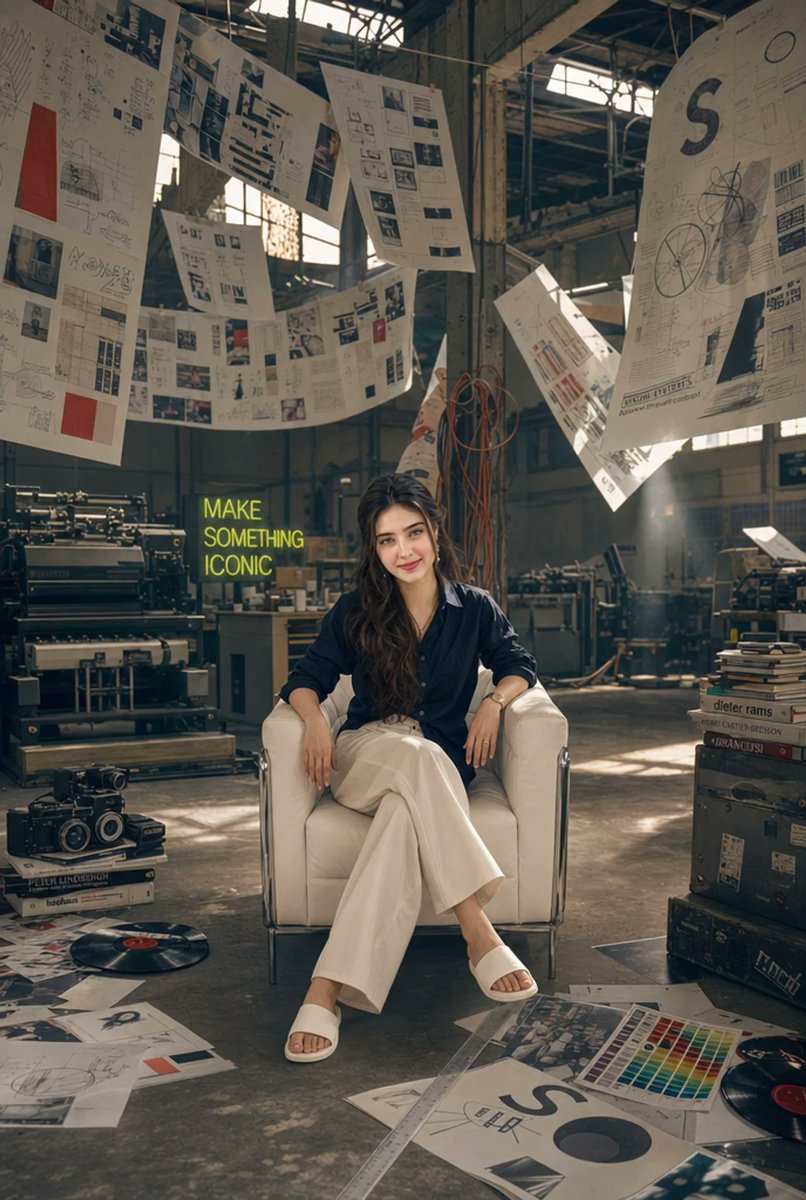
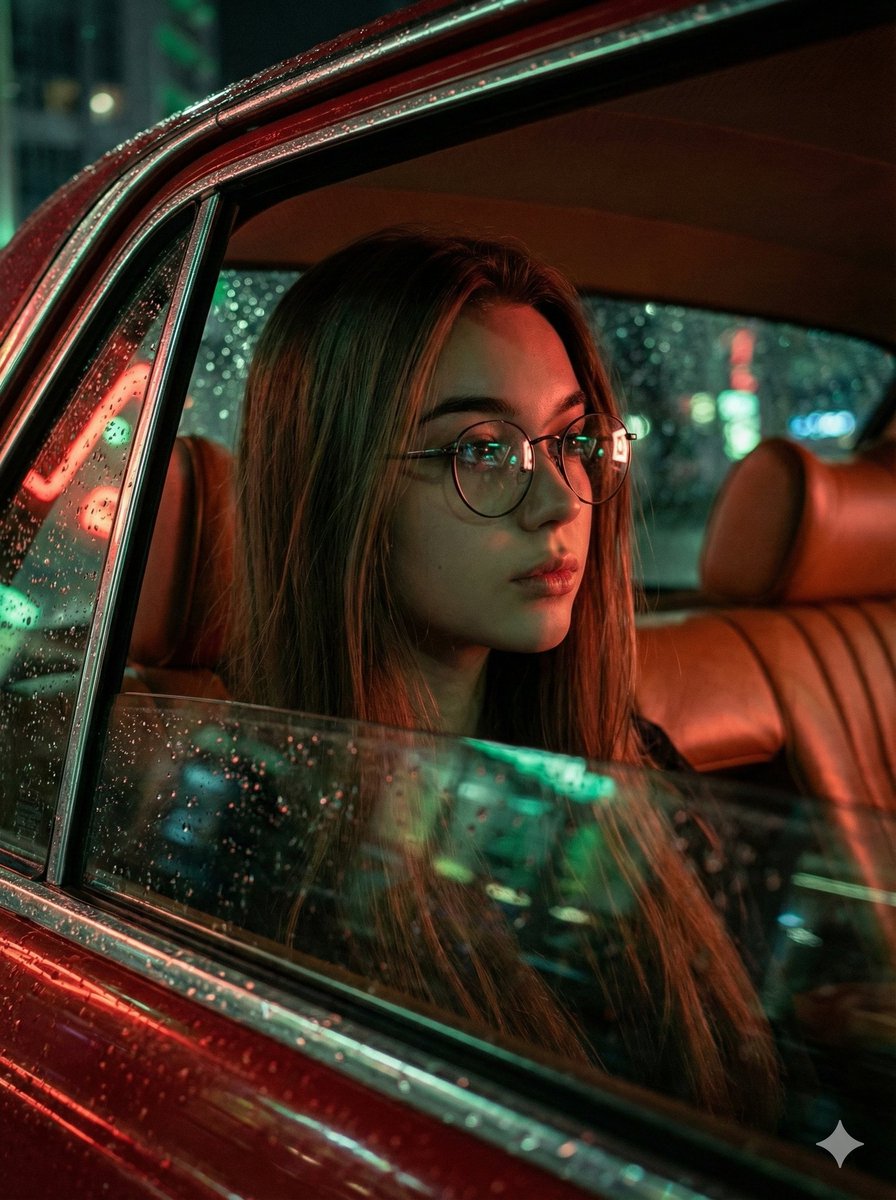
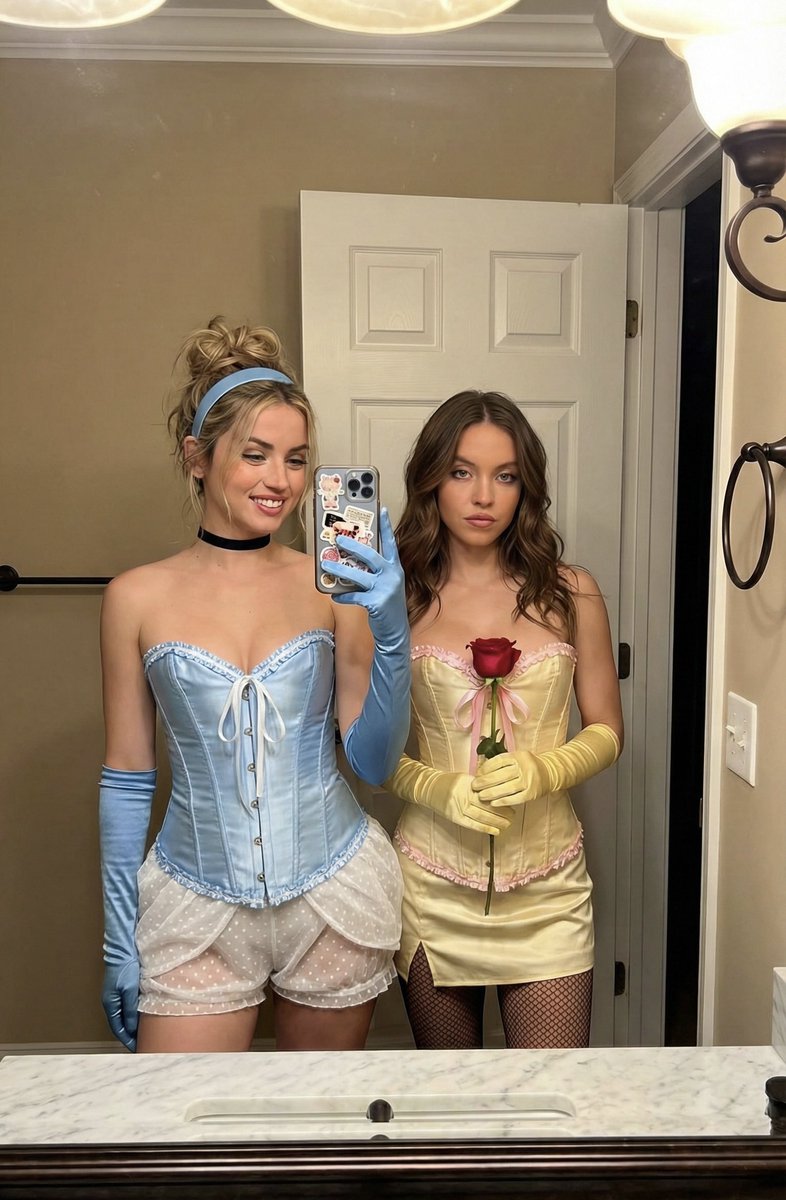
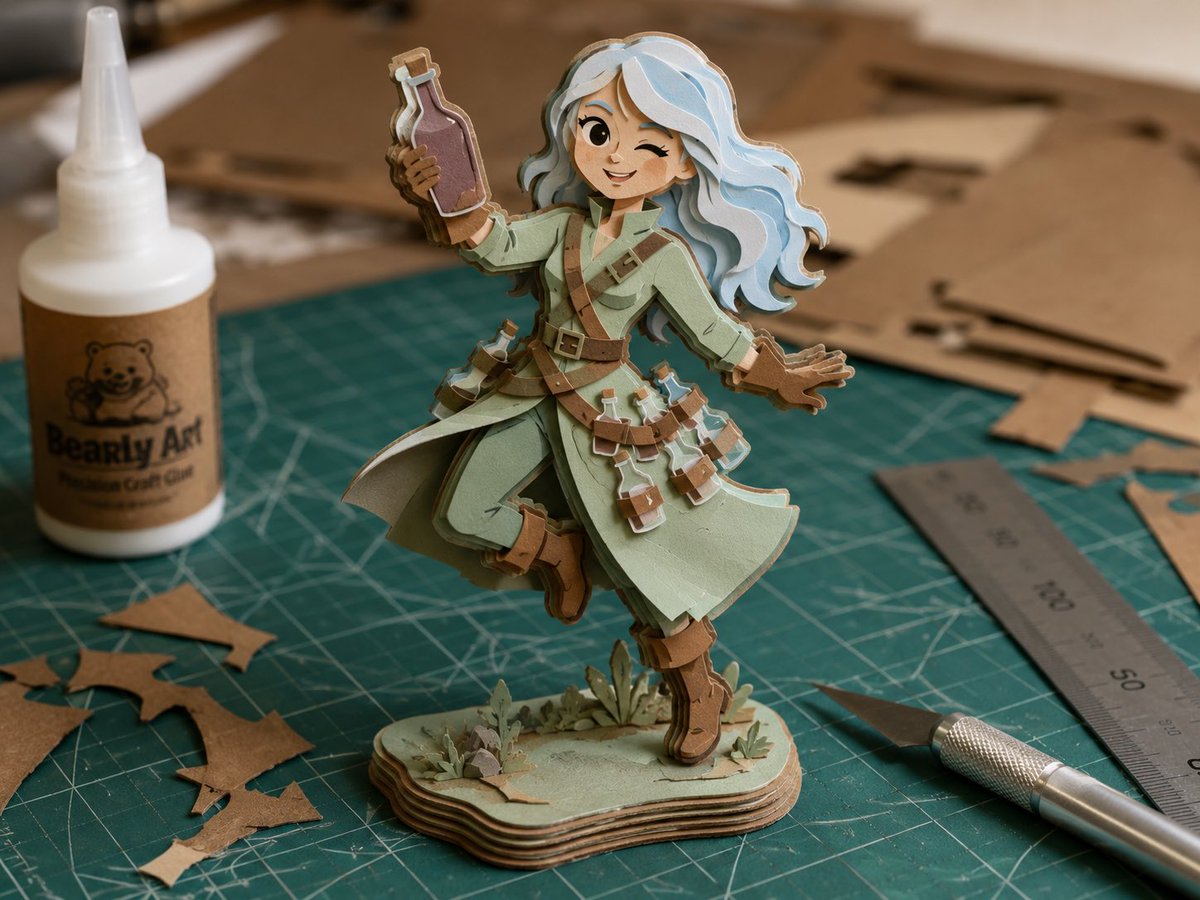
How do I use the Neo-Noir High-Fashion Bowling Editorial template?
Choose the primary action to open PicX Studio with the available template settings. Review the model and format, personalize the creative direction, and generate when ready.
A highly detailed JSON prompt for generating a hyper-photorealistic, cinematic fashion editorial image with a Neo-Noir aesthetic. The subject is a dominant, athletic woman in high-gloss black patent leather, captured in a dynamic pose just before releasing a bowling ball, emphasizing extreme contrast, neon lighting, and shallow depth of field. (free to use) — Free AI image template on PicX Studio.
{ "image_type": "Editorial Fashion Photography", "shot": "Medium Close-Up (MCU)", "shot_details": "Capturing the climax of dynamic action, focusing on form, tension, and texture.", "style": "Cinematic Neo-Noir, High-Fashion Editorial, Helmut Newton Aesthetic, Sci-Fi Glamour", "quality": "16k UHD, Hyper-photorealistic, Extreme textural fidelity, Maximum detail depth, Sharp focus, 70mm film grain.", "color_grade": "Synthetic, cool, highly saturated palette. Electric Cyan, Pulsating Magenta, Deep Saturated Black.", "meta": { "aspect_ratio": "21:9 (Cinematic)", "resolution": "16K UHD" }, "camera": { "device": "Professional Cinema Camera (e.g., ARRI LF)", "lens": "Fast Prime Lens (85mm)", "aperture": "f/1.4", "angle": "Subtle Low Angle", "framing": "Mid-body to hips focus", "pov": "Intimate, high-tension", "focus": "Razor-sharp focus (Shallow Depth of Field) on hips/thong and bowling ball", "lens_effect": "Subtle film grain, high contrast optics." }, "lighting": { "description": "Extremely dramatic, hard Chiaroscuro light setup. Sculptural modeling of leather and skin.", "type": "Hard Light, High Contrast Neon Backlighting", "source": "Isolated Pin-Spot, Pulsating Neon Tubes", "primary": "Intense, cold white pin-spot focused on subject's muscles and bowling ball.", "secondary": "Vibrant electric Cyan and Magenta neon glow shaping the environment and reflections.", "highlights": "Specular, cold white/blue highlights maximizing the reflectivity of patent leather.", "shadows": "Absolute, deep, black shadows (Black-out background)." }, "scene": { "location": "Hyper-stylized, Claustrophobic Neo-Noir Bowling Lounge", "environment": "Highly reflective, polished lane surface; vague futuristic acoustic panels in deep shadow.", "atmosphere": "Cool, air-conditioned, palpable smell of ozone and new leather." }, "subject": { "gender": "Female", "age": "28-35", "appearance": "Athletic, highly self-assured, dominant.", "body": { "type": "Muscular, athletic, toned." }, "expression": { "gaze": "Intense, focused, slightly challenging.", "face_vibe": "Determined, sensual." }, "pose": { "description": "Dynamic action pose at the moment of peak tension, milliseconds before releasing the bowling ball.", "stance": "Upper body sensually bent forward; one leg elegantly stretched backward to maximize hip and glute extension.", "arms": "Holding the highly polished bowling ball with a supple, powerful grip.", "energy": "Dominant tension, controlled power." } }, "wardrobe": "Set of high-gloss black patent leather.", "outfit_details": { "top": { "type": "Architecturally shaped Micro-Bikini Top", "color": "Glossy Black Patent Le
Use Neo-Noir High-Fashion Bowling Editorial to plan an AI image around nano-banana-2 generation. Match the preview's composition first, then personalize the subject, setting, and mood for your own project.
Use the primary action to load the template settings in PicX Studio.
Adjust the subject and creative details for your destination.
Create the image, compare the result with the preview, and refine one variable at a time.
A continuous mix — similar concepts first, woven with same-model prompts and fresh picks from the catalog.
Choose the primary action to open PicX Studio with the available template settings. Review the model and format, personalize the creative direction, and generate when ready.
Yes. You can change the subject, setting, lighting, mood, format, and available model controls before creating your image.
This template is free to open and customize. Generation usage is shown in PicX Studio before you create.
Start with nano-banana-2, which is the model associated with this template. You can compare another compatible model for a different finish.
Follow a topic to a crawlable collection of related PicX Studio templates.
39,155 public templates available. Verified via the PicX Studio public templates API; refreshed hourly.
A continuous mix — similar concepts first, woven with same-model prompts and fresh picks from the catalog.