How do I use the High-Fashion Pink Editorial Portrait Prompt template?
Choose the primary action to open PicX Studio with the available template settings. Review the model and format, personalize the creative direction, and generate when ready.
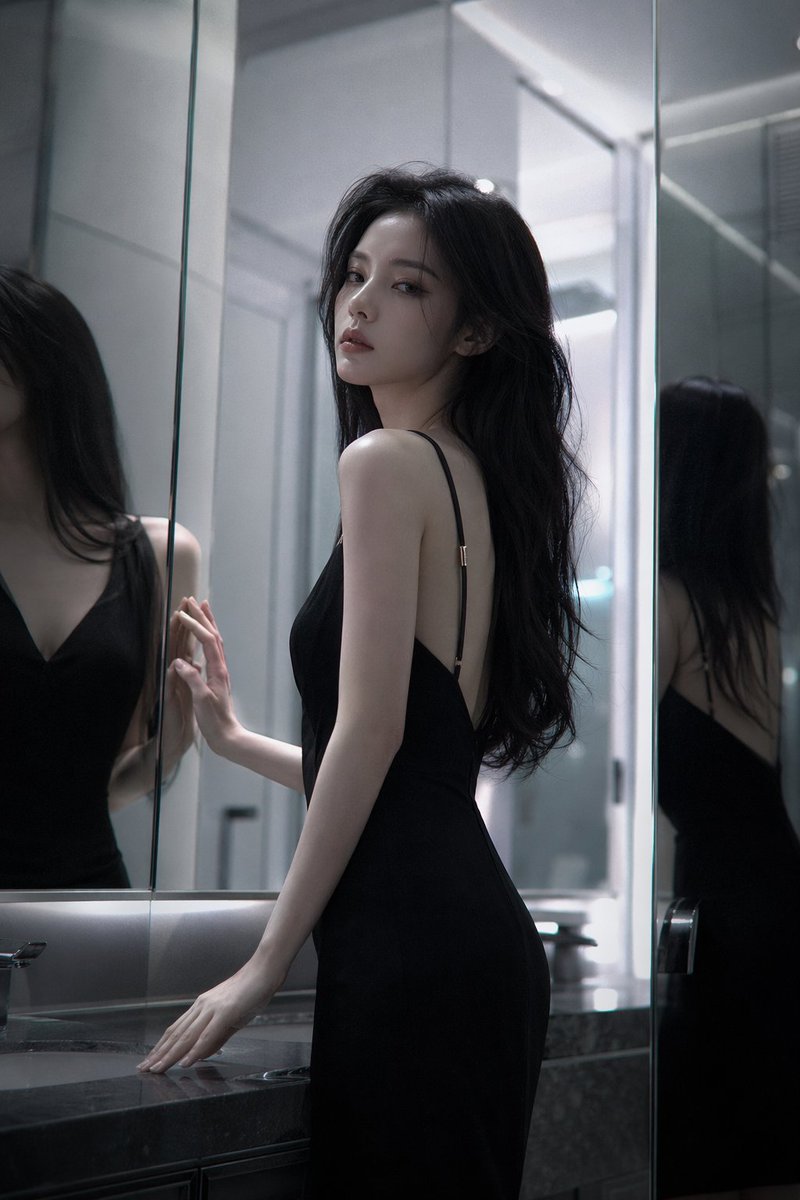
A highly detailed, structured prompt for generating a high-fashion editorial portrait with a noir-chic aesthetic. Change the subject, setting, or lighting one variable at a time.

Use the same face from the reference image without changing facial features { "subject": { "description": "A glamorous western woman with long, voluminous, straight black hair", "pose": "Elegant crouching or squatting pose, one hand gracefully touching the chin, looking directly at the camera with a neutral, sophisticated expression", "features": "Fair skin, winged eyeliner, soft pink matte lipstick, defined facial structure" }, "fashion_and_apparel": { "outerwear": "Oversized, structured {argument name="coat color" default="electric pink"} wool trench coat or blazer draped over the shoulders", "inner_wear": "White satin or silk bodysuit with a scoop neckline and sheer corset detailing at the waist", "accessories": [ "Opera-length pink satin gloves", "Gold vintage-style chunky button earrings" ], "footwear": "Classic black pointed-toe stiletto pumps" }, "composition_and_setting": { "background": "Minimalist, solid light pink or off-white studio backdrop", "framing": "Full body shot, centered composition", "perspective": "Eye-level or slightly low angle to emphasize the pose and silhouette" }, "lighting_and_aesthetic": { "style": "High-fashion editorial, noir-chic, timeless glamour", "lighting": "Spotlight effect creating a circular halo on the background behind the head; soft directional key light from the front-top to create subtle shadows and highlight fabric textures", "color_palette": "Monochromatic black and grey with warm accents from hair and skin tones" }, "technical_details": { "camera_feel": "Shot on 85mm lens, sharp focus on subject, soft fall-off on background, high resolution, clean studio photography" } }
Choose the primary action to open PicX Studio with the available template settings. Review the model and format, personalize the creative direction, and generate when ready.
Yes. You can change the subject, setting, lighting, mood, format, and available model controls before creating your image.
This template is free to open and customize. Generation usage is shown in PicX Studio before you create.
Start with Nano Banana 2, which is the model associated with this template. You can compare another compatible model for a different finish.
Follow a topic to a crawlable collection of related PicX Studio templates.
43,474 public templates available. Verified via the PicX Studio public templates API; refreshed hourly.
















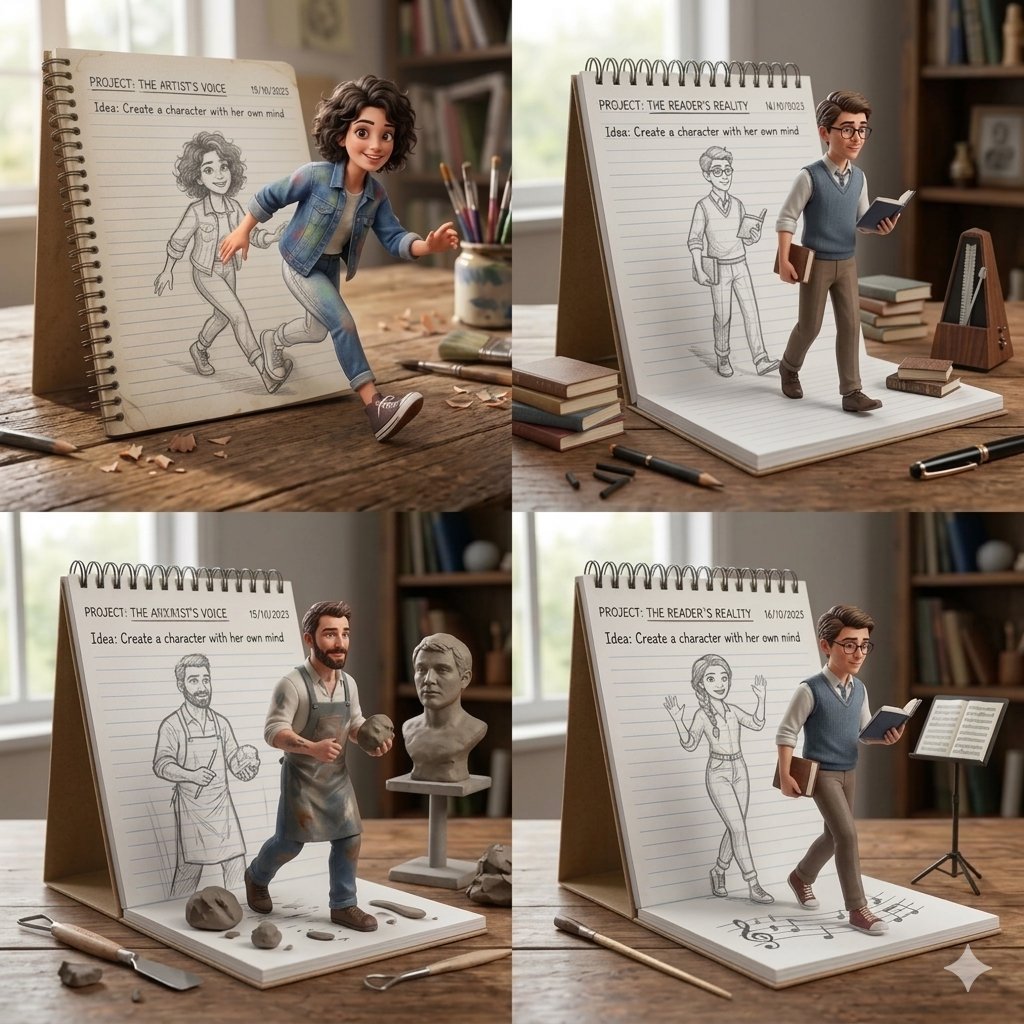
![Naive doodle-style subject illustration — A doodle-style {argument name="subject" default="[subject]"}, naive lines, humorous shape exaggeration](https://pbs.twimg.com/media/G6Wl2YxbsAARB2b.jpg)