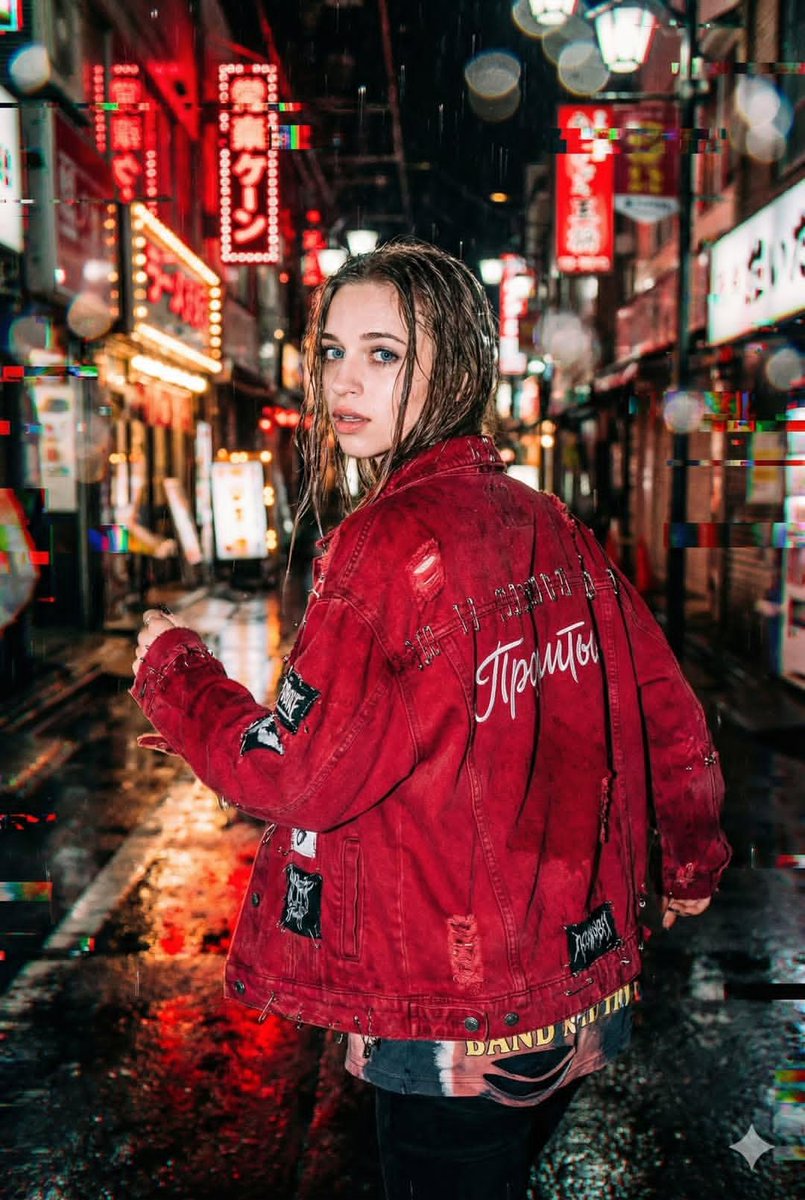
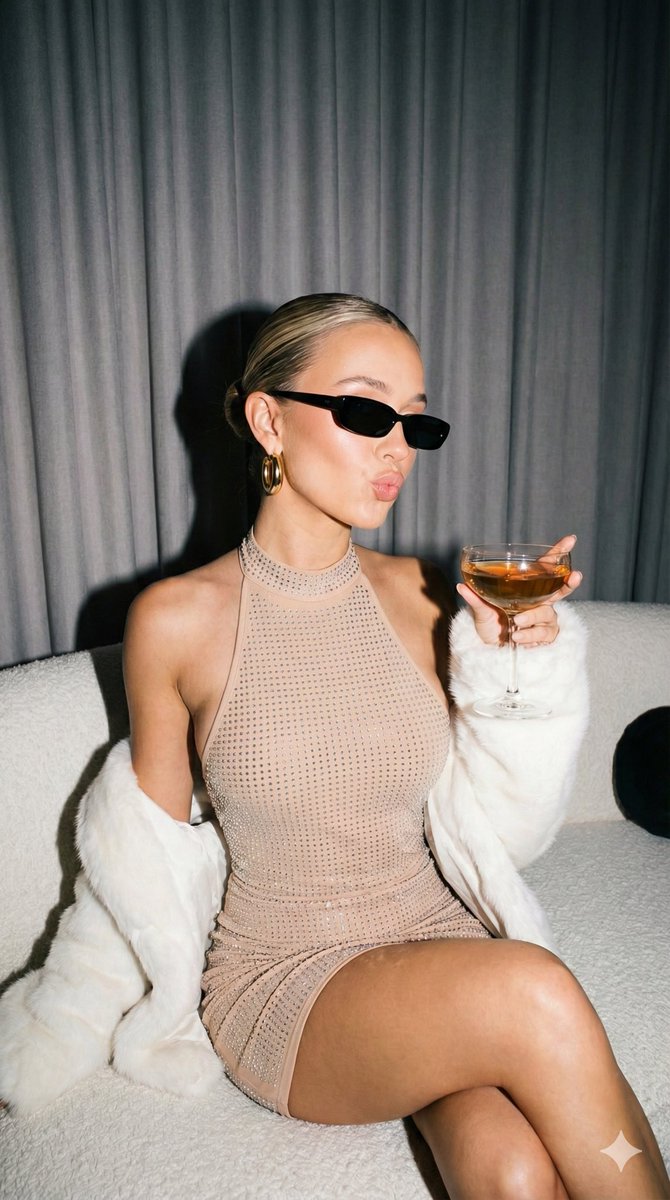
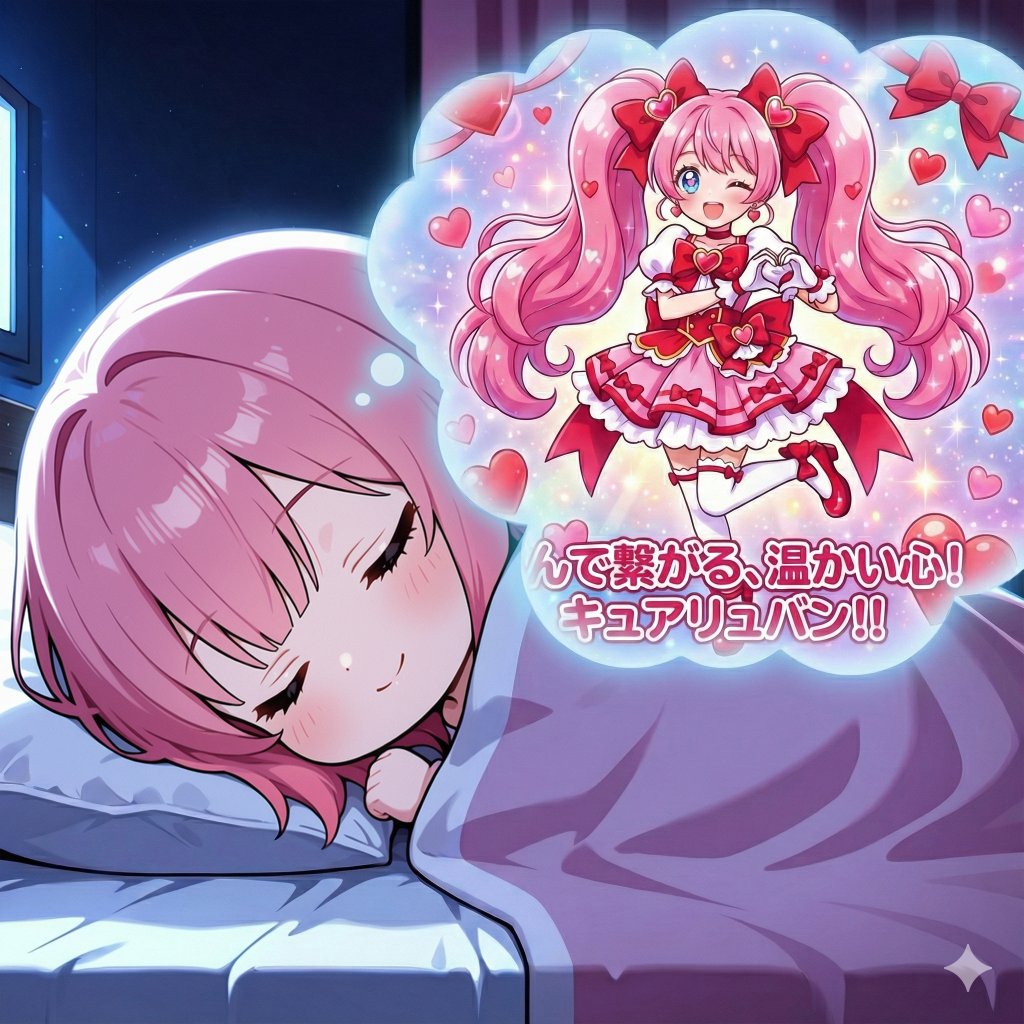
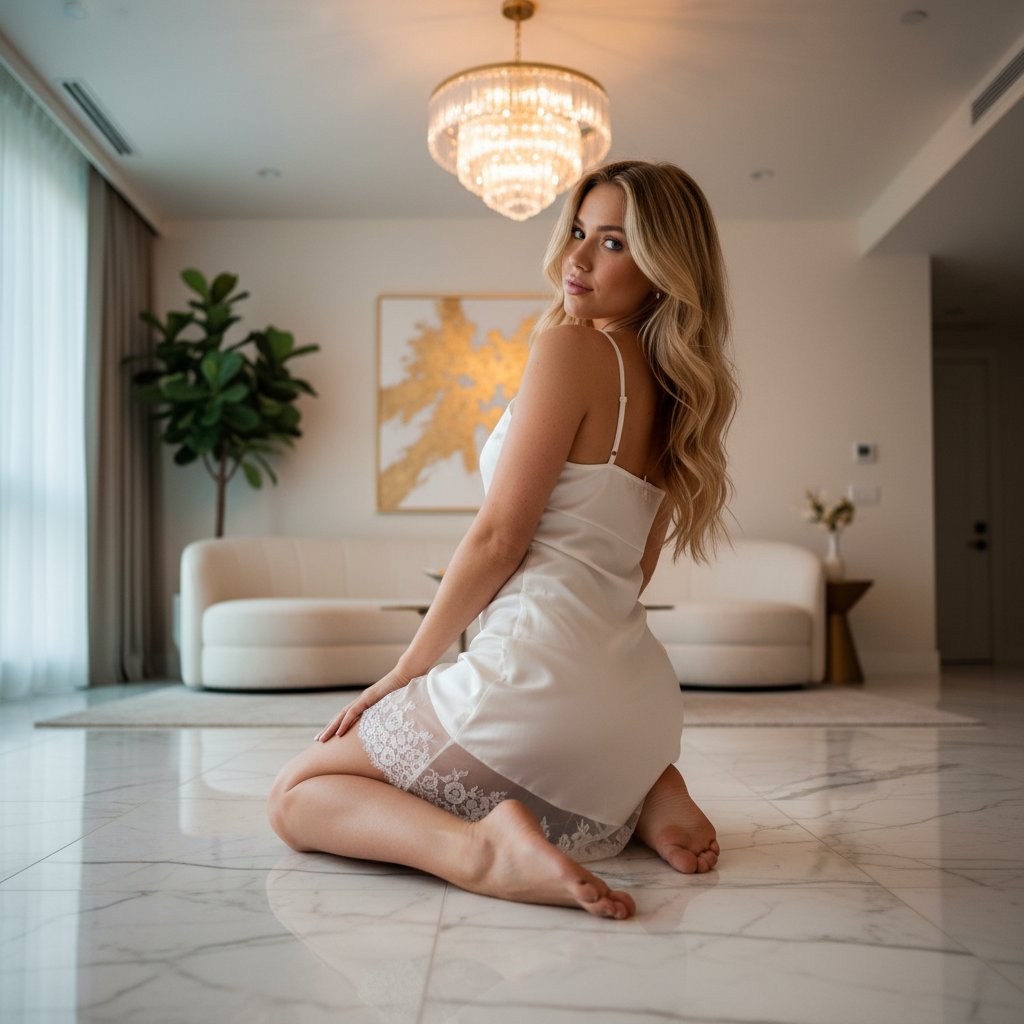
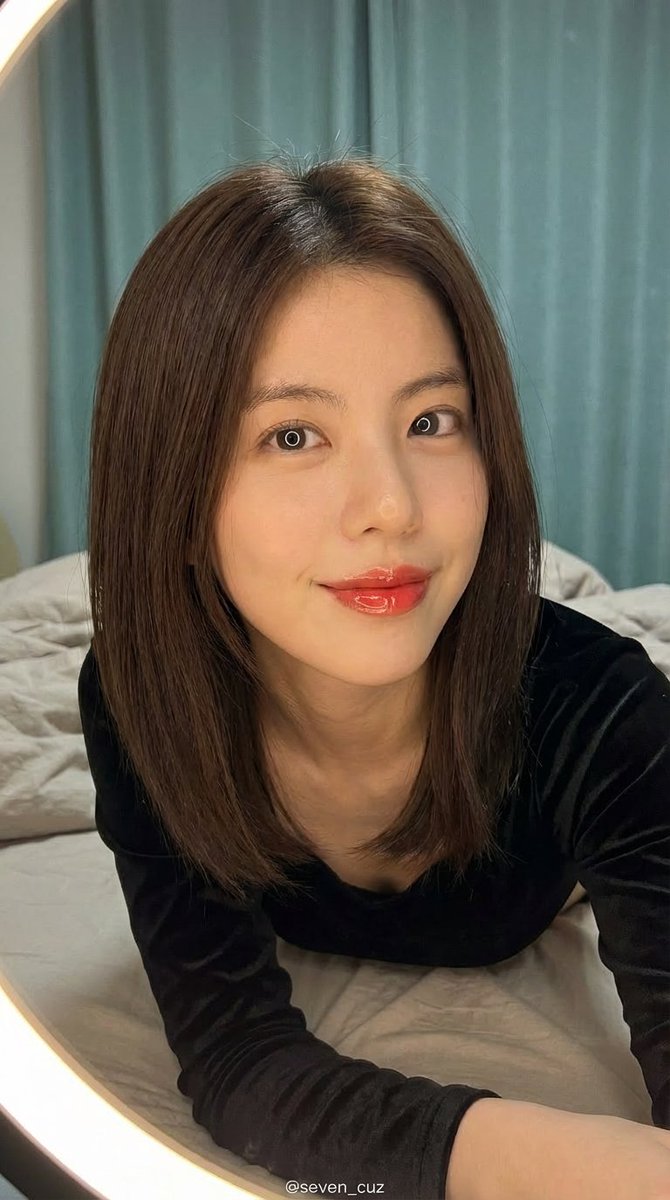
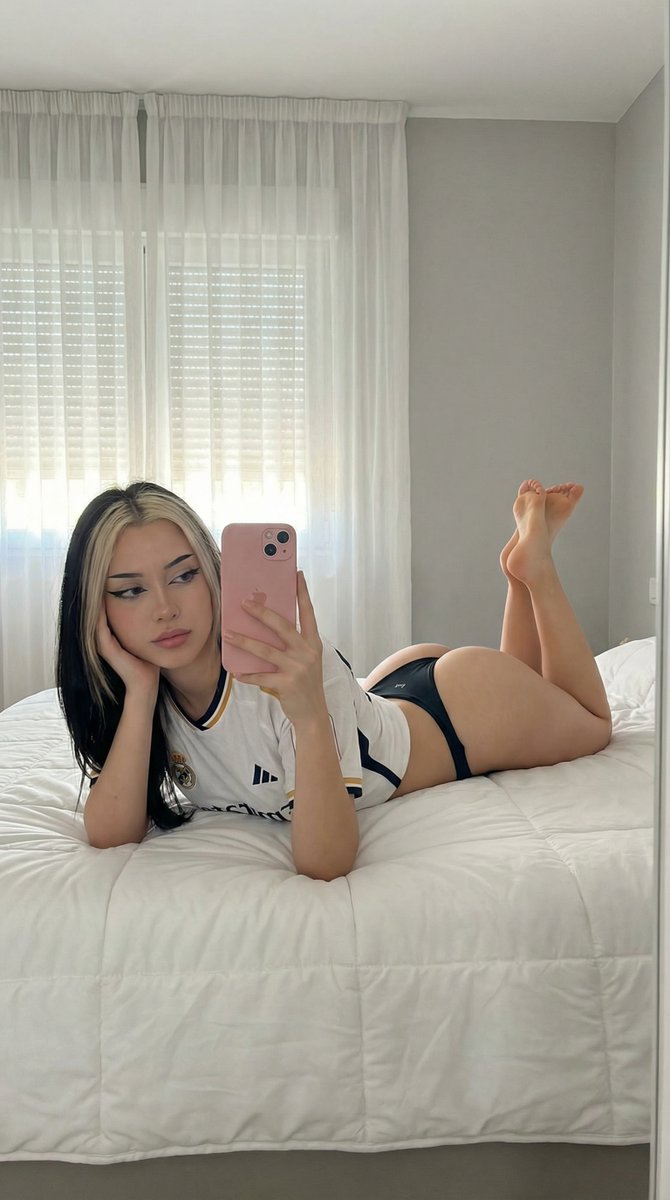
How do I use the Elon Musk Typographic Split Portrait template?
Choose the primary action to open PicX Studio with the available template settings. Review the model and format, personalize the creative direction, and generate when ready.
A highly detailed prompt for a digital composite/graphic design image featuring a high-contrast, black and white split-composition portrait of Elon Musk. Change the subject, setting, or lighting one variable at a time.

{ "meta": { "image_quality": "High", "image_type": "Digital Composite / Graphic Design", "resolution_estimation": "High resolution vertical poster format", "file_characteristics": { "compression_artifacts": "Low", "noise_level": "Low (film grain visible in photo texture)", "lens_type_estimation": "Telephoto (suggested by facial compression)" } }, "global_context": { "scene_description": "A high-contrast, black and white split-composition portrait of {argument name="subject name" default="Elon Musk"}. The left half of the image displays a realistic, high-detail photograph of the right side of his face (viewer's left). The right half of the image consists of a white background where the left side of his face (viewer's right) is revealed only through the shapes of large, bold, vertically stacked serif typography reading '{argument name="quote" default="IF YOU DREAM IT YOU CAN DO IT."}'", "environment_type": "Studio/Graphic Art", "time_of_day": "Indiscernible", "weather_atmosphere": "Visionary, Motivational, Intense", "lighting": { "source": "Artificial Studio Lighting", "direction": "Side lighting (lighting the face from the left)", "quality": "Hard, dramatic chiaroscuro", "color_temperature": "Monochrome (Black and White)" }, "color_palette": { "dominant_hex_estimates": [ "#FFFFFF", "#000000", "#333333", "#888888" ], "accent_colors": [], "contrast_level": "High" } }, "composition": { "camera_angle": "Eye-level", "framing": "Close-up portrait", "depth_of_field": "Deep (all elements in focus)", "focal_point": "Subject's eyes and the typographic message", "symmetry_type": "Vertical Split Asymmetry", "rule_of_thirds_alignment": "The split occurs roughly along the vertical center line of the face (nose bridge)" }, "objects": [ { "id": "obj_subject_face", "label": "Elon Musk (Face)", "category": "Person", "location": { "relative_position": "Left half of canvas", "bounding_box_percentage": { "x": 0.0, "y": 0.0, "width": 0.5, "height": 1.0 } }, "dimensions_relative": "Large (fills height)", "distance_from_camera": "Close-up", "pose_orientation": "Front-facing, slight tilt, intense contemplative gaze", "material": "Skin/Biological", "surface_properties": { "texture": "Smooth skin, faint stubble, characteristic facial structure", "reflectivity": "Low (natural skin oil sheen on nose/cheek)", "micro_details": "Faint crow's feet, straight/wavy hair texture visible at top", "wear_state": "N/A" }, "color_details": { "base_color_hex": "#808080", "secondary_colors": [ "#000000", "#FFFFFF" ], "gradient_or_pattern": "Grayscale continuous tone" }, "interaction_with_light": {
Choose the primary action to open PicX Studio with the available template settings. Review the model and format, personalize the creative direction, and generate when ready.
Yes. You can change the subject, setting, lighting, mood, format, and available model controls before creating your image.
This template is free to open and customize. Generation usage is shown in PicX Studio before you create.
Start with Nano Banana 2, which is the model associated with this template. You can compare another compatible model for a different finish.
© 2026 PicX Studio. All rights reserved.

Follow a topic to a crawlable collection of related PicX Studio templates.
43,474 public templates available. Verified via the PicX Studio public templates API; refreshed hourly.
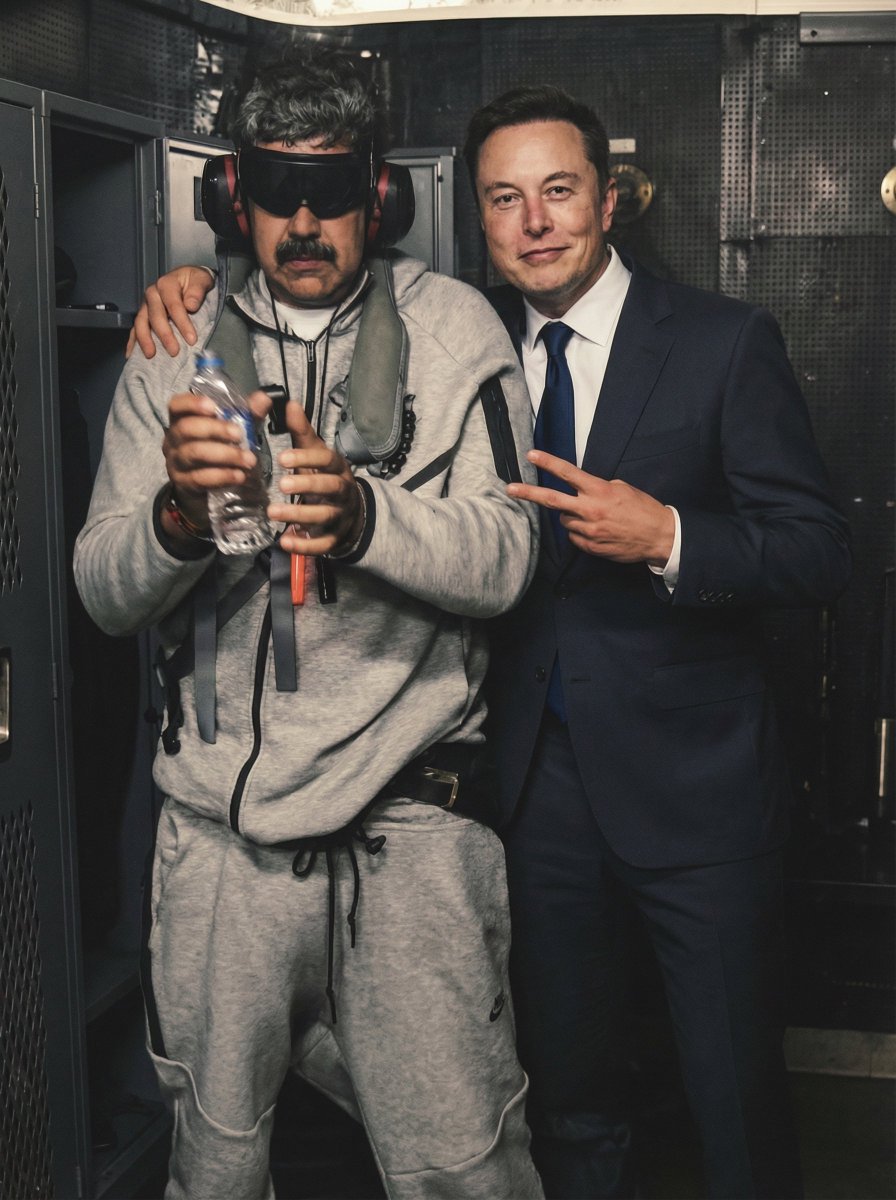



![69-untitled — FORMAT: 15s / 145 BPM / 14 SHOTS
SUBJECT: @[image1]
WARDROBE: Clean modern outfit
ENVIRONMENT: Street / indoor transitions
MOOD: Discovery → contr](/_next/image?url=https%3A%2F%2Fcdn.picxstudio.com%2Fuploads%2Fpost69_img0_d45faecf-38c3-4bcb-81a4-f6eb1cf42bb2.jpg&w=828&q=100)











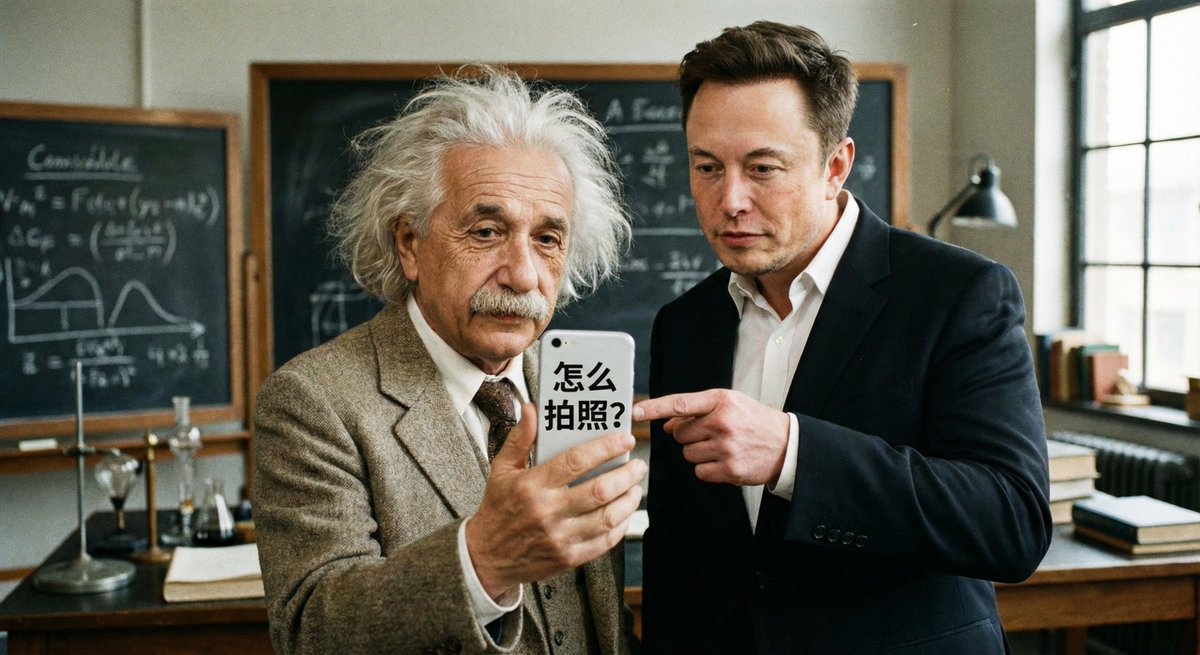
![118-google-nano-banana-pro-skincare-product- — A professional skincare shot of a [product container] with [cap/lid], labeled [brand, product, descriptor, volume](/_next/image?url=https%3A%2F%2Fcdn.picxstudio.com%2Fuploads%2Fpost118_img0_332898b8-29ea-42a9-87ab-9ed746a3f944.jpg&w=828&q=100)
![Naive doodle-style subject illustration — A doodle-style {argument name="subject" default="[subject]"}, naive lines, humorous shape exaggeration](https://pbs.twimg.com/media/G6Wl2YxbsAARB2b.jpg)
















![Ghibli Nezha Character Turnaround — use the character turnaround format from [img1] to create 哪吒 in the same style](https://pbs.twimg.com/media/HEFSAOWbkAAK4k5.jpg)