How do I use the Anonymized Courtside Celebrity Photo template?
Choose the primary action to open PicX Studio with the available template settings. Review the model and format, personalize the creative direction, and generate when ready.
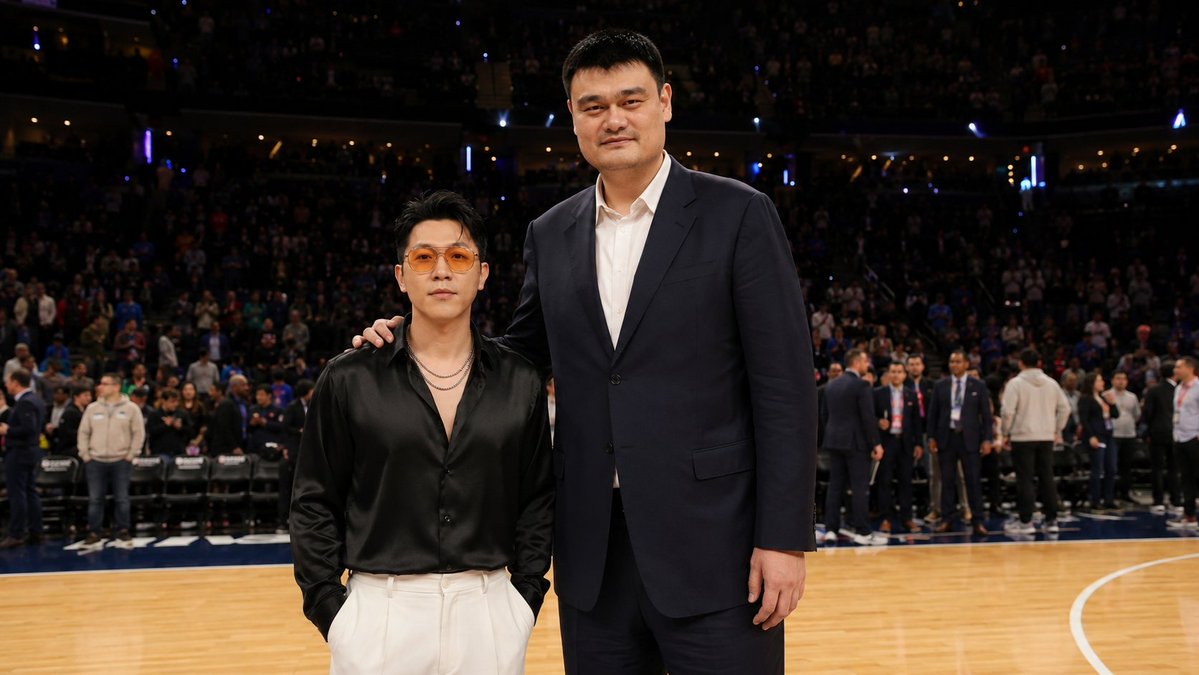
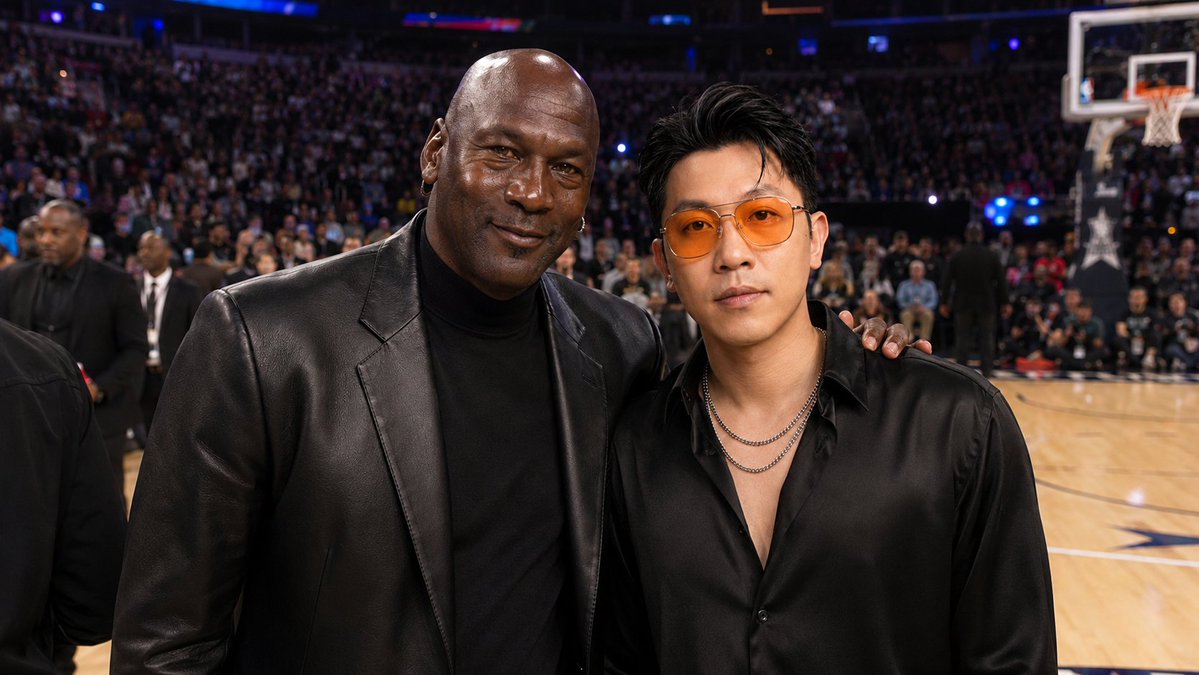
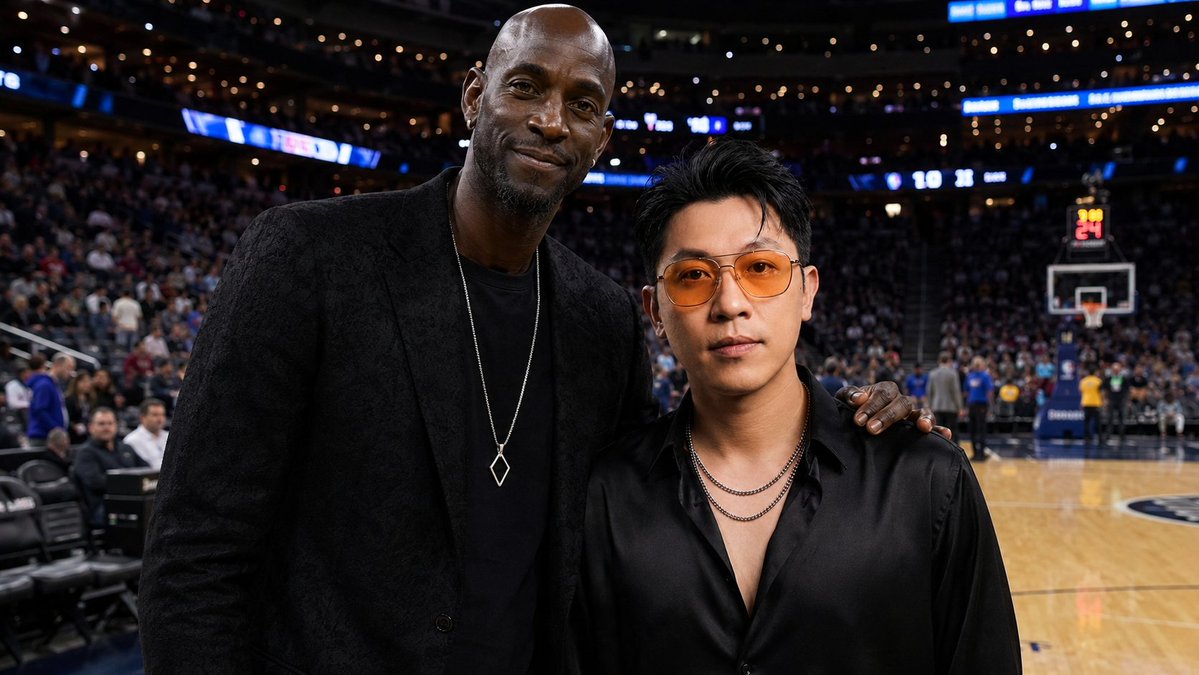
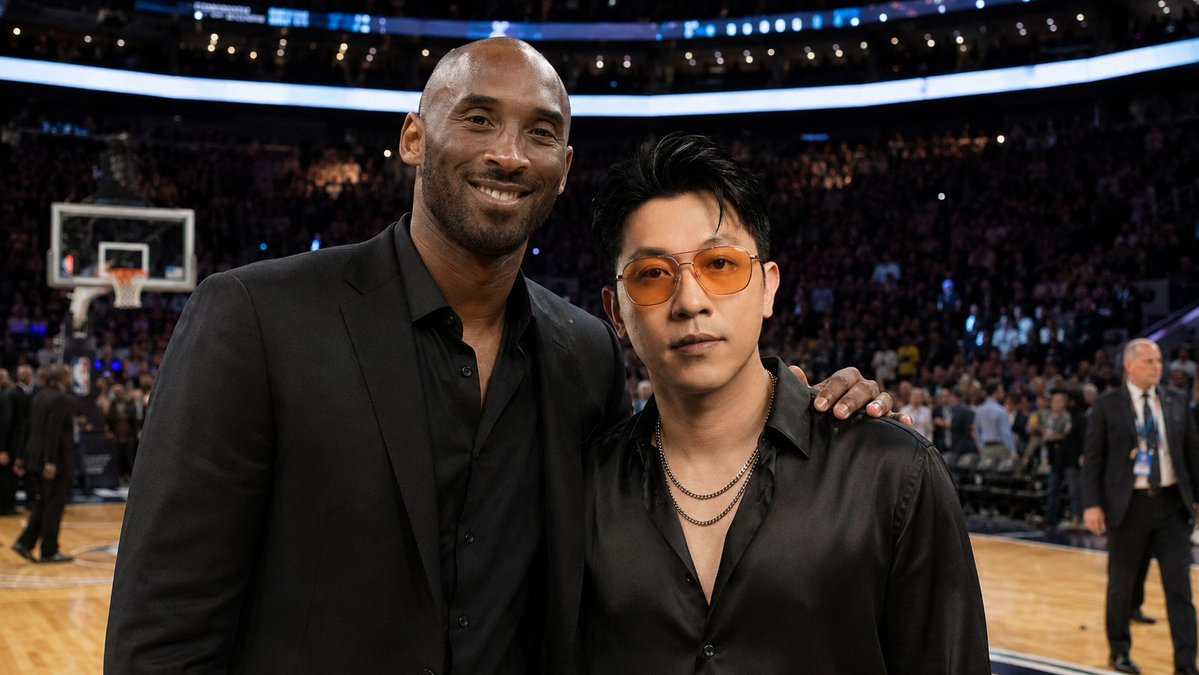
Generates a realistic courtside basketball arena photo of two VIP figures posing together with anonymized faces for celebrity-style event imagery. (free to use) — Free AI image template on PicX Studio.
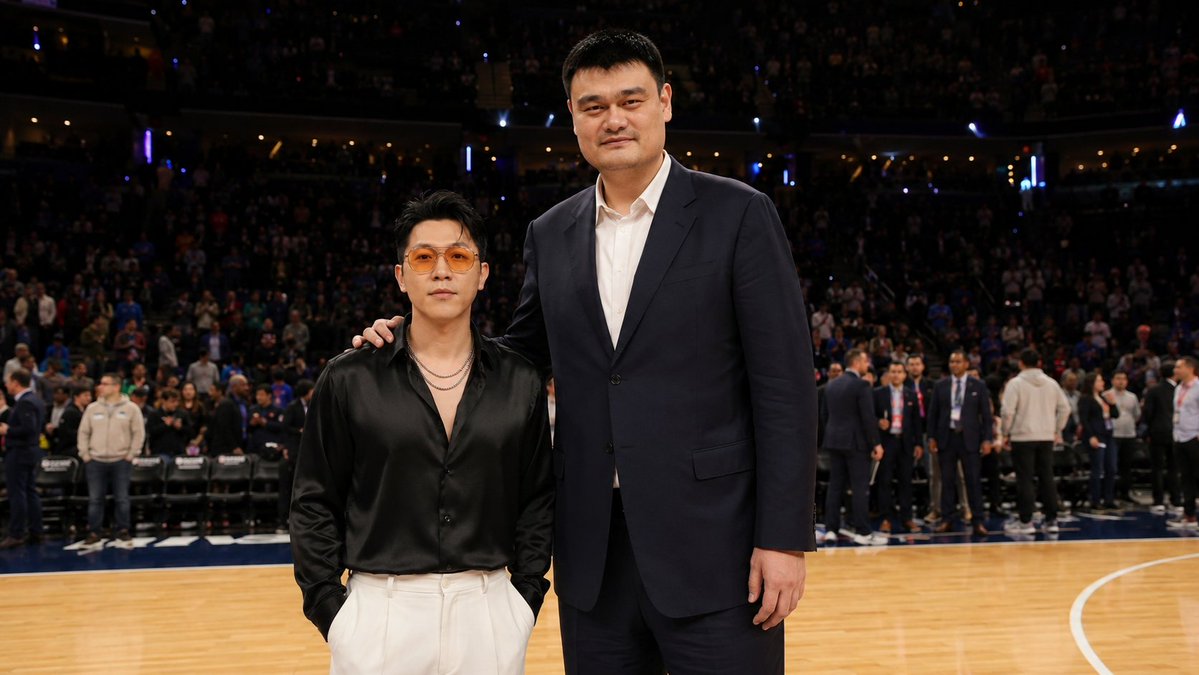
Create a realistic courtside event photograph at a professional basketball all-star game inside a packed indoor arena. In the foreground, show two men posing together on the hardwood court: a very tall East Asian former basketball-player type in a dark navy suit and white dress shirt, standing on the right with one arm resting on the shoulder of the shorter man; and a shorter stylish man on the left wearing a glossy black satin button-up shirt with the top buttons open, layered silver necklaces, cream high-waisted trousers, and hands in pockets. Both faces should be anonymized with smooth rectangular skin-tone blur blocks, as if celebrity faces were censored or failed to generate. The background should show a lively stadium crowd in dark seating, scattered arena lights, staff and spectators standing along the sideline, folding chairs, and the polished basketball court with white boundary lines. Use a candid sports-event press-photo style, wide horizontal composition, realistic lighting, shallow-to-medium depth of field, high detail, natural colors, and the feeling of a VIP courtside group photo. Customize the scene with {argument name="event setting" default="professional basketball all-star game"}, {argument name="tall subject outfit" default="dark navy suit with white dress shirt"}, {argument name="short subject outfit" default="black satin shirt and cream trousers"}, {argument name="face anonymization style" default="smooth rectangular skin-tone blur blocks"}, and {argument name="photo style" default="realistic courtside press photograph"}.
Use Anonymized Courtside Celebrity Photo to plan an AI image around gpt-image-2 generation, themes such as en and gpt-image-2. Match the preview's composition first, then personalize the subject, setting, and mood for your own project.
Use the primary action to load the template settings in PicX Studio.
Adjust the subject and creative details for your destination.
Create the image, compare the result with the preview, and refine one variable at a time.
A continuous mix — similar concepts first, woven with same-model prompts and fresh picks from the catalog.
Choose the primary action to open PicX Studio with the available template settings. Review the model and format, personalize the creative direction, and generate when ready.
Yes. You can change the subject, setting, lighting, mood, format, and available model controls before creating your image.
This template is free to open and customize. Generation usage is shown in PicX Studio before you create.
Start with gpt-image-2, which is the model associated with this template. You can compare another compatible model for a different finish.
Follow a topic to a crawlable collection of related PicX Studio templates.
39,157 public templates available. Verified via the PicX Studio public templates API; refreshed hourly.
A continuous mix — similar concepts first, woven with same-model prompts and fresh picks from the catalog.