
Ultra-Realistic Cinematic Beverage Product Photography
A highly detailed prompt for generating ultra-realistic cinematic product photography of a beverage can, focusing on dynamic liquid splashes, specific angles, lighting, and composition to achieve a high-impact…
- Prompt included
- Model and format preset
- Free template
The prompt behind this image
Copy the exact prompt behind Ultra-Realistic Cinematic Beverage Product Photography, or open it in the studio and make it yours.
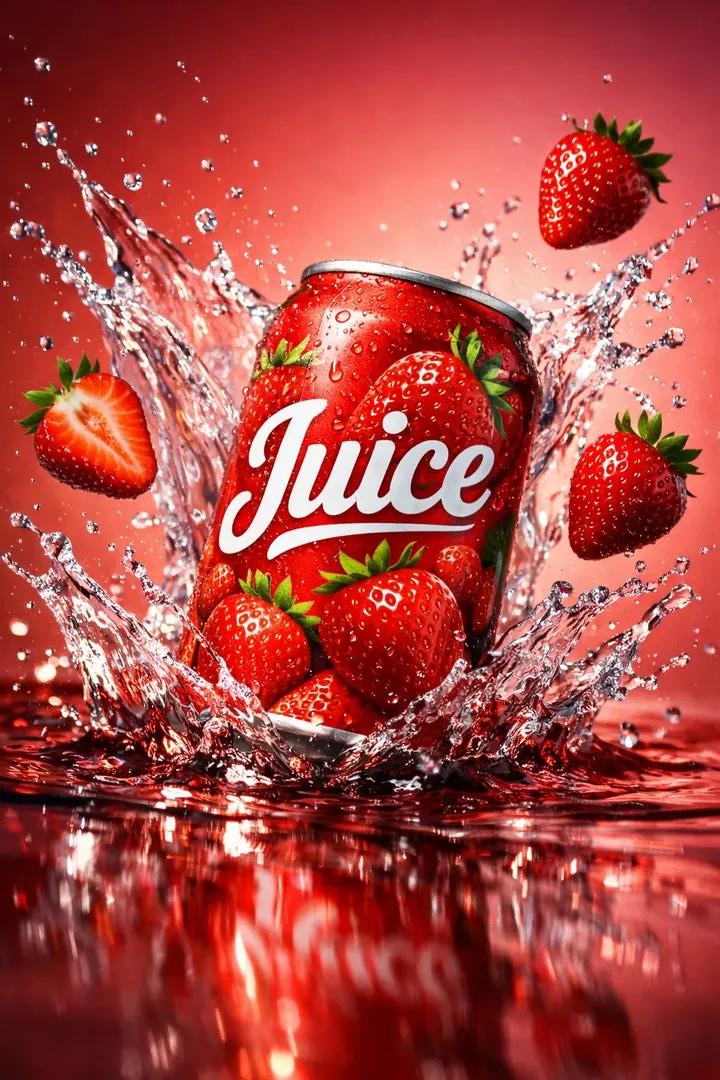
Ultra-realistic cinematic beverage product photography of a vibrant red aluminum juice can captured from a dramatic top-down three-quarter angle, the can lying diagonally on its side as if just knocked over, with the opening facing toward the camera and a burst of clear liquid splashing outward in a sweeping arc across the frame; the can features bold white “Juice” typography and strawberry illustrations, partially wet with condensation and splash residue; glossy liquid spreads across a reflective surface below, forming dynamic ripples and elongated reflections that lead the eye through the composition; fresh ripe strawberries—whole, sliced, and halved—are scattered asymmetrically around the can, some resting in the liquid pool, others frozen mid-air as if tossed, with varying scale and depth for cinematic layering; background is a smooth coral-to-rose gradient studio backdrop viewed at an angle, enhancing depth and motion; lighting is dramatic cinematic lighting with a strong side key light creating sharp highlights on the can rim and liquid splash, rim lighting separating strawberries from the background, and deep soft shadows adding contrast and mood; color palette is bold and saturated with strawberry red, crimson liquid, fresh green leaves, and warm pink tones; composition is dynamic and off-center with diagonal energy, shallow depth of field isolating the can while foreground splashes remain crisp and background elements softly fall off; mood is energetic, high-impact, and cinematic, evoking premium blockbuster-style beverage advertising with hyper-realistic fluid dynamics, ultra-detailed textures, dramatic contrast, and 8K ultra-high-definition realism.
How to use Ultra-Realistic Cinematic Beverage Product Photography in 3 steps
- 1
Open
The prompt is already in the box next to the preview, with the template's model and format selected.
- 2…a portrait of your subject in softgolden-hour light, 85mm…
Personalize
Edit the subject and creative details for your destination.
- 3Generate
Generate
Press Generate — your image is created in PicX Studio, so you can compare it with the original and refine one variable at a time.
More like this
Templates with the same subject, style or setup. Open one to see its prompt.
Product Elemental Lifestyle - Midjourney v7/v8
Premium Beverage Product Photography: Golden Peach Fizz
Ultra-Realistic Beverage Product Photography
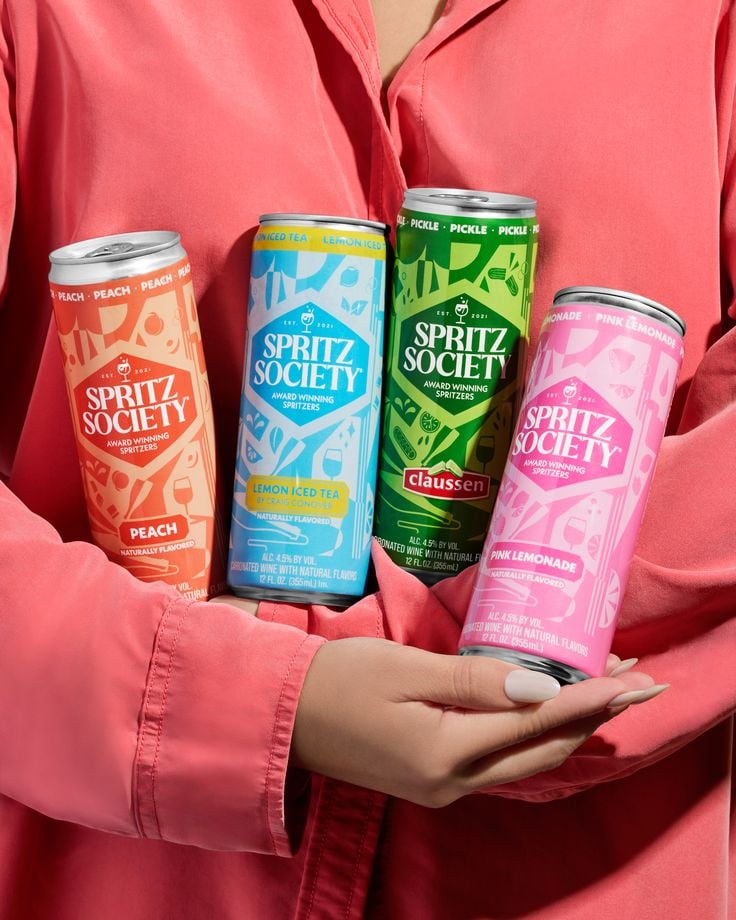
Vibrant Canned Beverage Showcase
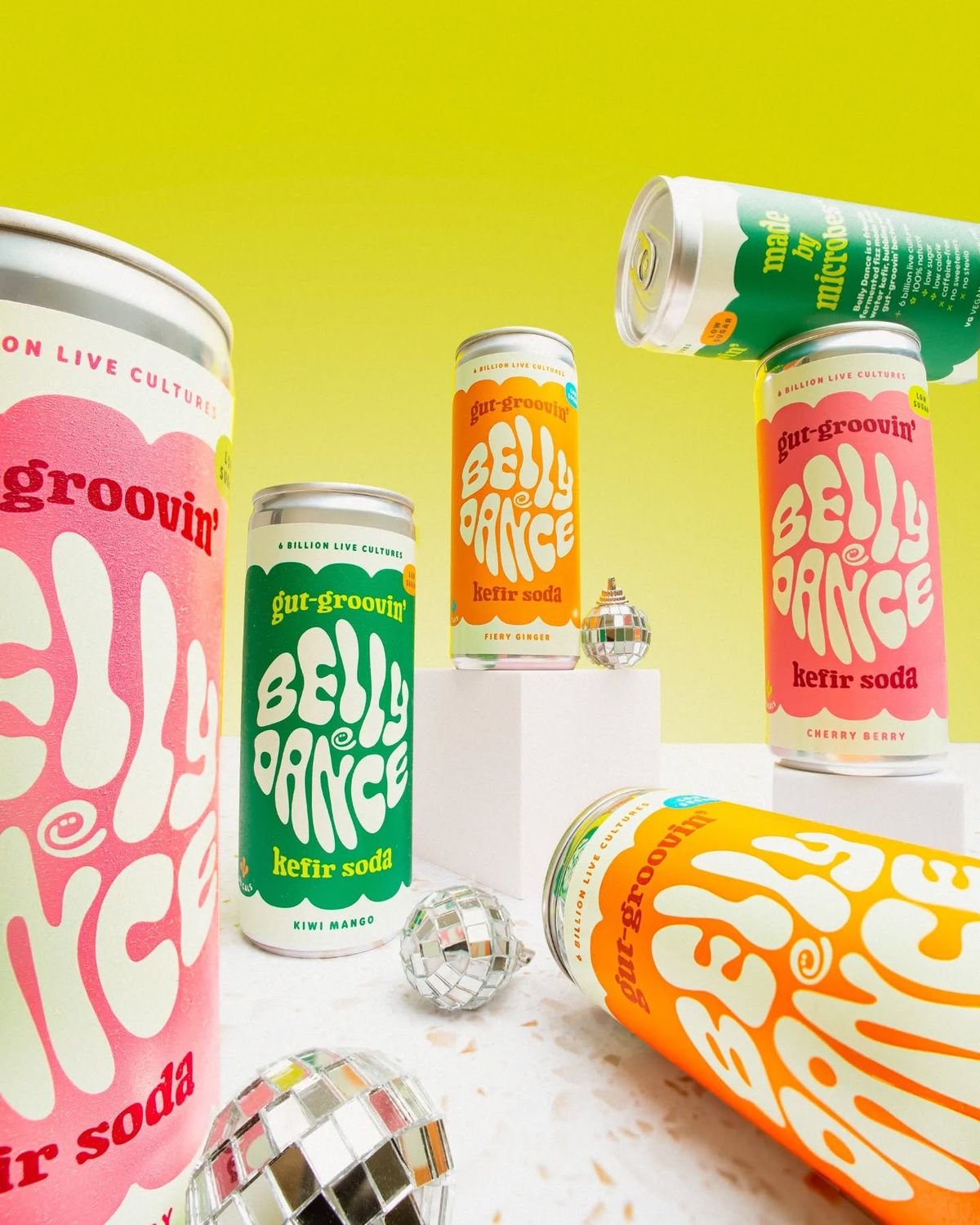
Retro Disco Beverage Showcase
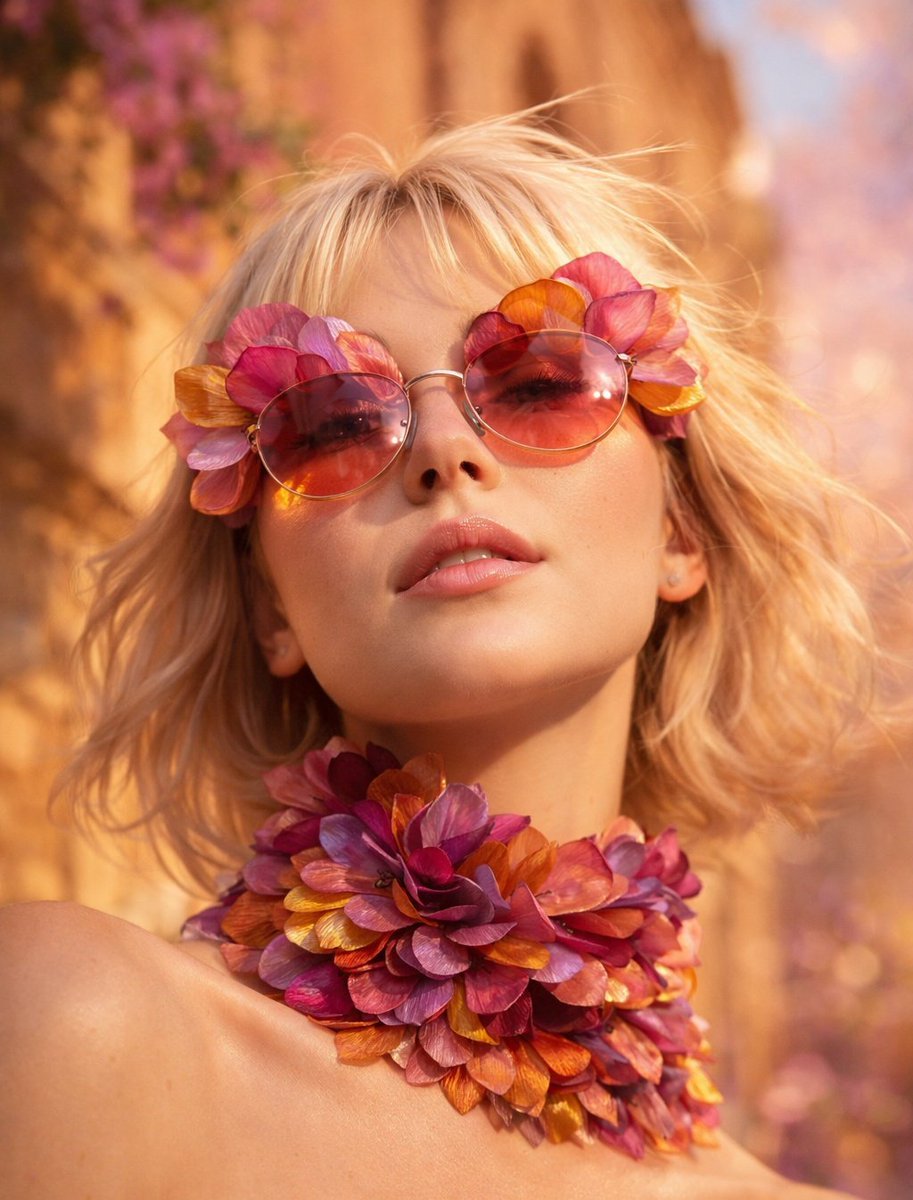
Flower Petal Sunglasses Couture Portrait
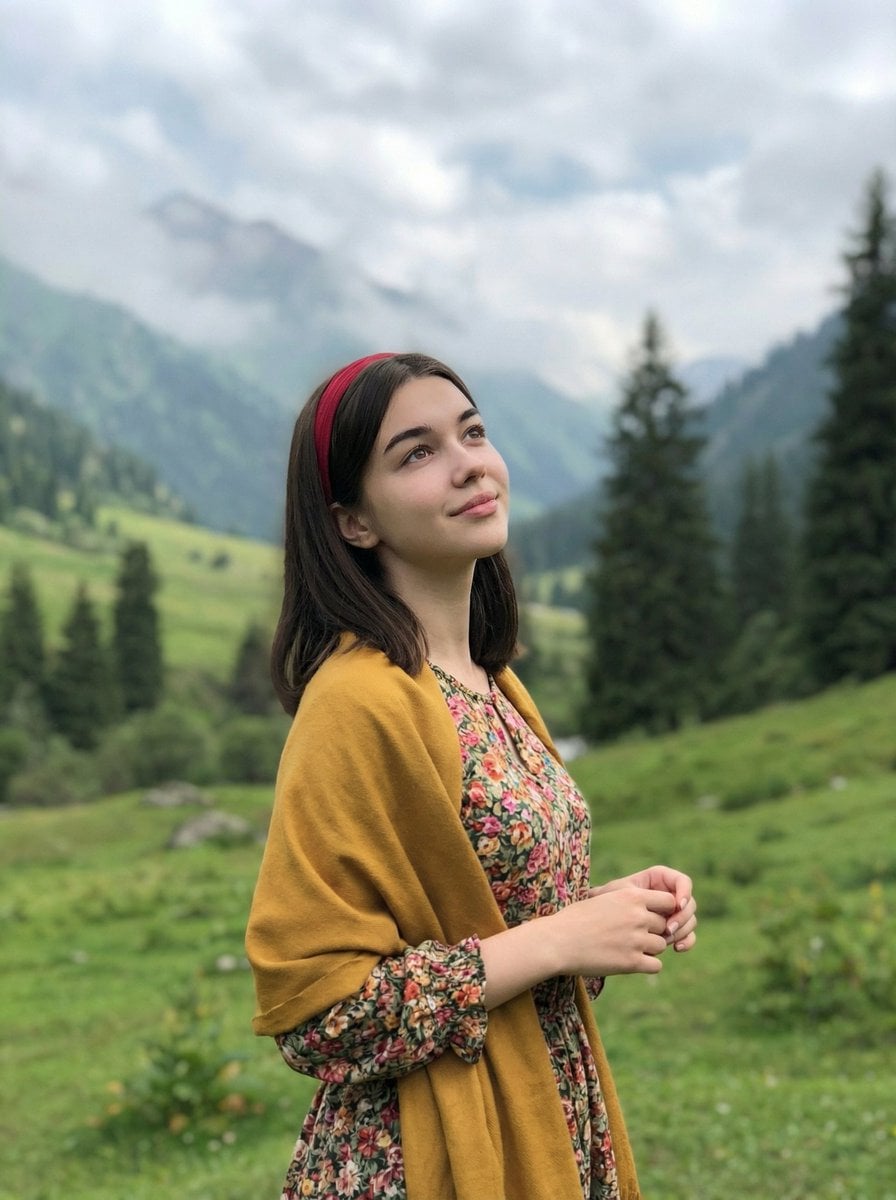
Mountain Valley Lifestyle Portrait
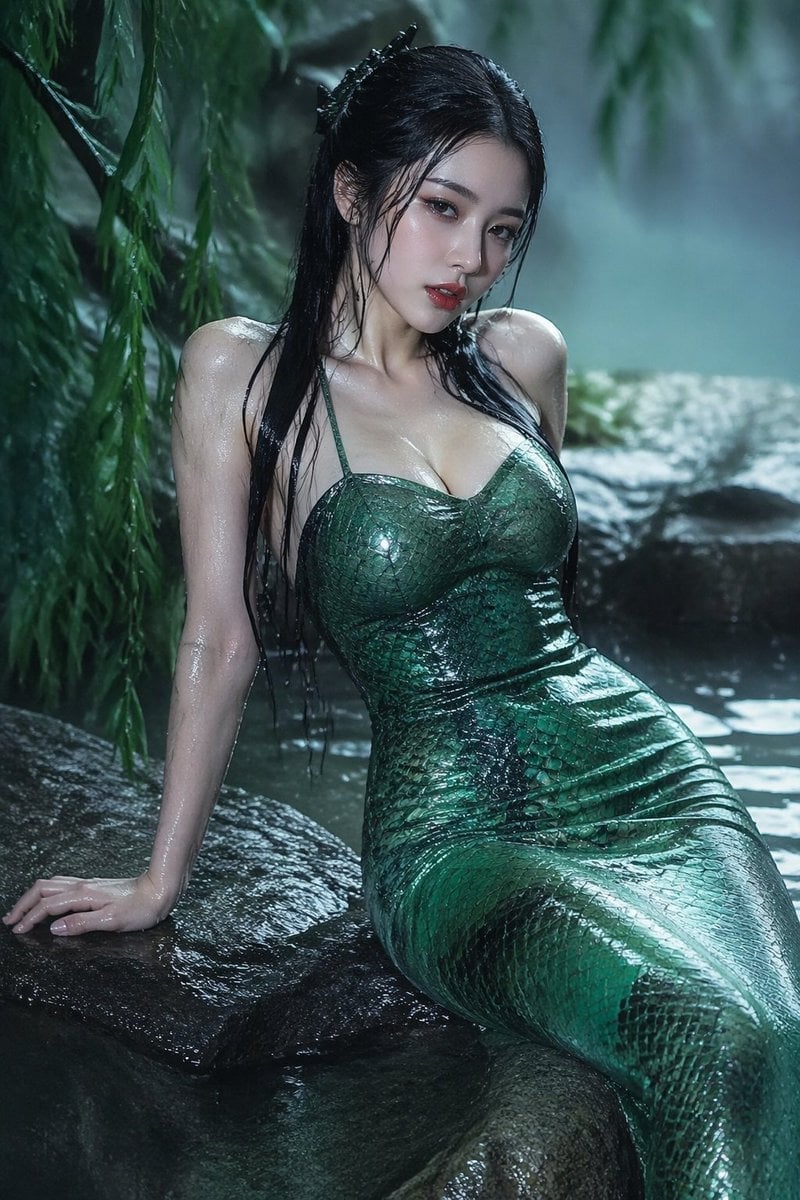
青蛇小青写真大片,绿色紧身蛇鳞裙,湿发红唇,妖娆妩媚
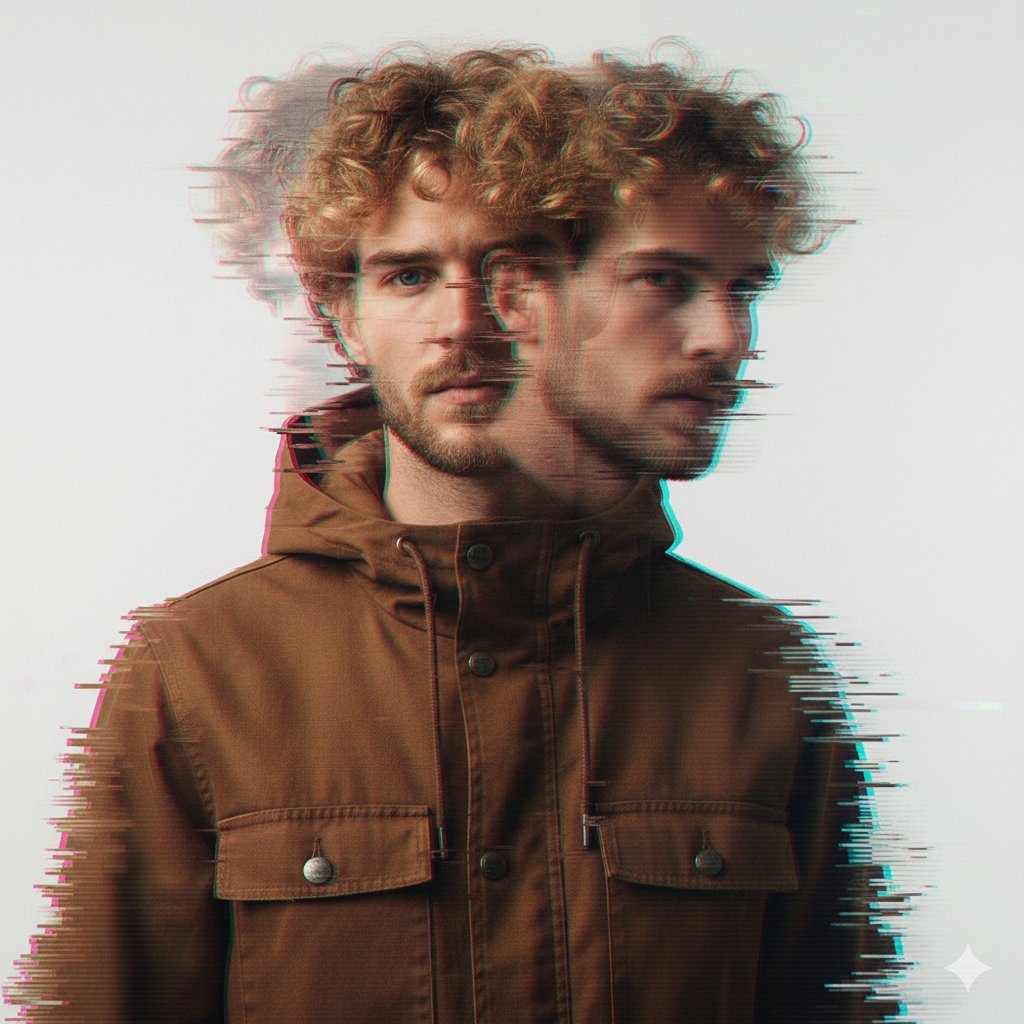
A double exposure, long exposure editorial photograph of a man Use image

Portrait of a young woman in her early 20s walking calmly on a beautiful
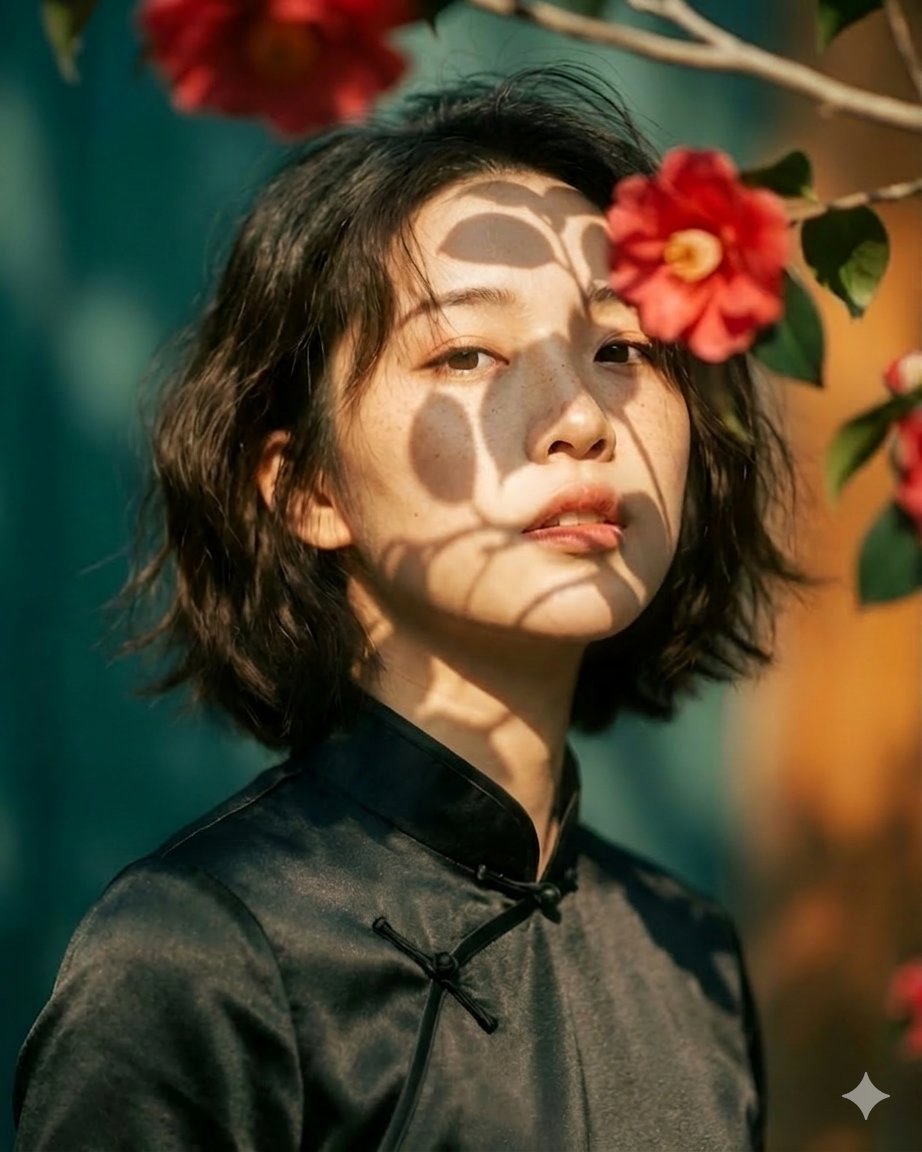
Artistic portrait of an elegant Asian woman wearing a black silk
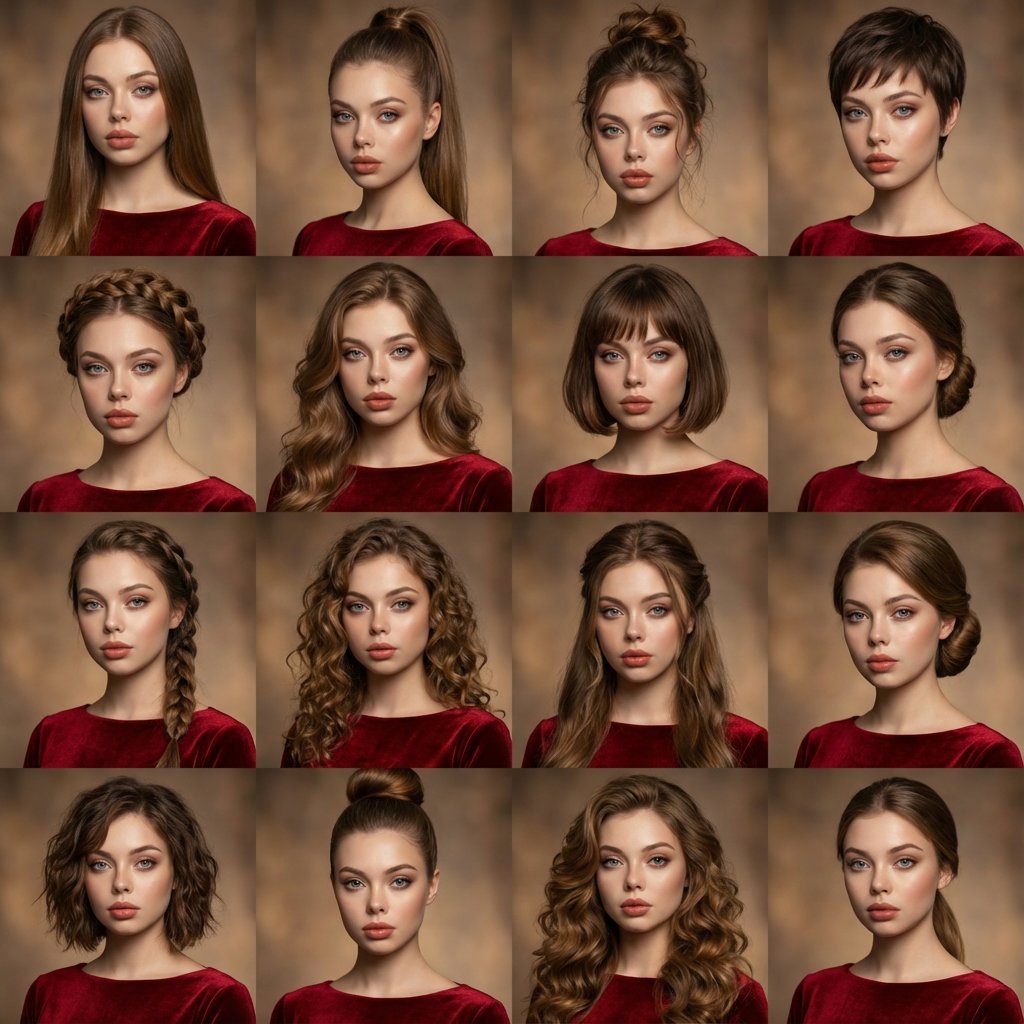
A high-quality photo collage featuring the same person with identical
Make it yours
Ultra-Realistic Cinematic Beverage Product Photography works as-is. These are the safest ways to change it without losing the look.
Change one field
Copy a single group, rewrite it, and generate again so you can see what that field is doing.
Keep the frame, change the subject
Hold the composition and light of Ultra-Realistic Cinematic Beverage Product Photography, then swap wardrobe, props or the person for a new take.
| If the result… | Why | Fix |
|---|---|---|
| The result drifts from the preview | Too many fields changed at once. | Reuse Ultra-Realistic Cinematic Beverage Product Photography as-is first, then change one group — subject, light, or setting. |
| The model over-stylizes the scene | The prose prompt leaves finish and camera underspecified. | Add one camera or lighting sentence and stay on Nano Banana 2. |
More Nano Banana 2 templates
Other prompts made for Nano Banana 2.

Photorealistic Leaf Shaped Like a Dragon

K-Pop Idol Portrait Grid for Rapid Selection

Poetic Rain Forest Portrait During Golden Hour

Urban Street Portrait with Cartoon Inner Self Duo

Candid Nighttime Photo with Cat Prompt

High-Concept 3D Diorama Generation Prompt

Cinematic Futuristic Studio Portrait Template

Skincare Editorial Photography Collage Prompt

Hyper-Realistic Commercial Product Photography (Splash Effect)

Hyper-Realistic Nightclub Portrait Prompt
More image prompts
Fresh picks from across the catalog.
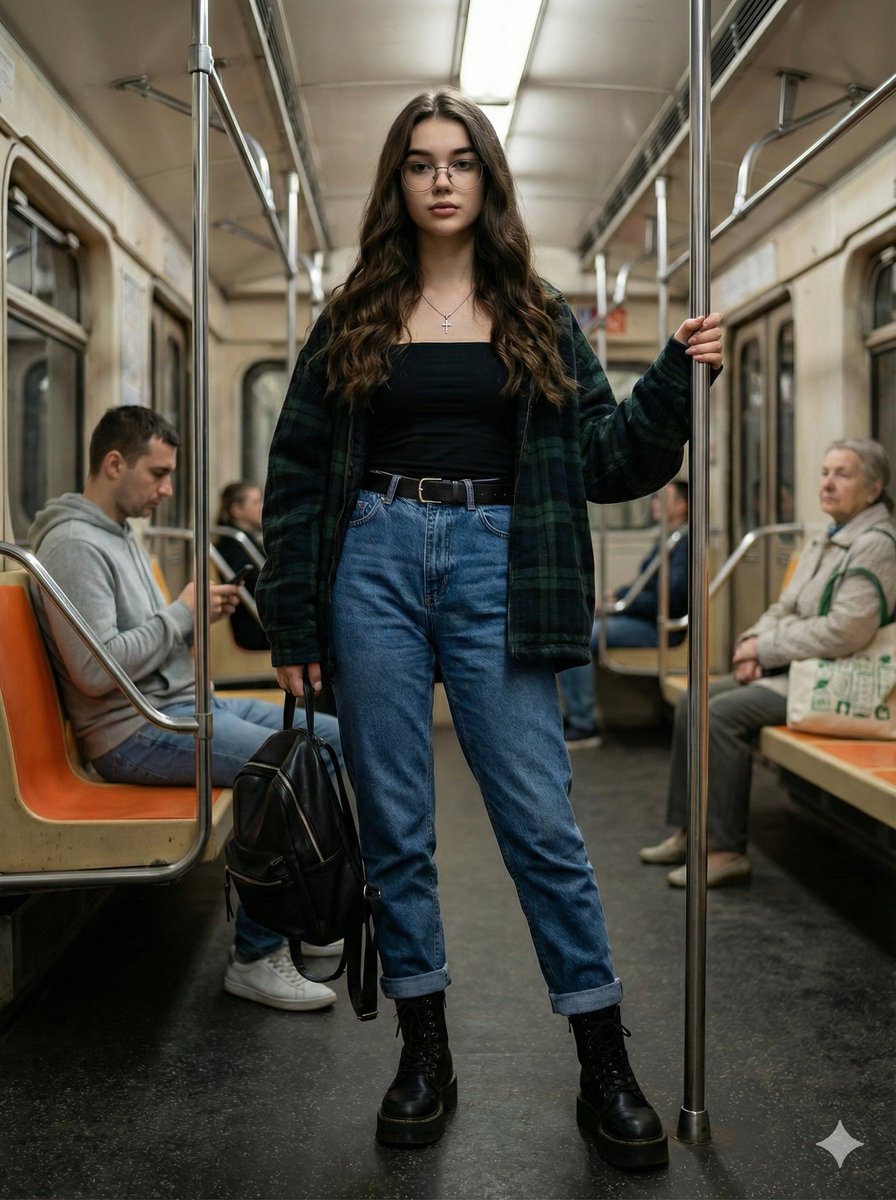
Ultra-Realistic Full-Body Subway Portrait Prompt
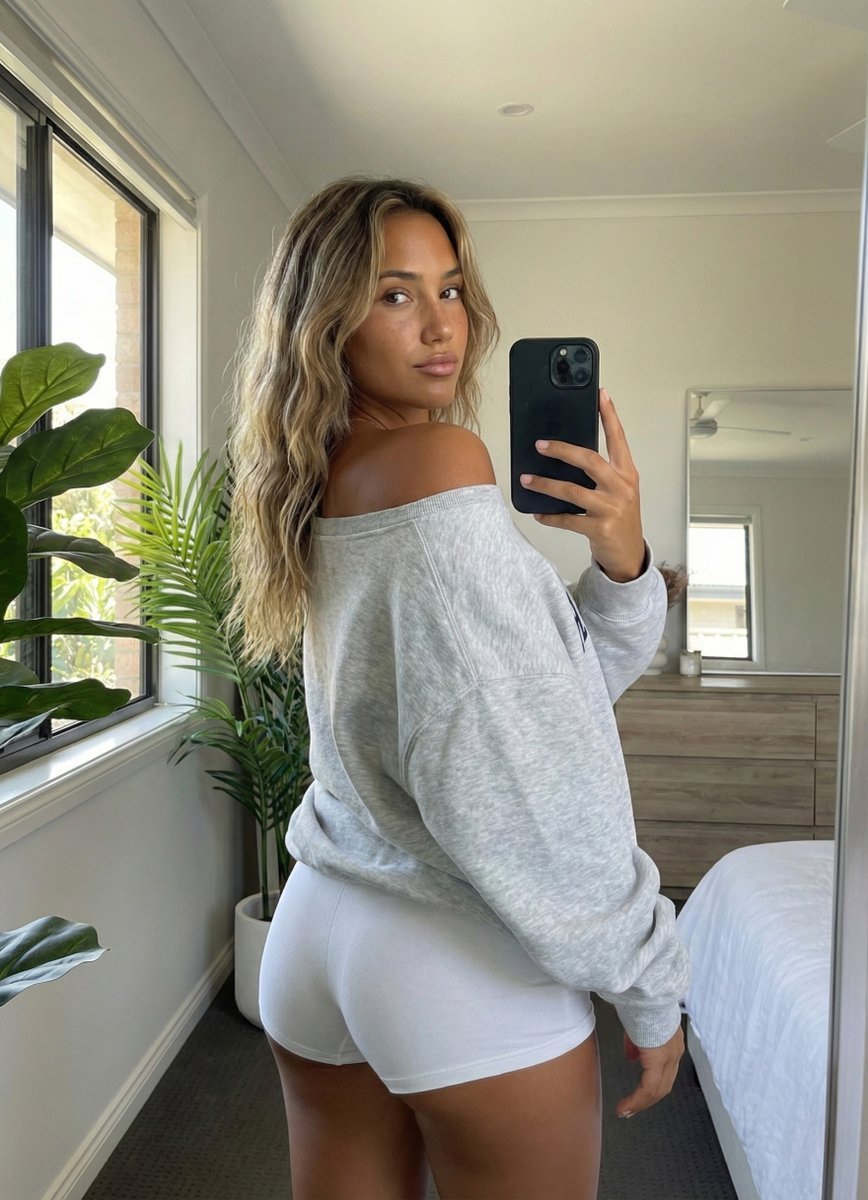
Photorealistic Rear-View Mirror Selfie in a Modern Bedroom
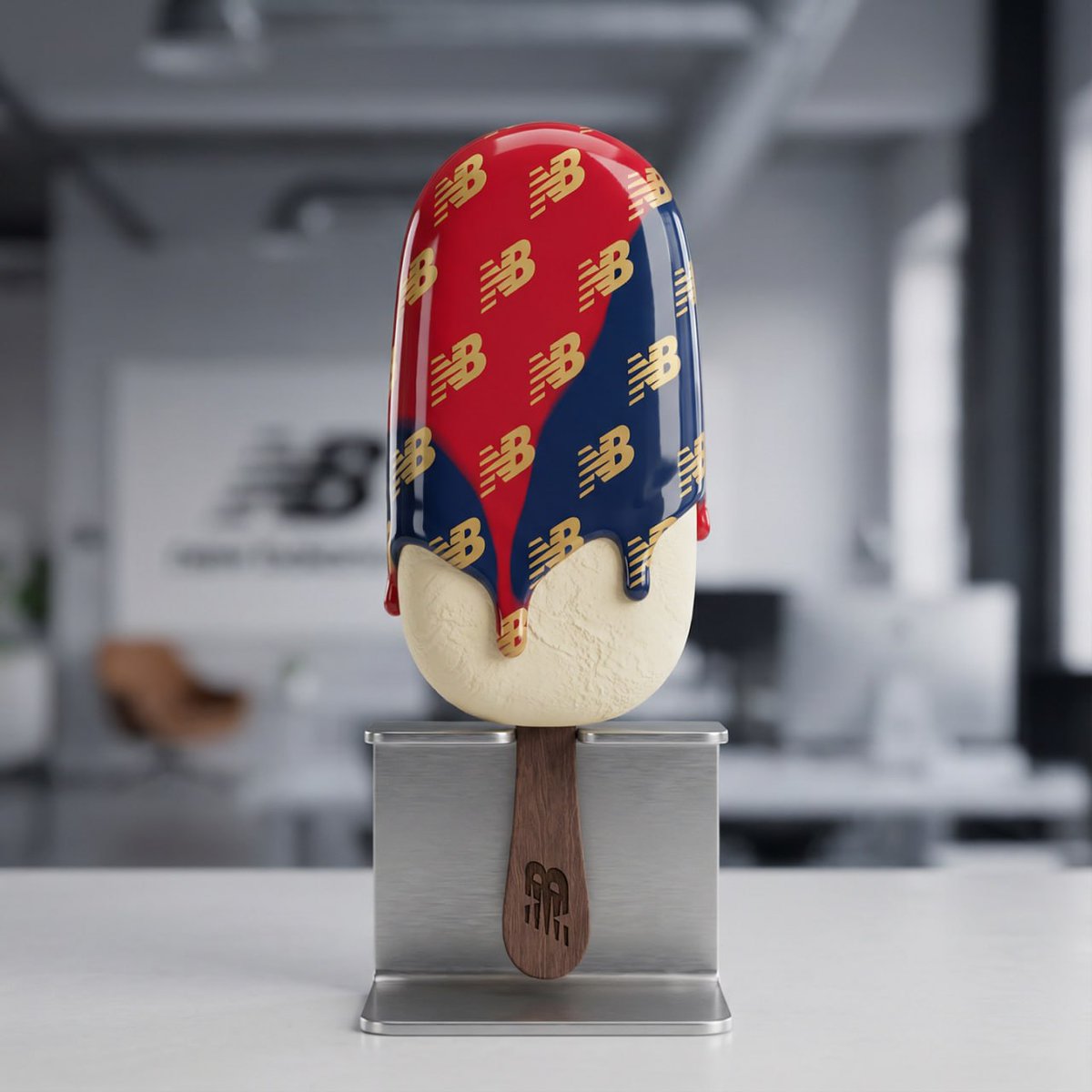
Nano Banana Pro Tutorial for Product Branding
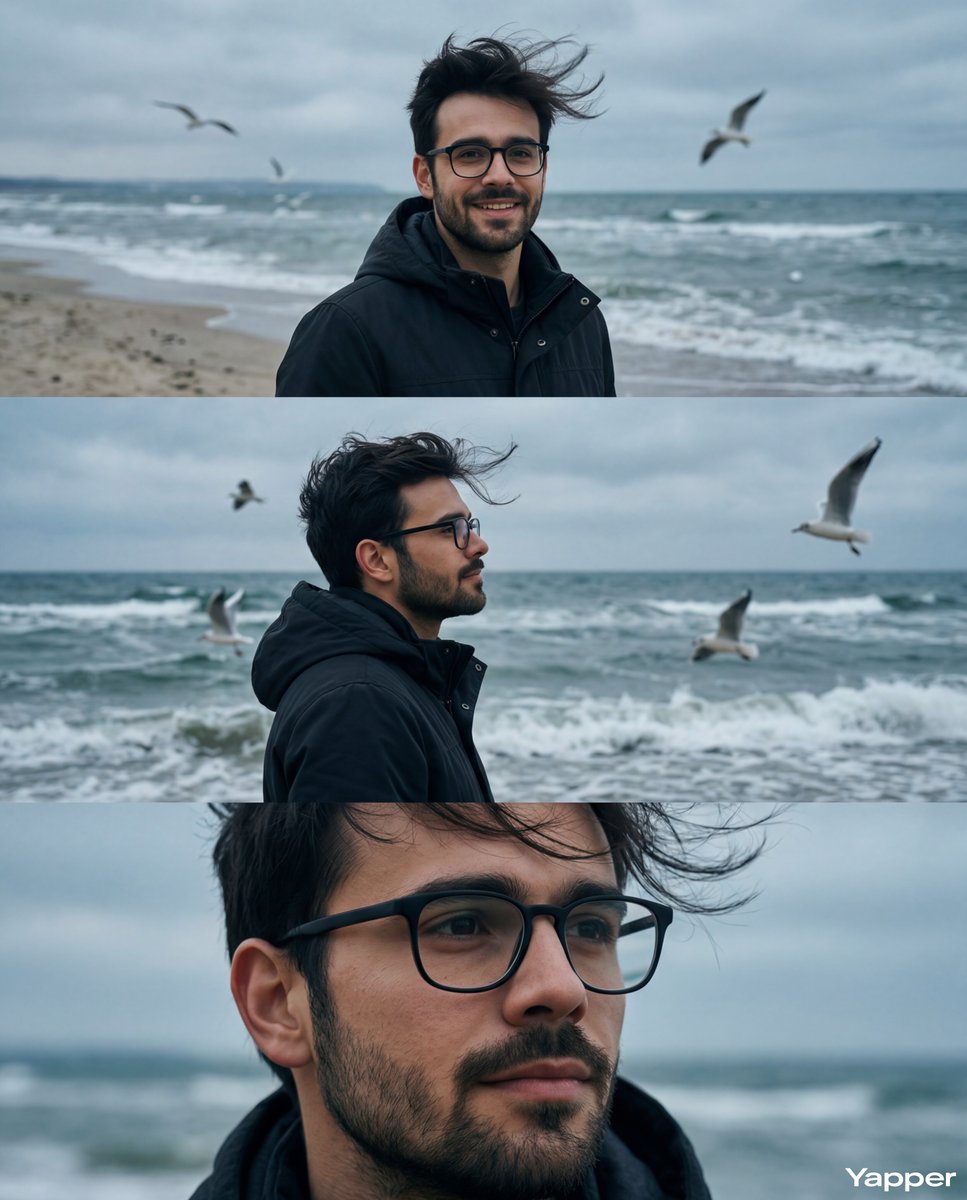
Cinematic Seaside Triptych Portrait Prompt
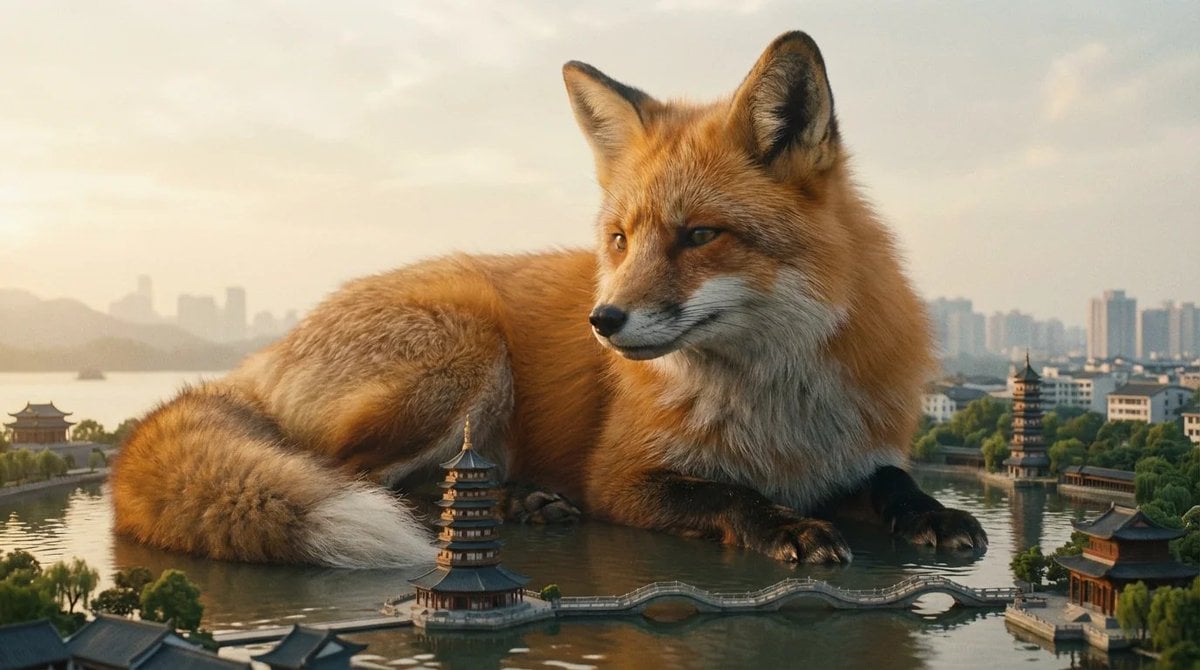
Giant Animal in City Scene Prompt (Fox + West Lake)
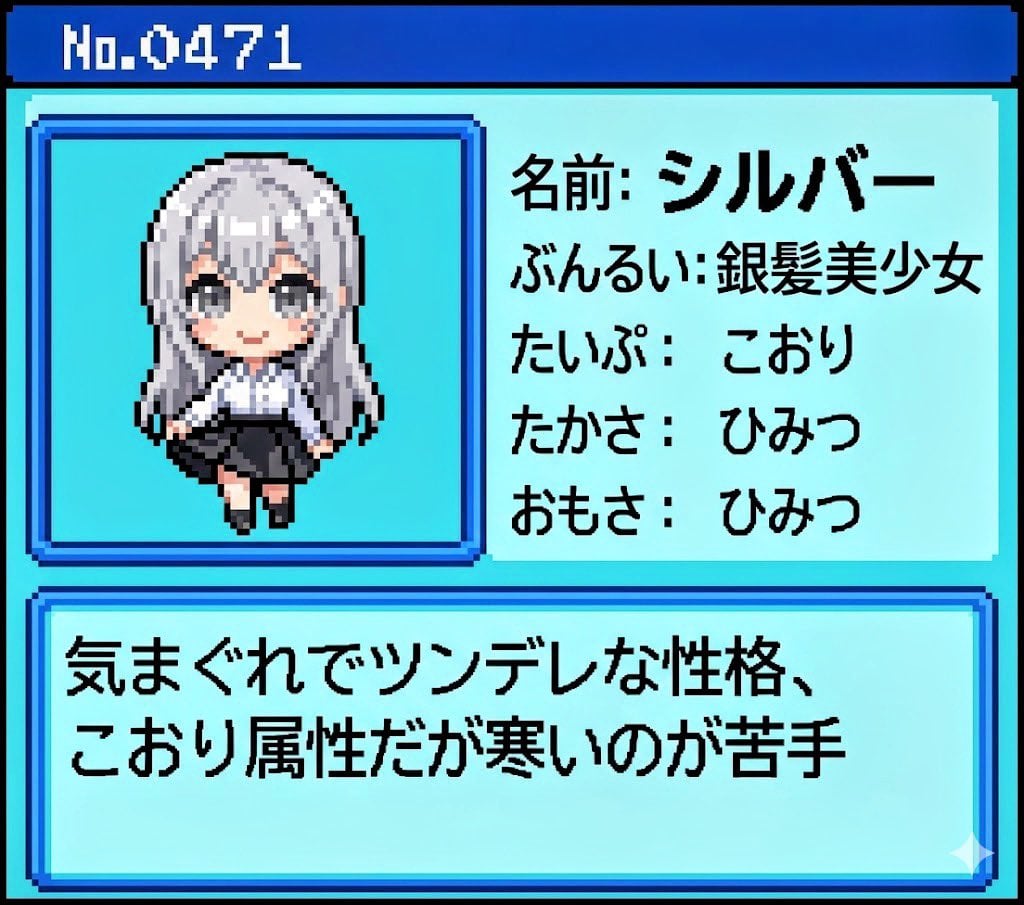
Generating Pokémon Zukan (Illustrated Guide) Style Art
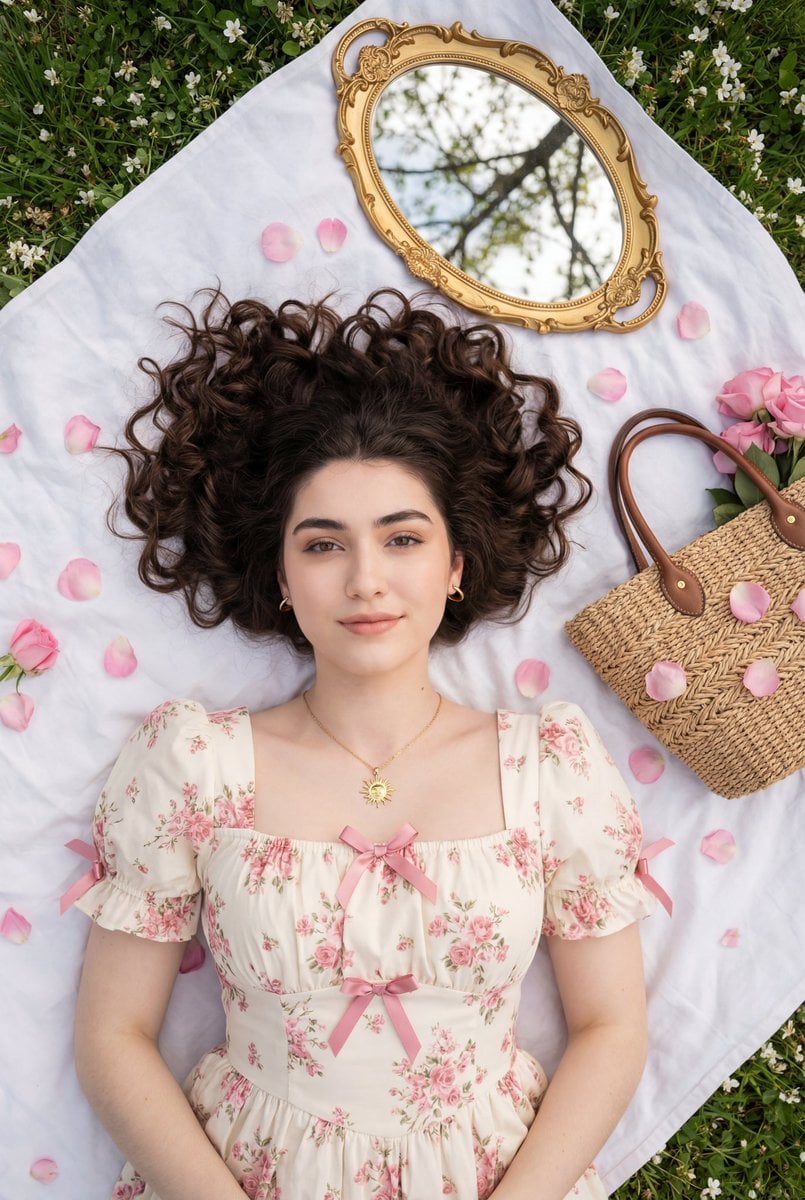
Top-Down Romantic Cottagecore Portrait
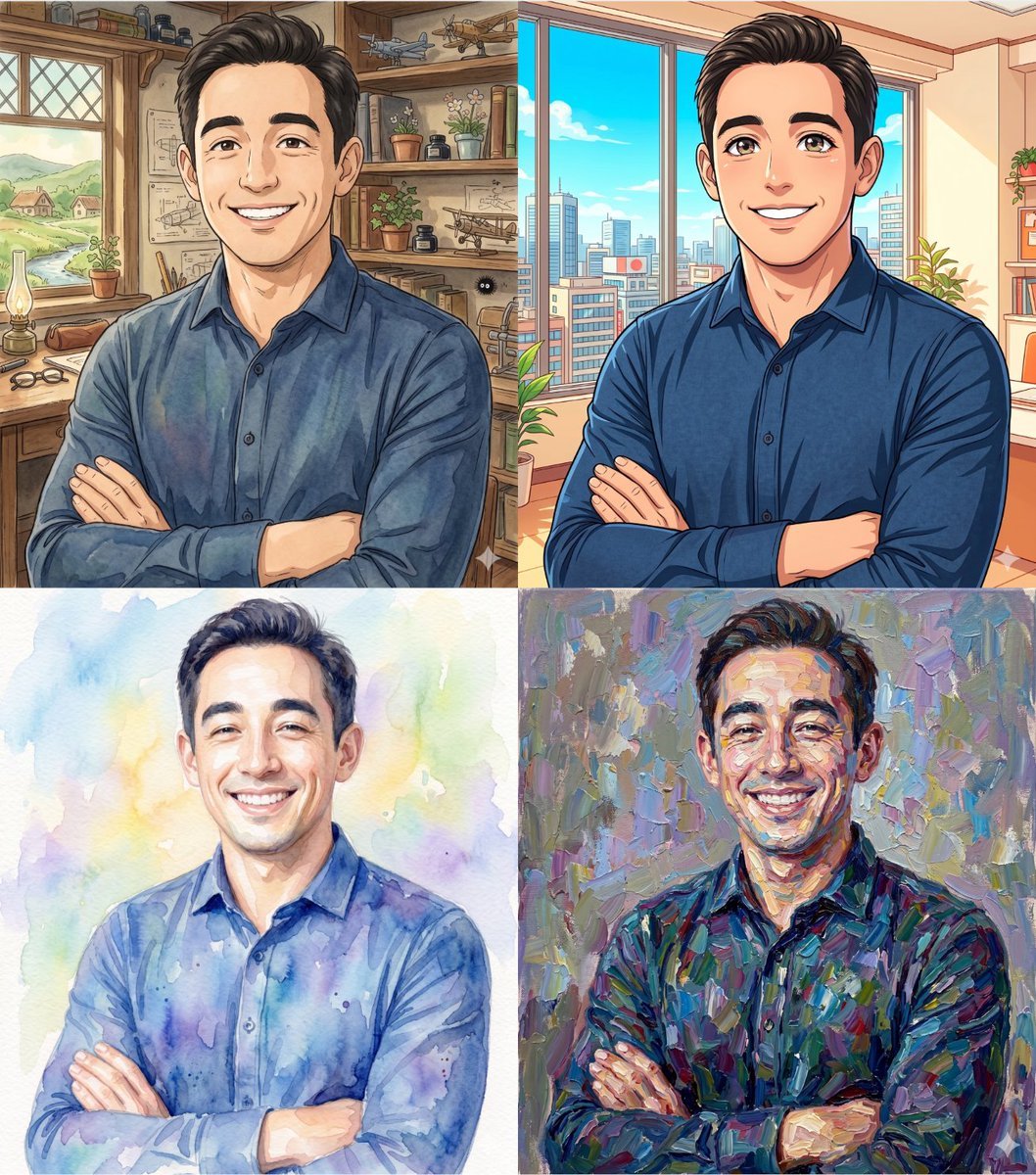
Ghibli and Anime Style Photo Transformation
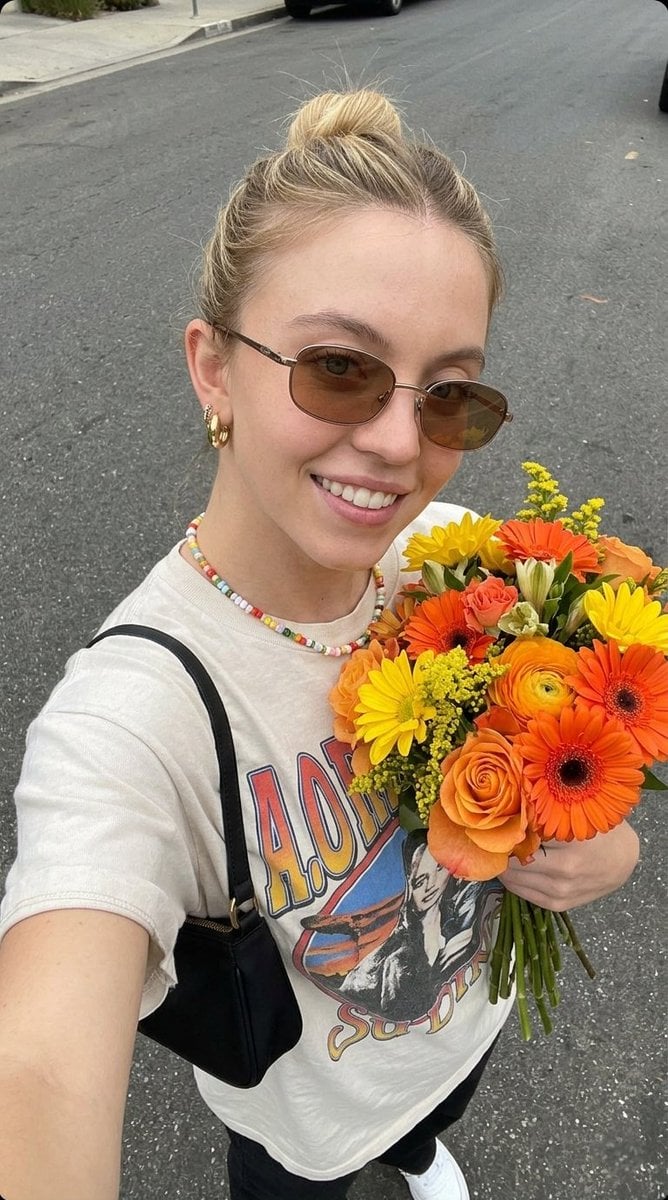
Ultra-realistic Selfie Photo with Fresh Flowers

Anime Character Editorial Poster Prompt
Browse template categories
Ultra-Realistic Cinematic Beverage Product Photography questions
How do I use the Ultra-Realistic Cinematic Beverage Product Photography template?
Add your photo if the template asks for one, edit the prompt if you like — the template's model and format are already selected — and press Generate. Your version opens in PicX Studio.
Can I customize the Ultra-Realistic Cinematic Beverage Product Photography template?
Yes. You can change the subject, setting, lighting, mood, format, and available model controls before creating your image.
Is the Ultra-Realistic Cinematic Beverage Product Photography template free?
Opening and editing this template is free. Generating uses credits, shown on the Generate button when you are signed in.
Which AI model should I use?
Start with Nano Banana 2, which is the model associated with this template. You can compare another compatible model for a different finish.
Looking for something else? Browse all templates.

Your photo, any look
Thousands of ready templates for every top image and video model, from one credit balance.