
Free AI Video GeneratorCreate stunning AI videos from text prompts or images — powered by Seedance 2.0
Generate AI videos for free with Seedance 2.0 by ByteDance. Text-to-video and image-to-video generation in seconds. Create 4-15 second videos in 6 aspect ratios including landscape, portrait, and ultrawide. No subscription required.
- First image free
- Credits never expire
- Commercial use



What you get with PicX Studio
Create stunning AI videos from text prompts or images — powered by Seedance 2.0
Seedance 2.0 — highest quality AI video generation by ByteDance, up to 4K
Seedance 2.0 Fast — quicker generation for rapid iteration and drafts
Text-to-video — describe any scene, character, or action and get a video
Image-to-video — upload any image and bring it to life with motion
Fine duration control from 4 to 15 seconds per video (up to 30 with Seedance 2.5)
Landscape (16:9) for YouTube and portrait (9:16) for TikTok and Reels
Video needs a plan, from $11.99/month, or a credit pack from $5 — credits never expire
Make it in 3 steps
- 01
Describe it or pick a template
Write what you want, or open one of the AI video generator templates below with its prompt filled in.
- 02
Choose a model
Seedance 2.0 is selected for you. Switch to any other image or video model in the studio; each shows its credit cost first.
- 03
Generate and download
Your first image is free. Downloads are watermark-free and yours to use commercially.
AI video generator examples
Real outputs from PicX Studio. Open any template to see its full prompt and make your own version.
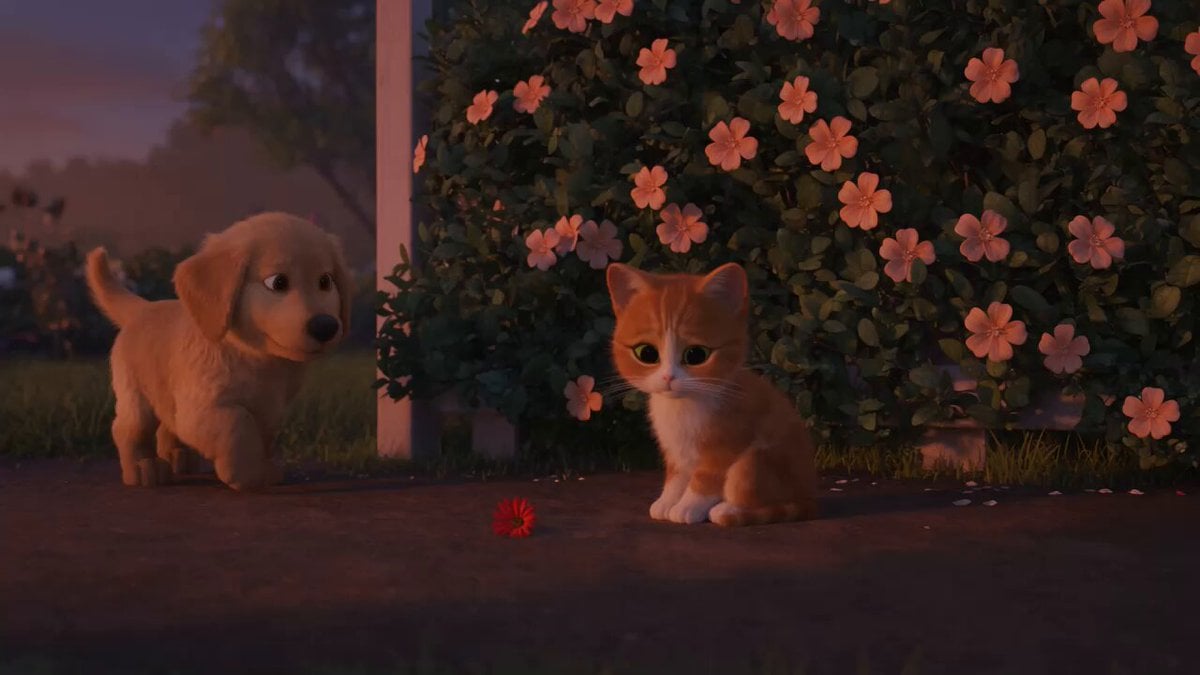
Wholesome Puppy and Kitten Story - Seedance 2.5
Mediterranean Coffee Run Vlog - Seedance 2.5
Sci-Fi Disaster Movie Scene - Seedance 2.5
Mysterious Home Exploration Vlog - Seedance 2.5

Cinematic Istanbul Night Fight - Seedance 2.5

Magical Room Transformation - Seedance 2.5

Dark Tokusatsu Transformation - Seedance 2.5

Realistic UGC Cleanser Review - Seedance 2.5
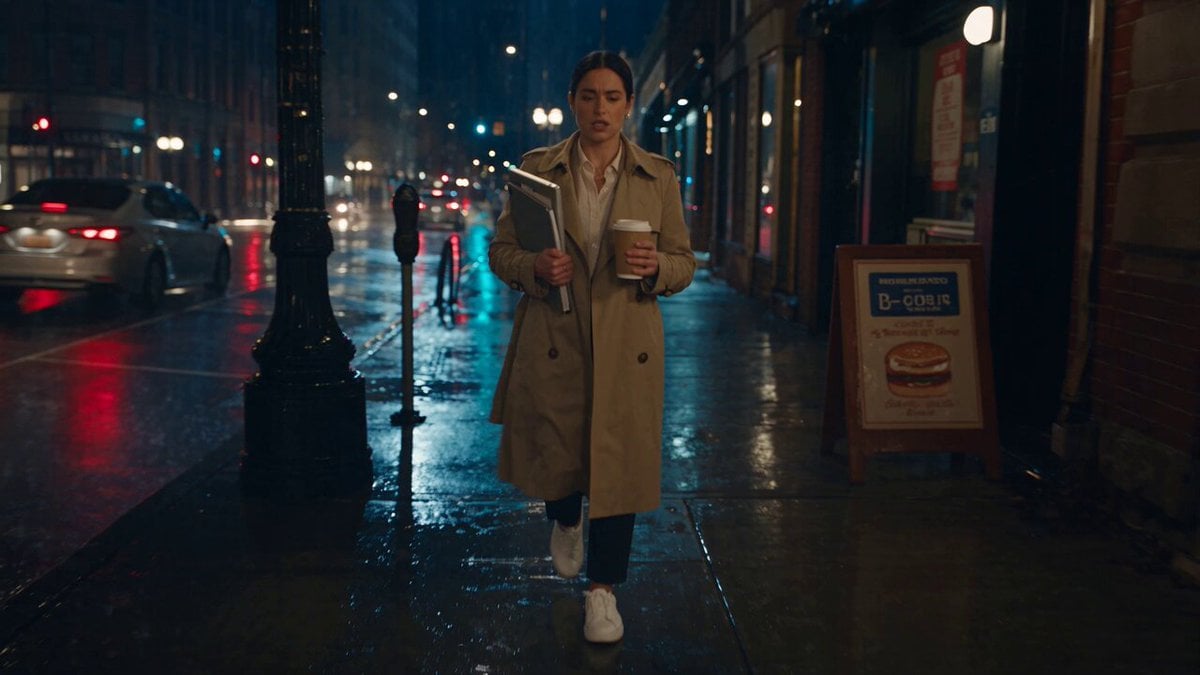
Viking in Modern America Comedy - Seedance 2.5

3D Animated Newspaper Delivery Short - Seedance 2.5

Cyberpunk Holographic Dance Performance - Seedance 2.5

Cinematic Xinjiang Drone Landscapes - Seedance 2.5
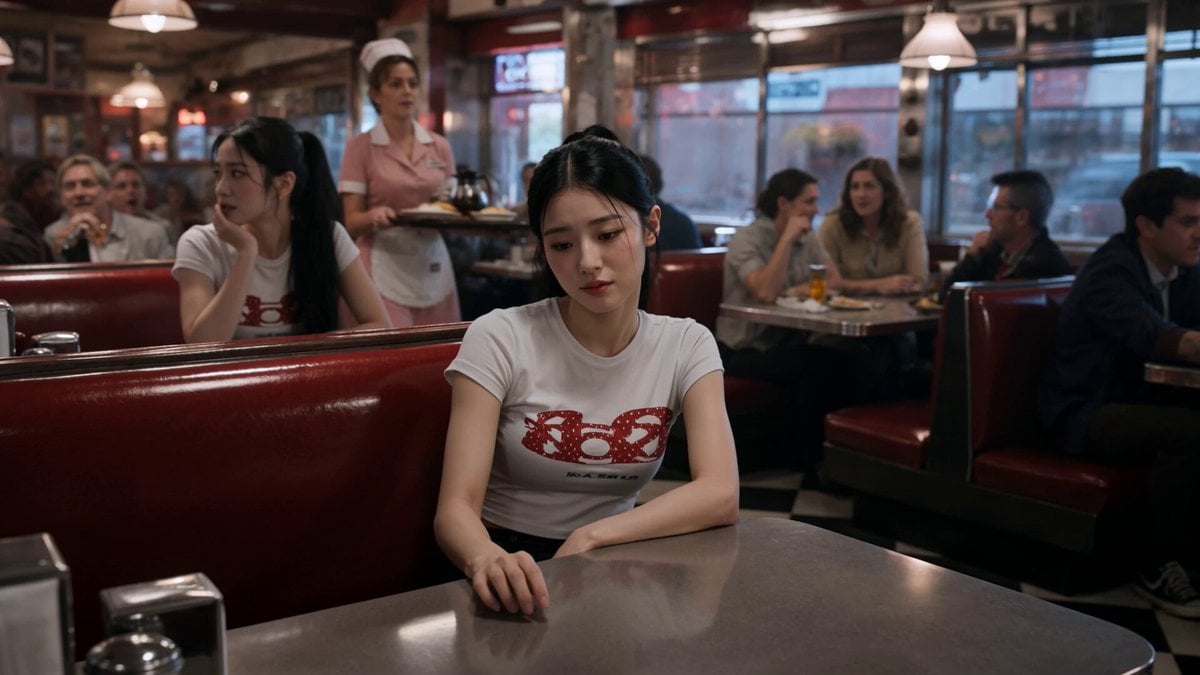
Slow-Motion 90s Diner Explosion - Seedance 2.5
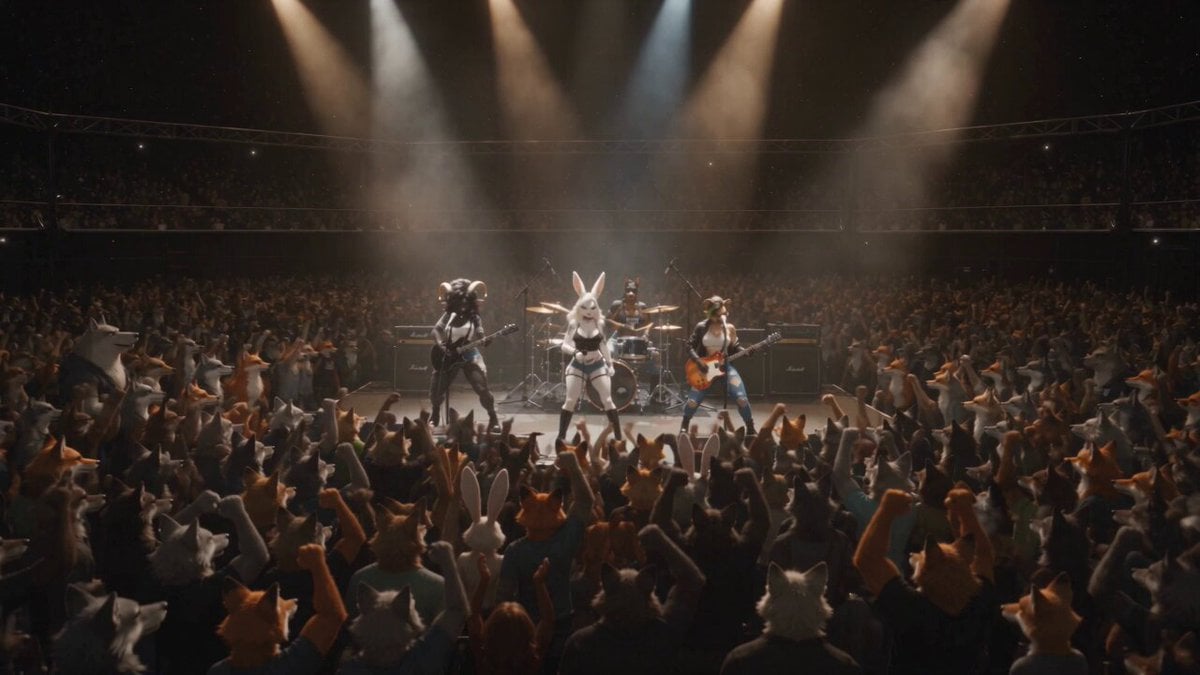
Anthropomorphic Rock Band Live Concert - Seedance 2.5
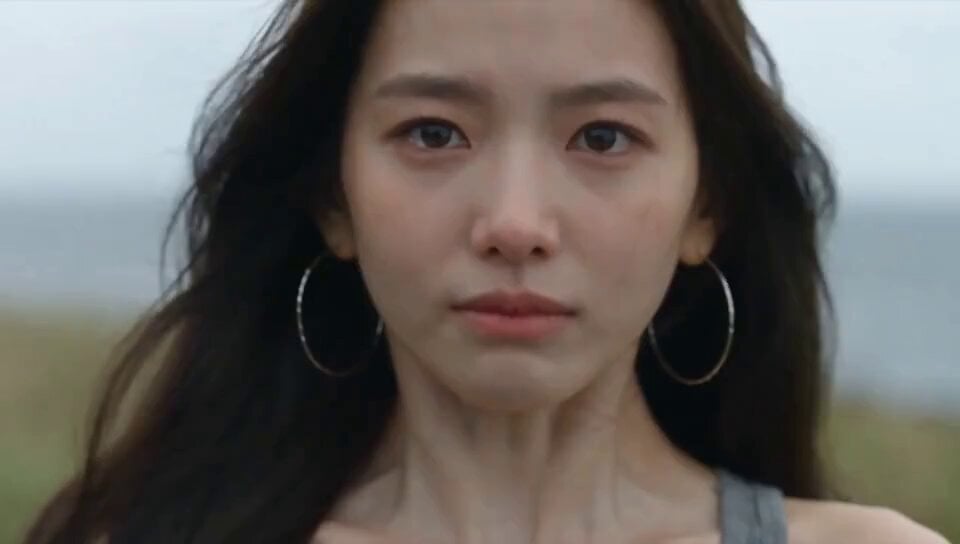
Emotional Breakdown and Fabric Interaction - Seedance 2.5

Realistic Morning Routine Lifestyle Vlog - Seedance 2.5
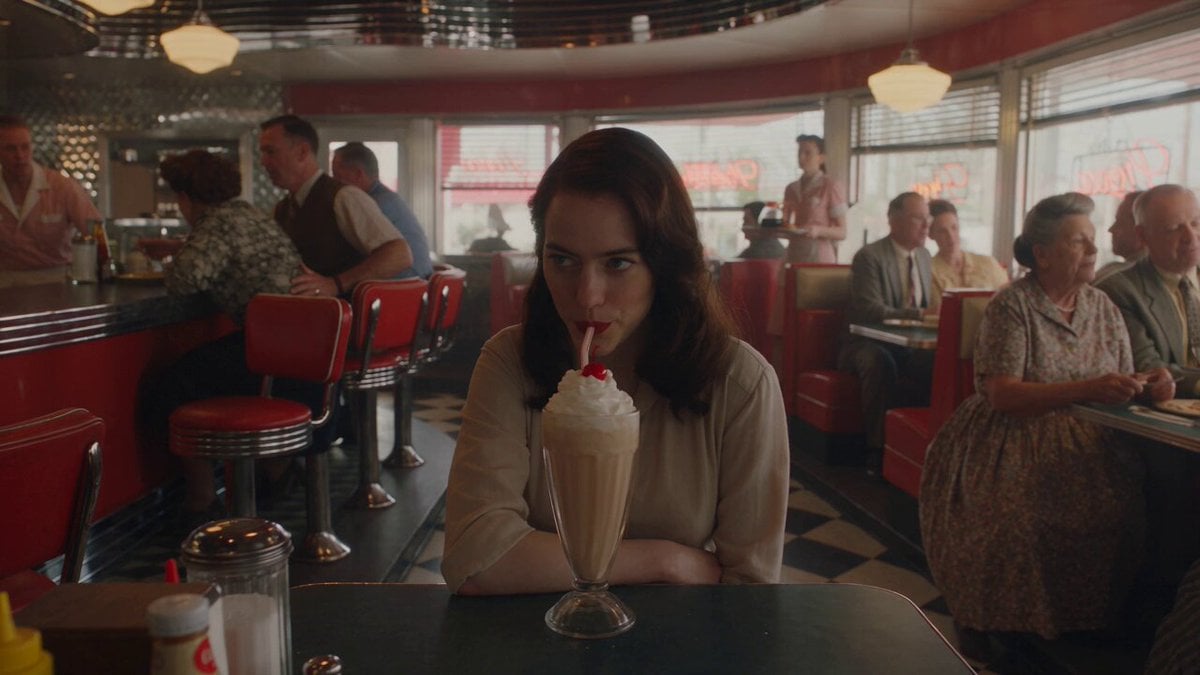
1950s Diner Time Freeze Rewind - Seedance 2.5
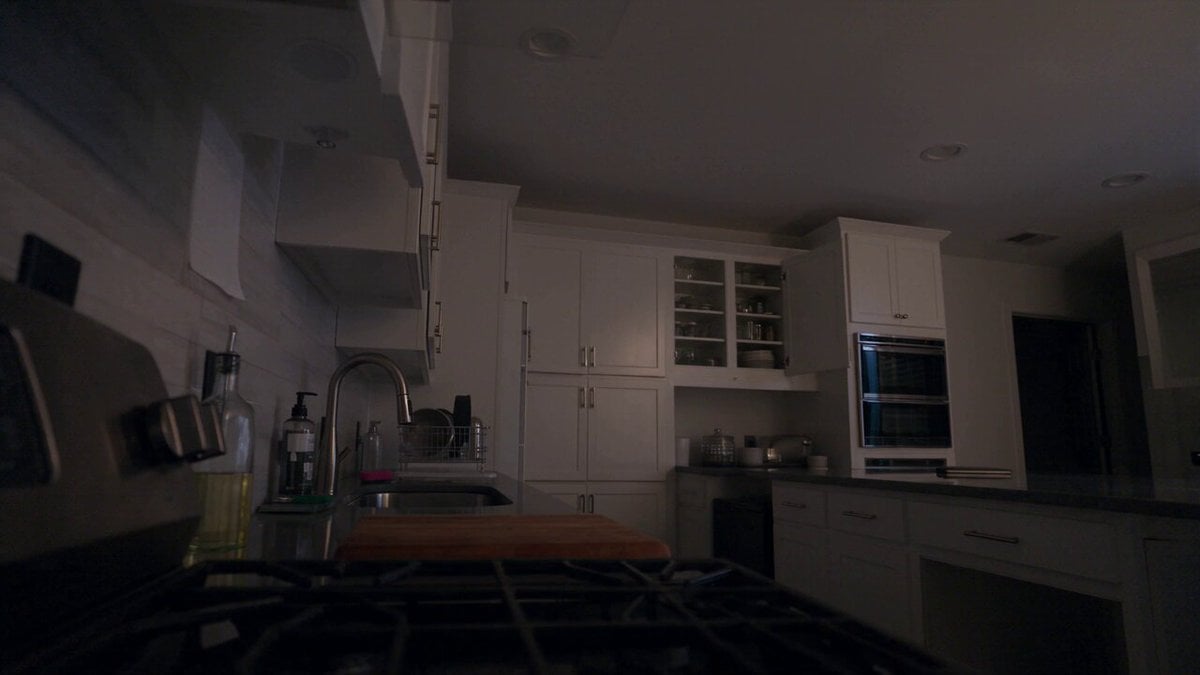
Late Night Kitchen Phone Recording - Seedance 2.5
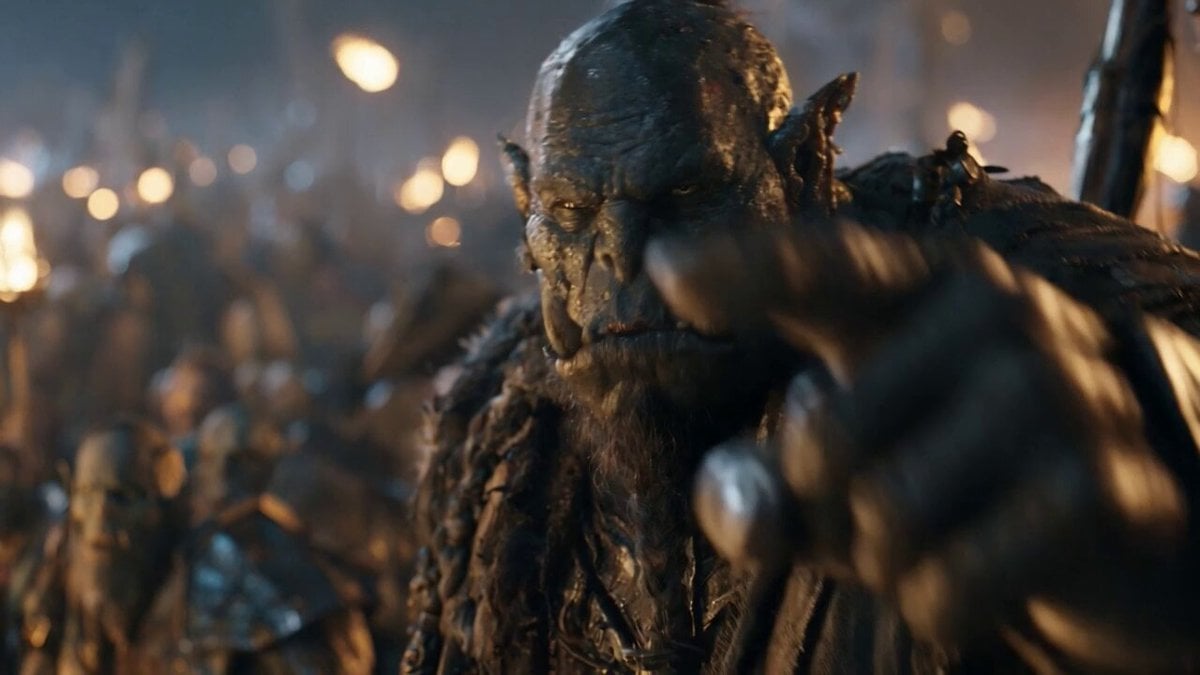
Orc Warlord Performance Transfer - Seedance 2.5

3D Animated Cat and Old Man - Seedance

3D Glossy Fairy Animation - Seedance 2.5

Realistic City Street Story Cinematic Video - Seedance

Handheld Tokyo Travel Vlog - Seedance 2.5

Nostalgic MiniDV Convenience Store Vlog - Seedance 2.5
AI video generator templates & examples
- Wholesome Puppy and Kitten Story - Seedance 2.5
Create a charming 30-second animated cinematic story told as one continuous uninterrupted shot, with no cuts or transitions. A tiny fluffy golden puppy discovers a small orange-and-white kitten sitting alone beside a flo
- Mediterranean Coffee Run Vlog - Seedance 2.5
CAMERA: Handheld DV 16mm daily vlog footage. The video MUST begin with her holding the camera at arm's length in selfie mode while stepping out of an old stone doorway into a narrow street. The first 20–30 seconds are en
- Sci-Fi Disaster Movie Scene - Seedance 2.5
On a dark street, the heroine looks back at the camera and turns to walk forward. In front of her is a mecha troop, and in the background is a giant spaceship. She walks towards the ship, the mecha troop clears a path, h
- Mysterious Home Exploration Vlog - Seedance 2.5
Reference Image 1 is for the heroine's portrait. Only refer to her facial identity, fair skin tone, young Oriental female features, black rectangular glasses, center-parted black hair, and two long pigtails on the left a
- Cinematic Istanbul Night Fight - Seedance 2.5
Generate a 15-second ultra-realistic cinematic close-quarters combat video, strictly 16:9 landscape, native 4K, 24fps. The overall style is a gritty neo-noir action scene on the streets of Istanbul on a rainy night. The
- Magical Room Transformation - Seedance 2.5
Hyperrealistic, photorealistic cinematic video. Static symmetrical wide-angle shot of a starkly empty bedroom with soft daylight. In the center sits a polished, red-and-white spherical capture device that wiggles once. S
- Dark Tokusatsu Transformation - Seedance 2.5
Create a 30-second ultra-realistic dark tokusatsu transformation sequence using the reference image as the heroine. She stands in an apocalyptic wasteland beneath a smoky gray-blue sky, surrounded by ruins, ash, and dist
- Realistic UGC Cleanser Review - Seedance 2.5
30s | 16:9 | Realistic UGC cleanser recommendation | strict one-take | natural smartphone footage Use the same young woman from the reference image throughout the entire video. She has a short black bob haircut, light na
- Viking in Modern America Comedy - Seedance 2.5
A stressed young corporate woman leaving work late encounters a confused Viking warrior who has somehow appeared in modern-day America, then becomes his reluctant guide to fast food, shot as a cinematic fish-out-of-water
- 3D Animated Newspaper Delivery Short - Seedance 2.5
Create a 30-second high-quality 3D cinematic animated short about a young newspaper delivery girl trying to complete her morning route, but the entire city seems determined to make her late. She wears a bright yellow del
- Cyberpunk Holographic Dance Performance - Seedance 2.5
Setting: A cozy modern indoor room with warm ambient lighting, stylish wall posters, a hanging pendant lamp, and contemporary furniture, filmed with a cinematic handheld camera look. Subject: A young woman with long dark
- Cinematic Xinjiang Drone Landscapes - Seedance 2.5
Cinematic aerial drone footage of Xinjiang, China, sweeping natural landscapes, golden-hour and crisp daylight. Opening: a misty emerald lake (Kanas) at dawn, autumn forests ringing the shore, thin fog drifting over stil
Related explorations
More pages and searches around AI video generator.
AI video generator questions
What AI models power the video generator?
PicX Studio offers Seedance 2.0 by ByteDance in three variants: Seedance 2.0 for the highest quality (up to 4K), and Seedance 2.0 Fast and Mini for quicker, cheaper drafts. Seedance 2.5 adds clips up to 30 seconds with native audio, and you can also use Kling 3.0, Wan 3.0, MiniMax H3, Grok Imagine and more. Seedance supports both text-to-video and image-to-video.
Is the AI video generator really free?
Signing up is free and your first image is on us, but video generation needs a plan, from $11.99/month for 3,600 credits, or a one-time credit pack from $5. Seedance 2.0 Fast costs 30 credits per second at 480p and Seedance 2.0 from 45, so a 5-second Seedance 2.0 clip at 480p is 225 credits. Credits never expire.
What video formats and lengths can I create?
Create videos from 4 to 15 seconds with Seedance 2.0, or up to 30 seconds with Seedance 2.5, in landscape (16:9) for YouTube or portrait (9:16) for TikTok and Reels. Videos are delivered as high-quality MP4 files.
How is this different from other AI video generators?
PicX Studio combines AI video (Seedance 2.0, Kling 3.0 and more) and AI image generation (Nano Banana 2 and more) in one platform. You can create an image with Nano Banana, then animate it with Seedance — a workflow no other tool offers this seamlessly. Plus, credits never expire, so nothing you pay for goes to waste.
Can I use AI-generated videos for commercial projects?
Yes! Videos generated on PicX Studio can be used for commercial purposes including social media content, marketing campaigns, product demos, and brand videos. Full commercial rights are included.
What kind of videos can I create with text-to-video?
Almost anything: product demos, social media clips, cinematic scenes, animations, explainer videos, nature shots, character animations, and artistic videos. Describe the scene, motion, camera angle, and style in your prompt for best results.

Start your AI video generator free
Your first image is on us. Every top image and video model, one credit balance, credits that never expire.