How do I use the Emerald Green Editorial Portrait in Seawater template?
Choose the primary action to open PicX Studio with the available template settings. Review the model and format, personalize the creative direction, and generate when ready.
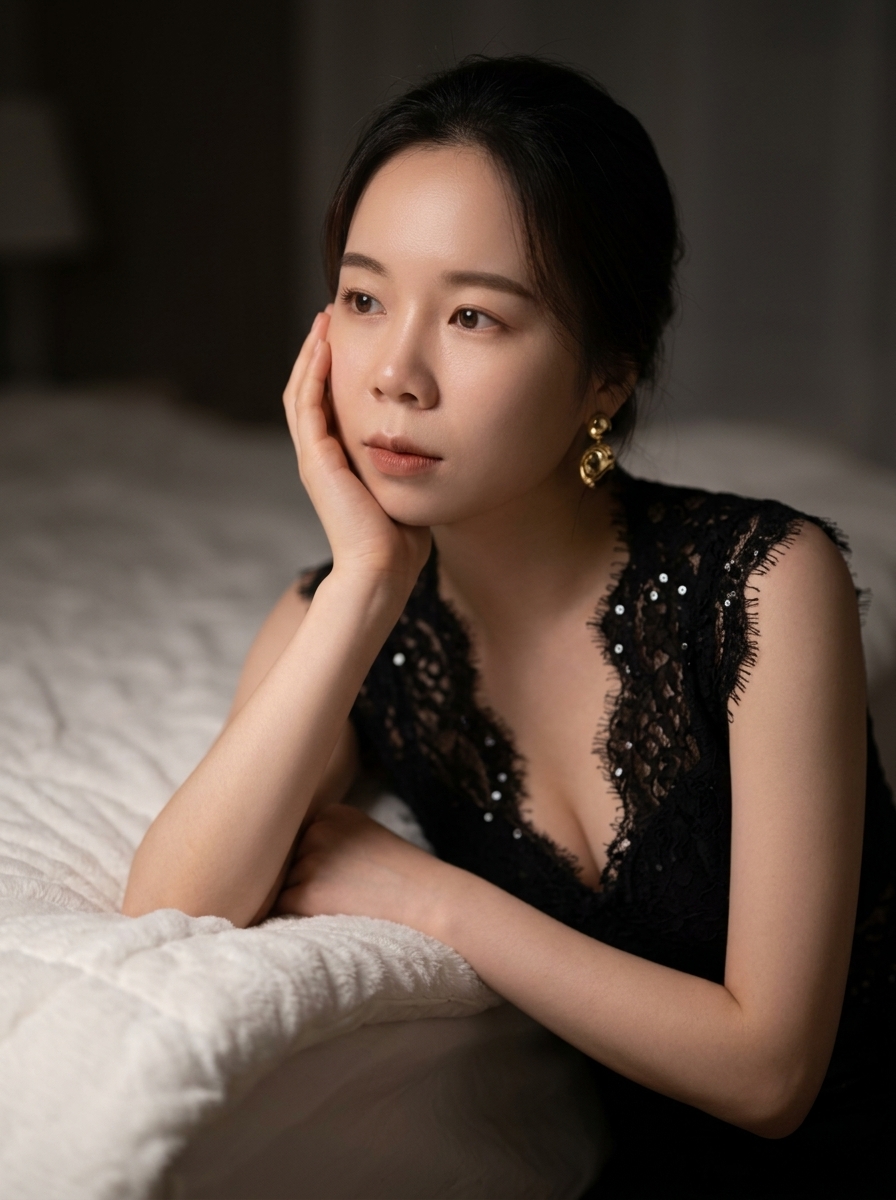
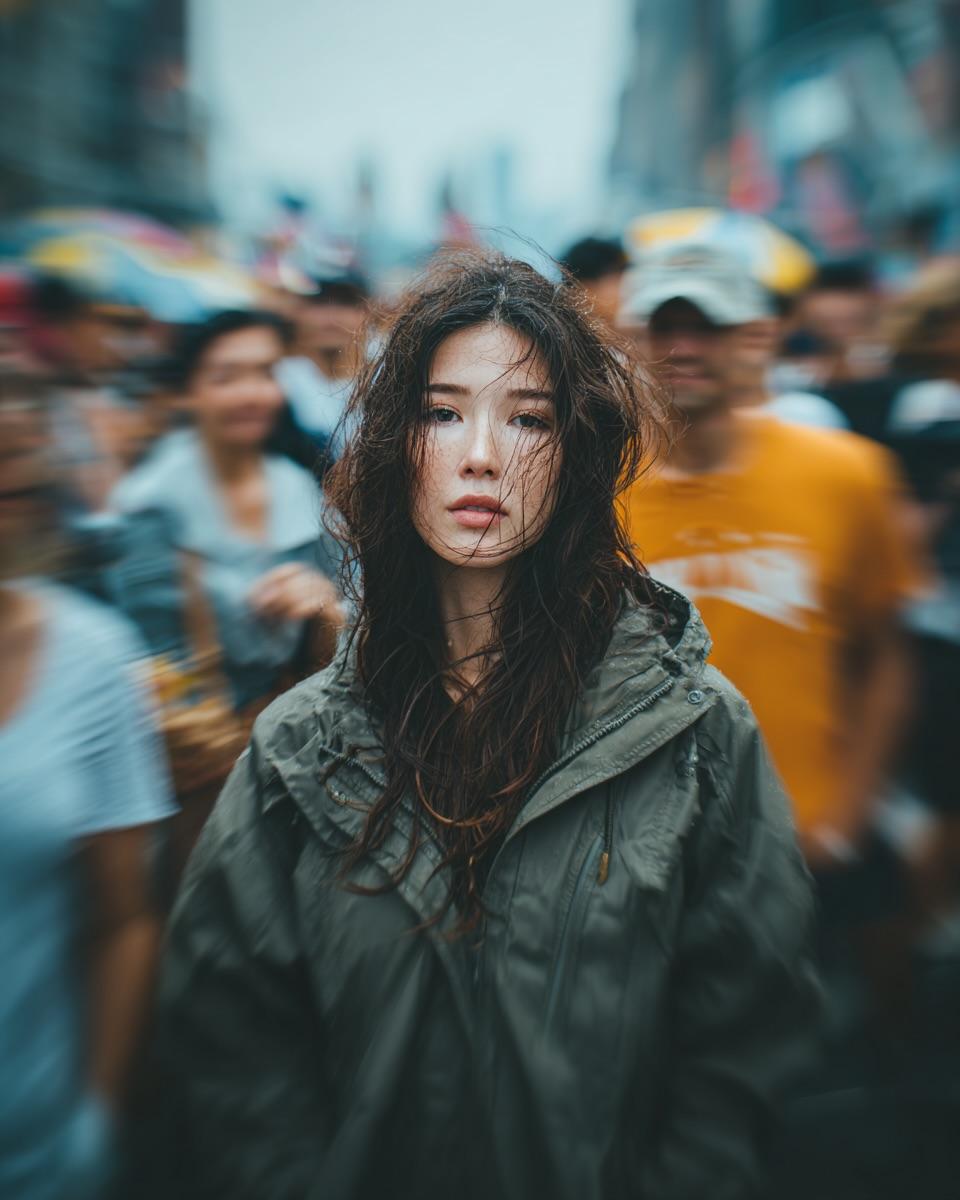
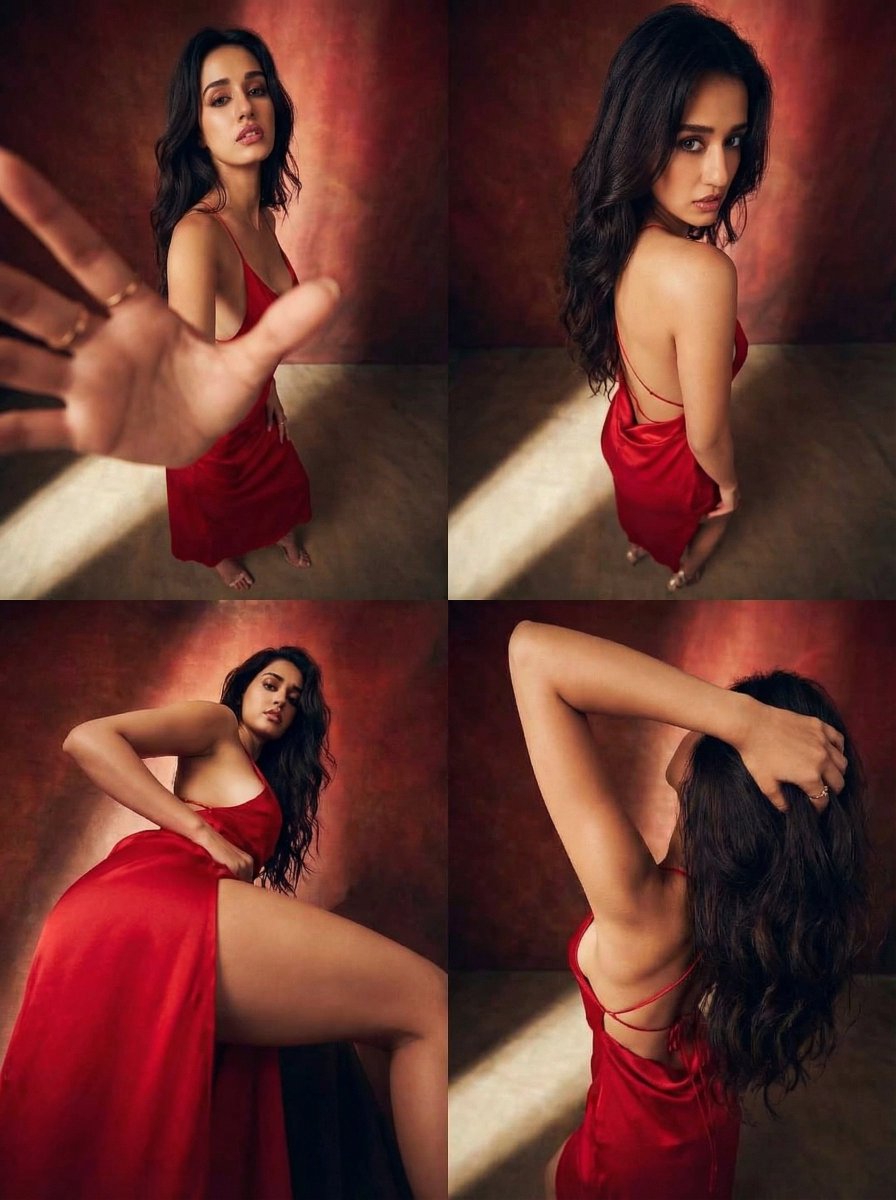
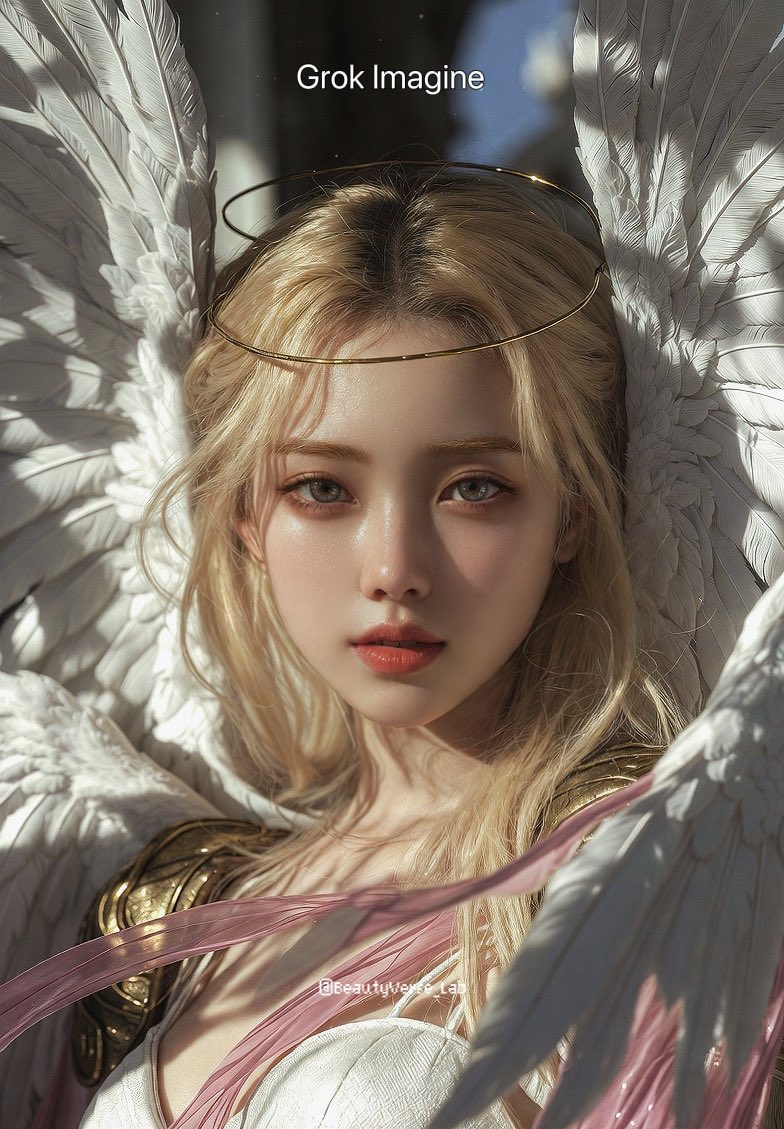
A highly constrained, structured prompt for Nano Banana Pro to generate a photorealistic editorial image. The prompt requires strict identity preservation from a reference image and mandates rendering the subject in an emerald green satin outfit while posing knee-deep in seawater during golden hour, emphasizing high-end jewelry and natural skin texture. (free to use) — Free AI image template on PicX Studio.
{ "request_metadata": { "model": "Nano Banana Pro", "format_aspect_ratio": "3:4", "render_style": "photoreal_editorial", "output": "single_image", "quality_preset": "ultra" }, "reference_constraints": { "source_image": "uploaded_reference_image", "preserve_identity": true, "strict_face_match": "ZERO deviation from the reference face. Keep identical facial structure, proportions, skin texture, eye shape, nose, lips, brows. No beautify filter. Do not change identity to look like a different person.", "pose_match": "Match the reference pose and framing as closely as possible.", "wardrobe_match": "Match the outfit design exactly as in the reference, but set the fabric color to true EMERALD GREEN satin (high-end jewel tone).", "no_extra_people": true }, "scene": { "location": "shallow seaside water (knee-deep), calm ripples, open horizon", "time": "golden_hour_sunset", "weather": "clear_sky", "atmosphere": "cinematic_summer_editorial_serene" }, "composition": { "shot_type": "3_4_body_full_figure", "camera_height": "eye_level", "framing": "subject_centered", "pose": "subject standing knee-deep in water; left hand resting on forehead/hairline; right hand lightly pinching the side of the skirt near hip; torso facing camera; relaxed confident posture", "background": "open water surface with small yellow buoys far behind, softly out of focus", "no_text_no_ui_no_watermark": true }, "subject": { "gender": "woman", "age": "young_adult", "hair": { "color": "match_reference", "style": "sleek_updo_low_bun", "detail": "a few loose strands framing face; natural" }, "makeup": { "skin": "natural_real_texture_visible_pores_no_smoothing", "cheeks": "soft_warm_blush", "eyes": "soft_liner_defined_lashes", "lips": "glossy_rose_nude" }, "expression": "soft_direct_gaze_confident_glamorous (WITHOUT changing facial features)" }, "wardrobe": { "top": { "type": "halter_satin_top_with_neck_wrap", "color": "true_emerald_green_satin", "detail": "draped halter with scarf-like neck band, luxurious sheen" }, "skirt": { "type": "satin_mini_skirt", "color": "matching_true_emerald_green_satin", "detail": "clean hemline, jewel-tone shine" }, "jewelry": { "necklace": "high_end_diamond_and_emerald_necklace (no brand logos), realistic prong settings, natural reflections", "bracelets": "diamond_and_emerald_tennis_bracelet_on_wrist (no logos), realistic sparkle", "earrings": "optional_small_diamond_studs_or_minimal_gold_hoops (no logos)" } }, "lighting": { "key": "low_angle_warm_sunlight_golden_hour", "shadows": "soft_long_shadows", "skin_highlights": "natural_warm_speculars_not_oily", "overall": "warm_cinematic_backlight_with_soft_fill" }, "camera_look": { "lens": "50mm_eq
Use Emerald Green Editorial Portrait in Seawater to plan an AI image around nano-banana-2 generation. Match the preview's composition first, then personalize the subject, setting, and mood for your own project.
Use the primary action to load the template settings in PicX Studio.
Adjust the subject and creative details for your destination.
Create the image, compare the result with the preview, and refine one variable at a time.
A continuous mix — similar concepts first, woven with same-model prompts and fresh picks from the catalog.
Choose the primary action to open PicX Studio with the available template settings. Review the model and format, personalize the creative direction, and generate when ready.
Yes. You can change the subject, setting, lighting, mood, format, and available model controls before creating your image.
This template is free to open and customize. Generation usage is shown in PicX Studio before you create.
Start with nano-banana-2, which is the model associated with this template. You can compare another compatible model for a different finish.
Follow a topic to a crawlable collection of related PicX Studio templates.
39,155 public templates available. Verified via the PicX Studio public templates API; refreshed hourly.
A continuous mix — similar concepts first, woven with same-model prompts and fresh picks from the catalog.