
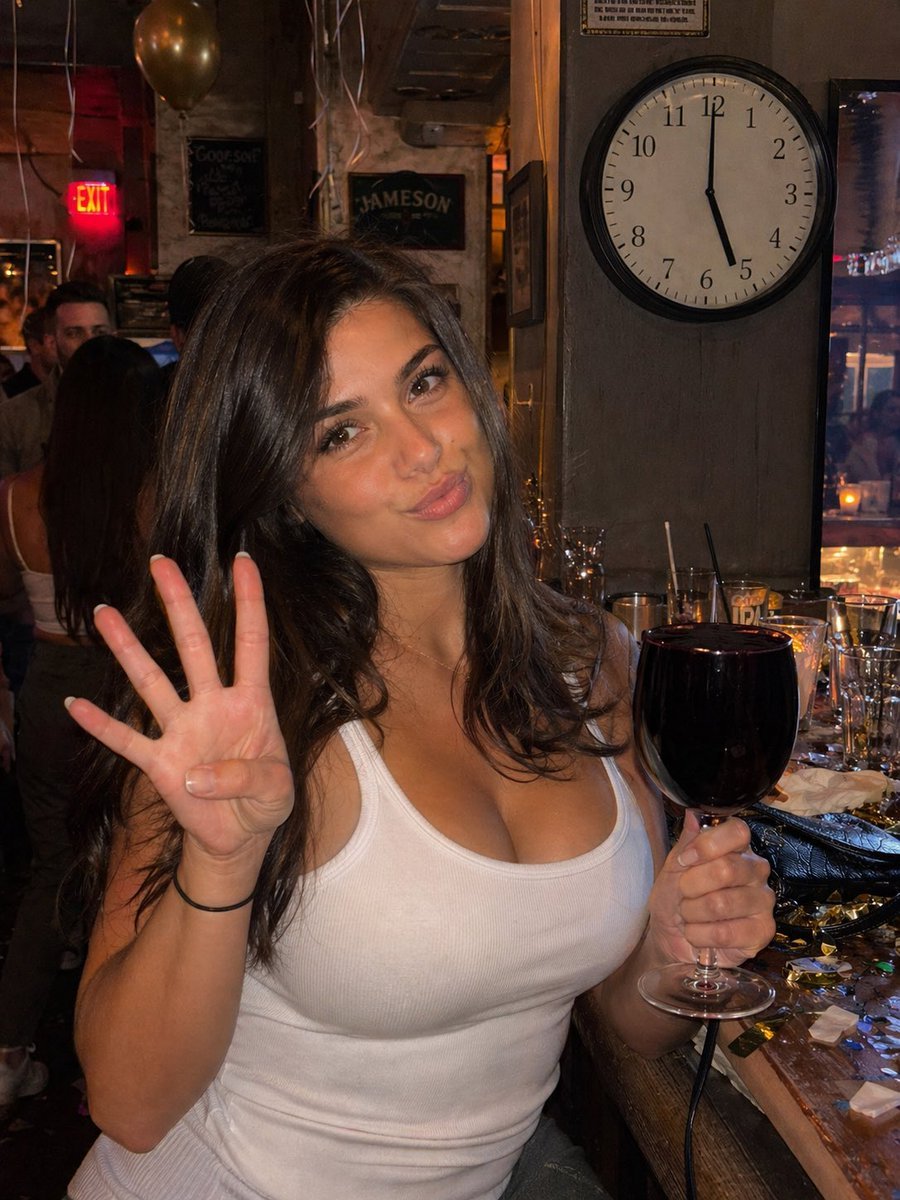
Candid Bar Photo with Four Fingers
A photorealistic smartphone-style bar snapshot of a woman holding a nearly full red wine glass and showing four fingers, useful for testing detail accuracy in generative images.
- Prompt included
- Model and format preset
- Free template
The prompt behind this image
Copy the exact prompt behind Candid Bar Photo with Four Fingers, or open it in the studio and make it yours.
A realistic candid smartphone flash photo in a crowded bar, vertical 3:4 composition. Center the shot on an extremely attractive adult woman with long dark brown wavy hair, light tan skin, and a confident casual nightlife presence, wearing a fitted ribbed white tank top. Her face is mostly front-facing and slightly tilted, with a natural candid pose. She is holding up her left hand close to the camera and clearly showing exactly four fingers, thumb tucked in. In her right hand she holds a stemmed wine glass filled with very dark red wine almost completely to the brim, with no visible empty space at the top. The framing is mid-torso portrait, shot at close range like a spontaneous iPhone bar photo with direct flash, realistic skin texture, slight shine, strong foreground illumination, and darker ambient background. Behind her, mount a large round wall clock on a wooden column in the upper right area of the frame, and make the clock clearly read exactly 5:00. The bar environment should look busy and authentic, with warm dim lighting, blurred patrons, liquor signage, and subtle party leftovers on the bar counter. Show exactly 4 types of party remnants: empty glasses, used napkins, metallic confetti pieces, and drink straws. Include a few hanging balloons and streamers in the background, plus a cozy nightlife atmosphere with cluttered surfaces and reflections. Photorealistic smartphone aesthetic, candid nightlife snapshot, slight messiness, true-to-life proportions, accurate hands and fingers, accurate glass shape, accurate clock hands.
How to use Candid Bar Photo with Four Fingers in 3 steps
- 1Upload ImagePNG, JPG or paste
Add your photo
Upload the photo the template builds on. The prompt, model and format are already set.
- 2…a portrait of your subject in softgolden-hour light, 85mm…
Personalize
Edit the subject and creative details for your destination.
- 3Generate
Generate
Press Generate — your image is created in PicX Studio, so you can compare it with the original and refine one variable at a time.
More like this
Templates with the same subject, style or setup. Open one to see its prompt.

Sunday Afternoon, 1988

Our Song was on a Cassette

The Date After College

80s College Gate

Teen Girl Alpine Lake Mountain View

Cat Photobomb Selfie — 0.5x Wide Angle Café Chaos

Cinematic Street Fashion Portrait Motion Blur Crowd

Nostalgic Digicam Café Afternoon Portrait

Neon Night Crosswalk Candid Portrait
Neon Night Crosswalk Candid Portrait
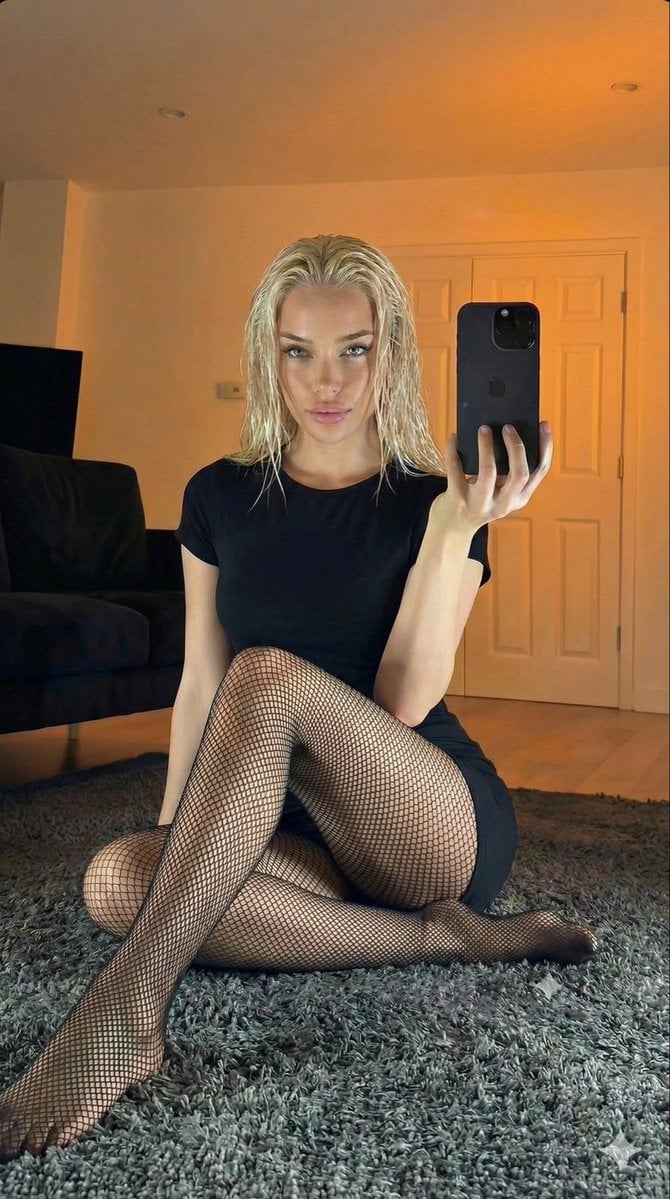
Living Room Rug Evening Mirror Selfie

Dancer Character - Four View Reference Sheet
Make it yours
Candid Bar Photo with Four Fingers works as-is. These are the safest ways to change it without losing the look.
Change one field
Copy a single group, rewrite it, and generate again so you can see what that field is doing.
Keep the frame, change the subject
Hold the composition and light of Candid Bar Photo with Four Fingers, then swap wardrobe, props or the person for a new take.
| If the result… | Why | Fix |
|---|---|---|
| The result drifts from the preview | Too many fields changed at once. | Reuse Candid Bar Photo with Four Fingers as-is first, then change one group — subject, light, or setting. |
| The model over-stylizes the scene | The prose prompt leaves finish and camera underspecified. | Add one camera or lighting sentence and stay on GPT Image 2. |
More GPT Image 2 templates
Other prompts made for GPT Image 2.

Six VTuber Japanese Logo Sheet

Realistic Portrait of Woman and Deer

The Vista Modular Condo Poster

AI Model Routing Comparison Infographic

2.5D Anime Art Board

Isometric Productivity Desk Scene

New York Double Exposure Poster

Four-Panel AI Landscape Comparison

Japanese Tatami Lifestyle Magazine Cover

NESCAFÉ Coffee Map Poster
More image prompts
Fresh picks from across the catalog.
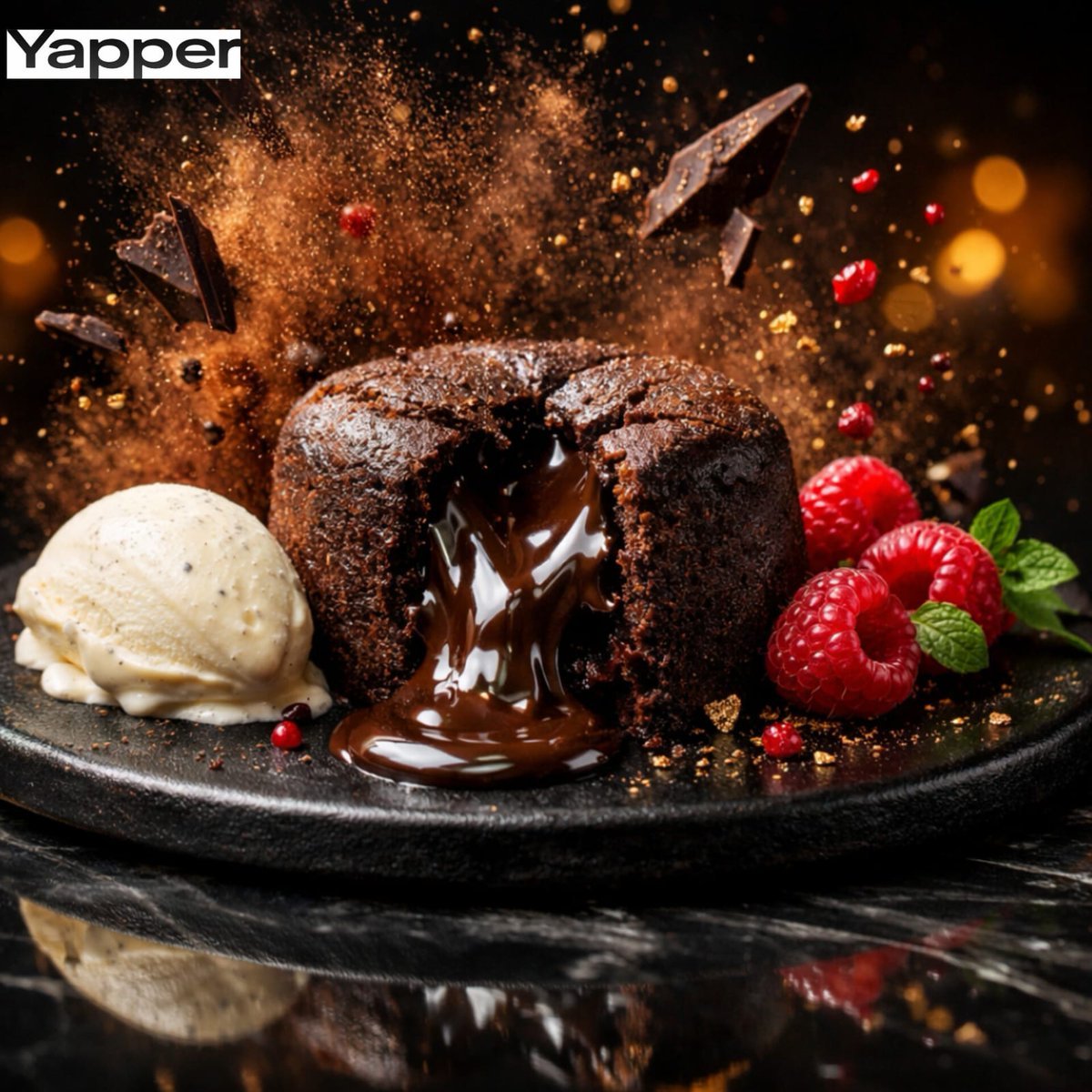
High-Speed Cinematic Luxury Dessert Photography Prompt (Molten Chocolate Lava Cake)
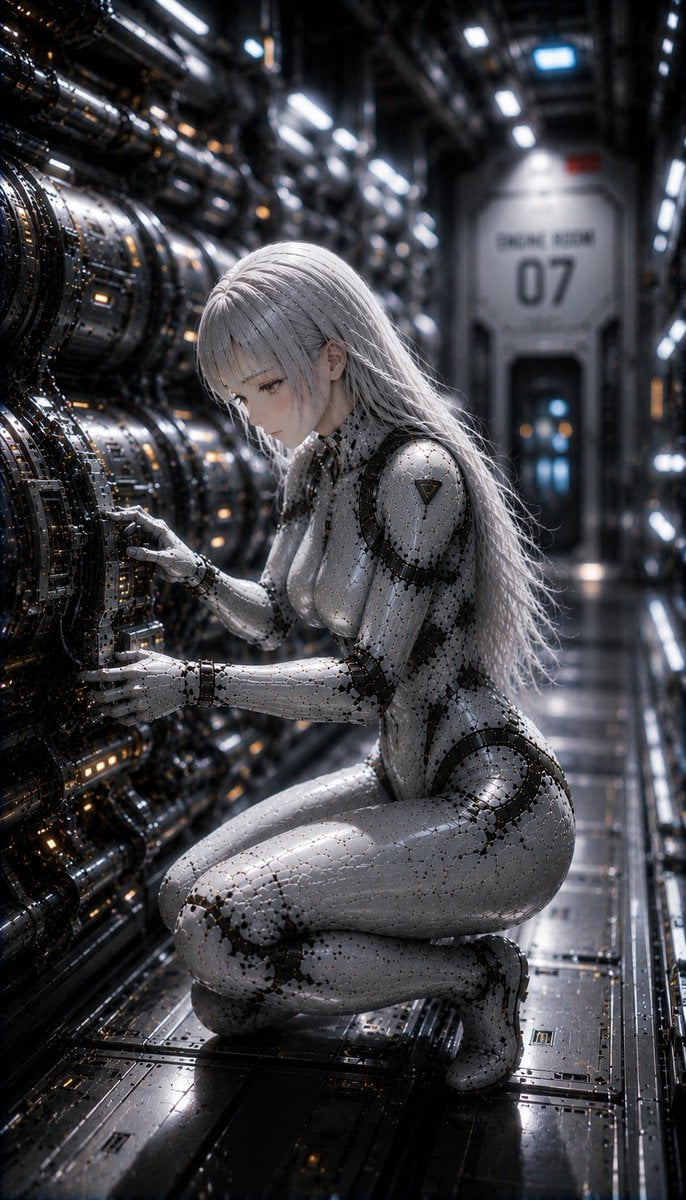
Female Android on a Spaceship
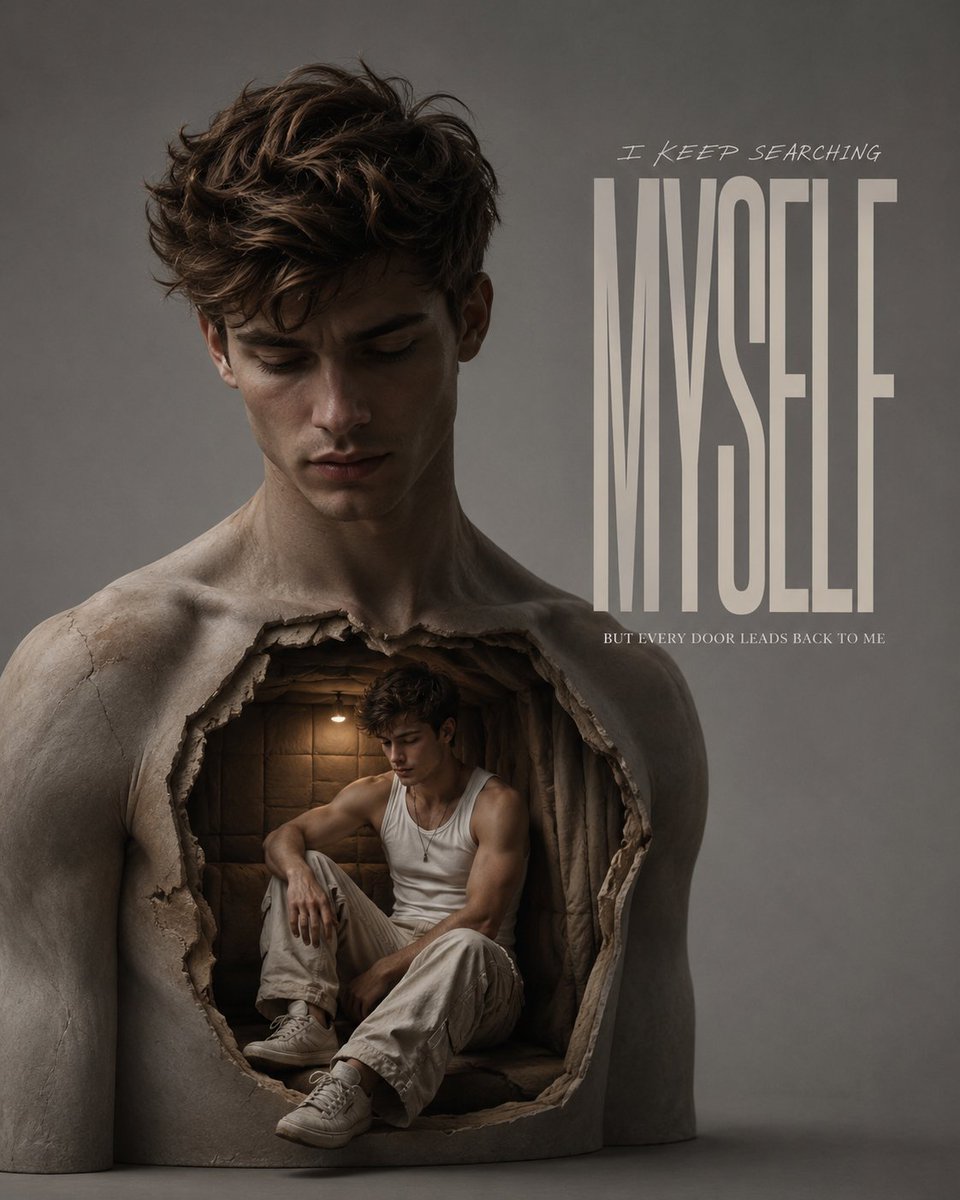
Surreal Chest Sculpture Fashion Campaign
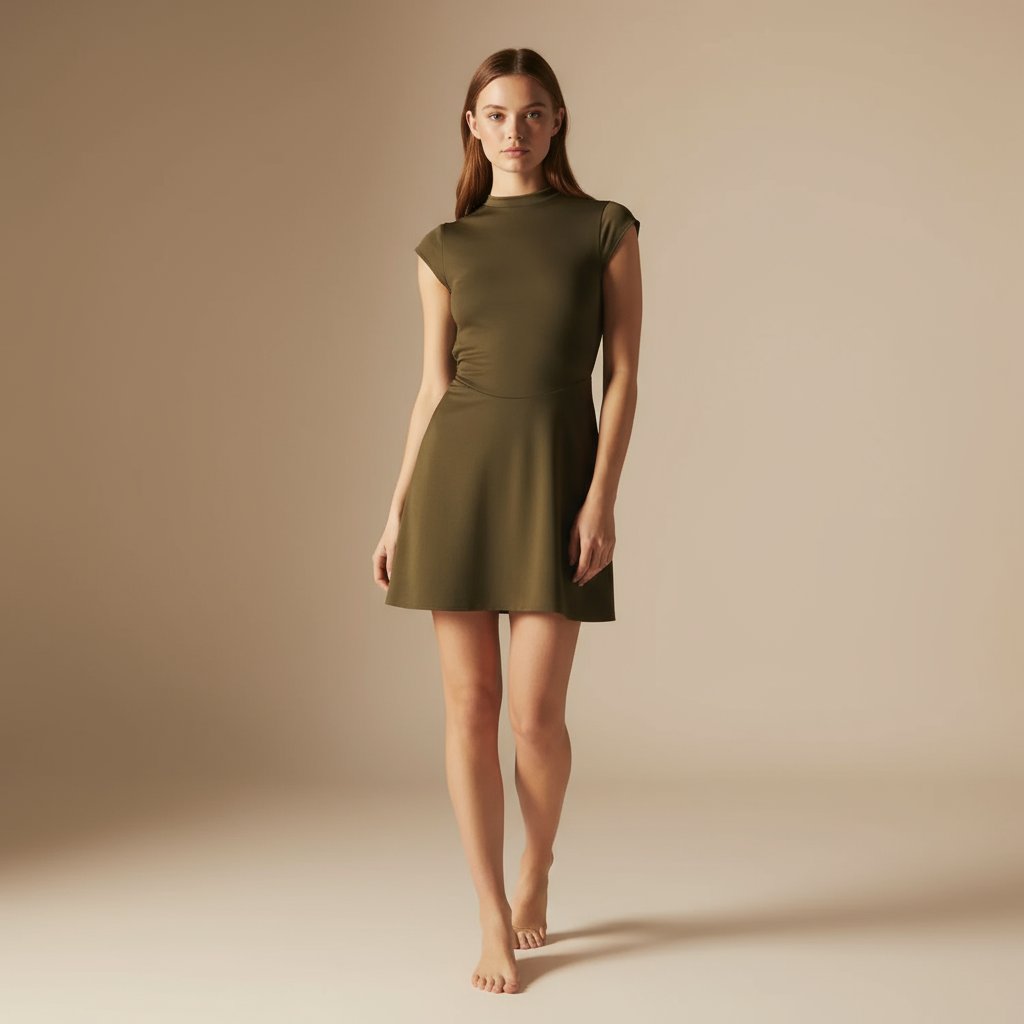
E-commerce Full-Body Product Shot Prompt (Olive Green Dress)
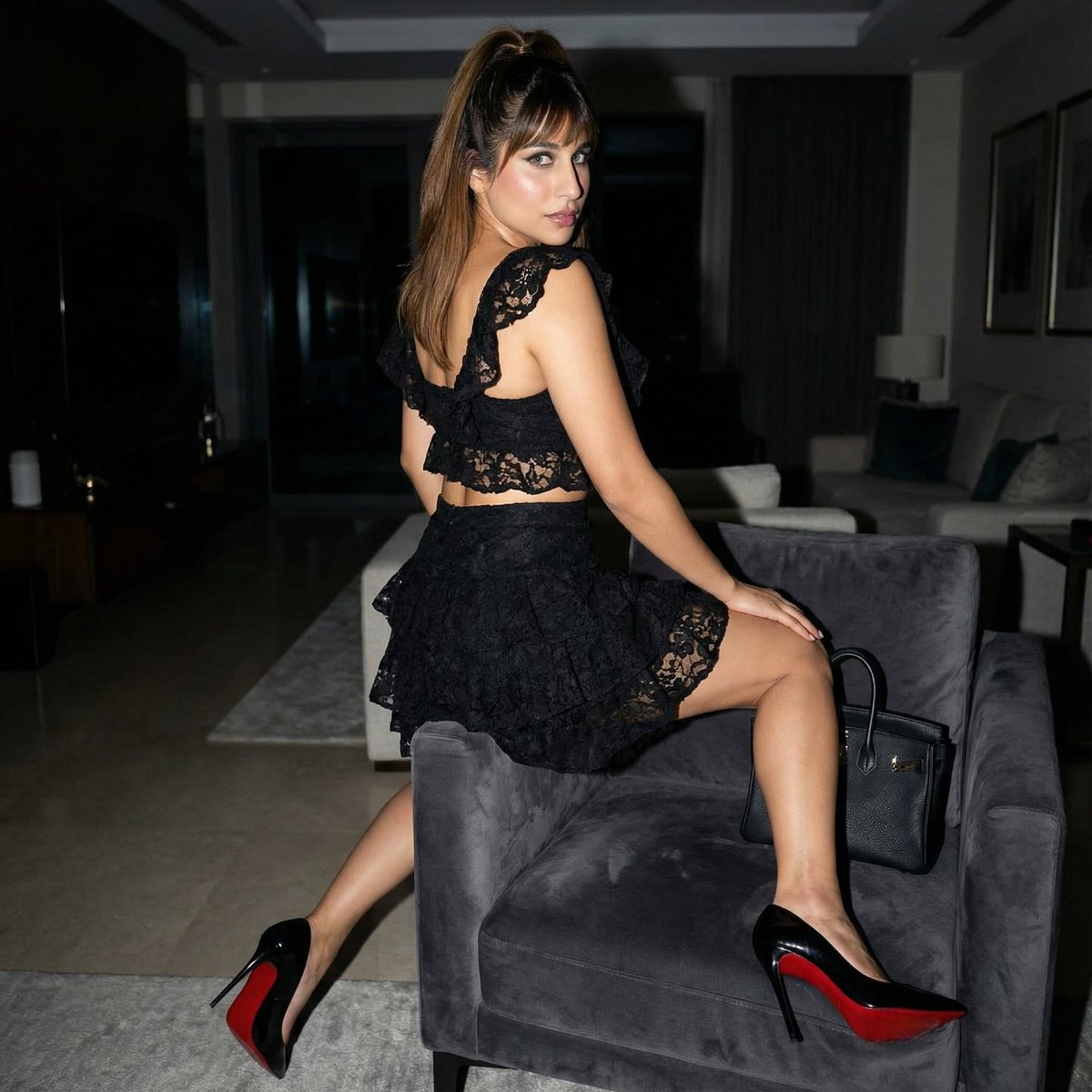
Simple Armchair Perch Prompt
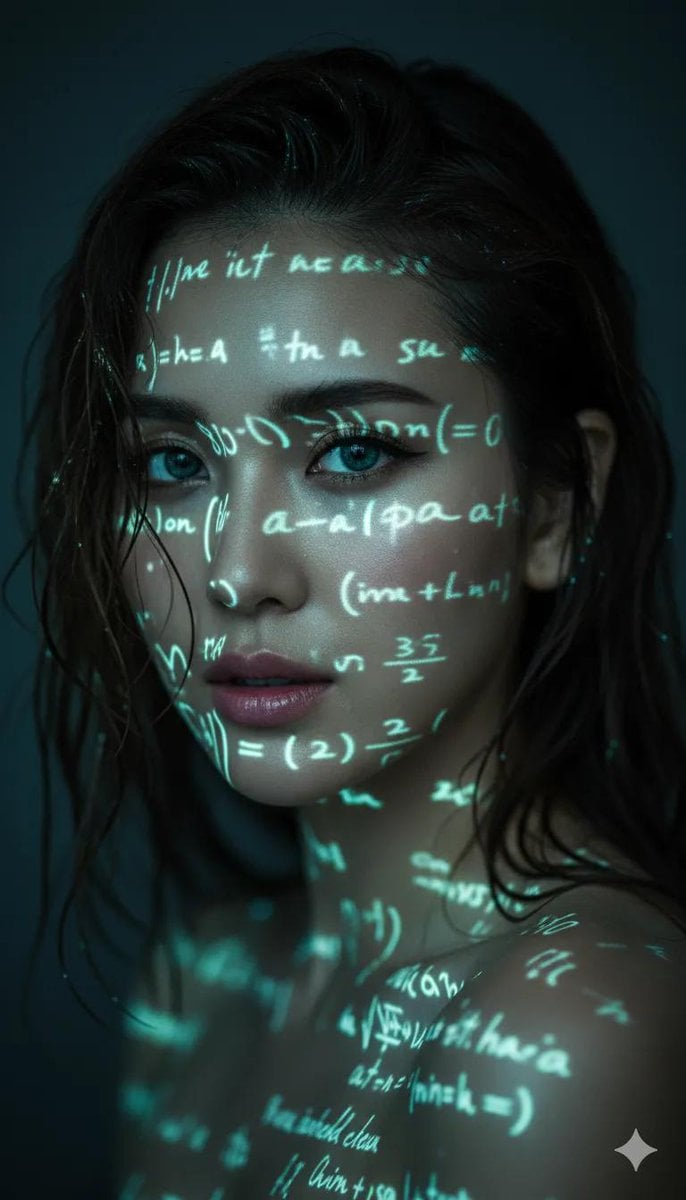
Cyber-Poetry Face Projection
Dark Fantasy Game HUD on Green Screen
Cinematic Female Fighter Pilot Portrait at Sunset

Female Android on a Spaceship
Cinematic Black and White Piano Scene
Featured in prompt roundups
Hand-picked collections that include this template.
Browse template categories
Candid Bar Photo with Four Fingers questions
How do I use the Candid Bar Photo with Four Fingers template?
Add your photo if the template asks for one, edit the prompt if you like — the template's model and format are already selected — and press Generate. Your version opens in PicX Studio.
Can I customize the Candid Bar Photo with Four Fingers template?
Yes. You can change the subject, setting, lighting, mood, format, and available model controls before creating your image.
Is the Candid Bar Photo with Four Fingers template free?
Opening and editing this template is free. Generating uses credits, shown on the Generate button when you are signed in.
Which AI model should I use?
Start with GPT Image 2, which is the model associated with this template. You can compare another compatible model for a different finish.
Looking for something else? Browse all templates.

Your photo, any look
Thousands of ready templates for every top image and video model, from one credit balance.