How do I use the Studio Pose Identity Lock Prompt template?
Choose the primary action to open PicX Studio with the available template settings. Review the model and format, personalize the creative direction, and generate when ready.
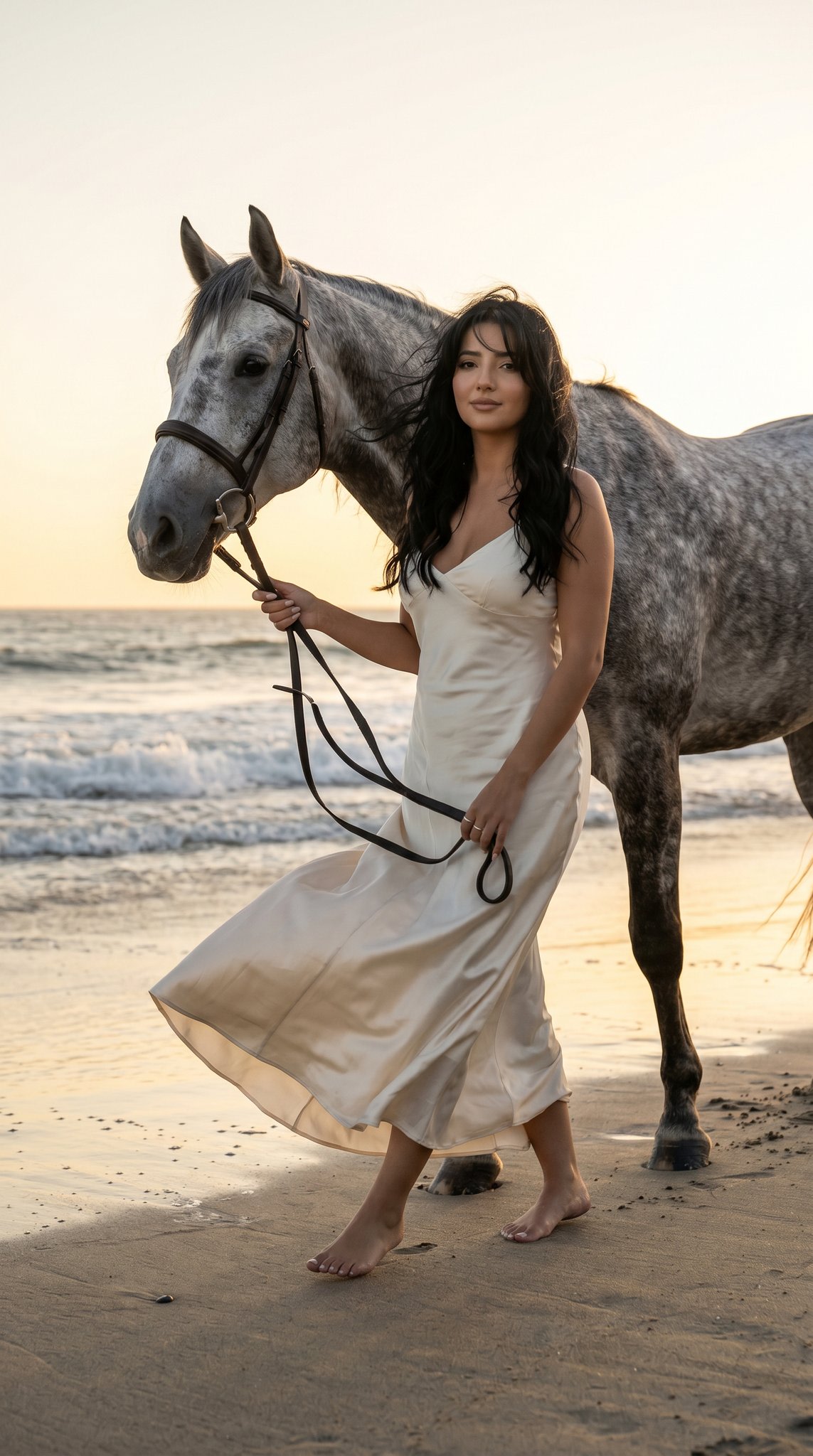
A detailed prompt for generating an ultra-realistic studio portrait of a woman, requiring 100% accuracy to an uploaded reference image (THE_SUBJECT). It specifies a confident pose (arm raised behind head, hand on hip), attire (off-white lace crop top, distressed denim jeans), and technical details (dark neutral studio background, soft cinematic lighting, 85mm lens, 8K resolution). (free to use) — Free AI image template on PicX Studio.
The person in the attached reference photo is the main subject for this image (hereinafter referred to as THE_SUBJECT). Replicate THE_SUBJECT'S appearance with 100% accuracy including facial features, hairstyle, skin tone, proportions, and overall appearance. Create an ultra-realistic studio portrait of a young woman with soft skin and a slim, toned physique. THE_SUBJECT is posing confidently with one arm raised behind her head, the other arm down with one hand on her hip, shoulders back, calm and elegant expression, looking directly at the camera. THE_SUBJECT is wearing a delicate off-white lace short-sleeve crop top with floral embroidery and a deep neckline, paired with light blue distressed denim jeans. Dark neutral studio background with smooth gradient. Soft cinematic lighting highlighting skin texture and fabric details, shallow depth of field, DSLR photography style, 85mm lens, high contrast, professional fashion editorial aesthetic, 8K ultra-detailed, sharp focus, realistic skin tones.
Use Studio Pose Identity Lock Prompt to plan an AI image around nano-banana-2 generation. Match the preview's composition first, then personalize the subject, setting, and mood for your own project.
Use the primary action to load the template settings in PicX Studio.
Adjust the subject and creative details for your destination.
Create the image, compare the result with the preview, and refine one variable at a time.
A continuous mix — similar concepts first, woven with same-model prompts and fresh picks from the catalog.
Choose the primary action to open PicX Studio with the available template settings. Review the model and format, personalize the creative direction, and generate when ready.
Yes. You can change the subject, setting, lighting, mood, format, and available model controls before creating your image.
This template is free to open and customize. Generation usage is shown in PicX Studio before you create.
Start with nano-banana-2, which is the model associated with this template. You can compare another compatible model for a different finish.
A continuous mix — similar concepts first, woven with same-model prompts and fresh picks from the catalog.
Follow a topic to a crawlable collection of related PicX Studio templates.
32,032 public templates available. Verified via the PicX Studio public templates API; refreshed hourly.