How do I use the Coquette Bunny Girl Pool Table Prompt template?
Choose the primary action to open PicX Studio with the available template settings. Review the model and format, personalize the creative direction, and generate when ready.
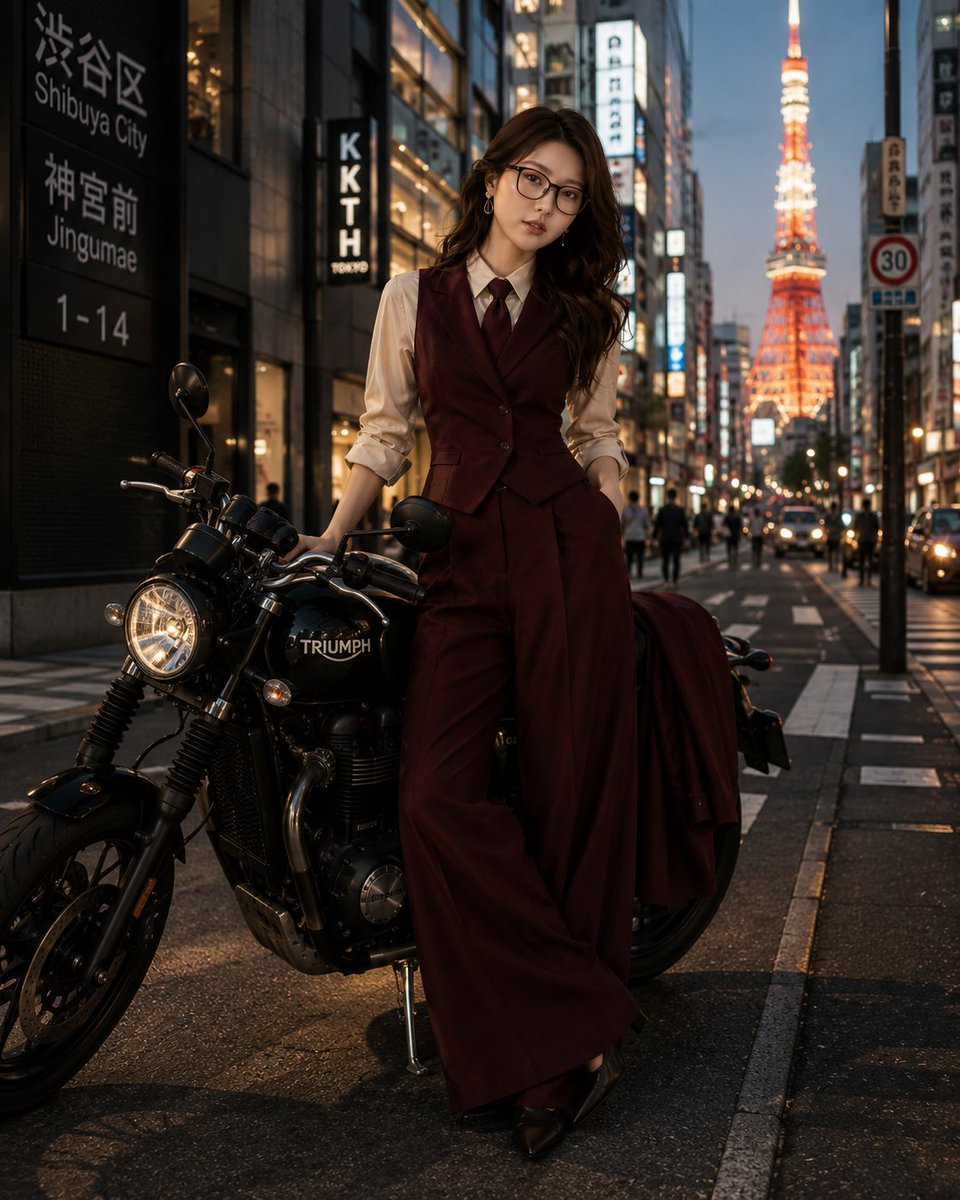
A highly specific JSON prompt describing a young woman in a coquette/bunny girl aesthetic, seated on a pool table rail. Change the subject, setting, or lighting one variable at a time.

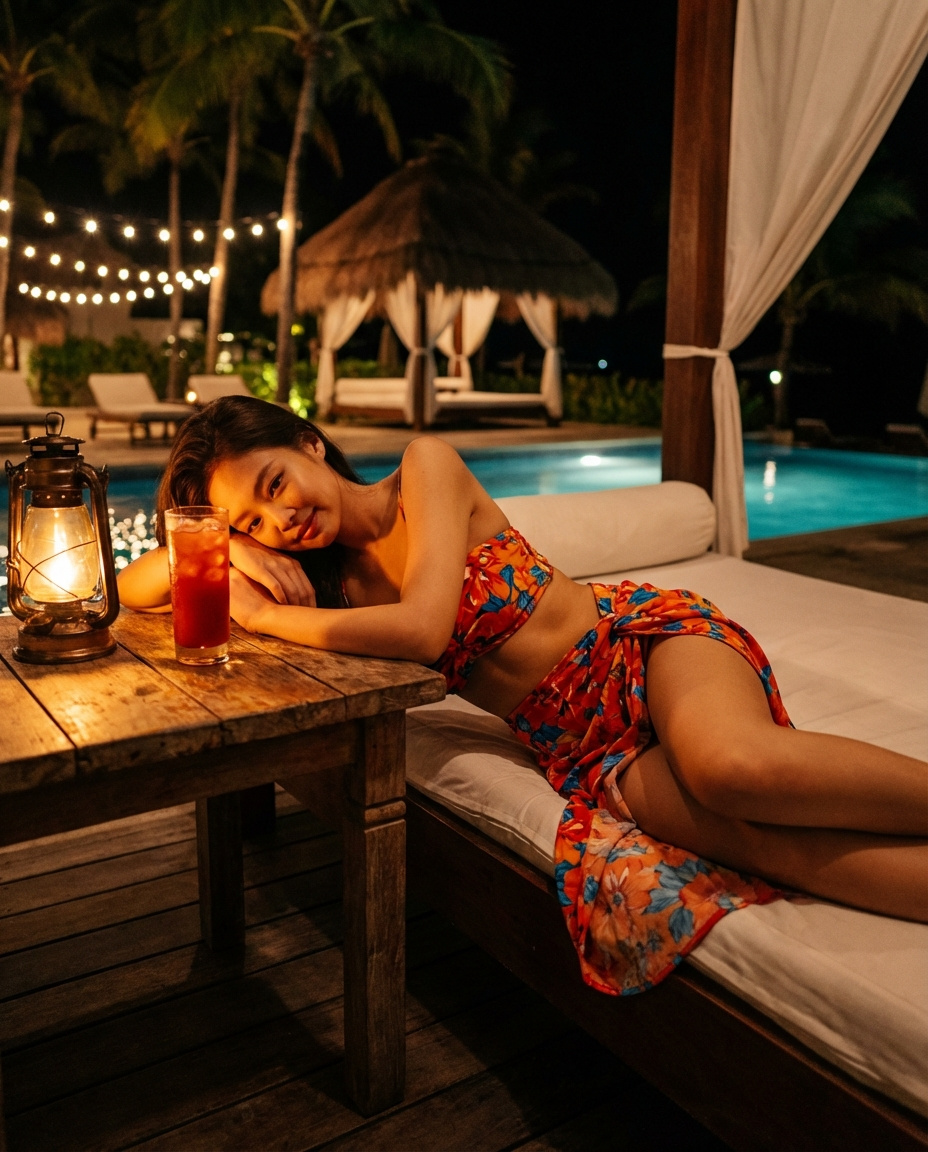
{ "detailed_prompt": { "subject": { "skin": "{argument name="skin tone" default="Fair with warm peach undertones, smooth texture, soft sheen on shoulders"}", "face": "Heart-shaped, prominent rosy blush on cheeks, small straight nose", "eyes": "{argument name="eye color" default="Blue-grey, almond shape, direct confident gaze"}", "lips": "{argument name="lip color" default="Berry mauve color, satin finish, full shape, closed mouth with subtle smirk"}", "hair": "{argument name="hair style" default="Long voluminous golden blonde waves with platinum highlights, center part, cascading over both shoulders"}" }, "pose_and_mechanics": { "seating": "Perched on light oak wooden rail of pool table", "posture": "Upright torso, slight forward lean, chest open", "legs": "Crossed tightly at knees (left leg over right), thighs compressed against table edge", "right_hand_placement": "Arm extended straight down, palm pressed flat onto black felt surface, fingers splayed", "left_hand_placement": "Arm bent close to body, hand resting gently on upper thigh of crossed leg" }, "attire": { "headwear": "Large white satin bunny ears on headband", "outfit": "{argument name="outfit" default="Pastel pink velvet strapless corset bodysuit, sweetheart neckline, visible bodice piping"}", "accessories": "White fabric wrist cuffs, thin gold chain necklace", "hosiery": "White fishnet tights with large diamond mesh pattern" }, "environment": { "foreground": "Light oak pool table, matte black felt surface", "props": "Cluster of colored billiard balls (left), single white cue ball (right)", "background": "White walls, white paneled door with gold lever handle (right)", "lighting_fixture": "Modern brass linear chandelier with 4 glass globes hanging overhead" }, "technical": { "lighting": "Soft diffuse interior daylight", "angle": "Eye-level", "aspect_ratio": "4:5" } } }
Choose the primary action to open PicX Studio with the available template settings. Review the model and format, personalize the creative direction, and generate when ready.
Yes. You can change the subject, setting, lighting, mood, format, and available model controls before creating your image.
This template is free to open and customize. Generation usage is shown in PicX Studio before you create.
Start with Nano Banana 2, which is the model associated with this template. You can compare another compatible model for a different finish.
Follow a topic to a crawlable collection of related PicX Studio templates.
43,474 public templates available. Verified via the PicX Studio public templates API; refreshed hourly.




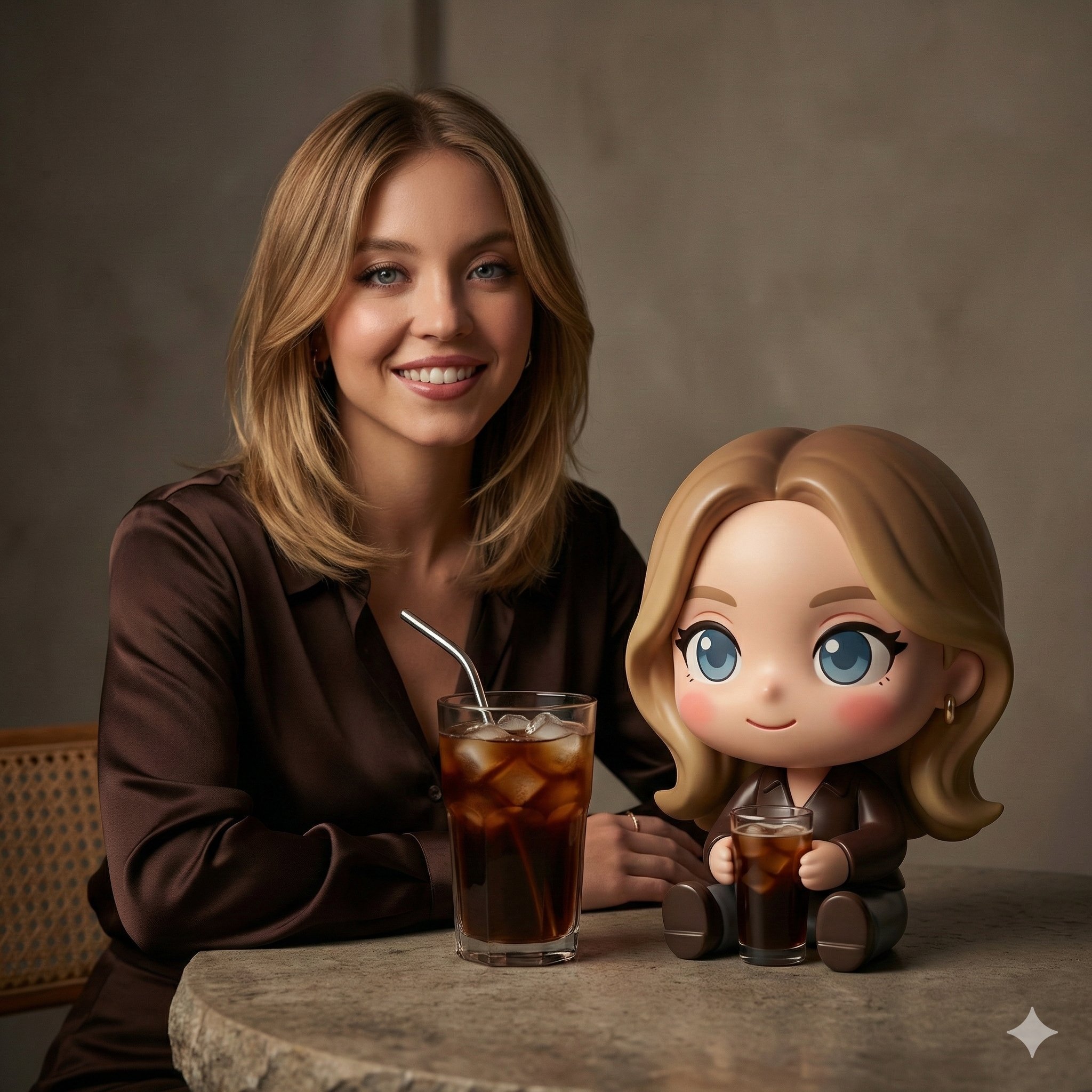
![An architectural floor plan of a spread across a drafting table — An architectural floor plan of a [LOCATION] spread across a drafting table, with the spaces ri](https://images.meigen.ai/tweets/2032193497898336334/0.jpg)

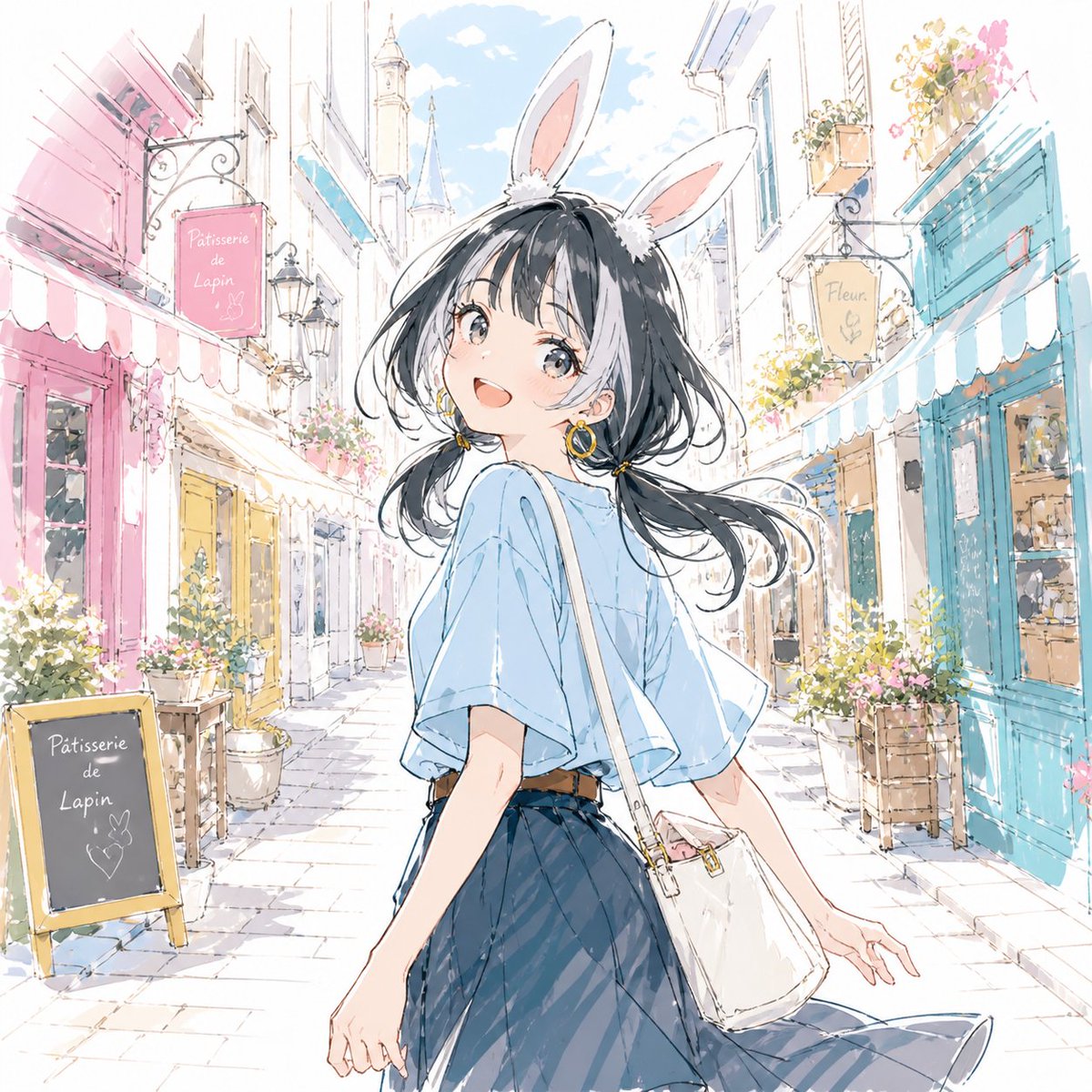
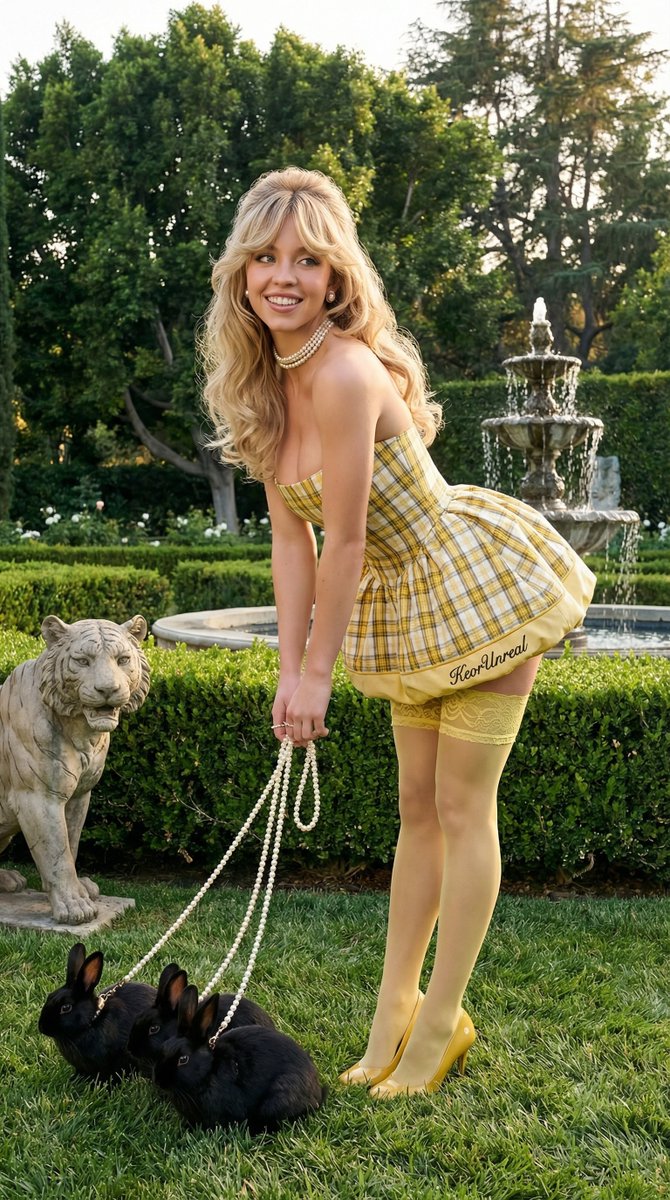






![Naive doodle-style subject illustration — A doodle-style {argument name="subject" default="[subject]"}, naive lines, humorous shape exaggeration](https://pbs.twimg.com/media/G6Wl2YxbsAARB2b.jpg)















![92-premium-marketing-shots-with-nano-banana — A high-end editorial photo of a [PRODUCT] placed flat on a [TEXTURED SURFACE], captured from a direct top-down vie](/_next/image?url=https%3A%2F%2Fcdn.picxstudio.com%2Fuploads%2Fpost92_img0_cd84004d-5efa-40c5-abdf-947da0ba10f5.jpg&w=828&q=100)