
Vintage Coquette Beauty Portrait
A beauty portrait prompt focusing on a vintage coquette aesthetic, designed to maintain facial identity from a reference image while adding romantic styling.
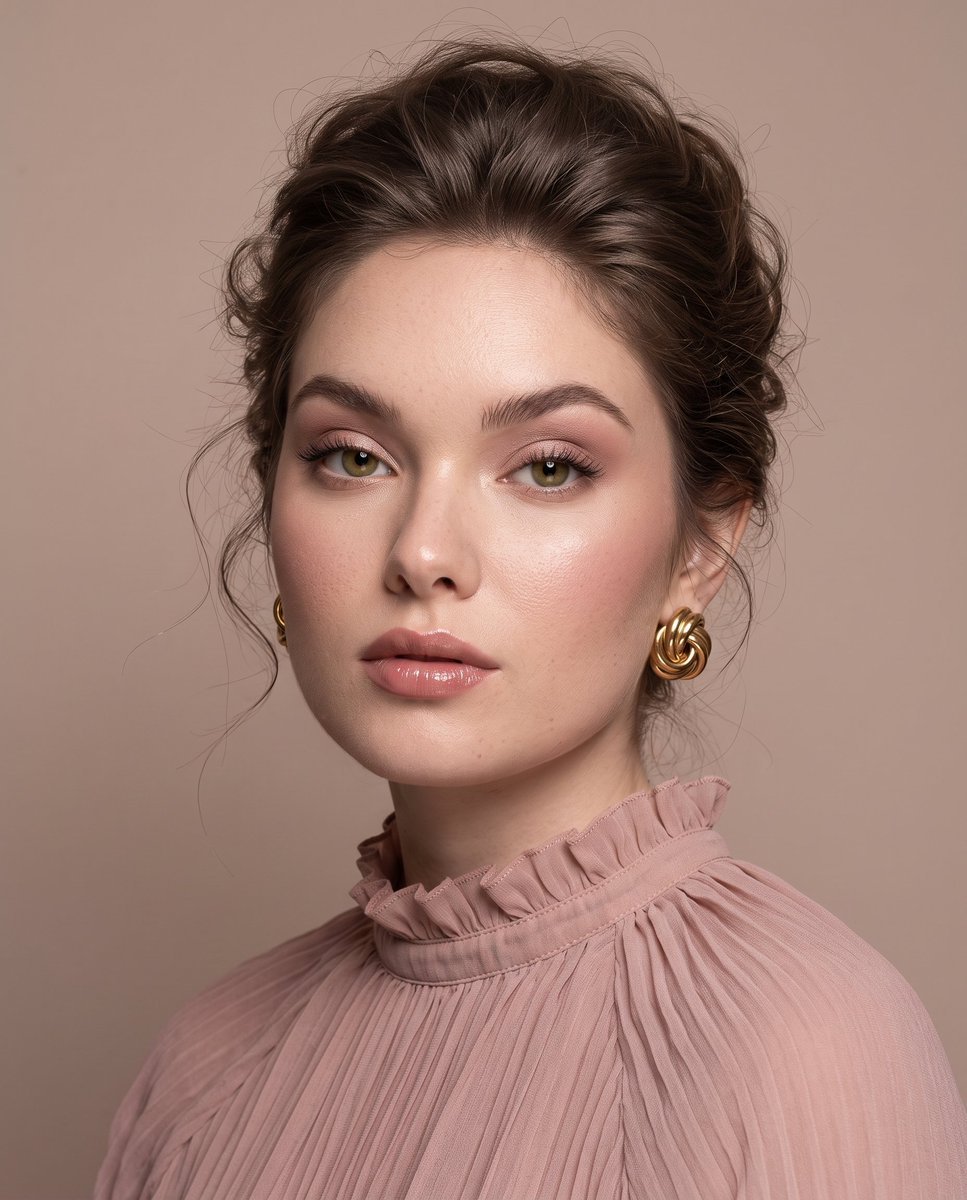
- Prompt included
- Model and format preset
- Free template
The prompt behind this image
Copy the exact prompt behind Vintage Coquette Beauty Portrait, or open it in the studio and make it yours.
use the attached image as the main facial reference while preserving recognizable identity, natural facial proportions, facial harmony, realistic skin texture, visible pores, and natural asymmetry. Create a premium close-up studio beauty portrait with the locked dreamy vintage coquette rendering. The subject is photographed in a softly angled three-quarter composition with the shoulders gently turned while the face remains almost square to the camera. Her expression is calm, elegant, and quietly confident with naturally relaxed half-lidded eyes, softly parted lips, and a refined elongated neck. The composition remains intimate and face-dominant with elegant negative space above the head. Her ash chocolate-brown hair is styled into a soft romantic French twist inspired updo with airy crown volume, naturally separated strands, wispy face-framing tendrils around the temples and jawline, delicate baby hairs, and realistic strand separation. The hairstyle feels effortless, lightweight, and softly imperfect rather than polished or tightly sculpted. (Make up): luxury fresh glass-skin makeup with hydrated luminous skin, clearly visible realistic pores and continuous natural microtexture, brushed up feathered brows, muted olive-green contact lenses, long individually separated lashes, diffused dusty old-rose and mauve eyeshadow with a soft champagne shimmer concentrated near the inner corners, softly blended old-rose blush across the cheeks, localized champagne highlights across the cheekbones, brow bone, nose bridge, and Cupid's bow, and glossy muted rose-beige lips with realistic lip texture and natural lip lines. She wears sculptural polished vintage gold knot earrings and a dusty blush-pink chiffon couture blouse featuring finely pleated fabric, a softly gathered high ruffled neckline, delicate texture, and elegant minimalist tailoring. Photograph using a premium professional studio setup with an 85mm portrait-lens perspective and shallow depth of field. Keep the eyes, eyelashes, lips, freckles, skin texture, hair strands, pleated fabric, and jewelry extremely crisp while allowing the background to dissolve into smooth natural softness. Use soft off-camera diffused beauty lighting wrapping gently from the upper left, creating delicate dimensional facial shadows, creamy highlight roll-off, restrained contrast, and true-to-life skin volume. Maintain the locked rendering with natural color reproduction and absolutely no cinematic grading. Color rendering follows the locked coquette workflow with a muted old-rose palette instead of orange or golden tones. Whites remain soft ivory, highlights carry a delicate dusty blush tint, shadows remain pale taupe and warm greige, skin retains natural peach-beige warmth balanced with subtle old-rose reflections, and the entire photograph feels softly faded, powdery, elegant, and timeless. The background is a seamless warm muted beige studio backdrop with dusty greige, faded blush, and soft old-rose undertones. The matte surface contains only subtle tonal transitions with no visible backdrop edge, curtain, octabox, softbox, reflector, light panel, stand, cable, or studio equipment. Elegant off-center composition with refined negative space, premium editorial beauty photography, dreamy vintage coquette atmosphere, crisp optical clarity, realistic material rendering, creamy highlight roll-off, and true-to-life photorealism. Aspect ratio 4:5. Negative prompt: altered identity, narrow or elongated face, hollow cheeks, orange color grading, golden cinematic tones, amber skin, yellow cast, harsh HDR, oversaturated colors, plastic skin, waxy skin, excessive smoothing, oily skin, blurry face, soft eyes, exaggerated contour, oversized lips, distorted anatomy, CGI, illustration, anime, doll face, visible studio equipment, backdrop edge, text, watermark, logo.
How to use Vintage Coquette Beauty Portrait in 3 steps
- 1Upload ImagePNG, JPG or paste
Add your photo
Upload the photo the template builds on. The prompt, model and format are already set.
- 2…a portrait of your subject in softgolden-hour light, 85mm…
Personalize
Edit the subject and creative details for your destination.
- 3Generate
Generate
Press Generate — your image is created in PicX Studio, so you can compare it with the original and refine one variable at a time.
More like this
Templates with the same subject, style or setup. Open one to see its prompt.












Make it yours
Vintage Coquette Beauty Portrait works as-is. These are the safest ways to change it without losing the look.
Change one field
Copy a single group, rewrite it, and generate again so you can see what that field is doing.
Keep the frame, change the subject
Hold the composition and light of Vintage Coquette Beauty Portrait, then swap wardrobe, props or the person for a new take.
| If the result… | Why | Fix |
|---|---|---|
| The result drifts from the preview | Too many fields changed at once. | Reuse Vintage Coquette Beauty Portrait as-is first, then change one group — subject, light, or setting. |
| The model over-stylizes the scene | The prose prompt leaves finish and camera underspecified. | Add one camera or lighting sentence and stay on Gemini 3 Pro Image Preview. |
More Gemini 3 Pro Image Preview templates
Other prompts made for Gemini 3 Pro Image Preview.

Creative Character in Pink Office

Avant-Garde Asian Fashion Model

Underwater Macro Face Portrait

Water-level Bridge Modification

Noir Punk Street Portrait

High Contrast Cinematic Face Portrait

Monochrome Studio Portrait with Colored Lens

Ultra-Realistic Yacht Sunset Portrait

Mushroom Still Life Composition

Whimsical Anthropomorphic Friendly Insect
More image prompts
Fresh picks from across the catalog.

GlowUp App UI Board
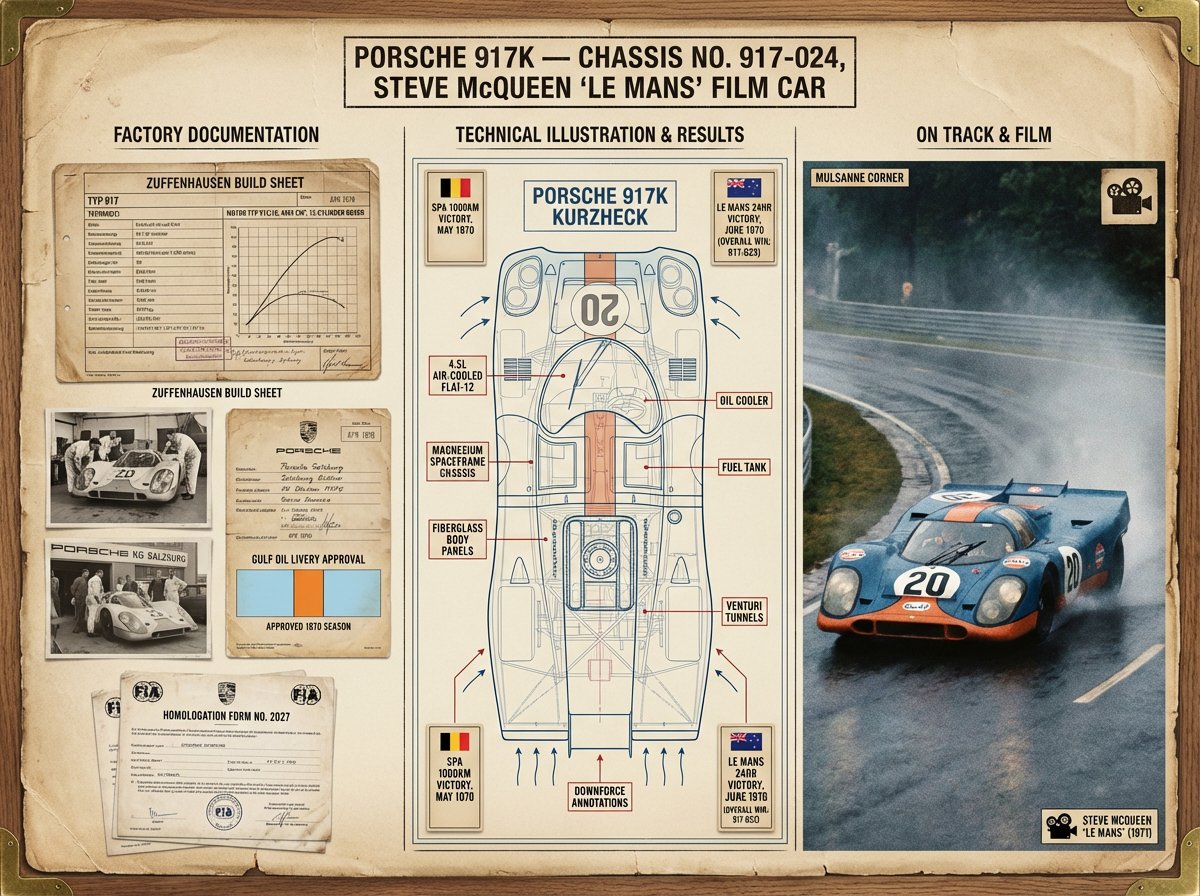
Vehicle Biography Documentation Board Template
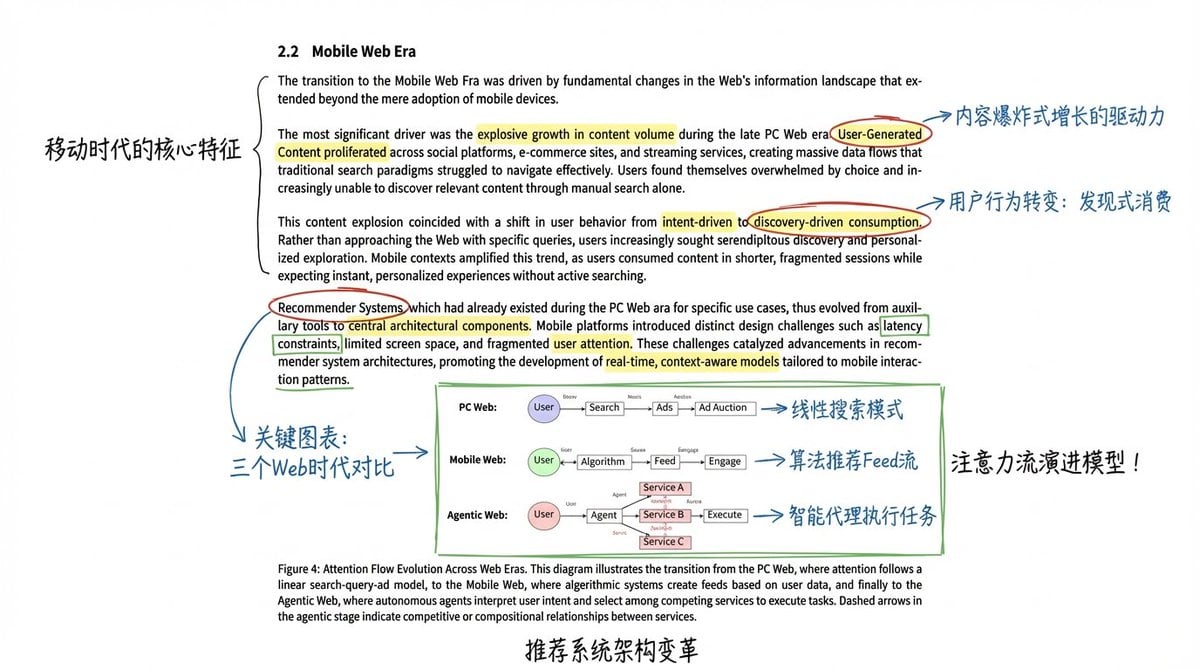
Academic Paper Annotation Prompt
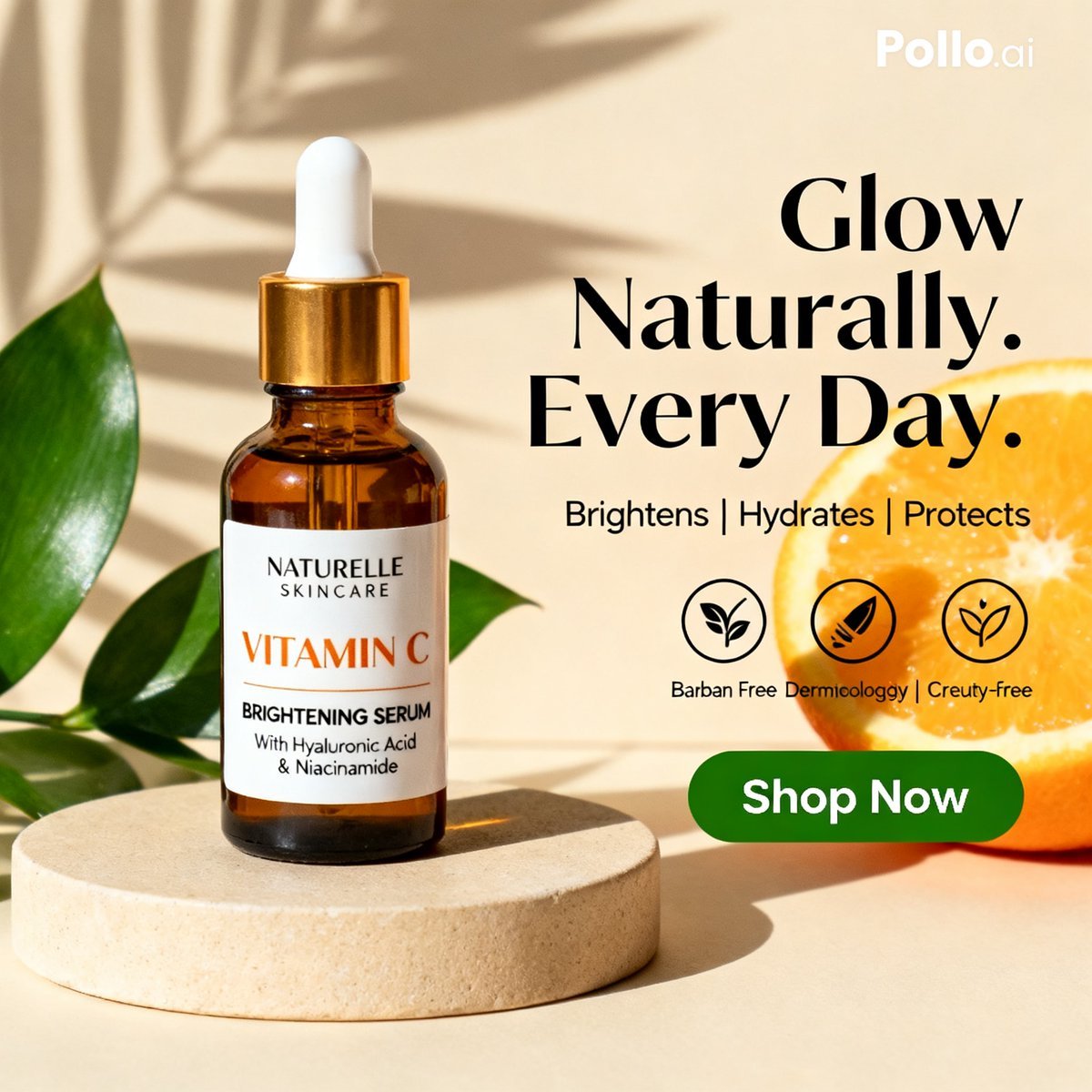
Vitamin C Skincare Ad
Character Generation Based on Reference Image in Snow
Box-Headed Couple Mirror Selfie Prompt
Elf Warrior Transformation Collage
Elegant Office Lady in Jewelry Store
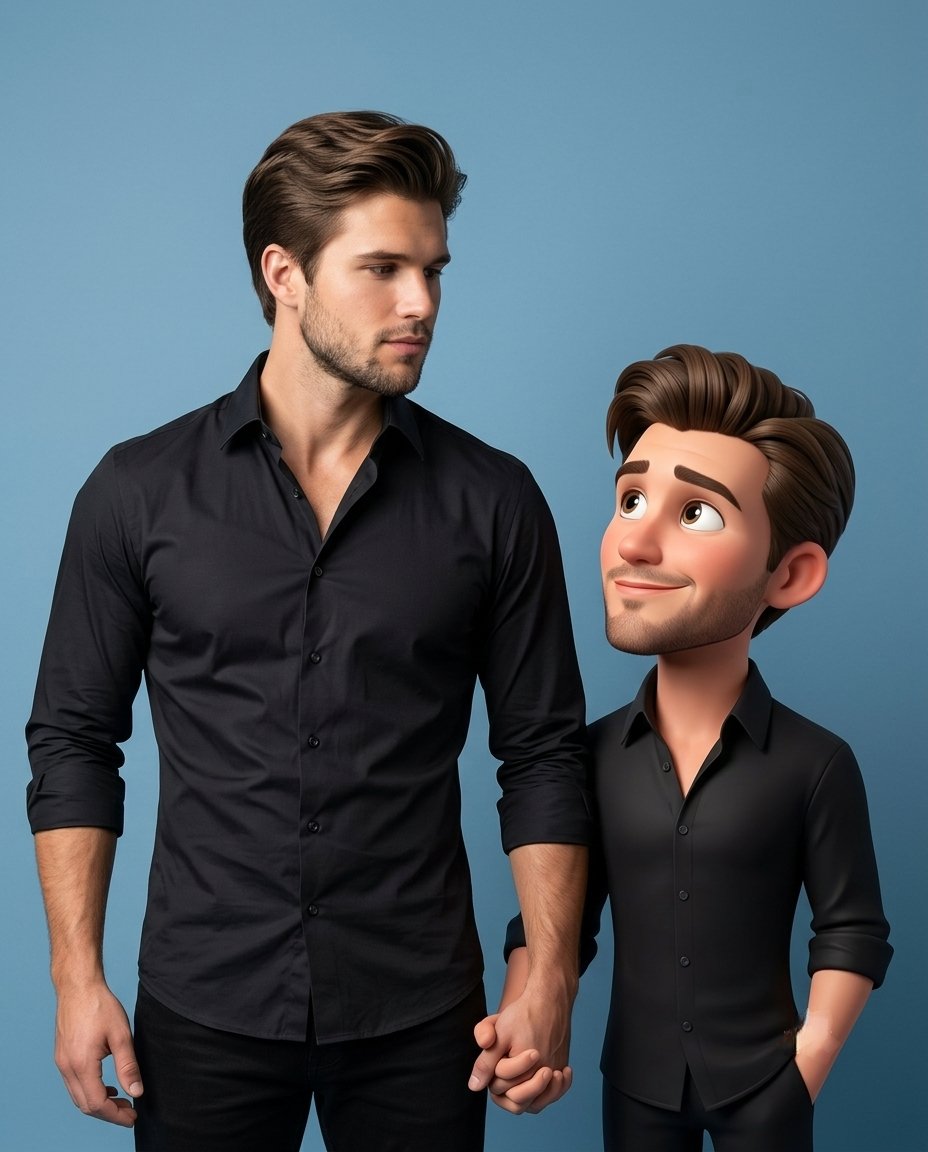
3D Caricature Companion Effect
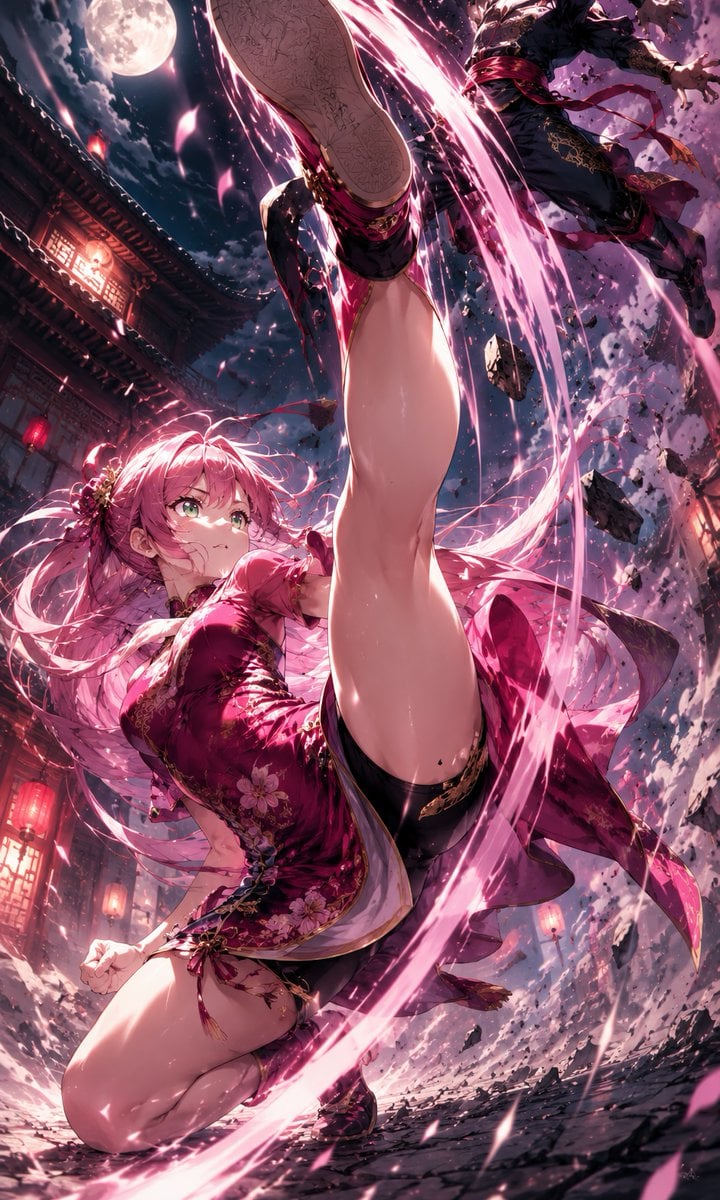
Moonlit Anime Martial Artist Kick
Browse template categories
Vintage Coquette Beauty Portrait questions
How do I use the Vintage Coquette Beauty Portrait template?
Add your photo if the template asks for one, edit the prompt if you like — the template's model and format are already selected — and press Generate. Your version opens in PicX Studio.
Can I customize the Vintage Coquette Beauty Portrait template?
Yes. You can change the subject, setting, lighting, mood, format, and available model controls before creating your image.
Is the Vintage Coquette Beauty Portrait template free?
Opening and editing this template is free. Generating uses credits, shown on the Generate button when you are signed in.
Which AI model should I use?
Start with Gemini 3 Pro Image Preview, which is the model associated with this template. You can compare another compatible model for a different finish.
Looking for something else? Browse all templates.

Your photo, any look
Thousands of ready templates for every top image and video model, from one credit balance.