
Cartoon Re-Union At Home
Cartoon Re-Union At Home is a ready photo look.
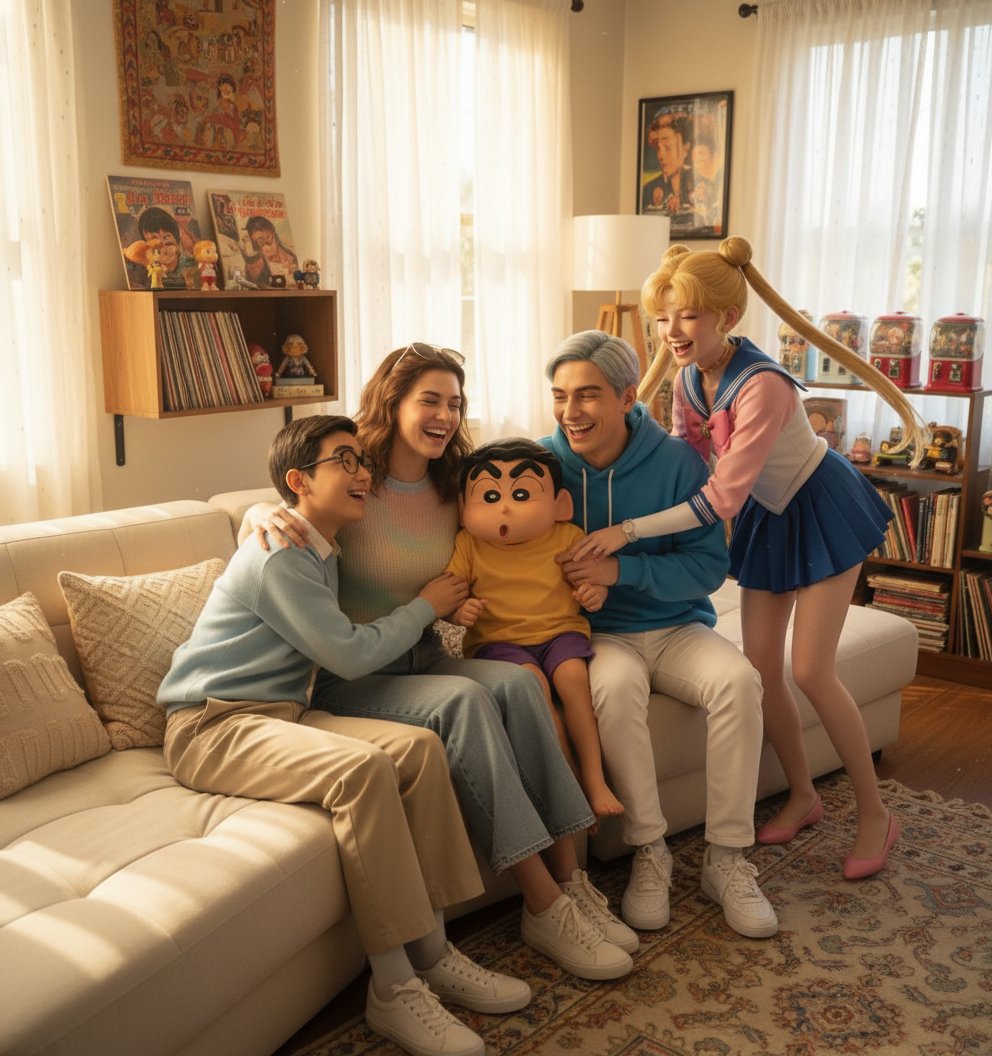
- Prompt included
- Model and format preset
- Free template
The prompt behind this image
Copy the exact prompt behind Cartoon Re-Union At Home, or open it in the studio and make it yours.
4k ultra-realistic cinematic image featuring the uploaded person sitting on a cozy sofa in a warm-lit living room, surrounded by full-size human versions of Doraemon, Shinchan, Nobita, and Sailor Moon, all laughing together in a friendly group hug. Everyone is styled like modern-day casual young adults, wearing trendy pastel outfits. Real sunlight streaming through curtains, toys and nostalgic decor in the background, warm creamy tones, candid smile moments, realistic skin and texture, cinematic film-like grain, natural handheld camera feel, LA-style cozy home aesthetic.
How to use Cartoon Re-Union At Home in 3 steps
- 1Upload ImagePNG, JPG or paste
Add your photo
Upload the photo the template builds on. The prompt, model and format are already set.
- 2…a portrait of your subject in softgolden-hour light, 85mm…
Personalize
Edit the subject and creative details for your destination.
- 3Generate
Generate
Press Generate — your image is created in PicX Studio, so you can compare it with the original and refine one variable at a time.
More like this
Templates with the same subject, style or setup. Open one to see its prompt.

Sunday Afternoon, 1988
Toon Cartoon Finale Fireworks
Toon Cartoon Garden Maze
Toon Cartoon Rooftop Concert
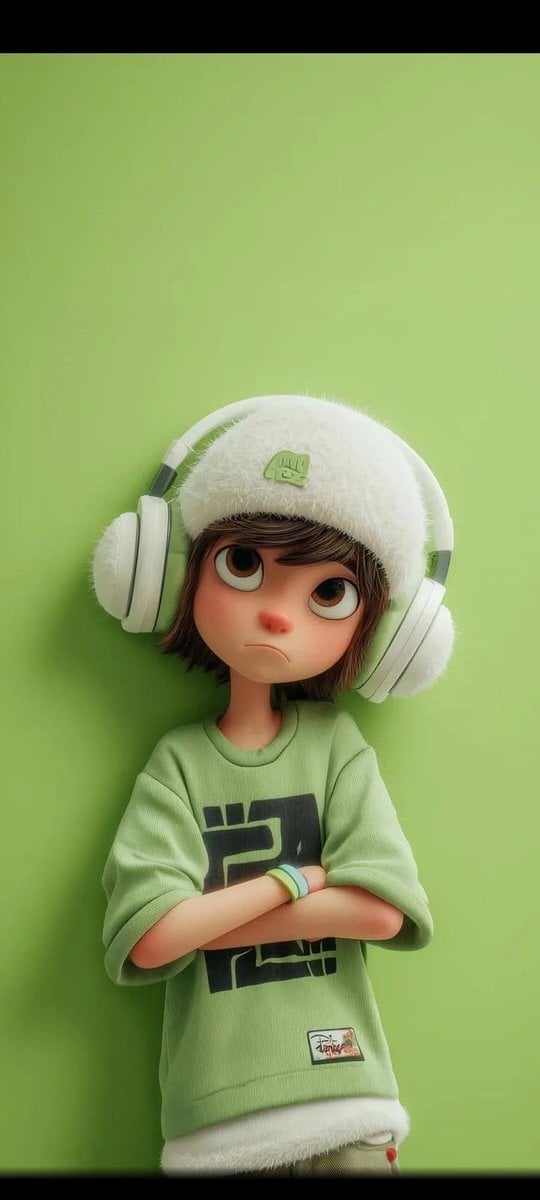
Toon Cartoon Kitchen Chaos
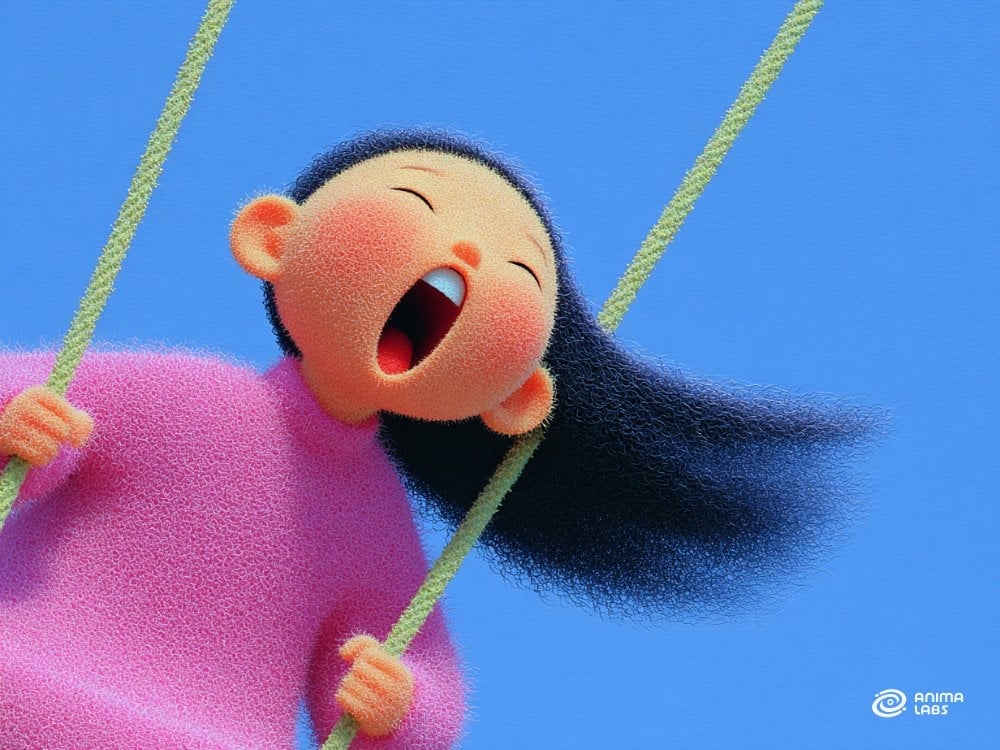
Toon Cartoon Carnival Ride
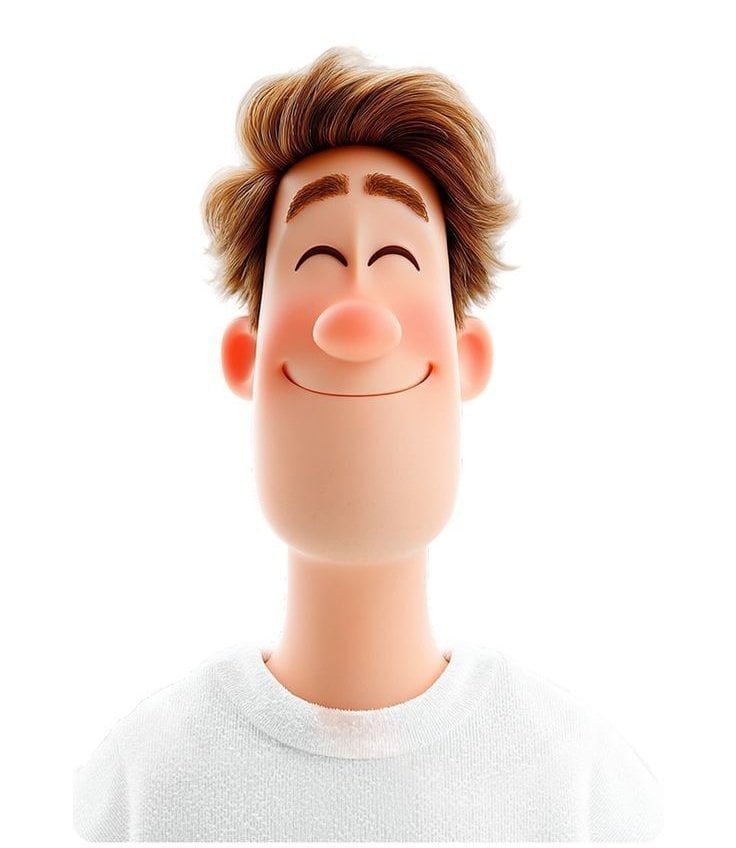
Toon Cartoon Rainy Bus Stop
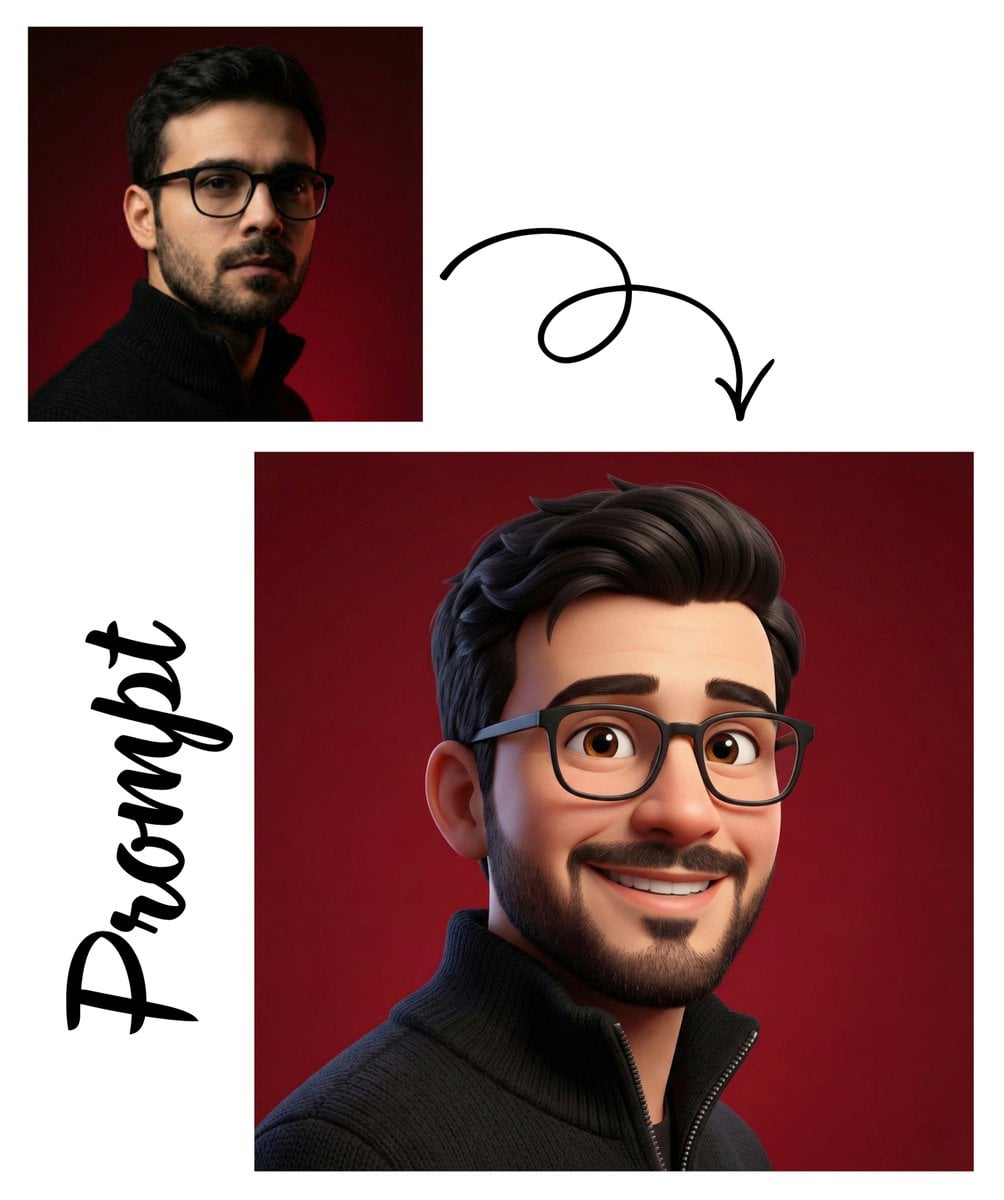
Toon Cartoon Space Dock
Toon Cartoon Cafe Morning
Toon Cartoon Street Festival
Toon Cartoon Ballroom Dance
Toon Cartoon Robot Workshop
Make it yours
Cartoon Re-Union At Home works as-is. These are the safest ways to change it without losing the look.
Change one field
Copy a single group, rewrite it, and generate again so you can see what that field is doing.
Keep the frame, change the subject
Hold the composition and light of Cartoon Re-Union At Home, then swap wardrobe, props or the person for a new take.
| If the result… | Why | Fix |
|---|---|---|
| The result drifts from the preview | Too many fields changed at once. | Reuse Cartoon Re-Union At Home as-is first, then change one group — subject, light, or setting. |
| The model over-stylizes the scene | The prose prompt leaves finish and camera underspecified. | Add one camera or lighting sentence and stay on PicX Studio. |
More image prompts
Fresh picks from across the catalog.

Cinematic City Explosion Chase
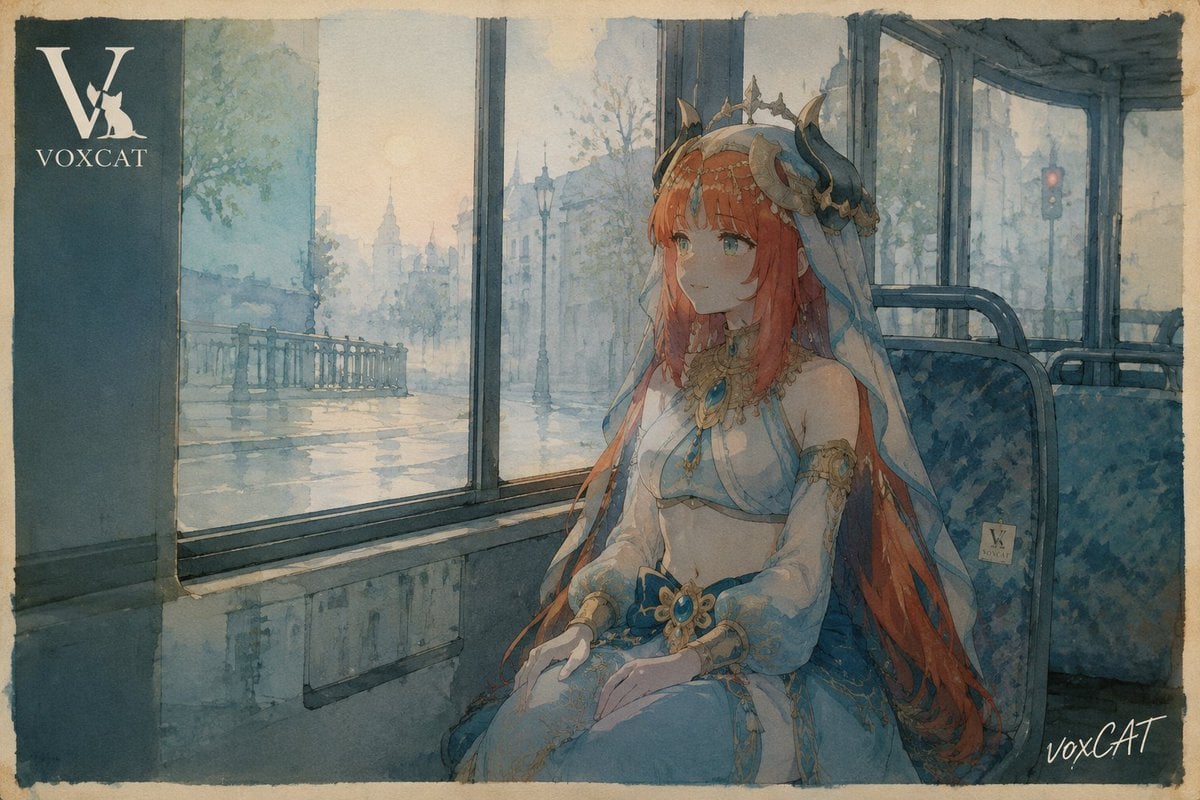
Poetic Bus Window Character Still
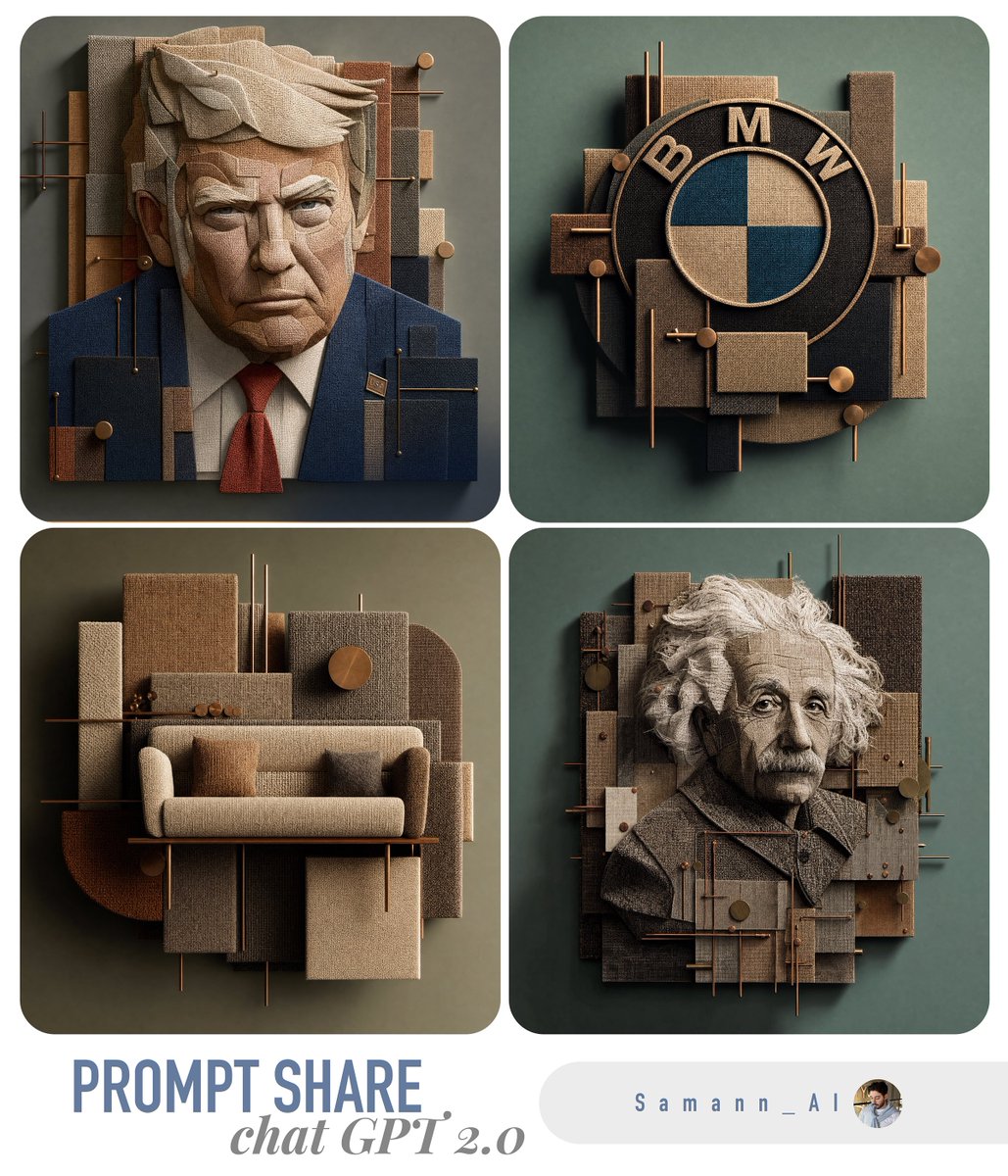
3D Fabric Art Prompt Share Collage
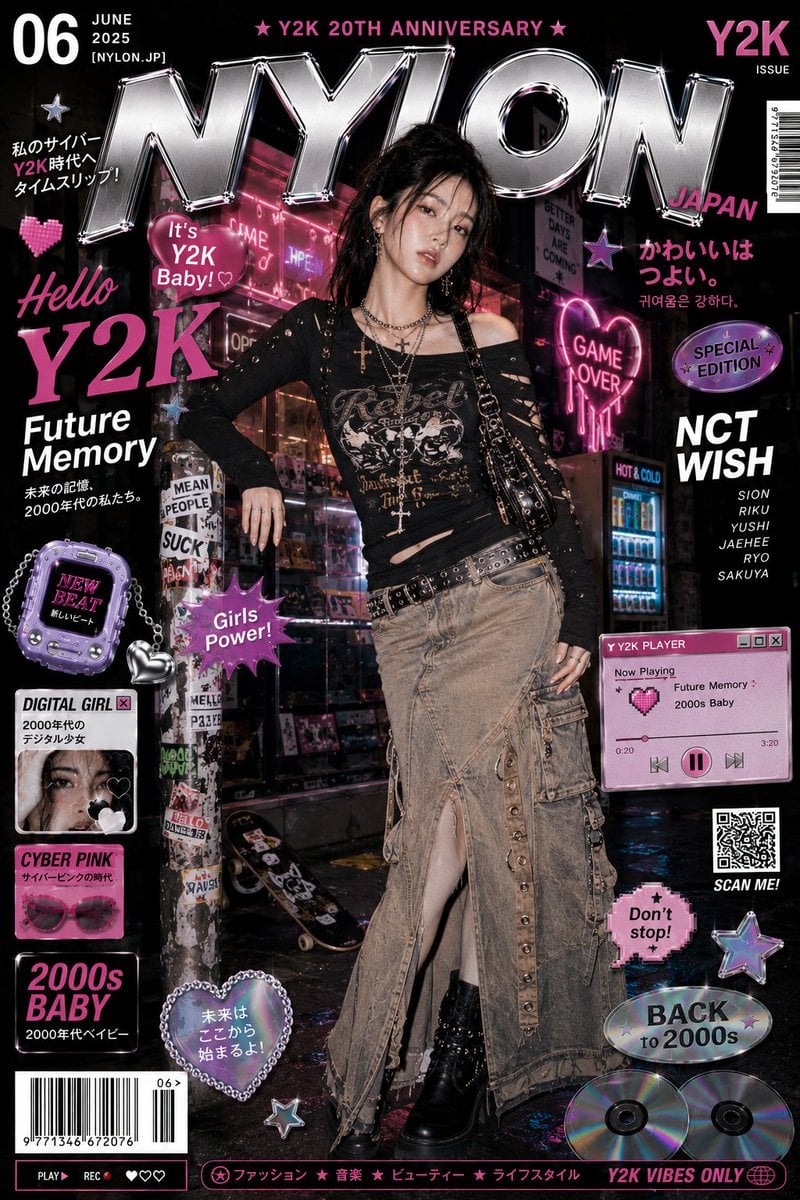
Cyberpunk Y2K Editorial Cover
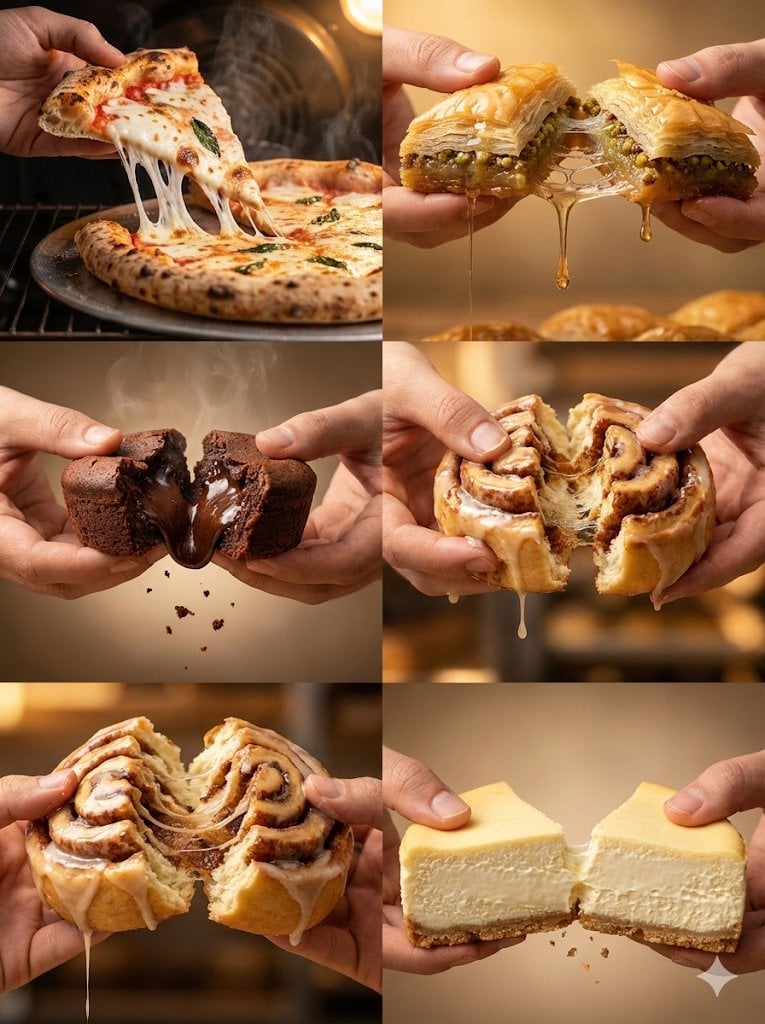
Food Action Photography Series Prompt (Cheese Pull, Syrup Drip)
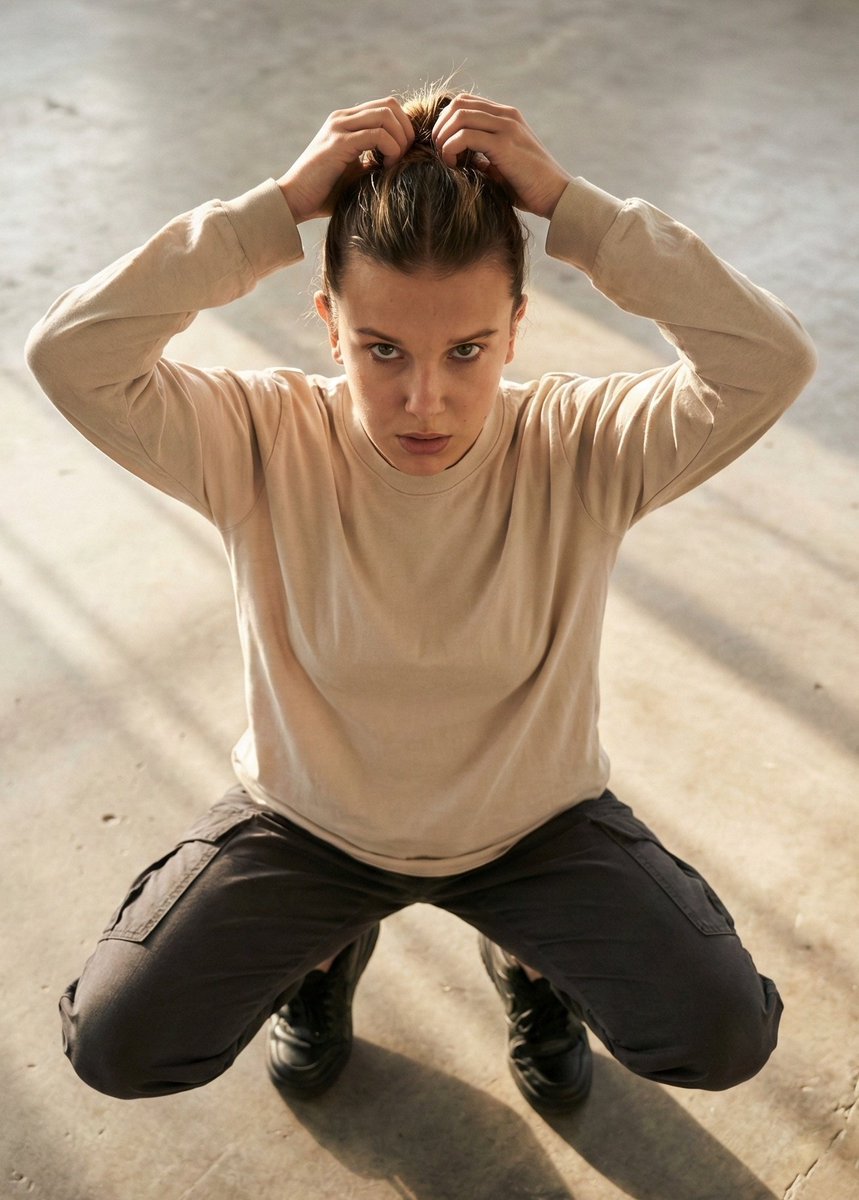
Editorial realism portrait of a woman tying her hair
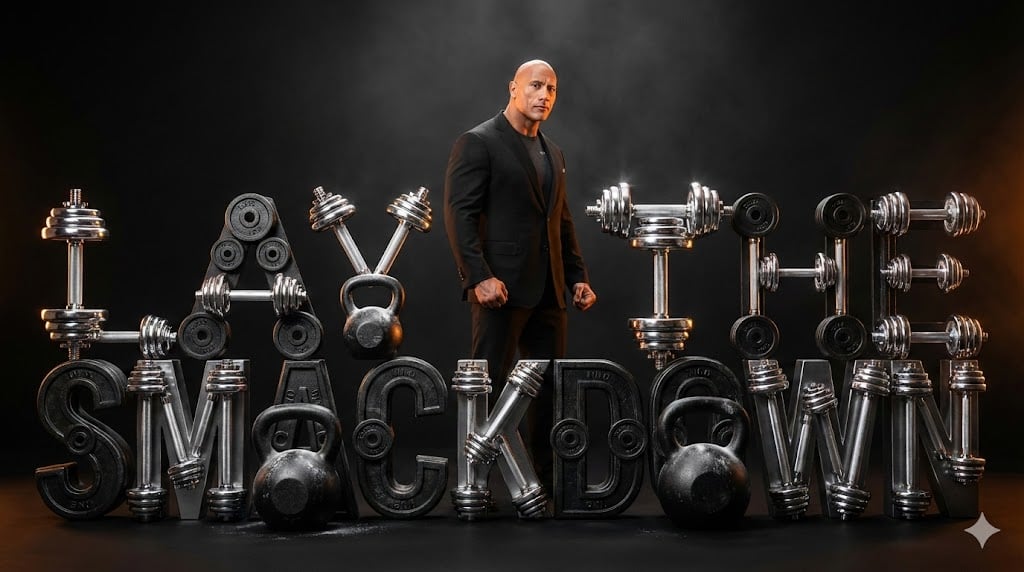
The Rock 'Lay the Smackdown' Cinematic Visual
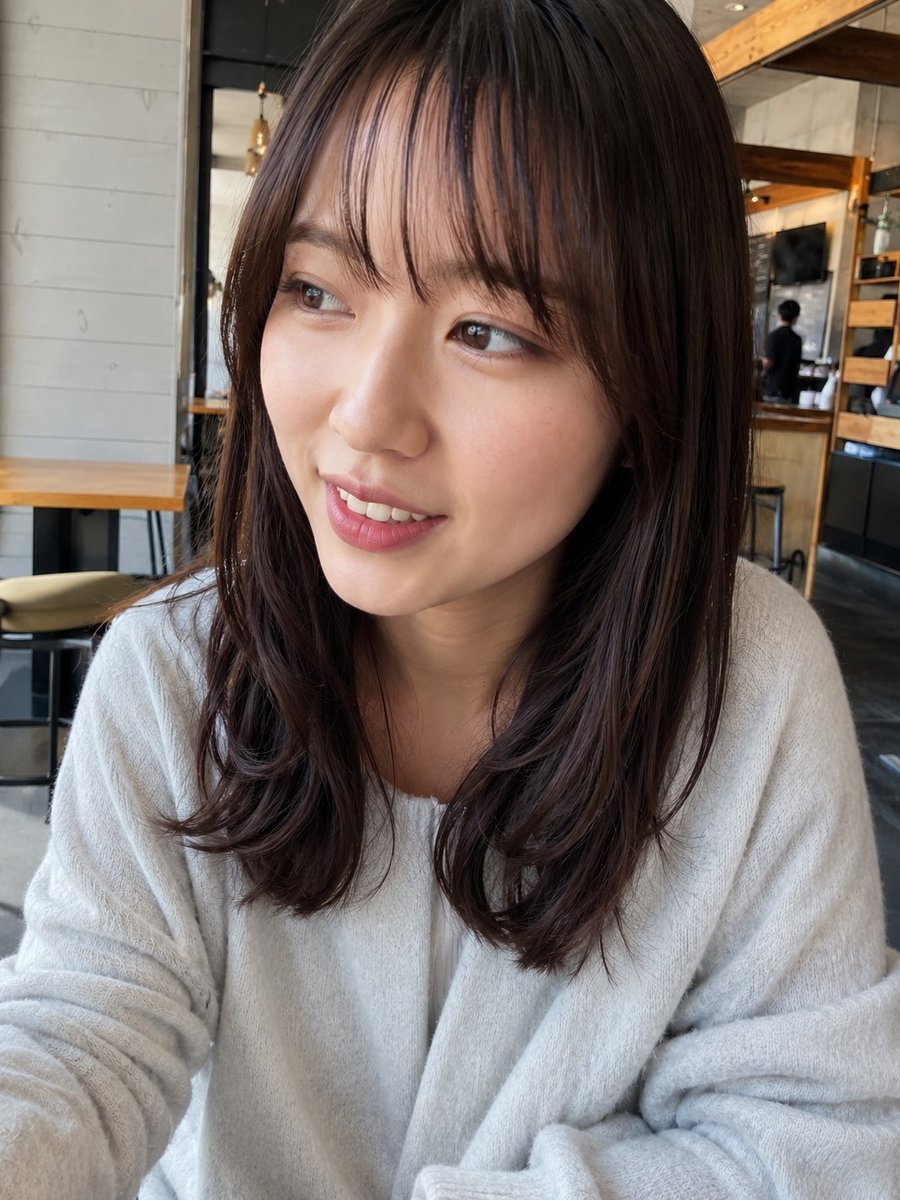
Obscured Cafe Portrait

Cinematic Desert Highway Fashion Portrait Prompt
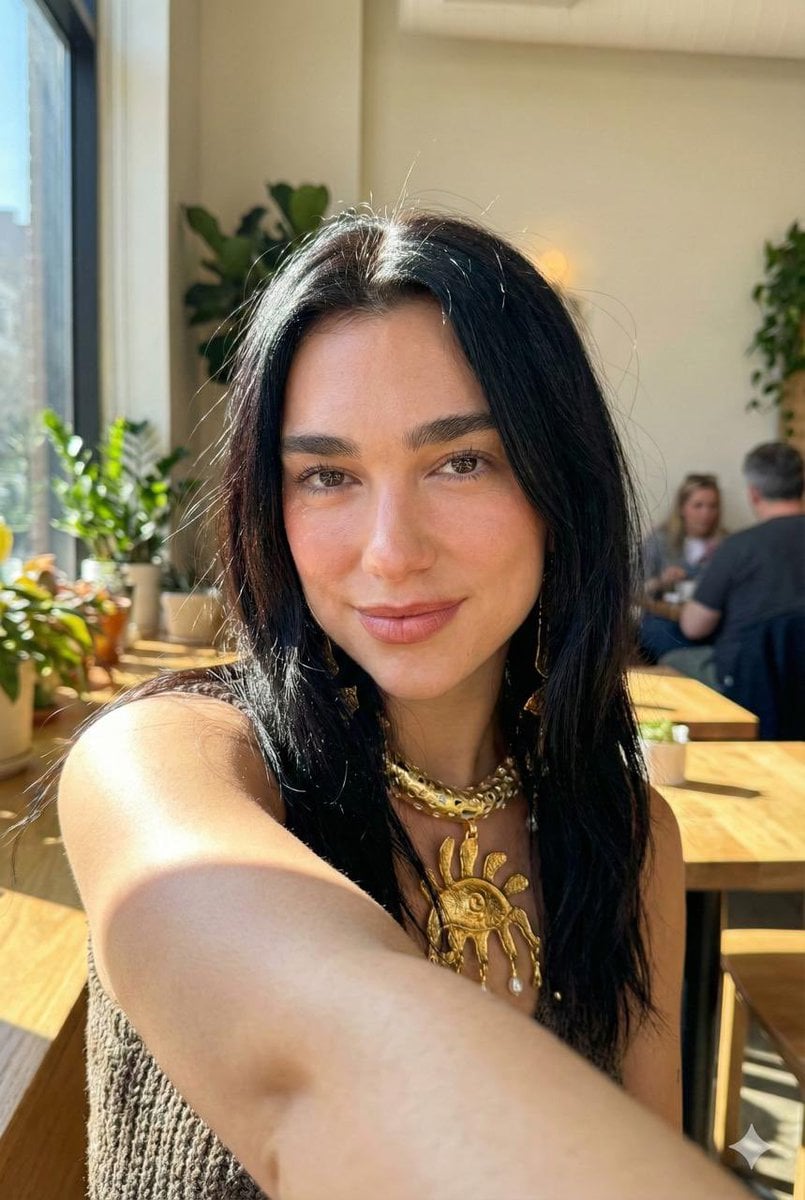
Hyper-Realistic iPhone 17 Pro Selfie Simulation Prompt
Browse template categories
Cartoon Re-Union At Home questions
How do I use the Cartoon Re-Union At Home template?
Add your photo if the template asks for one, edit the prompt if you like — the template's model and format are already selected — and press Generate. Your version opens in PicX Studio.
Can I customize the Cartoon Re-Union At Home template?
Yes. You can change the subject, setting, lighting, mood, format, and available model controls before creating your image.
Is the Cartoon Re-Union At Home template free?
Opening and editing this template is free. Generating uses credits, shown on the Generate button when you are signed in.
Which AI model should I use?
Choose a compatible model in PicX Studio based on the style, speed, and output controls your project needs.
Looking for something else? Browse all templates.

Your photo, any look
Thousands of ready templates for every top image and video model, from one credit balance.