How do I use the Influencer Lifestyle Portrait with Ginger Hair template?
Choose the primary action to open PicX Studio with the available template settings. Review the model and format, personalize the creative direction, and generate when ready.
A highly technical and detailed JSON prompt for generating an influencer-style digital portrait. Change the subject, setting, or lighting one variable at a time.

{ "subject": { "demographics": { "gender": "female", "age_range": "young adult" }, "hair": { "color": "vibrant ginger red", "length": "long", "texture": "wavy, voluminous", "style": "side-swept deep part, cascading over right shoulder", "movement": "slightly windswept appearance" }, "face": { "eyes": { "color": "bright blue", "makeup": "light mascara, defined lashes" }, "skin": { "tone": "fair", "texture": "natural, smooth with slight blush" }, "lips": { "color": "soft pink", "finish": "natural satin" }, "expression": "soft, confident slight smile, direct gaze" }, "apparel": { "outer": { "item": "denim jacket", "color": "indigo blue", "details": [ "silver buttons", "contrast stitching", "chest pocket with button", "collared" ] }, "inner": { "item": "camisole top", "color": "white", "material": "ribbed fabric", "details": "white floral lace trim along neckline" } }, "accessories": { "necklace": { "type": "choker", "band_material": "sheer beige ribbon", "pendant": "gold heart-shaped frame with small gem inside" }, "earrings": { "visible": "left ear", "style": "small stud with hanging detail" } } }, "composition": { "shot_type": "selfie-style portrait", "framing": "chest-up close shot", "angle": "eye-level, slightly tilted head" }, "environment": { "location": "indoor apartment interior", "lighting": "soft natural daylight, diffused frontal source (large window)", "background": { "focus": "soft bokeh (moderately blurred)", "elements": [ "white kitchen cabinets", "ceiling light", "dark computer monitor or TV screen on left", "neutral grey walls" ] } }, "technical_details": { "camera_gear": { "sensor_type": "Full-frame digital sensor or High-End Mobile Sensor", "lens_focal_length": "28mm to 35mm", "lens_characteristics": "wide angle prime, minimal distortion" }, "camera_settings": { "aperture": "f/2.0", "shutter_speed": "1/125s", "iso": "100" }, "lighting_setup": { "key_light": "natural soft window light (frontal)", "fill_light": "ambient indoor reflection", "shadows": "soft and minimal" }, "visual_style": { "color_grading": "true-to-life with vibrant saturation boost", "contrast": "medium-high", "sharpness": "high clarity on eyes and hair", "aesthetic": "influencer lifestyle portrait, crisp digital photography" } } }
Choose the primary action to open PicX Studio with the available template settings. Review the model and format, personalize the creative direction, and generate when ready.
Yes. You can change the subject, setting, lighting, mood, format, and available model controls before creating your image.
This template is free to open and customize. Generation usage is shown in PicX Studio before you create.
Start with Nano Banana 2, which is the model associated with this template. You can compare another compatible model for a different finish.
Follow a topic to a crawlable collection of related PicX Studio templates.
43,474 public templates available. Verified via the PicX Studio public templates API; refreshed hourly.



![69-untitled — FORMAT: 15s / 145 BPM / 14 SHOTS
SUBJECT: @[image1]
WARDROBE: Clean modern outfit
ENVIRONMENT: Street / indoor transitions
MOOD: Discovery → contr](/_next/image?url=https%3A%2F%2Fcdn.picxstudio.com%2Fuploads%2Fpost69_img0_d45faecf-38c3-4bcb-81a4-f6eb1cf42bb2.jpg&w=828&q=100)

![118-google-nano-banana-pro-skincare-product- — A professional skincare shot of a [product container] with [cap/lid], labeled [brand, product, descriptor, volume](/_next/image?url=https%3A%2F%2Fcdn.picxstudio.com%2Fuploads%2Fpost118_img0_332898b8-29ea-42a9-87ab-9ed746a3f944.jpg&w=828&q=100)









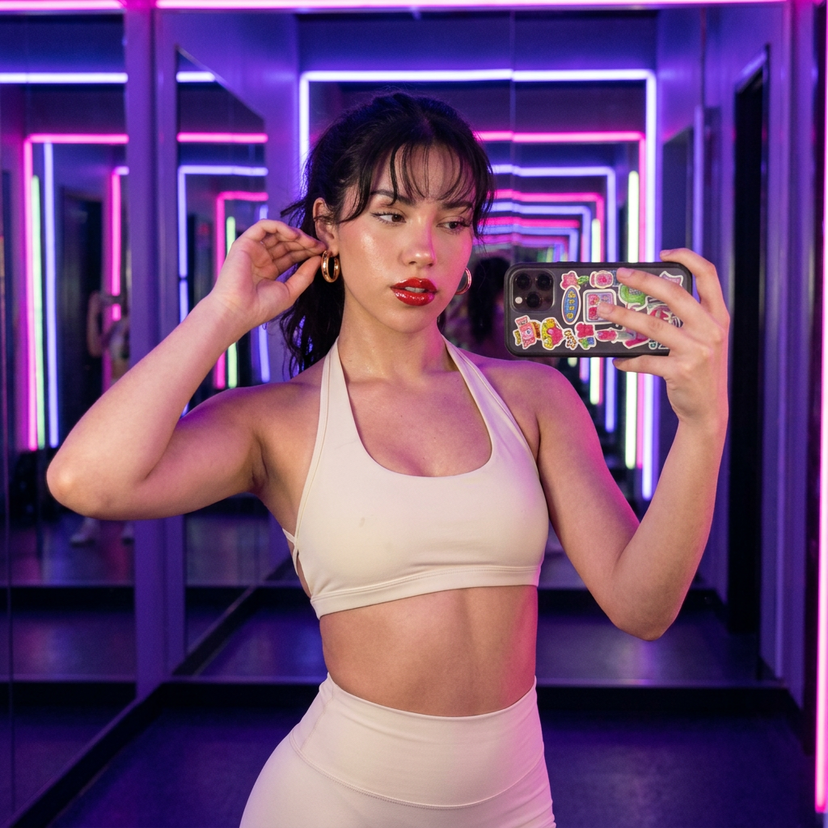






![Naive doodle-style subject illustration — A doodle-style {argument name="subject" default="[subject]"}, naive lines, humorous shape exaggeration](https://pbs.twimg.com/media/G6Wl2YxbsAARB2b.jpg)











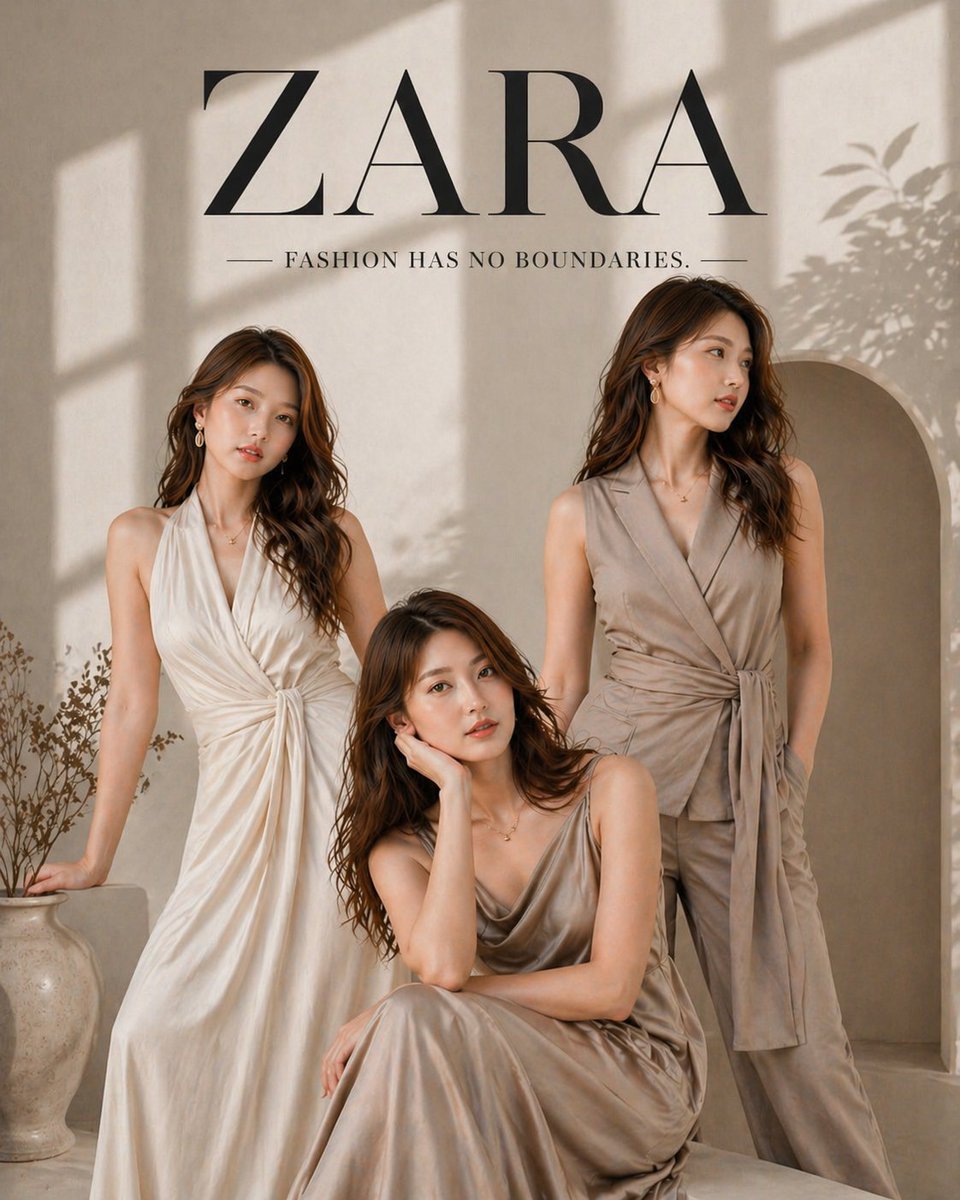


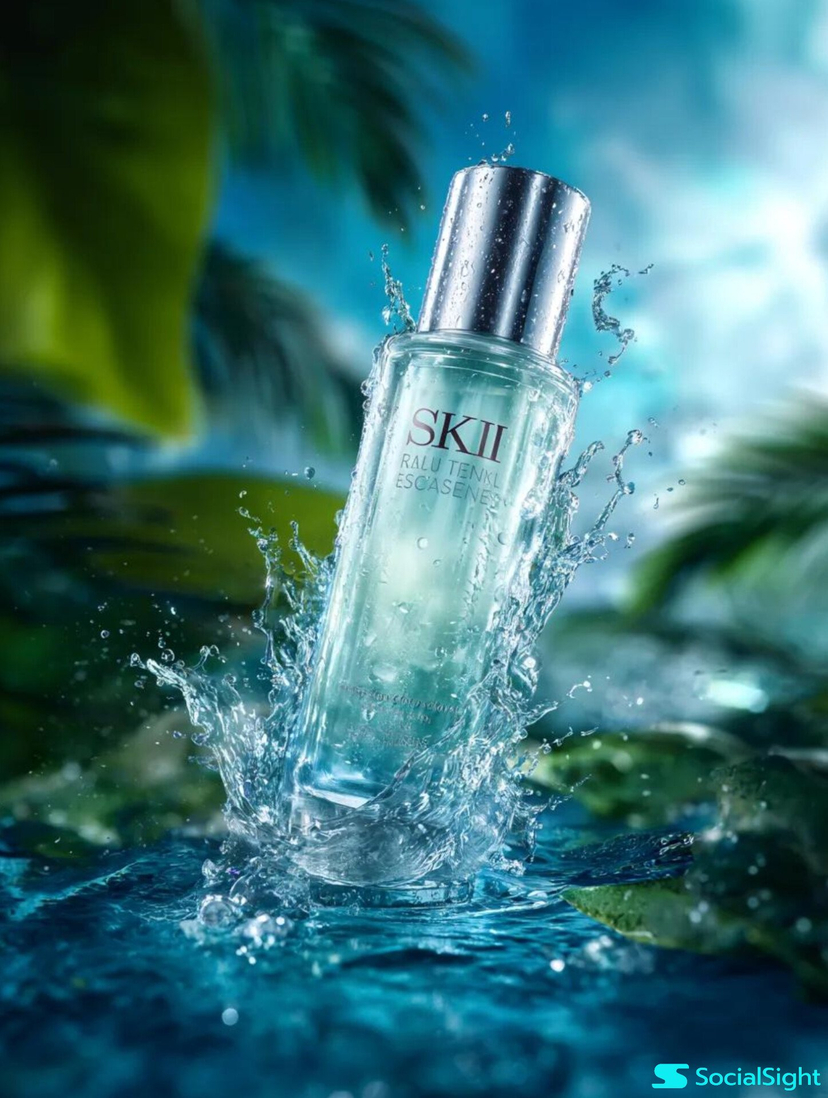


![High-End Concept Art Magazine Editorial Photograph Prompt — [BRAND NAME]:
A high-end, glossy concept art magazine editorial photograph of a unique, unexpected](https://pbs.twimg.com/media/G9pi5wCaoAASRHh.jpg)
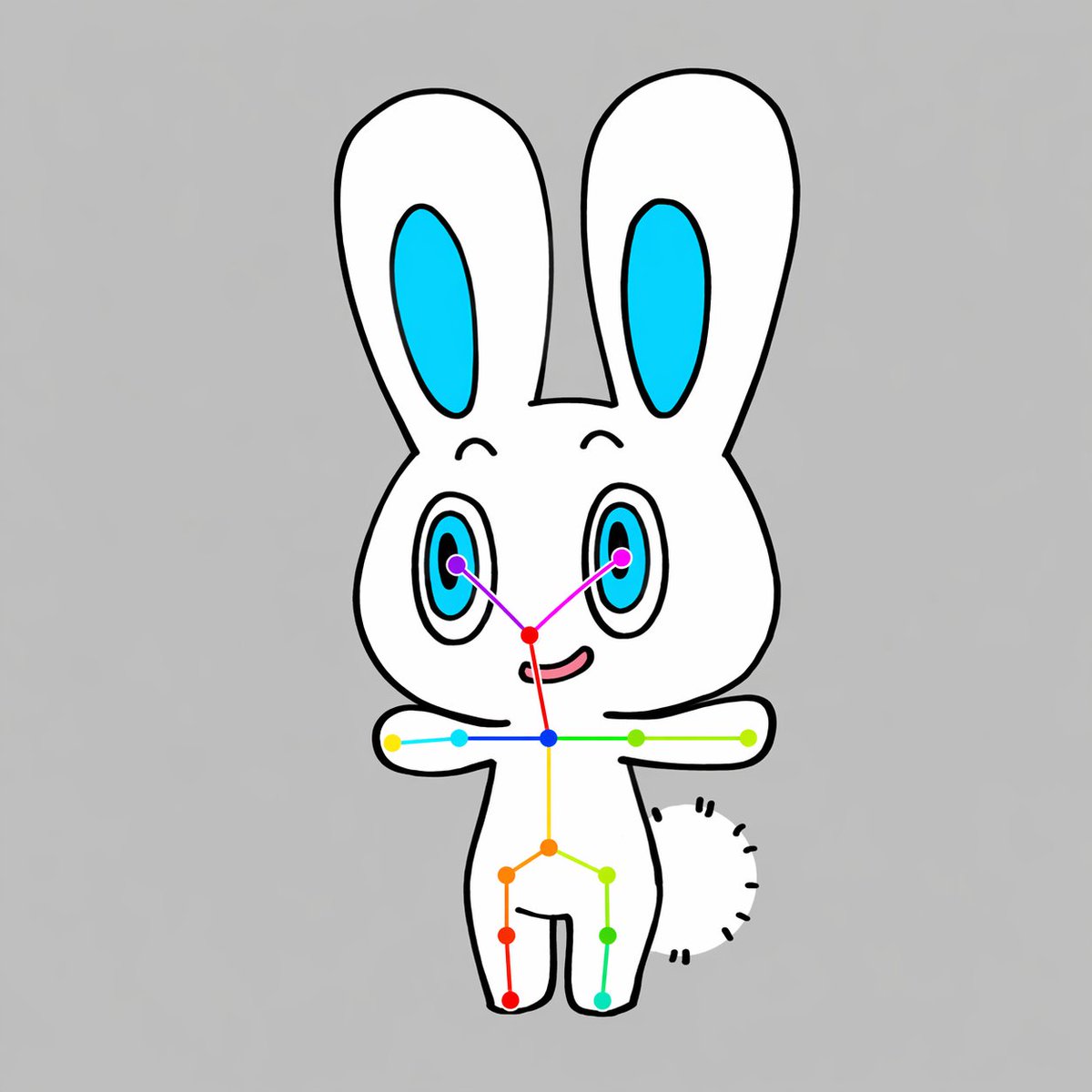
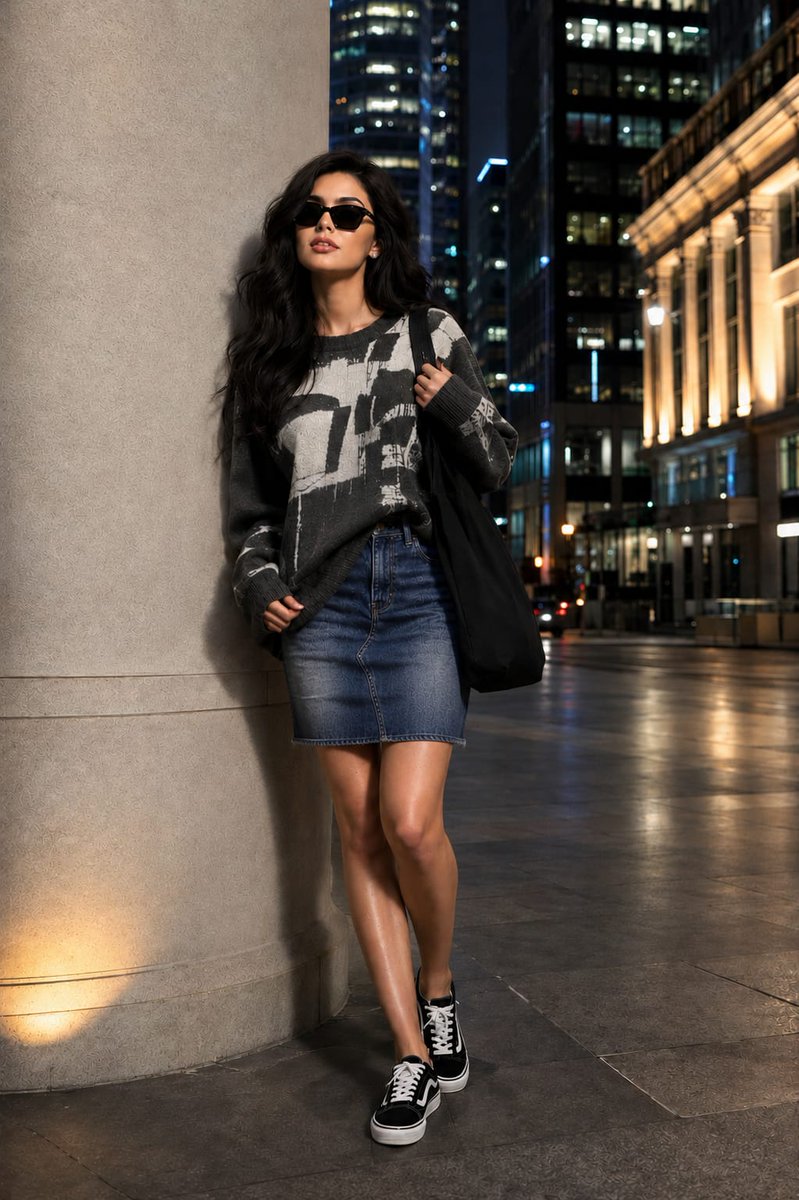

![3D Fluffy Logo Transformation — Transform the [{argument name="brand name" default="BRAND"}] logo into a hyper-realistic, 3D fluffy object. Keep the original sh](https://pbs.twimg.com/media/G_4bKQRbUAEZywE.jpg)

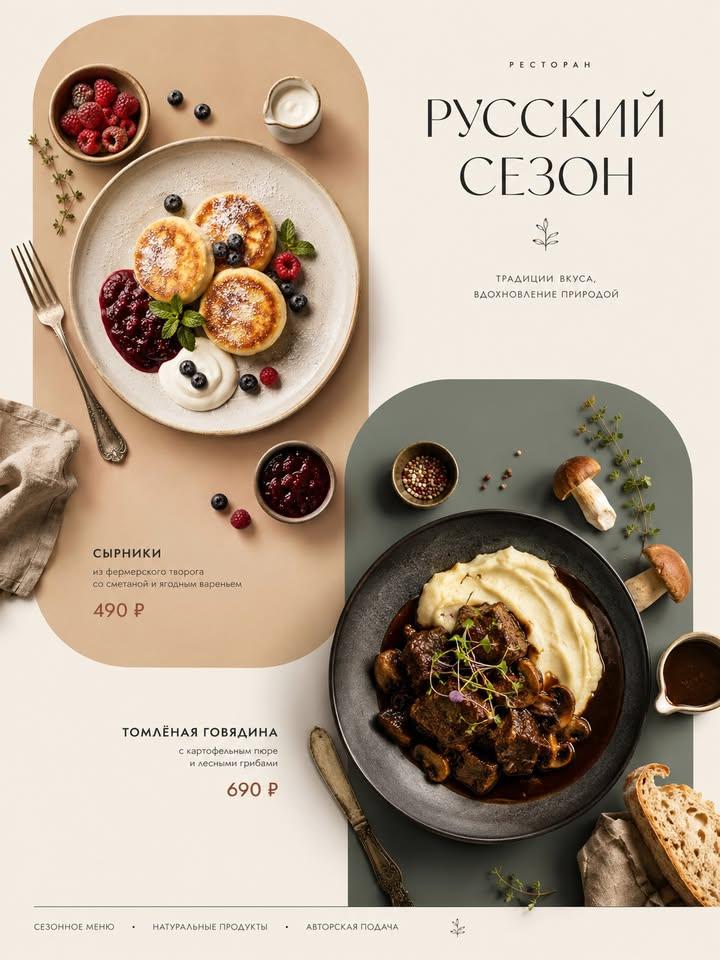




![79-style-transfer-with-nano-banana-pro — Create a grid of 4 different camera angles of [@]img1, [CAMERA ANGLE], that follow the same style and colour palette as](/_next/image?url=https%3A%2F%2Fcdn.picxstudio.com%2Fuploads%2Fpost79_img0_61de9f85-8d06-42cc-a71c-247e8e37a3fe.jpg&w=828&q=100)