How do I use the Hyper-realistic Lifestyle Product Photo Prompt template?
Choose the primary action to open PicX Studio with the available template settings. Review the model and format, personalize the creative direction, and generate when ready.
A detailed JSON prompt template for generating a hyper-realistic lifestyle product photo, placing a specified product on a rustic wooden stool, with a woman's sun-kissed body (wearing a white swimsuit) blurred in the background, emphasizing natural daylight, skin texture, and shallow depth of field. (free to use) — Free AI image template on PicX Studio.
{ "prompt": "Hyper-realistic lifestyle product photo of {argument name="product name" default="{{PRODUCT}}"} standing upright on a rustic, slightly worn wooden stool. In the background, there is a close-up of a woman's sun-kissed thigh and hip, wearing a clean white, ribbed one-piece swimsuit. The scene is shot in warm natural daylight with strong but soft sunlight and realistic shadows. Skin texture, tiny body hairs, and pores are clearly visible but flattering. The wooden stool has visible grain and imperfections. The background is softly out of focus with a shallow depth of field so that {argument name="product name" default="{{PRODUCT}}"} is the main sharp focus in the foreground. No extra objects in the scene. The composition feels like a modern beauty or body-care advertisement, minimalistic, elegant, and aspirational. The product keeps its real label, logo, and design exactly as provided by the user, no invented text. Ultra detailed, 8k, cinematic, DSLR, hyper-real, photo-real, studio-quality lighting.", "negative_prompt": "cartoon, illustration, CGI, 3D render, plastic skin, over-smoothed skin, extra limbs, deformed body, text artifacts, watermark, logo distortion, low resolution, grainy, noisy, cluttered background, incorrect anatomy, unrealistic proportions" }
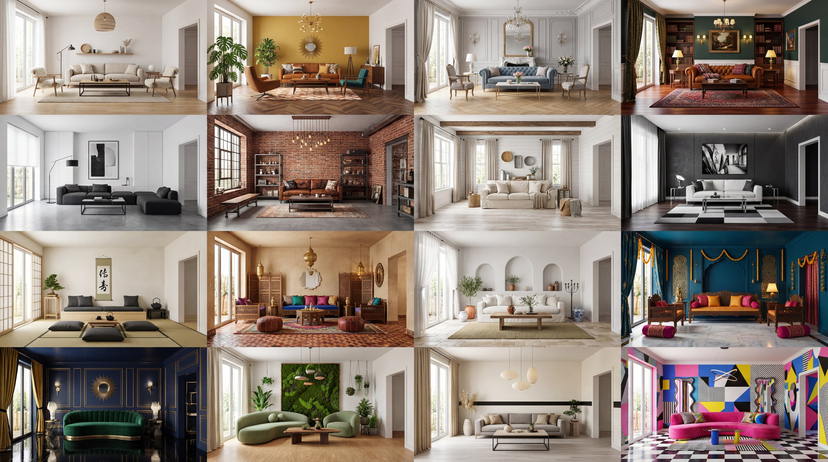
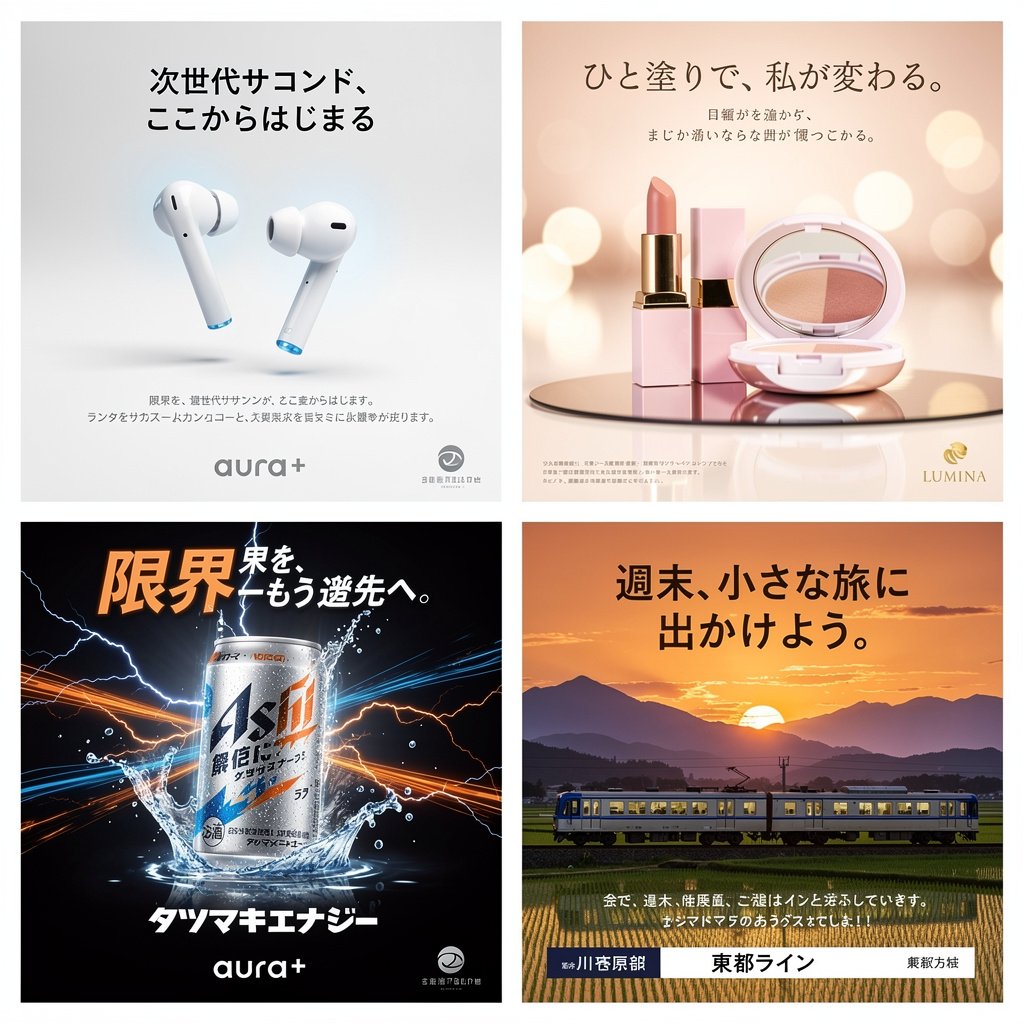
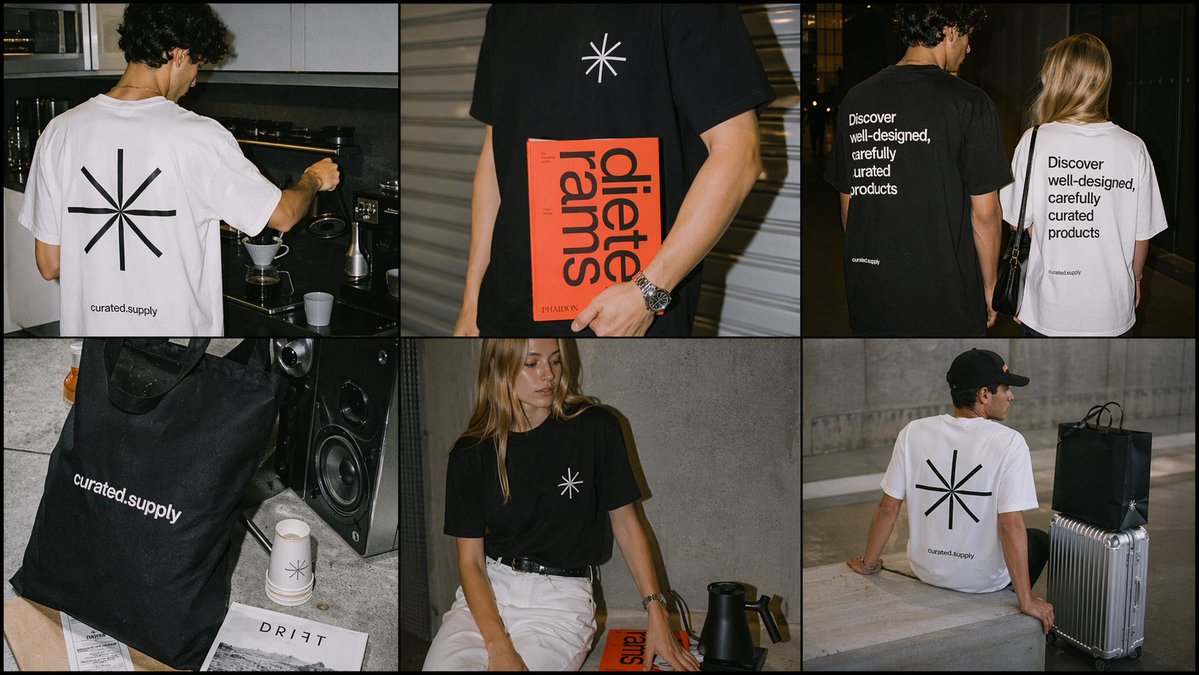
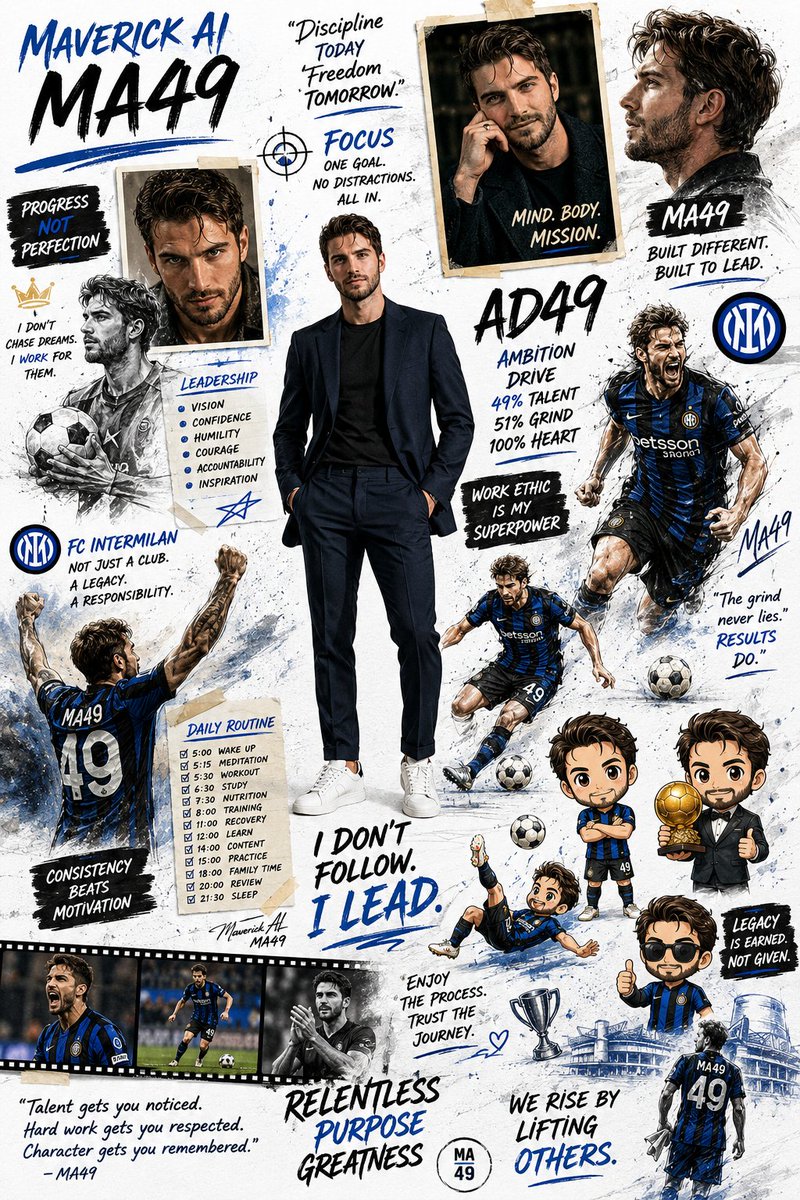
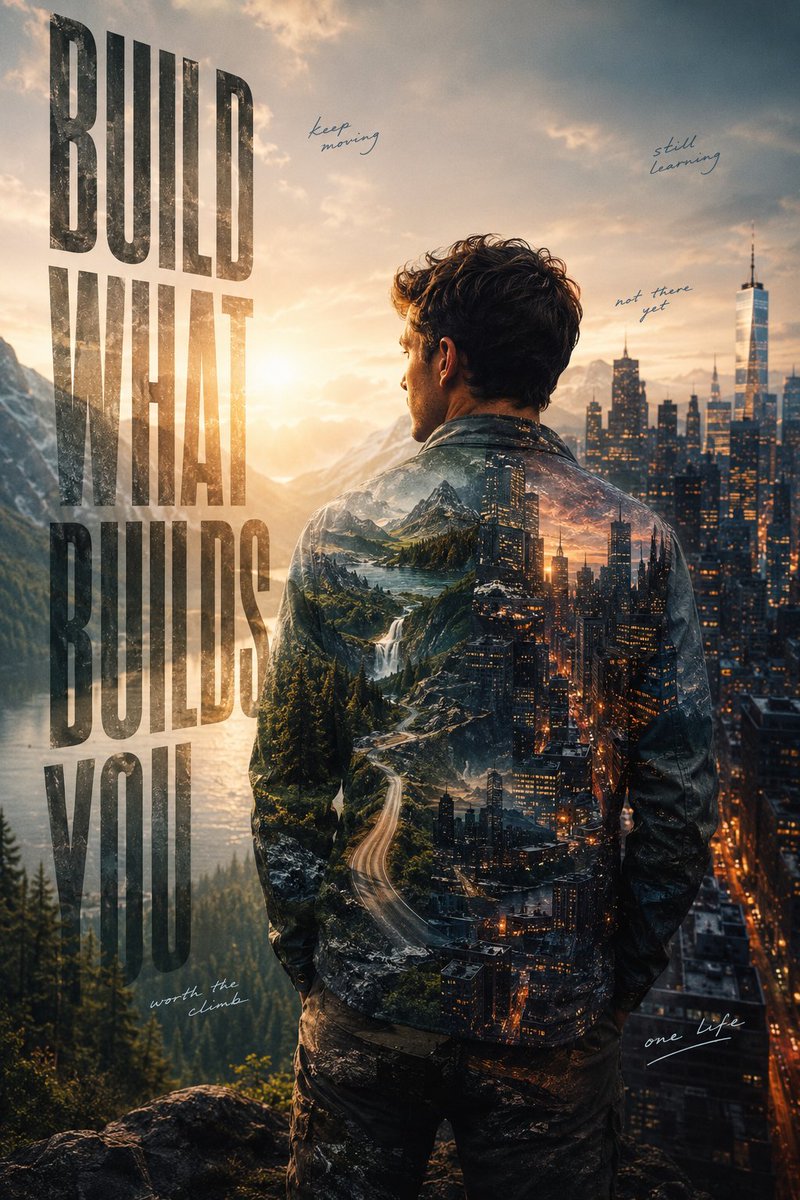
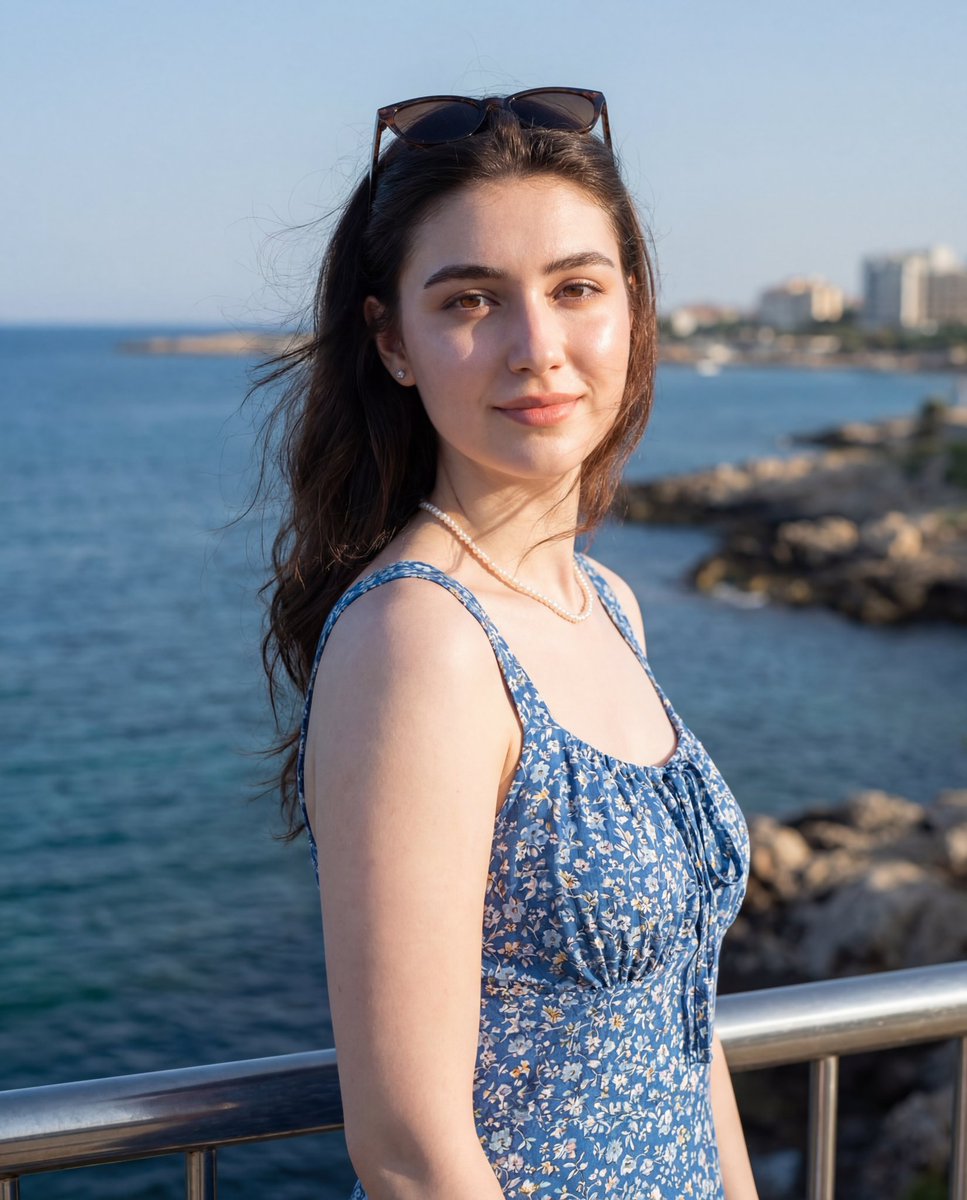
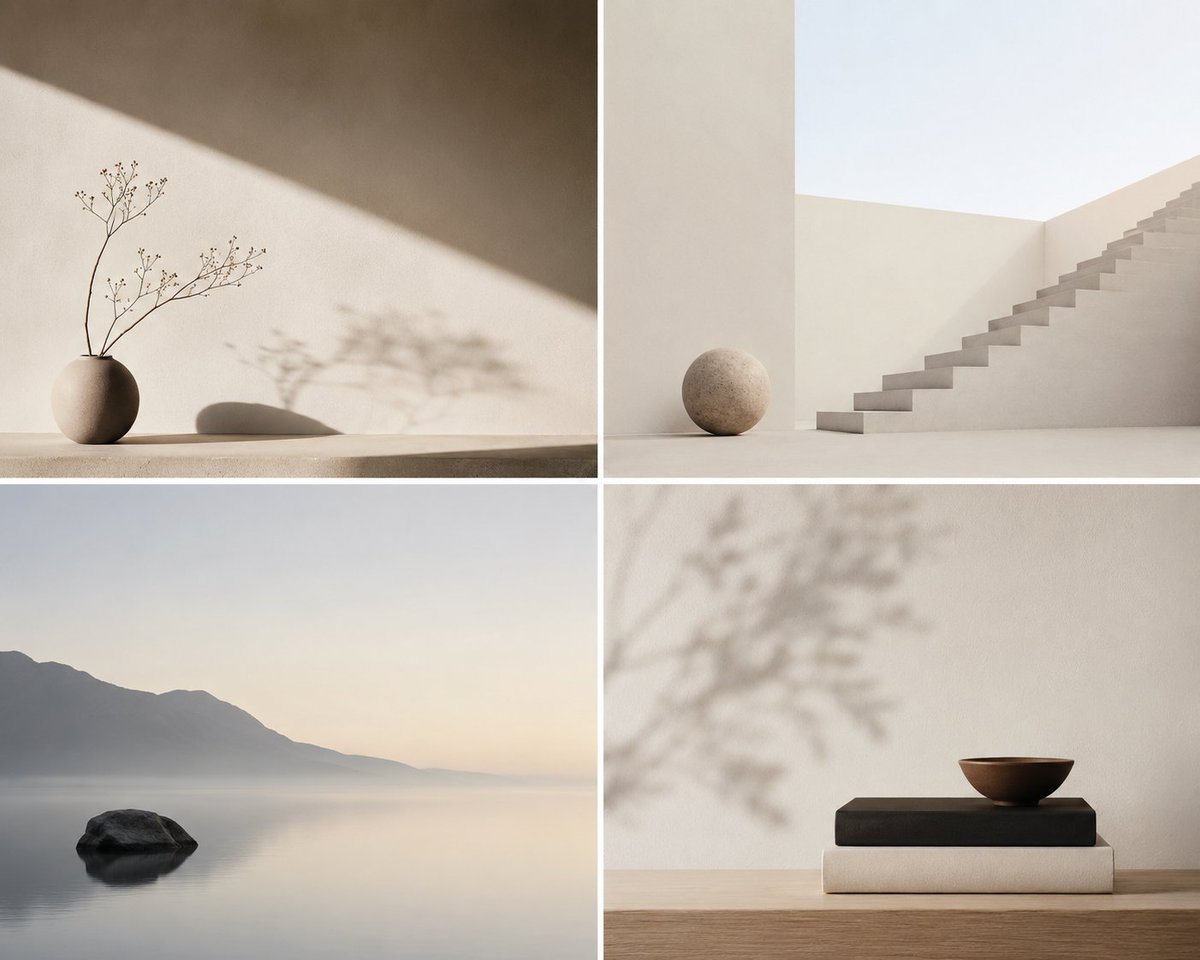
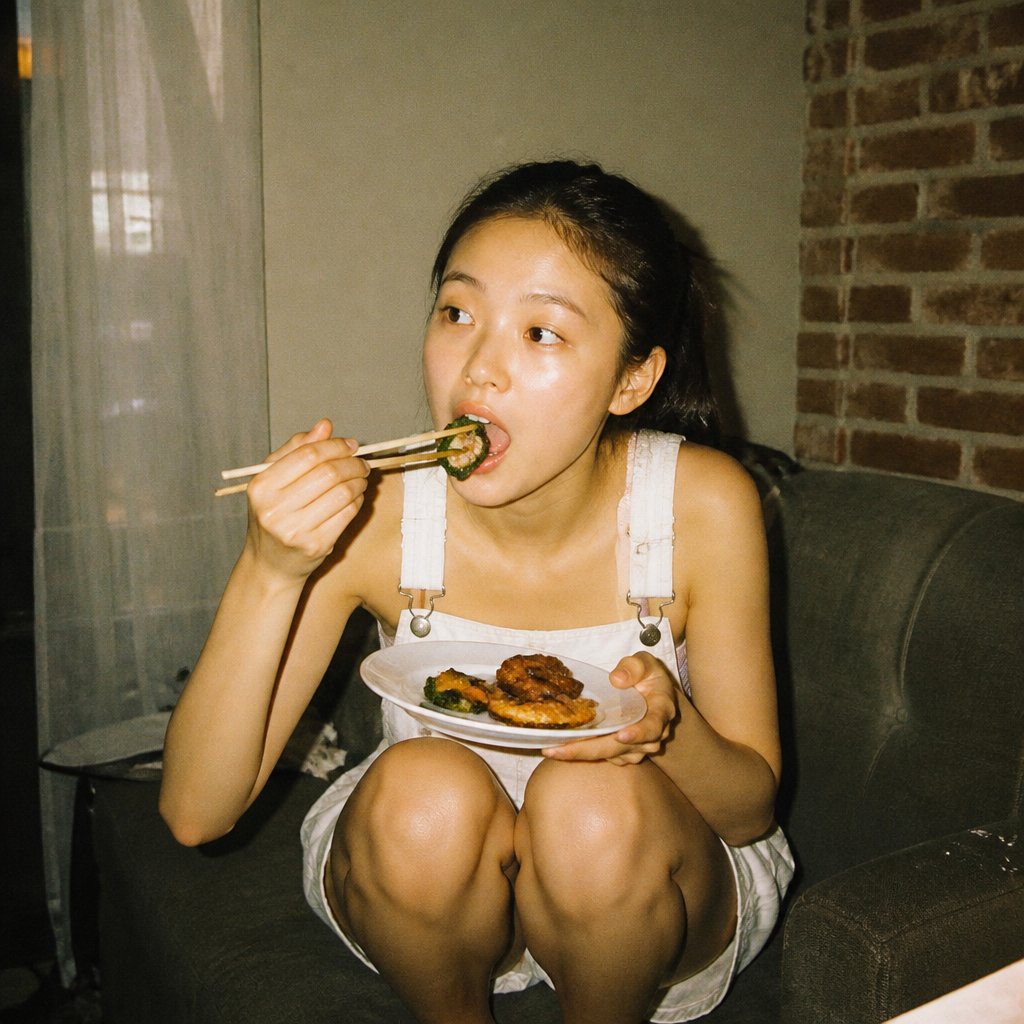
Use Hyper-realistic Lifestyle Product Photo Prompt to plan an AI image around nano-banana-2 generation. Match the preview's composition first, then personalize the subject, setting, and mood for your own project.
Use the primary action to load the template settings in PicX Studio.
Adjust the subject and creative details for your destination.
Create the image, compare the result with the preview, and refine one variable at a time.
A continuous mix — similar concepts first, woven with same-model prompts and fresh picks from the catalog.
Choose the primary action to open PicX Studio with the available template settings. Review the model and format, personalize the creative direction, and generate when ready.
Yes. You can change the subject, setting, lighting, mood, format, and available model controls before creating your image.
This template is free to open and customize. Generation usage is shown in PicX Studio before you create.
Start with nano-banana-2, which is the model associated with this template. You can compare another compatible model for a different finish.
Follow a topic to a crawlable collection of related PicX Studio templates.
39,155 public templates available. Verified via the PicX Studio public templates API; refreshed hourly.
A continuous mix — similar concepts first, woven with same-model prompts and fresh picks from the catalog.