
Storyboard to Vlog Video Conversion
A specialized prompt for Seedance 2.0 that converts a multi-frame storyboard image into a cohesive, emotional vlog-style video with natural handheld camera movements.
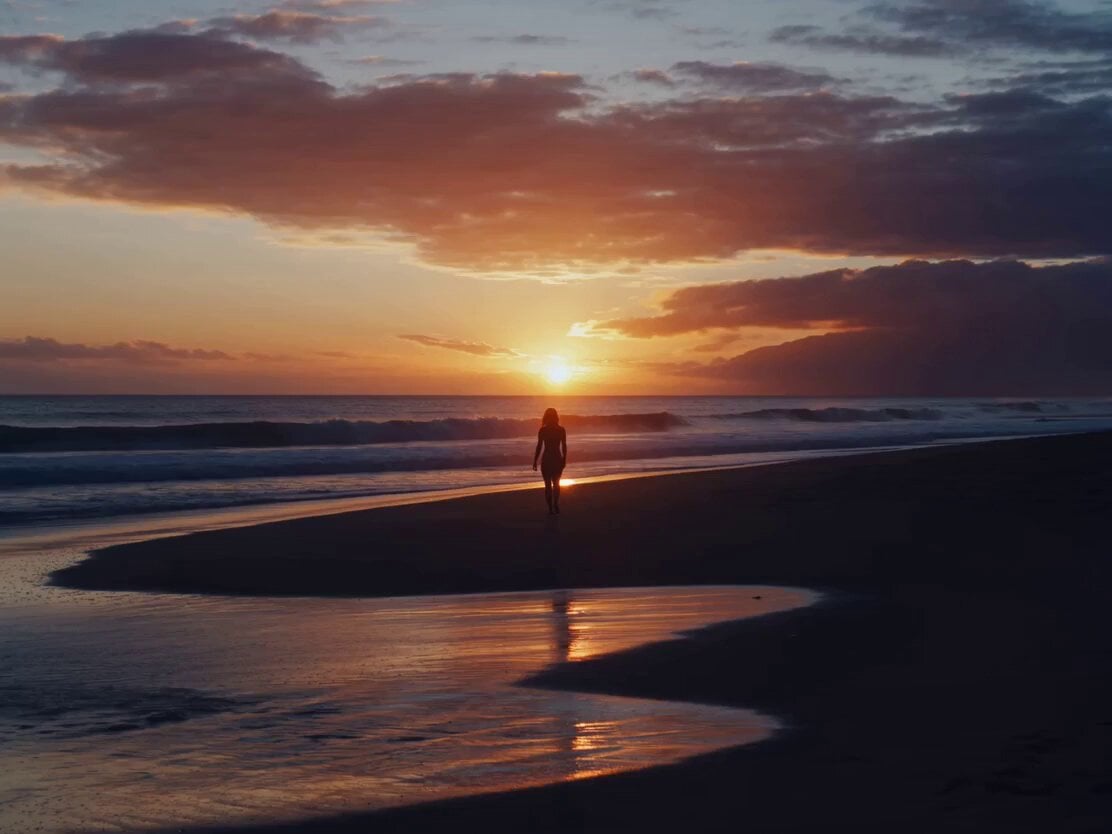
- Prompt included
- Model and format preset
- Free template
The prompt behind this video
Copy the exact prompt behind Storyboard to Vlog Video Conversion, or open it in the studio and make it yours.
一组由12帧拼贴构成的、真实自然的情感快照,展现一位年轻日本女性在夏威夷独自旅行的瞬间,采用智能手机随手拍摄的风格。 每一帧都如同转瞬即逝的私人回忆——不完美、充满阳光、私密且无摆拍感。 这位女性拥有自然的曲线身材,线条柔和柔美,胸部呈现自然状态,不刻意夸张。整体真实不做作,宛如私人相册。 场景包含:赤脚走在沙滩上、**强烈日光下的海边**、摇曳的棕榈树、过度曝光的海面反光、当地小众咖啡馆、朴素的汽车旅馆房间、日落海岸、夜市、行驶中的车内窗外景色。 拍摄质感:智能手机风格——轻微动态模糊、柔焦、热带阳光造成的高光过曝、镜头眩光、太阳反光、夜晚高ISO噪点、构图不规整、意外裁切。 构图随机且随性——主体有时偏离中心、部分被裁切、处于动态中,或被漏光遮挡。 光线多变:正午强烈日光、温暖的黄金时段柔光、浓郁日落色调、湿润的夜晚街景灯光。 色彩调色:电影感褪色色调、轻微低饱和度、温暖高光、怀旧胶片质感、细腻颗粒、黑场提亮。 情感氛围:孤独感、易逝的青春、苦乐参半的怀旧、安静的内省,宛如一段独自旅行的回忆。 布局:12张照片以松散、不完美的拼贴网格排列,略微倾斜错位,如同剪贴簿。 无文字、无水印。 这是一张ai生成的人物,将图中的每个分镜 转换为视频片段, 并衔接起来。情感向 vlog 风格视频。自然的手持抖动感。年轻的外国女性。夏天的海边背景音乐。
How to use Storyboard to Vlog Video Conversion in 3 steps
- 1
Open
The prompt is already in the box next to the preview, with the template's model and format selected.
- 2…a portrait of your subject in softgolden-hour light, 85mm…
Personalize
Edit the subject and creative details for your destination.
- 3Generate
Generate
Press Generate — your video is created in PicX Studio, so you can compare it with the original and refine one variable at a time.
More like this
Templates with the same subject, style or setup. Open one to see its prompt.
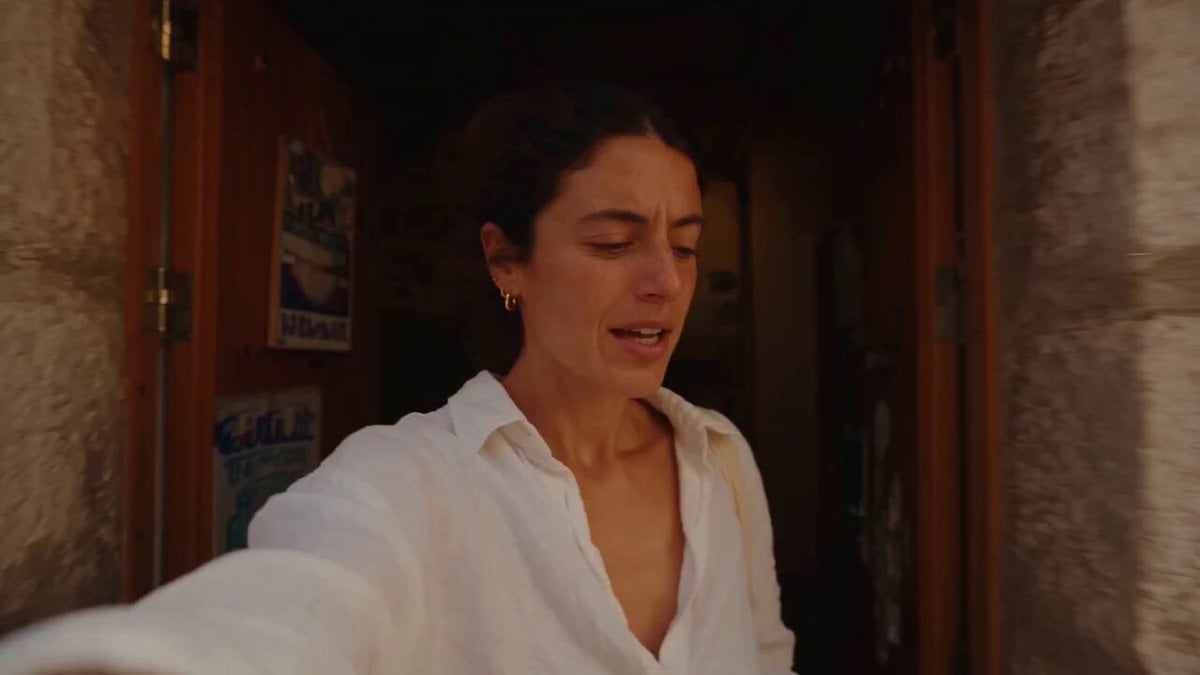
Mediterranean Coffee Run Vlog - Seedance 2.5

Mysterious Home Exploration Vlog - Seedance 2.5
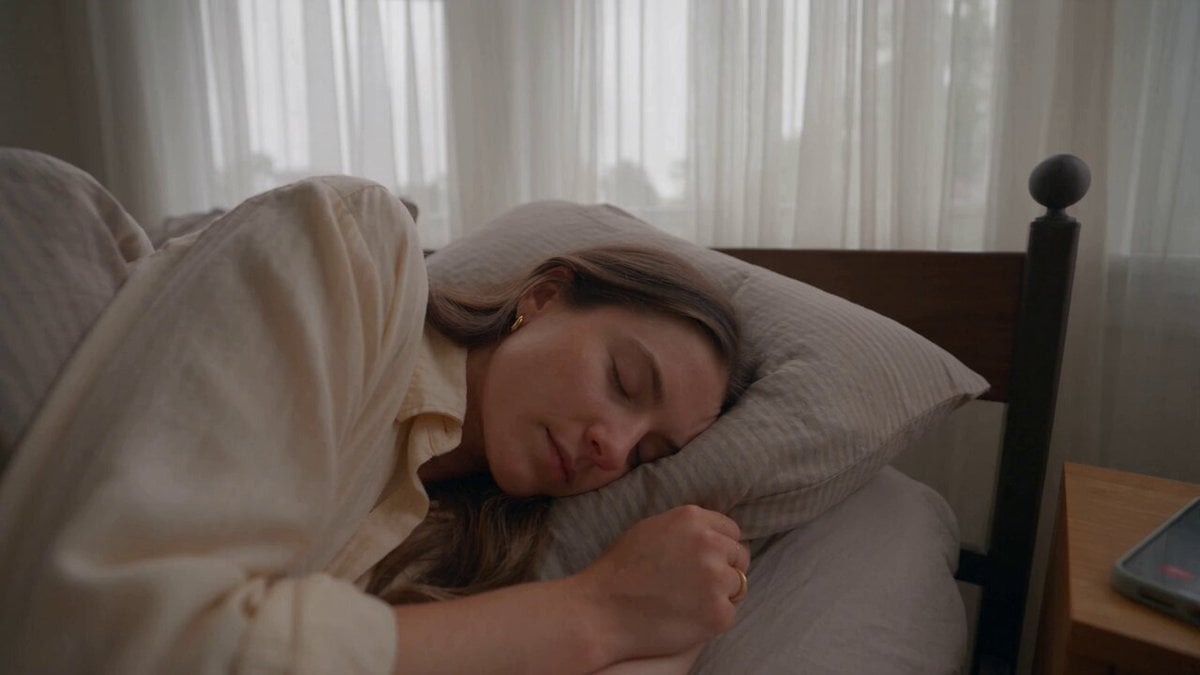
Realistic Morning Routine Lifestyle Vlog - Seedance 2.5
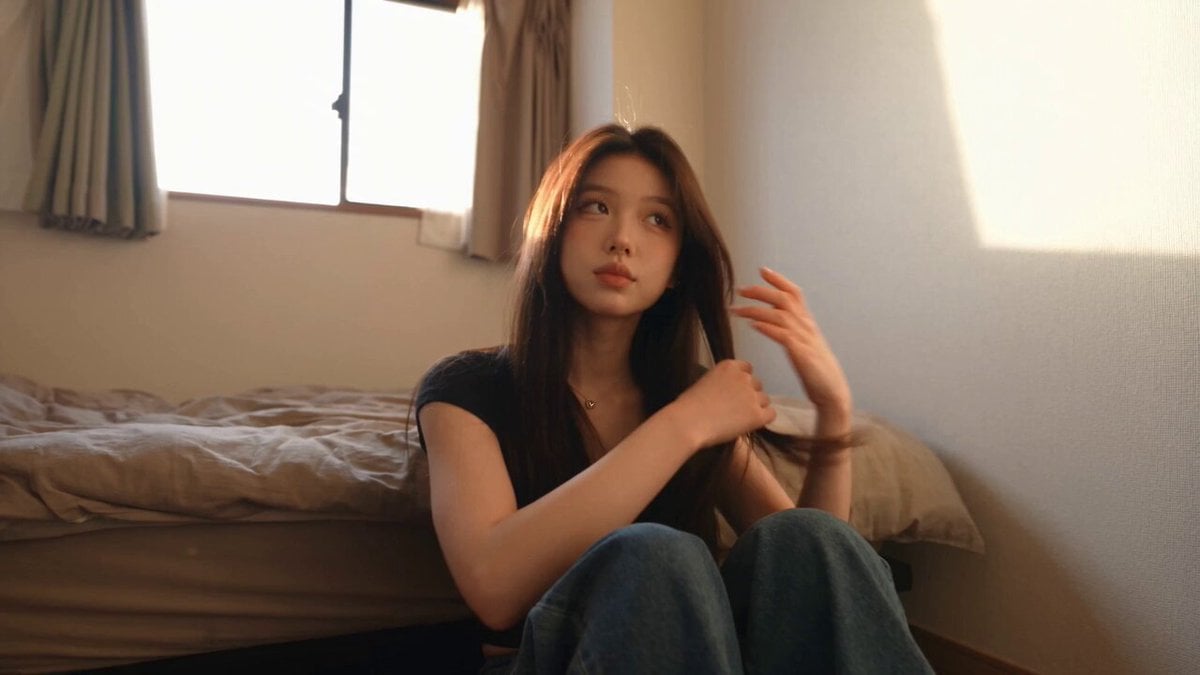
Handheld Tokyo Travel Vlog - Seedance 2.5
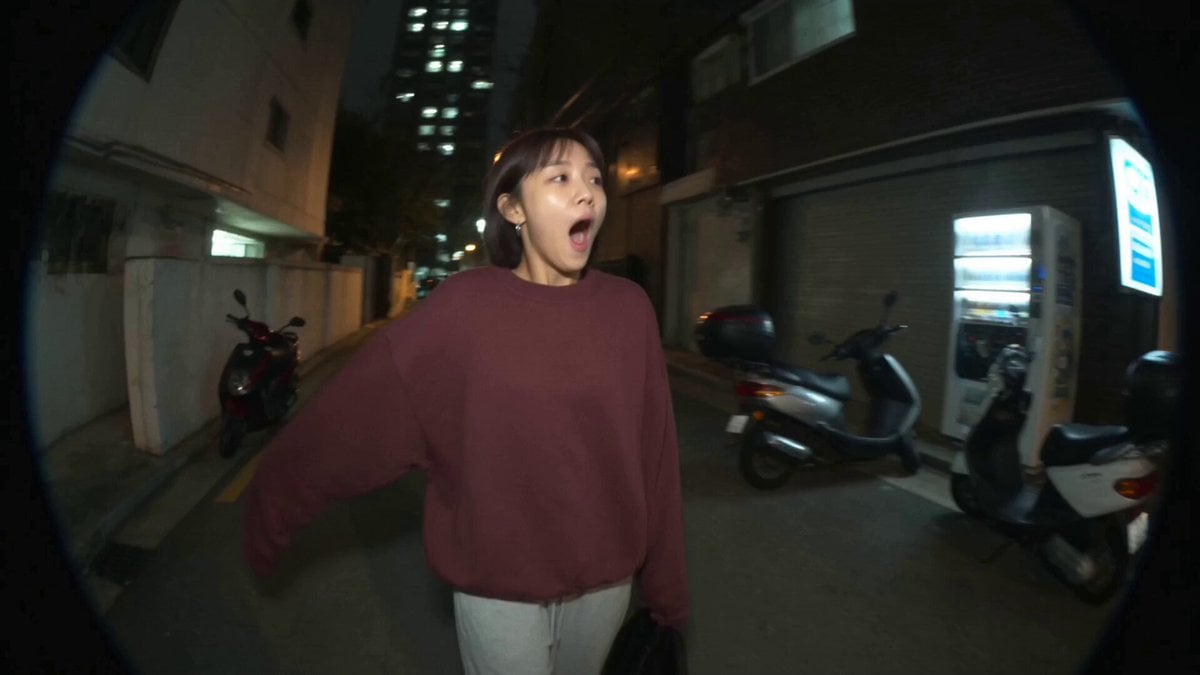
Nostalgic MiniDV Convenience Store Vlog - Seedance 2.5
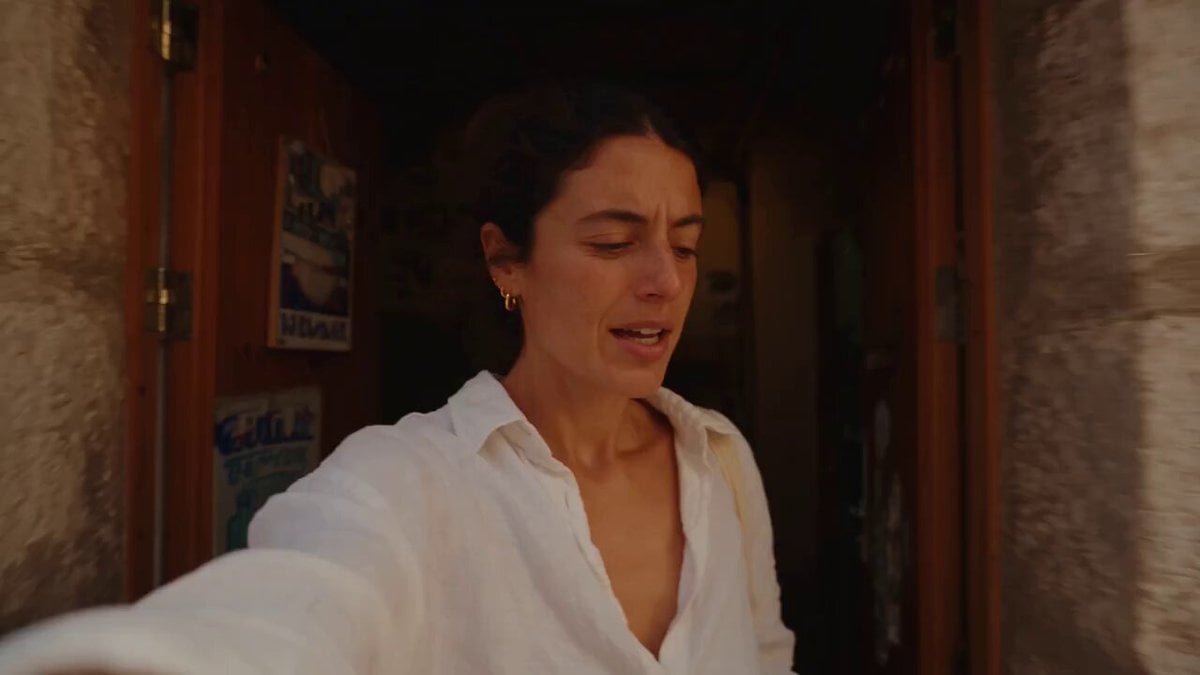
Mediterranean Morning Coffee Run Vlog (Seedance 2.5)
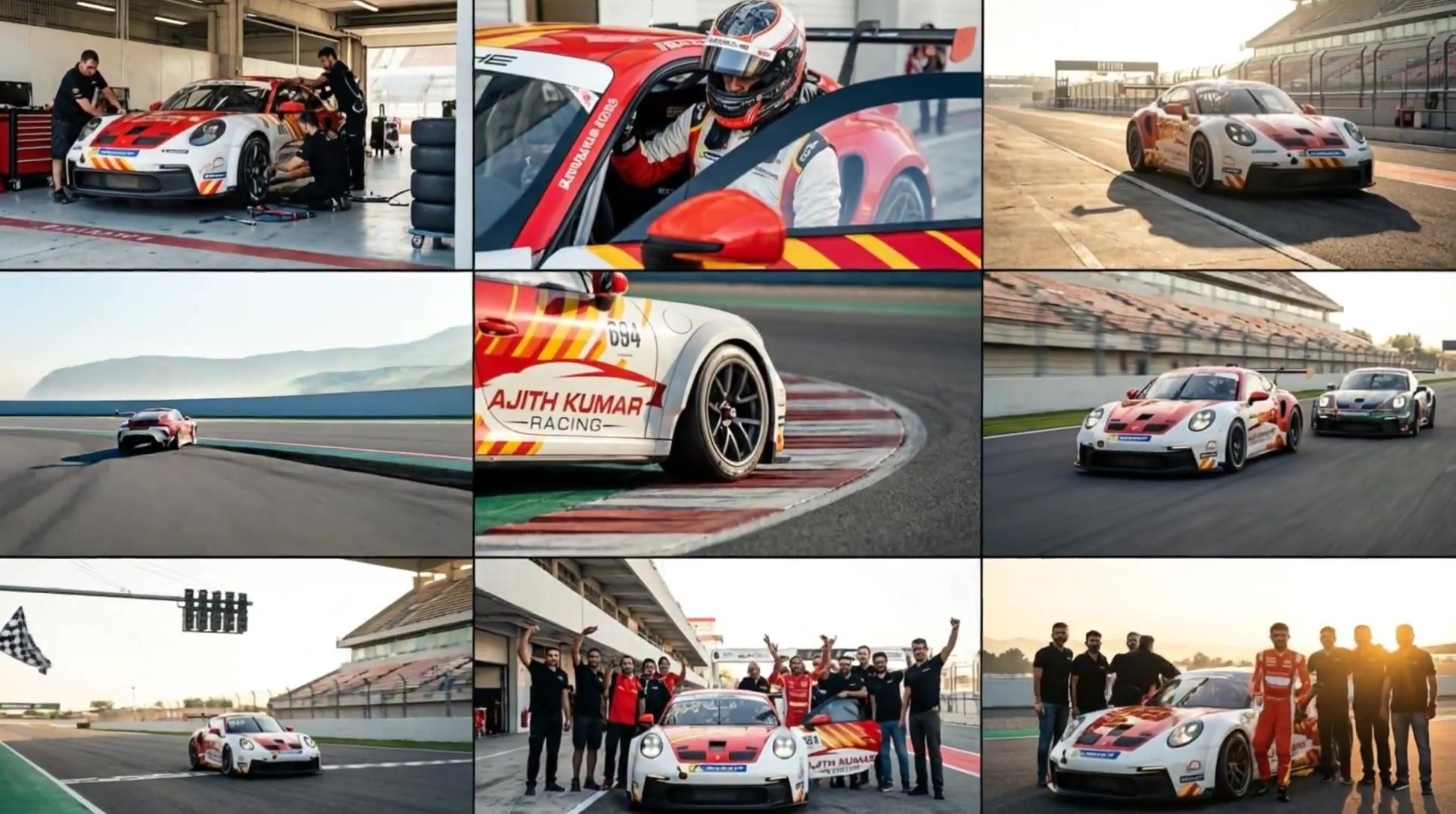
3x3 Grid Storyboard Racing — Kling 3.0 O3 Pro

Dragon Rider Cinematic Flight — Seedance 2.5
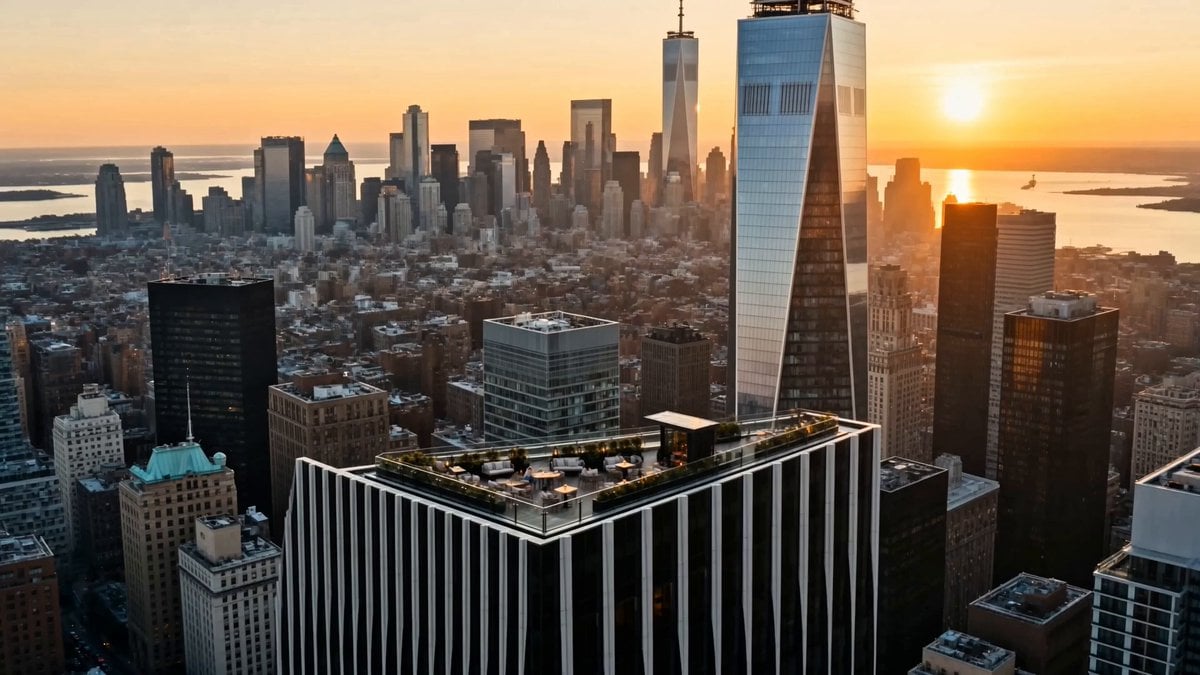
Luxury Lifestyle Day Vlog
Luxury Airport Travel Vlog
Kyoto Morning Selfie Vlog
Kenting Lifestyle Travel Vlog
Make it yours
Storyboard to Vlog Video Conversion works as-is. These are the safest ways to change it without losing the look.
Change one field
Copy a single group, rewrite it, and generate again so you can see what that field is doing.
Keep the frame, change the subject
Hold the composition and light of Storyboard to Vlog Video Conversion, then swap wardrobe, props or the person for a new take.
| If the result… | Why | Fix |
|---|---|---|
| The result drifts from the preview | Too many fields changed at once. | Reuse Storyboard to Vlog Video Conversion as-is first, then change one group — subject, light, or setting. |
| The model over-stylizes the scene | The prose prompt leaves finish and camera underspecified. | Add one camera or lighting sentence and stay on Seedance 2.0. |
More Seedance 2.0 templates
Other prompts made for Seedance 2.0.

Comical Martial Arts Punch Scene

Maglev Train Action Sequence

Martial Arts Fight Sequence

Wuxia Protection and Trust Script

Vintage Korean Arcade MiniDV Vlog

Mercedes 190 SL Luxury Ad

Rainy Night Supernatural Reverse Comedy Video Script

Amazon Civilization Discovery

Futuristic South Asian City Transformation

Cozy Luxury Cafe Commercial
More video prompts
Fresh picks from across the catalog.
K-pop Dance Challenge Studio
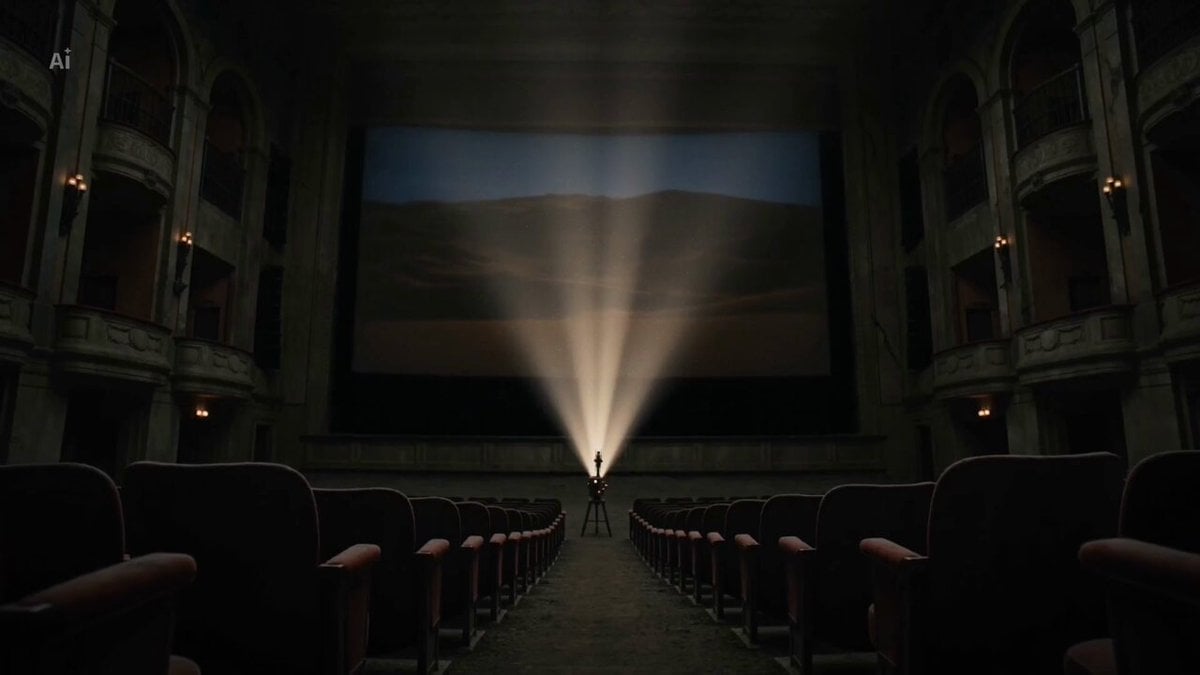
Surreal Abandoned Movie Theater
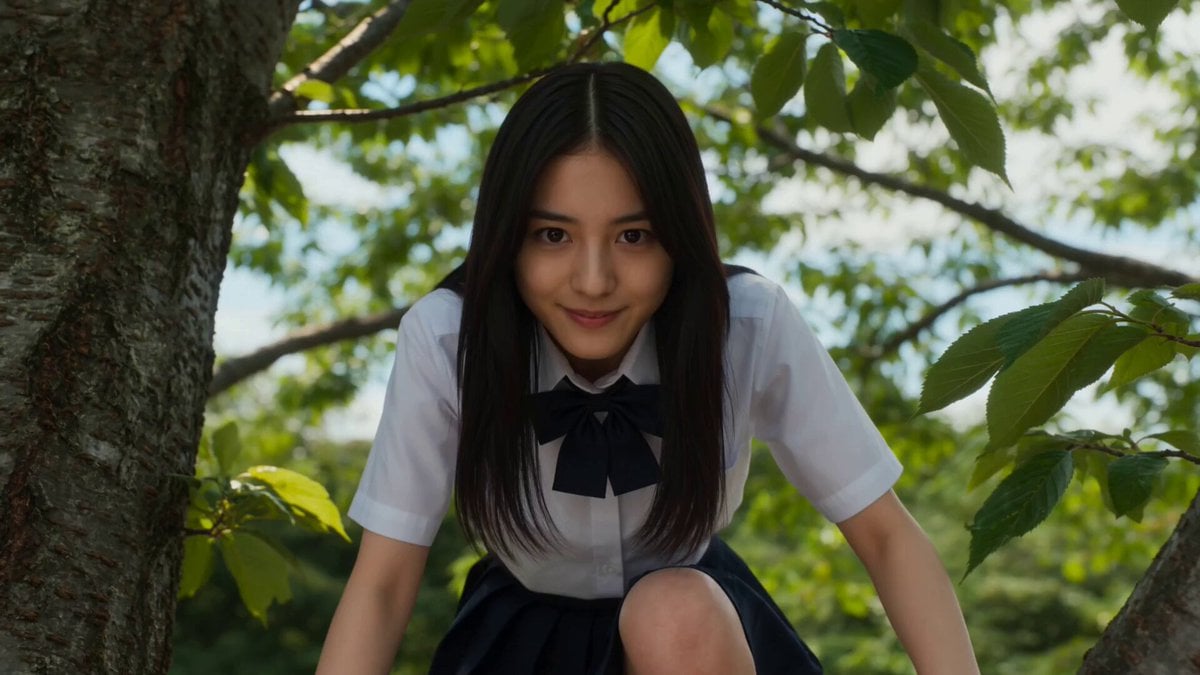
Cinematic Scale-Shifting Sequence
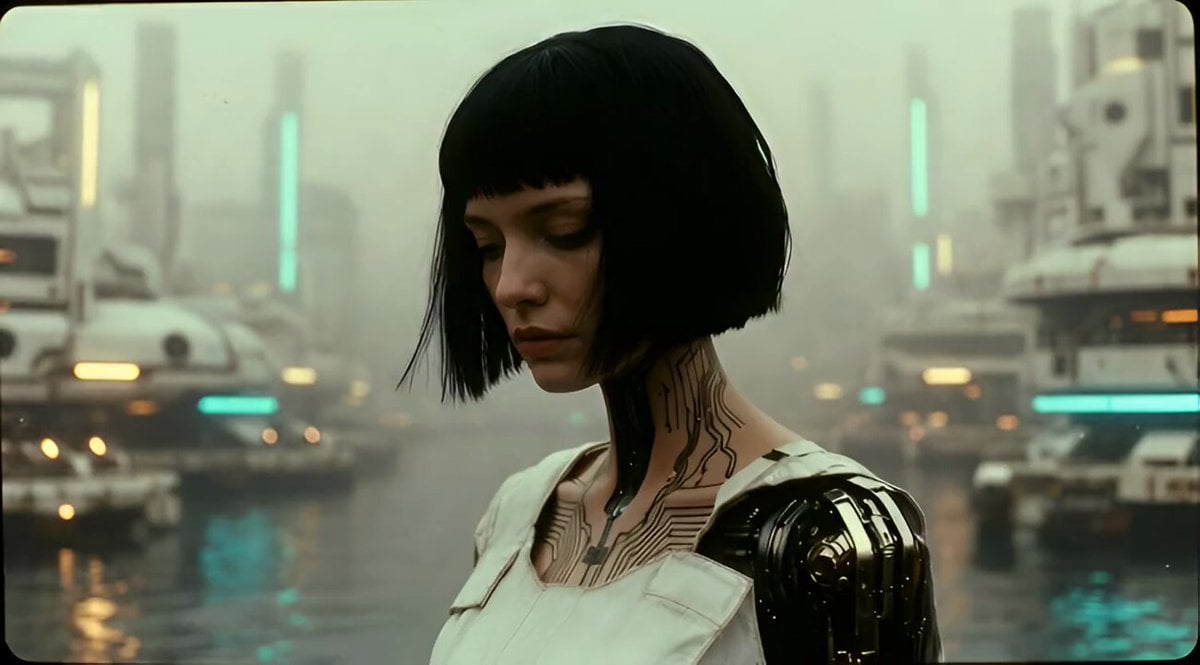
Character Speaking Famous Quote
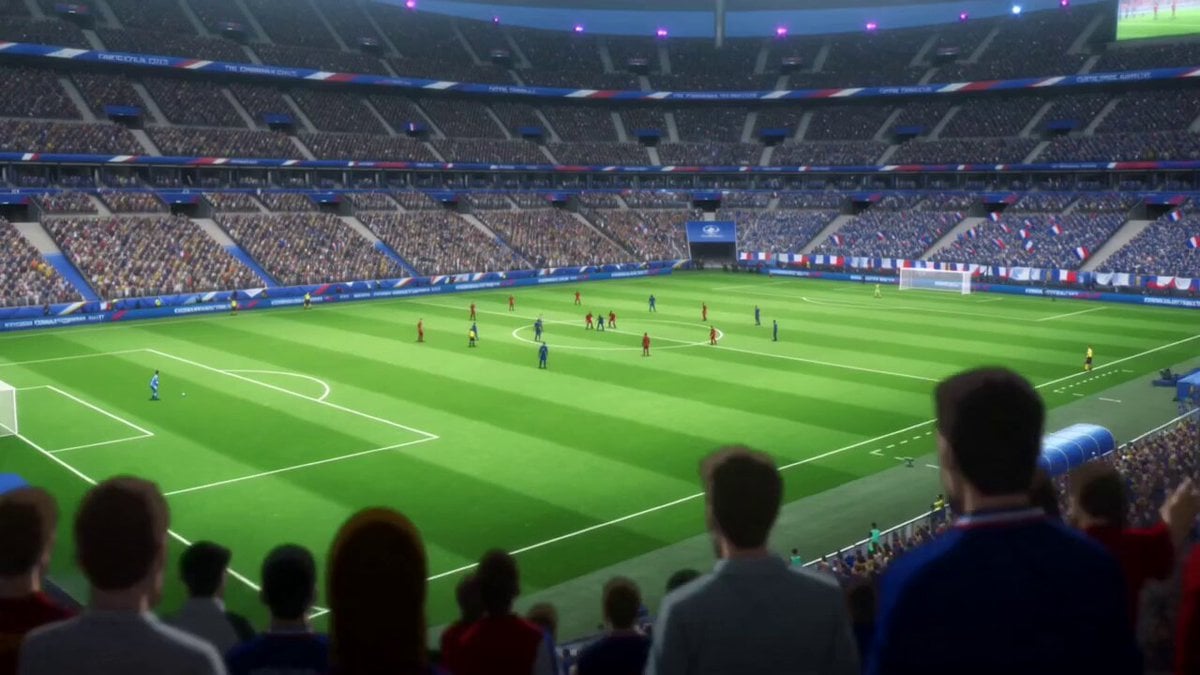
Anime Style Football Striker Cinematic Action
Dragon Rescue — Volcanic Kingdom Collapse (Seedance)
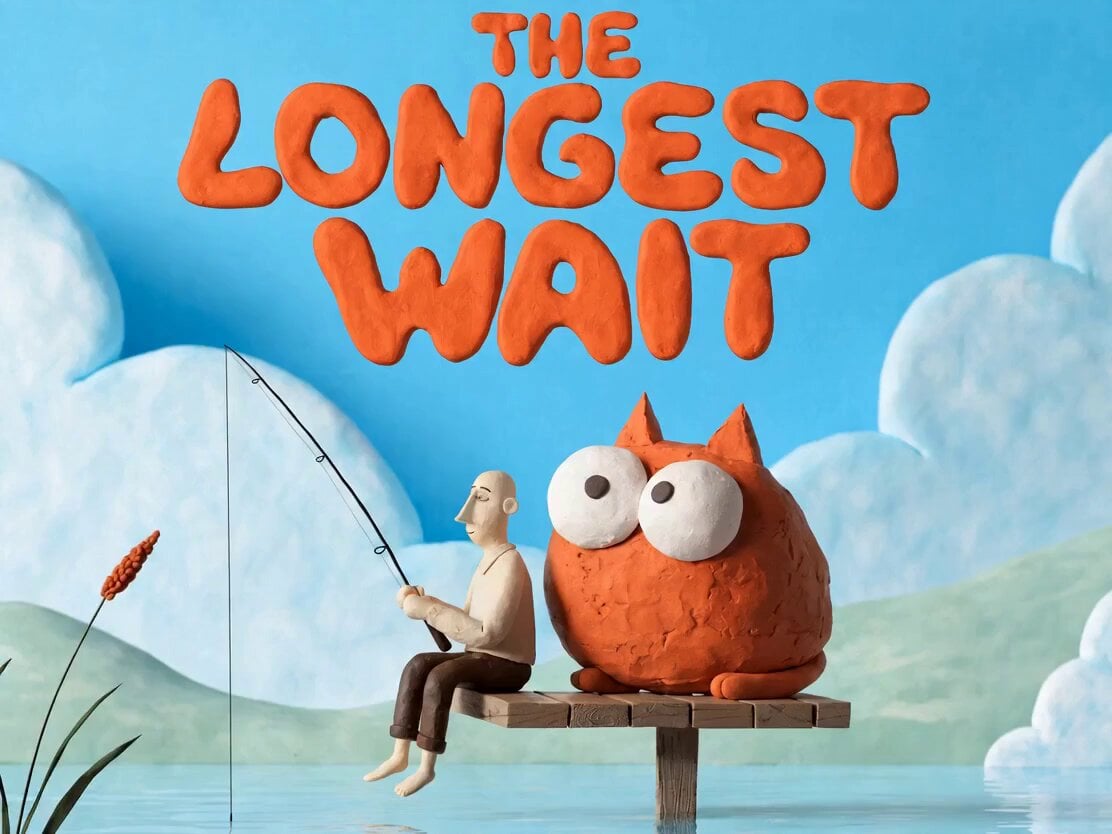
Plasticine Claymation Fisherman Animation
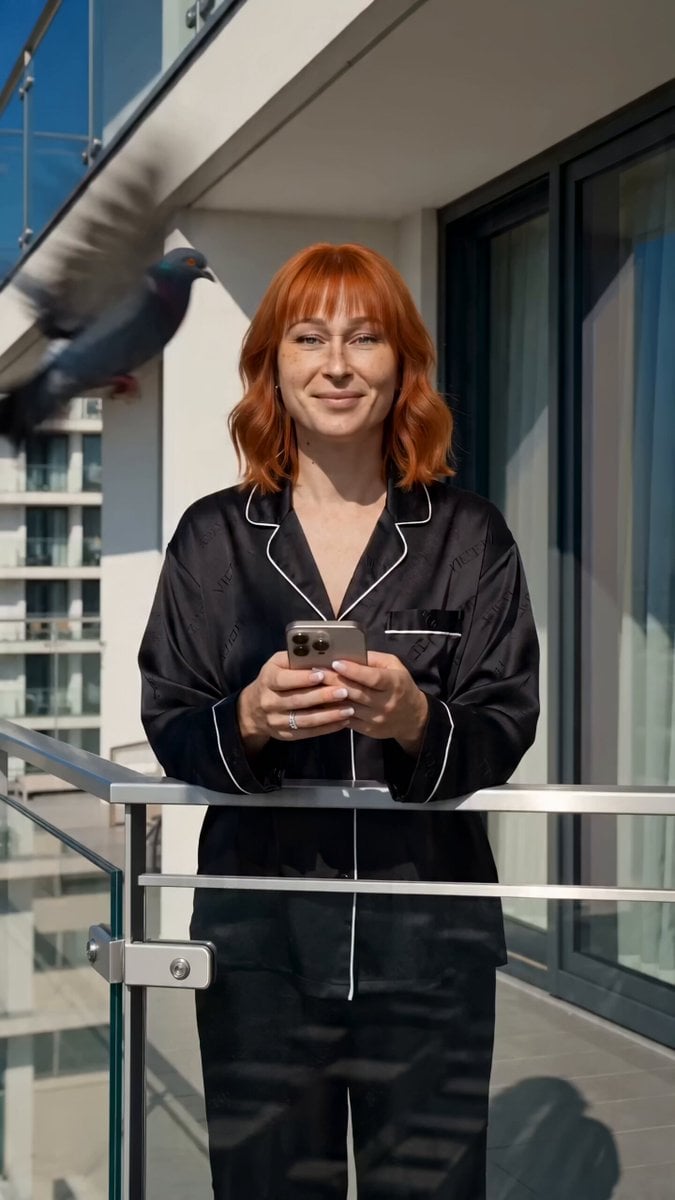
iPhone Free-Fall Multi-Dimensional Chase Video Prompt

Two silver dragons in moonlight serenade
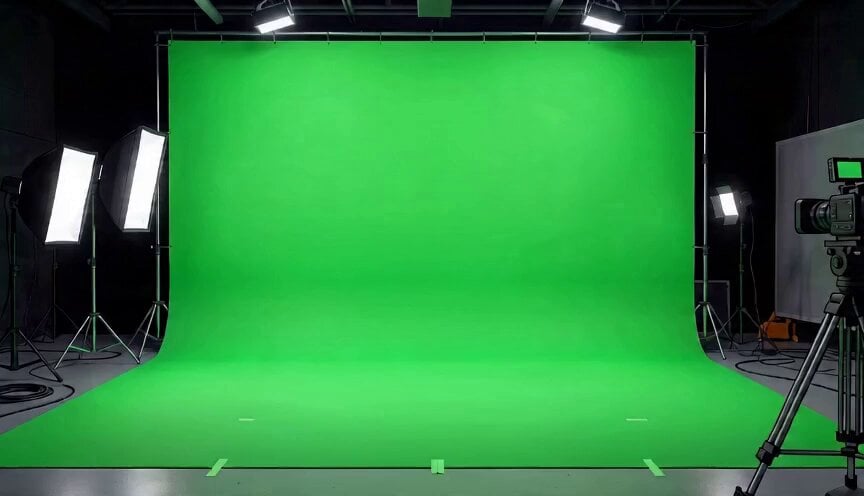
Cinematic Scene Structure and Camera Movement
Browse template categories
Storyboard to Vlog Video Conversion questions
How do I use the Storyboard to Vlog Video Conversion template?
Add your photo if the template asks for one, edit the prompt if you like — the template's model and format are already selected — and press Generate. Your version opens in PicX Studio.
Can I customize the Storyboard to Vlog Video Conversion template?
Yes. You can change the subject, setting, lighting, mood, format, and available model controls before creating your video.
Is the Storyboard to Vlog Video Conversion template free?
Opening and editing this template is free. Generating uses credits, shown on the Generate button when you are signed in.
Which AI model should I use?
Start with Seedance 2.0, which is the model associated with this template. You can compare another compatible model for a different finish.
Looking for something else? Browse all templates.

Your photo, any look
Thousands of ready templates for every top image and video model, from one credit balance.