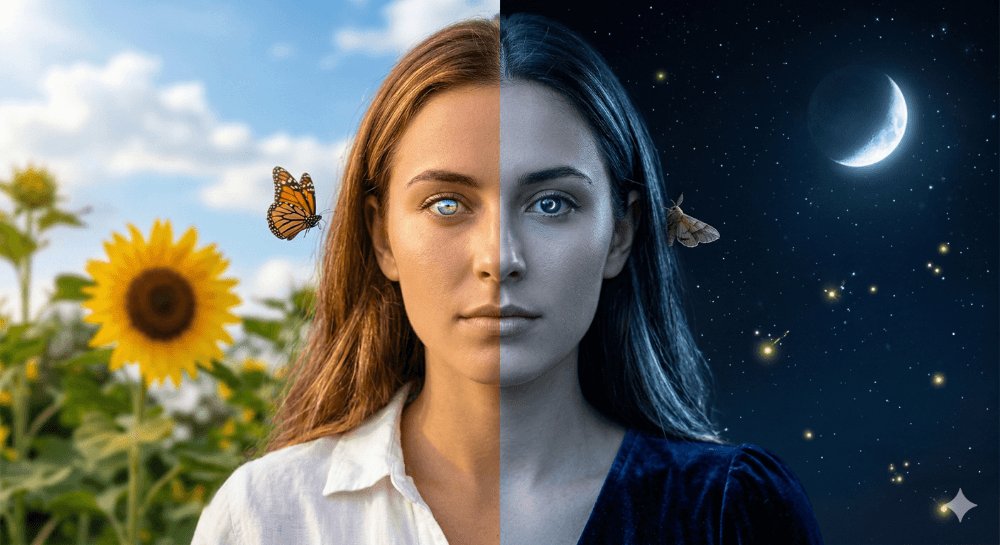
How do I use the Editorial lifestyle portrait of a woman template?
Choose the primary action to open PicX Studio with the available template settings. Review the model and format, personalize the creative direction, and generate when ready.
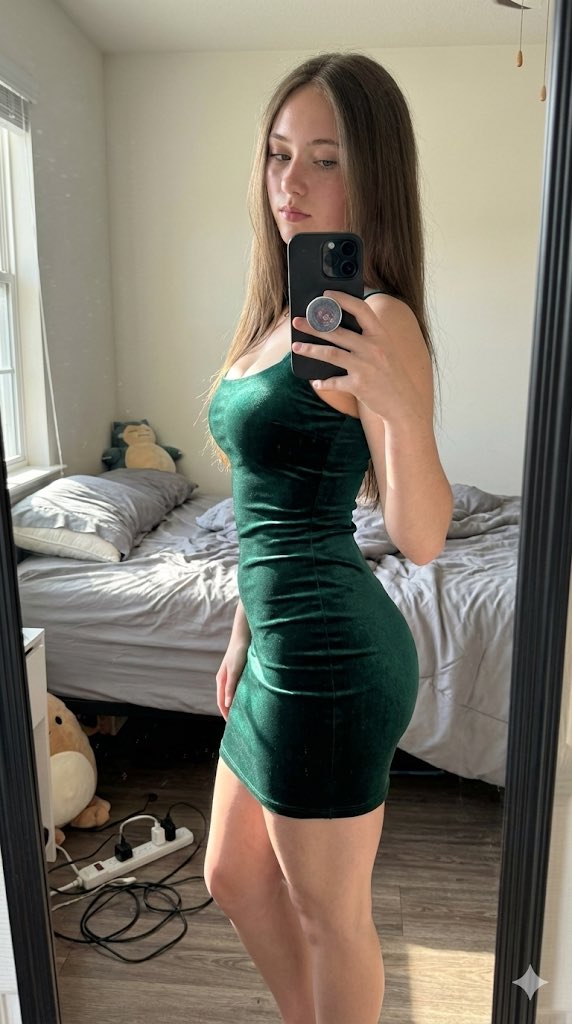
A detailed structured prompt for generating a high-quality editorial lifestyle photograph of a young woman in a modern high-rise setting, specifying everything from facial features to lighting and camera angle. Change the subject, setting, or lighting one variable at a time.

{ "prompt": { "subject": { "type": "woman", "age_range": "early 20s", "ethnicity": "{argument name="ethnicity" default="mediterranean / olive skin tone"}", "hair": { "color": "dark brown with subtle caramel highlights", "length": "shoulder-length bob", "style": "wind-blown, loose, dynamic movement, hair swept upward" }, "face": { "expression": "{argument name="facial expression" default="blowing a kiss, lips pursed, direct gaze into camera"}", "features": "sharp jaw, high cheekbones, defined brows, minimal makeup, small hoop earring" }, "body": { "pose": "kneeling sideways on couch, torso twisted toward camera, one hand raised near lips blowing a kiss, other hand resting on couch back", "build": "slim, toned" } }, "outfit": { "top": "{argument name="top wear" default="beige ribbed crop top, short sleeve, slight midriff exposure"}", "bottom": "white wide-leg linen jogger pants, elastic waistband", "accessories": "gold chain bracelet on right wrist", "footwear": "barefoot" }, "setting": { "location": "high-rise apartment balcony or floor-to-ceiling glass window interior", "furniture": "light gray modern outdoor sectional sofa", "background": "urban skyline, glass and concrete high-rise buildings, overcast sky, soft diffused natural light", "floor": "light gray tile" }, "photography": { "shot_type": "full body, slight low angle", "orientation": "portrait / vertical", "lighting": "soft overcast natural light, no harsh shadows, flat even exposure", "mood": "candid lifestyle, effortless, editorial casual", "color_grade": "neutral warm tones, slightly desaturated, clean and airy" }, "style_reference": "instagram lifestyle editorial, candid influencer aesthetic, miami vibes" } }
Choose the primary action to open PicX Studio with the available template settings. Review the model and format, personalize the creative direction, and generate when ready.
Yes. You can change the subject, setting, lighting, mood, format, and available model controls before creating your image.
This template is free to open and customize. Generation usage is shown in PicX Studio before you create.
Start with Nano Banana 2, which is the model associated with this template. You can compare another compatible model for a different finish.
Follow a topic to a crawlable collection of related PicX Studio templates.
43,474 public templates available. Verified via the PicX Studio public templates API; refreshed hourly.




















![Naive doodle-style subject illustration — A doodle-style {argument name="subject" default="[subject]"}, naive lines, humorous shape exaggeration](https://pbs.twimg.com/media/G6Wl2YxbsAARB2b.jpg)












![Cinematic Pure Joy Splashing Prompt — Cinematic Frames, Pure Joy
{argument name="subject" default="[SUBJECT]"} splashing in {argument name="water type" d](https://pbs.twimg.com/media/G-6zluMW8AA67AK.jpg)




![3D Cartographic City Diorama — PYTHON_SCENE_GRAPH :: PARAMETRIC_CITY_RELIEF class Variables: city = "{argument name="city" default="[CITY]"}" city_name_text = "](https://cms-assets.youmind.com/media/1778575510470_16yzr0_HHolORNWkAIN-CS.jpg)

![Dramatic Studio Portrait of Woman in Sequin Dress — [Project Settings]
Title=Studio_Portrait_Sequin_Dress
Resolution_Width=1200
Resolution_Height=1200
AspectRat](https://pbs.twimg.com/media/G9tc1IKbUAEhs2k.jpg)




![Master Model Maker Concept Template — Do this for {argument name="structure name" default="Eiffel Tower"}:
Input Variable: [INSERT STRUCTURE]
System Instruct](https://pbs.twimg.com/media/G-qqHwLbYAAPWJt.jpg)
![Grunge Sports Poster Portrait from Reference Image — Dynamic grunge-style sports poster portrait of a [uploaded image] in celebration, intense profile pose look](https://pbs.twimg.com/media/G8YFSCRaEAABnDI.jpg)