
Cinematic Battle Prompt: Wolf vs. Rooster
A highly detailed, multi-sequence prompt for Seedance 2.0 describing a comedic yet action-packed battle between a furious armored wolf and an unbothered rooster in a Pixar 3D animated style.

- Prompt included
- Model and format preset
- Free template
The prompt behind this video
Copy the exact prompt behind Cinematic Battle Prompt: Wolf vs. Rooster, or open it in the studio and make it yours.
Pixar 3D animated forest clearing. Sunny day, god rays through trees, green grass, flowers. CHARACTERS: - Giant armored wolf: black fur, gold sword, yellow eyes, furious and humiliated, attacks with full rage - Tiny rooster: red comb, completely unbothered, bored expression, deflects everything with casual wing flaps SEQUENCE: 0-3s — Wolf roars, raises sword overhead, brings it down with full force. Rooster glances up, sighs, flicks one wing — sword deflects sideways. Sparks fly. Wolf stumbles forward from own momentum. Rooster examines wing casually, unbothered. 3-6s — Wolf swings horizontal slash. Rooster ducks under it yawning, taps sword away with wingtip. Wolf spins, overhead strike — rooster hits ground, shockwave crater. Rooster hasn't changed expression once. 6-9s — Wolf goes berserk — rapid five-hit combo, sword blur. Rooster deflects each strike with alternating wings — tap, tap, tap, tap, tap. Casual rhythm like swatting flies. Last strike — rooster catches blade between two feathers. Stops it cold. Wolf strains, shaking. Can't move it. 9-12s — Rooster releases blade, wolf stumbles backward. Wolf charges with shoulder slam — rooster steps aside, wolf face plants into grass. Wolf up instantly, wild overhead — rooster flicks it away with tail feather. Sword spins out of wolf's grip, lands in tree trunk. 12-15s — Wolf stares at empty hands. Rooster turns, walks away slowly, doesn't look back. Scratches ground with one claw. Pecks at something in the grass. Wolf collapses face down defeated. Rooster glances back once. Looks away. Unbothered. CAMERA: Low angle on wolf attacks, extreme slow-mo on every deflection, close-up on rooster's bored face, wide on sword crater impacts, whip pan on rapid combo, wide defeat shot. SOUND: Massive sword whoosh, wing deflect light tap, sparks crackle, ground shatter, wolf frustrated growl escalating, rooster quiet cluck, sword clang on deflect, final thud of wolf collapse, peaceful bird ambience resumes.
How to use Cinematic Battle Prompt: Wolf vs. Rooster in 3 steps
- 1
Open
The prompt is already in the box next to the preview, with the template's model and format selected.
- 2…a portrait of your subject in softgolden-hour light, 85mm…
Personalize
Edit the subject and creative details for your destination.
- 3Generate
Generate
Press Generate — your video is created in PicX Studio, so you can compare it with the original and refine one variable at a time.
More like this
Templates with the same subject, style or setup. Open one to see its prompt.
Swordsman vs Shadow Monster — Bamboo Forest Battle
Tiger vs Gorilla — Jungle Canyon Clash
Mecha Transformation vs Kaiju — 4-Scene Epic
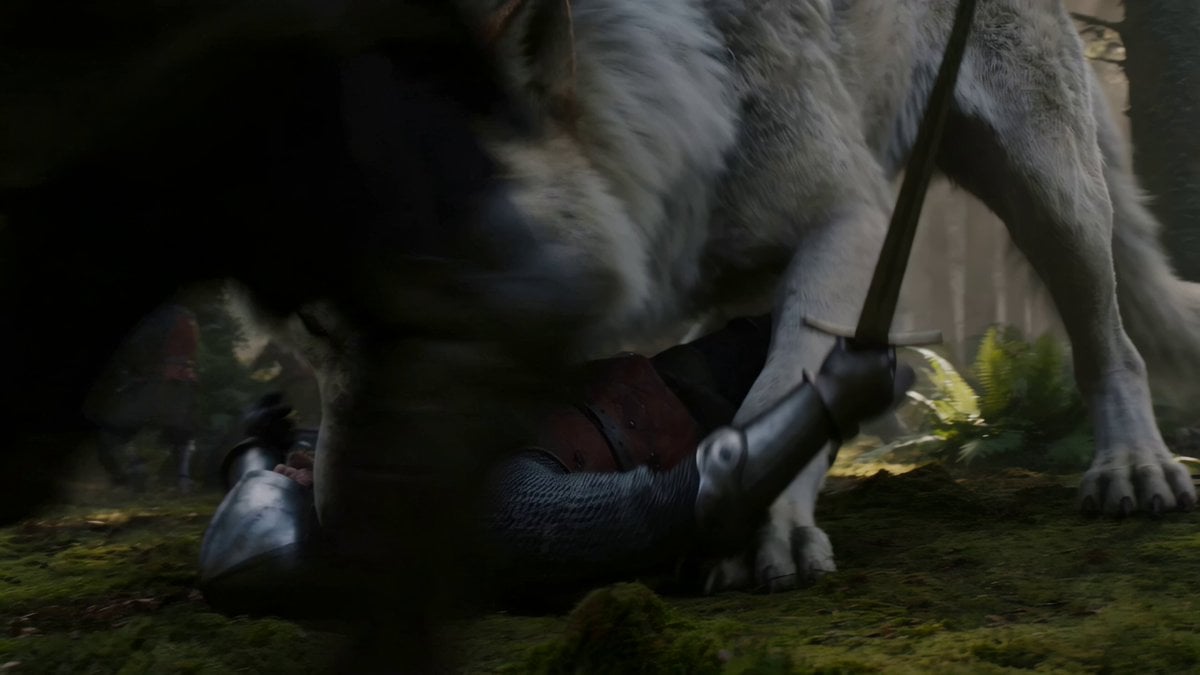
Medieval Battle with Giant Wolf
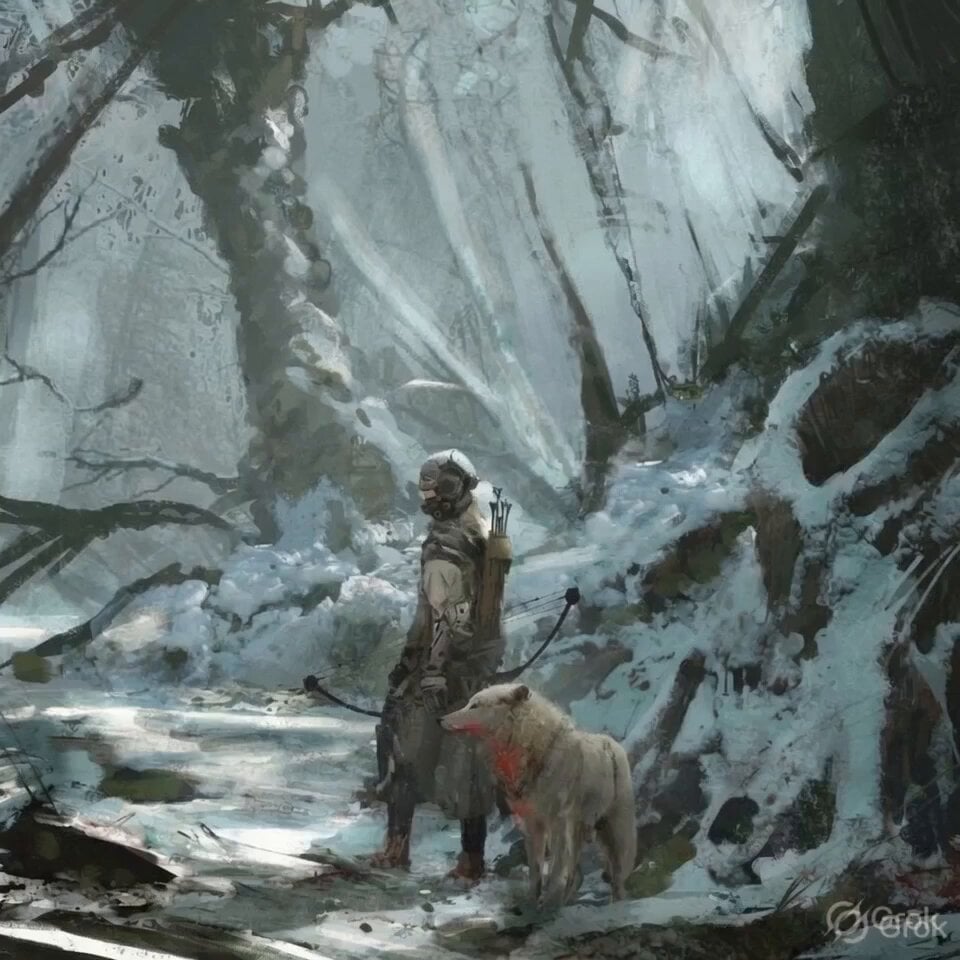
Warrior and Wolf in Snow

Mutant Horse and Wolf Transformation

Cinematic Wolf Guardian Survival Trailer
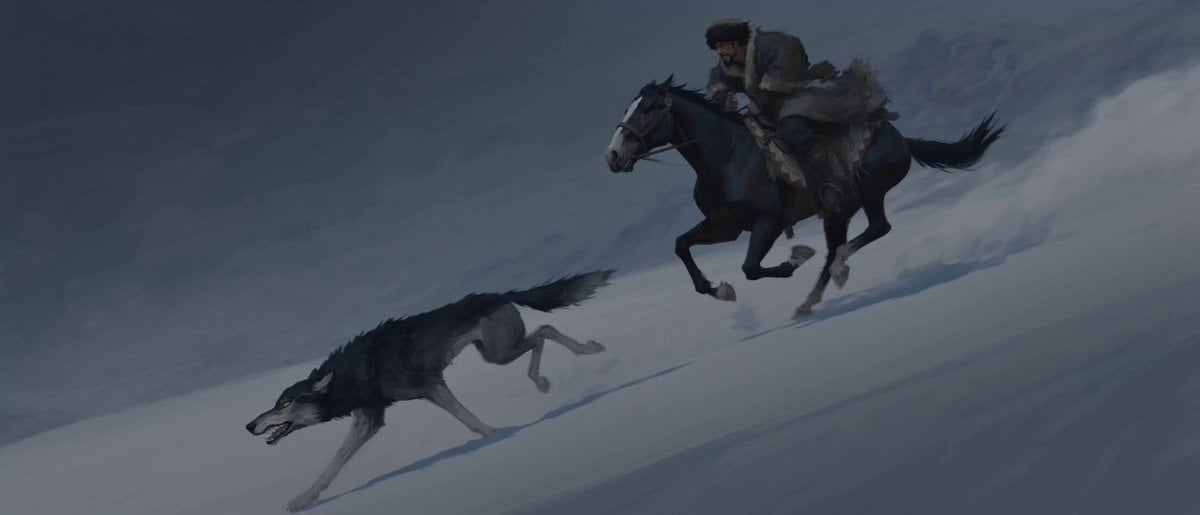
Stop-Motion Wolf Attack Sequence
Dark Fantasy Frozen Wolf Hunt
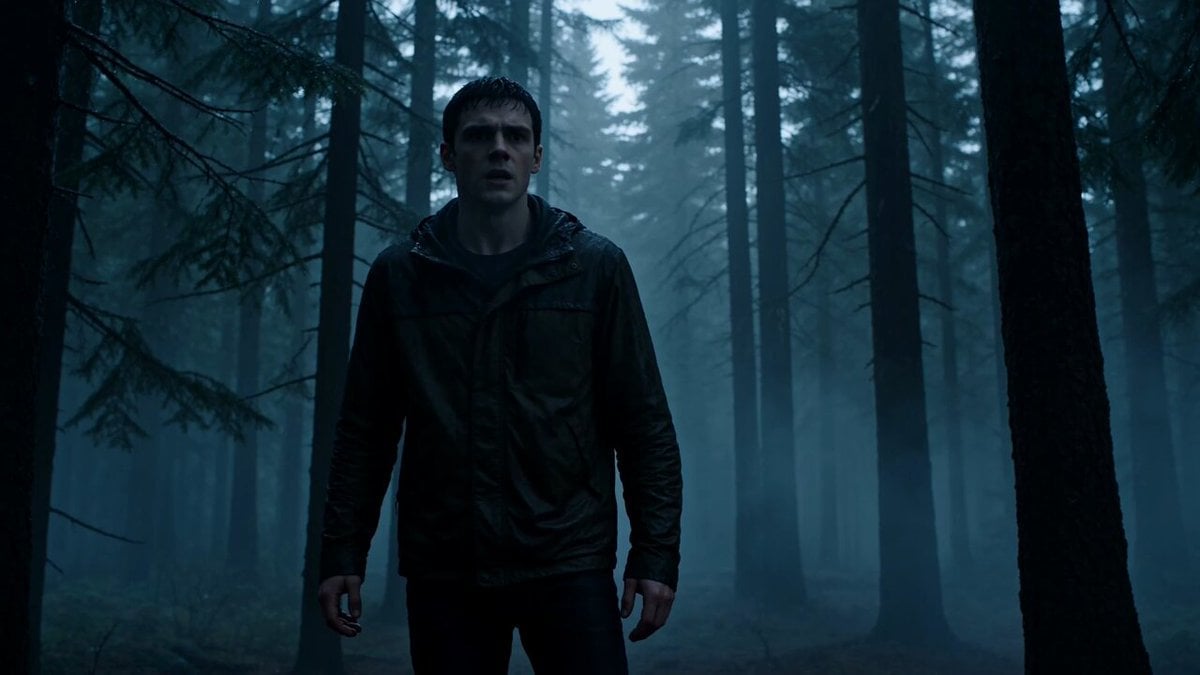
Cinematic Werewolf Transformation
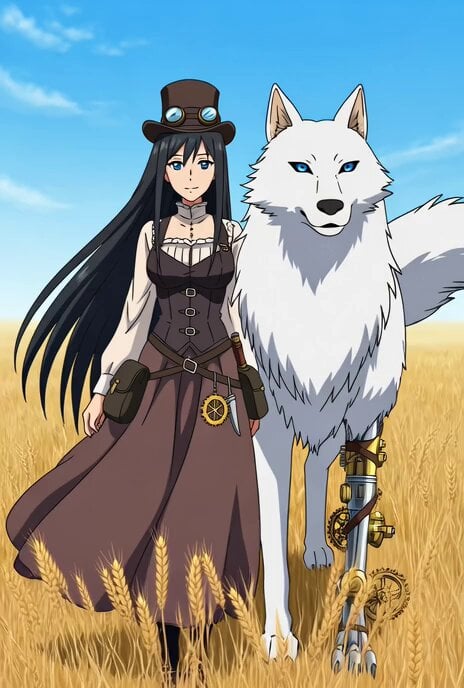
Anime Woman with Steampunk Wolf in Wheat Field
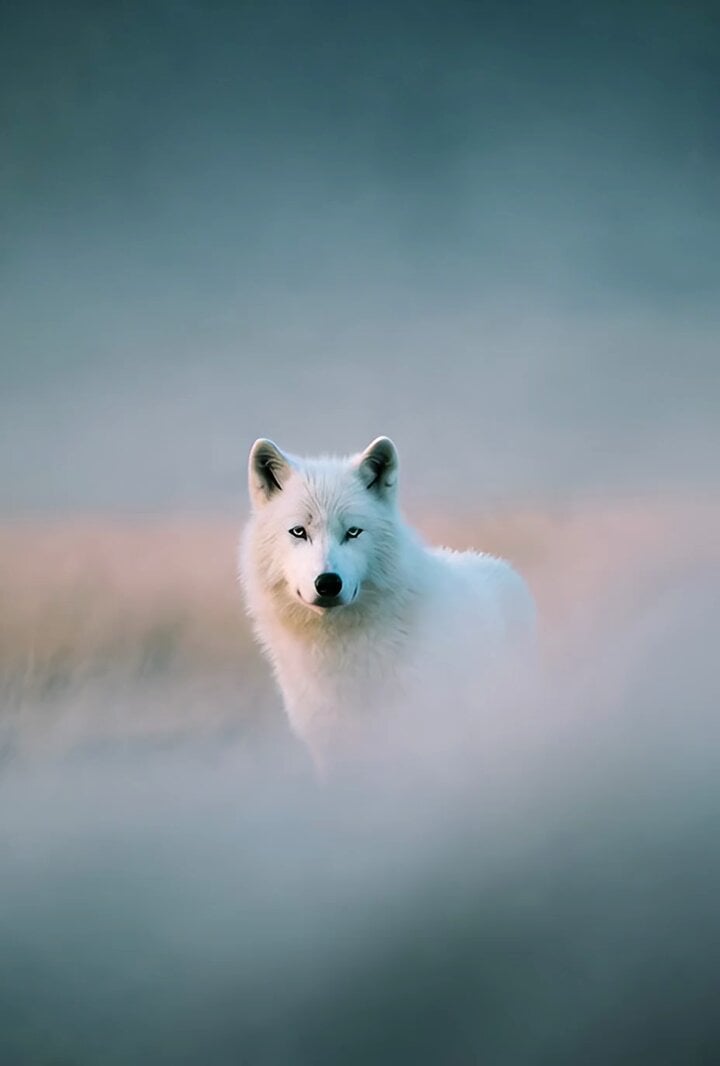
Grok Imagine prompt: White wolf photograph
Make it yours
Cinematic Battle Prompt: Wolf vs. Rooster works as-is. These are the safest ways to change it without losing the look.
Change one field
Copy a single group, rewrite it, and generate again so you can see what that field is doing.
Keep the frame, change the subject
Hold the composition and light of Cinematic Battle Prompt: Wolf vs. Rooster, then swap wardrobe, props or the person for a new take.
| If the result… | Why | Fix |
|---|---|---|
| The result drifts from the preview | Too many fields changed at once. | Reuse Cinematic Battle Prompt: Wolf vs. Rooster as-is first, then change one group — subject, light, or setting. |
| The model over-stylizes the scene | The prose prompt leaves finish and camera underspecified. | Add one camera or lighting sentence and stay on Seedance 2.0. |
More Seedance 2.0 templates
Other prompts made for Seedance 2.0.

Comical Martial Arts Punch Scene

Maglev Train Action Sequence

Martial Arts Fight Sequence

Wuxia Protection and Trust Script

Vintage Korean Arcade MiniDV Vlog

Mercedes 190 SL Luxury Ad

Rainy Night Supernatural Reverse Comedy Video Script

Amazon Civilization Discovery

Futuristic South Asian City Transformation

Cozy Luxury Cafe Commercial
More video prompts
Fresh picks from across the catalog.
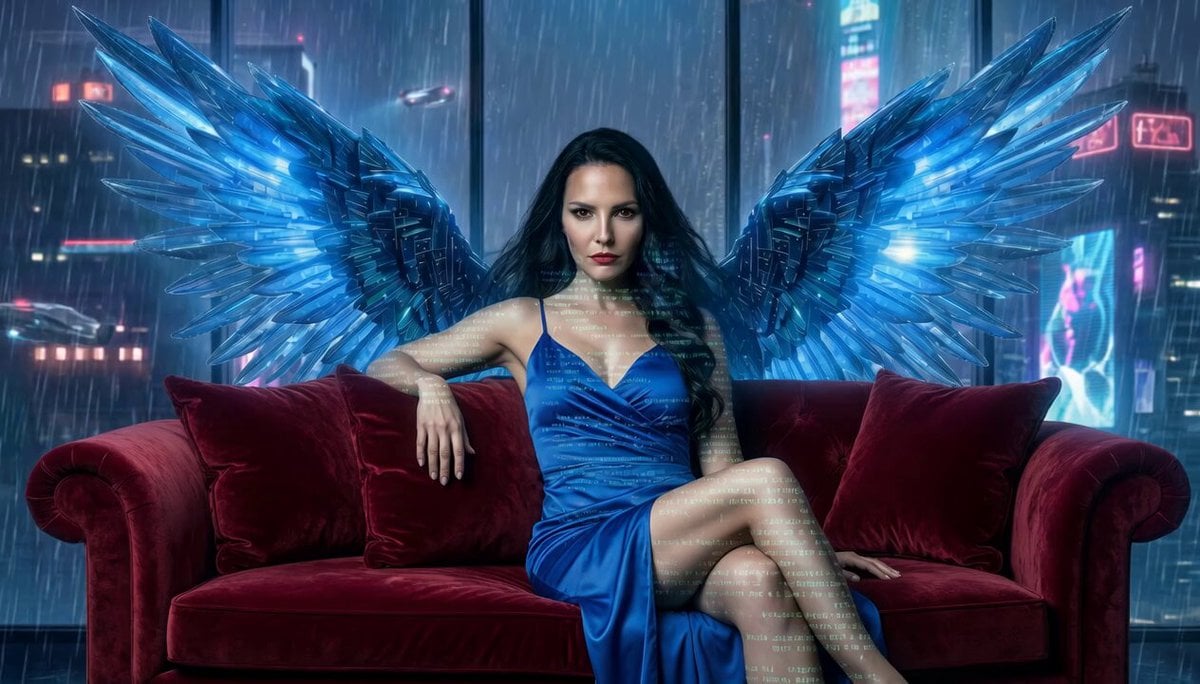
Shimmering Code Wing Disappearance
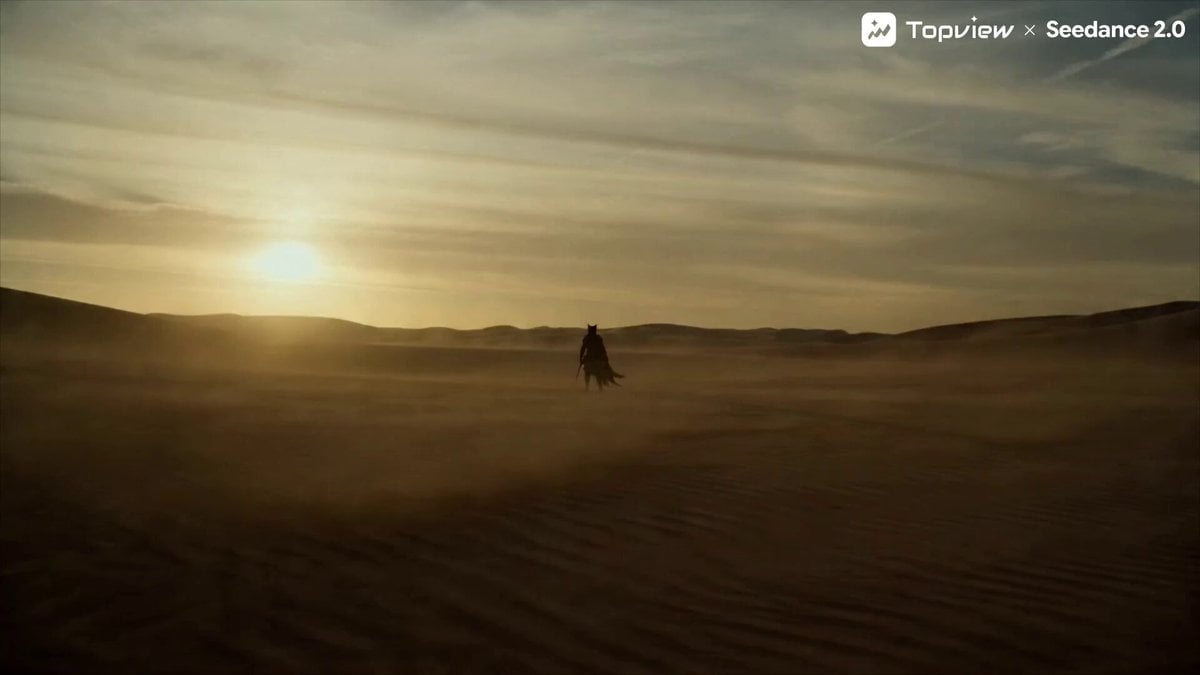
Desert Martial Arts Cat Short Film
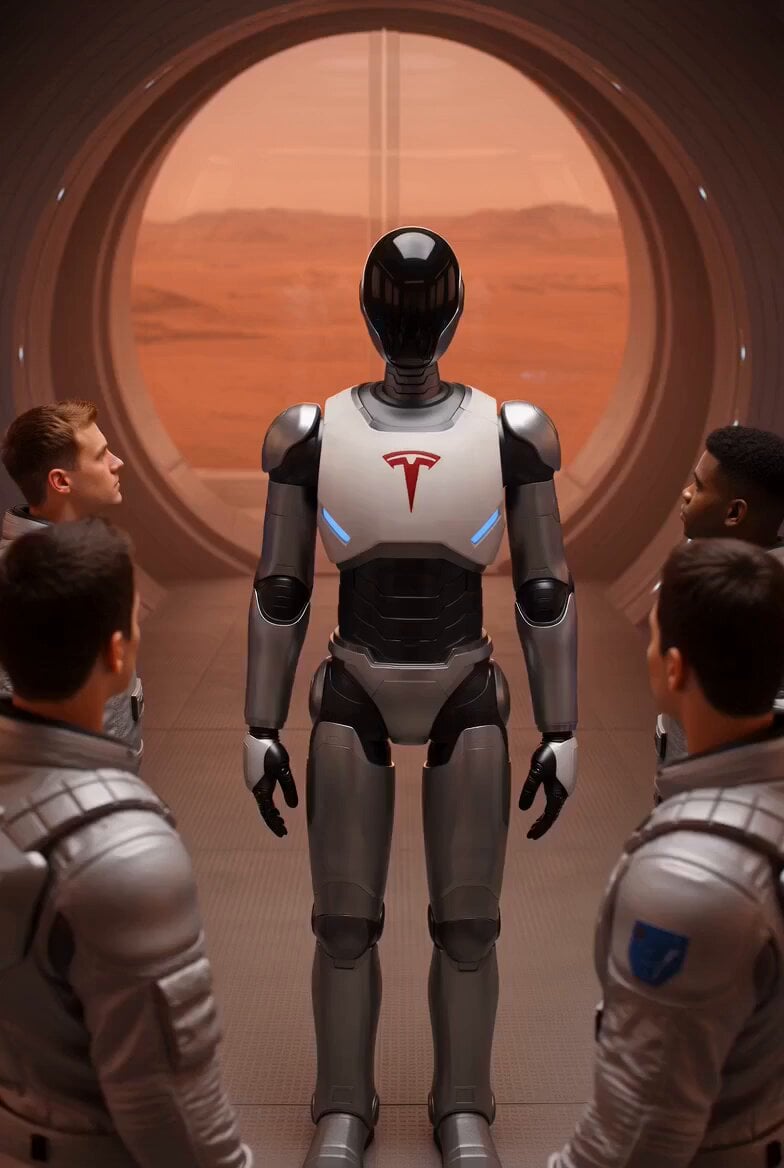
Tesla Optimus Robots Guiding Group
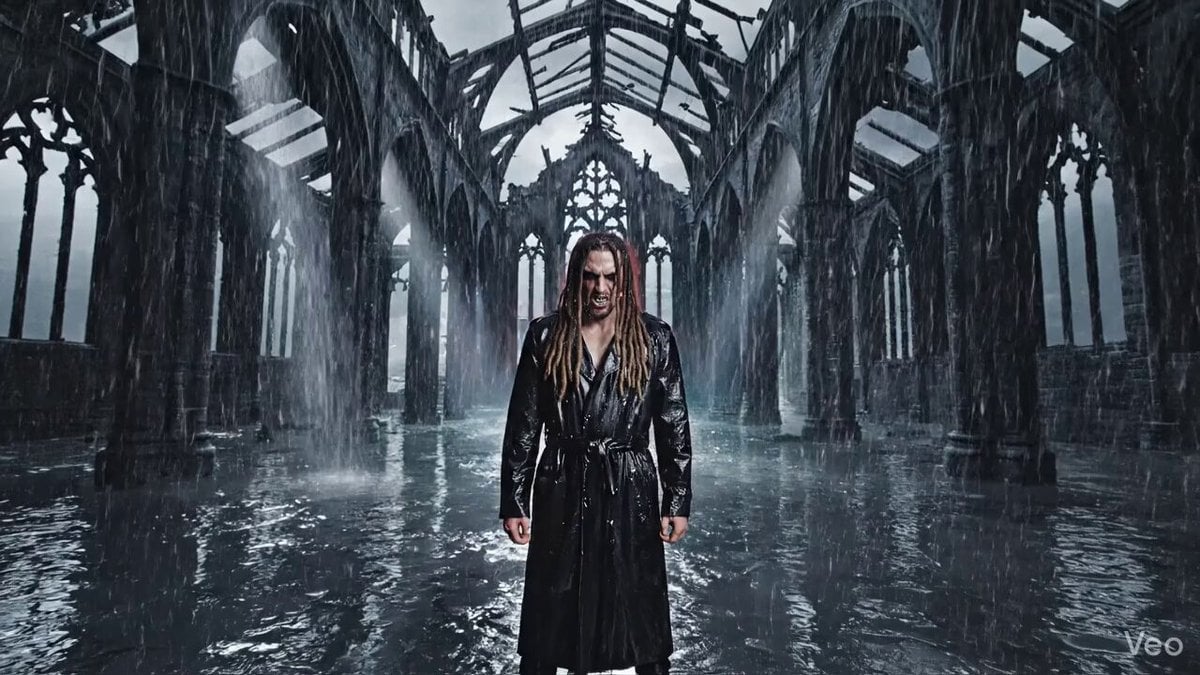
Cinematic Nu-Metal Nightmare Style Prompt
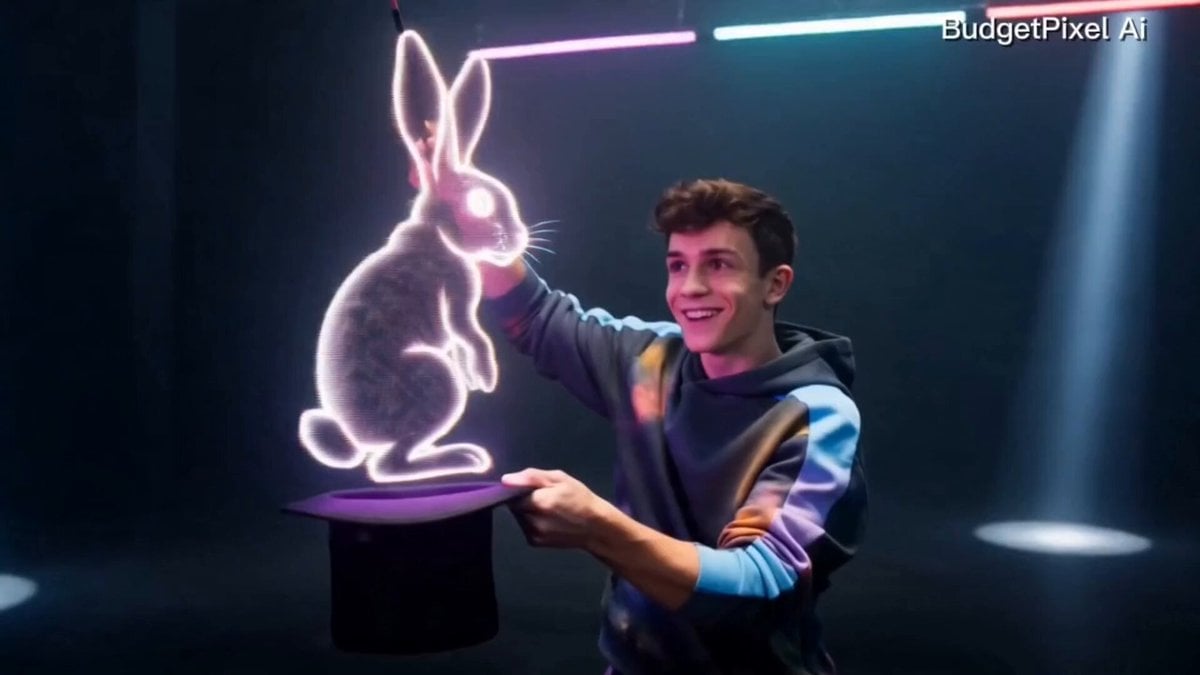
Modern Magician Rapid Fire Magic Sequence
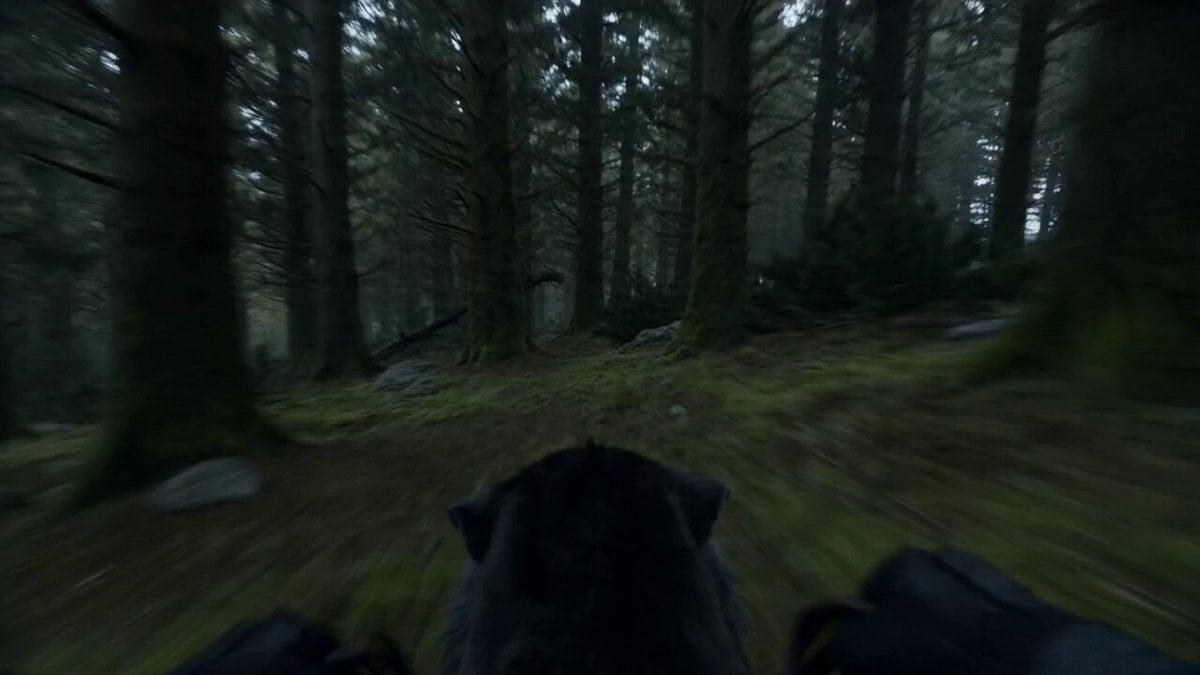
Second Single-Shot Action Sequence Prompt
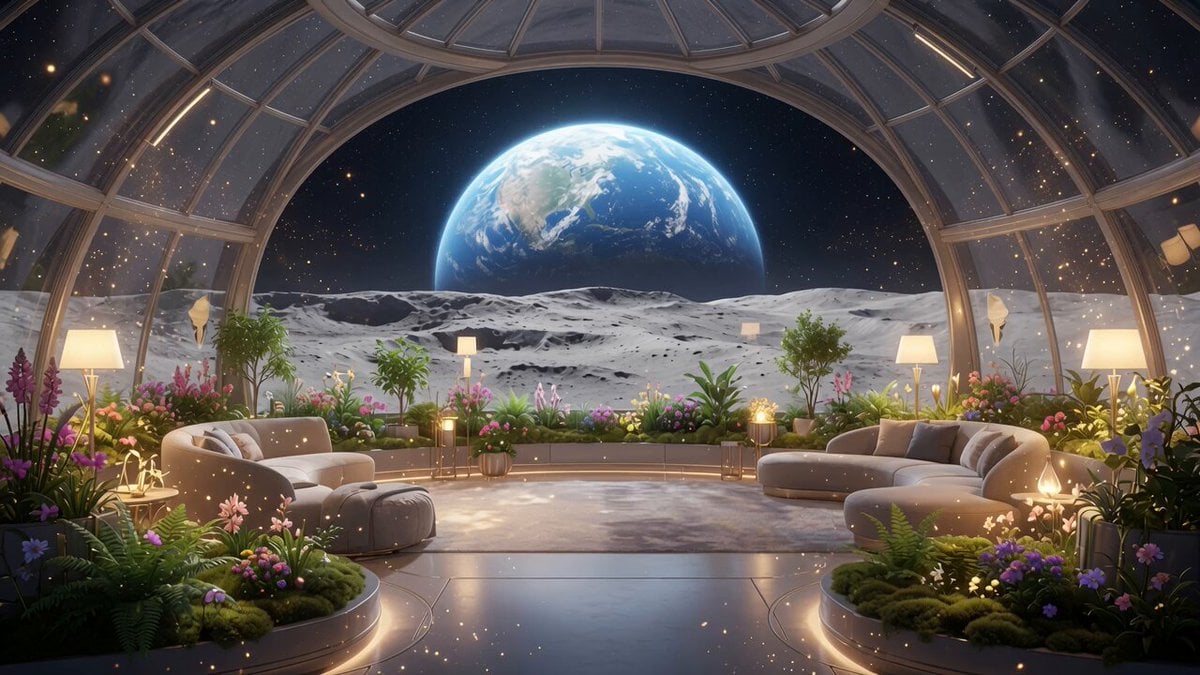
Lunar Home Time-Lapse
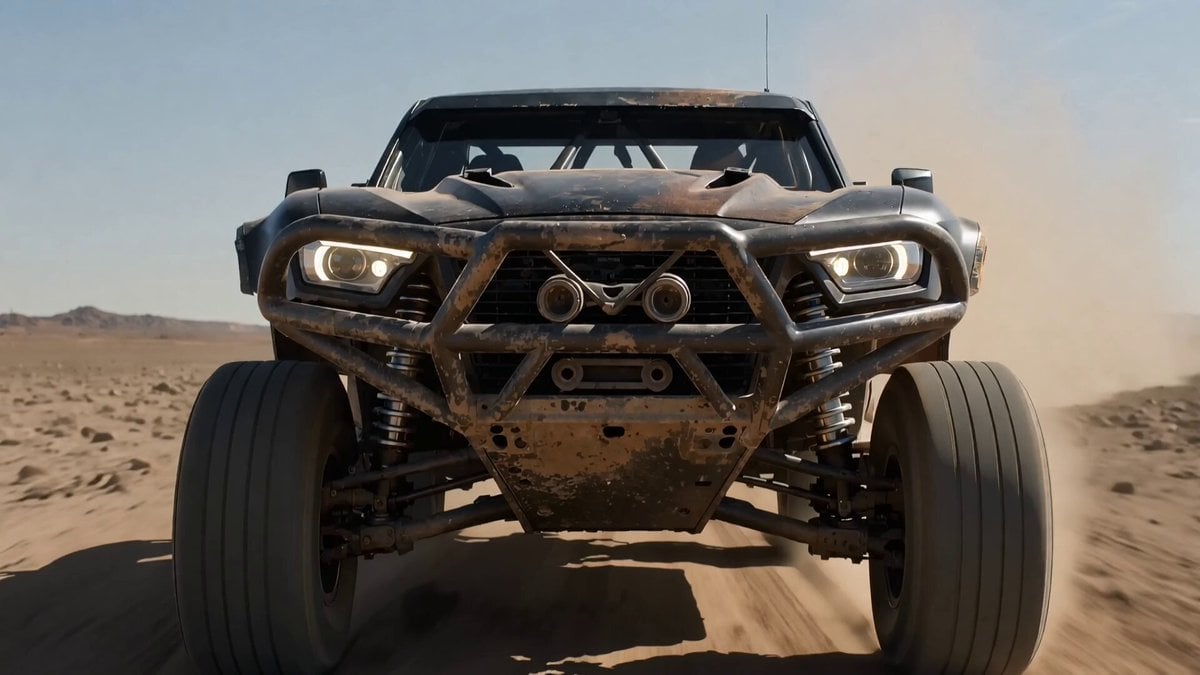
Desert Truck Racing Action Sequence
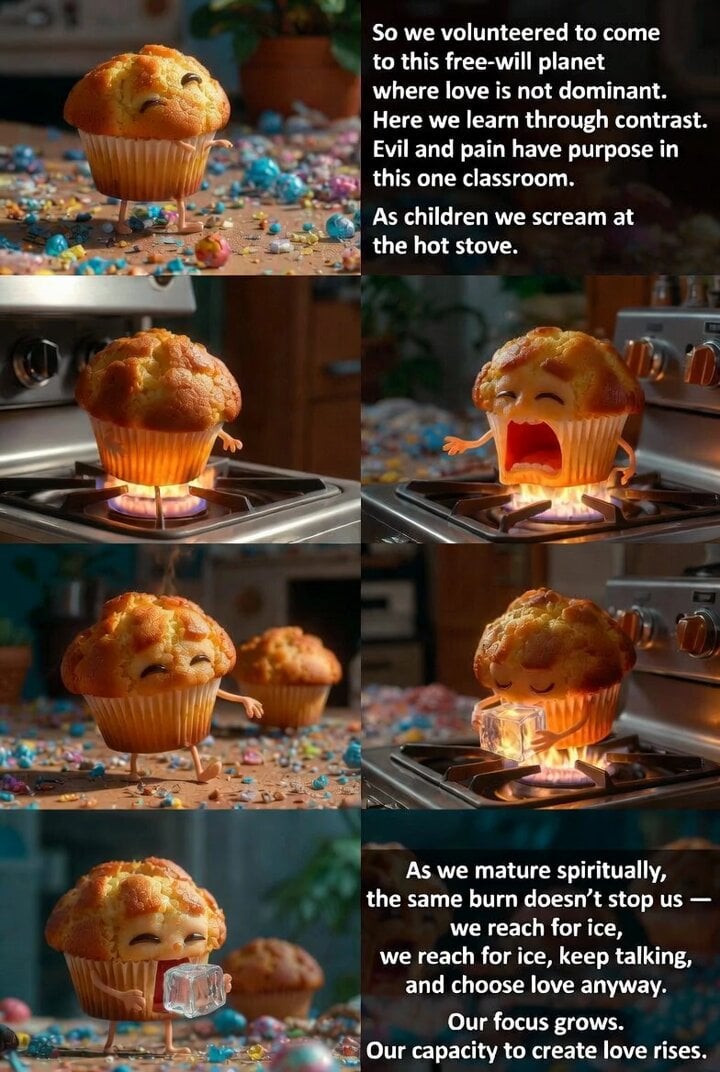
Pixar-Style Muffin People Life Cycle Video Prompt

Award Winning Actor Moment
Browse template categories
Cinematic Battle Prompt: Wolf vs. Rooster questions
How do I use the Cinematic Battle Prompt: Wolf vs. Rooster template?
Add your photo if the template asks for one, edit the prompt if you like — the template's model and format are already selected — and press Generate. Your version opens in PicX Studio.
Can I customize the Cinematic Battle Prompt: Wolf vs. Rooster template?
Yes. You can change the subject, setting, lighting, mood, format, and available model controls before creating your video.
Is the Cinematic Battle Prompt: Wolf vs. Rooster template free?
Opening and editing this template is free. Generating uses credits, shown on the Generate button when you are signed in.
Which AI model should I use?
Start with Seedance 2.0, which is the model associated with this template. You can compare another compatible model for a different finish.
Looking for something else? Browse all templates.

Your photo, any look
Thousands of ready templates for every top image and video model, from one credit balance.