
Professional Headshot
Professional Headshot is a ready photo look.
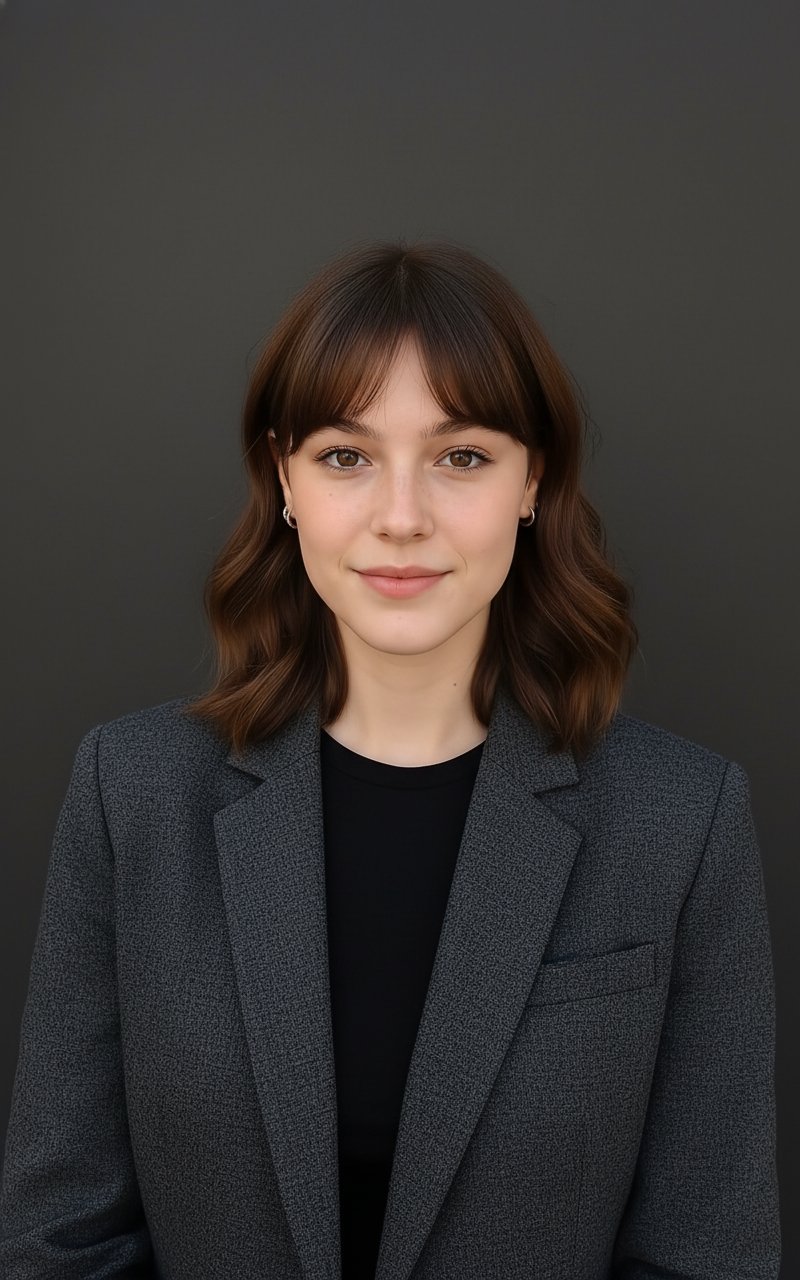
- Prompt included
- Model and format preset
- Free template
The prompt behind this image
Copy the exact prompt behind Professional Headshot, or open it in the studio and make it yours.
A professional, high-resolution, profile photo, maintaining the exact facial structure, identity, and key features of the person in the input image. The subject is framed from the chest up, with ample headroom and negative space above their head, ensuring the top of their head is not cropped. The person looks directly at the camera, and the subject's body is also directly facing the camera. They are styled for a professional photo studio shoot, wearing a smart casual blazer. The background is a solid '#141414' neutral studio. Shot from a high angle with bright and airy soft, diffused studio lighting, gently illuminating the face and creating a subtle catchlight in the eyes, conveying a sense of clarity. Captured on an 85mm f/1.8 lens with a shallow depth of field, exquisite focus on the eyes, and beautiful, soft bokeh. Observe crisp detail on the fabric texture of the blazer, individual strands of hair, and natural, realistic skin texture. The atmosphere exudes confidence, professionalism, and approachability. Clean and bright cinematic color grading with subtle warmth and balanced tones, ensuring a polished and contemporary feel
How to use Professional Headshot in 3 steps
- 1Upload ImagePNG, JPG or paste
Add your photo
Upload the photo the template builds on. The prompt, model and format are already set.
- 2…a portrait of your subject in softgolden-hour light, 85mm…
Personalize
Edit the subject and creative details for your destination.
- 3Generate
Generate
Press Generate — your image is created in PicX Studio, so you can compare it with the original and refine one variable at a time.
More like this
Templates with the same subject, style or setup. Open one to see its prompt.
Dress
The Cat CEO Office Interview
Professional Corporate Studio Headshot

A k.pop idol on the stage with mic
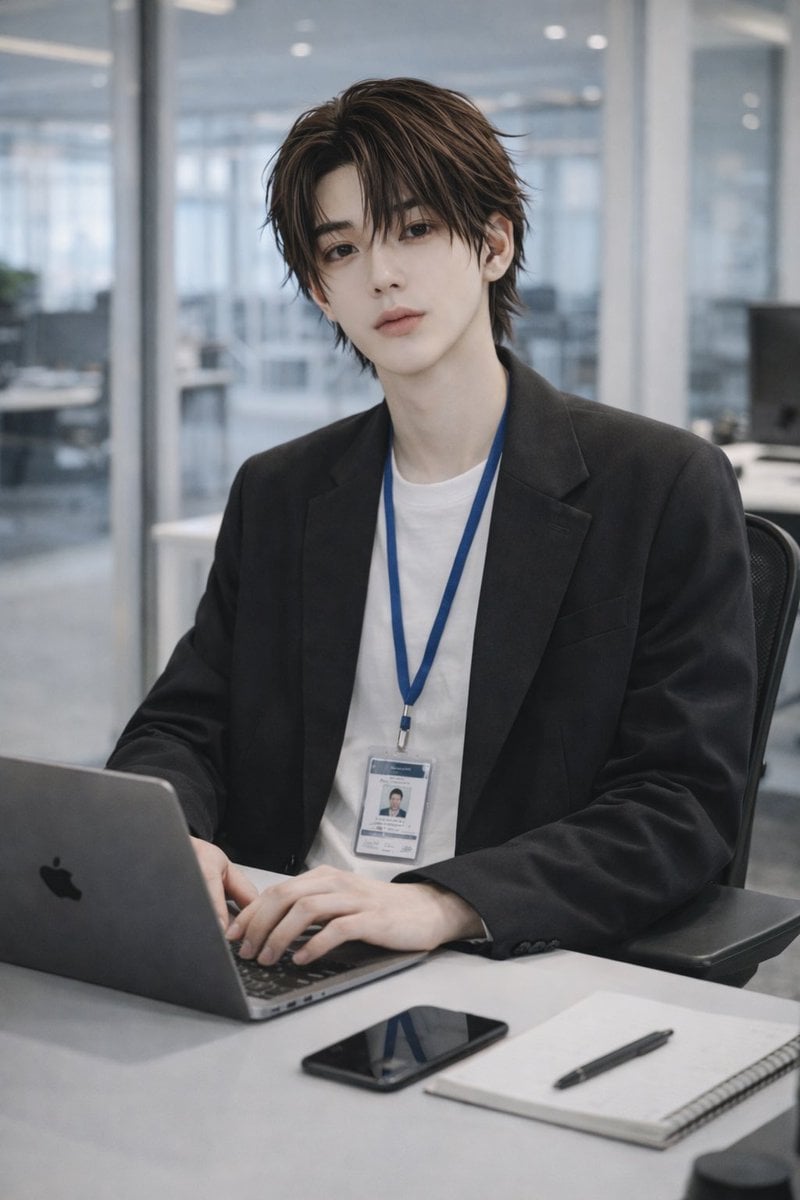
Stylish Office Worker Portrait
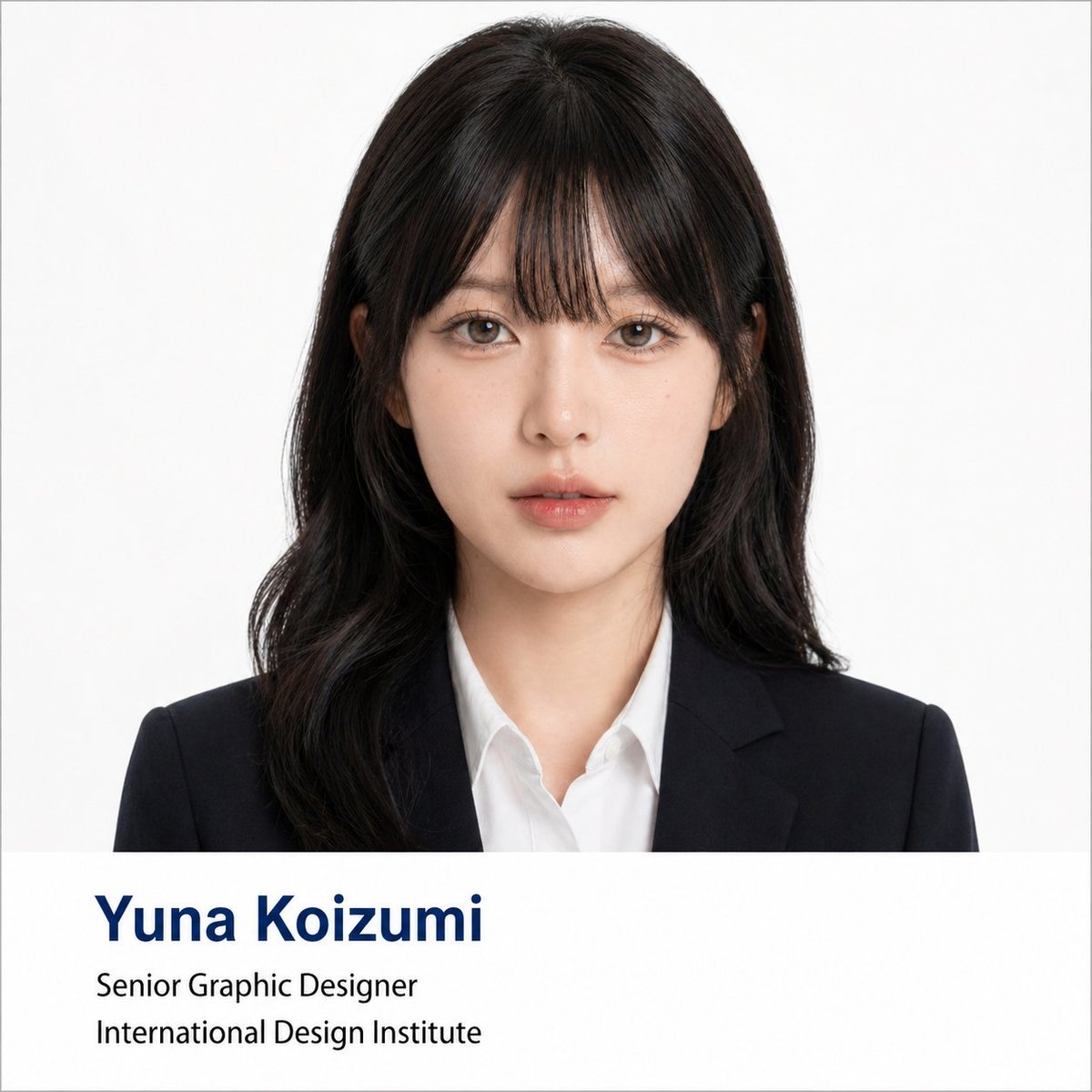
Professional Corporate Headshot Poster Creator
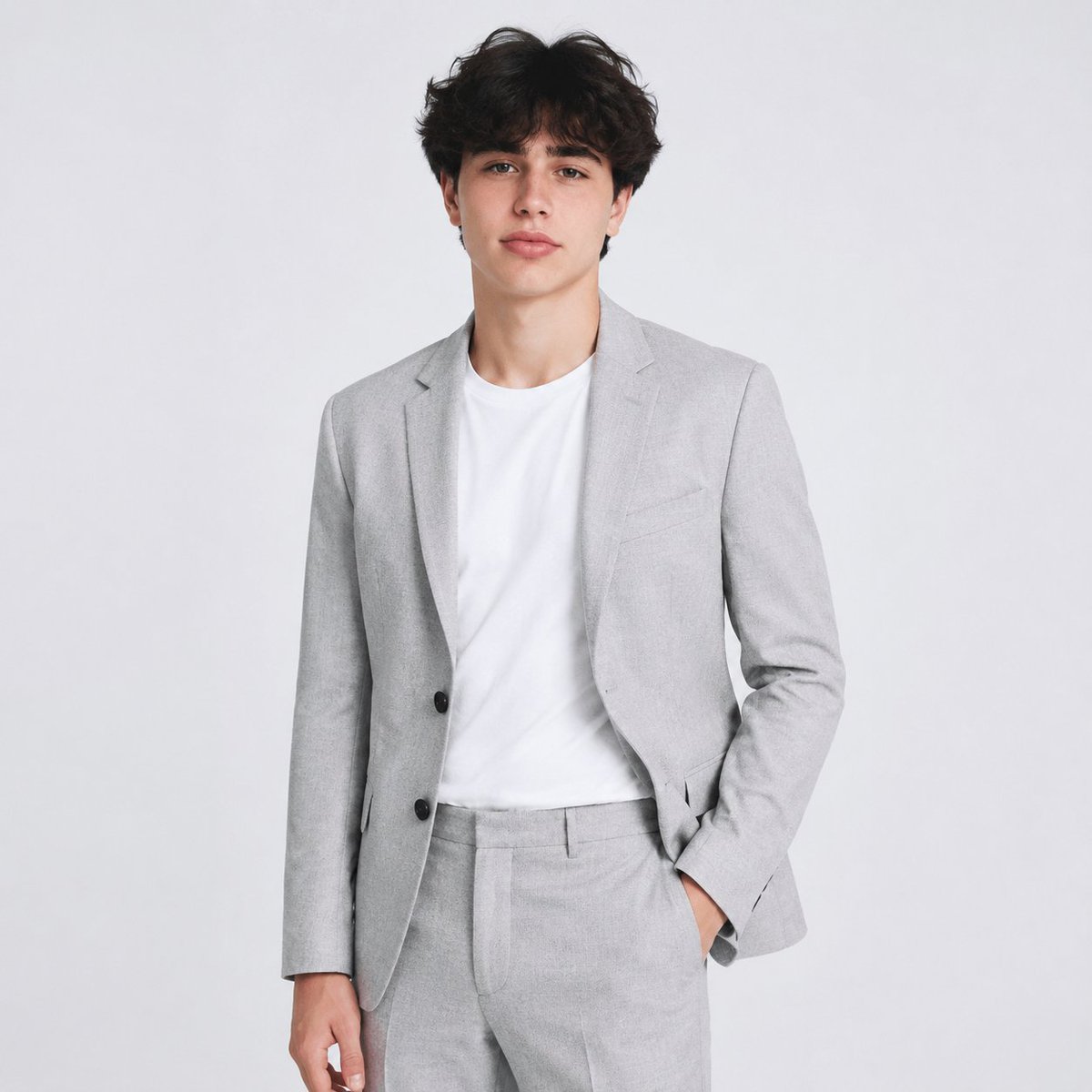
Professional AI Headshot Transformation

Professional Studio Portrait Headshots
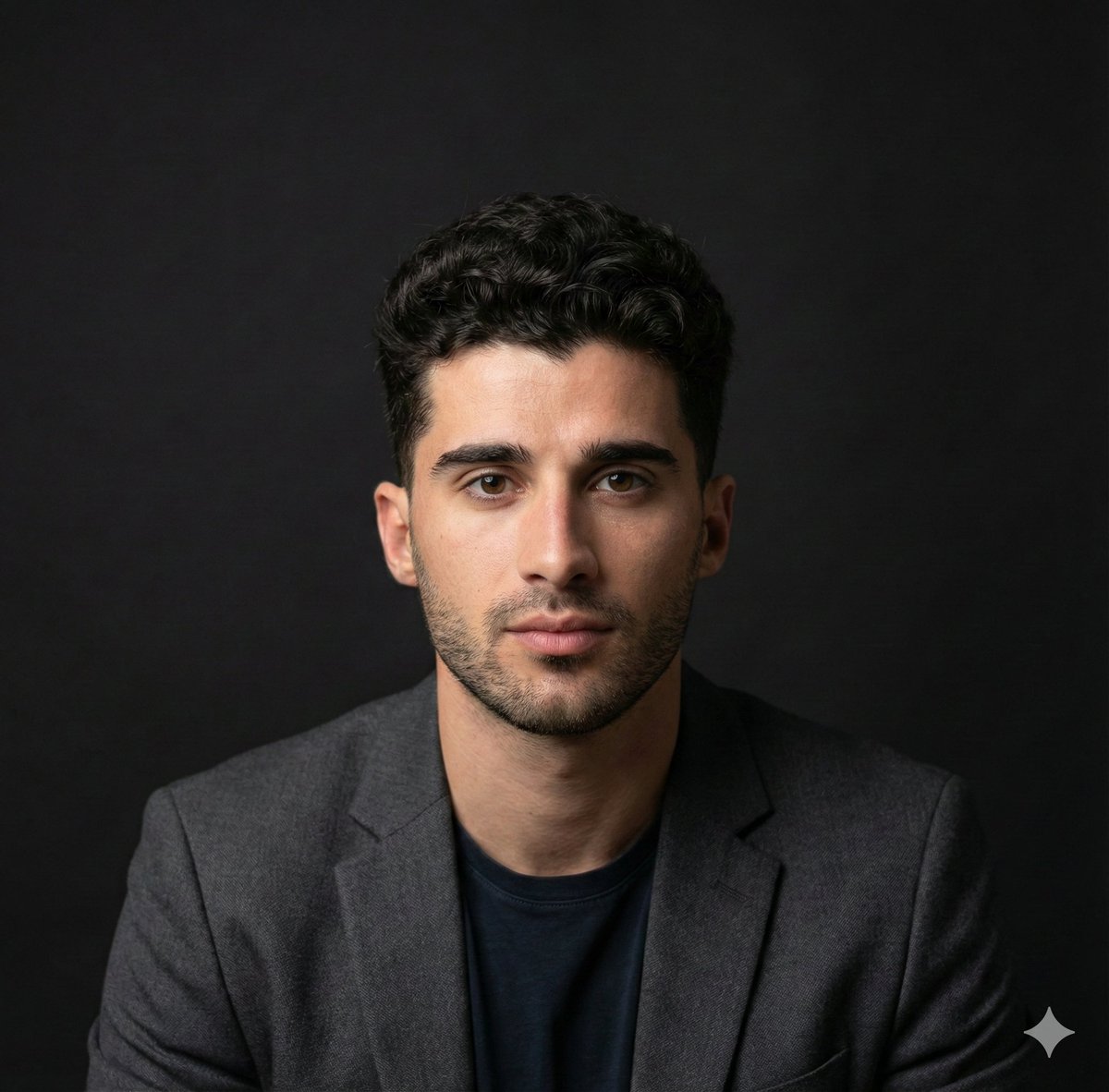
Selfie to Professional Headshot Prompt
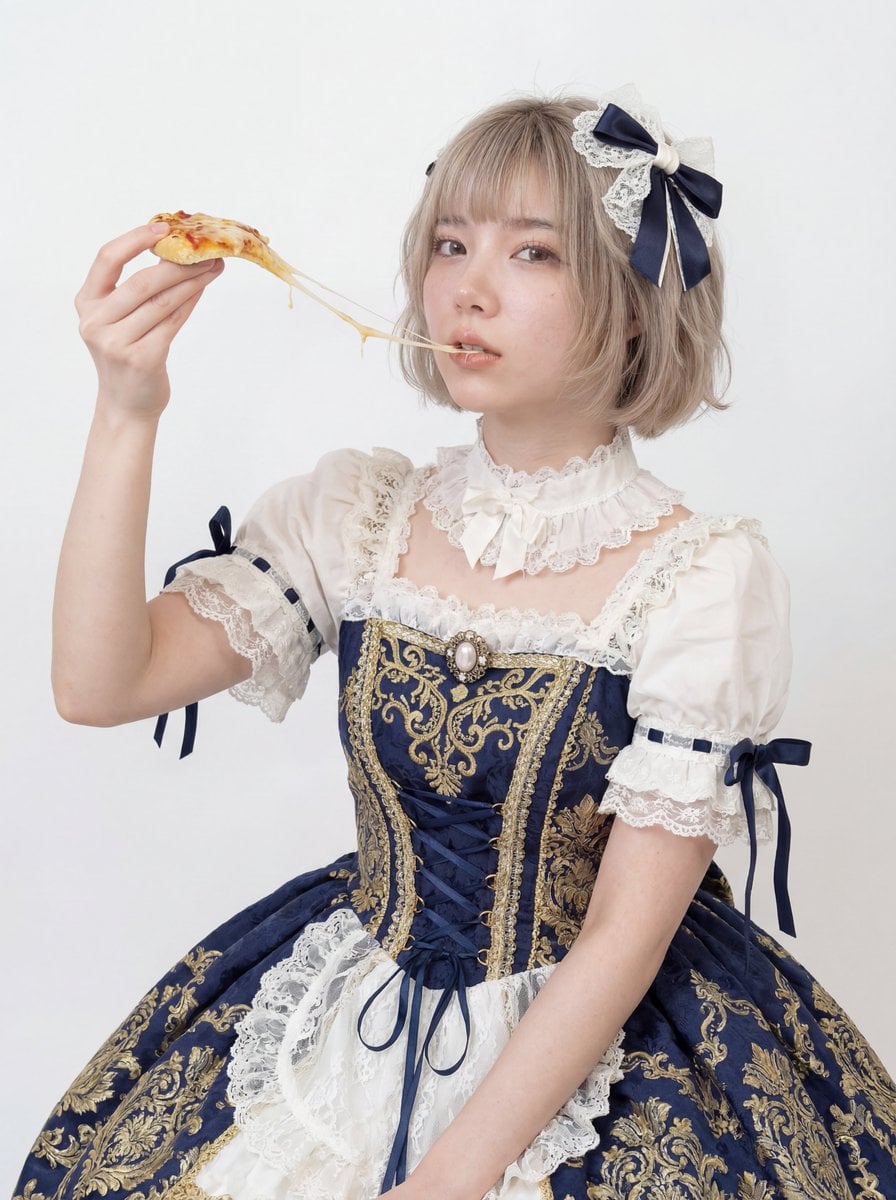
Professional Studio Headshot: Woman Eating Pizza
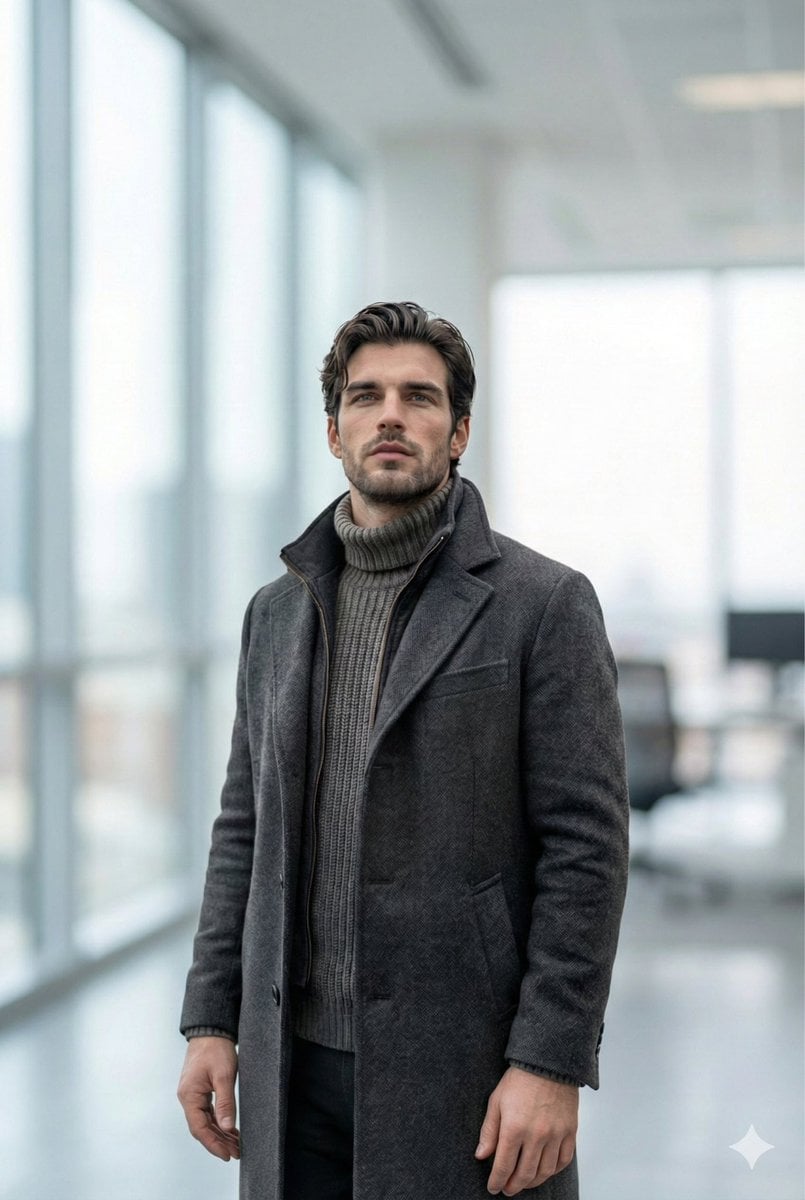
Selfie to Professional LinkedIn Headshot Conversion

Professional Studio Headshot Prompt
Make it yours
Professional Headshot works as-is. These are the safest ways to change it without losing the look.
Change one field
Copy a single group, rewrite it, and generate again so you can see what that field is doing.
Keep the frame, change the subject
Hold the composition and light of Professional Headshot, then swap wardrobe, props or the person for a new take.
| If the result… | Why | Fix |
|---|---|---|
| The result drifts from the preview | Too many fields changed at once. | Reuse Professional Headshot as-is first, then change one group — subject, light, or setting. |
| The model over-stylizes the scene | The prose prompt leaves finish and camera underspecified. | Add one camera or lighting sentence and stay on PicX Studio. |
More image prompts
Fresh picks from across the catalog.
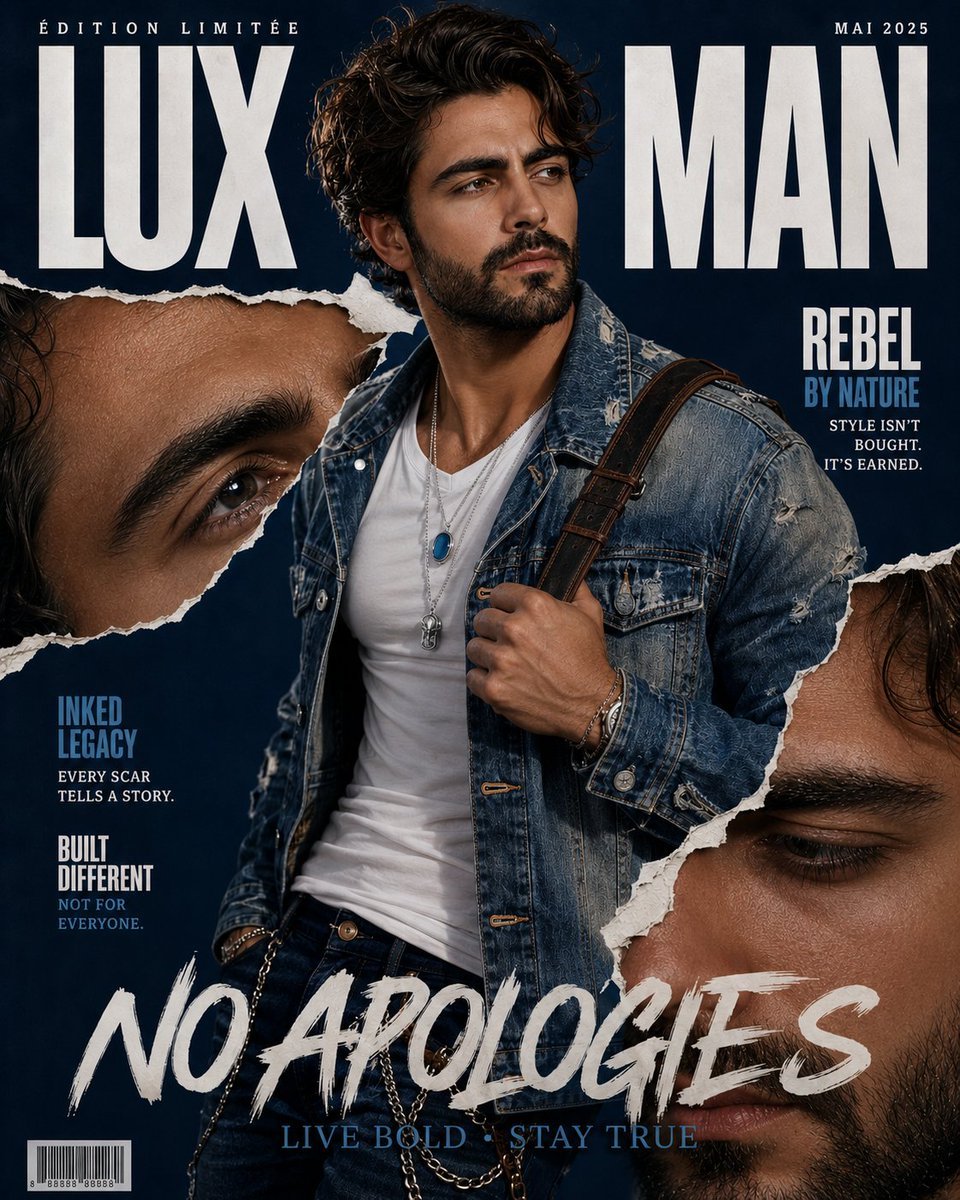
Tattooed Rebel Magazine Cover
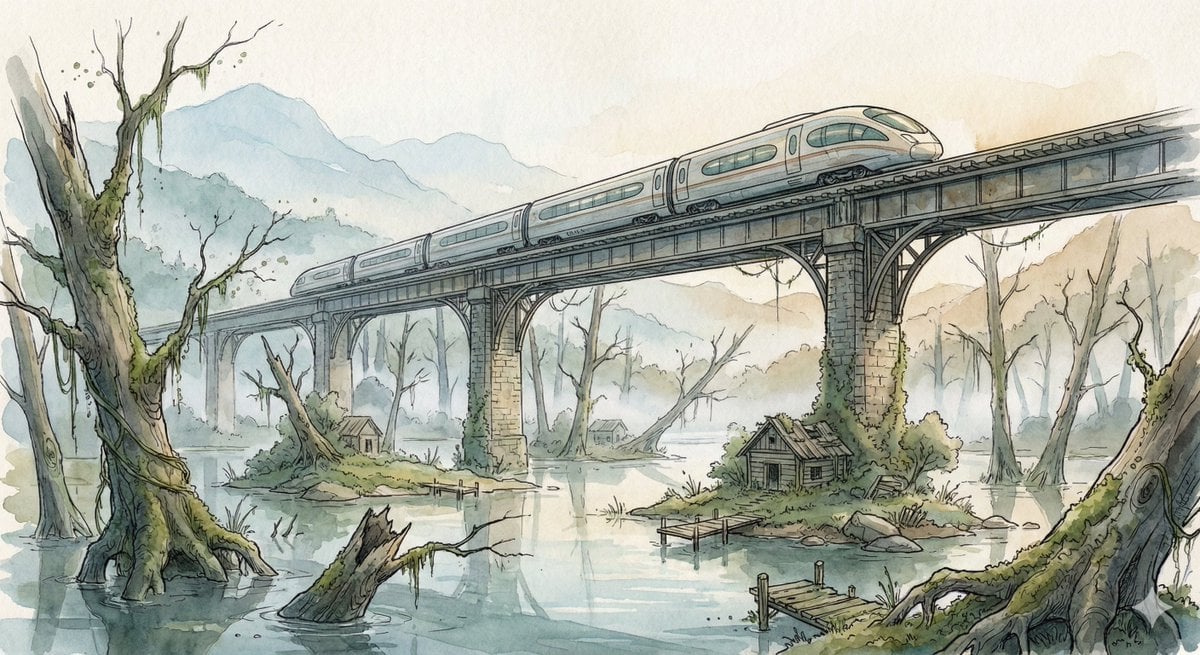
Fantasy Watercolor Illustration of an Elevated Rail Bridge over Flooded Forest
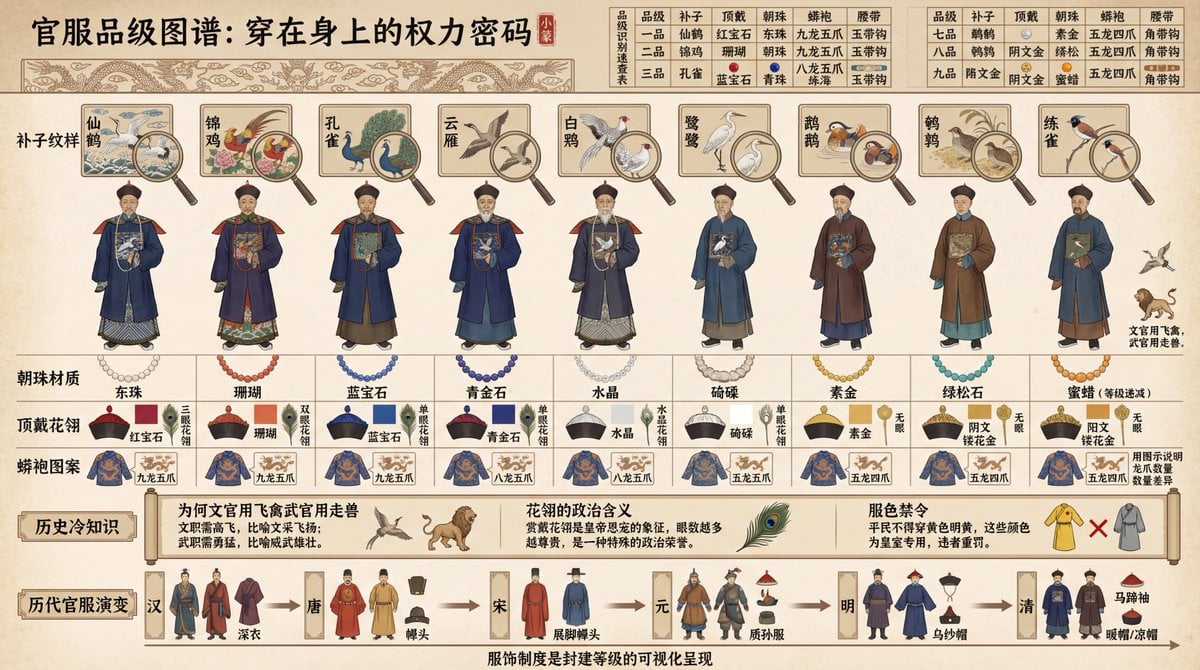
Visual Infographic of Ancient Chinese Official Ranks and Attire
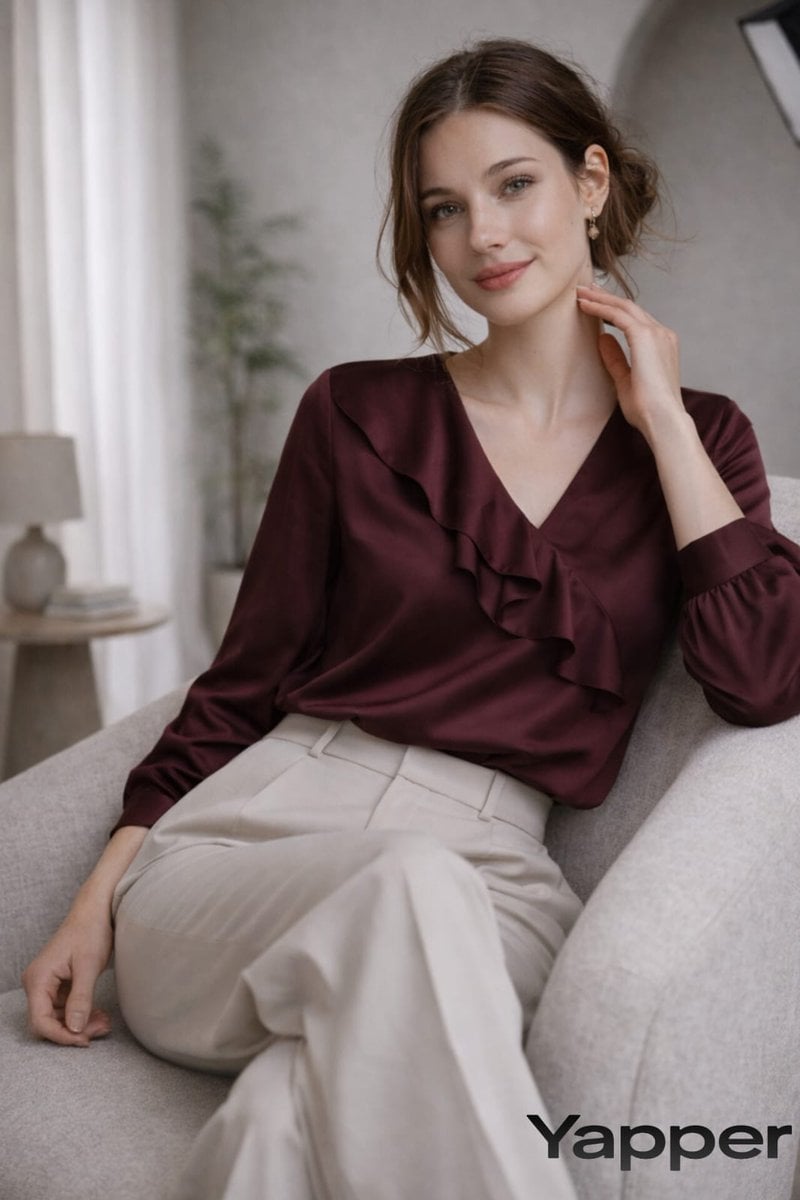
Prompt for fashion editorial photograph
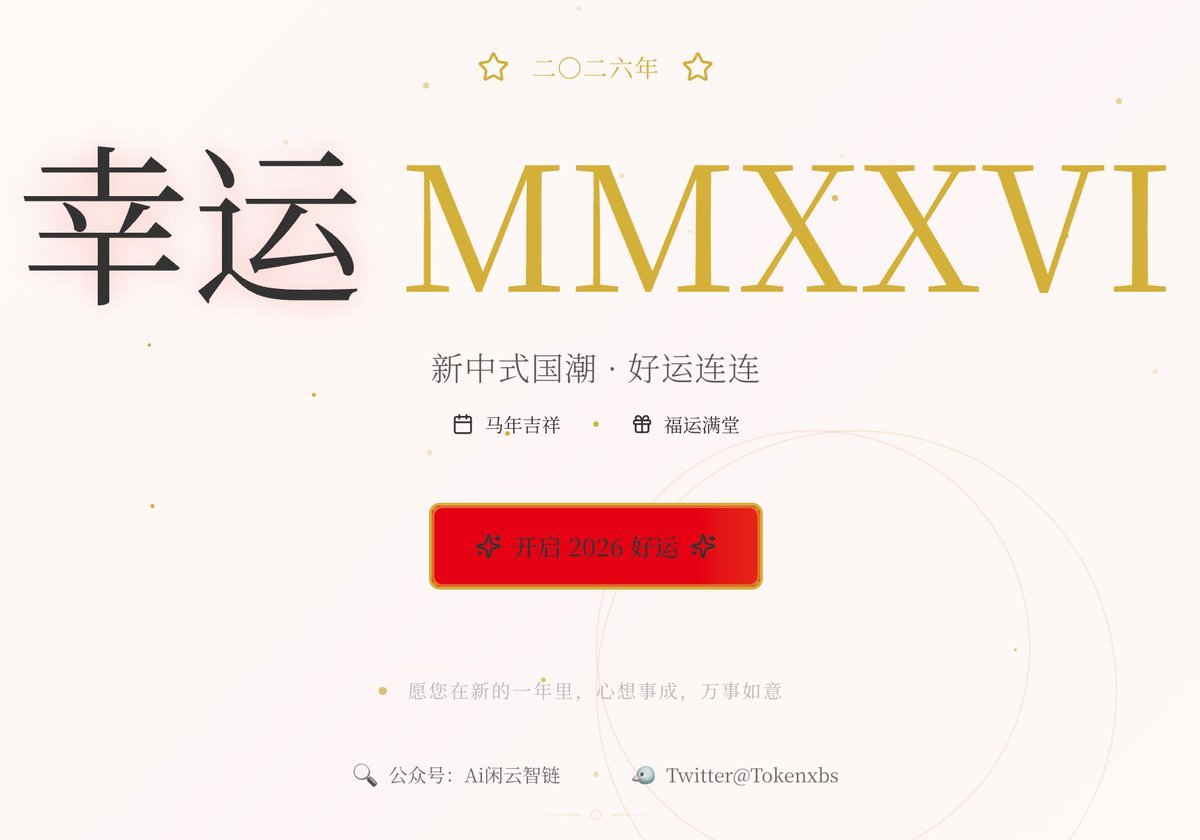
Gemini Prompt for Generating New Year's Blessing Website
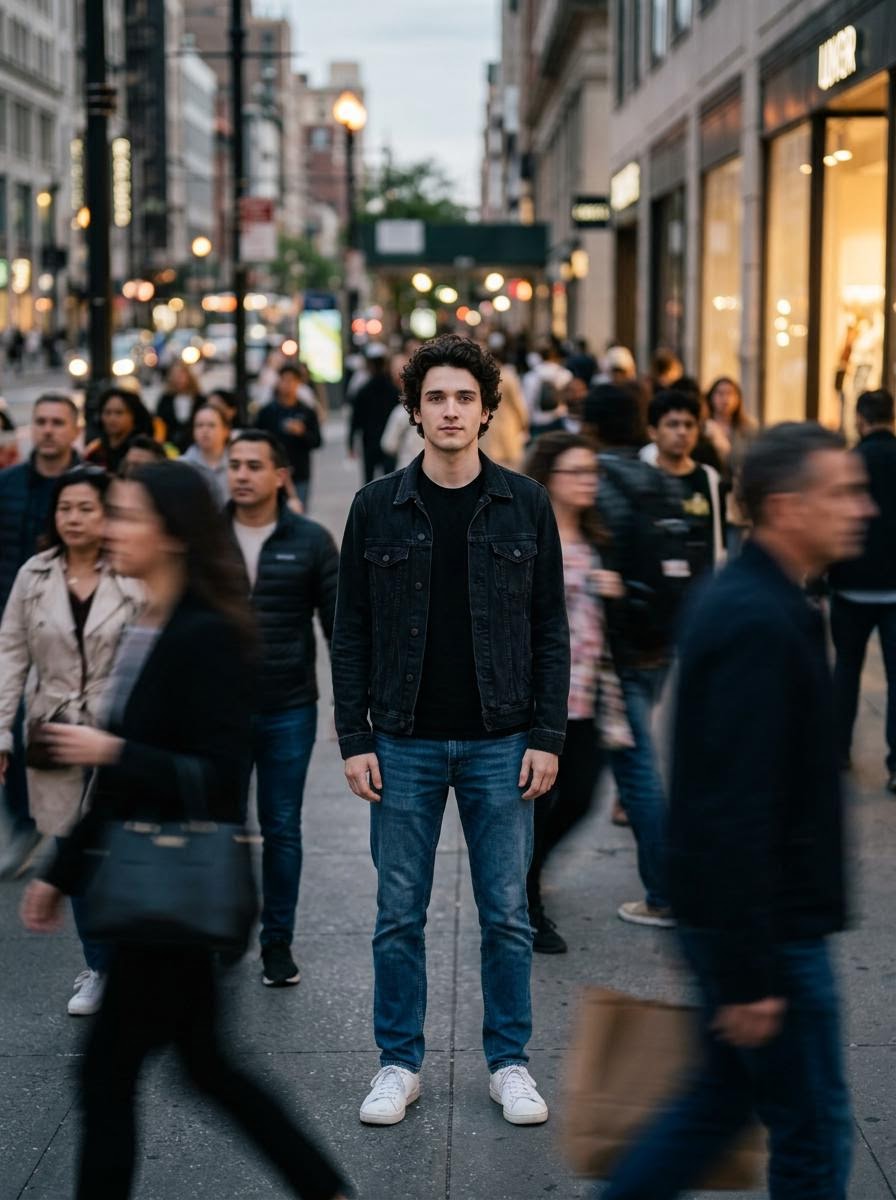
Calm in Chaos Street Photo Prompt for Nano Banana 2
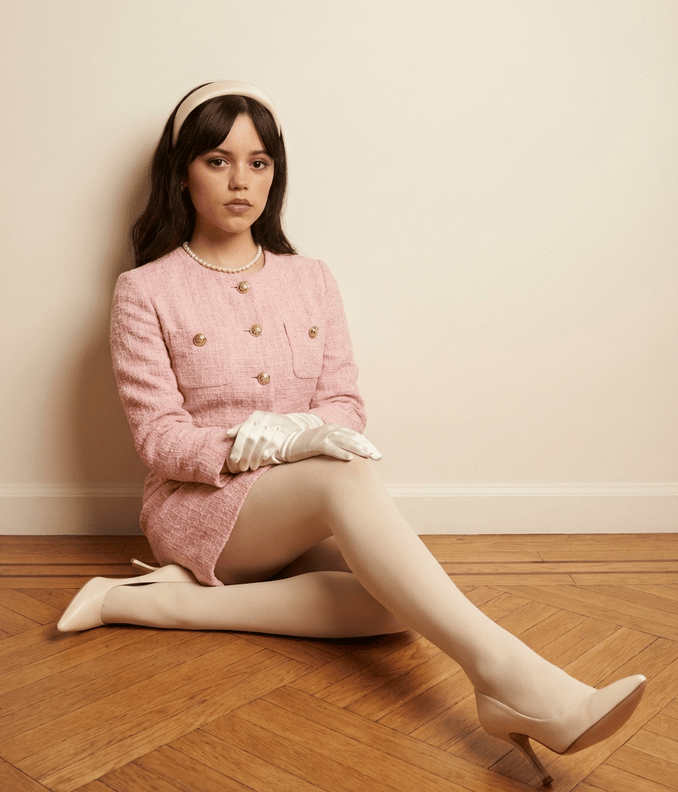
Structured Fashion Portrait with Precise Pose and Outfit Details
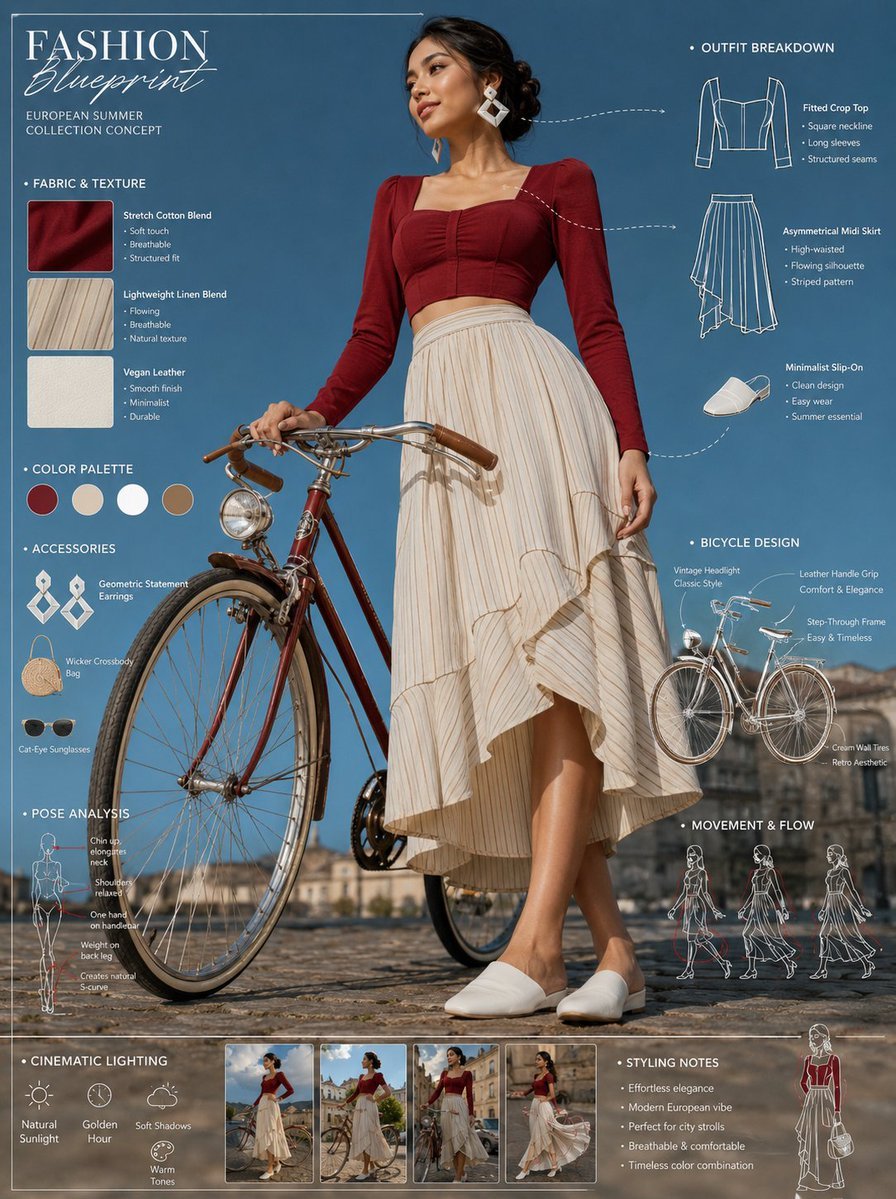
Vintage Bicycle Fashion Blueprint Sheet
Image Inpainting/Filling Missing White Space
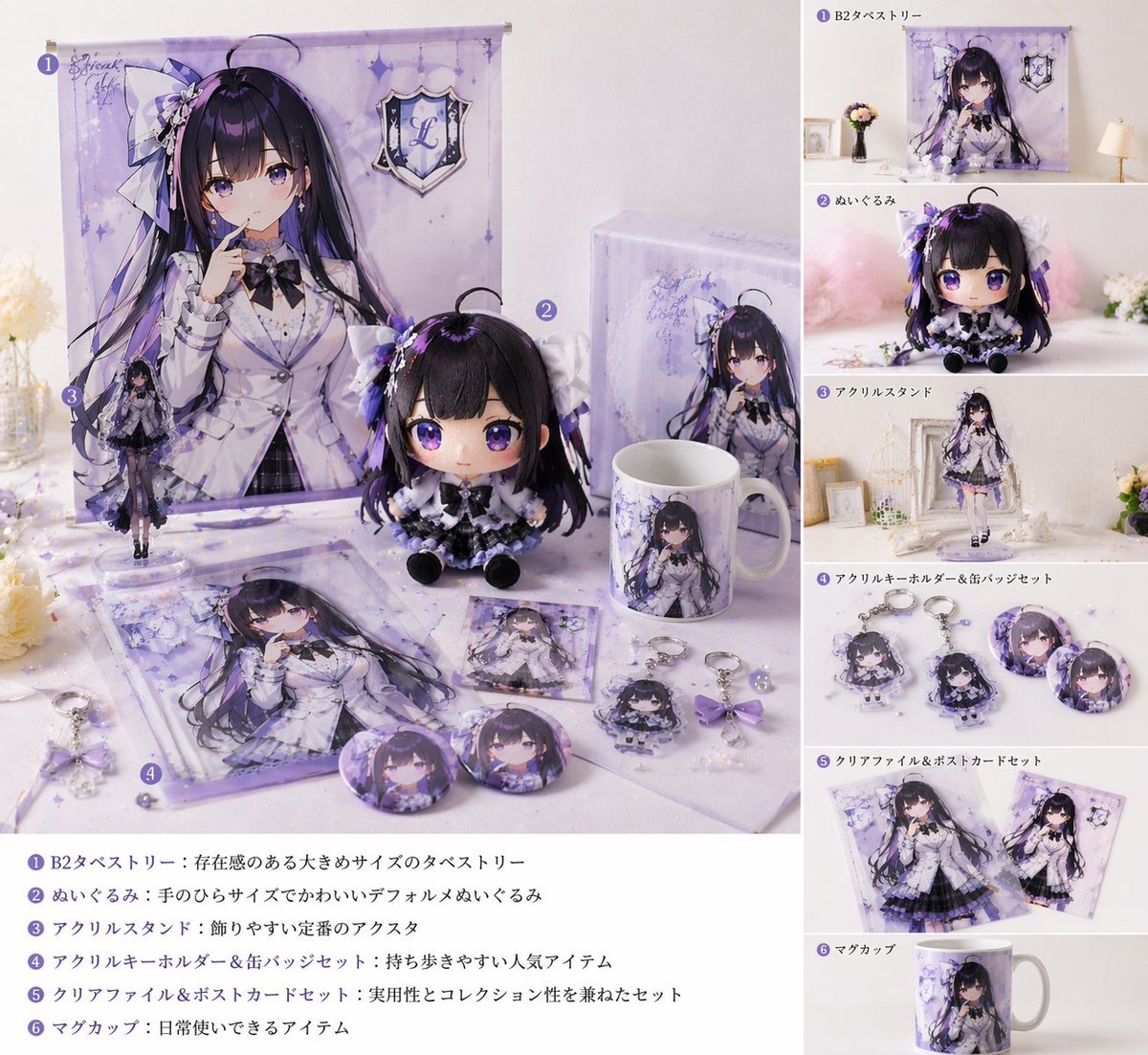
Realistic VTuber Merchandise Mockup
Browse template categories
Professional Headshot questions
How do I use the Professional Headshot template?
Add your photo if the template asks for one, edit the prompt if you like — the template's model and format are already selected — and press Generate. Your version opens in PicX Studio.
Can I customize the Professional Headshot template?
Yes. You can change the subject, setting, lighting, mood, format, and available model controls before creating your image.
Is the Professional Headshot template free?
Opening and editing this template is free. Generating uses credits, shown on the Generate button when you are signed in.
Which AI model should I use?
Choose a compatible model in PicX Studio based on the style, speed, and output controls your project needs.
Looking for something else? Browse all templates.

Your photo, any look
Thousands of ready templates for every top image and video model, from one credit balance.