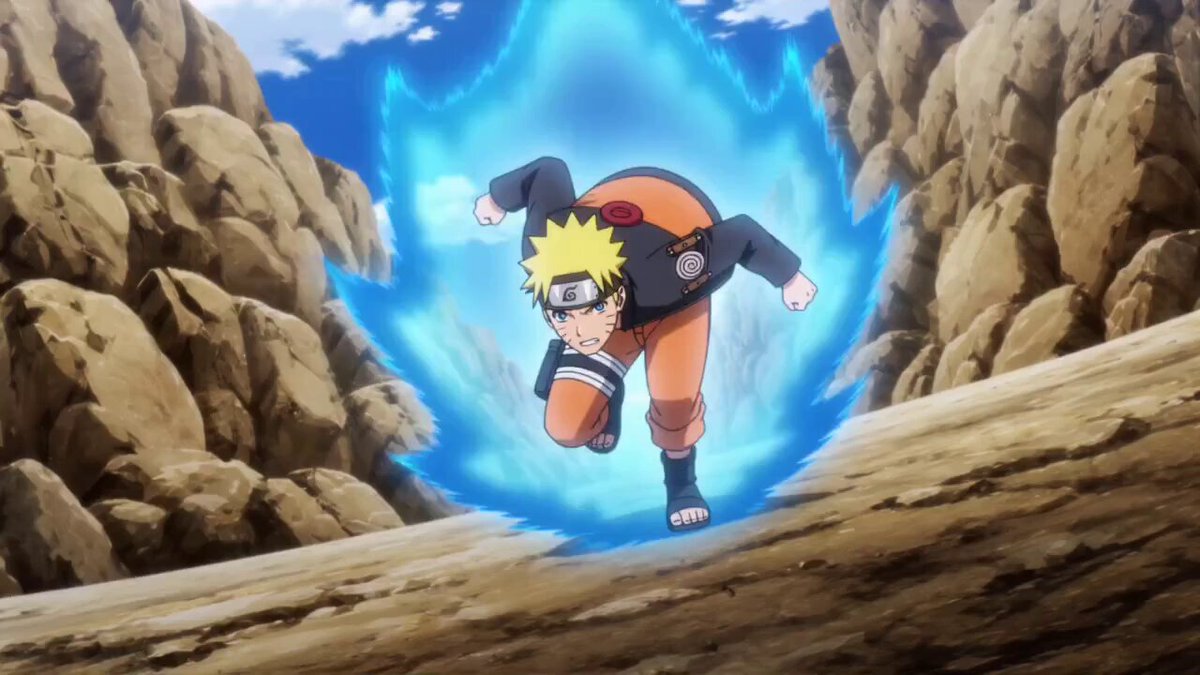
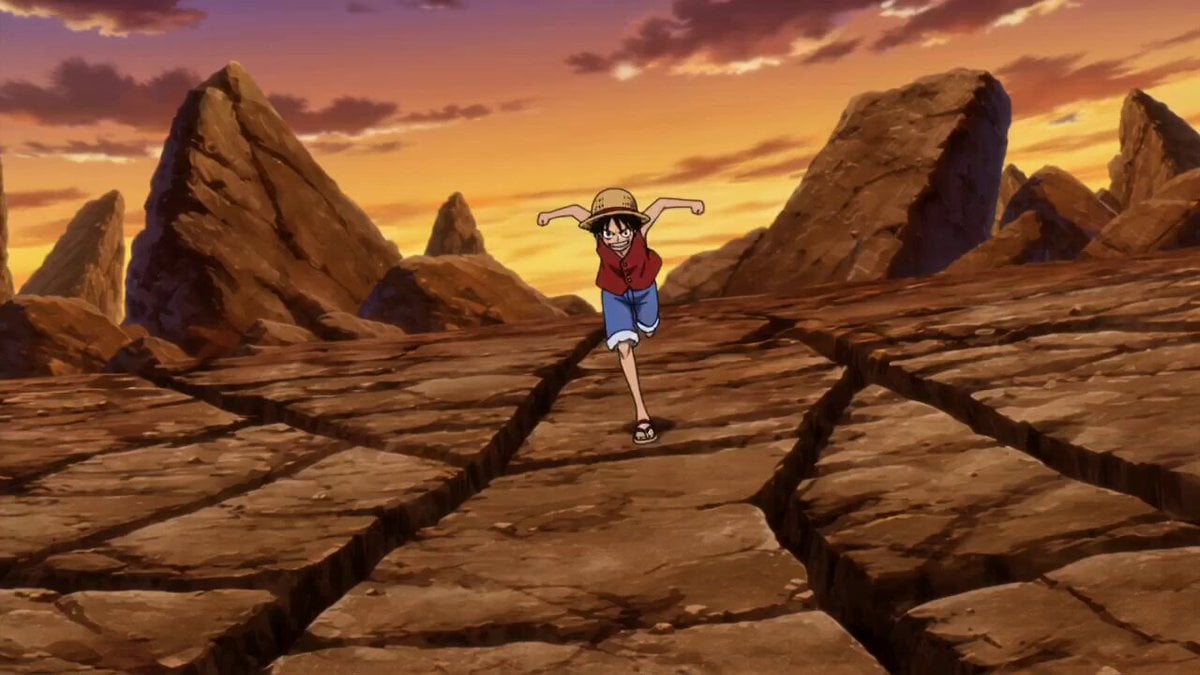
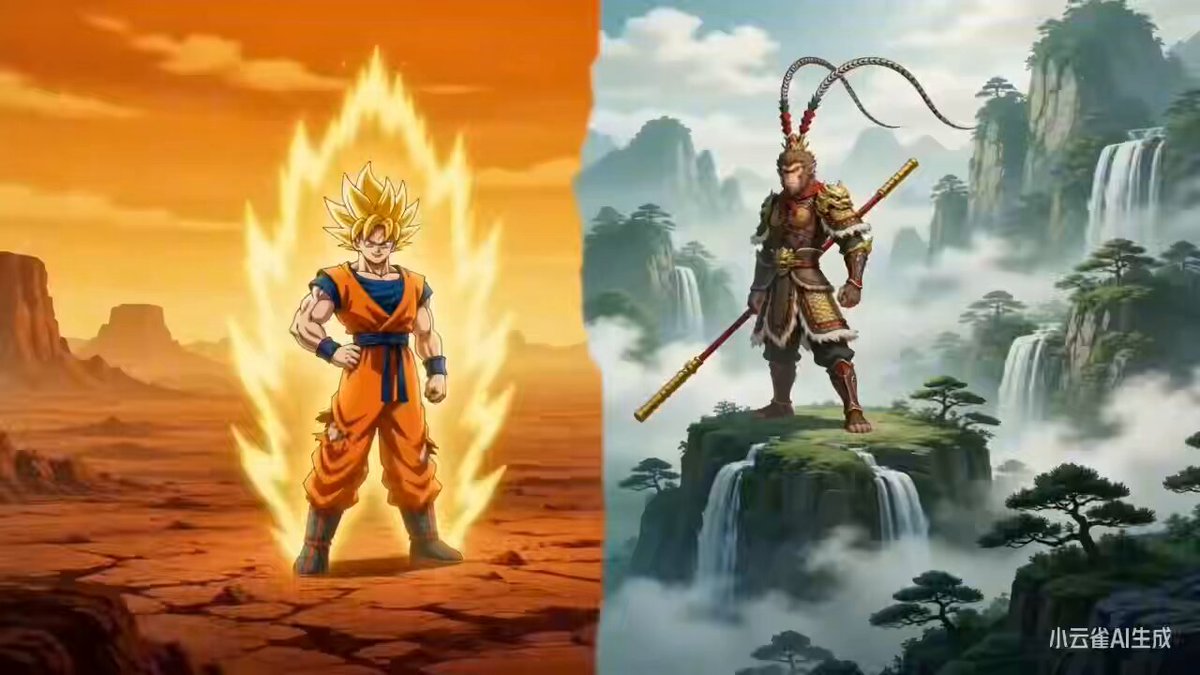
How do I use the Goku vs. Naruto 2D Battle template?
Edit the prompt in the box under the preview — the template's model and format are already selected — and press Generate. Your version appears right on this page.
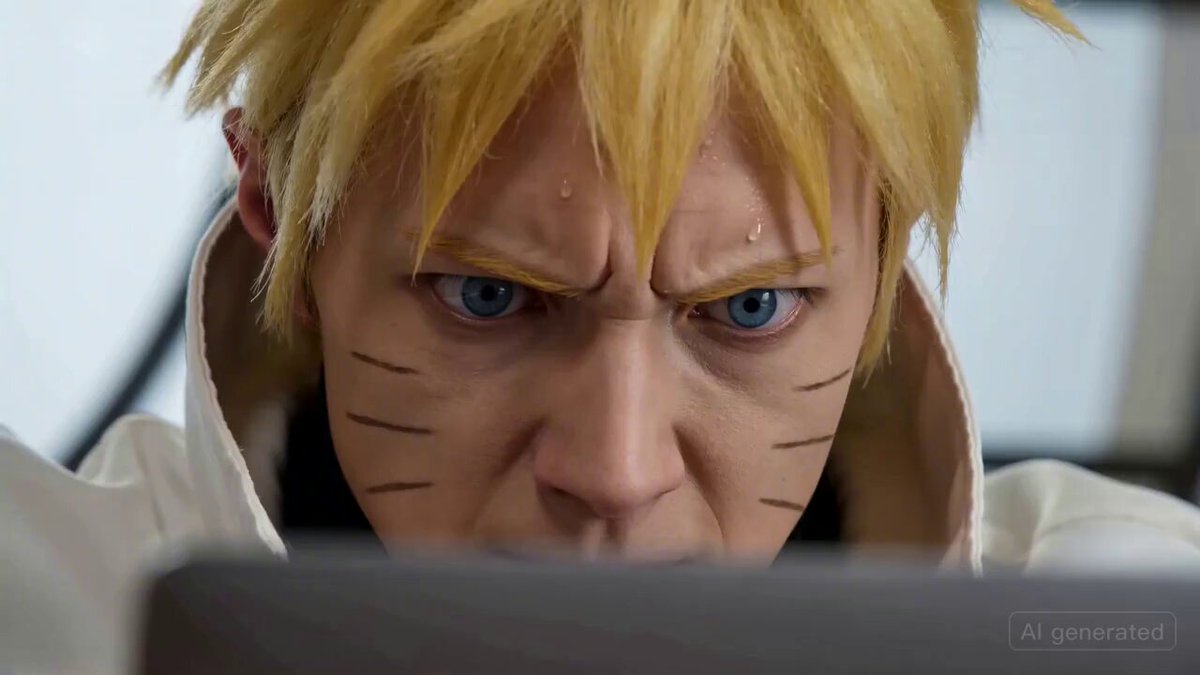
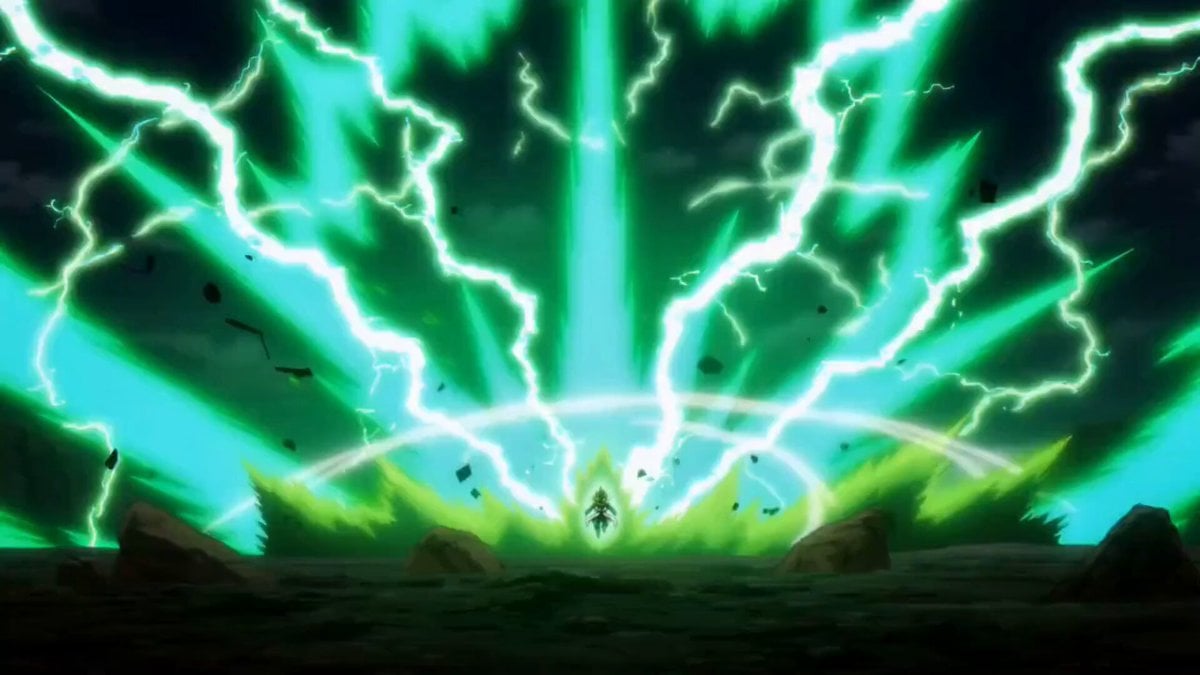
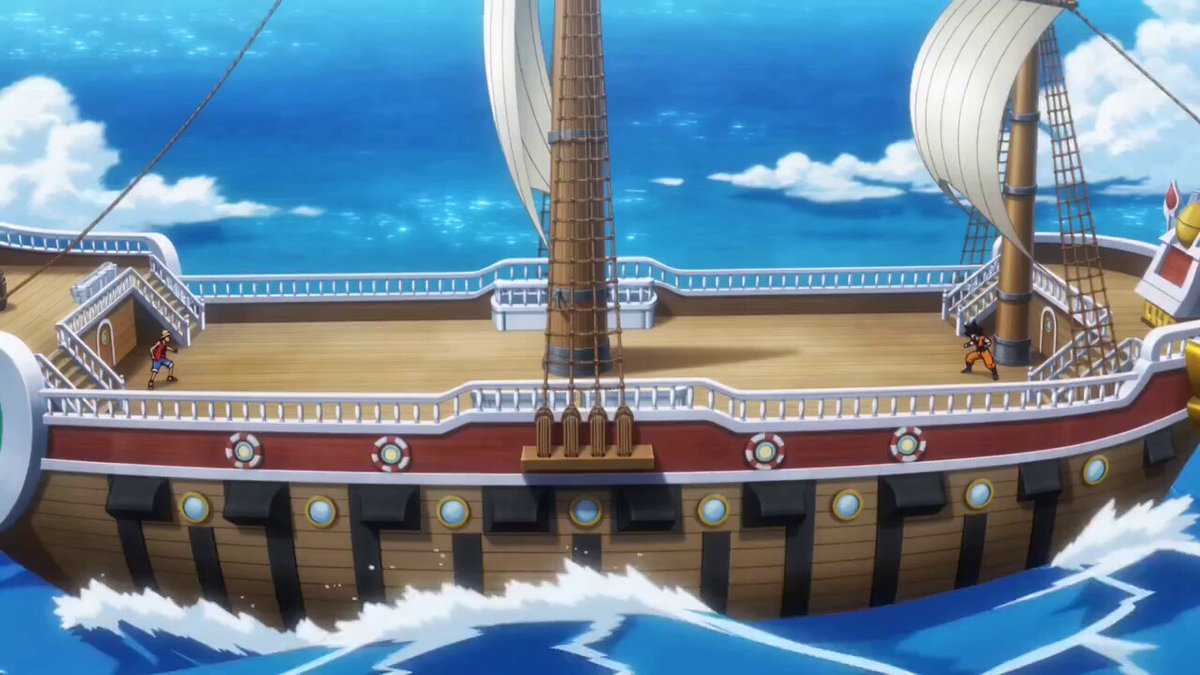
A prompt for a 2D animation style video depicting an intense battle between Goku and Naruto, focusing on dynamic movement, impact shockwaves, and fluid animation lines.
A battle between Goku and Naruto in a 2D animation style. Goku attacks with immense power, delivering a flurry of punches and kicks. The ground cracks and dust flies everywhere. Naruto dodges the strikes with quick turns and blocks, moving with great agility. Each impact creates shockwaves and loud sounds. The movement and body dynamics are clearly depicted, with fluid animation lines emphasizing the power and weight of the battle.
A battle between Goku and Naruto in a 2D animation style. Goku attacks with immense power, delivering a flurry of punches and kicks. The ground cracks and dust flies everywhere. Naruto dodges the strikes with quick turns and blocks, moving with great agility. Each impact creates shockwaves and loud sounds. The movement and body dynamics are clearly depicted, with fluid animation lines emphasizing the power and weight of the battle.
Edit the prompt in the box under the preview — the template's model and format are already selected — and press Generate. Your version appears right on this page.
Yes. You can change the subject, setting, lighting, mood, format, and available model controls before creating your video.
Opening and editing this template is free. Generating uses credits, shown on the Generate button when you are signed in.
Start with Seedance 2.0, which is the model associated with this template. You can compare another compatible model for a different finish.
Follow a topic to a crawlable collection of related PicX Studio templates.