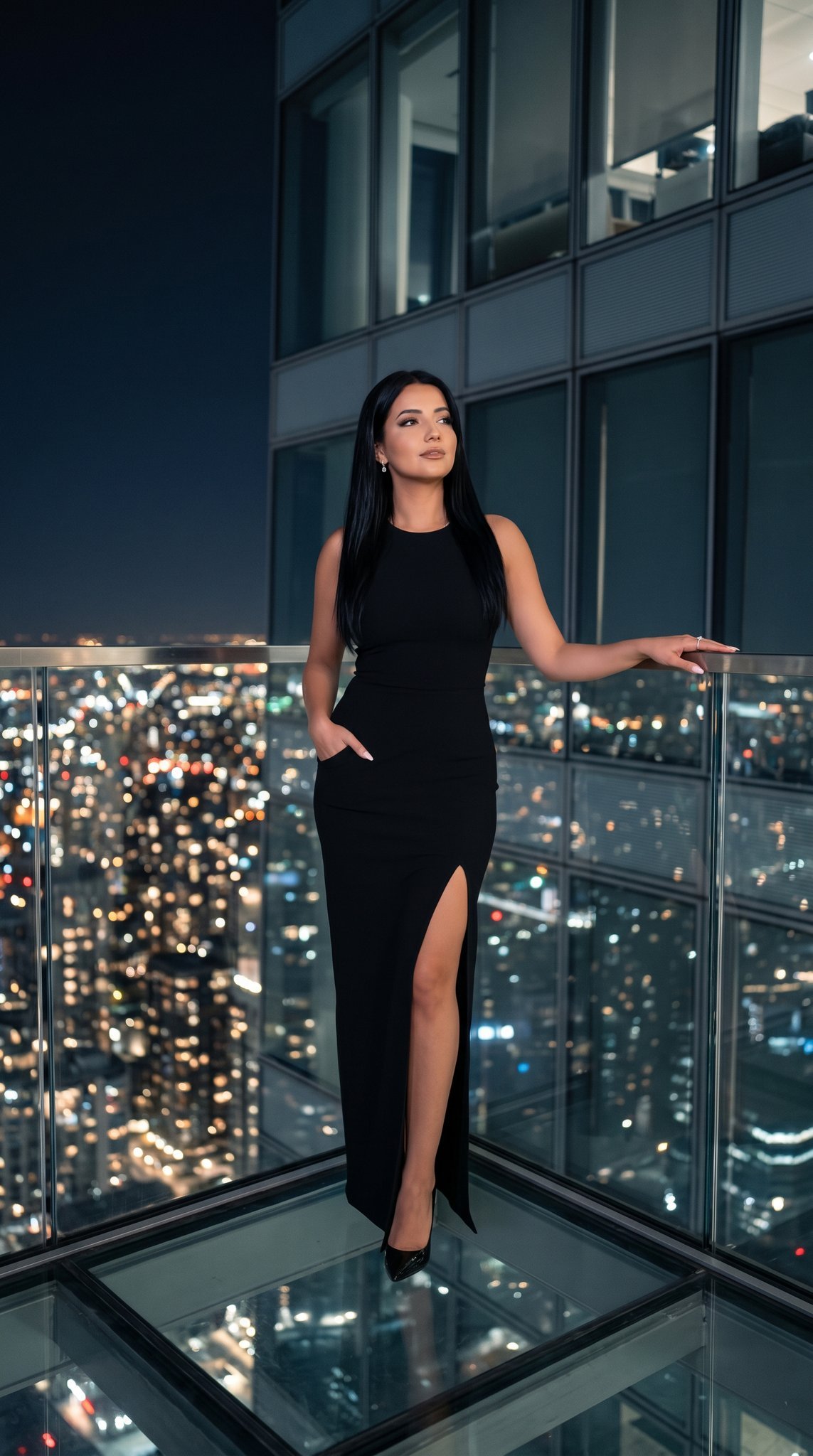
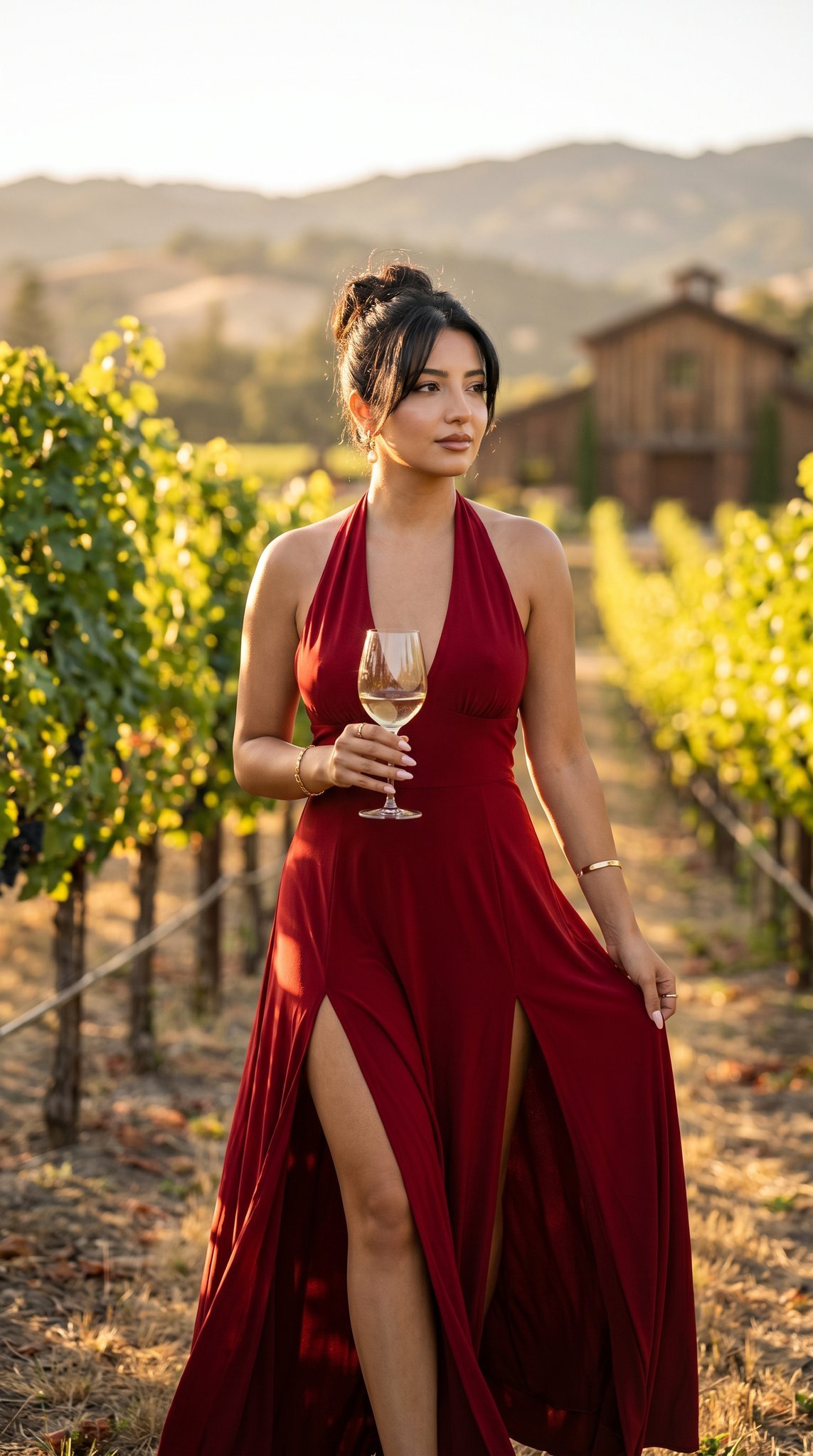
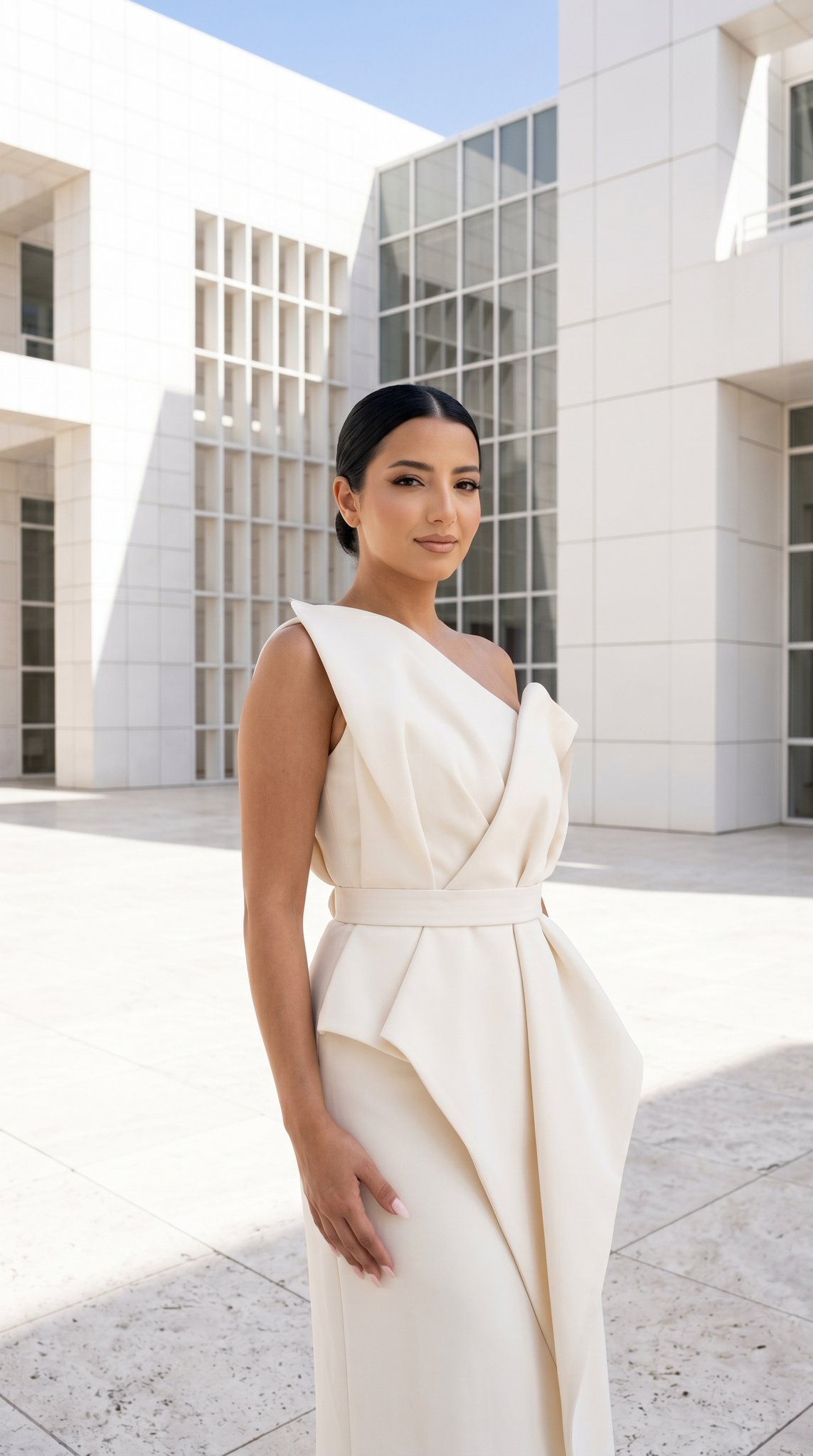
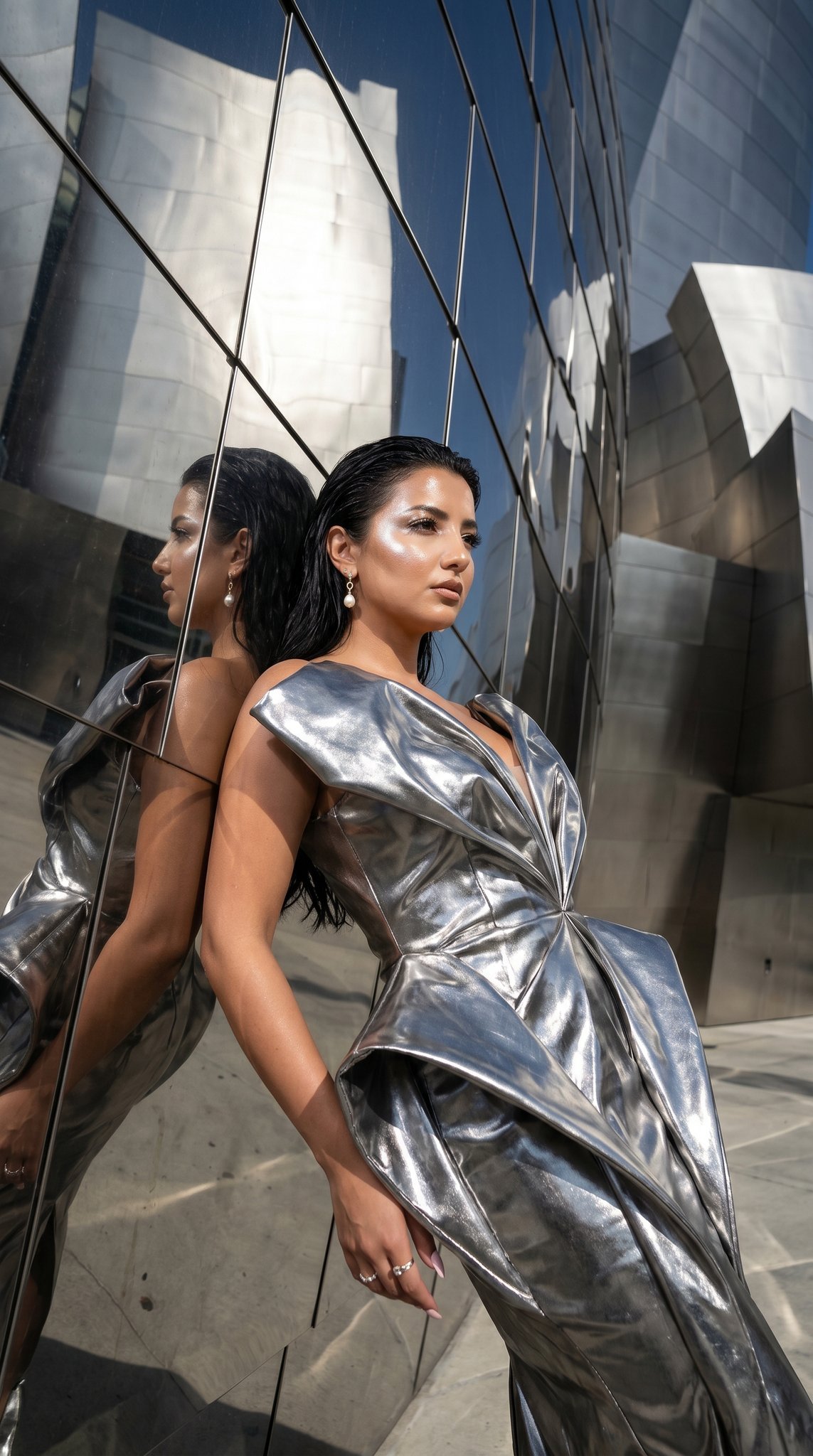
How do I use the High Fashion Editorial Portrait template?
Edit the prompt in the box under the preview — the template's model and format are already selected — and press Generate. Your version appears right on this page.
High Fashion Editorial Portrait is a ready photo look.

A high-fashion editorial portrait featuring the uploaded image standing and holding a vintage white corded telephone, looking at the handset with a thoughtful expression. The uploaded image wears a fitted white long-sleeve top and casual blue jeans, with long blonde hair styled in loose waves. Several deep-burgundy digital folder icons float around the subject, labeled “TWG Edit” and “Base Q4,” creating a stylized desktop-interface overlay. A small inset photo labeled “BM.png” shows a close-up of well-manicured hands with neutral glossy nails and gold rings. At the bottom of the composition appears a digital reminder pop-up reading: “Reminder — Nice nails are a necessity.” with two buttons: “Obviously” and “Duh.” The overall aesthetic mixes fashion photography with playful digital UI graphics.
A high-fashion editorial portrait featuring the uploaded image standing and holding a vintage white corded telephone, looking at the handset with a thoughtful expression. The uploaded image wears a fitted white long-sleeve top and casual blue jeans, with long blonde hair styled in loose waves. Several deep-burgundy digital folder icons float around the subject, labeled “TWG Edit” and “Base Q4,” creating a stylized desktop-interface overlay. A small inset photo labeled “BM.png” shows a close-up of well-manicured hands with neutral glossy nails and gold rings. At the bottom of the composition appears a digital reminder pop-up reading: “Reminder — Nice nails are a necessity.” with two buttons: “Obviously” and “Duh.” The overall aesthetic mixes fashion photography with playful digital UI graphics.
Edit the prompt in the box under the preview — the template's model and format are already selected — and press Generate. Your version appears right on this page.
Yes. You can change the subject, setting, lighting, mood, format, and available model controls before creating your image.
Opening and editing this template is free. Generating uses credits, shown on the Generate button when you are signed in.
Choose a compatible model in PicX Studio based on the style, speed, and output controls your project needs.
Follow a topic to a crawlable collection of related PicX Studio templates.