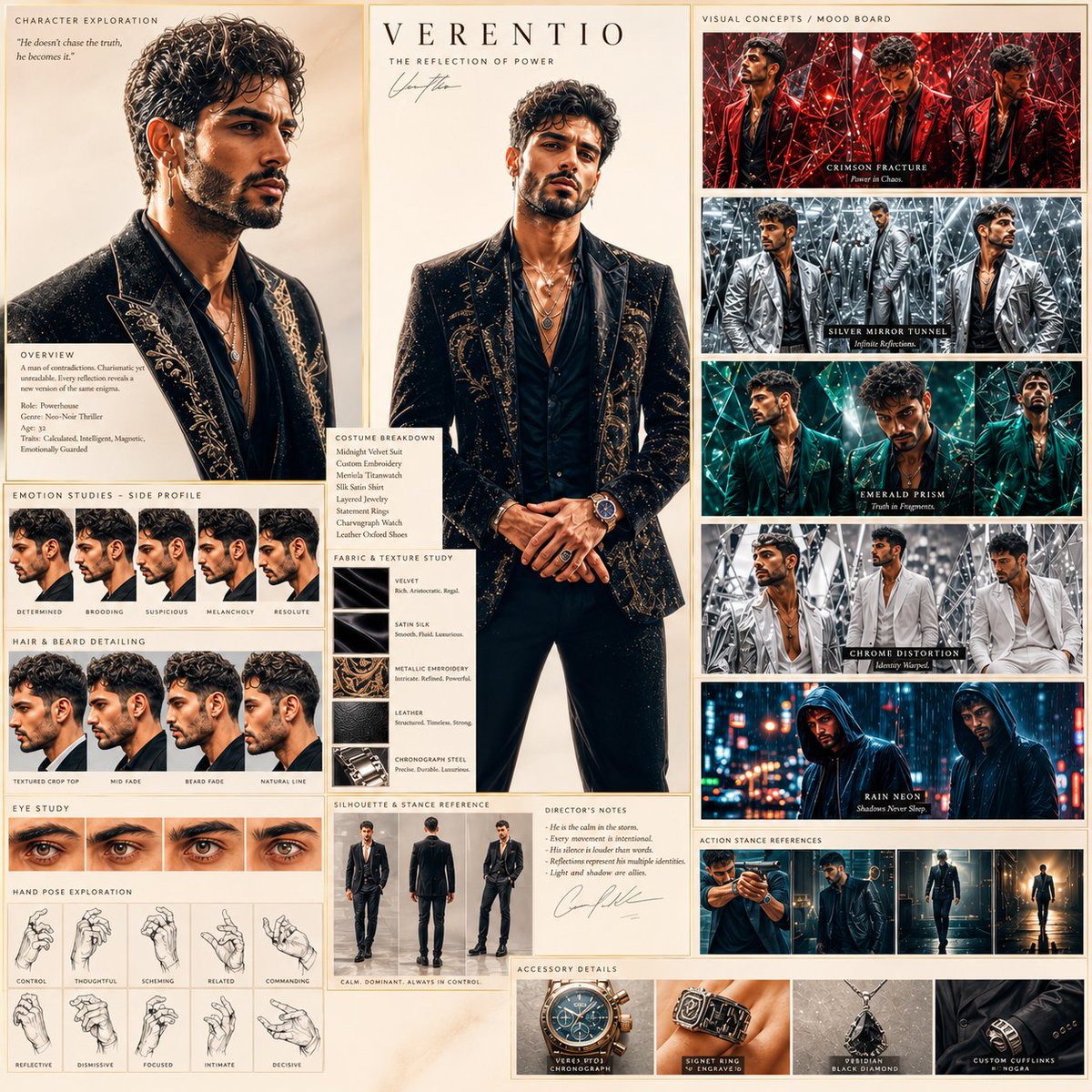
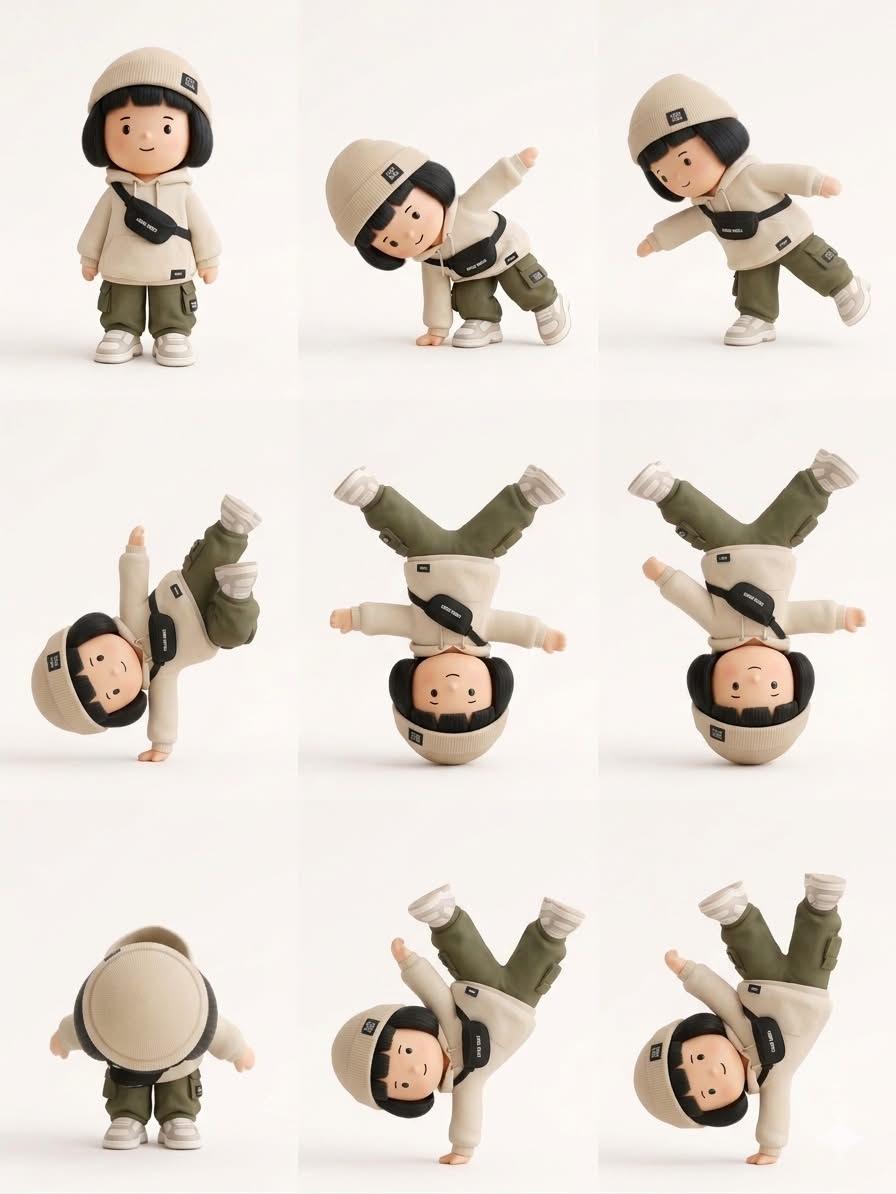
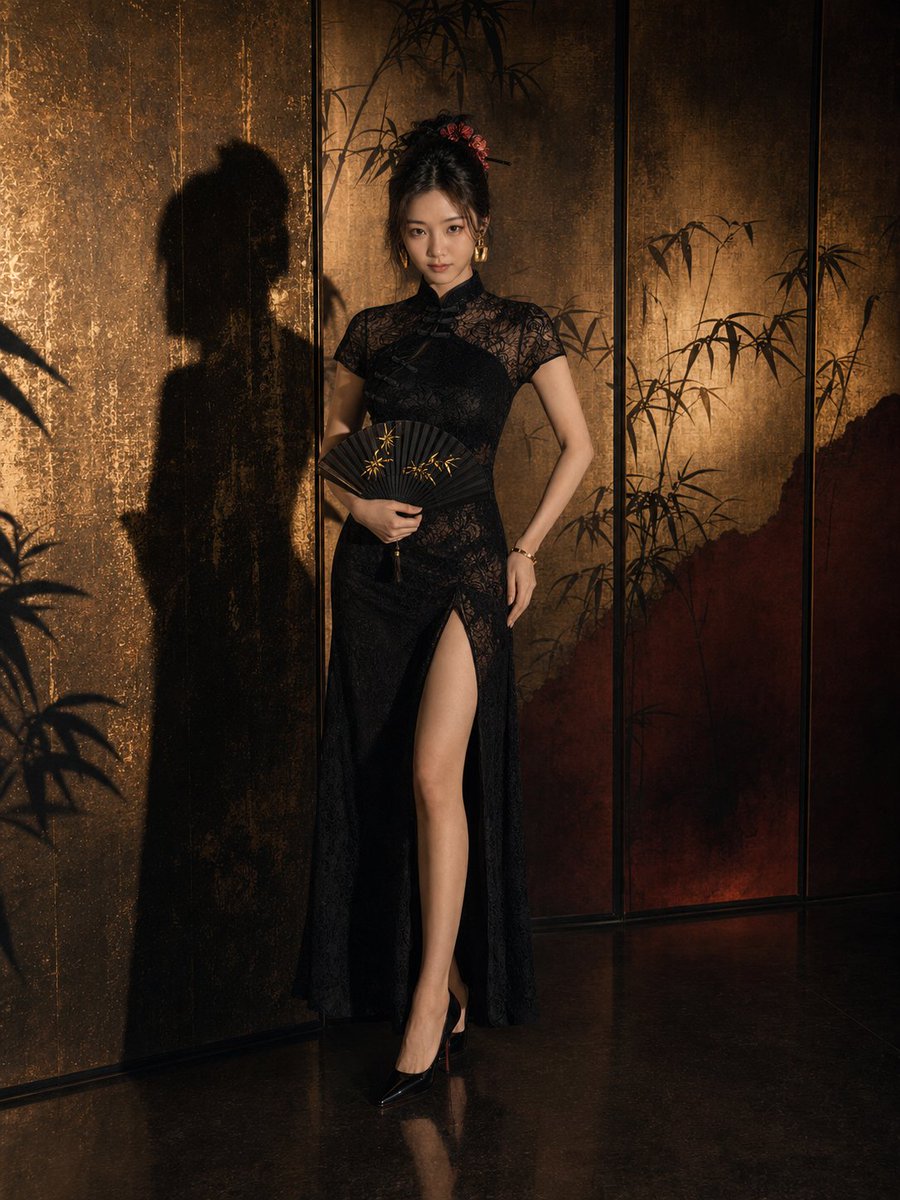
How do I use the Hyper-realistic Editorial Shot in Penthouse template?
Choose the primary action to open PicX Studio with the available template settings. Review the model and format, personalize the creative direction, and generate when ready.
A highly specific prompt for a hyper-realistic editorial shot of the user (requiring 100% exact facial features from a reference image) in a high-rise penthouse. Change the subject, setting, or lighting one variable at a time.

A hyper-realistic editorial shot of myself, keeping my exact face unchanged. IMPORTANT: Do not alter the face of the reference face; the output must have 100% exact facial features as the reference image. I am standing atop a plush emerald velvet stool in a high-rise penthouse, leaning slightly forward with a playful but sophisticated expression. In my right hand, I hold a vintage crystal flute as champagne overflows in mid-air, capturing every glistening droplet. I am wearing an asymmetrical black latex midi dress with structured, padded shoulders and a wide silver chain-link belt that cinches the waist. The background features floor-to-ceiling glass walls overlooking a rain-slicked city at night, with blurred neon lights creating a vibrant bokeh. The lighting is a mix of cool blue ambient tones from the city and warm, directional gold point lights from the interior chandeliers, creating a luxurious rim light. Shot on a 35mm f/1.4 lens with a fast shutter speed to freeze the liquid motion, ensuring pristine 8k clarity with no artifacts. Ensure the output maintains 100% exact facial features from the reference image; do not alter the face.
Choose the primary action to open PicX Studio with the available template settings. Review the model and format, personalize the creative direction, and generate when ready.
Yes. You can change the subject, setting, lighting, mood, format, and available model controls before creating your image.
This template is free to open and customize. Generation usage is shown in PicX Studio before you create.
Start with Nano Banana 2, which is the model associated with this template. You can compare another compatible model for a different finish.
Follow a topic to a crawlable collection of related PicX Studio templates.
43,474 public templates available. Verified via the PicX Studio public templates API; refreshed hourly.











![Naive doodle-style subject illustration — A doodle-style {argument name="subject" default="[subject]"}, naive lines, humorous shape exaggeration](https://pbs.twimg.com/media/G6Wl2YxbsAARB2b.jpg)