3D Paper-Craft Diorama Poster
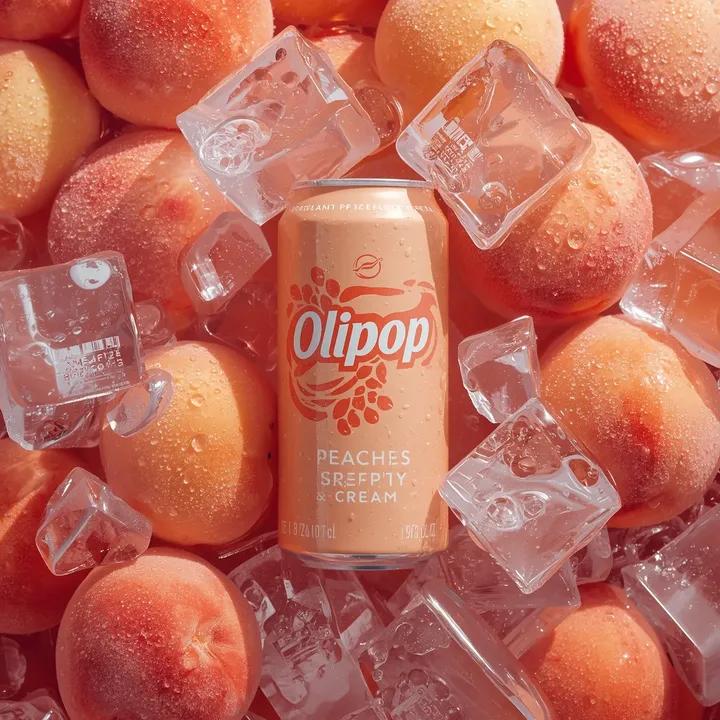
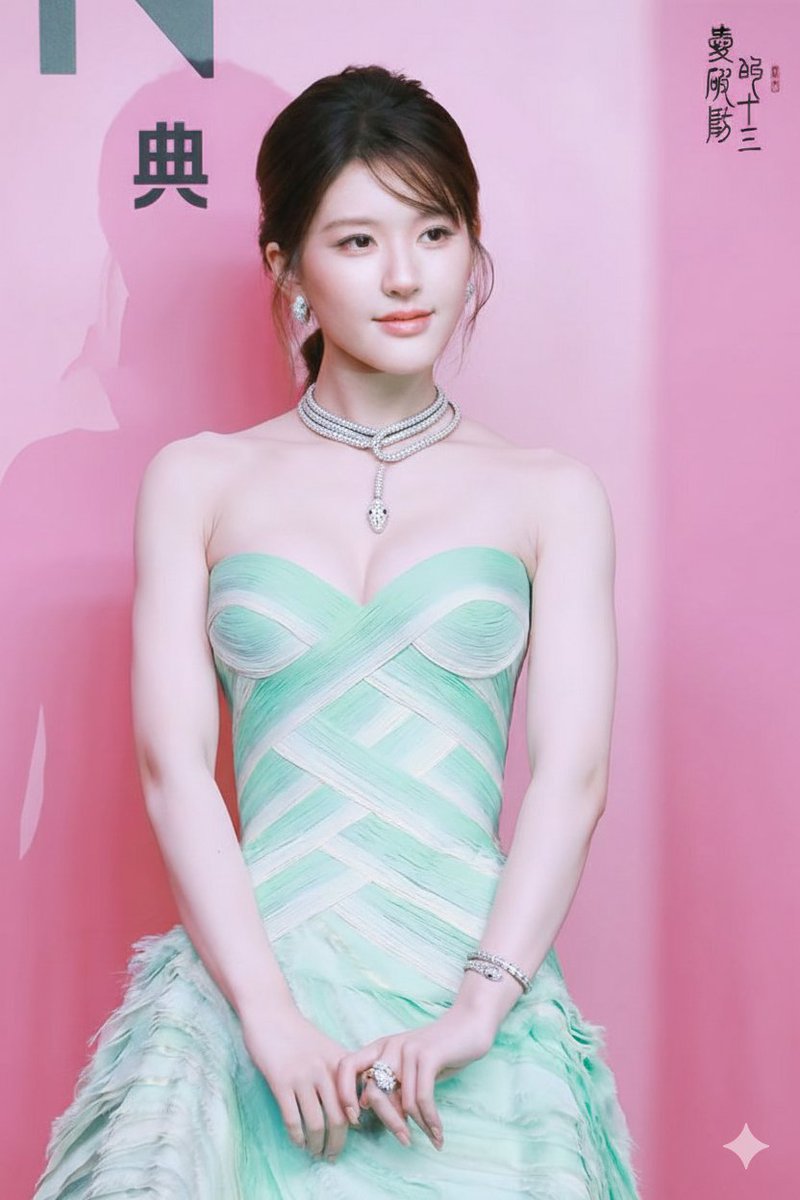
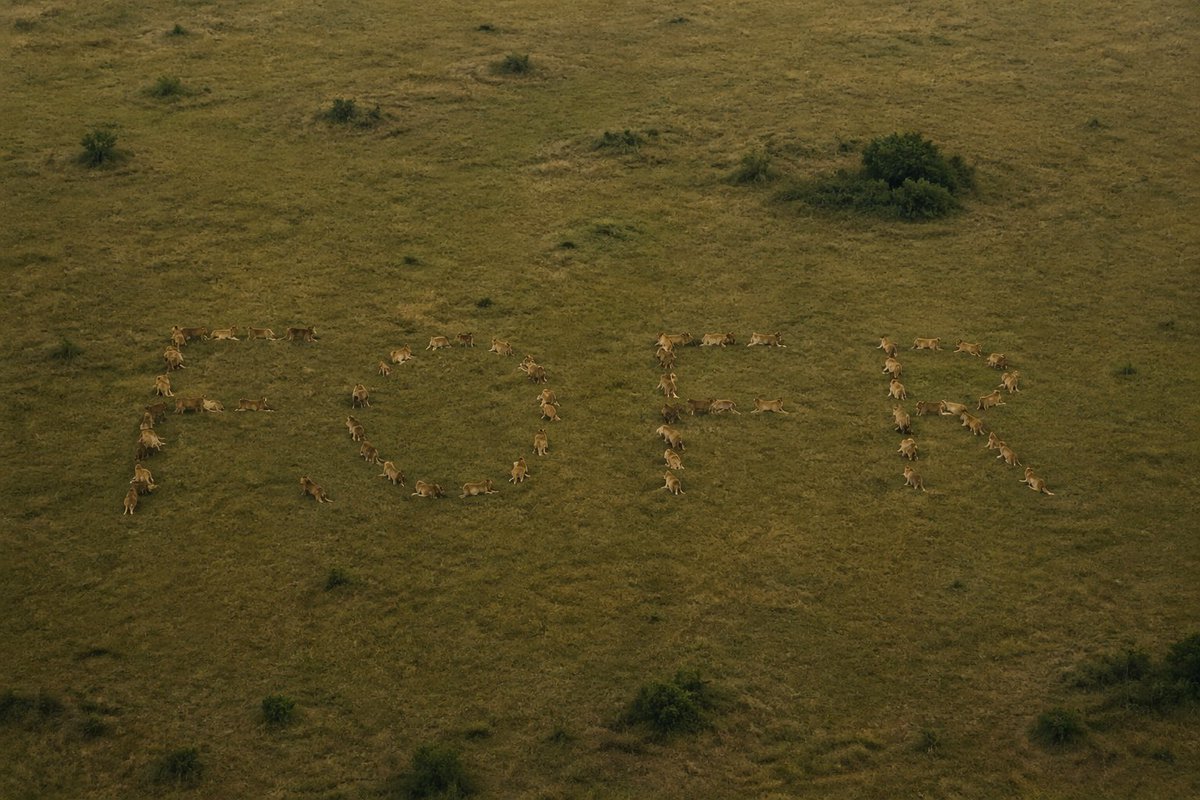
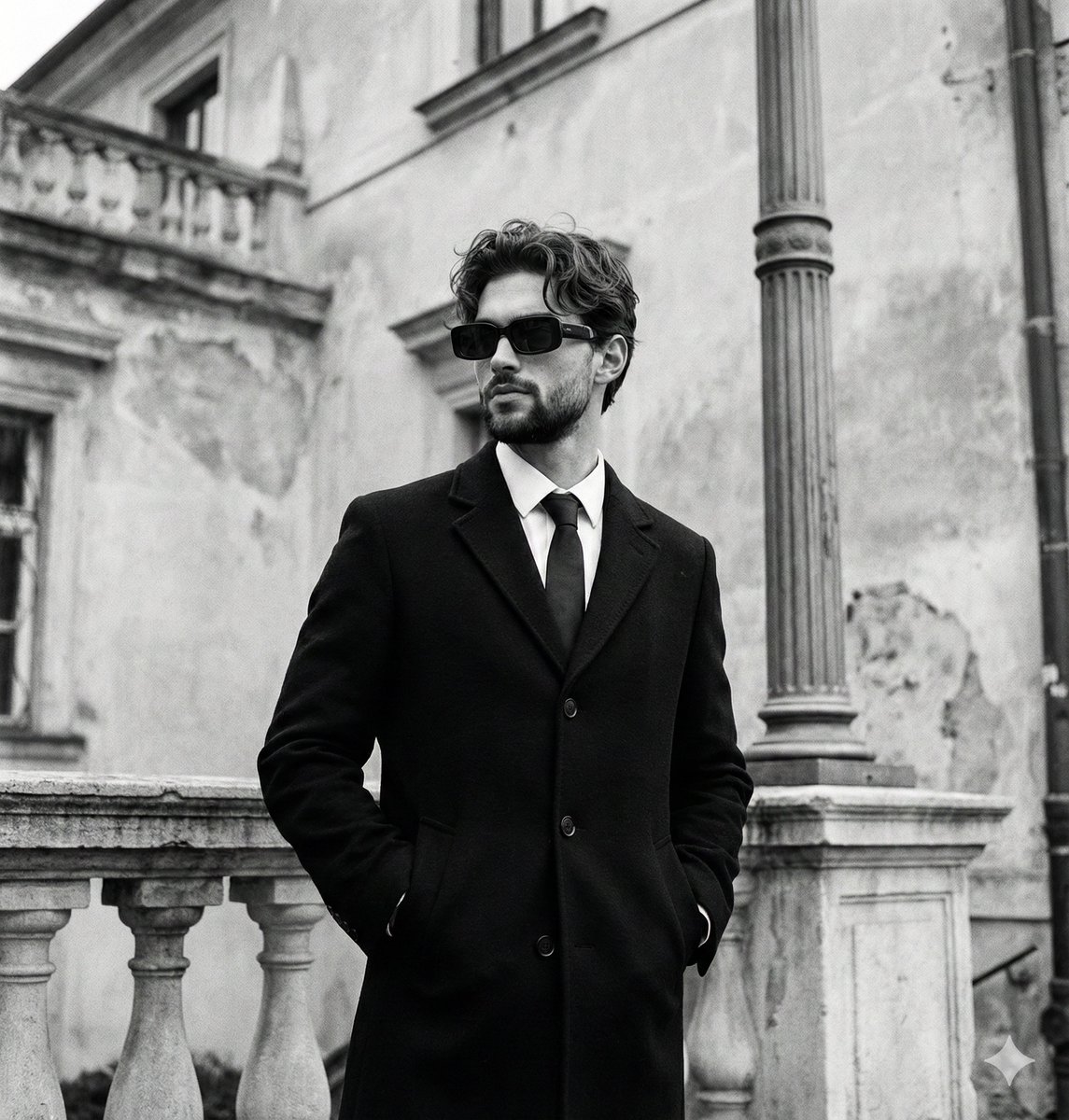
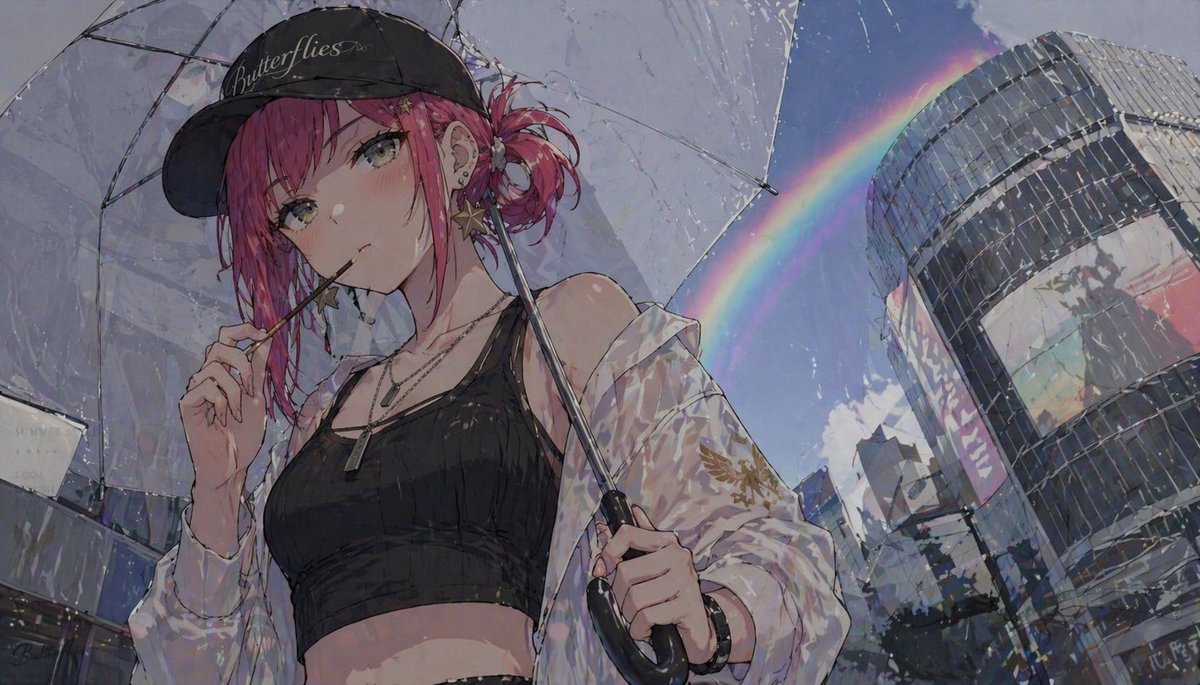
Please turn each photo I upload into a separate, standalone premium design poster. Do not create multi-image collages; each photo should be output individually. Use an overall 3:4 vertical composition, strictly divided into two equal-height sections, with the top and bottom each occupying exactly 50% of the canvas. The upper half should retain the original photograph, preserving the subject’s structure, realistic texture, natural lighting, shadows, and original color atmosphere. Apply only subtle, sophisticated photographic color grading so the image feels like editorial photography from an art magazine, independent publication, or gallery exhibition. To adapt the image to the required aspect ratio, you may naturally extend the sky, ground, or surrounding environment, but do not stretch, distort, or alter the main subject. In the lower half, extract the most recognizable subject, silhouette, pose, and narrative relationship from the photograph, and reinterpret them as a refined miniature 3D paper-craft diorama. Do not mechanically replicate the photograph. Instead, transform the main subject and a limited number of elements that best reinforce its identity and environmental character into handcrafted miniature models made from materials such as paper, cardstock, soft clay, and thin wood pieces. Arrange them naturally on a long, narrow, lightweight floating landscape base. The main subject must remain instantly recognizable, while all other elements should serve only as narrative support. Depending on the original image, you may include plants, roads, water, lamps, vehicles, people, birds, clouds, or other representative everyday details, but every added element must be genuinely relevant to the original theme. Avoid meaningless decorative clutter. Base the composition on one primary subject + one horizontal miniature landscape strip + generous negative space. Adjust height, depth, spacing, density, and left-right visual balance according to the subject’s scale, orientation, and spatial relationships, so the scene feels like a carefully curated miniature art installation. Create depth through scale variation, layered overlap, and small foreground and background elements. The main subject should carry the greatest visual weight, while supporting models remain smaller and visually quieter. Keep the overall composition centered without making it excessively symmetrical, maintaining a light, refined, and calm visual rhythm. Continue using a soft, airy, slightly desaturated premium color palette. Build the main atmosphere with pale powder blue, misty blue, sky blue, and cool airy blues. Balance these with ivory, creamy white, light beige, muted gray-green, sage green, and neutral architectural tones. Use only small touches of dusty rose or muted blush as accents. Colors should feel gentle yet clean, avoiding muddy grays, excessive yellow casts, or candy-like colors. Let subtle variations between different paper layers naturally create spatial separation and depth. Emphasize authentic handcrafted materiality. Visible paper fibers, folded edges, cut marks, layered thickness, slightly rough edges, and tiny handmade imperfections are encouraged. Use soft, natural diffused lighting and delicate shadows to reveal the realistic volume and depth of the miniature models, with the intimate tactile quality of macro photography. Keep the background soft white or extremely pale, with large areas of clean negative space, so the entire lower section feels like a meticulously photographed premium handcrafted travel postcard. Typography should also be integrated into the miniature paper-craft language. Derive a short title from the location, identity of the subject, theme, or emotional tone of the photograph; it does not have to be a city name. Use small, refined lettering with a subtle handwritten quality. Prefer placing the title in the negative space beneath the miniature landscape strip, though it may also gently curve, follow the shape of the base, or interact spatially with the miniature scene when appropriate. Keep the typography minimal, elegant, and restrained. Do not add long explanatory text. The title should feel like an artist’s signature rather than a commercial headline. The overall visual direction should combine the premium qualities of miniature diorama, handcrafted paper art, whimsical 3D illustration, and a premium travel postcard: light, gentle, refined, tactile, and full of everyday life, while maintaining clear design discipline and generous breathing room. Whether the original photograph features a person, animal, plant, architecture, object, vehicle, or natural landscape, preserve a clear and clever visual correspondence between the real photographic world and the handcrafted miniature world. Avoid plastic-looking 3D renders, toy-like aesthetics, children’s craft aesthetics, excessive complexity, overly cute styling, or e-commerce product-display aesthetics.




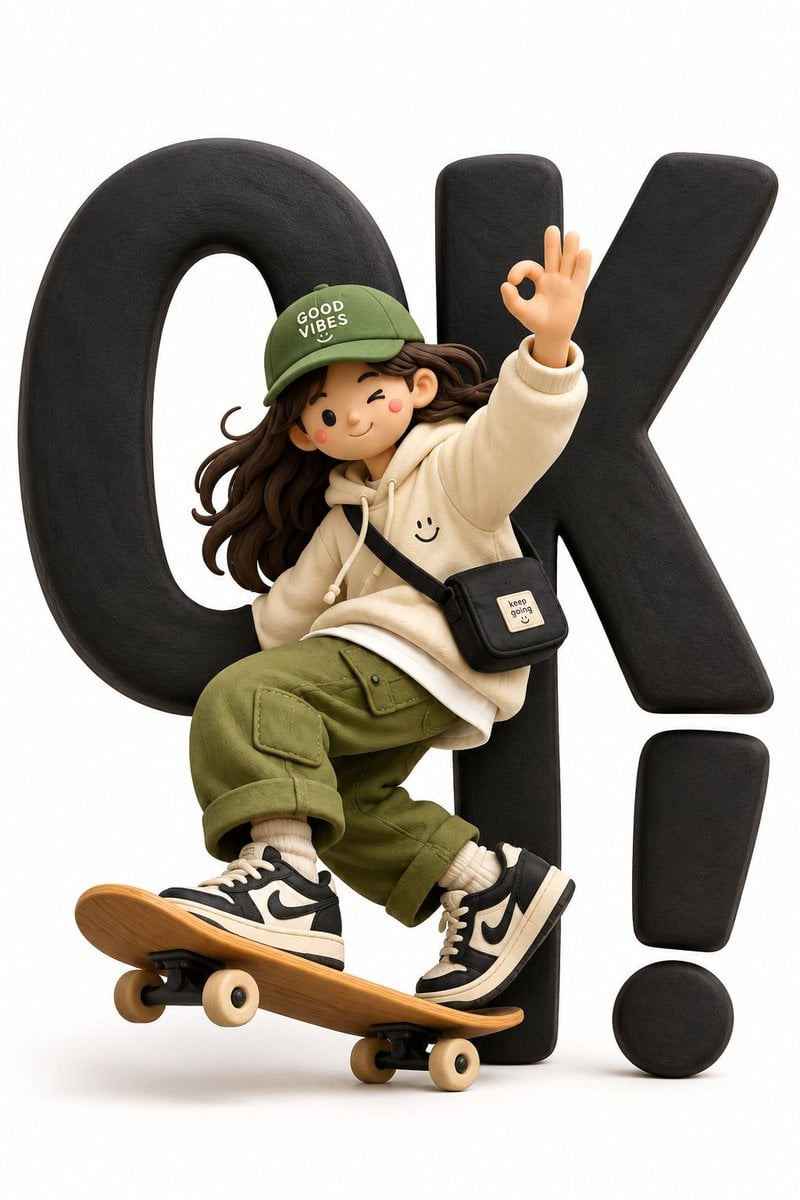
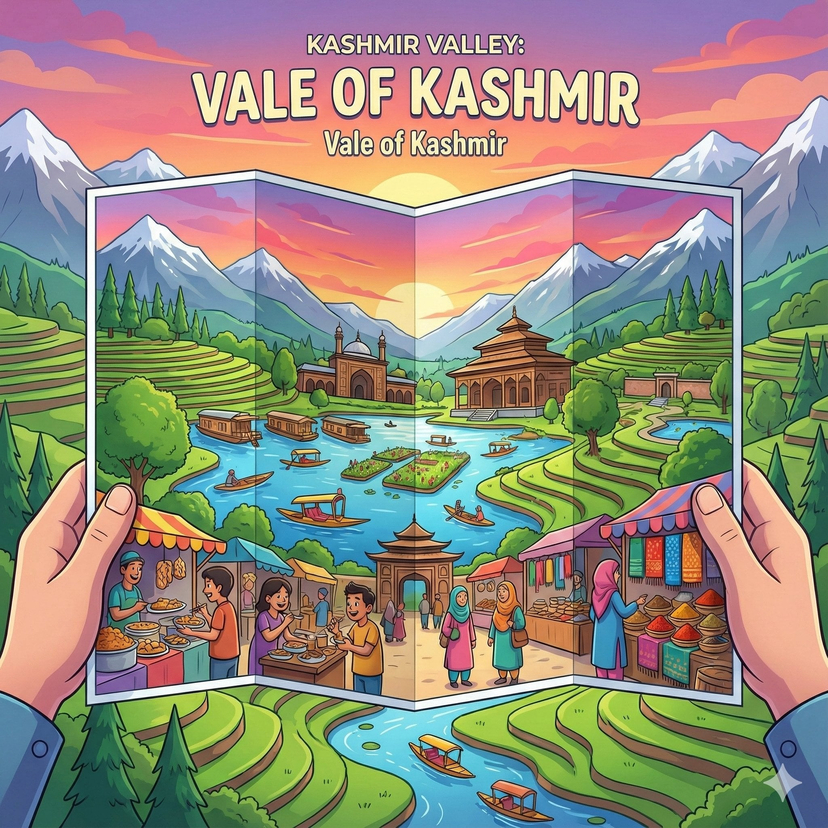


![Origami Manga Paper Craft Style — [scene_material_translation_engine]
vector_g (scene geometry) = "{argument name="scene" default="[in…](https://pbs.twimg.com/media/HH_Z-7qW4AAYVaw.jpg)
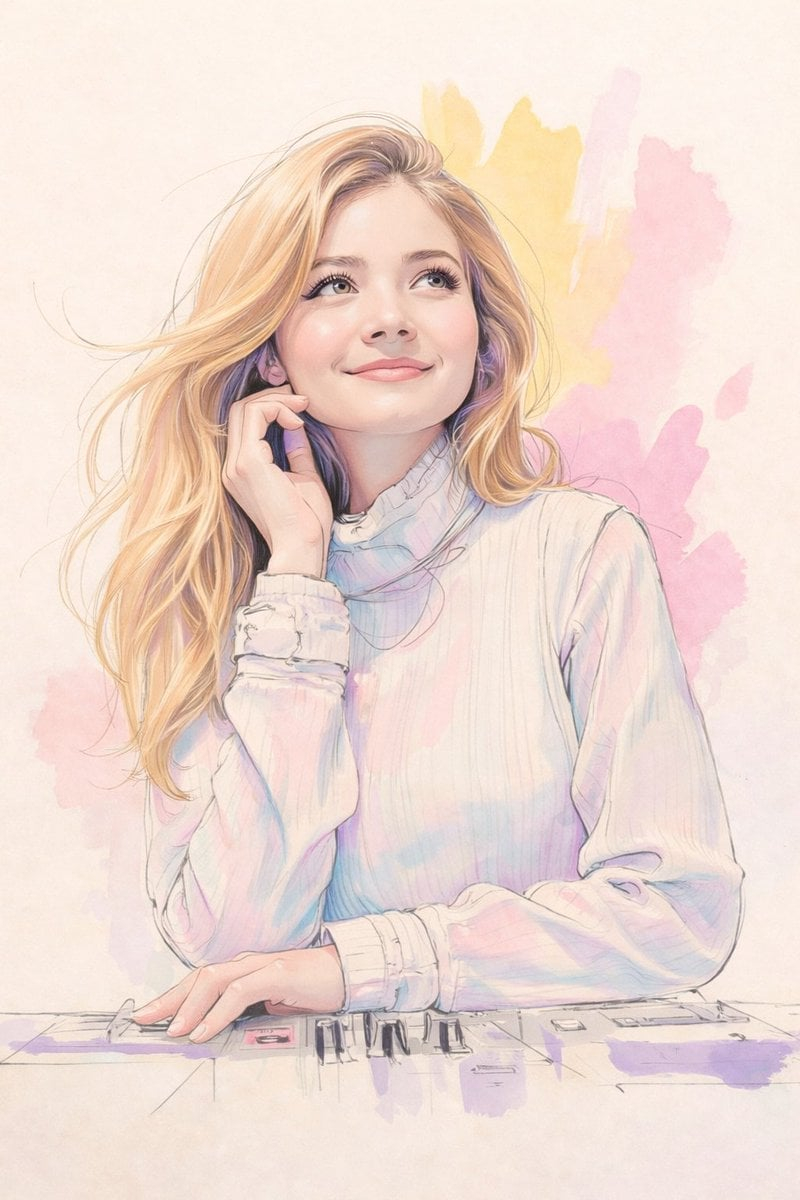
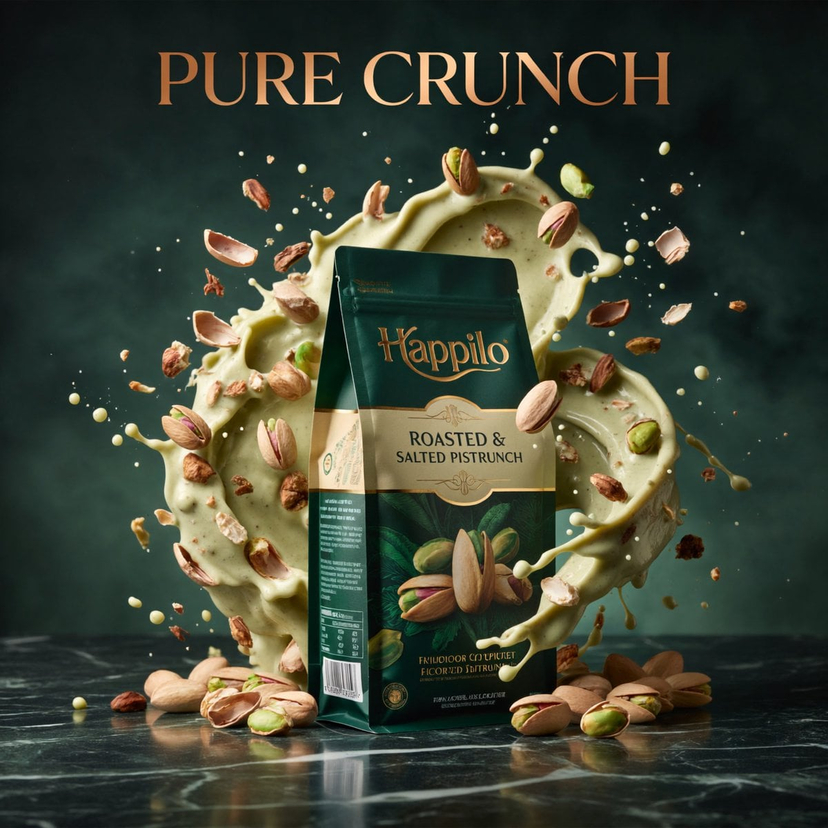
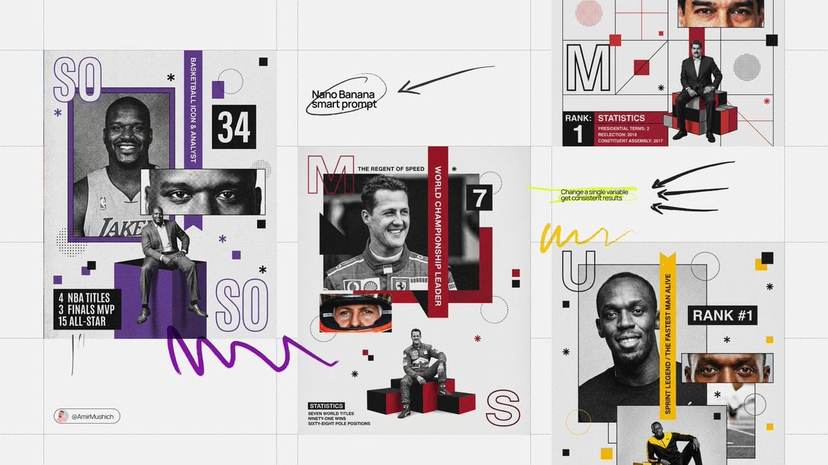
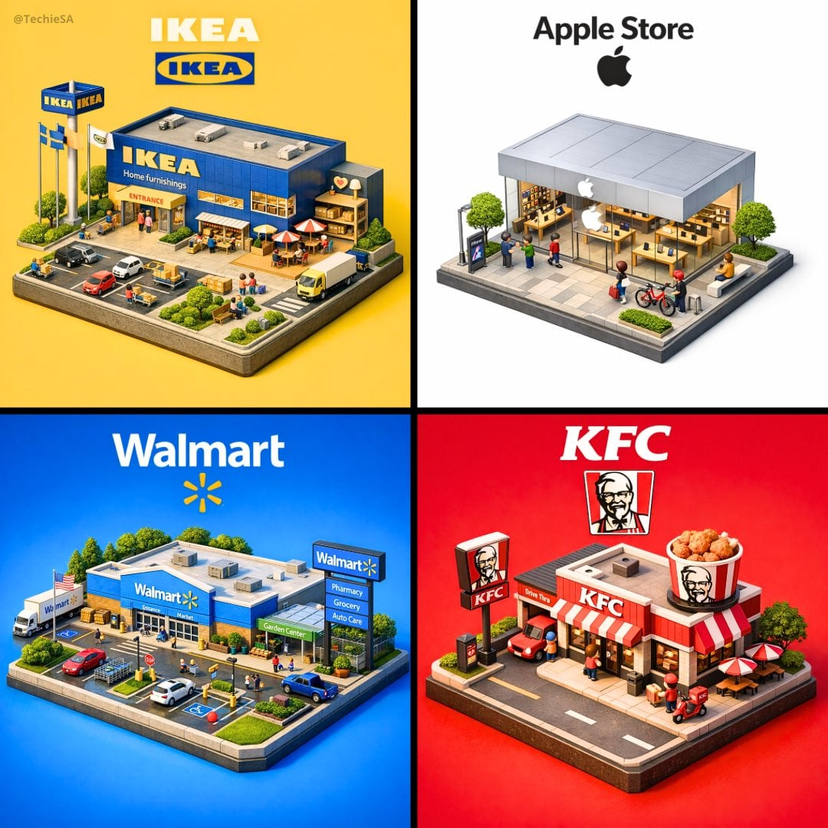

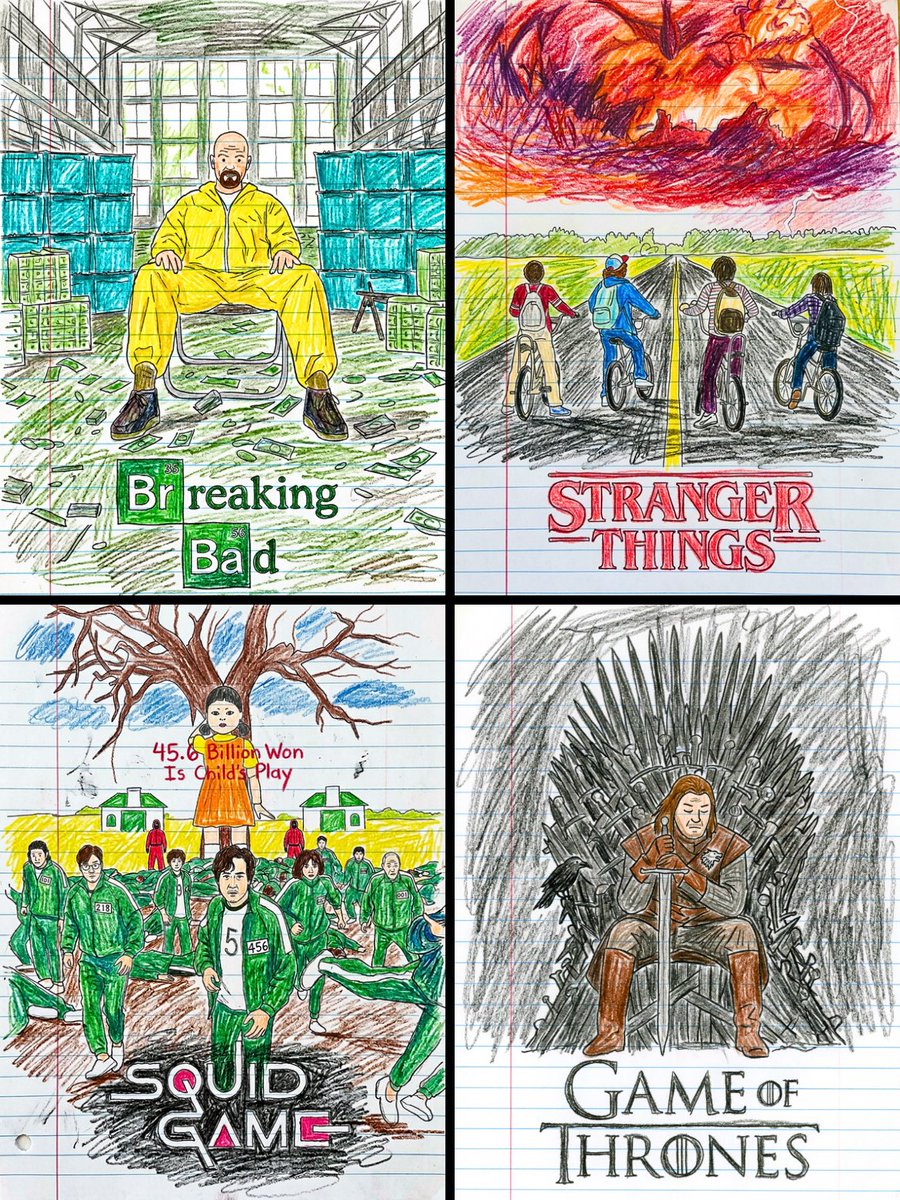
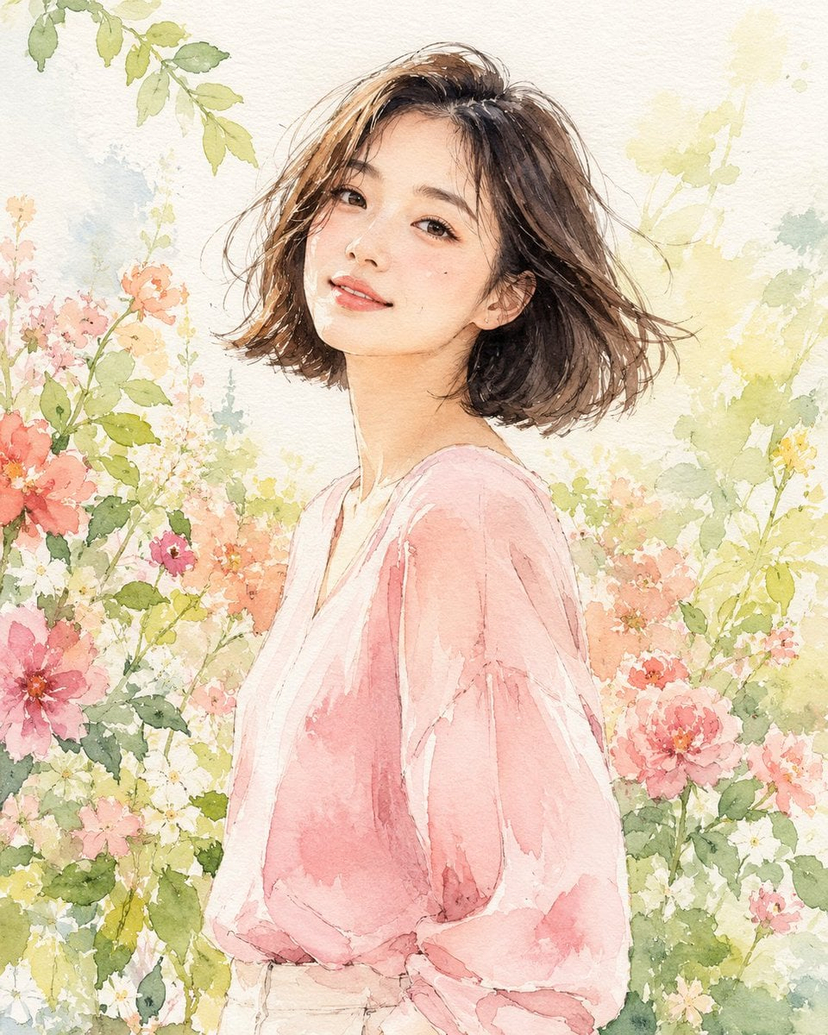

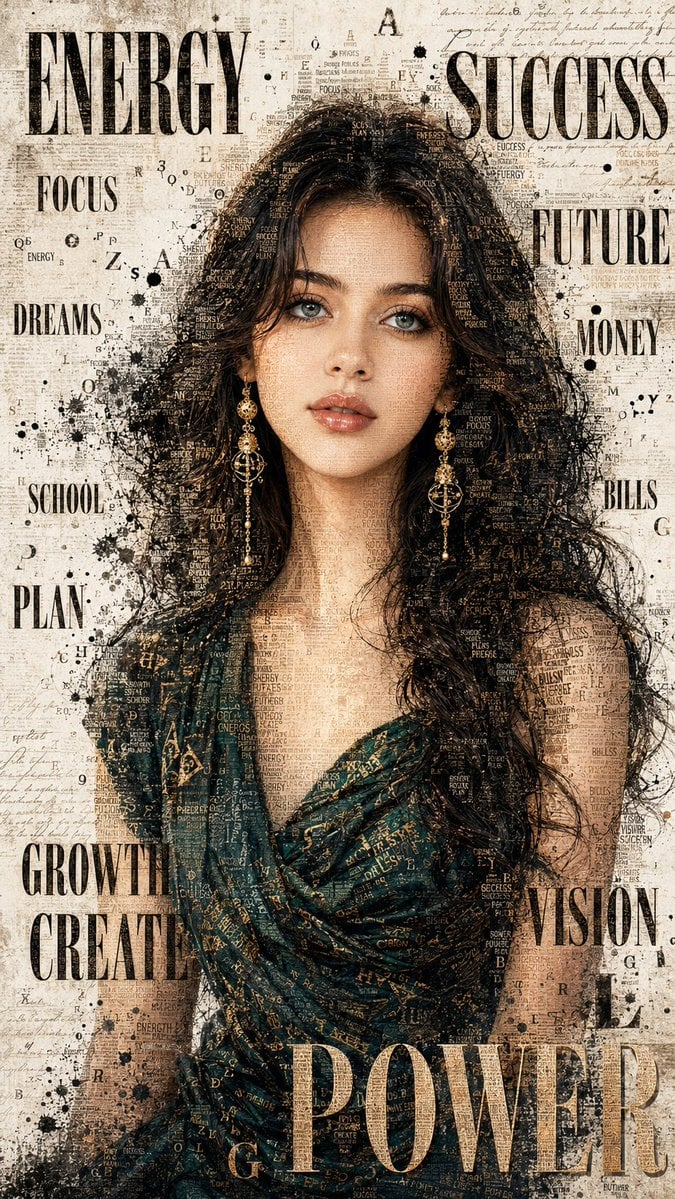
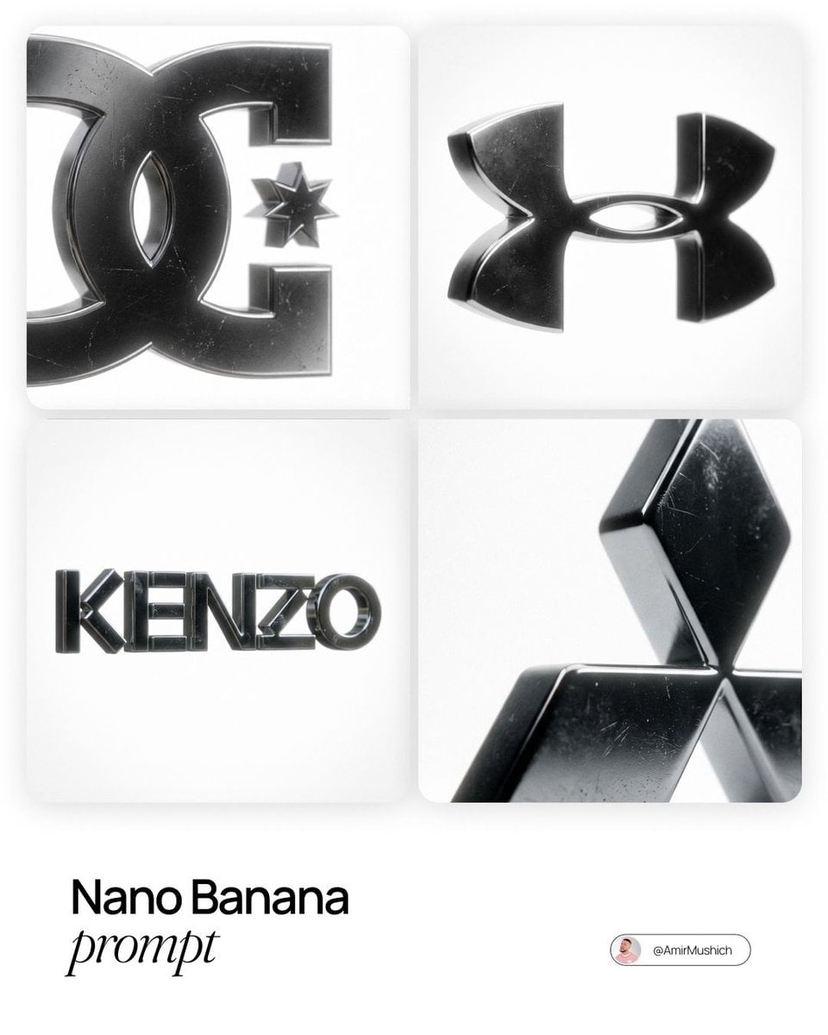
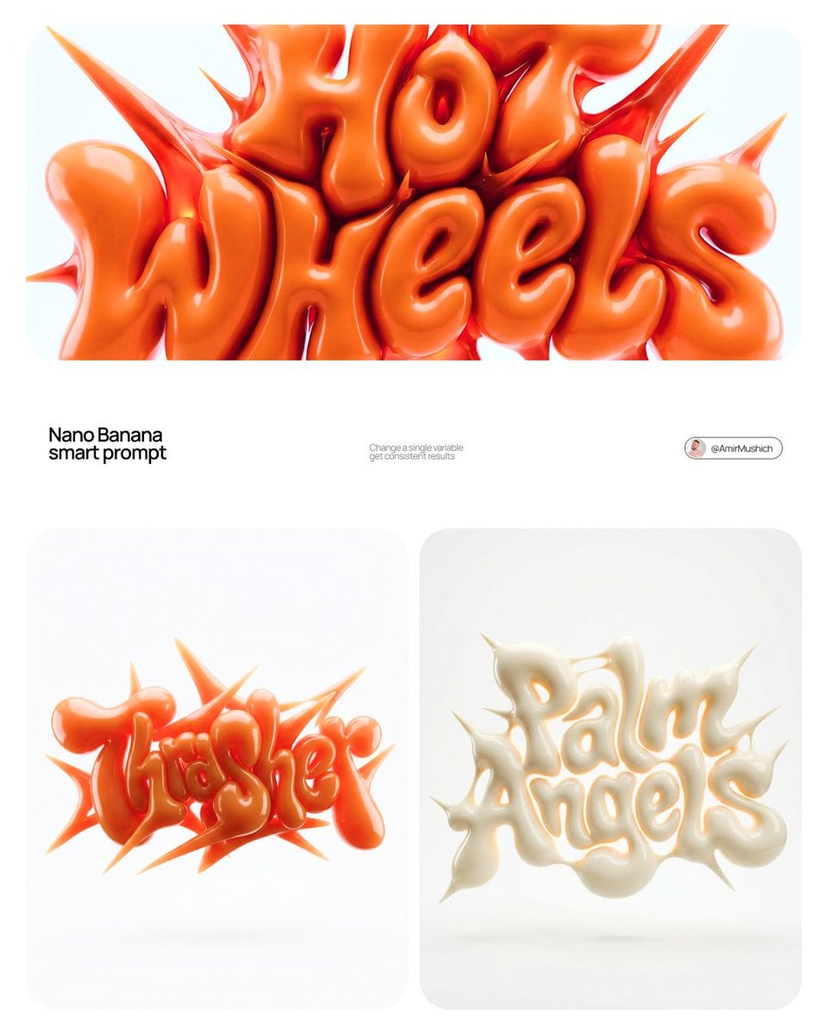
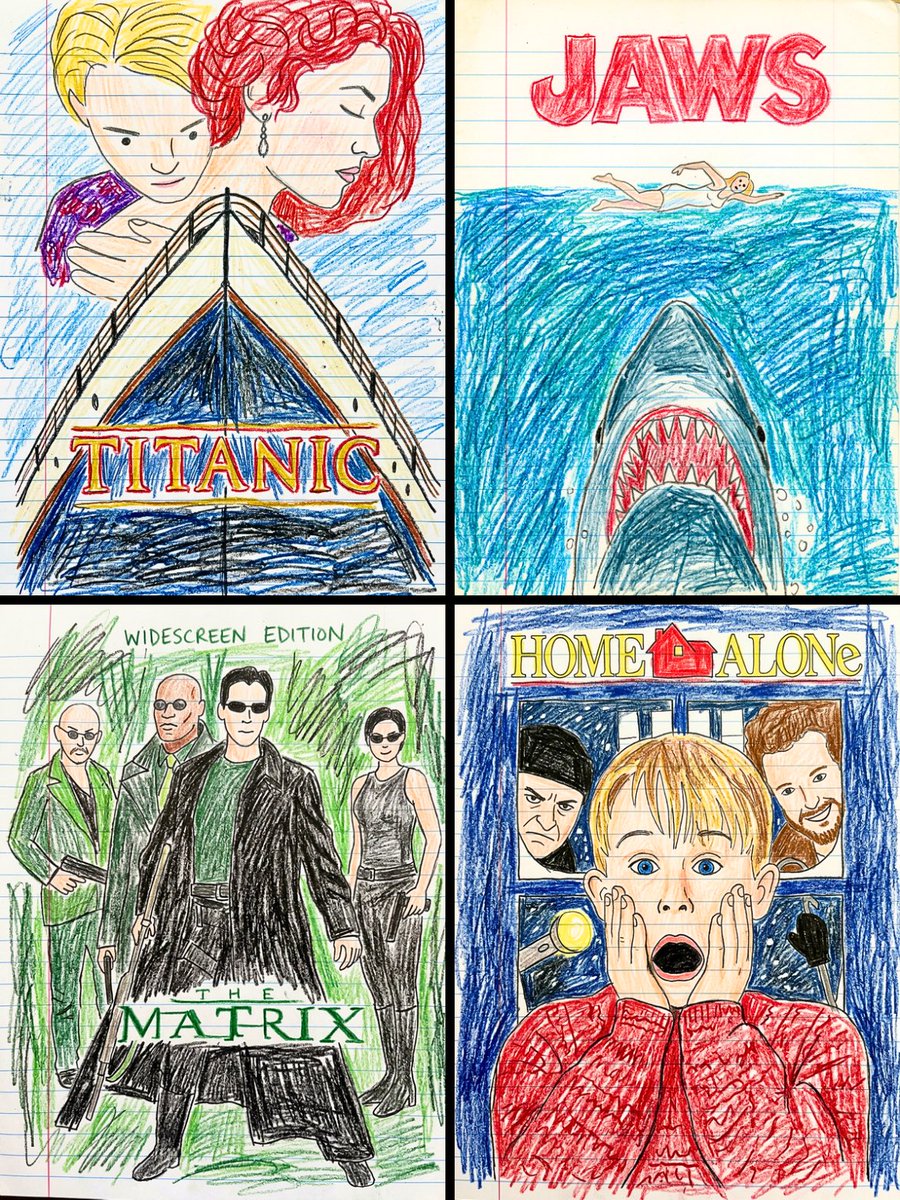
![Naive doodle-style subject illustration — A doodle-style {argument name="subject" default="[subject]"}, naive lines, humorous shape exaggeration](https://pbs.twimg.com/media/G6Wl2YxbsAARB2b.jpg)












![Two-Step Tier List Generation Prompt — Make a json of a tier list (S-F scale) for: {argument name="category" default="[*insert-here*]"}
Now generate image with](https://pbs.twimg.com/media/G7qb77fXEAEYJwB.jpg)