How do I use the Sci-Fi Anime Character Select UI template?
Edit the prompt in the box under the preview — the template's model and format are already selected — and press Generate. Your version appears right on this page.
A polished futuristic game menu showing six anime-inspired cosplay character cards, ideal for generating high-information-density UI showcase images.

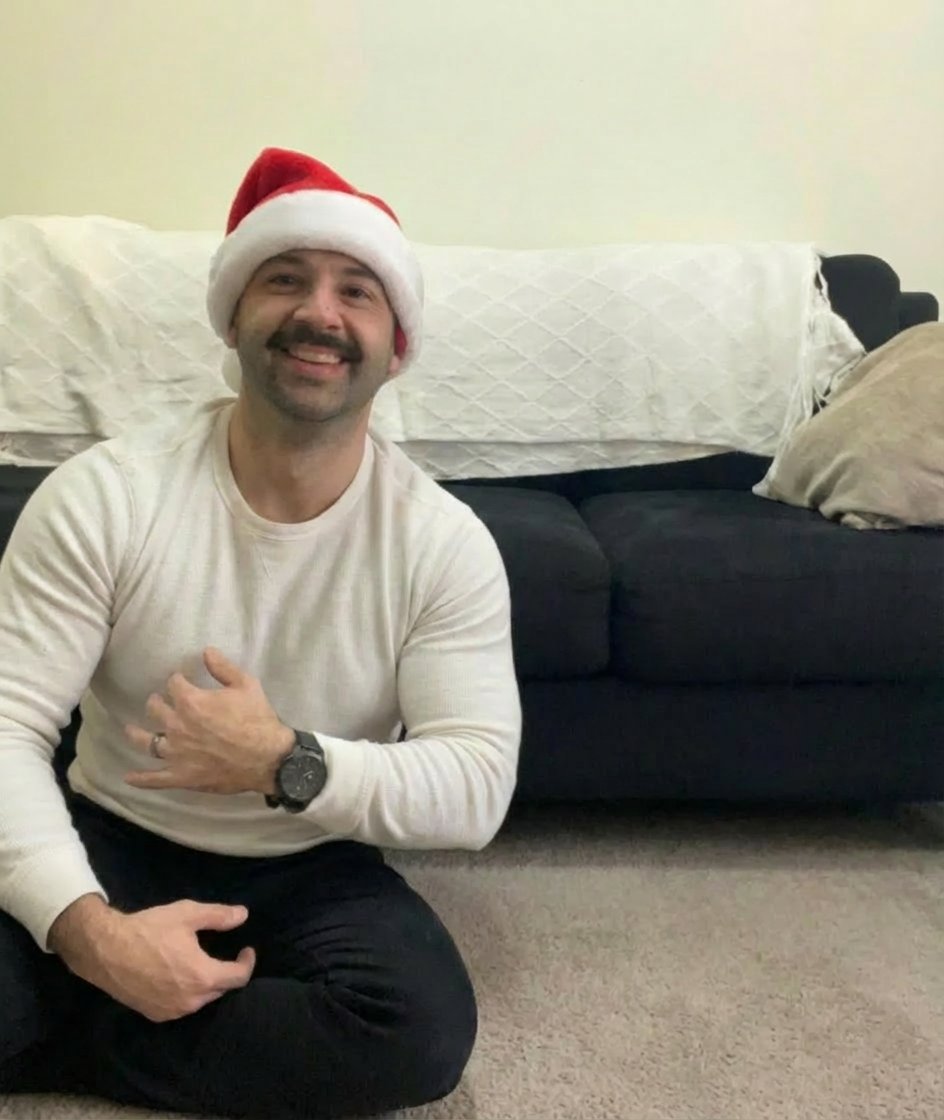
This template uses your photo — add one with the + button.
{"type":"futuristic game character selection screen","theme":"sleek sci-fi neon HUD interface with anime cosplay portraits","screen":{"title":"SELECT YOUR CHARACTER","aspect_ratio":"16:9","background":"dark blue-black high-tech interface with glowing circuitry lines, metallic frame details, subtle particles, and a premium esports game menu feel"},"top_bar":{"left":{"player_label":"PLAYER 1","level_text":"LV.99","avatar":"small circular player avatar","progress_bar":"blue glowing status bar"},"right":{"icons_count":3,"icons":["trophy","settings gear","return arrow"]}},"character_grid":{"count":6,"selected_index":3,"cards":[{"index":"01","name_jp":"竈門 禰豆子","name_en":"NEZUKO KAMADO","color_theme":"pink-magenta","portrait":"young woman in Nezuko-inspired cosplay, long dark wavy hair with a pink ribbon, pink kimono pattern visible under a dark haori, one arm reaching forward"},{"index":"02","name_jp":"胡蝶 しのぶ","name_en":"SHINOBU KOCHO","color_theme":"purple","portrait":"young woman in Shinobu-inspired cosplay, dark hair with purple butterfly hair accessory, black Demon Slayer uniform, holding a katana diagonally"},{"index":"03","name_jp":"月野 うさぎ","name_en":"USAGI TSUKINO","color_theme":"gold-orange","portrait":"young woman in Sailor Moon-inspired cosplay, long blonde twin tails in odango buns, sailor uniform with white bodice, blue skirt, large red bow, hand raised in a salute pose","selected":true},{"index":"04","name_jp":"綾波 レイ","name_en":"REI AYANAMI","color_theme":"cyan-blue","portrait":"young woman in Rei-inspired cosplay, short light blue bob haircut, glossy white futuristic plugsuit with black and green accents, one hand near the headset area"},{"index":"05","name_jp":"式波・アスカ・ラングレー","name_en":"ASUKA SHIKINAMI","color_theme":"red-orange","portrait":"young woman in Asuka-inspired cosplay, long auburn twin tails, glossy red plugsuit, confident hand-on-hip pose"},{"index":"06","name_jp":"遠坂 凛","name_en":"RIN TOHSAKA","color_theme":"red","portrait":"young woman in Rin-inspired cosplay, long black twin-tail hairstyle, red sleeveless top with black tie detail and dark skirt, hand near face"}]},"bottom_ui":{"left_panel":{"title":"CHARACTERS","value":"6/6","icons_count":6,"icons":["pink flower crest","purple butterfly crest","gold crescent moon crest","blue diamond crest","red spear-like crest","red starburst crest"]},"center_button":{"text":"CONFIRM","style":"large glowing gold beveled button"},"right_panel":{"stats_count":4,"stats":[{"label":"ATTACK","value":95,"bar_color":"red"},{"label":"DEFENSE","value":88,"bar_color":"pink-red"},{"label":"SPEED","value":92,"bar_color":"yellow"},{"label":"SUPPORT","value":90,"bar_color":"green"}]}} ,"style":"ultra-detailed polished game UI mockup, realistic cosplay photography inside each card, strong rim lighting, glossy materials, crisp typography, symmetrical layout, high contrast neon edge glow, premium AAA character select menu","quality":"sharp, cinematic, highly legible, high information density"}
Edit the prompt in the box under the preview — the template's model and format are already selected — and press Generate. Your version appears right on this page.
Yes. You can change the subject, setting, lighting, mood, format, and available model controls before creating your image.
Opening and editing this template is free. Generating uses credits, shown on the Generate button when you are signed in.
Start with GPT Image 2, which is the model associated with this template. You can compare another compatible model for a different finish.
Follow a topic to a crawlable collection of related PicX Studio templates.