How do I use the Stylish Man in Grunge Collage Background template?
Choose the primary action to open PicX Studio with the available template settings. Review the model and format, personalize the creative direction, and generate when ready.
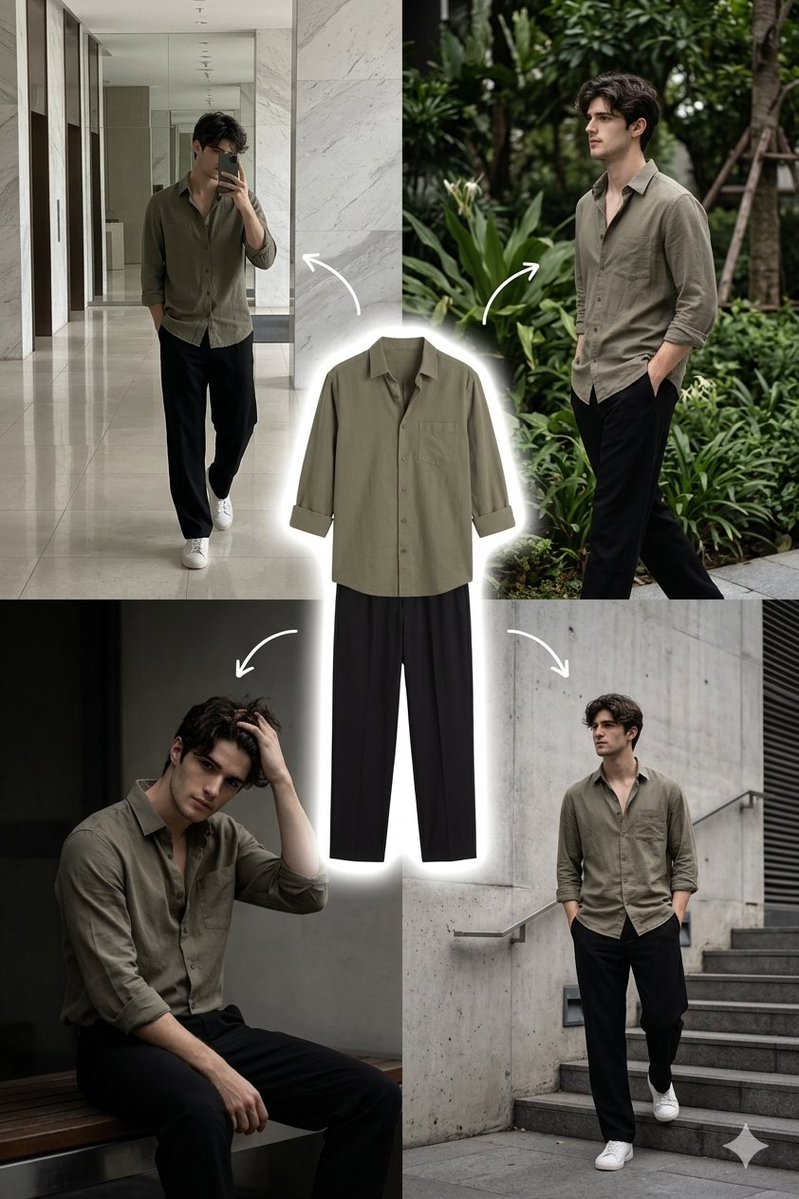
A prompt for a stylized portrait of a man against an artistic collage background with elements like police cars and Pegasus, featuring a dark grunge mood. Change the subject, setting, or lighting one variable at a time.
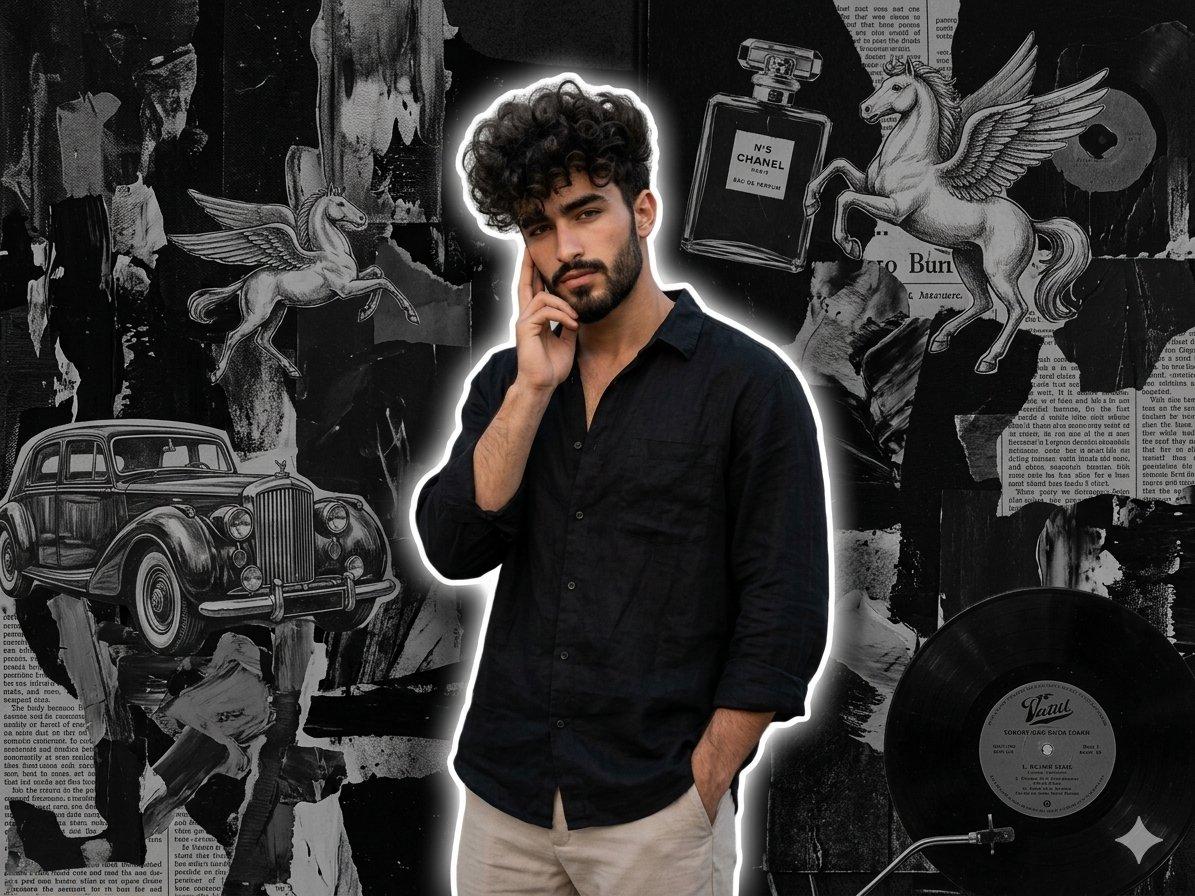
Use reference photo to create A stylish young man posing with one hand on his face and the other in his pocket, wearing a {argument name="outfit" default="loose black shirt and light beige pants"}. He has voluminous curly hair and is standing against an {argument name="background" default="artistic black-and-gray collage background"}. The collage includes elements like a {argument name="collage elements" default="police car, flying horse (Pegasus), perfume bottle, newspaper text, record label, and abstract paint textures"}.Aesthetic dark grunge mood with soft white outline glow around the person, realistic lighting
Choose the primary action to open PicX Studio with the available template settings. Review the model and format, personalize the creative direction, and generate when ready.
Yes. You can change the subject, setting, lighting, mood, format, and available model controls before creating your image.
This template is free to open and customize. Generation usage is shown in PicX Studio before you create.
Start with GPT Image 2, which is the model associated with this template. You can compare another compatible model for a different finish.
Follow a topic to a crawlable collection of related PicX Studio templates.
43,474 public templates available. Verified via the PicX Studio public templates API; refreshed hourly.










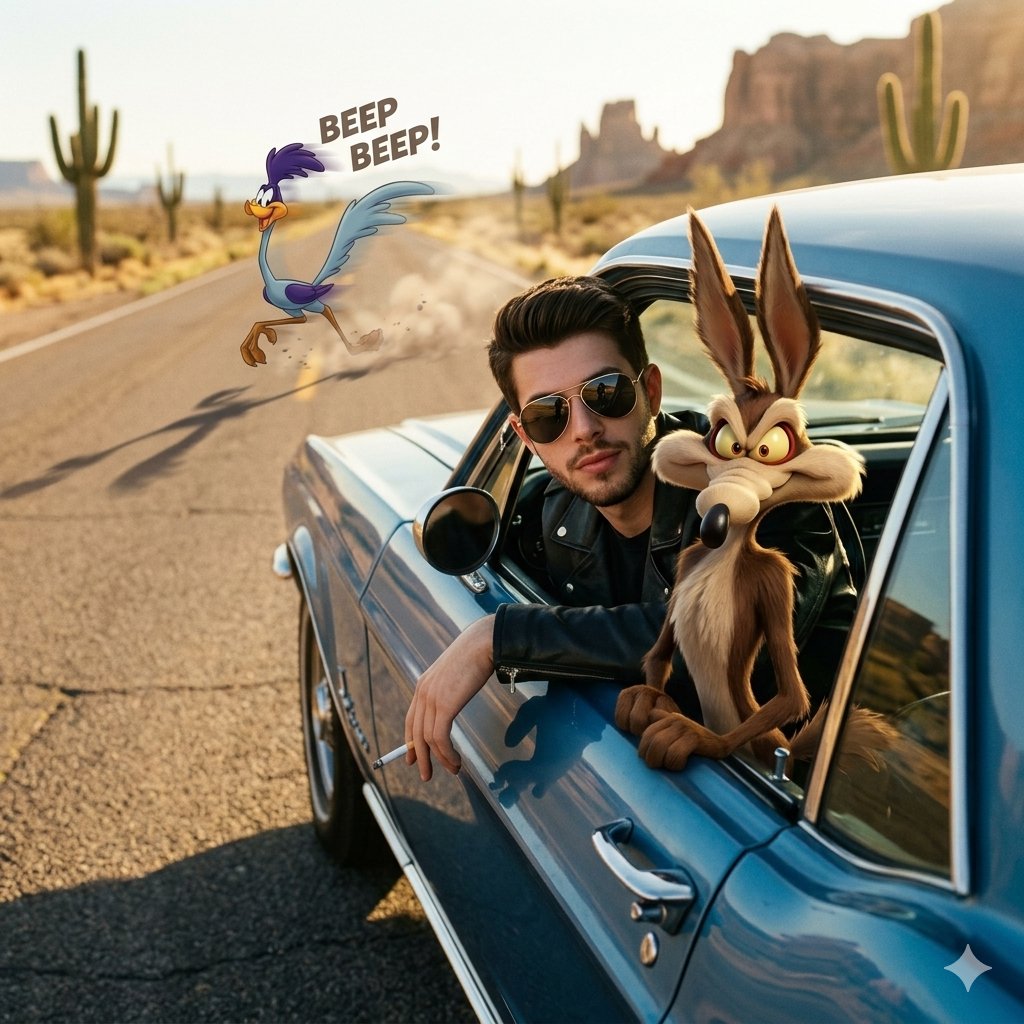

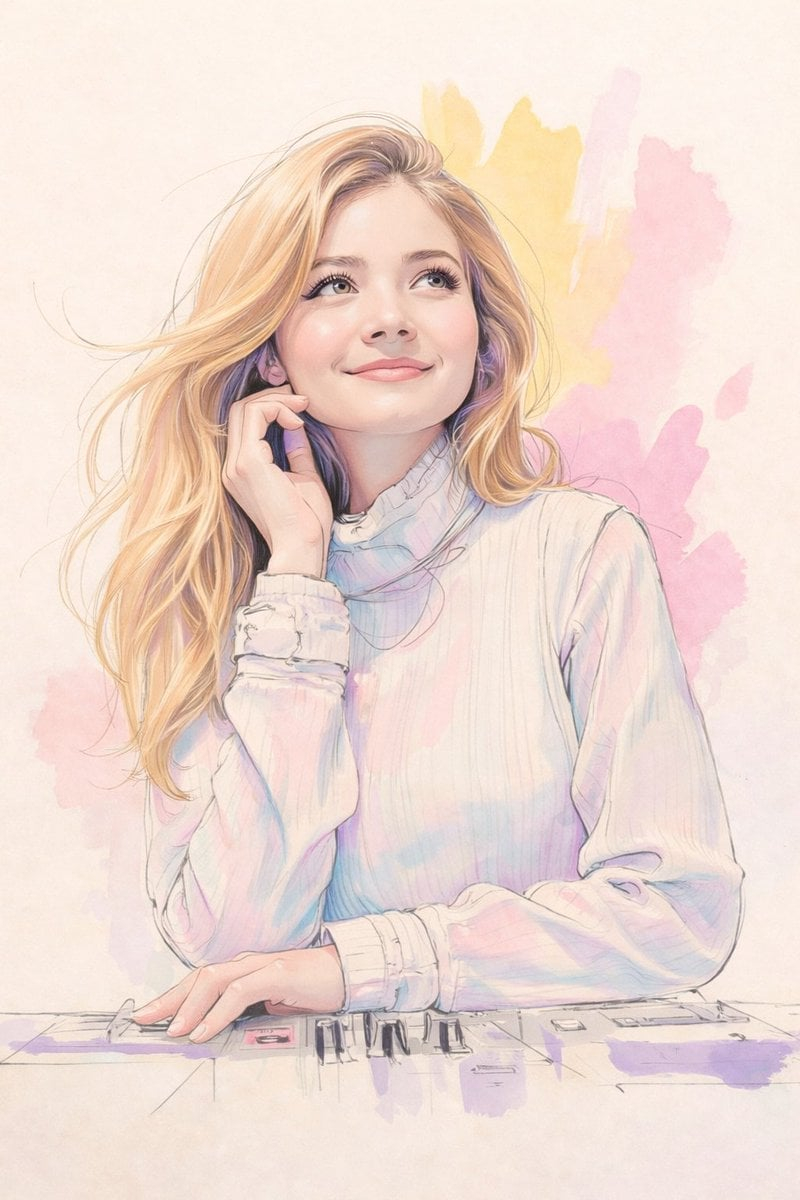


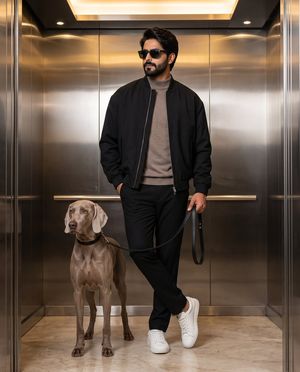
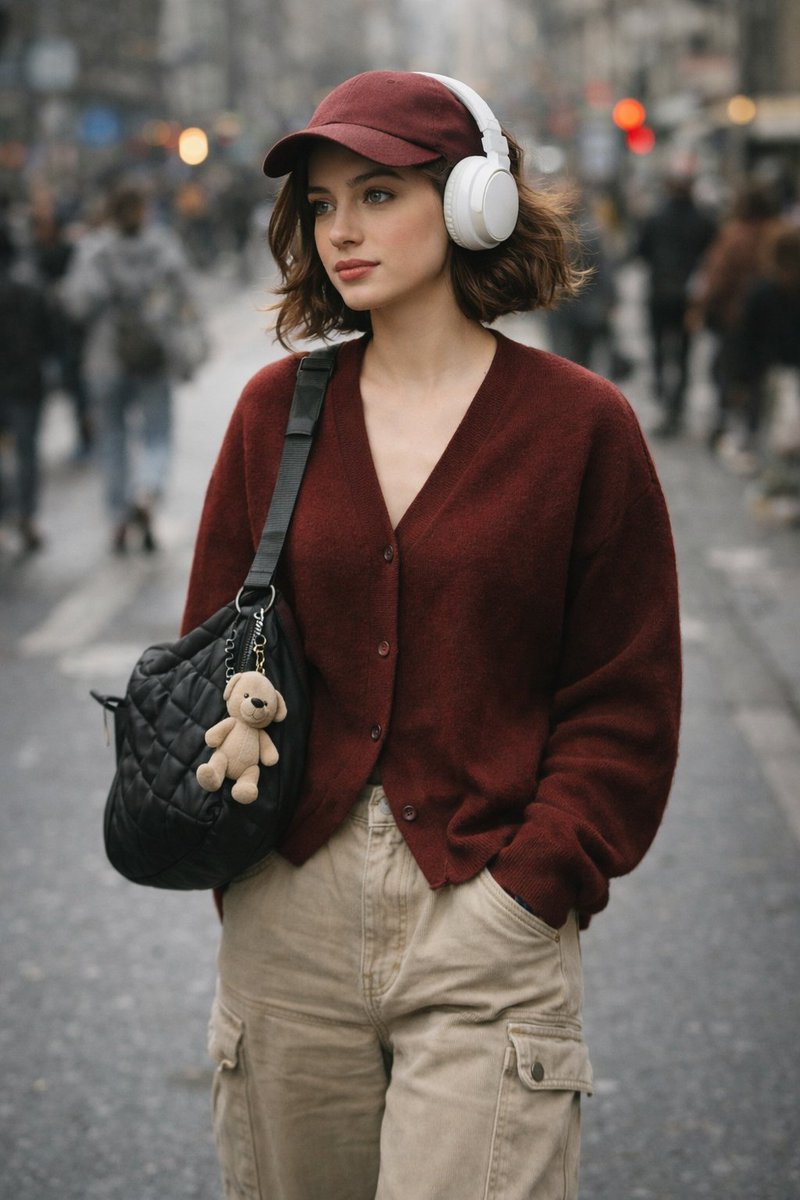




![Minimalist Flat Vector Travel Poster — Premium minimalist flat-vector travel poster for {argument name="city name" default="[CITY_NAME]"}, 3:4 vertical format.](https://cms-assets.youmind.com/media/1787917359711_3ug846_HQX205cbMAA6F6S-300x400.jpg)































![Minimal Isometric 3D Perspective — Depict {argument name="subject" default="[SUBJECT]"} in a minimal isometric perspective, using simpl…](https://pbs.twimg.com/media/G_lzOGra4AAwrk4.jpg)