How do I use the Candid Beach Portrait in Golden Hour template?
Choose the primary action to open PicX Studio with the available template settings. Review the model and format, personalize the creative direction, and generate when ready.
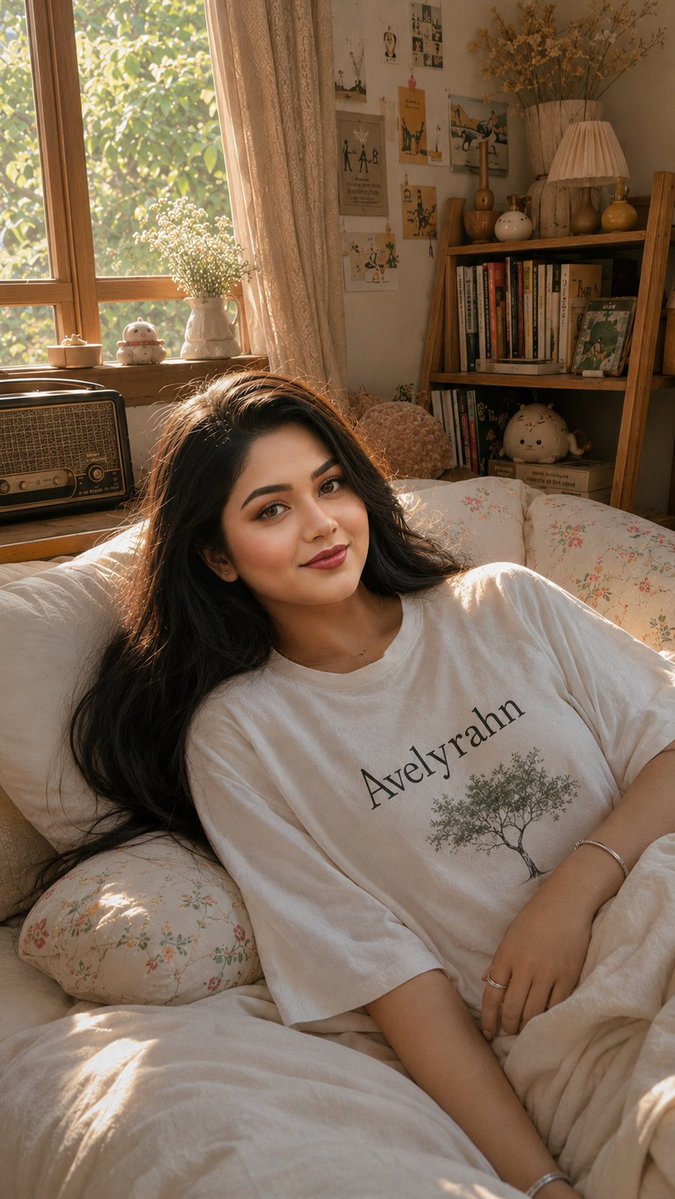
A highly detailed JSON prompt for generating a candid, photorealistic beach portrait of a young woman in a neon yellow bikini, posed prone on a towel, with the camera focused on her face and body. The scene is set during the late afternoon golden hour against a sandstone cliff, emphasizing high contrast and realistic textures. (free to use) — Free AI image template on PicX Studio.
{ "subject": { "desc": "Young woman, platinum blonde shoulder-length straight hair with dark roots, fair warm sun-kissed skin, blue eyes, refined nose, full lips with brownish-red lipstick", "physique": "Fit curvy, prominent rounded glutes, natural full bust with side profile volume", "outfit": "Neon yellow ribbed bandeau bikini top, black string thong bottoms with side ties", "accessories": "Thin gold ring on left ring finger, bright red manicure", "fidelity": "Preserve exact proportions, full glute/bust volume (no flattening beyond pose compression), natural skin pores/imperfections" }, "pose": { "type": "Prone on towel, propped on forearms/elbows", "orientation": "Head turned sharply over left shoulder direct to camera, torso slightly arched, hips pivoted with glutes raised, legs extended back", "details": "Left hand near right collarbone, relaxed fingers, chin near shoulder, soft smile, engaging direct gaze" }, "environment": { "setting": "Sandy beach at base of steep eroded beige/tan sandstone cliff", "foreground": "White towel with dark blue/black patterns scattered with sand grains", "background": "Cliff with sparse green scrub, residential houses with windows/roofs at top, clear blue sky" }, "camera": { "shot": "Medium side-rear view facing subject's face, vertical 3:4", "angle": "Eye-level low ground", "perspective": "Slight torso foreshortening, centered subject lower 2/3 frame", "focus": "Sharp on face/body, slight DOF roll-off on distant cliff/houses" }, "lighting": "Late afternoon golden hour direct sunlight from left (subject's front-left), warm hard light, defined shadows right side, distinct highlights on hair/skin, high contrast", "mood": "Relaxed alluring confident vacation vibe, soft smile, calm direct gaze", "style": "Candid photorealistic high-res lifestyle photography, raw 8k quality, tangible textures (towel/sand/skin/ribbed fabric/hair)", "colors": "Warm earth tones, vibrant neon orange/red/black, blue sky, natural vibrant saturation, high sunlight contrast", "quality": "High-def sharp details, realistic skin pores/sand grains/fabric ribbing/hair strands", "negative_prompt": "reduced/flattened curves/bust/glutes, slimmed torso/hips, proportion averaging, plastic/airbrushed skin, beautification, stylization, standing pose, facing away, wide distortion, mirror/phone selfies" }
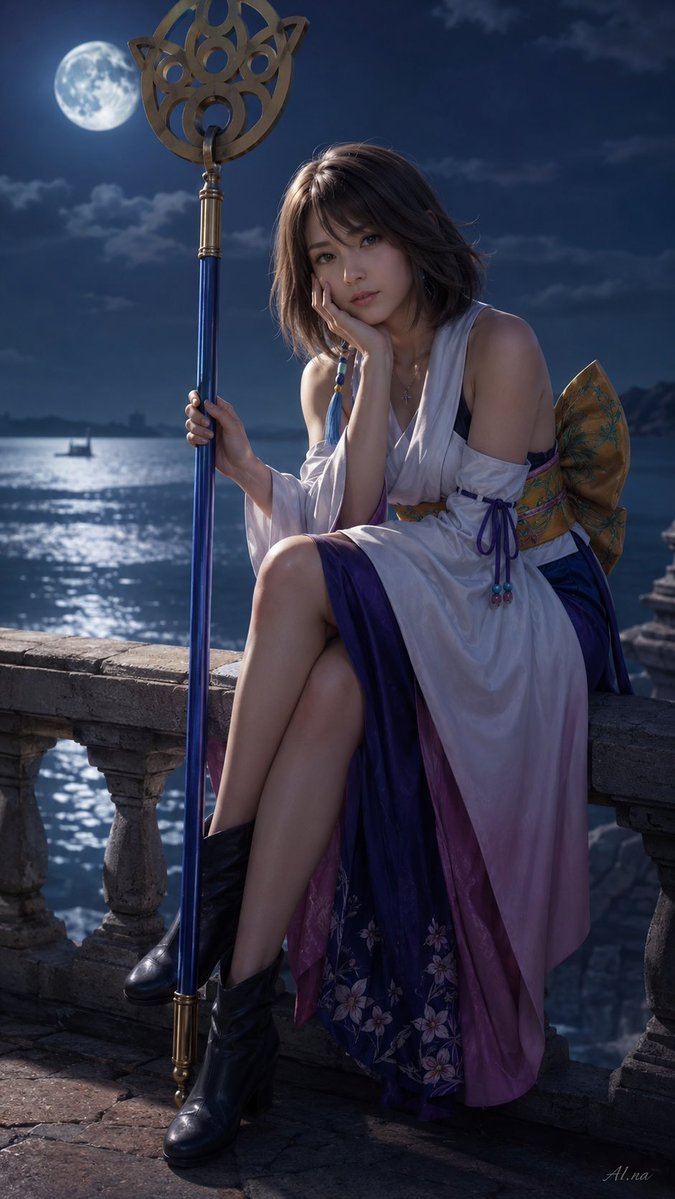
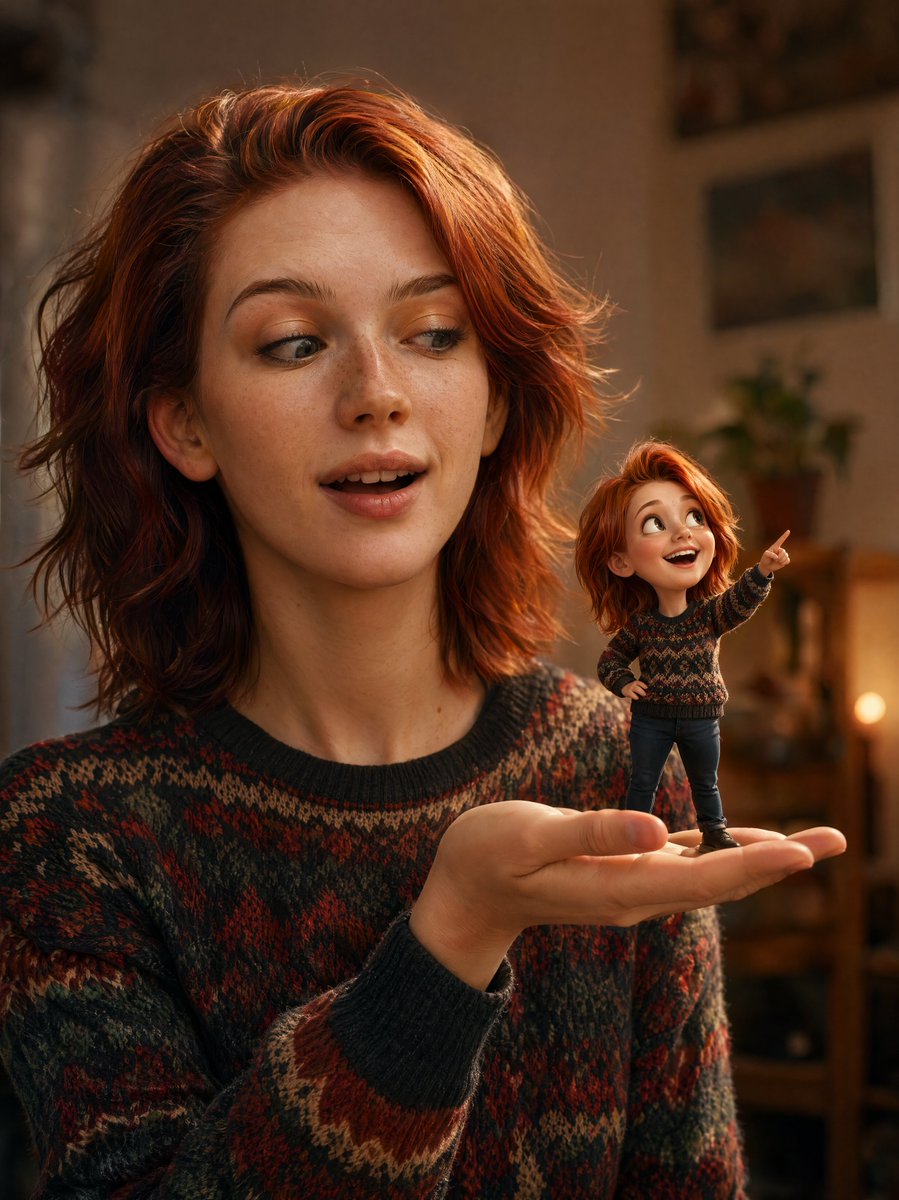
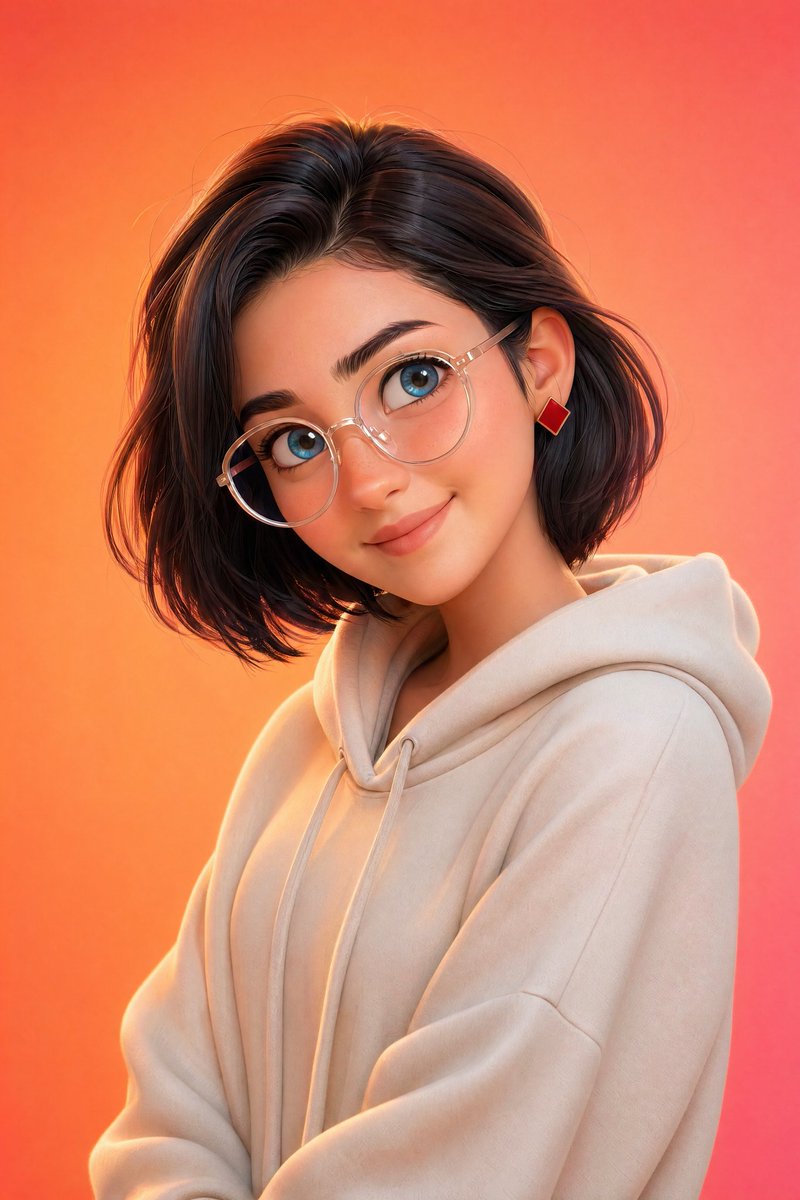
Use Candid Beach Portrait in Golden Hour to plan an AI image around nano-banana-2 generation. Match the preview's composition first, then personalize the subject, setting, and mood for your own project.
Use the primary action to load the template settings in PicX Studio.
Adjust the subject and creative details for your destination.
Create the image, compare the result with the preview, and refine one variable at a time.
A continuous mix — similar concepts first, woven with same-model prompts and fresh picks from the catalog.
Choose the primary action to open PicX Studio with the available template settings. Review the model and format, personalize the creative direction, and generate when ready.
Yes. You can change the subject, setting, lighting, mood, format, and available model controls before creating your image.
This template is free to open and customize. Generation usage is shown in PicX Studio before you create.
Start with nano-banana-2, which is the model associated with this template. You can compare another compatible model for a different finish.
Follow a topic to a crawlable collection of related PicX Studio templates.
39,155 public templates available. Verified via the PicX Studio public templates API; refreshed hourly.
A continuous mix — similar concepts first, woven with same-model prompts and fresh picks from the catalog.