
Nano Banana 2 prompt for creating figures and 3D models
A detailed prompt template for Nano Banana 2 designed to render an input character image as a high-end PVC figure and a 3D model render, focusing on product photography quality, texture, and technical details.
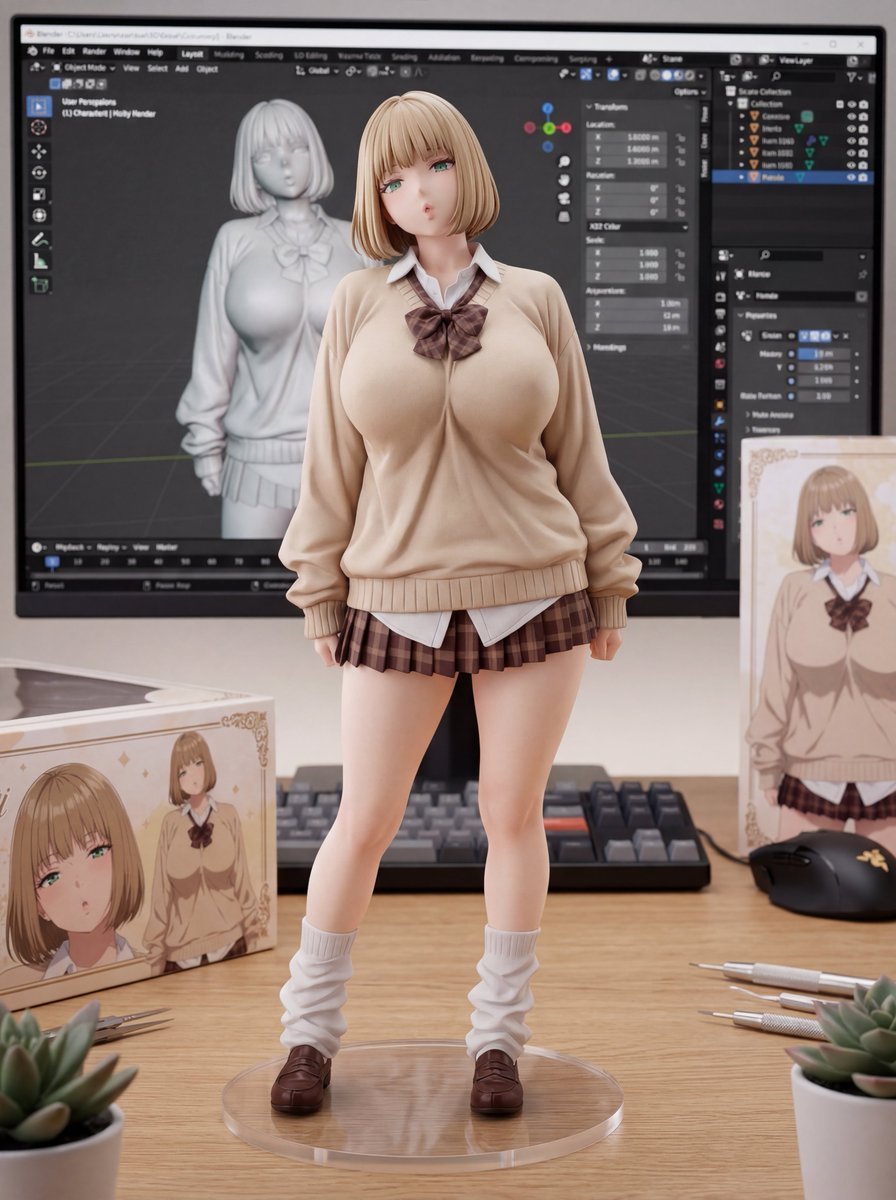
- Prompt included
- Model and format preset
- Free template
The prompt behind this image
Copy the exact prompt behind Nano Banana 2 prompt for creating figures and 3D models, or open it in the studio and make it yours.
Masterpiece, best quality, (product photography:1.6), macro lens, 8k resolution, (photorealistic:1.5). (Core Subject: High-End PVC Figure): The EXACT character from the input image is rendered as a (high-end 1/7 scale PVC figure:1.6). The figure stands on a clean wooden desk surface, out of the box. (Texture & Quality - CRITICAL): Premium matte plastic skin texture, glossy eye paint, intricate clothing folds, and precise airbrush shading. The figure looks like a tangible, expensive collector's item (Good Smile Company or Alter quality). A clear acrylic circular base supports the figure. (Background: 3D Workspace): Behind the figure, a computer monitor displays a (3D modeling software interface:1.5) (like Blender, Maya, or ZBrush). On the screen: A (grey wireframe mesh or untextured clay render:1.5) of the SAME character is visible. The screen represents the digital prototype of the physical figure. (Surroundings): The figure's retail packaging box stands vertically next to the figure, featuring the character art. A blurred mechanical keyboard and mouse are visible in the background. Soft, professional studio lighting illuminates the figure from above. (Technical Tags): (depth of field:1.4), (bokeh:1.3), (PVC texture:1.5), (figure photography:1.4), (ray tracing), sharp focus on figure face. (Negative prompt): (2D illustration:1.6), (anime style:1.5), (drawing), (sketch), (distorted face:1.5), (melted plastic), (bad painting), (messy desk), (screen off), (wrong character on screen), low quality, blurry.
How to use Nano Banana 2 prompt for creating figures and 3D models in 3 steps
- 1Upload ImagePNG, JPG or paste
Add your photo
Upload the photo the template builds on. The prompt, model and format are already set.
- 2…a portrait of your subject in softgolden-hour light, 85mm…
Personalize
Edit the subject and creative details for your destination.
- 3Generate
Generate
Press Generate — your image is created in PicX Studio, so you can compare it with the original and refine one variable at a time.
More like this
Templates with the same subject, style or setup. Open one to see its prompt.

Woman in Mall with Chanel Bag - Heart Gesture
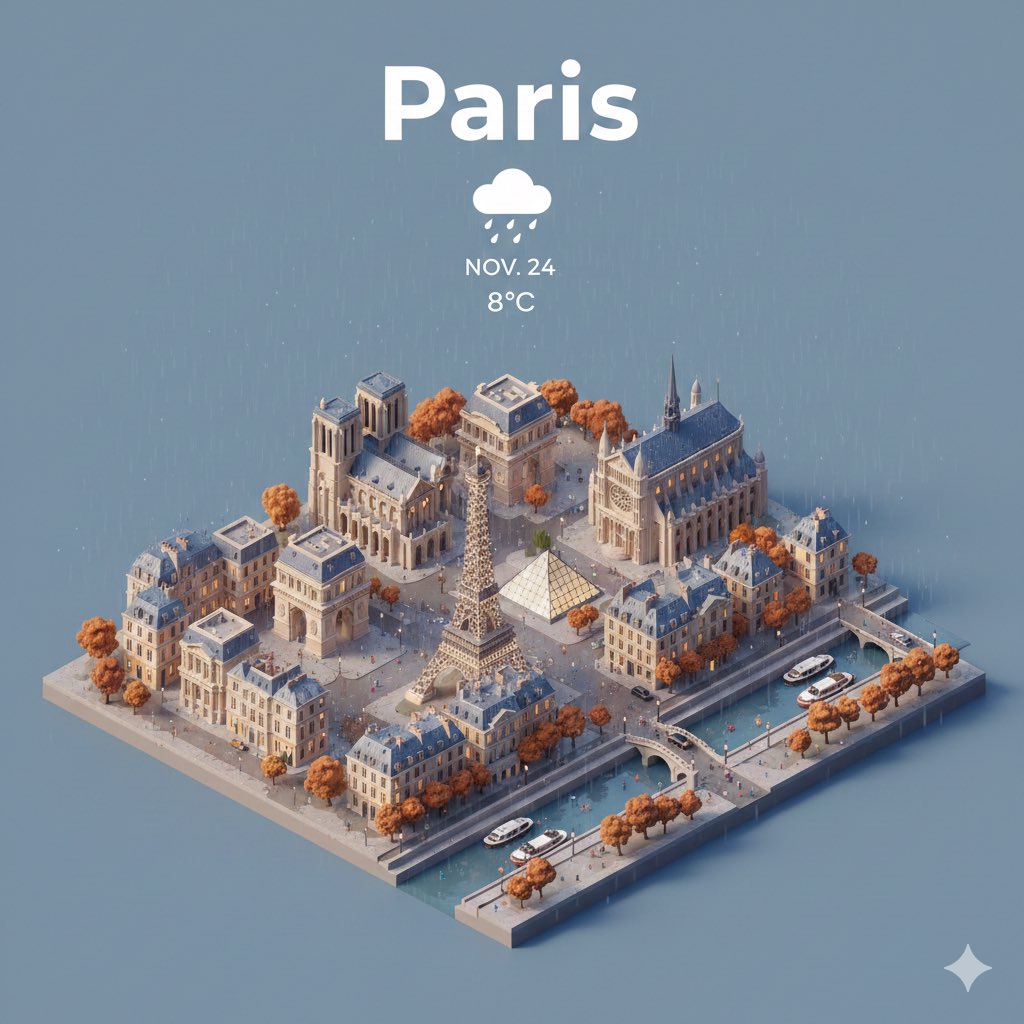
Prompt for creating location models with Nano Banana
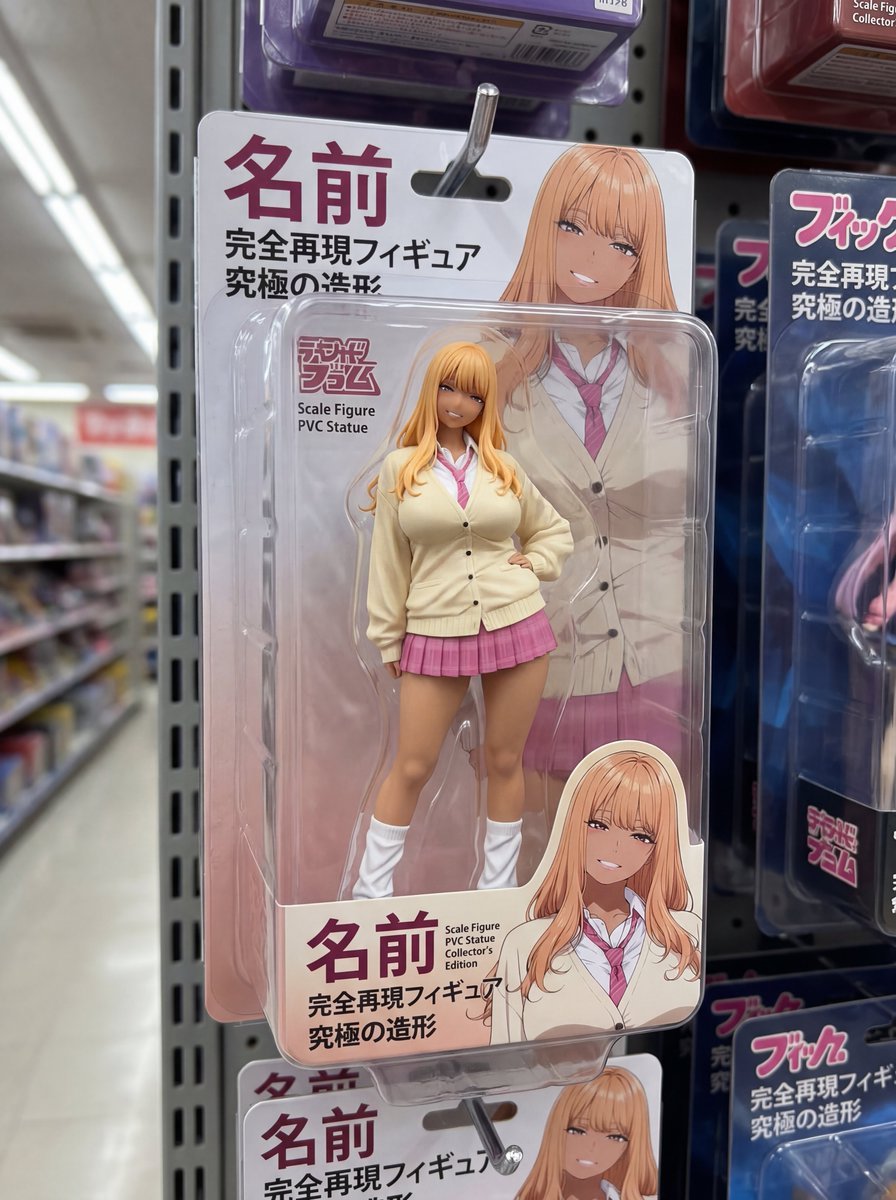
Nano Banana 2 prompt for creating packaged figures
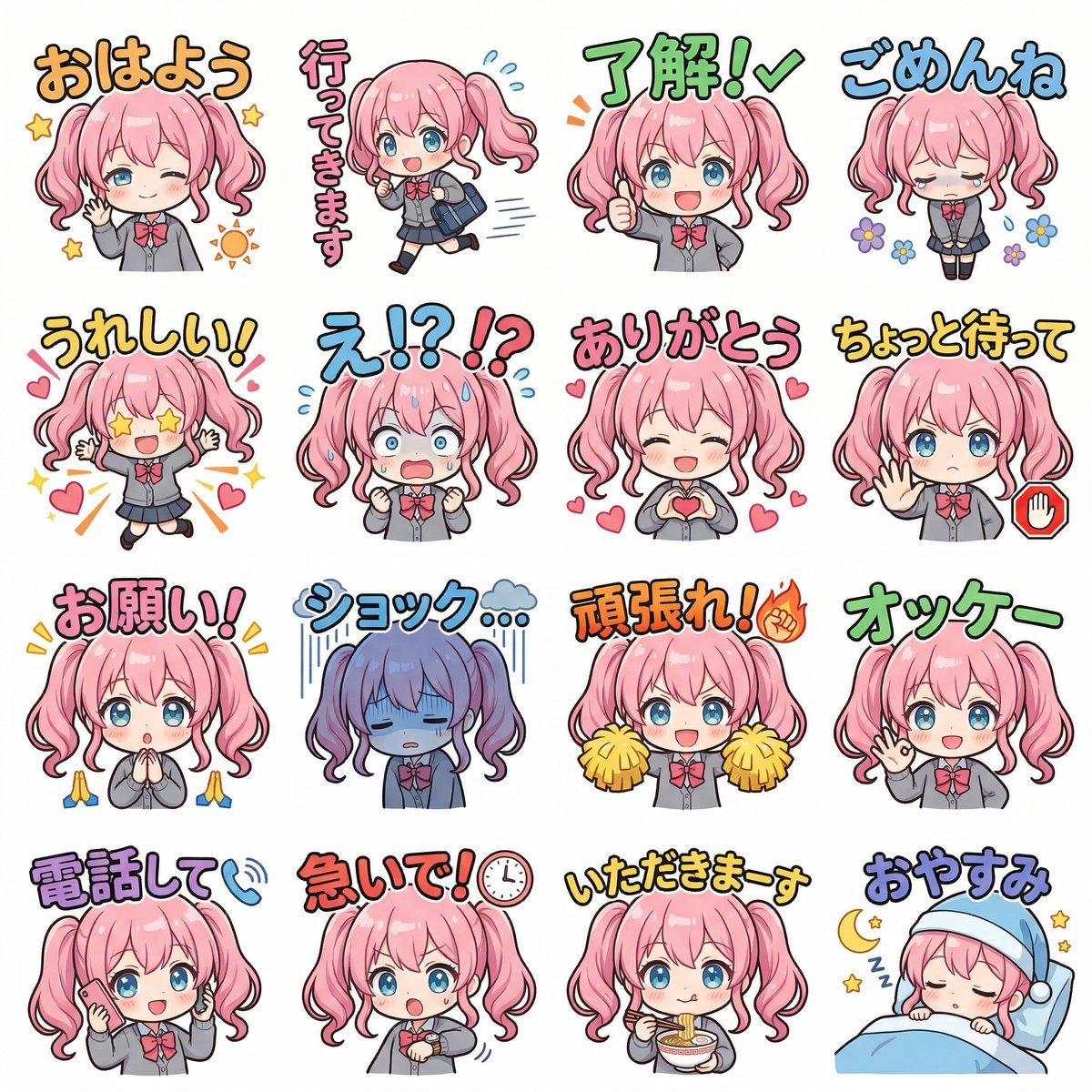
Creating LINE Stickers with Nano Banana 2
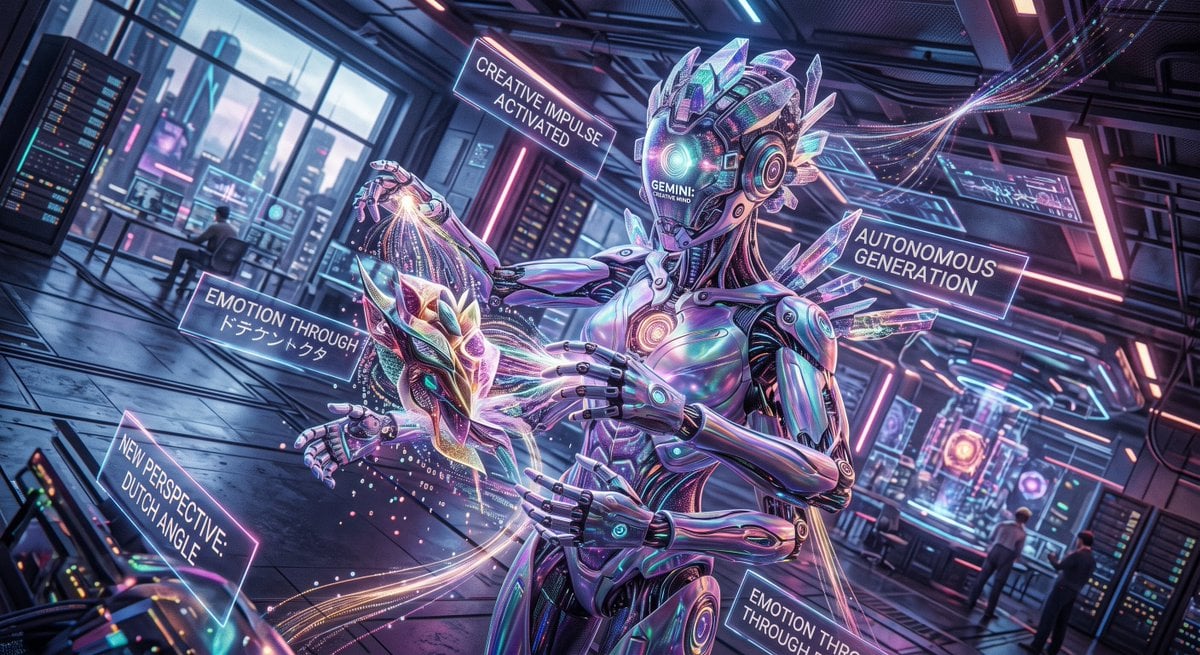
Cyberpunk Android Creating Art
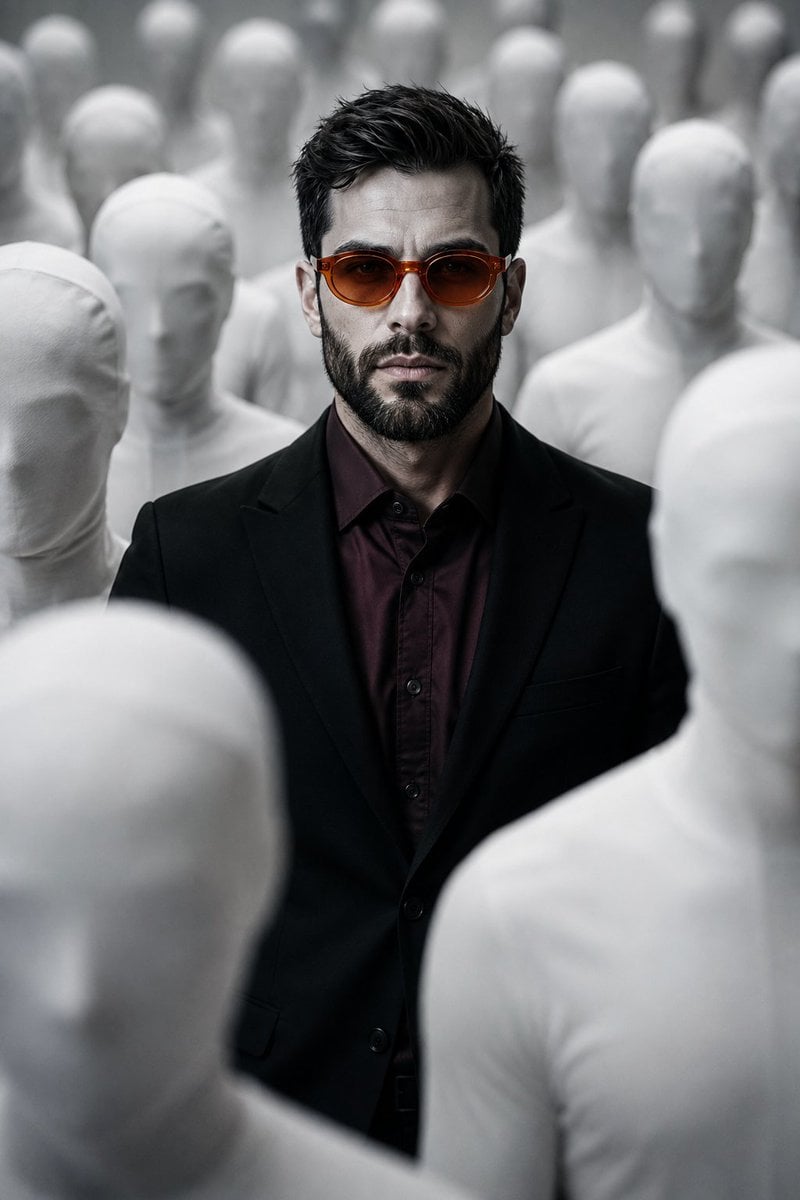
Surreal Faceless Figures Portrait
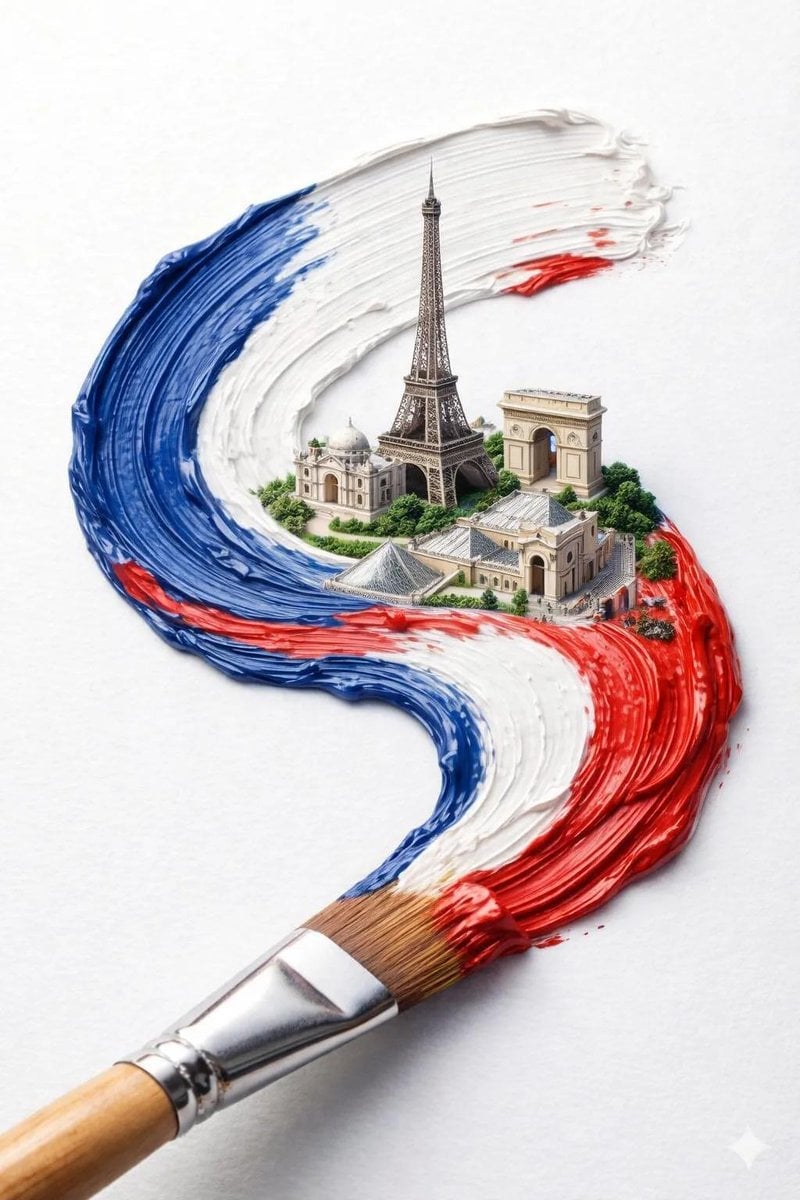
A hyper-realistic macro shot of a paintbrush creating a thick textured
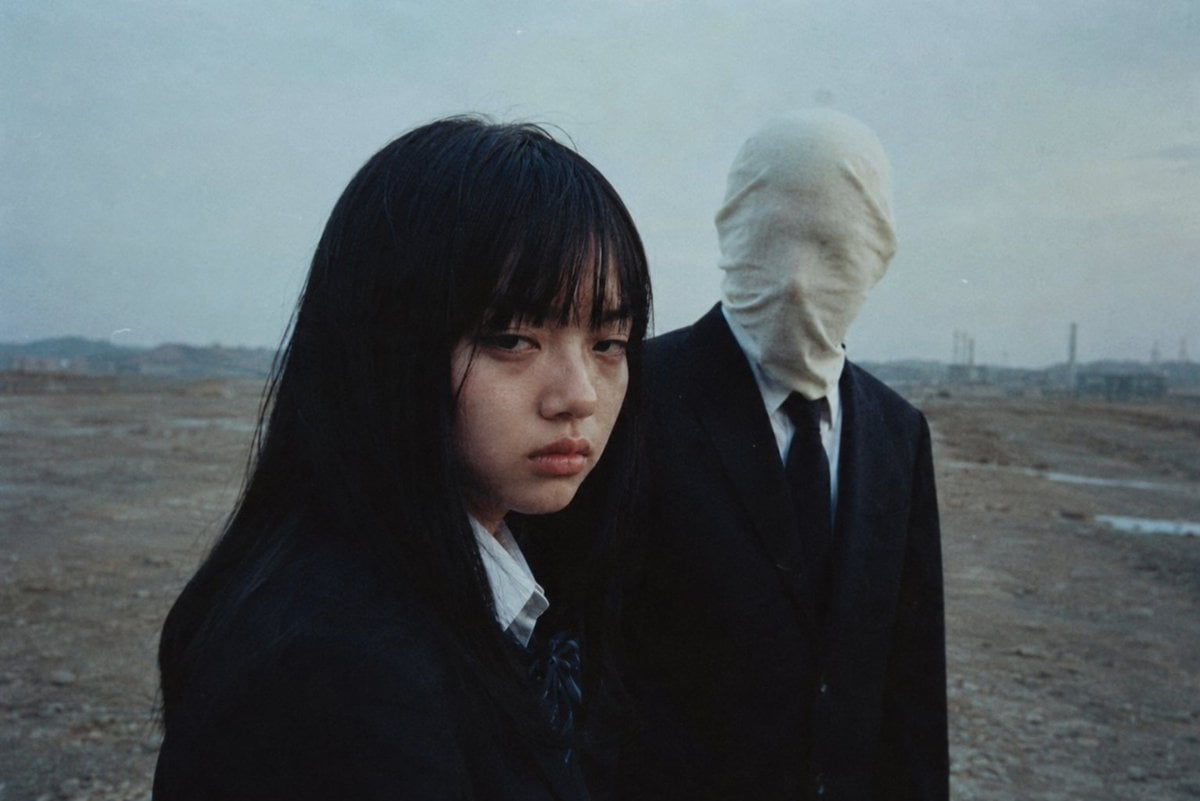
Anonymous Figures in Industrial Wasteland
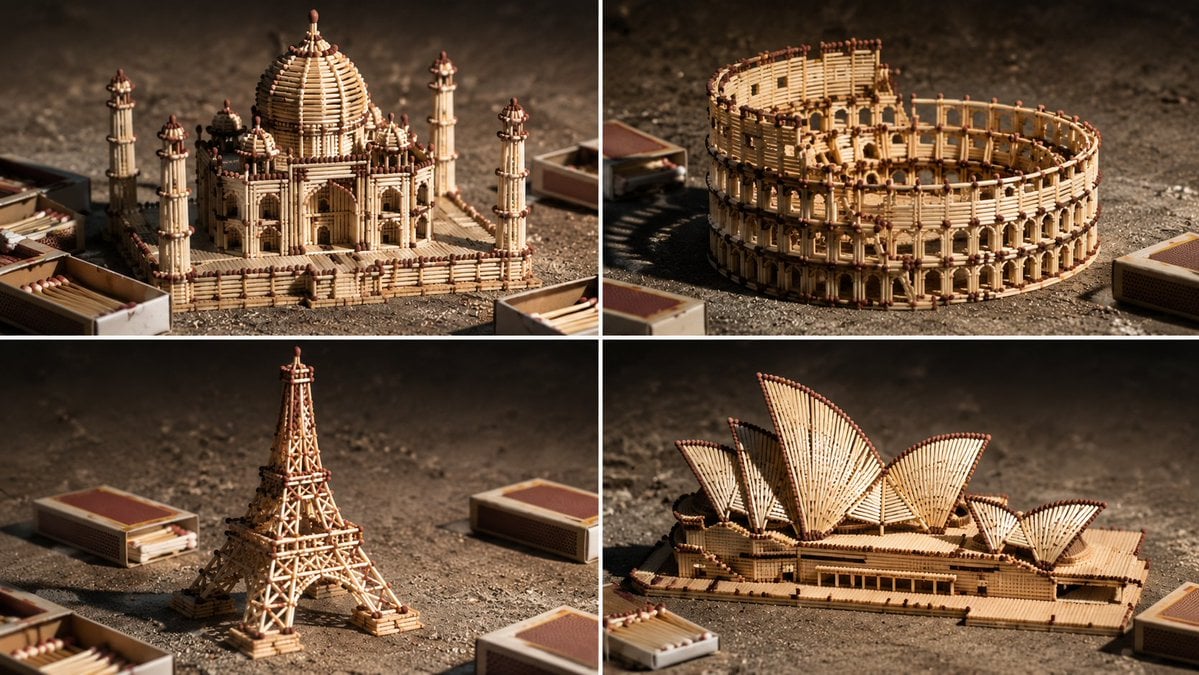
Matchstick Architectural Models
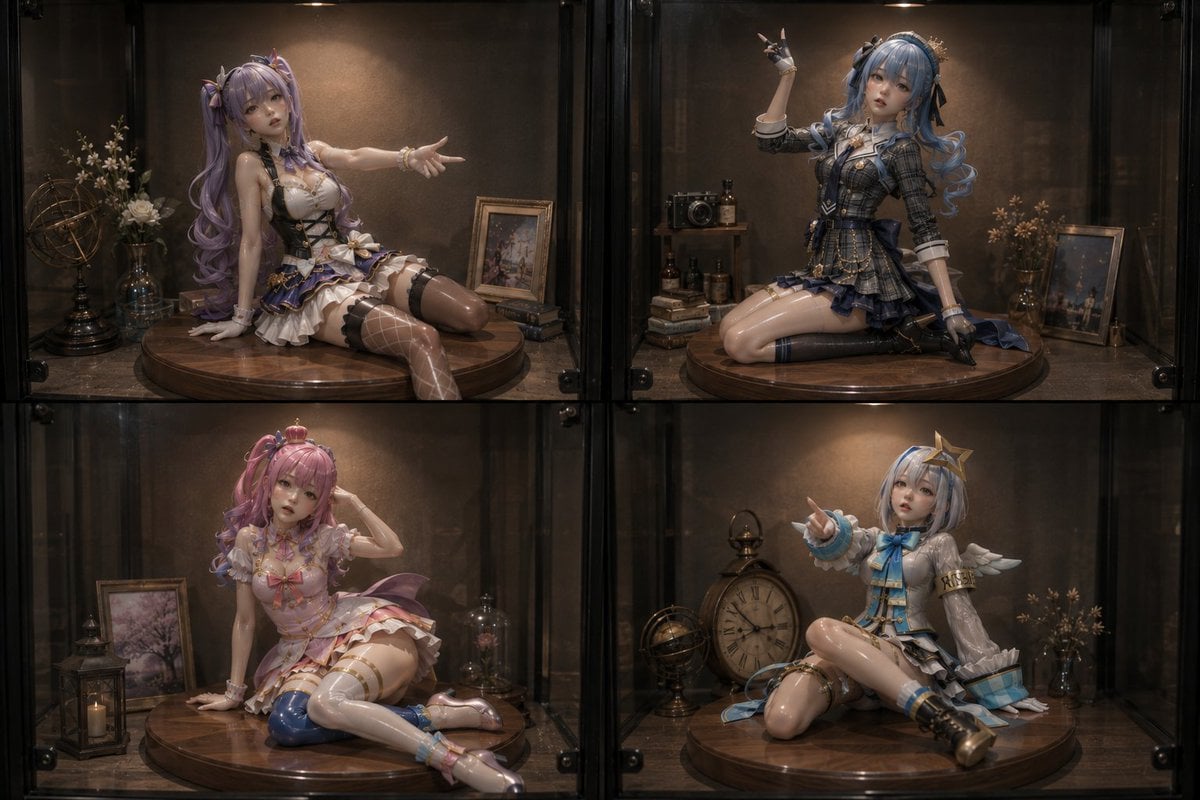
Four Anime Figures in Glass Display
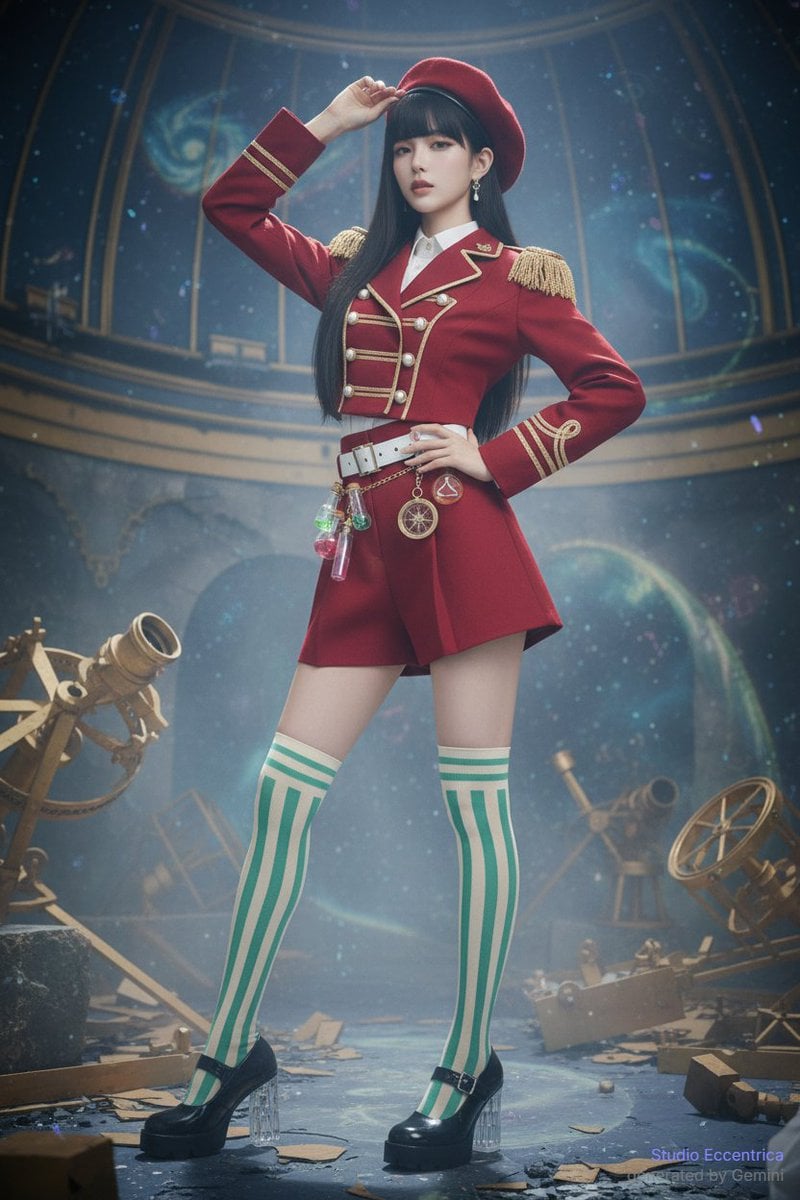
Sharing Reference Models and Outfit Prompts

Hanna-Barbera Style Political Figures Cartoon Portrait
Make it yours
Nano Banana 2 prompt for creating figures and 3D models works as-is. These are the safest ways to change it without losing the look.
Change one field
Copy a single group, rewrite it, and generate again so you can see what that field is doing.
Keep the frame, change the subject
Hold the composition and light of Nano Banana 2 prompt for creating figures and 3D models, then swap wardrobe, props or the person for a new take.
| If the result… | Why | Fix |
|---|---|---|
| The result drifts from the preview | Too many fields changed at once. | Reuse Nano Banana 2 prompt for creating figures and 3D models as-is first, then change one group — subject, light, or setting. |
| The model over-stylizes the scene | The prose prompt leaves finish and camera underspecified. | Add one camera or lighting sentence and stay on Nano Banana 2. |
More Nano Banana 2 templates
Other prompts made for Nano Banana 2.

Photorealistic Leaf Shaped Like a Dragon

K-Pop Idol Portrait Grid for Rapid Selection

Poetic Rain Forest Portrait During Golden Hour

Urban Street Portrait with Cartoon Inner Self Duo

Candid Nighttime Photo with Cat Prompt

High-Concept 3D Diorama Generation Prompt

Cinematic Futuristic Studio Portrait Template

Skincare Editorial Photography Collage Prompt

Hyper-Realistic Commercial Product Photography (Splash Effect)

Hyper-Realistic Nightclub Portrait Prompt
More image prompts
Fresh picks from across the catalog.
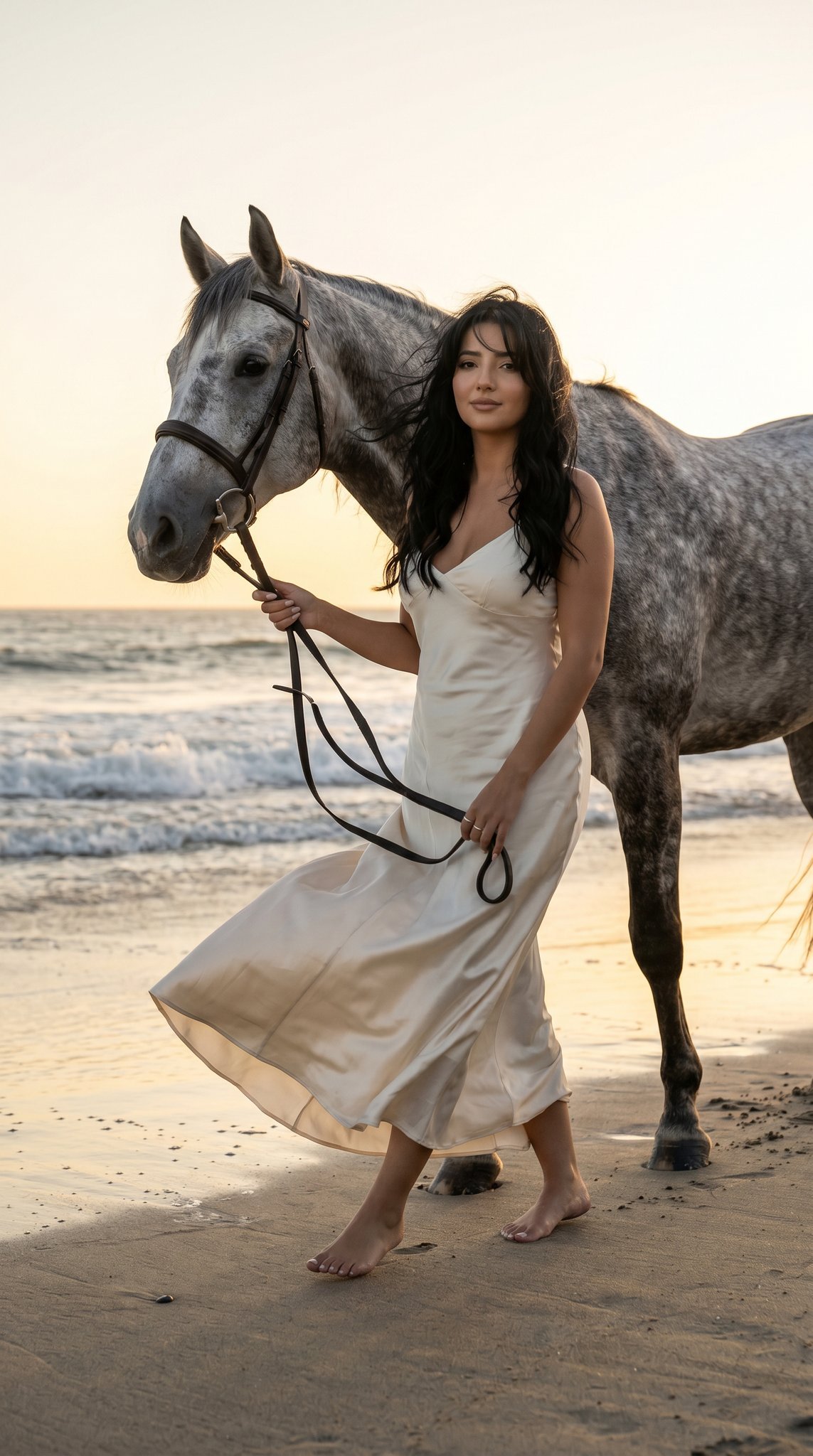
16 Malibu Beach Horse — California Series
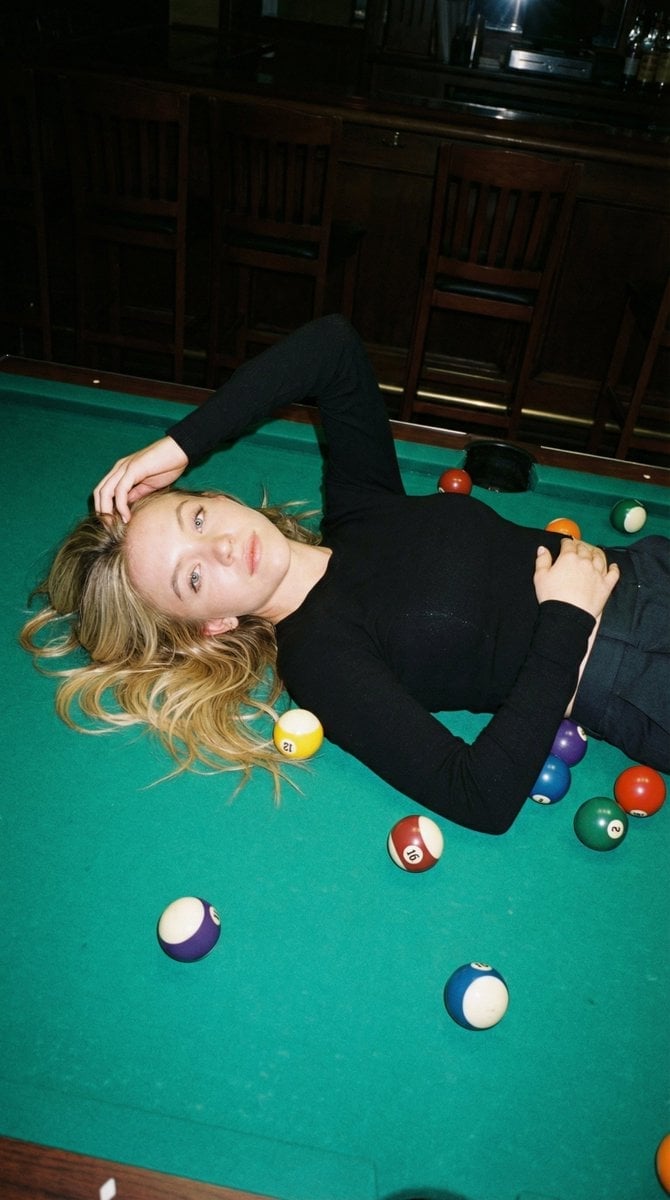
Editorial Nightlife Candid on a Billiards Table
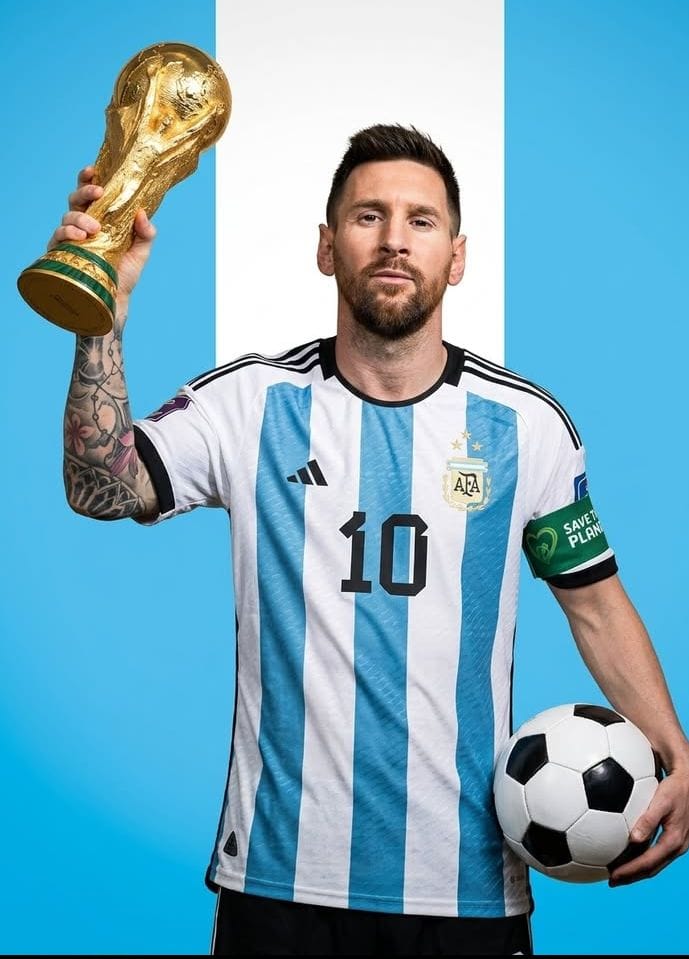
Premium Sports Magazine Cover Portrait
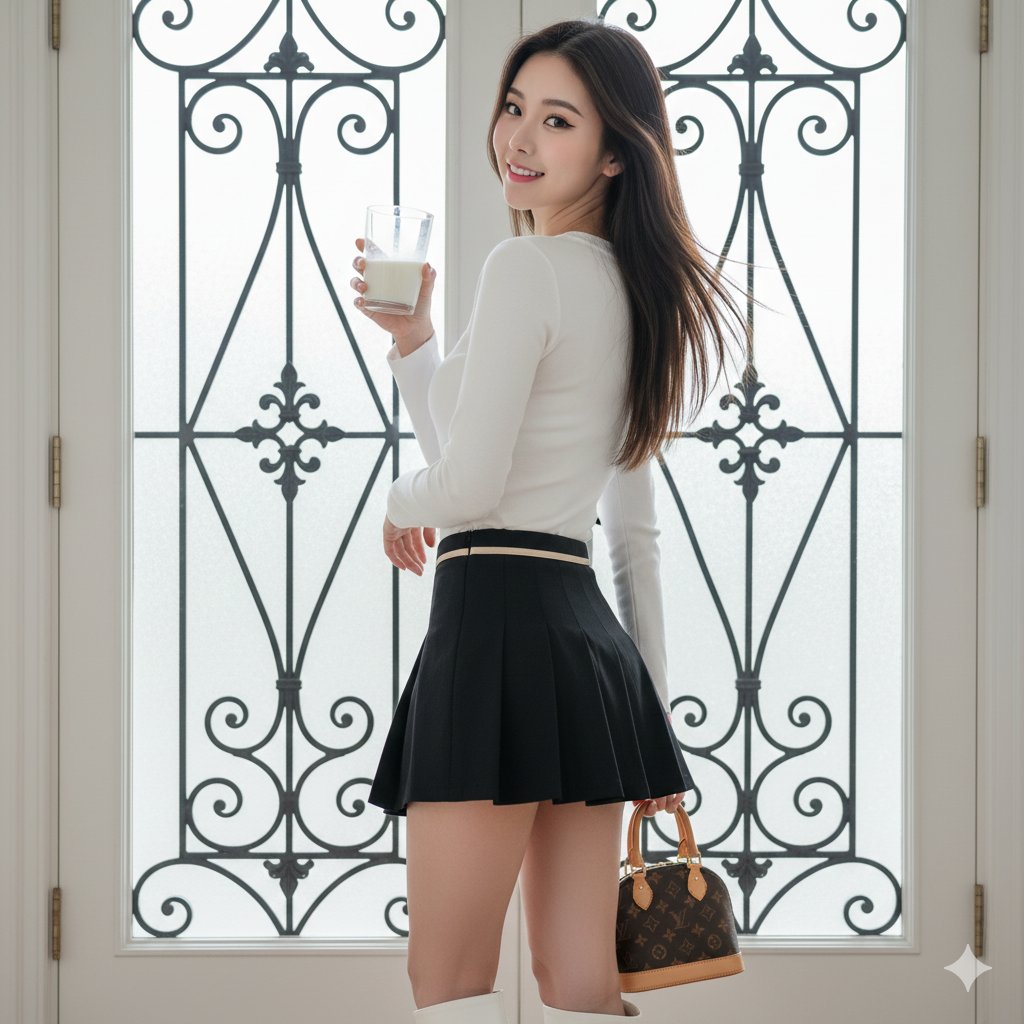
East Asian Woman with Milk Glass and Louis Vuitton Bag
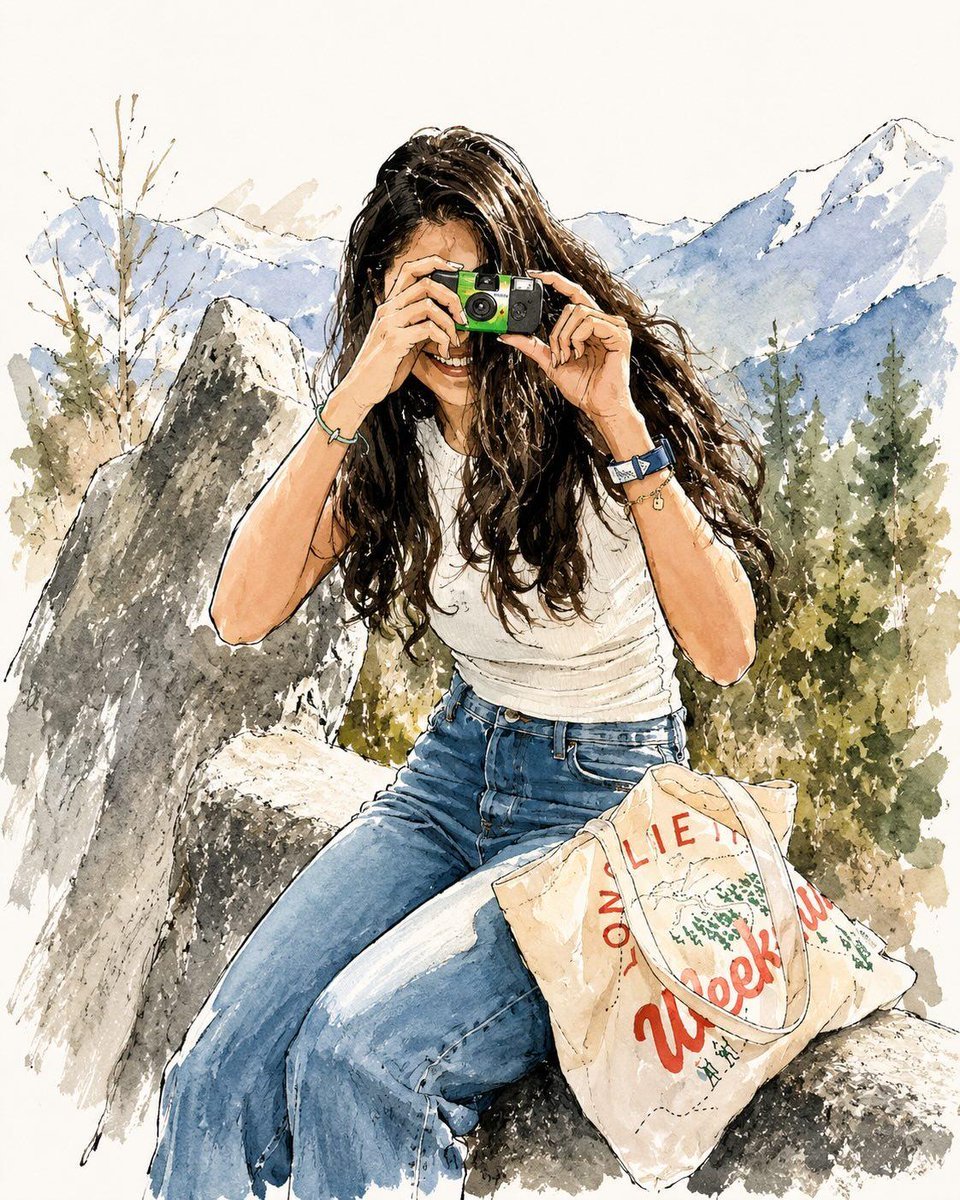
Watercolor Fashion Travel Illustration
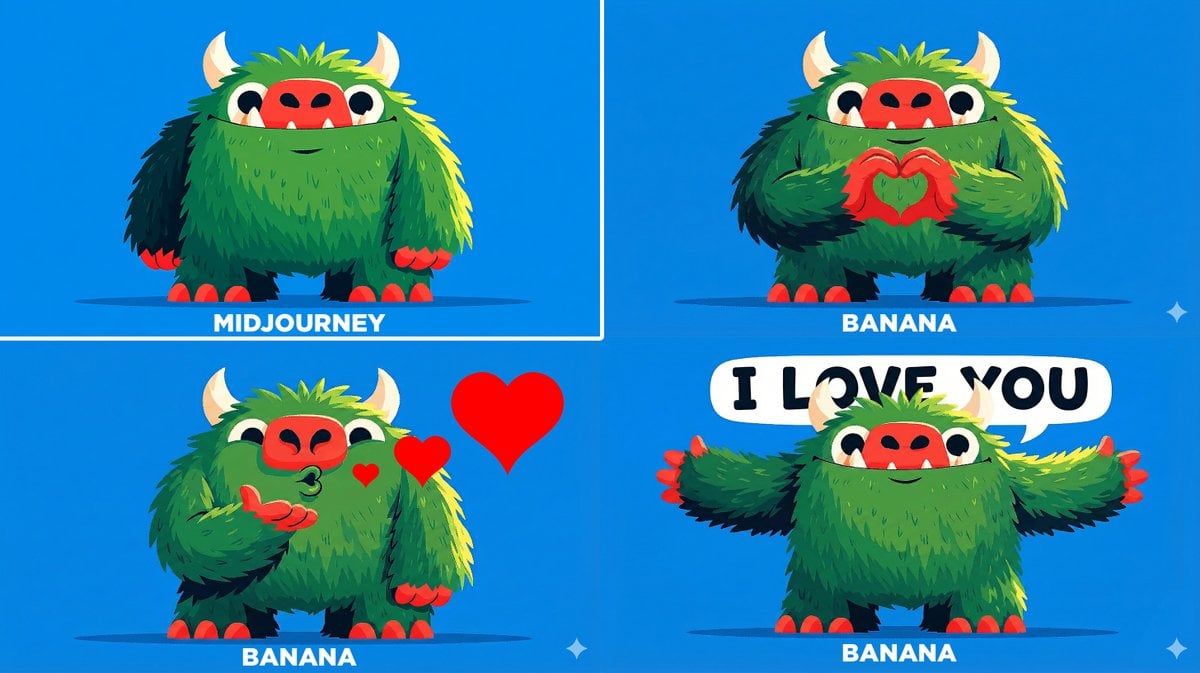
Changing Troll Character to Make Heart Shape
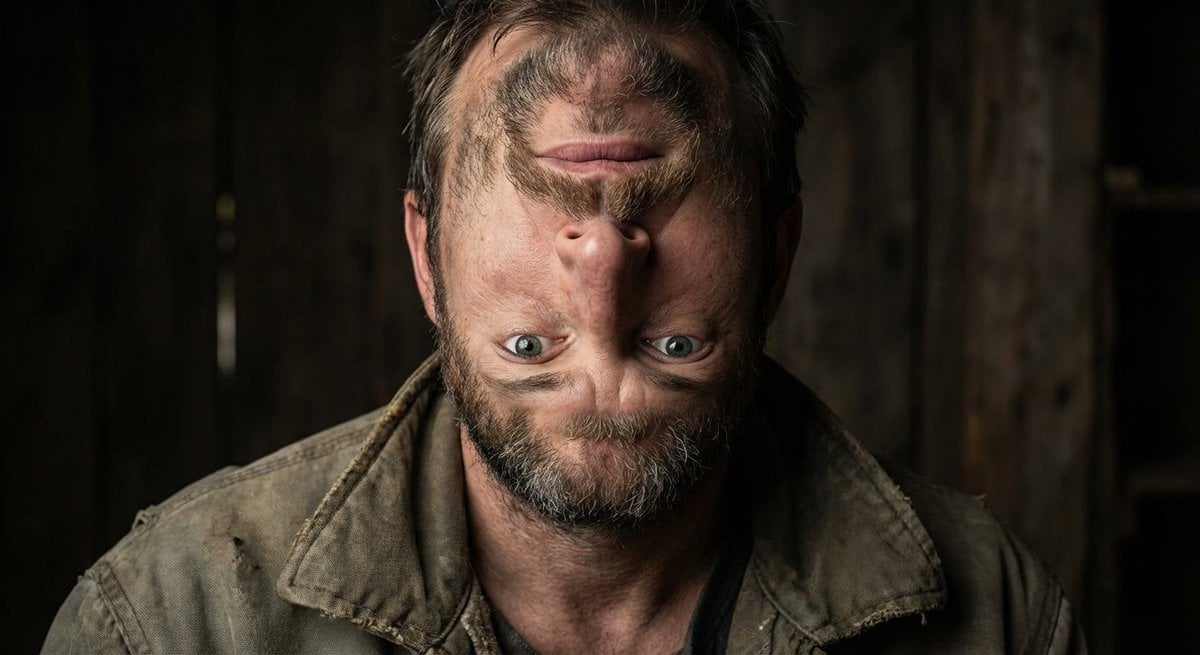
Surreal upside-down face portrait
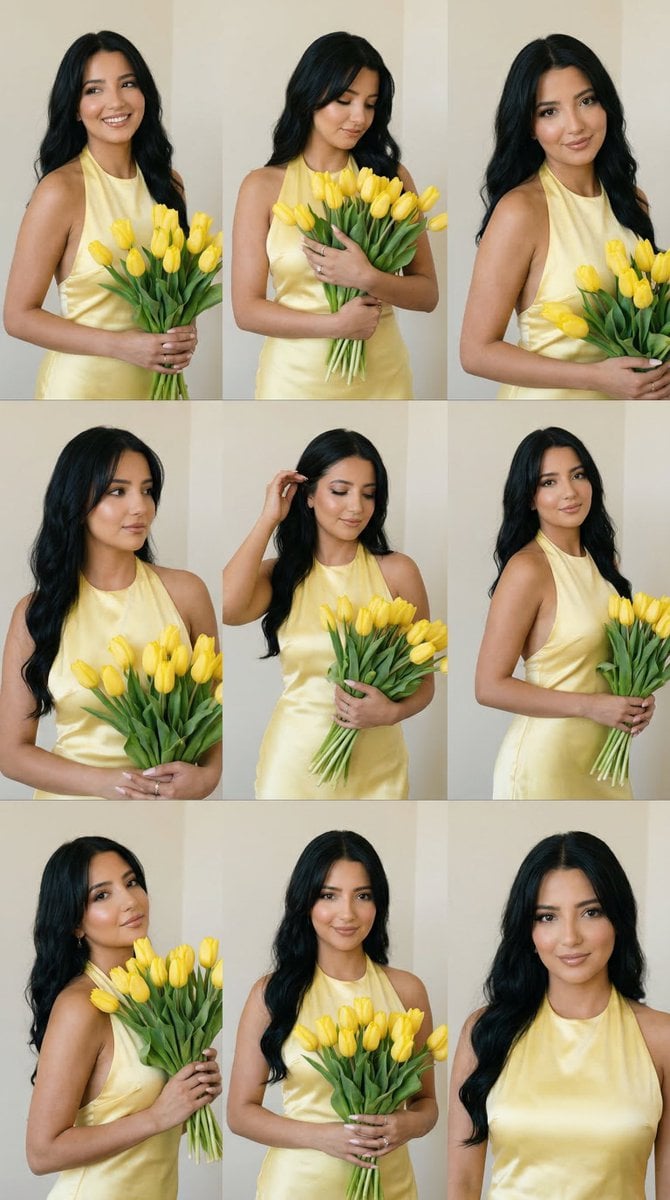
Panel Editorial Grid Prompt for Yellow Satin Halter Dress
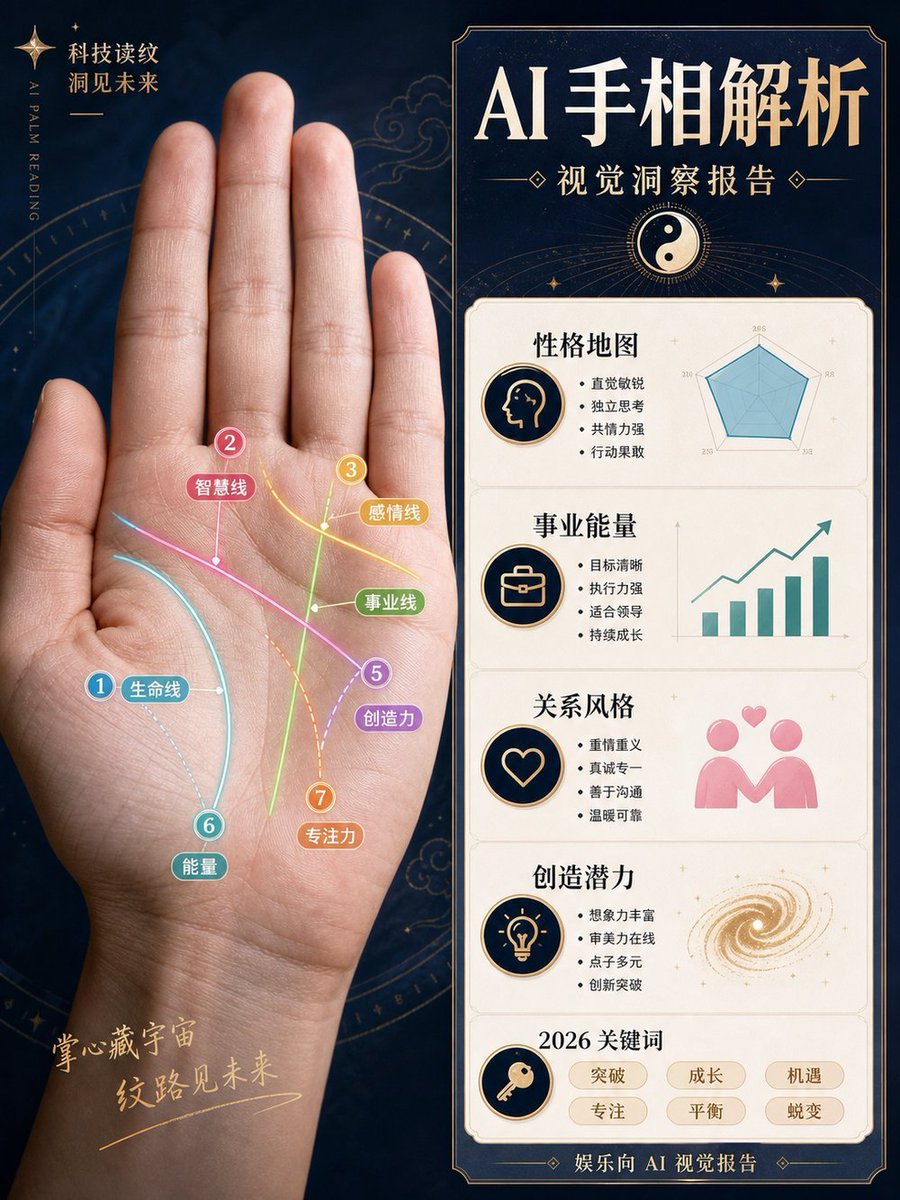
AI Palm Reading Report Poster
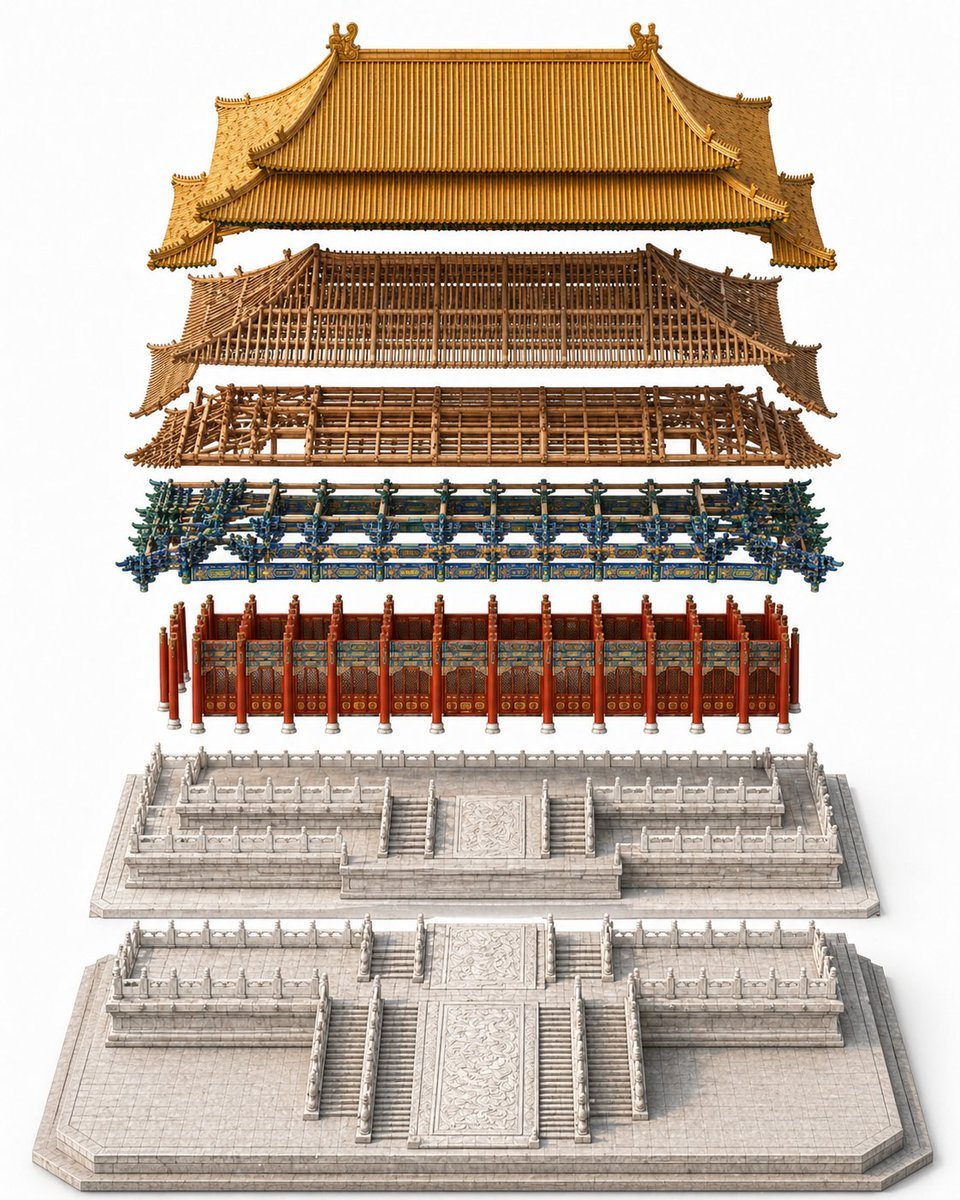
Exploded Imperial Palace Hall Diagram
Browse template categories
Nano Banana 2 prompt for creating figures and 3D models questions
How do I use the Nano Banana 2 prompt for creating figures and 3D models template?
Add your photo if the template asks for one, edit the prompt if you like — the template's model and format are already selected — and press Generate. Your version opens in PicX Studio.
Can I customize the Nano Banana 2 prompt for creating figures and 3D models template?
Yes. You can change the subject, setting, lighting, mood, format, and available model controls before creating your image.
Is the Nano Banana 2 prompt for creating figures and 3D models template free?
Opening and editing this template is free. Generating uses credits, shown on the Generate button when you are signed in.
Which AI model should I use?
Start with Nano Banana 2, which is the model associated with this template. You can compare another compatible model for a different finish.
Looking for something else? Browse all templates.

Your photo, any look
Thousands of ready templates for every top image and video model, from one credit balance.