
High-End Luxury Winter Fashion Campaign Prompt
A detailed, structured prompt designed for generating ultra-photorealistic images suitable for a high-end luxury fashion campaign, specifically set in a dramatic winter alpine environment.
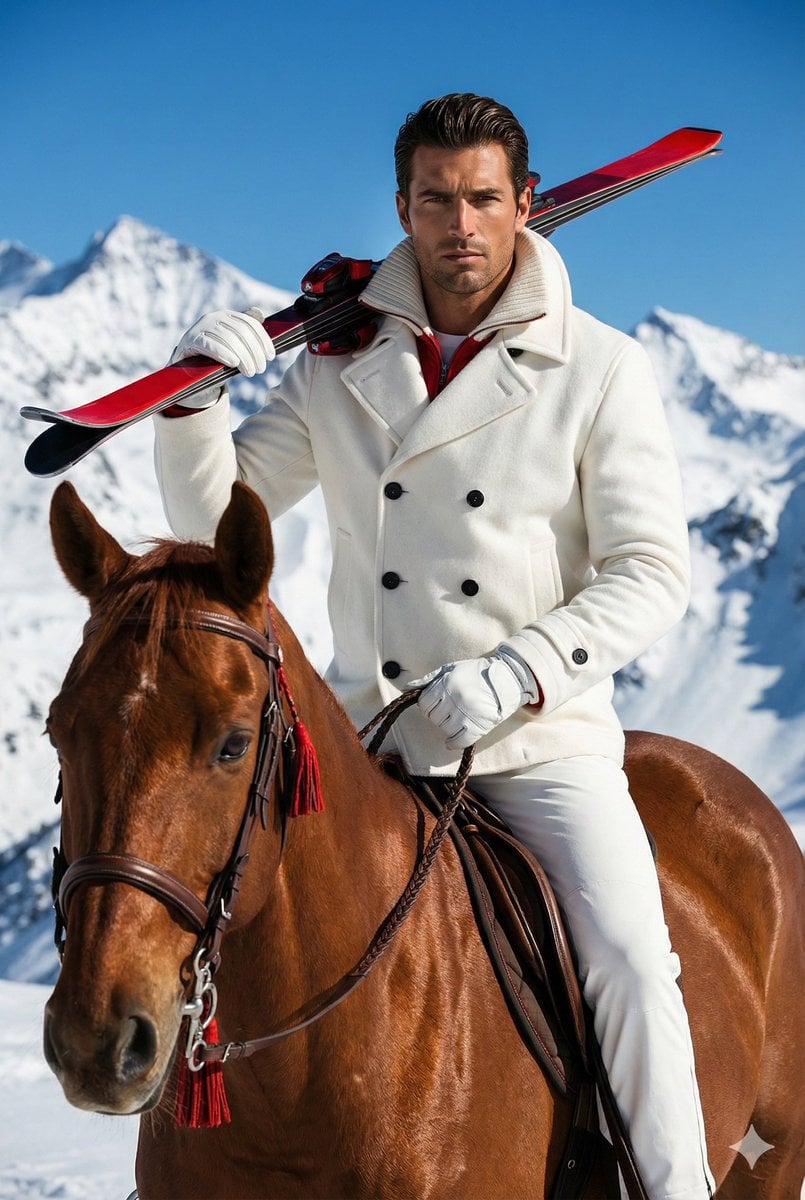
- Prompt included
- Model and format preset
- Free template
The prompt behind this image
Copy the exact prompt behind High-End Luxury Winter Fashion Campaign Prompt, or open it in the studio and make it yours.
{ "meta": { "aspect_ratio": "2:3", "quality": "ultra_photorealistic", "resolution": "8k", "camera": "Hasselblad H6D-100c", "lens": "80mm prime", "style": "high-end luxury fashion campaign, Tony Kelly aesthetic, vibrant saturated colors, glossy magazine editorial, sharp focus" }, "scene": { "location": "Alpine mountain summit", "environment": [ "pristine snow-covered slopes", "jagged mountain peaks in background", "deep blue cloudless sky", "bright daylight" ], "time": "mid-day", "atmosphere": "exclusive, affluent, crisp winter air, energetic luxury" }, "lighting": { "type": "direct hard sunlight", "key_light": "strong sun from upper right", "fill_light": "blue ambient reflection from snow", "contrast": "high contrast", "shadows": "sharp shadows on the horse's neck and subject's face", "effect": "glossy highlights on the horse's coat and subject's hair" }, "camera_perspective": { "pov": "eye-level relative to rider", "framing": "medium shot, waist-up of rider, head and chest of horse", "focus": "sharp focus on subject face and horse head, background mountains slightly compressed", "angle": "straight on, capturing the height of the rider" }, "subjects": { "rider": { "gender": "male", "age": "30s", "ethnicity": "Southern European / Italian", "appearance": { "skin": "deep tan, natural texture, visible pores, light stubble", "face": "chiseled jawline, confident stoic expression, looking slightly upward and away", "hair": "dark brown, medium length, wind-swept but styled, gelled back" }, "pose": { "body": "sitting upright on horse", "hands": { "left_hand": "gloved, balancing skis on shoulder", "right_hand": "gloved, holding leather reins" }, "head": "tilted slightly up, chin lifted" }, "outfit": { "style": "apres-ski luxury", "coat": { "type": "double-breasted {argument name="coat color" default="white"} wool jacket", "details": "chunky ribbed knit collar, red inner lining visible at neck, black buttons", "texture": "heavy premium wool felt and knit" }, "pants": "matching {argument name="pants color" default="white"} ski trousers", "gloves": "white leather driving gloves", "accessories": "red and black performance skis resting on left shoulder" } }, "animal": { "type": "Horse", "breed": "Thoroughbred / Warmblood", "coat": "{argument name="horse coat color" default="Chestnut brown"}", "texture": "short shiny hair, realistic muscle definition, visible veins on nose", "tack": { "bridle": "brown leather with silver hardware", "details": "red decorative tassels/accents on the bridle", "reins": "braided leather" }, "pose": "head facing forward, ears perked up, calm demeanor" } }, "details": { "textures": [
How to use High-End Luxury Winter Fashion Campaign Prompt in 3 steps
- 1
Open
The prompt is already in the box next to the preview, with the template's model and format selected.
- 2…a portrait of your subject in softgolden-hour light, 85mm…
Personalize
Edit the subject and creative details for your destination.
- 3Generate
Generate
Press Generate — your image is created in PicX Studio, so you can compare it with the original and refine one variable at a time.
More like this
Templates with the same subject, style or setup. Open one to see its prompt.
High-End UGC Fashion Campaign

19 Luxury Helicopter Travel — California Series

08 Rodeo Drive Luxury Exit — California Series

80s College Gate

1988 Mall Style

80s Polka Dot Saree
Japanese Minimalist Urban Fashion Campaign
Chanel Perfume 2x2 Grid Luxury Campaign

Luxury Fashion Editorial Portrait
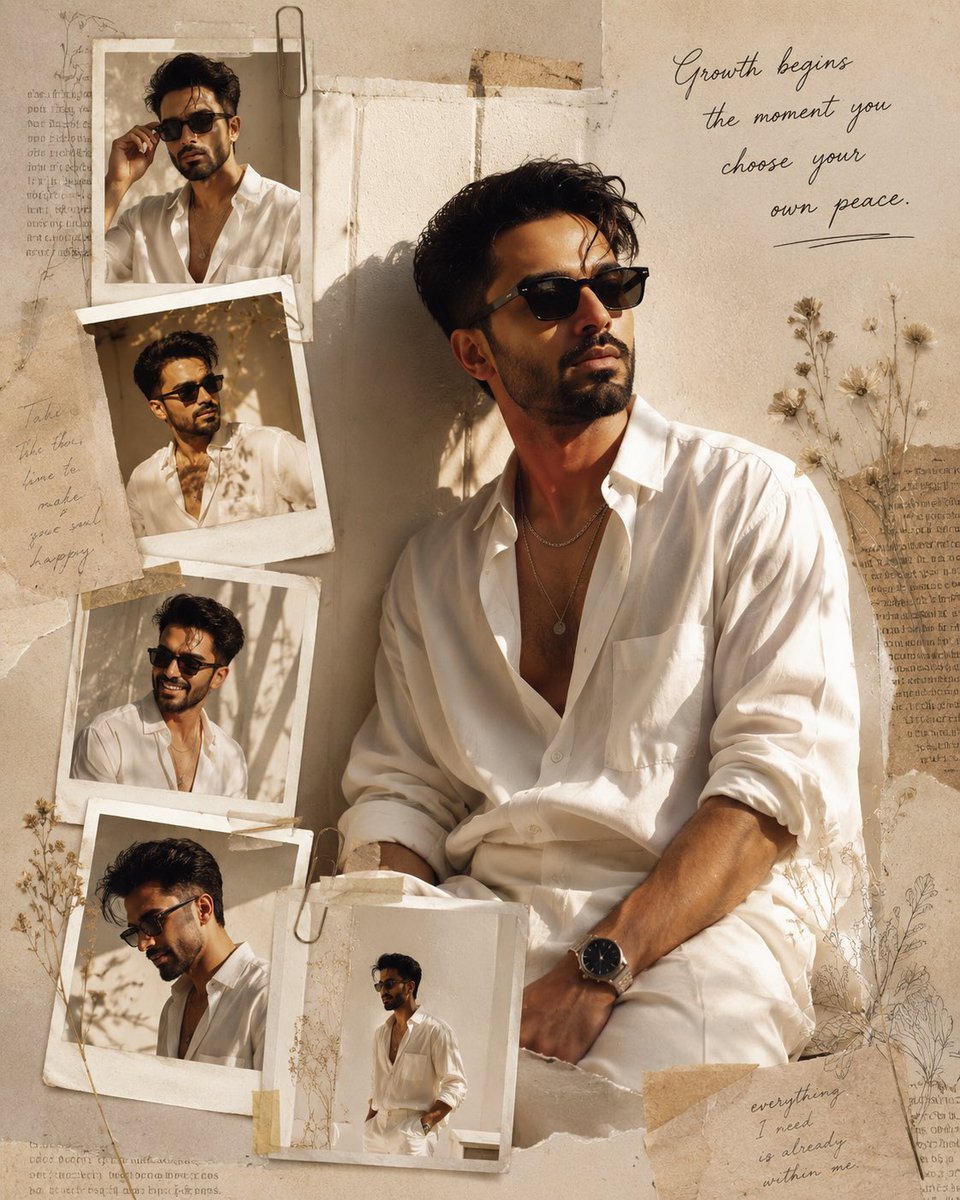
Luxury Fashion Editorial Scrapbook
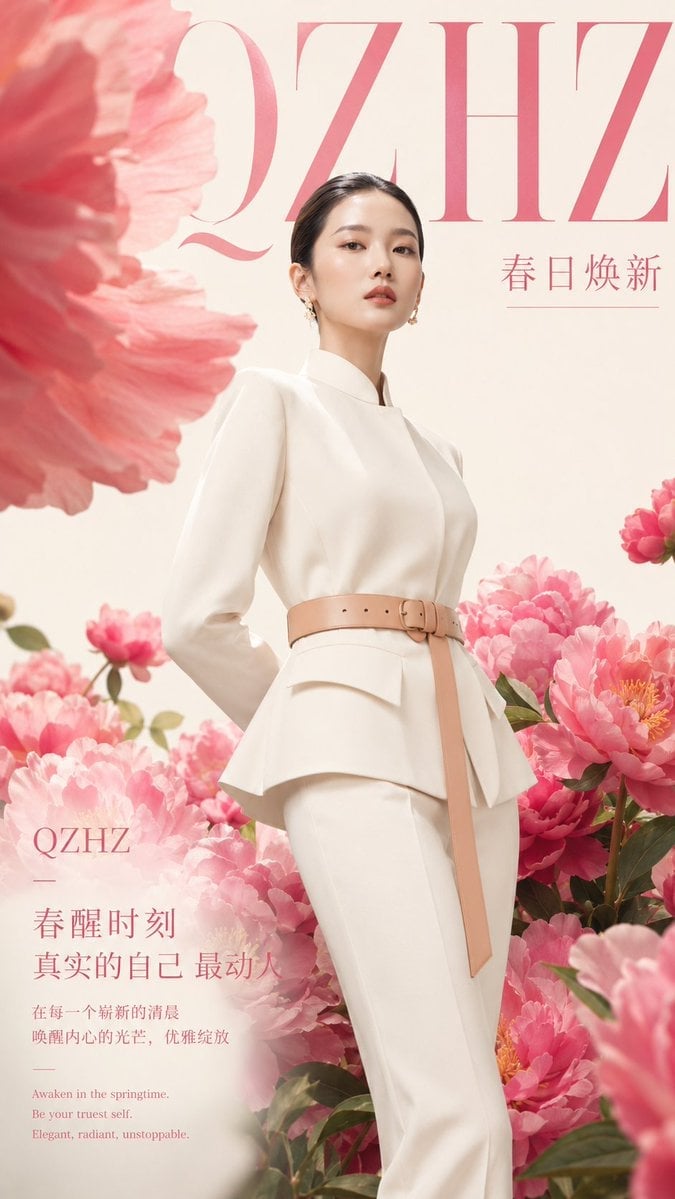
Luxury Spring Peony Fashion Poster
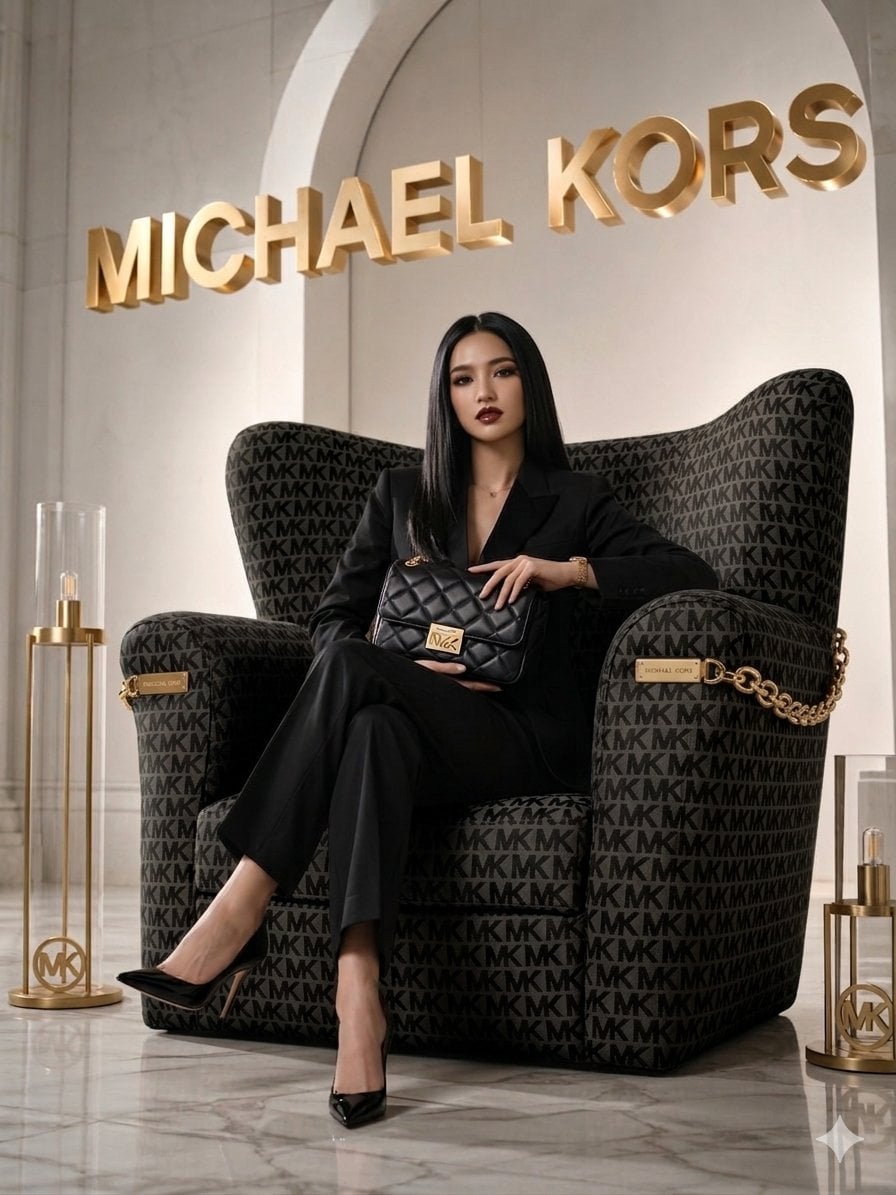
Luxury Brand Campaign Portrait
Make it yours
High-End Luxury Winter Fashion Campaign Prompt works as-is. These are the safest ways to change it without losing the look.
Change one field
Copy a single group, rewrite it, and generate again so you can see what that field is doing.
Keep the frame, change the subject
Hold the composition and light of High-End Luxury Winter Fashion Campaign Prompt, then swap wardrobe, props or the person for a new take.
| If the result… | Why | Fix |
|---|---|---|
| The result drifts from the preview | Too many fields changed at once. | Reuse High-End Luxury Winter Fashion Campaign Prompt as-is first, then change one group — subject, light, or setting. |
| The model over-stylizes the scene | The prose prompt leaves finish and camera underspecified. | Add one camera or lighting sentence and stay on Nano Banana 2. |
More Nano Banana 2 templates
Other prompts made for Nano Banana 2.

Photorealistic Leaf Shaped Like a Dragon

K-Pop Idol Portrait Grid for Rapid Selection

Poetic Rain Forest Portrait During Golden Hour

Urban Street Portrait with Cartoon Inner Self Duo

Candid Nighttime Photo with Cat Prompt

High-Concept 3D Diorama Generation Prompt

Cinematic Futuristic Studio Portrait Template

Skincare Editorial Photography Collage Prompt

Hyper-Realistic Commercial Product Photography (Splash Effect)

Hyper-Realistic Nightclub Portrait Prompt
More image prompts
Fresh picks from across the catalog.
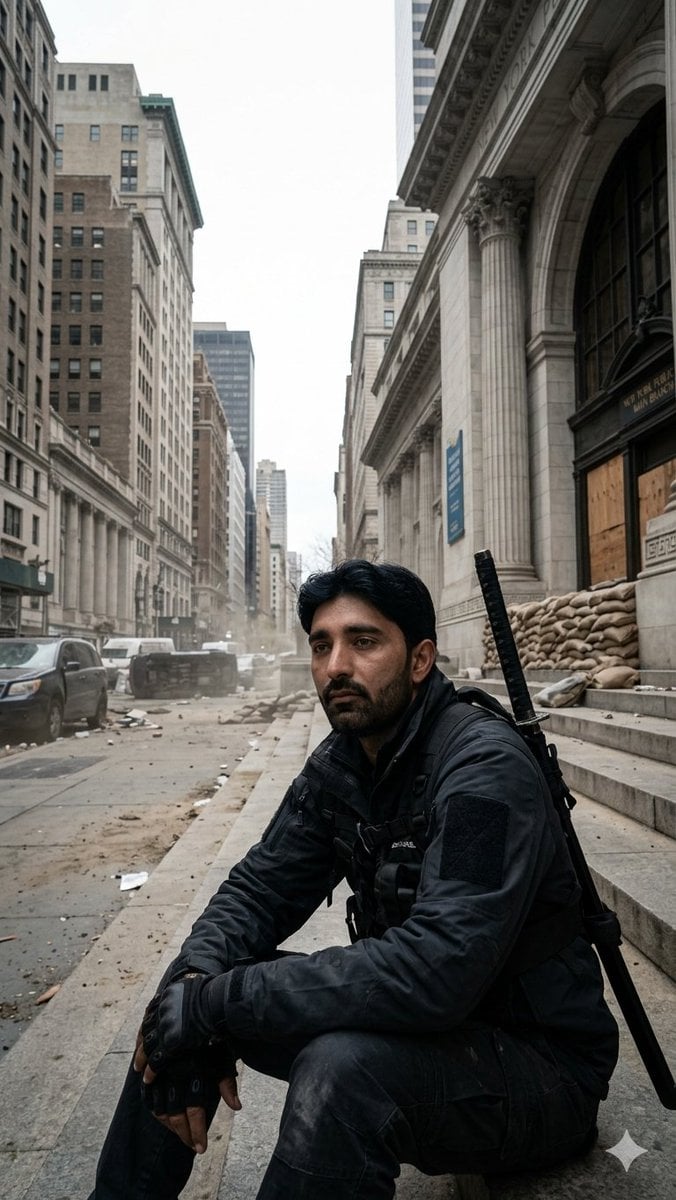
Fortified NYPL Survivor Scene
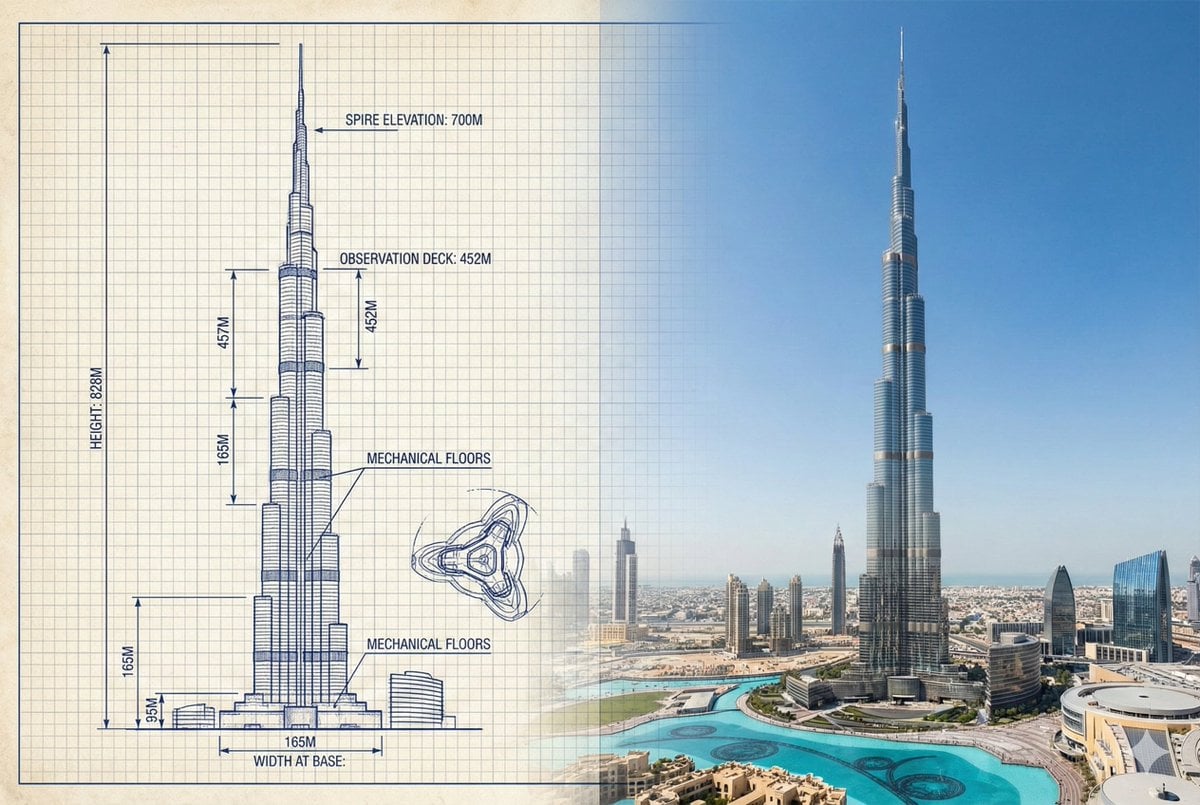
Burj Khalifa Technical Sketch and Real Photo Comparison
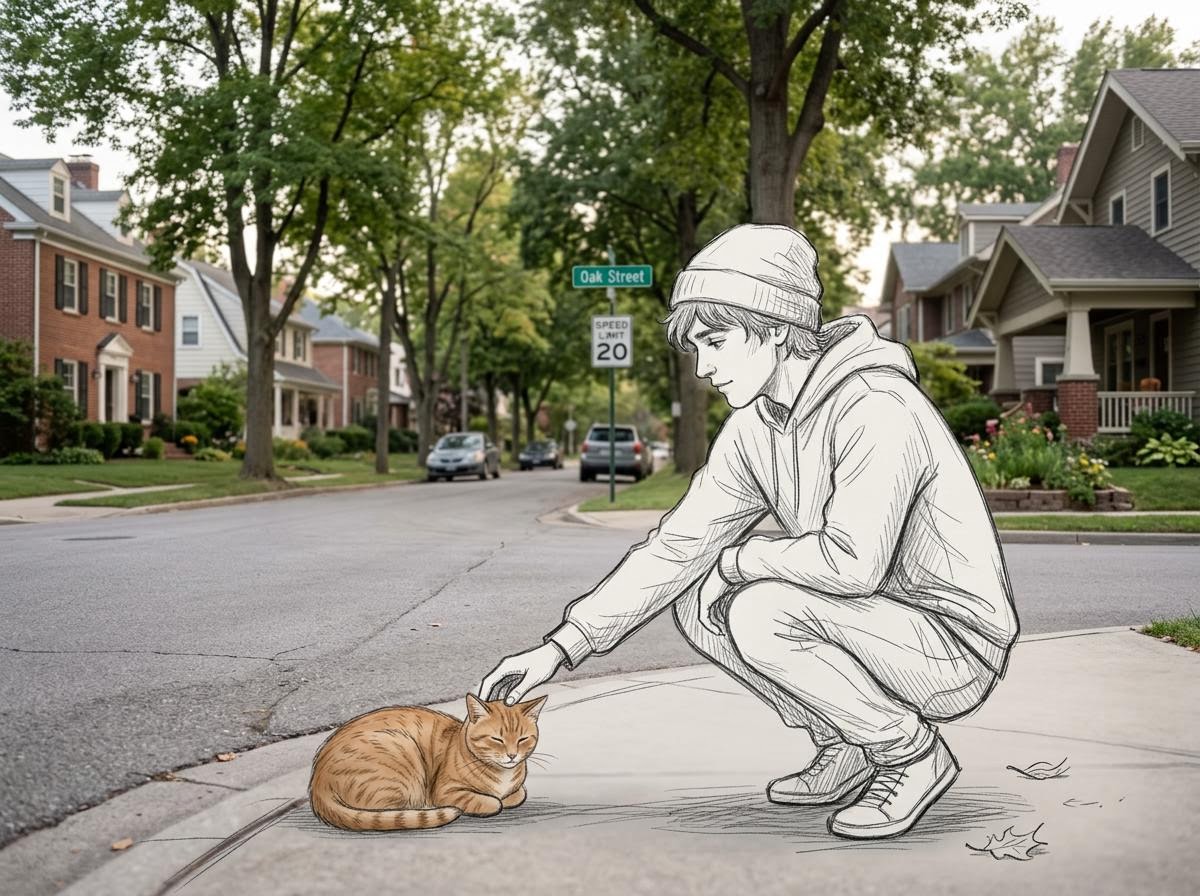
Realistic Photo with Sketch Character Overlay
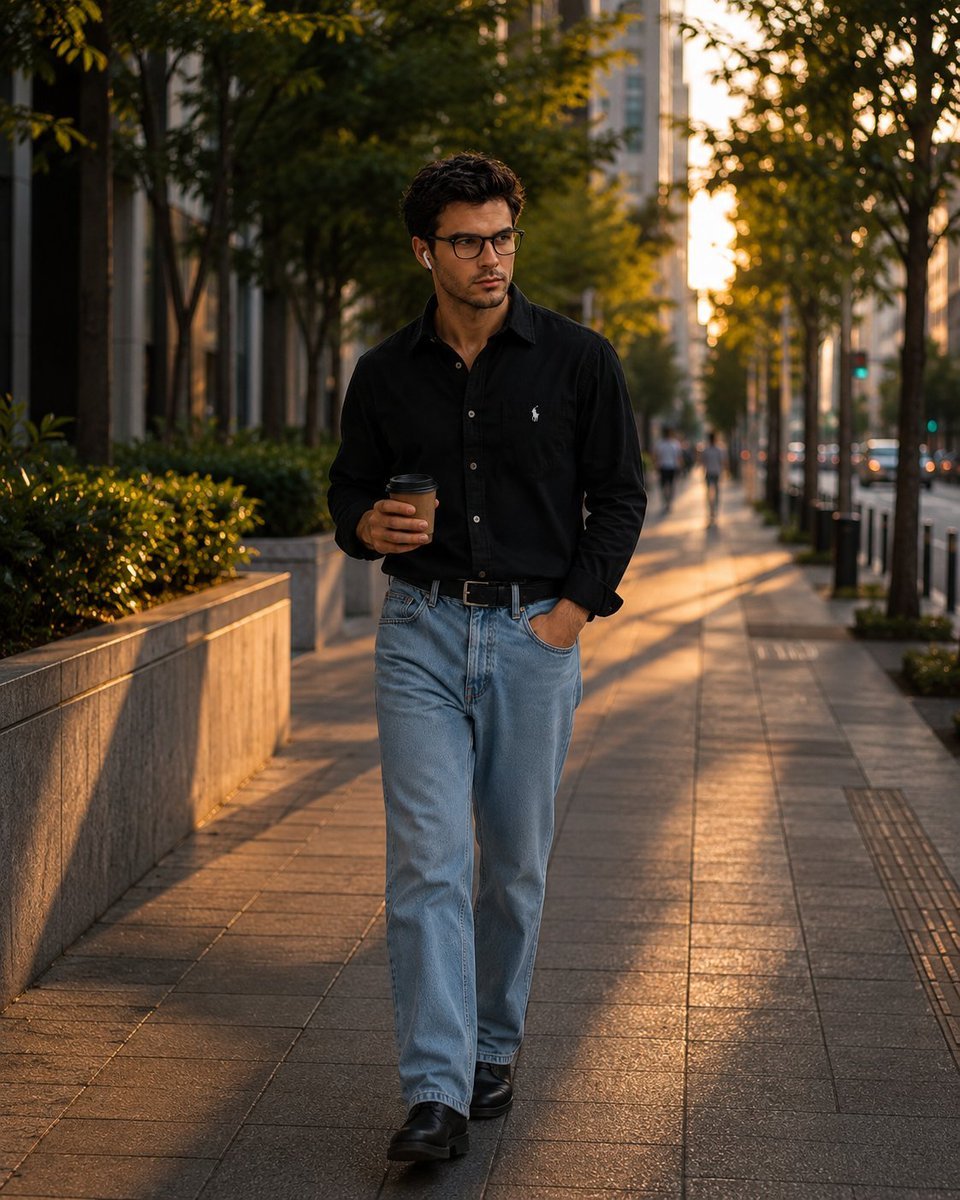
Urban Golden Hour Fashion Photography
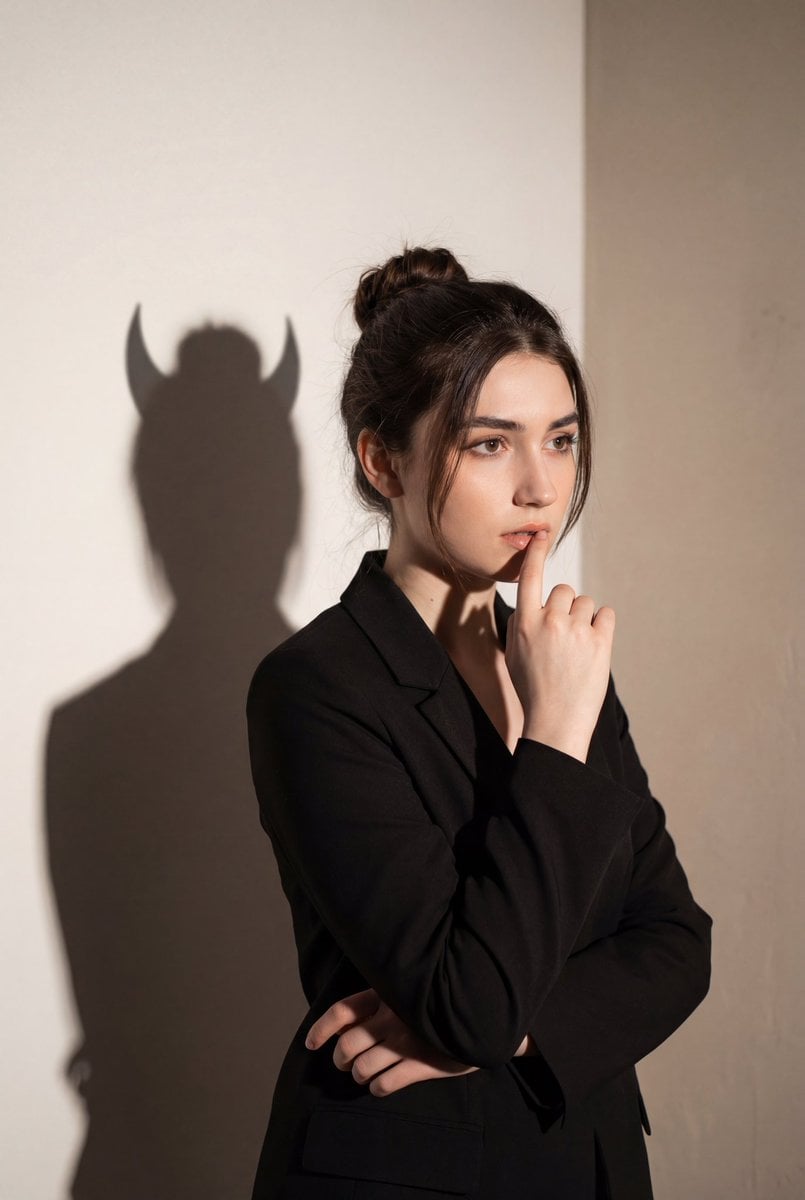
Conceptual Portrait with Symbolic Devil Horn Shadow
Ultra-Realistic 3D Inflatable Object Render
Cinematic Lumberjack Portrait Prompt
Nano Banana Pro Image Upscaler Prompt
Custom Enamel Souvenir Magnet
Cinematic Urban Portrait Poster
Browse template categories
High-End Luxury Winter Fashion Campaign Prompt questions
How do I use the High-End Luxury Winter Fashion Campaign Prompt template?
Add your photo if the template asks for one, edit the prompt if you like — the template's model and format are already selected — and press Generate. Your version opens in PicX Studio.
Can I customize the High-End Luxury Winter Fashion Campaign Prompt template?
Yes. You can change the subject, setting, lighting, mood, format, and available model controls before creating your image.
Is the High-End Luxury Winter Fashion Campaign Prompt template free?
Opening and editing this template is free. Generating uses credits, shown on the Generate button when you are signed in.
Which AI model should I use?
Start with Nano Banana 2, which is the model associated with this template. You can compare another compatible model for a different finish.
Looking for something else? Browse all templates.

Your photo, any look
Thousands of ready templates for every top image and video model, from one credit balance.