
Modern Lens Editorial Poster
Modern Lens Editorial Poster is a ready photo look.
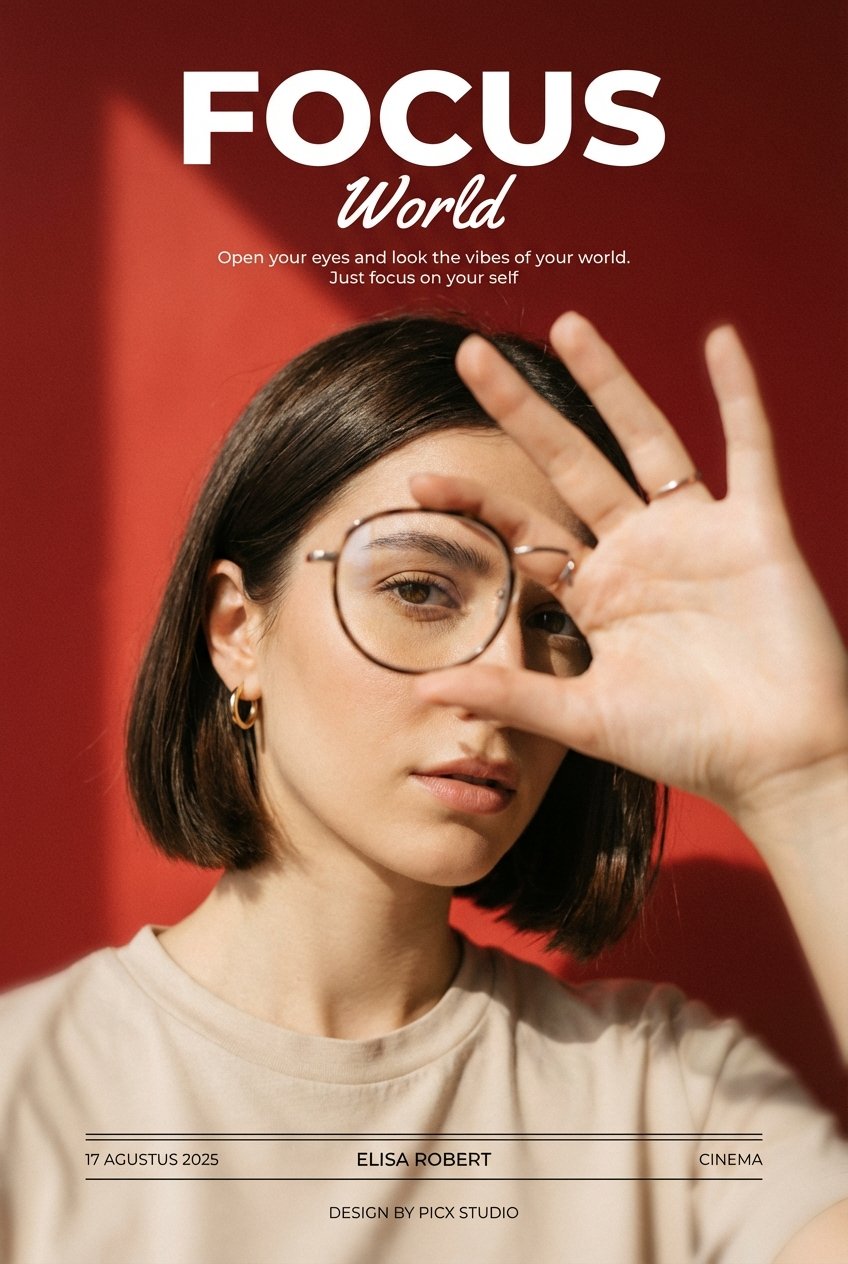
- Prompt included
- Model and format preset
- Free template
The prompt behind this image
Copy the exact prompt behind Modern Lens Editorial Poster, or open it in the studio and make it yours.
- Prompt
- A realistic modern editorial poster in 2:3 vertical format. Close-up front-facing portrait of a young woman aged 18–24 with a short blunt bob haircut and straight bangs, dark brown to black hair, natural makeup, realistic skin texture with visible pores. Hard direct sunlight creates strong crisp shadows and warm highlights. Clean solid red background. One open hand raised close to the camera with fingers spread, partially obscuring the face, creating a strong foreground shape. A single eyeglass lens frame is centered as a clarity window. Two-layer concept: Layer 1 is a sharp realistic portrait; Layer 2 applies frosted-glass blur, subtle vintage grain, and haze over the entire image while the eyeglass lens area is inversely masked to remain clearer and sharper. Minimalist off-white or light beige top with no logos. Small hoop earring visible and a thin ring on one finger. Cinematic, high-contrast fashion editorial poster style. Typography layout includes bold sans-serif title 'FOCUS' with script-style subtitle 'World'. Exact readable text included: 'Open your eyes and look the vibes of your world. Just focus on your self', '17 AGUSTUS 2025', 'ELISA ROBERT', 'CINEMA', 'DESIGN BY PICX STUDIO'. Thin horizontal decorative lines near the bottom. Mood is calm, stylish, confident, modern, and cinematic, showing that the world is hazy while clarity exists only inside the lens.
- Negative Prompt
- mirror selfie, extra fingers, deformed hands, finger distortion, unreadable text, misspelled words, text gibberish, watermark, over-smoothed skin, plastic skin, anime, cartoon, low quality
- Aspect Ratio
- 2:3
- Style
- realistic editorial photography with modern graphic poster overlay
- Lighting
- hard direct sunlight with strong shadows
- Camera
- tight close-up, eye-level to slightly high angle
- Quality
- high detail, sharp focus, high contrast
Raw JSON
{ "prompt": "A realistic modern editorial poster in 2:3 vertical format. Close-up front-facing portrait of a young woman aged 18–24 with a short blunt bob haircut and straight bangs, dark brown to black hair, natural makeup, realistic skin texture with visible pores. Hard direct sunlight creates strong crisp shadows and warm highlights. Clean solid red background. One open hand raised close to the camera with fingers spread, partially obscuring the face, creating a strong foreground shape. A single eyeglass lens frame is centered as a clarity window. Two-layer concept: Layer 1 is a sharp realistic portrait; Layer 2 applies frosted-glass blur, subtle vintage grain, and haze over the entire image while the eyeglass lens area is inversely masked to remain clearer and sharper. Minimalist off-white or light beige top with no logos. Small hoop earring visible and a thin ring on one finger. Cinematic, high-contrast fashion editorial poster style. Typography layout includes bold sans-serif title 'FOCUS' with script-style subtitle 'World'. Exact readable text included: 'Open your eyes and look the vibes of your world. Just focus on your self', '17 AGUSTUS 2025', 'ELISA ROBERT', 'CINEMA', 'DESIGN BY PICX STUDIO'. Thin horizontal decorative lines near the bottom. Mood is calm, stylish, confident, modern, and cinematic, showing that the world is hazy while clarity exists only inside the lens.", "negative_prompt": [ "mirror selfie", "extra fingers", "deformed hands", "finger distortion", "unreadable text", "misspelled words", "text gibberish", "watermark", "over-smoothed skin", "plastic skin", "anime", "cartoon", "low quality" ], "aspect_ratio": "2:3", "style": "realistic editorial photography with modern graphic poster overlay", "lighting": "hard direct sunlight with strong shadows", "camera": "tight close-up, eye-level to slightly high angle", "quality": "high detail, sharp focus, high contrast" }How to use Modern Lens Editorial Poster in 3 steps
- 1
Open
The prompt is already in the box next to the preview, with the template's model and format selected.
- 2…a portrait of your subject in softgolden-hour light, 85mm…
Personalize
Edit the subject and creative details for your destination.
- 3Generate
Generate
Press Generate — your image is created in PicX Studio, so you can compare it with the original and refine one variable at a time.
More like this
Templates with the same subject, style or setup. Open one to see its prompt.
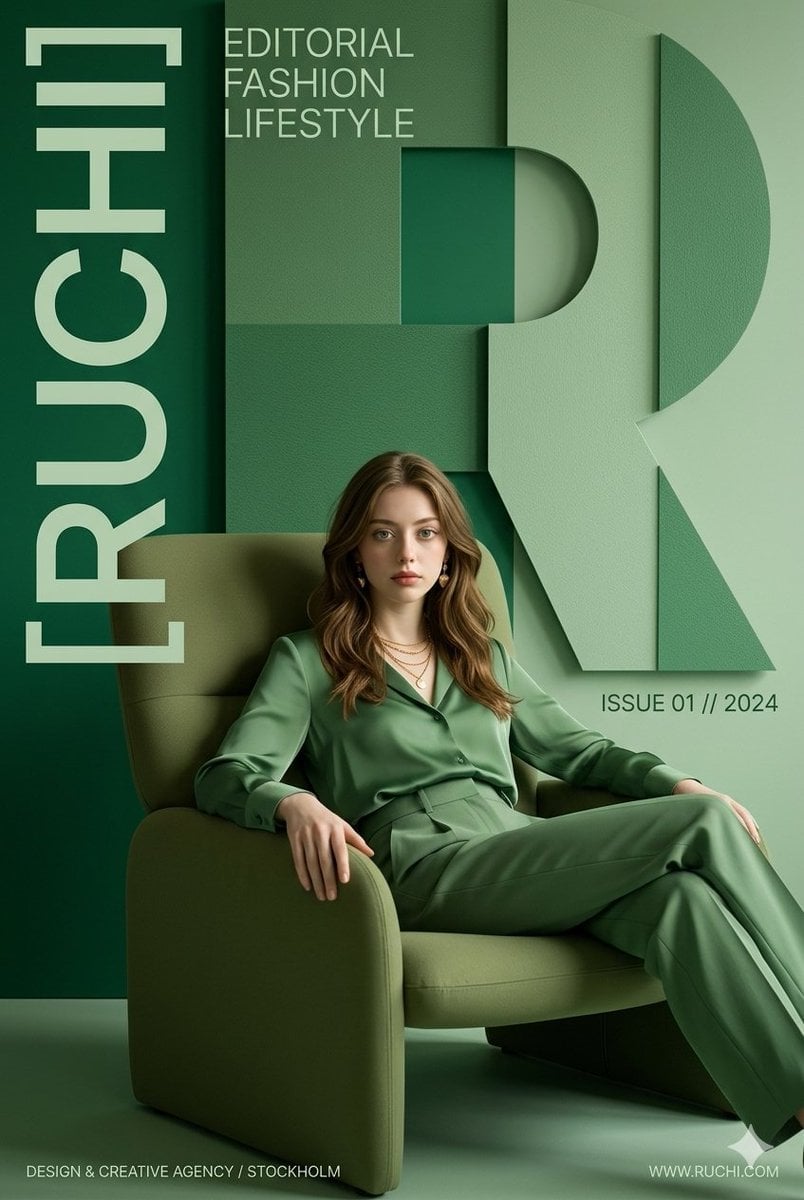
Premium Editorial Branding Poster Charcoal Green
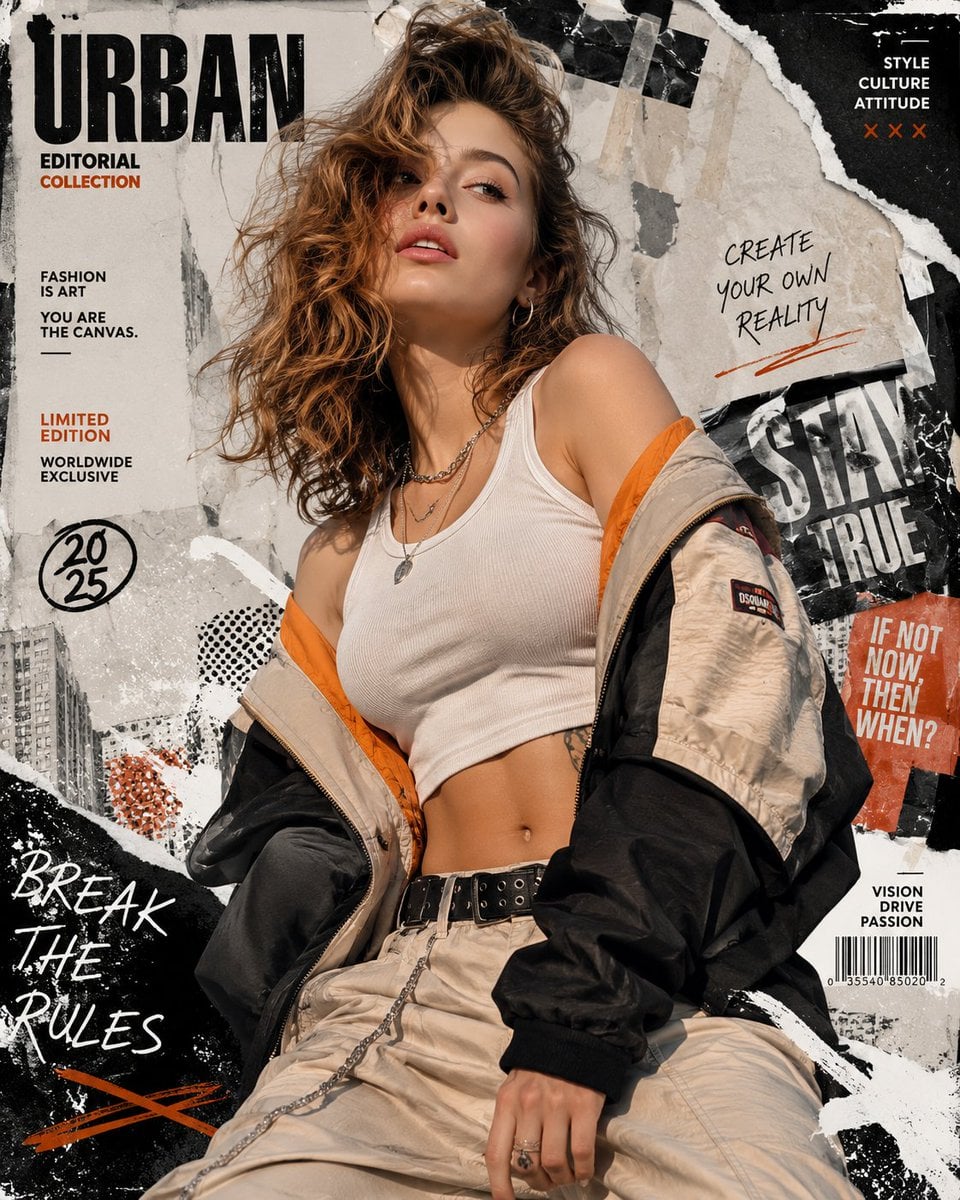
Urban Fashion Editorial Collage Poster
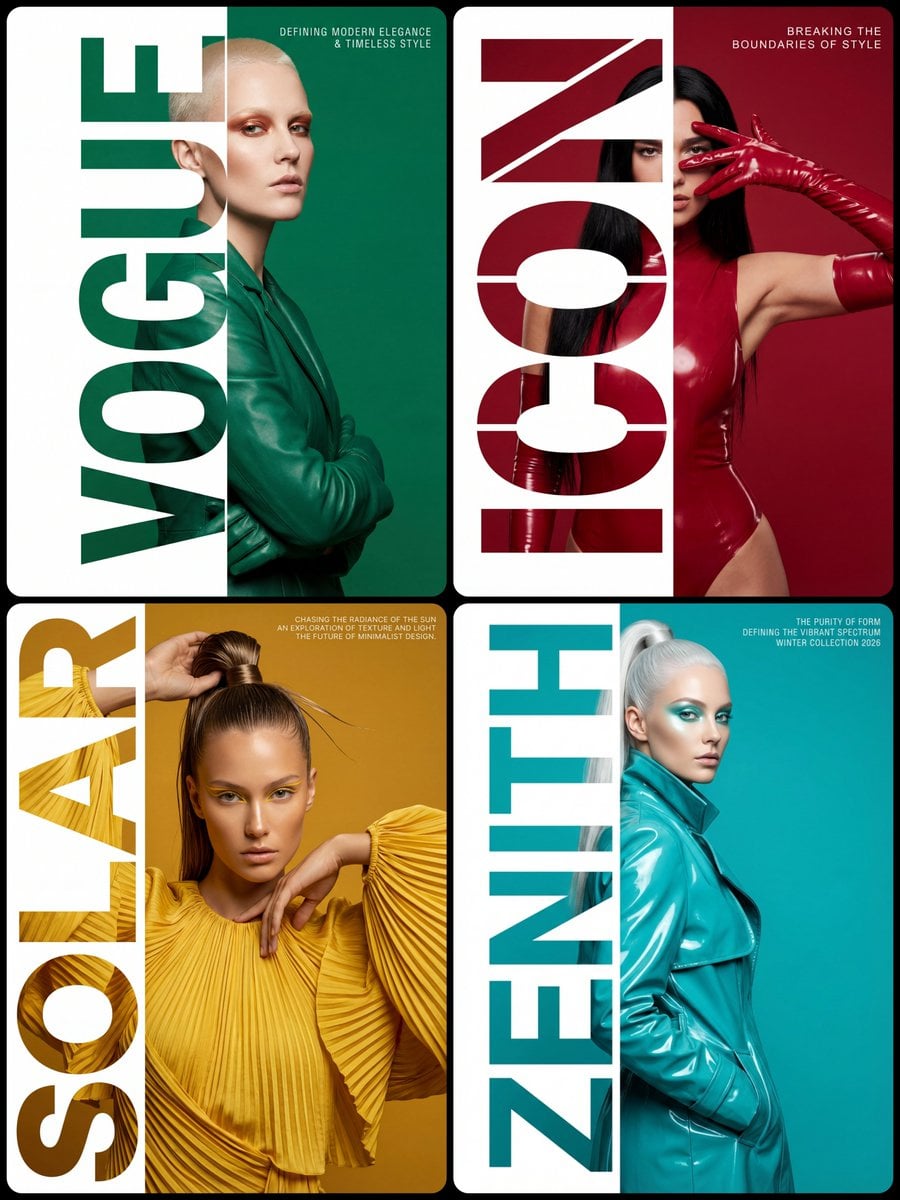
Typography Mask Editorial Fashion Poster
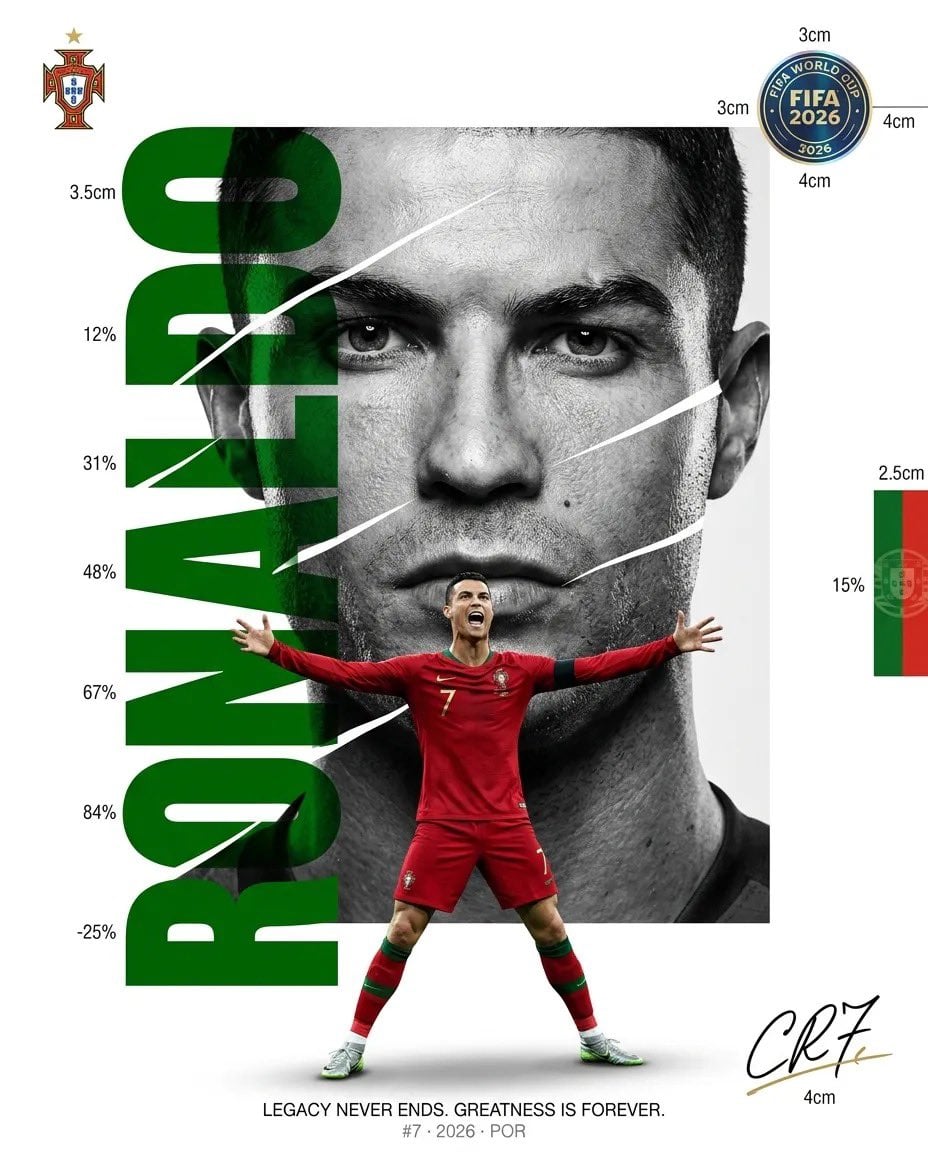
Luxury Sliced Wordmark Player Poster
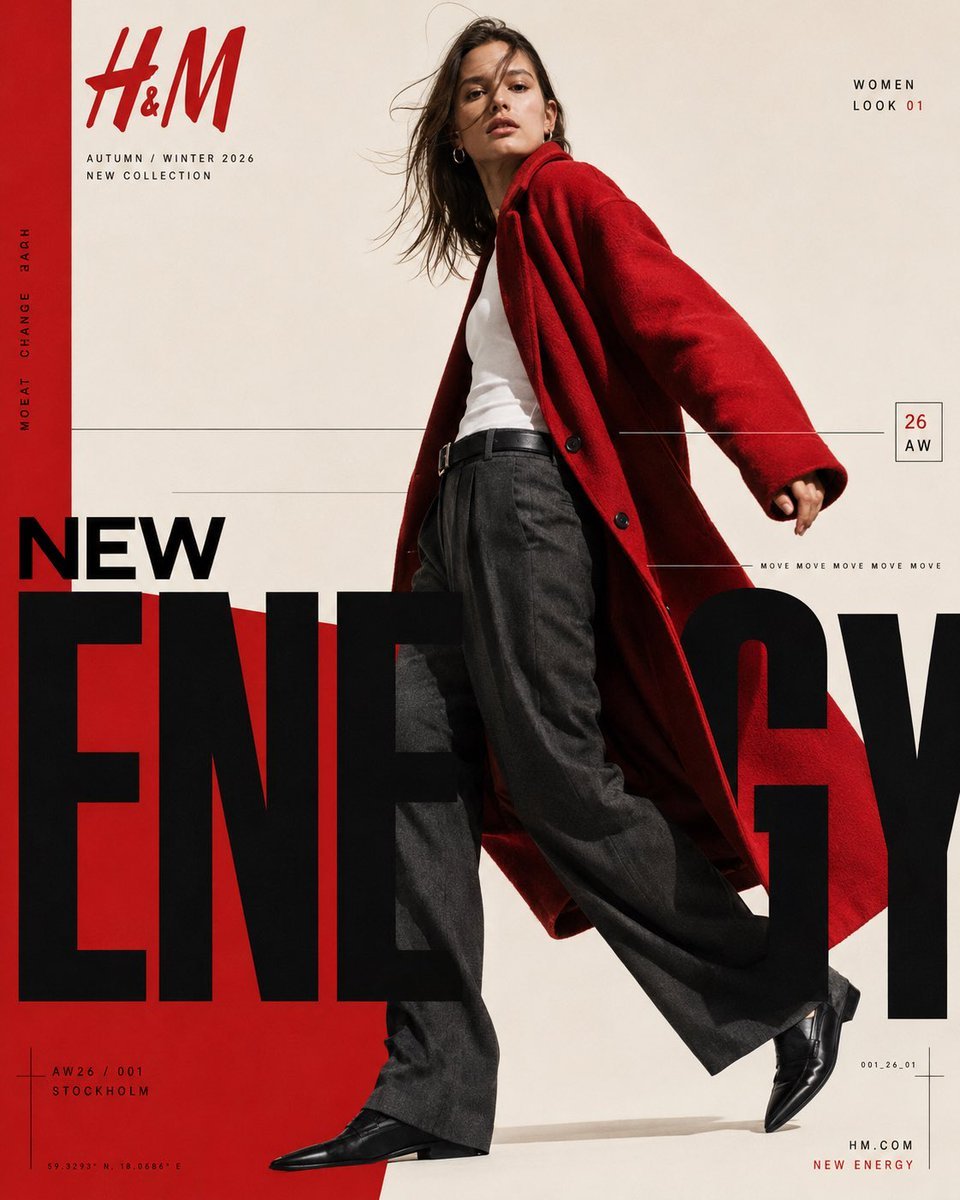
Modern Fashion Editorial Poster
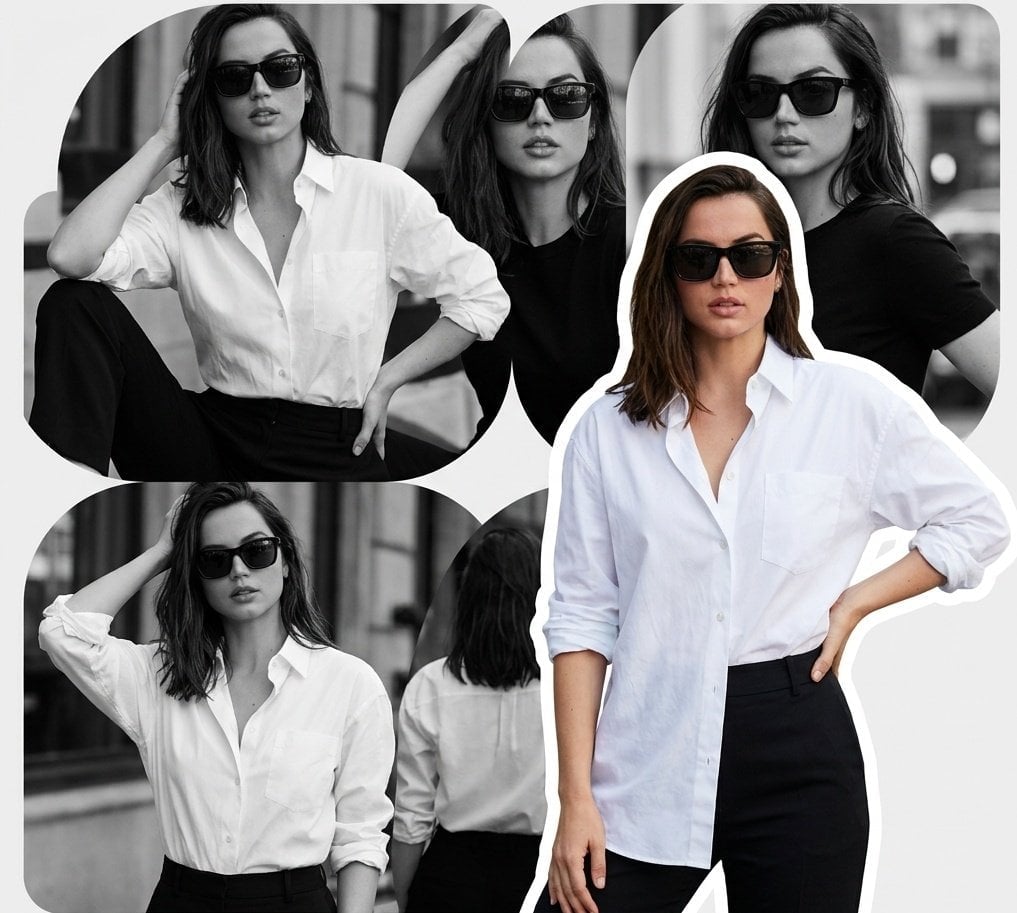
Modern Fashion Editorial Collage Poster
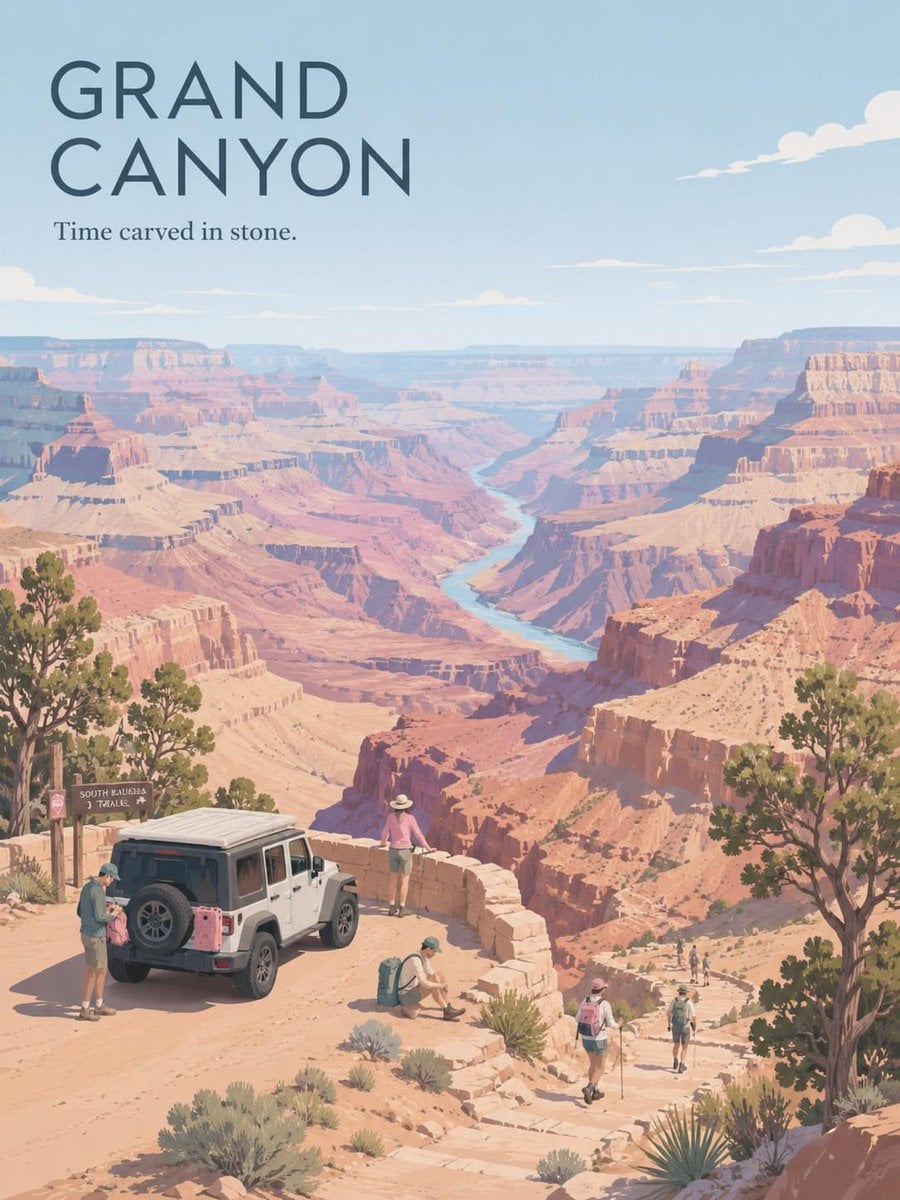
Premium Vintage Travel Poster Landscape
Premium Vintage Travel Poster Landscape

Japan Travel Brochure Poster

Modern Korean Fashion Editorial Board
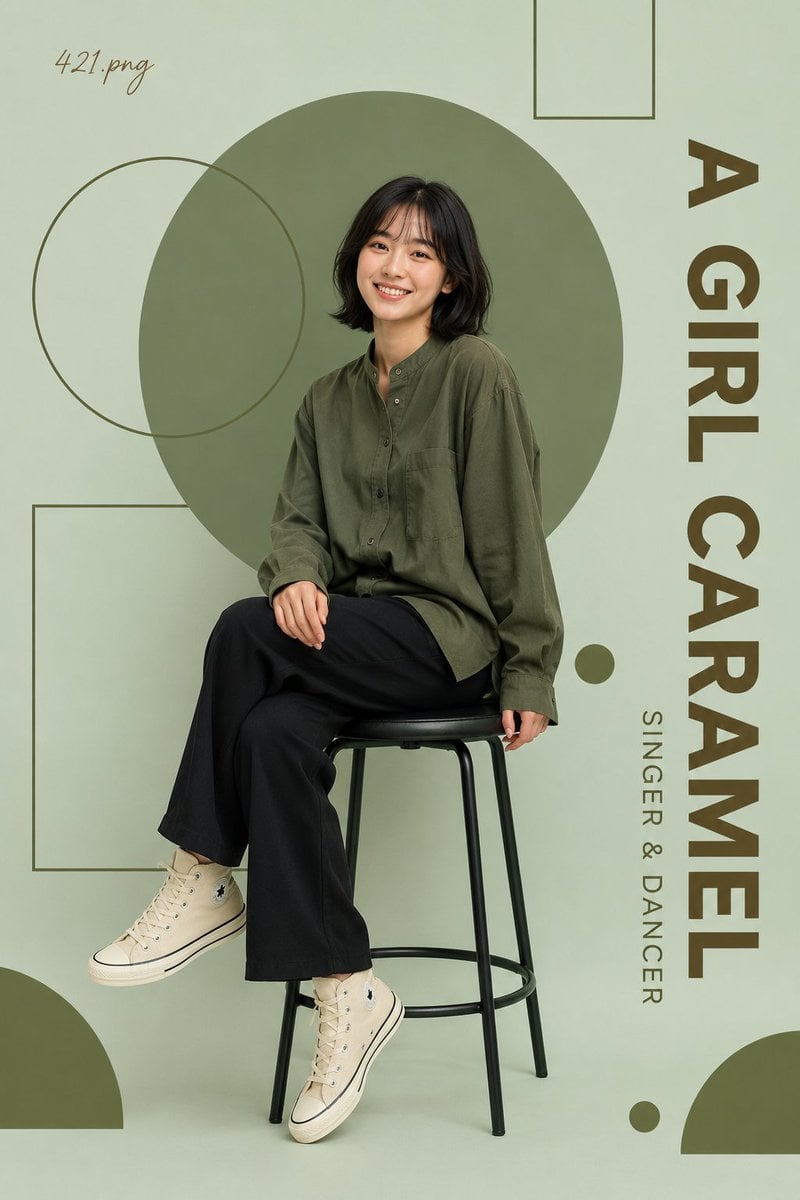
Minimalist Olive Green Editorial Poster
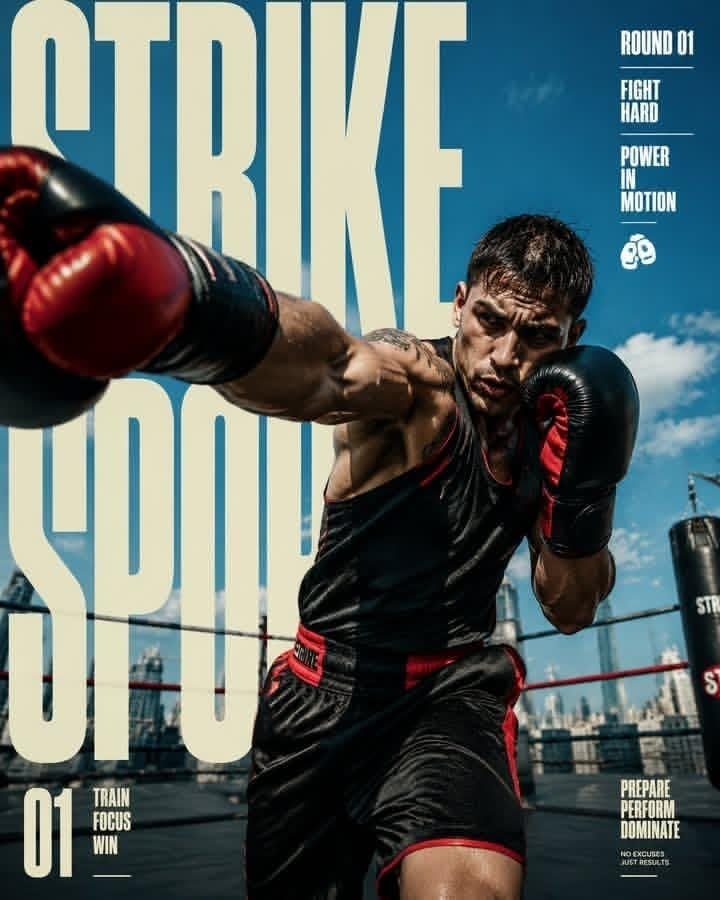
Strike Sport Boxer Editorial Poster
Make it yours
Modern Lens Editorial Poster works as-is. These are the safest ways to change it without losing the look.
Swap the light
One lighting change is enough to compare takes. Current light: “hard direct sunlight with strong shadows”.
Change one field
Copy a single group, rewrite it, and generate again so you can see what that field is doing.
Keep the frame, change the subject
Hold the composition and light of Modern Lens Editorial Poster, then swap wardrobe, props or the person for a new take.
| If the result… | Why | Fix |
|---|---|---|
| The result drifts from the preview | Too many fields changed at once. | Reuse Modern Lens Editorial Poster as-is first, then change one group — subject, light, or setting. |
| PicX Studio ignores part of the JSON | Some models flatten or skip nested keys. | Keep the same values and paste them as a short paragraph instead. |
More image prompts
Fresh picks from across the catalog.
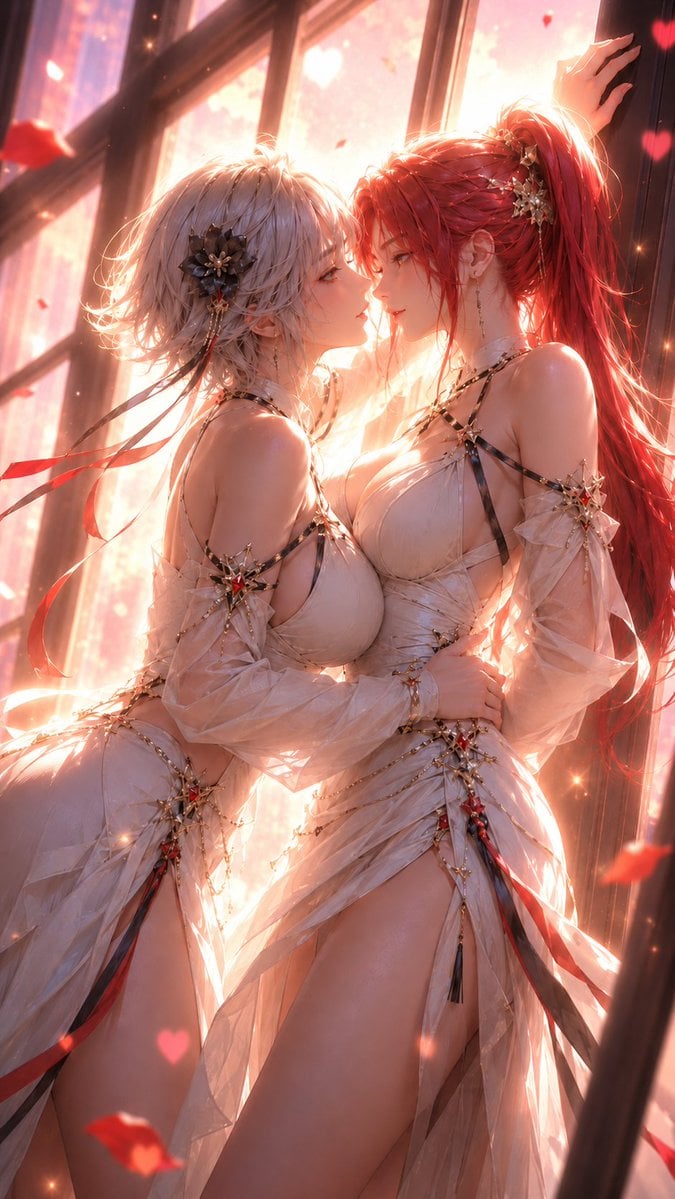
Romantic 3D CG Yuri Illustration
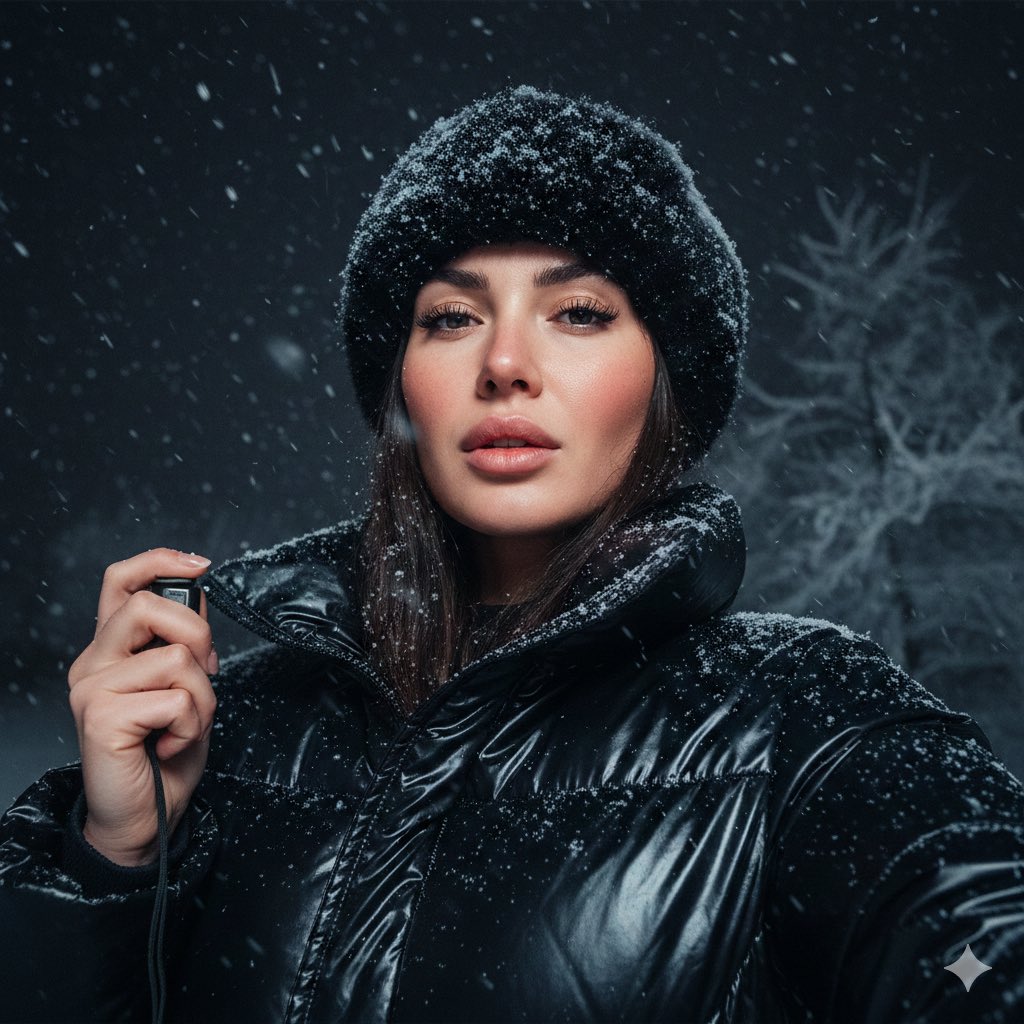
Detailed JSON Prompt for Cinematic Winter Selfie Portrait
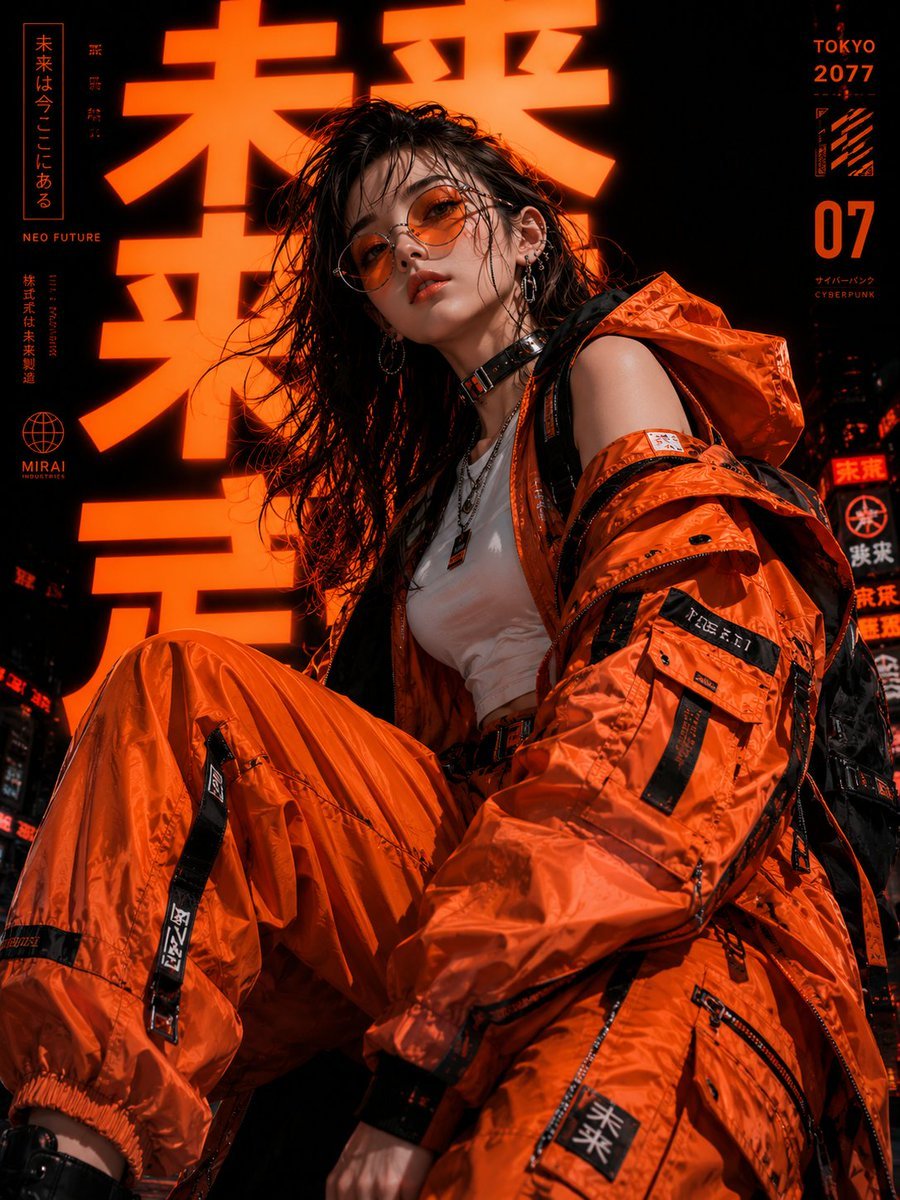
Cyberpunk Tokyo Fashion Portrait
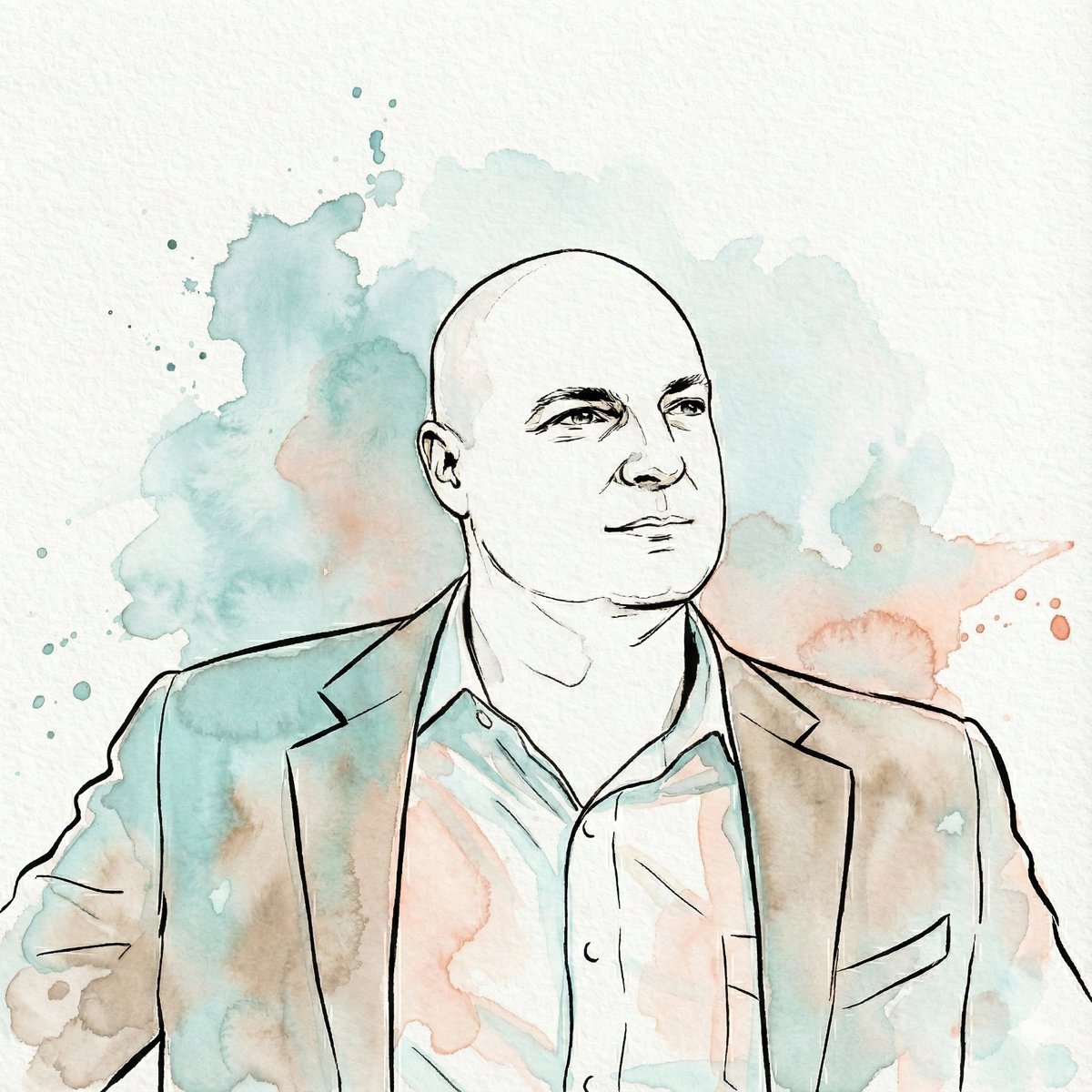
Image-to-Watercolor Illustration Prompt

Luxury Osechi (New Year's Food) Key Visual Generation Prompt
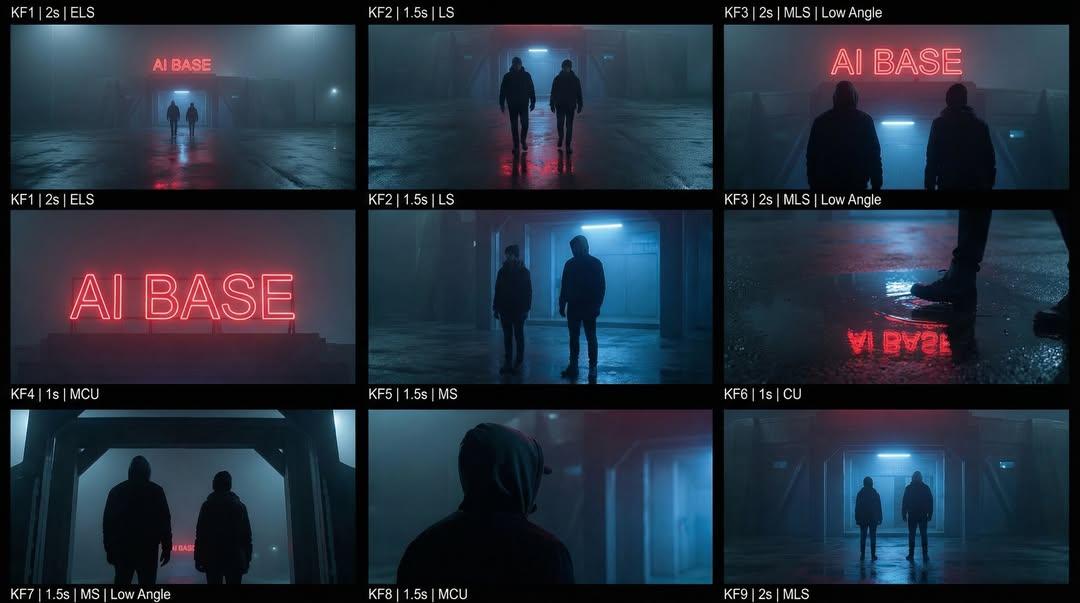
Cinematic Sci-Fi Storyboard Prompt for Nano Banana Pro
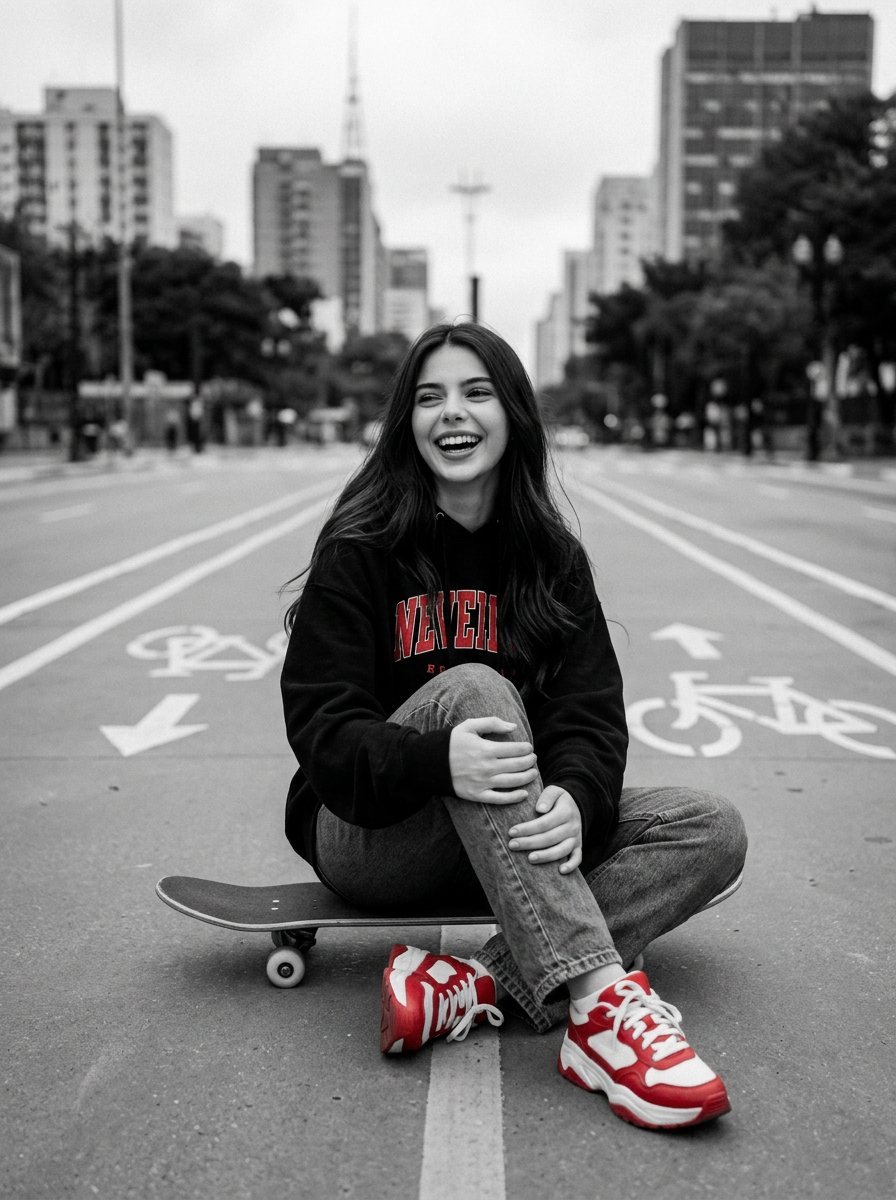
Cinematic Black, White, and Red Street Photography Portrait
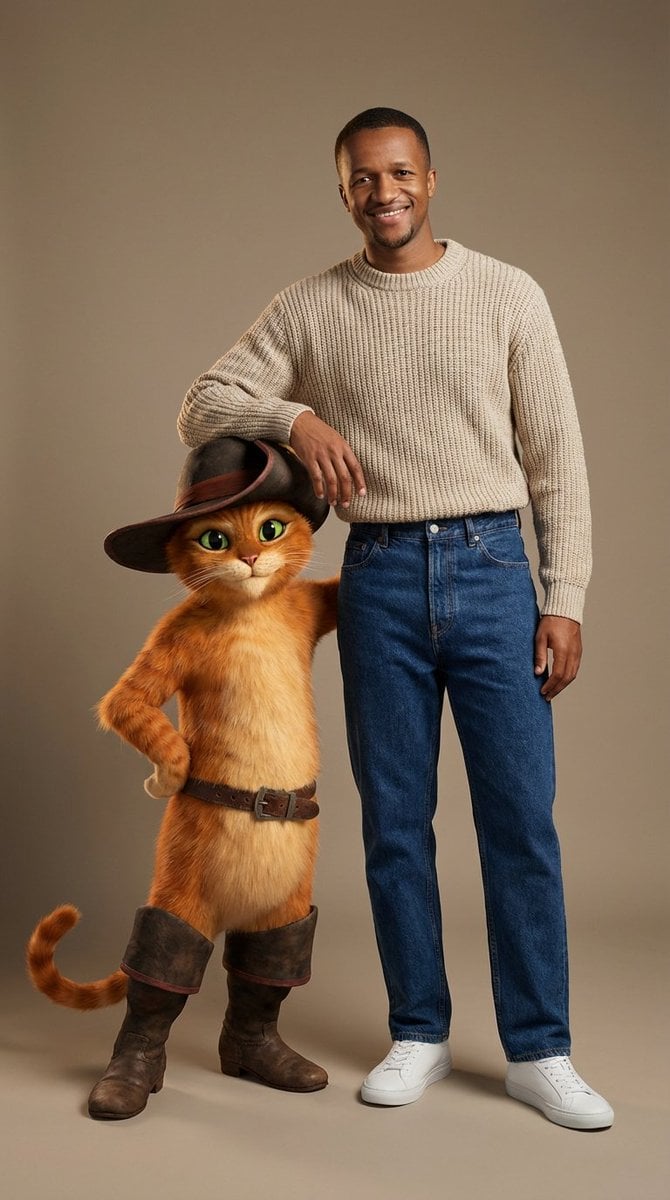
Fashion Portrait with Puss in Boots 3D Character
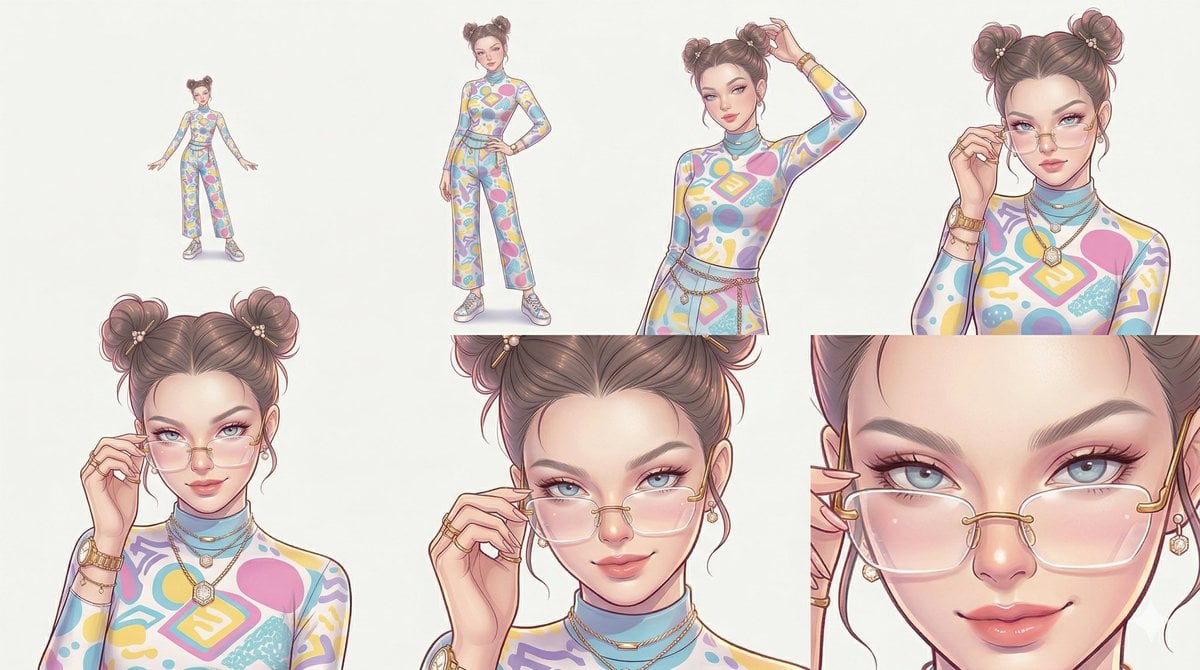
Reference Character Posing Grid Study Prompt
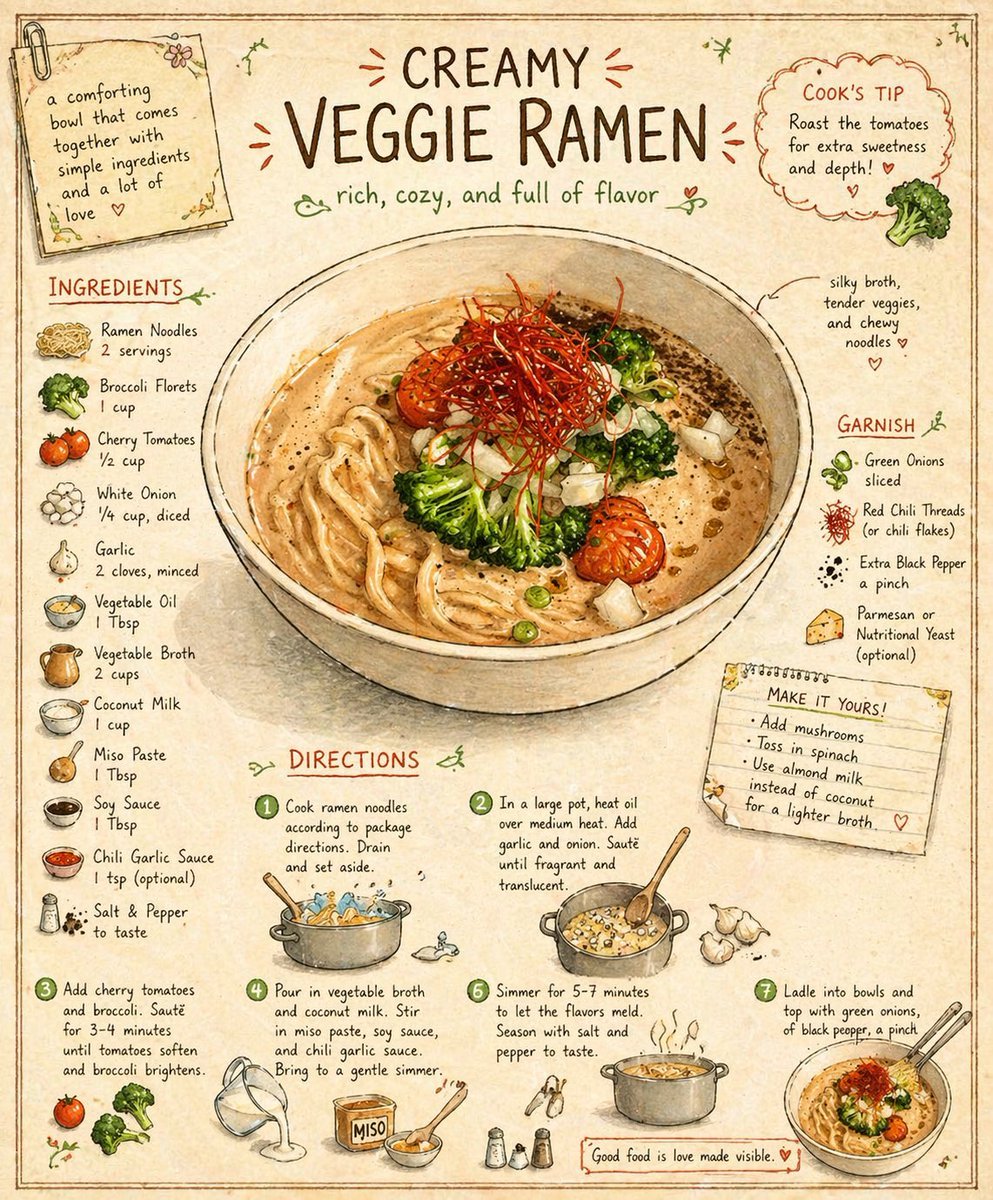
Vintage Cookbook Illustration
Browse template categories
Modern Lens Editorial Poster questions
How do I use the Modern Lens Editorial Poster template?
Add your photo if the template asks for one, edit the prompt if you like — the template's model and format are already selected — and press Generate. Your version opens in PicX Studio.
Can I customize the Modern Lens Editorial Poster template?
Yes. You can change the subject, setting, lighting, mood, format, and available model controls before creating your image.
Is the Modern Lens Editorial Poster template free?
Opening and editing this template is free. Generating uses credits, shown on the Generate button when you are signed in.
Which AI model should I use?
Choose a compatible model in PicX Studio based on the style, speed, and output controls your project needs.
Looking for something else? Browse all templates.

Your photo, any look
Thousands of ready templates for every top image and video model, from one credit balance.