
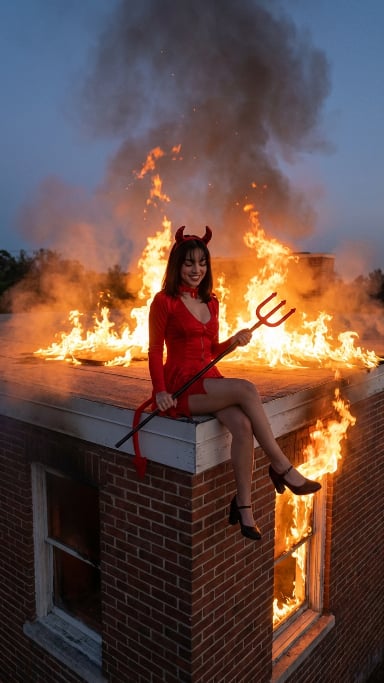
Cinematic Devil Costume on Burning Rooftop at Dusk
A cinematic conceptual photography prompt for Nano Banana Pro (Flow) detailing a young woman in a vibrant red devil costume sitting on the edge of a burning brick building rooftop at twilight, emphasizing dramatic…
- Prompt included
- Model and format preset
- Premium template
The prompt behind this image
Copy the exact prompt behind Cinematic Devil Costume on Burning Rooftop at Dusk, or open it in the studio and make it yours.
{ "scene": "A young woman dressed in a devil costume sitting on the edge of a burning brick building rooftop at dusk.", "subject": { "character": "Young woman with a playful, mischievous persona.", "face": { "structure": "Soft features with a joyful expression.", "skin": "Warm tone illuminated by firelight.", "eyes": { "shape": "Almond", "expression": "Looking down with a satisfied smile." }, "mouth": { "lips": "Full, natural color, wide smile." } }, "hair": { "color": "Dark brown", "length": "Shoulder-length", "texture": "Straight", "style": "Down with bangs" }, "accessories": { "hat": "Red devil horns headband.", "pitchfork": "Long black staff with a three-pronged red tip.", "tail": "Pointed red devil tail hanging from the dress.", "choker": "Red fabric choker." } }, "pose": { "overall": "Relaxed and perched on a ledge.", "position": { "base": "Sitting on the corner edge of a rooftop.", "orientation": "Facing slightly right, looking downward." }, "torso": { "direction": "Slightly angled", "posture": "Lean and graceful" }, "arms": { "position": "Holding the pitchfork across her lap with both hands." }, "legs": { "position": "Crossed at the knees, dangling over the edge.", "visible": "Fully visible" }, "head": { "turn": "Tilted down toward the burning window.", "expression": "Amused" } }, "outfit": { "costume": { "type": "Devil costume", "color": "Vibrant red", "style": "Mini dress with long sleeves and a V-neckline.", "shoes": "Black Mary Jane style chunky heels." } }, "body": { "type": "Slim", "skin": "Fair with orange glow" }, "environment": { "location": "A brick building rooftop with active fire and smoke.", "building": { "material": "Red brick", "structure": "Corner of a flat-roofed building with windows.", "fire": "Large flames erupting from the roof and a lower window." }, "background": { "sky": "Deep blue twilight sky with heavy grey and orange smoke clouds.", "trees": "Dark silhouettes of trees in the far distance." } }, "lighting": { "type": "Dramatic high-contrast lighting.", "quality": { "intensity": "Strong warm glow from the fire against cool ambient dusk.", "direction": "Backlit by roof flames and bottom-lit by window flames." }, "on_subject": { "skin": "Vivid orange highlights", "hair": "Warm rim lighting" } }, "photography": { "angle": "Slightly low angle looking up at the rooftop.", "framing": "Full body shot including the building corner.", "focus": "Sharp on the subject and the immediate flames.", "style": "Cinematic conceptual photography" }, "color_palette"
How to use Cinematic Devil Costume on Burning Rooftop at Dusk in 3 steps
- 1
Open
The prompt is already in the box next to the preview, with the template's model and format selected.
- 2…a portrait of your subject in softgolden-hour light, 85mm…
Personalize
Edit the subject and creative details for your destination.
- 3Generate
Generate
Press Generate — your image is created in PicX Studio, so you can compare it with the original and refine one variable at a time.
More like this
Templates with the same subject, style or setup. Open one to see its prompt.

If We Met in 1985

Rooftop Fisheye — Cat-Ear Balaclava at Golden Hour

Spider-Man Rooftop Golden Hour Cinematic Photo
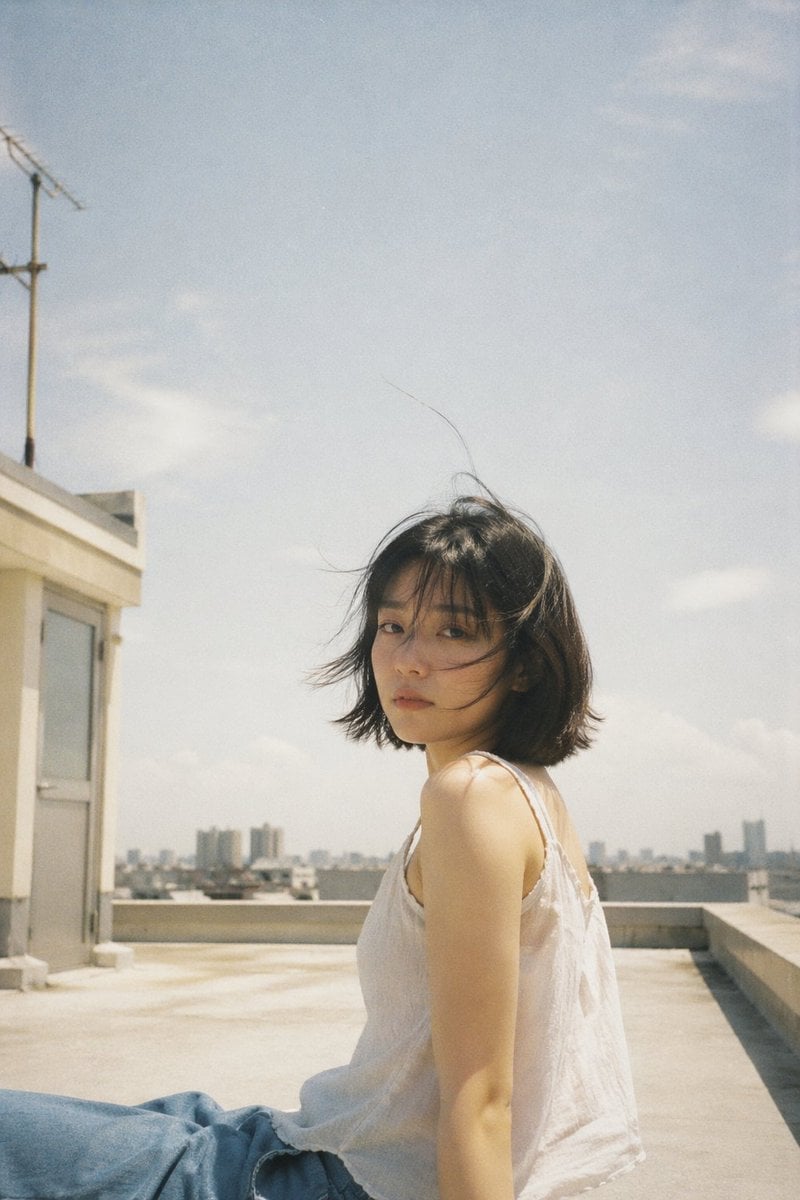
Japanese Negative Film Rooftop Summer Portrait
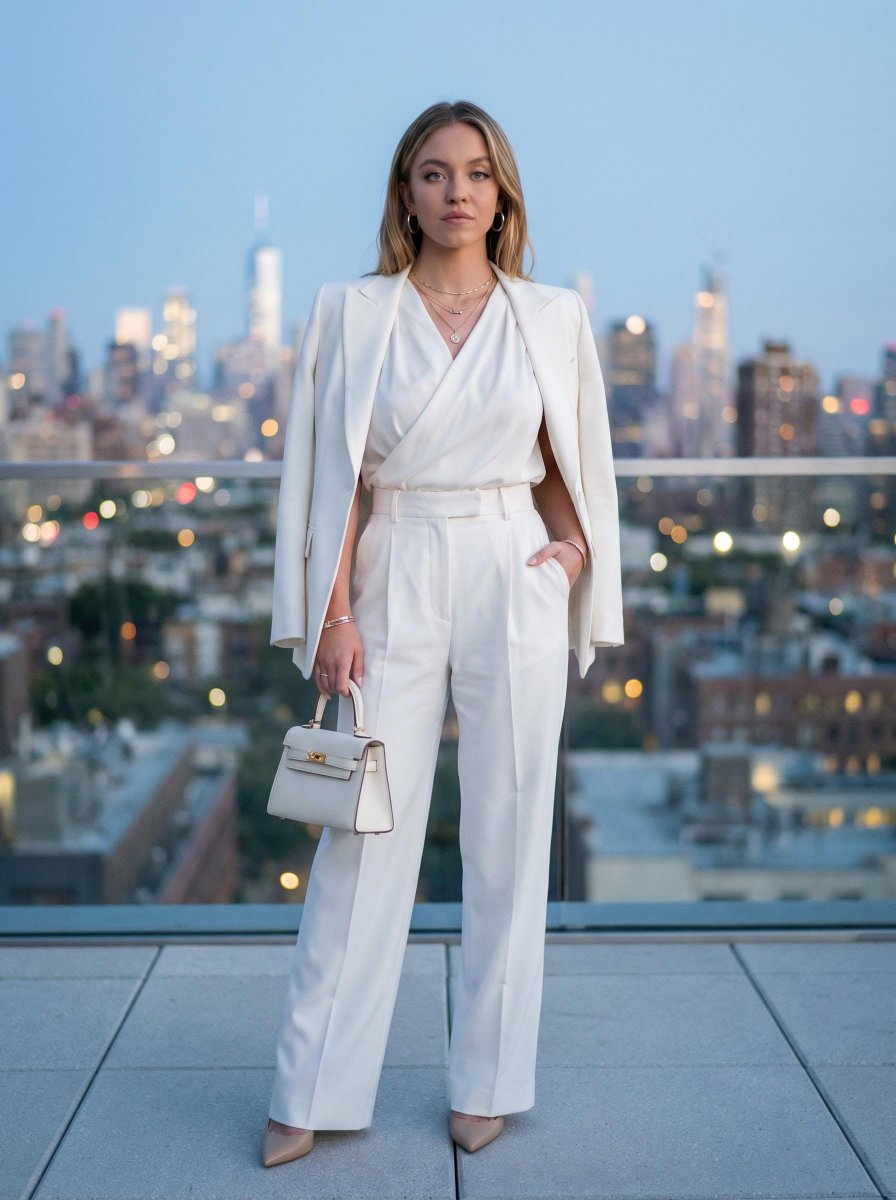
Rooftop Editorial Portrait at Dusk
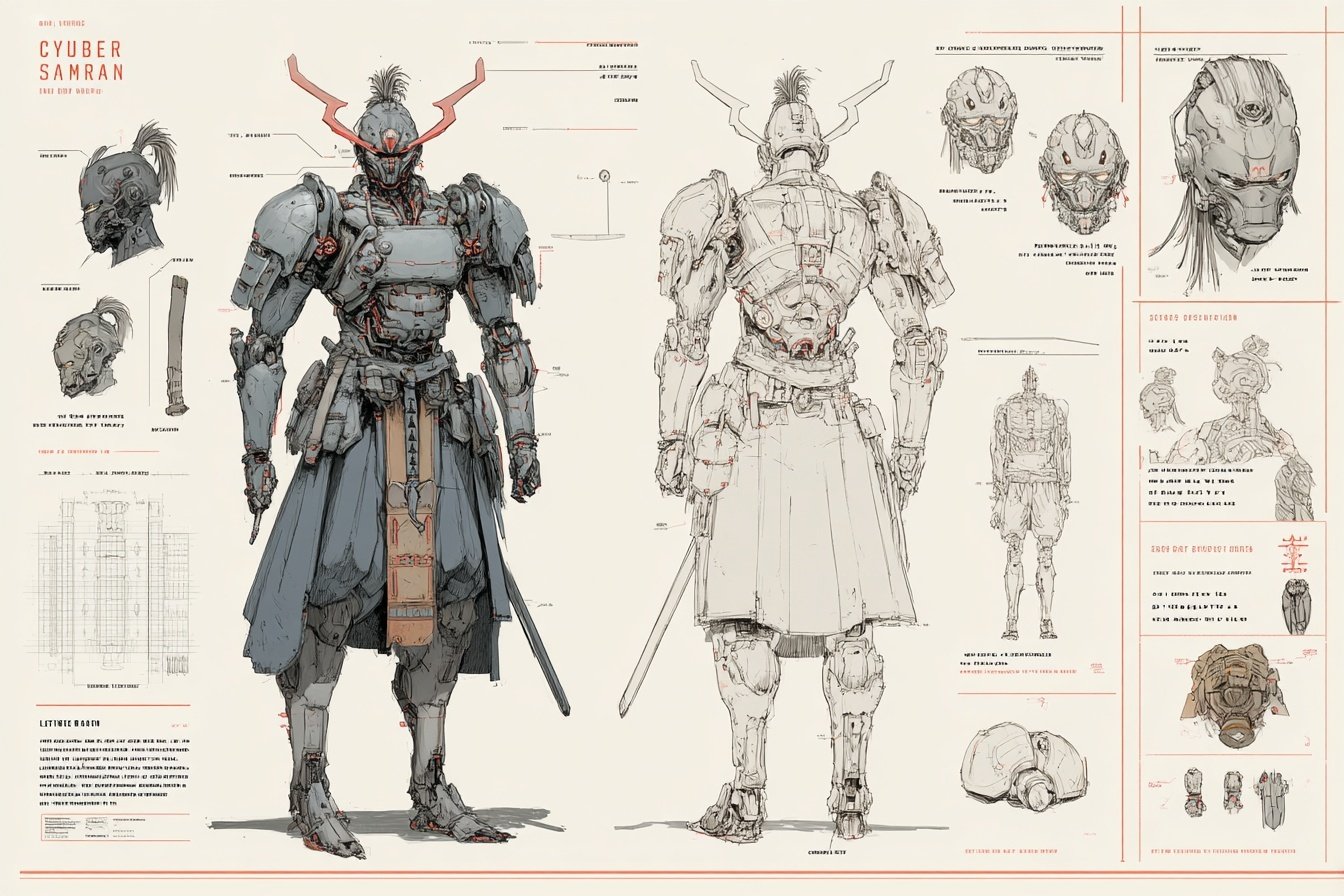
Character Archive — Blueprint Concept Sheet
Nano Banana - Rooftop Dinner Night
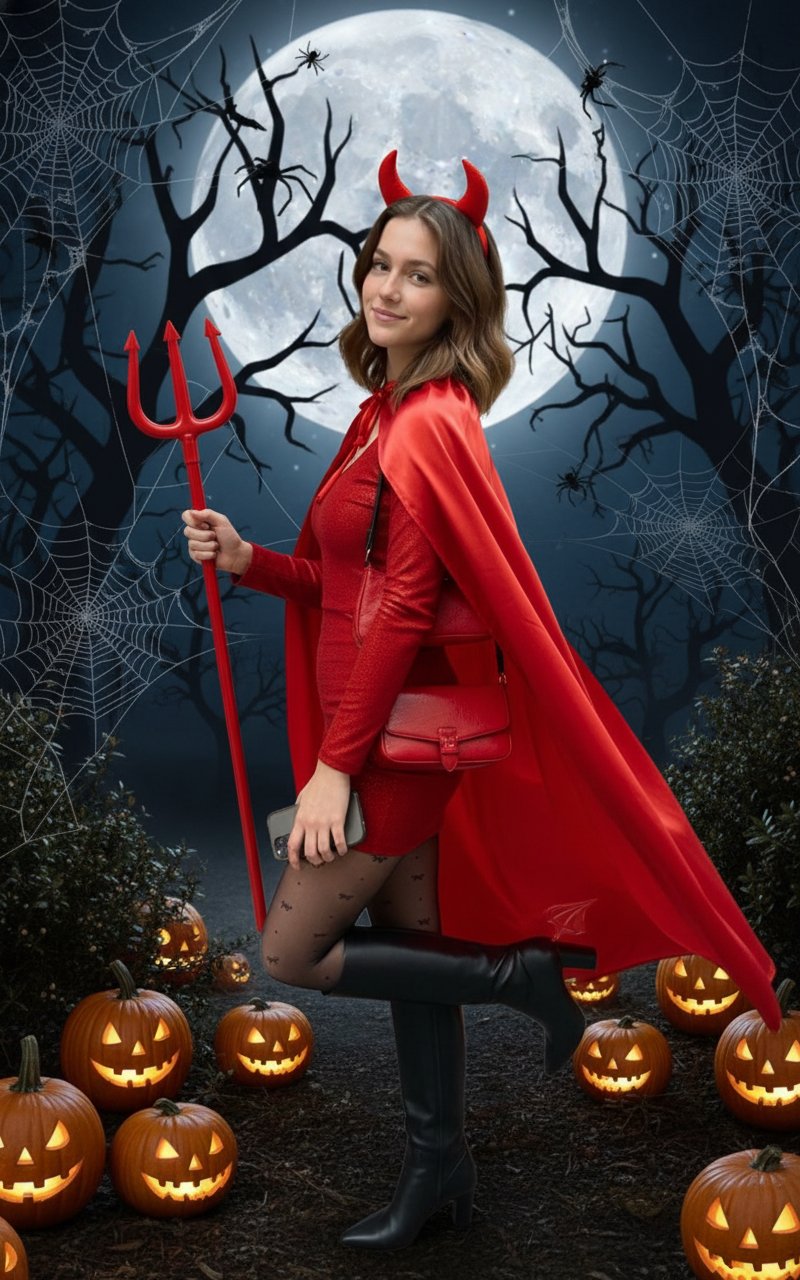
Halloween Costume(Devil)
80s Rooftop Couple
Burning Feudal Japanese Village
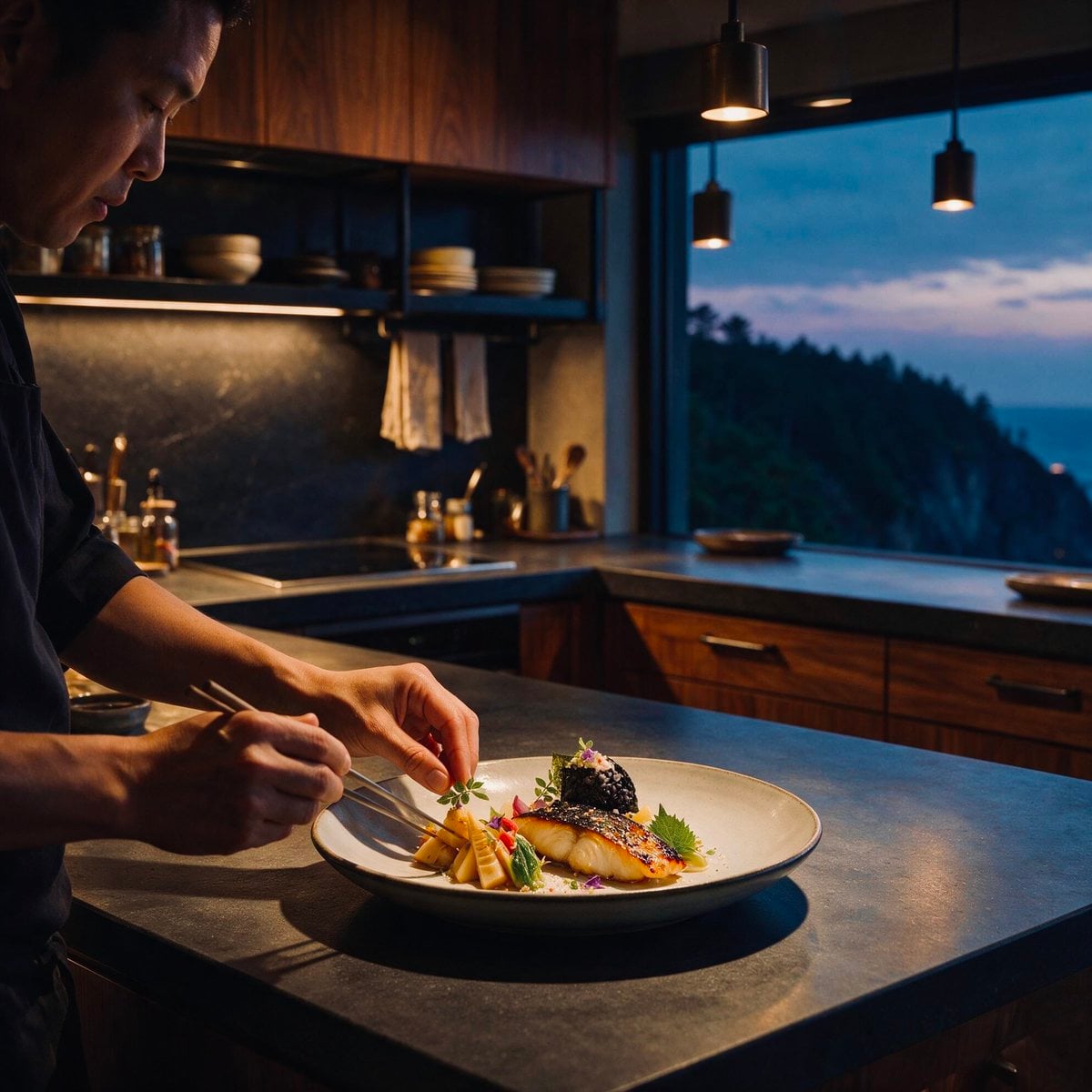
Cinematic Chef Plating at Dusk
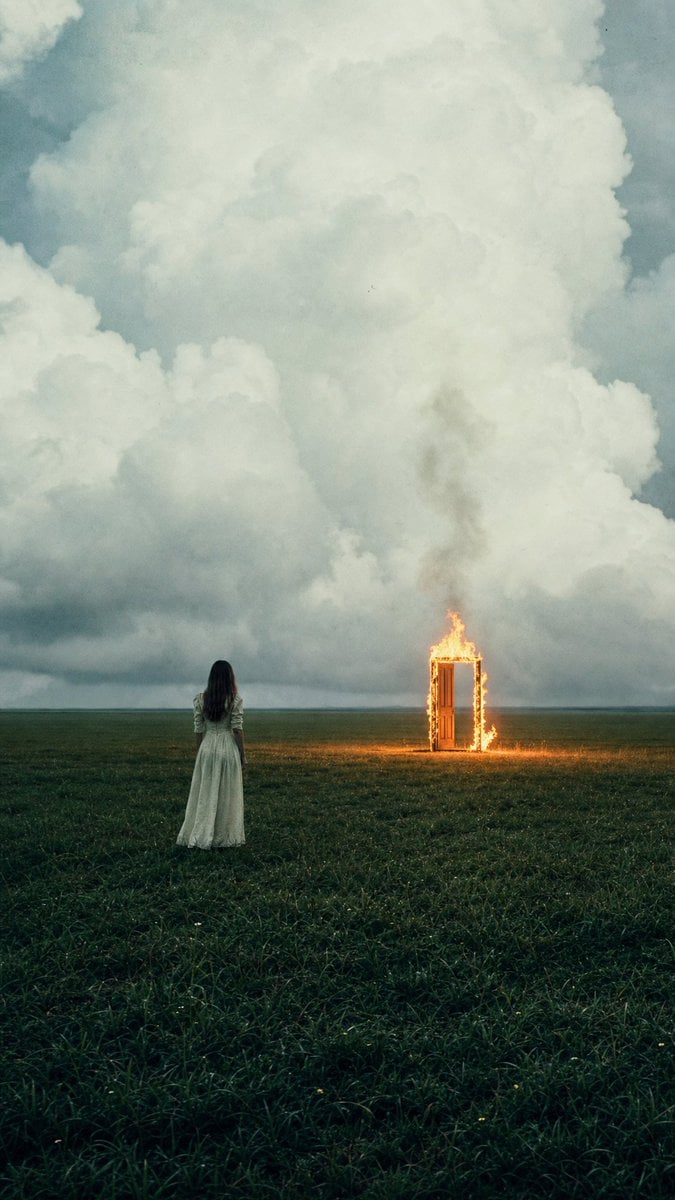
Woman Facing Burning Doorway
Make it yours
Cinematic Devil Costume on Burning Rooftop at Dusk works as-is. These are the safest ways to change it without losing the look.
Change one field
Copy a single group, rewrite it, and generate again so you can see what that field is doing.
Keep the frame, change the subject
Hold the composition and light of Cinematic Devil Costume on Burning Rooftop at Dusk, then swap wardrobe, props or the person for a new take.
| If the result… | Why | Fix |
|---|---|---|
| The result drifts from the preview | Too many fields changed at once. | Reuse Cinematic Devil Costume on Burning Rooftop at Dusk as-is first, then change one group — subject, light, or setting. |
| The model over-stylizes the scene | The prose prompt leaves finish and camera underspecified. | Add one camera or lighting sentence and stay on Nano Banana 2. |
More Nano Banana 2 templates
Other prompts made for Nano Banana 2.

Photorealistic Leaf Shaped Like a Dragon

K-Pop Idol Portrait Grid for Rapid Selection

Poetic Rain Forest Portrait During Golden Hour

Urban Street Portrait with Cartoon Inner Self Duo

Candid Nighttime Photo with Cat Prompt

High-Concept 3D Diorama Generation Prompt

Cinematic Futuristic Studio Portrait Template

Skincare Editorial Photography Collage Prompt

Hyper-Realistic Commercial Product Photography (Splash Effect)

Hyper-Realistic Nightclub Portrait Prompt
More image prompts
Fresh picks from across the catalog.
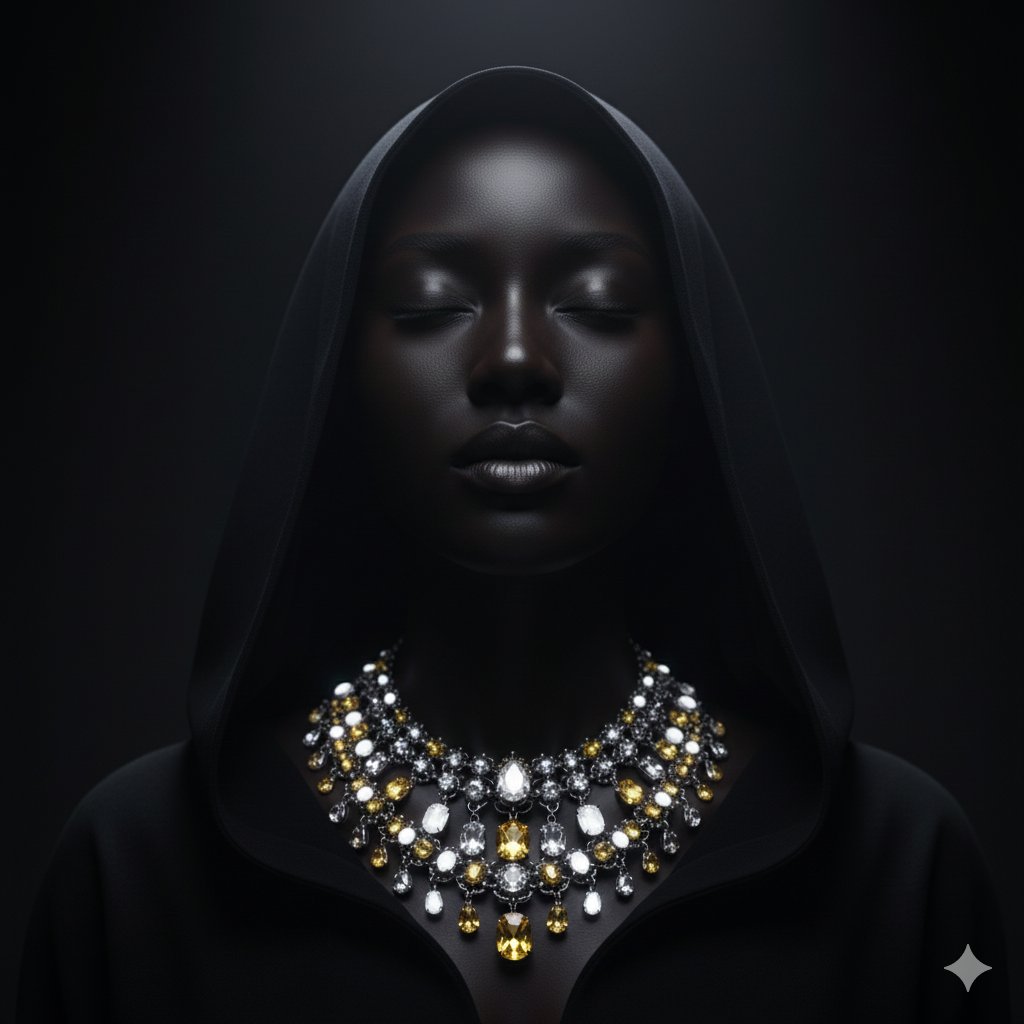
Dramatic Low-Key Portrait with Glowing Gemstones
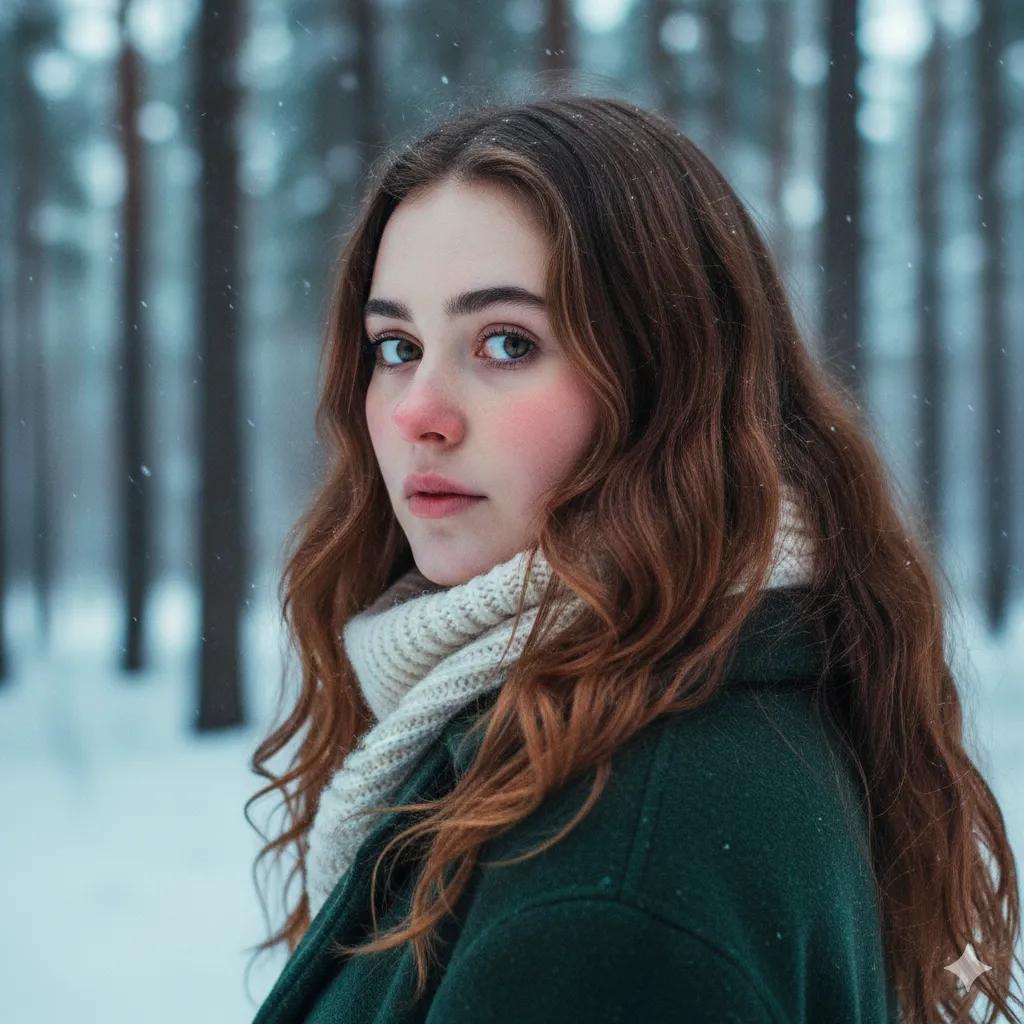
Cinematic Winter Portrait Prompt for Gemini
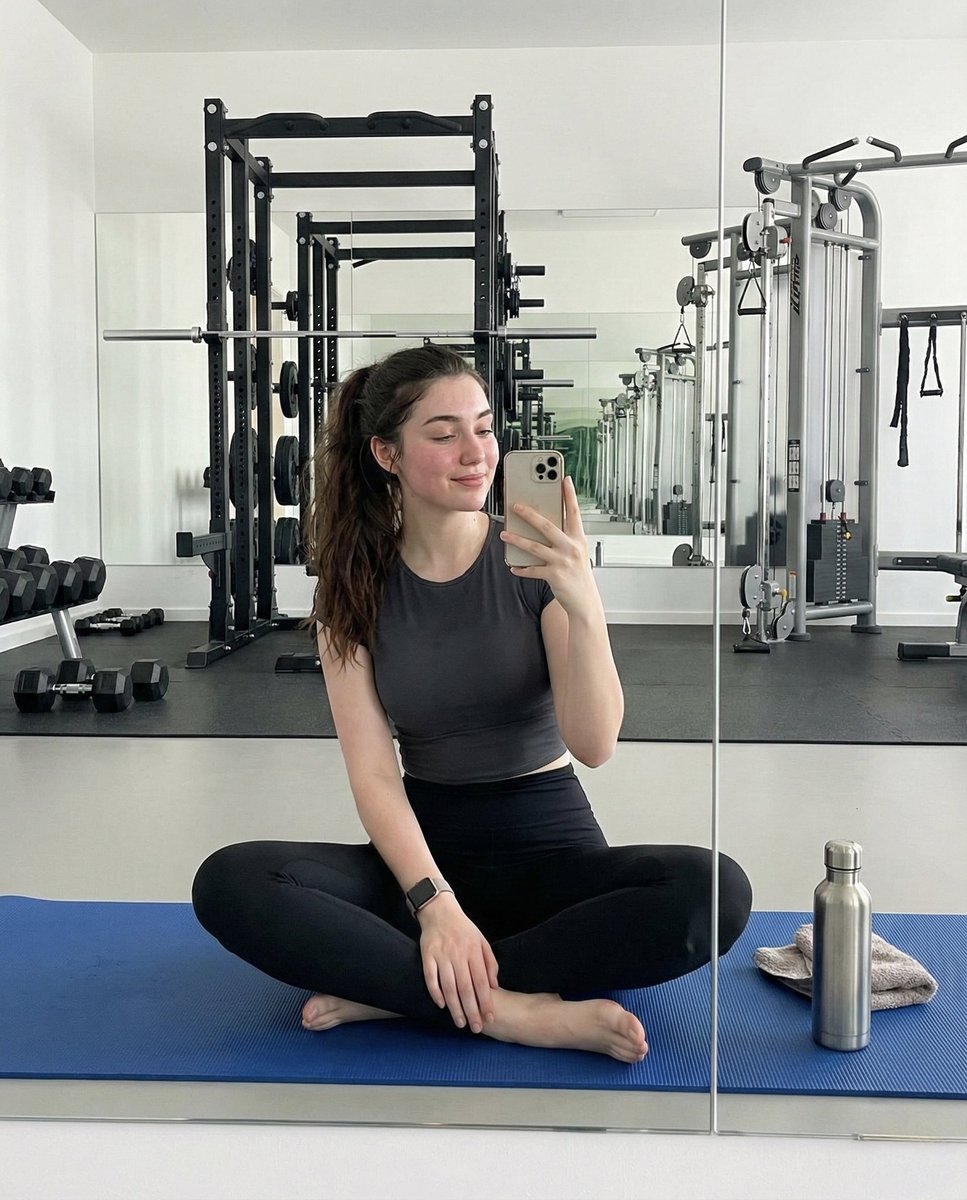
Ultra-Photorealistic Gym Mirror Selfie Prompt
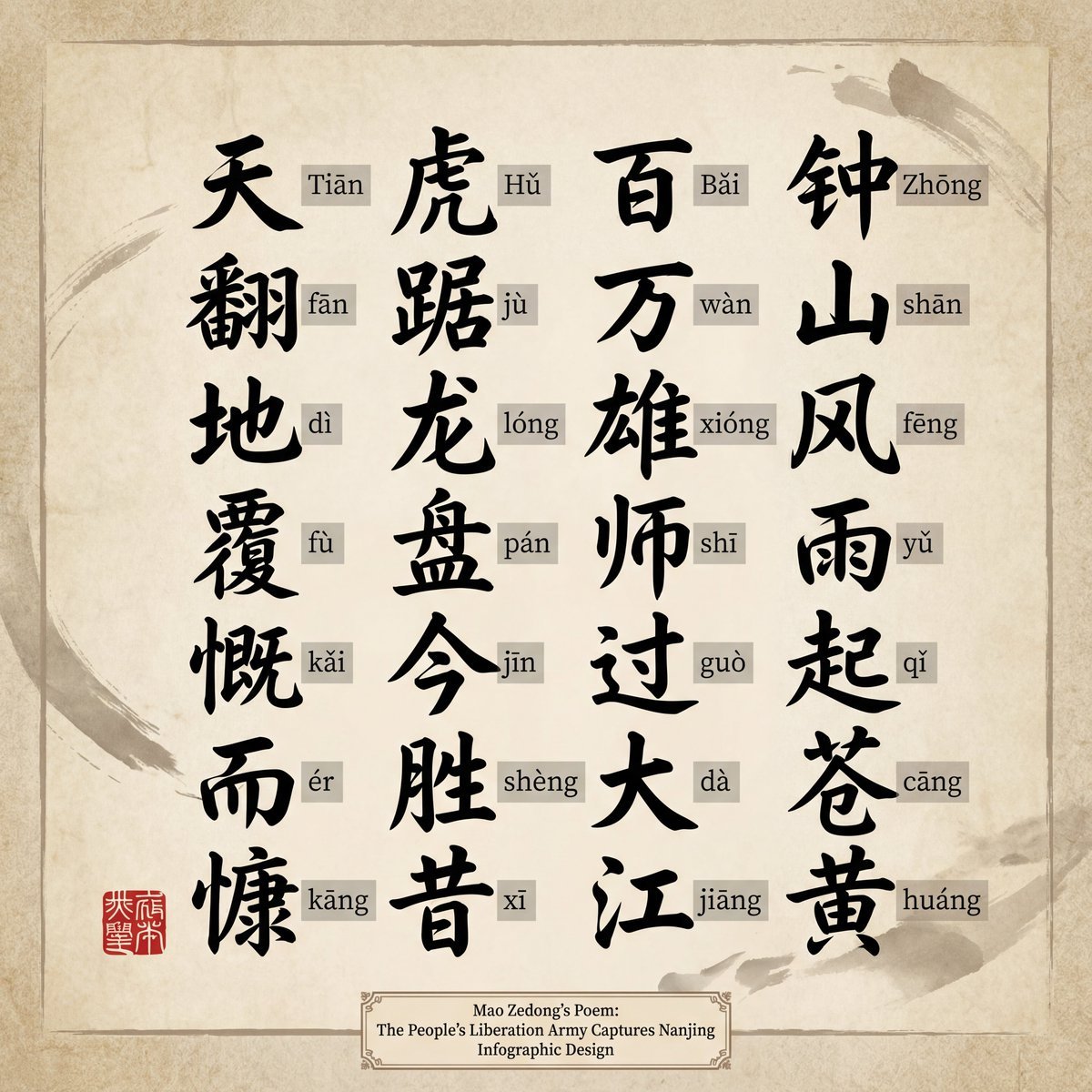
Upscaling to 4K Prompt for Clear Chinese Text
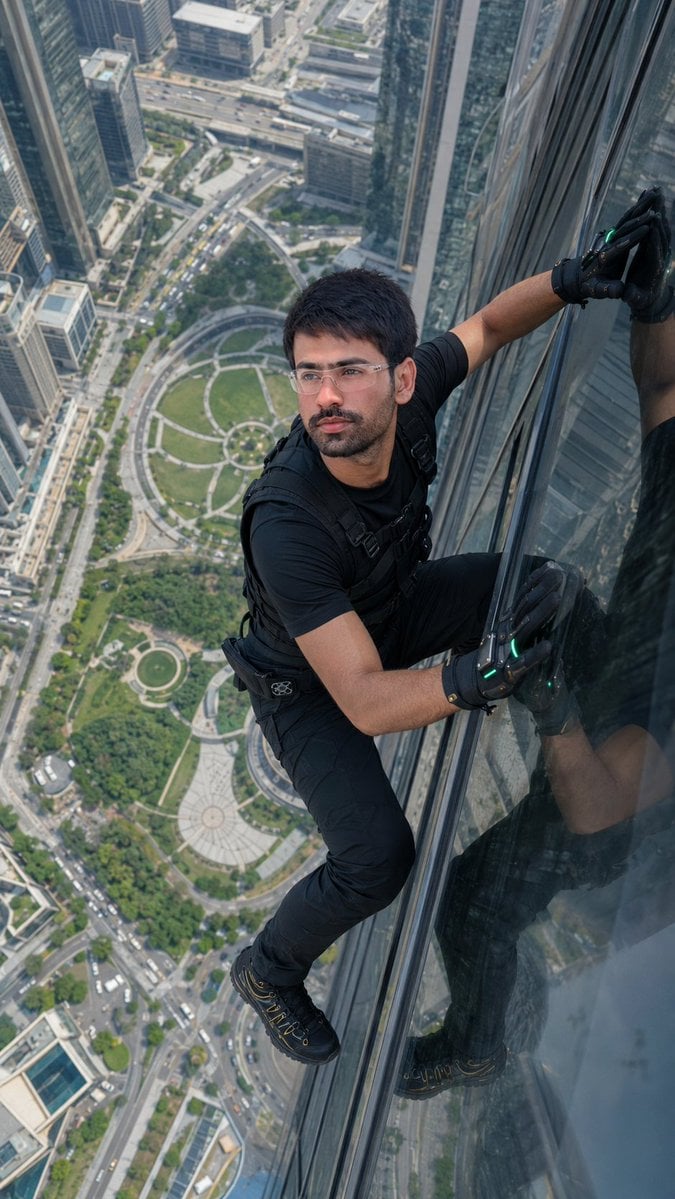
Skyscraper Climbing Action Shot
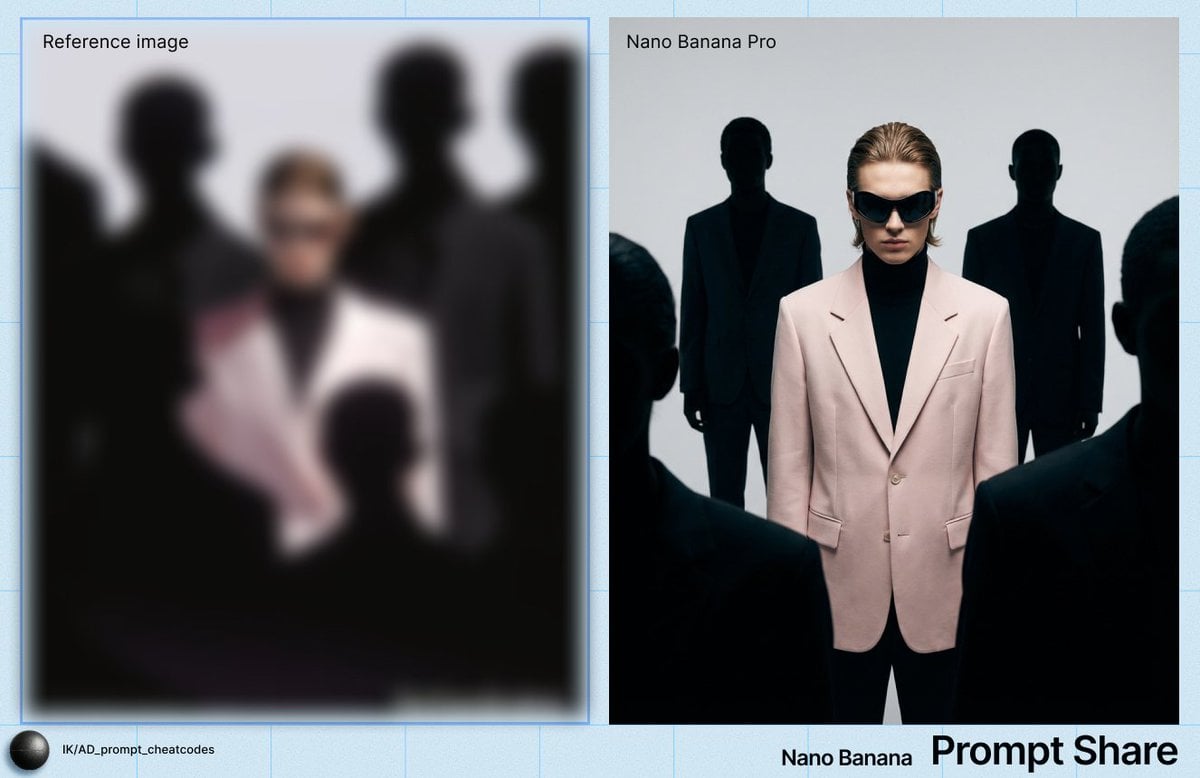
YSL Style High-Contrast Fashion Image

Futuristic Tech Beauty Product Poster

Felt Fabric Applique Art Style Transfer Prompt

Pixar-Style 3D Chibi Boy Character
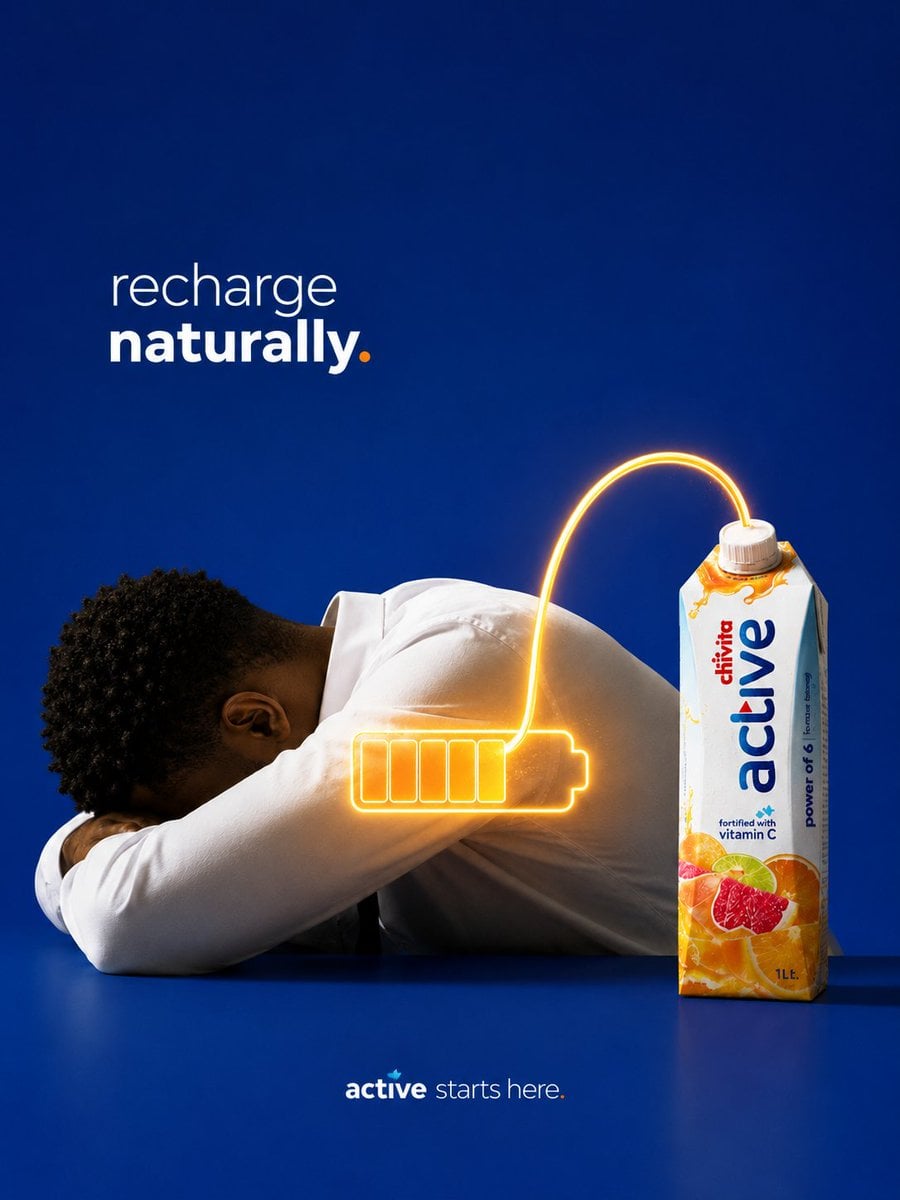
Recharge Naturally Juice Ad
Browse template categories
Cinematic Devil Costume on Burning Rooftop at Dusk questions
How do I use the Cinematic Devil Costume on Burning Rooftop at Dusk template?
Add your photo if the template asks for one, edit the prompt if you like — the template's model and format are already selected — and press Generate. Your version opens in PicX Studio.
Can I customize the Cinematic Devil Costume on Burning Rooftop at Dusk template?
Yes. You can change the subject, setting, lighting, mood, format, and available model controls before creating your image.
Is the Cinematic Devil Costume on Burning Rooftop at Dusk template free?
Opening and editing this template is free. Generating uses credits, shown on the Generate button when you are signed in.
Which AI model should I use?
Start with Nano Banana 2, which is the model associated with this template. You can compare another compatible model for a different finish.
Looking for something else? Browse all templates.

Your photo, any look
Thousands of ready templates for every top image and video model, from one credit balance.