
Fantasy Battle Warrior Action Video Prompt
A high-intensity Chinese fantasy video prompt featuring a female warrior wielding a folding fan in a battlefield with magical effects and game-like CG quality.
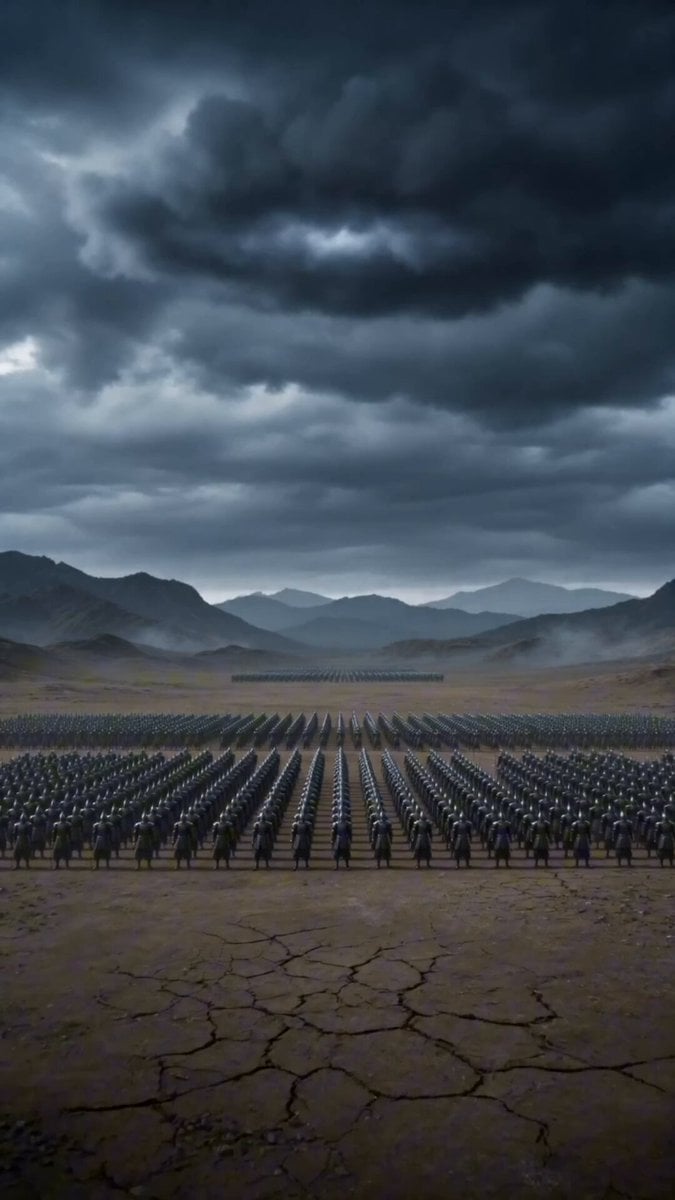
- Prompt included
- Model and format preset
- Premium template
The prompt behind this video
Copy the exact prompt behind Fantasy Battle Warrior Action Video Prompt, or open it in the studio and make it yours.
风格定位: 竖屏国风玄幻 3D CG 动画,偏游戏宣传片 / 手游大招过场 CG / AI 仙侠短片质感。 整体风格:东方玄幻仙侠动作大片,白衣女战神,折扇破阵,万军战场,金色灵力风刃,巨大透明神女法相,赤焰龙群轰炸,乌云压顶,沙尘爆裂,电影级慢动作,高速运镜,竖屏史诗构图。不要字幕,不要文字叠加。 镜头 1(0-3 秒) 主体:一名白衣仙侠女战神,黑色长发,金色发饰,白金长裙,手持白金折扇。 动作:开场先展示乌云下密密麻麻的古代军阵;随后女主从高空俯冲降临,衣袖和披帛展开;切到折扇微距特写,手指压住金色扇骨,白色扇面金花纹发出微光。 环境:荒芜古战场,远山,压低乌云,数万黑甲士兵。 镜头:超远景转近景,再切折扇微距特写,慢动作推进。 约束:折扇必须清楚,是白色扇面、金色扇骨,不要变成剑。 镜头 2(3-7 秒) 主体:女主面对冲锋的黑甲军阵。 动作:敌军向她冲来,女主贴地旋身挥出折扇;一道金色半月形风刃横扫地面,沙尘炸开,前排士兵被冲击波掀飞;女主单脚落地收势,白裙和长袖随风飞扬。 环境:战场地面裂开,沙尘墙扩散,士兵被卷入空中。 镜头:敌军视角高速冲锋,随后镜头倾斜旋转跟随女主挥扇。 约束:核心动作是“折扇横扫千军”,不要用刀剑砍杀,不要血腥。 镜头 3(7-10 秒) 主体:女主升空并召唤巨大神女法相。 动作:女主脚下升起金色光柱,把她托向天空;背后浮现巨大的半透明白色神女法相,法相双手环绕,随后结印,背后出现圆形神环。 环境:乌云翻滚,战场士兵在下方显得渺小,空气中有金白色粒子。 镜头:从地面仰拍女主升空,再推到巨大神圣法相正面。 约束:法相要庄严透明,像仙侠神力显化,不要变成机械或怪物。 镜头 4(10-13.5 秒) 主体:赤红火焰龙形能量从战场裂隙中爆发。 动作:地面出现红色裂缝,两条赤焰龙先冲出;随后多条火焰龙首从地面盘旋爆发,形成巨大爆炸云团,横扫整片军阵。 环境:战场被红色火光照亮,沙尘和火焰冲天,倒地士兵散落四周。 镜头:俯瞰战场,再快速拉近火焰龙群爆发。 约束:火焰龙是能量形态,不要变成真实动物撕咬;表现冲击波和爆炸,不要血腥。 镜头 5(13.5-15 秒) 主体:女主完成大招后站在战场中央。 动作:女主冷静站立,手持折扇,长发和白裙在余风中飘动;身后烟尘、火光 and 倒地敌兵逐渐散开。 环境:乌云战场,破碎地面,远处军阵崩散。 镜头:胸像特写转全身定格,慢动作收尾。 约束:女主保持冷静、优雅、强大,不要怒吼,不要表情崩坏。 负面提示词: 字幕,文字叠加,logo,水印,现代城市,现代武器,枪械,血腥,断肢,过度恐怖,折扇变成剑,折扇消失,女主换脸,发型变化,服装变化,手指融合,多余手指,多余肢体,身体变形,脸部崩坏,法相变怪物,火焰龙变真实动物撕咬,敌兵冻结不动,冲击波不可读,动作混乱,镜头完全失控,廉价游戏画面,随机文字,乱码。
How to use Fantasy Battle Warrior Action Video Prompt in 3 steps
- 1
Open
The prompt is already in the box next to the preview, with the template's model and format selected.
- 2…a portrait of your subject in softgolden-hour light, 85mm…
Personalize
Edit the subject and creative details for your destination.
- 3Generate
Generate
Press Generate — your video is created in PicX Studio, so you can compare it with the original and refine one variable at a time.
More like this
Templates with the same subject, style or setup. Open one to see its prompt.
Swordsman vs Shadow Monster — Bamboo Forest Battle
Dragon Rescue — Volcanic Kingdom Collapse (Seedance)
Stone Colossus Desert Riders — Golden Fire Reveal
Tiger vs Gorilla — Jungle Canyon Clash
Mecha Transformation vs Kaiju — 4-Scene Epic
Speeder Chase Across a Cliff City
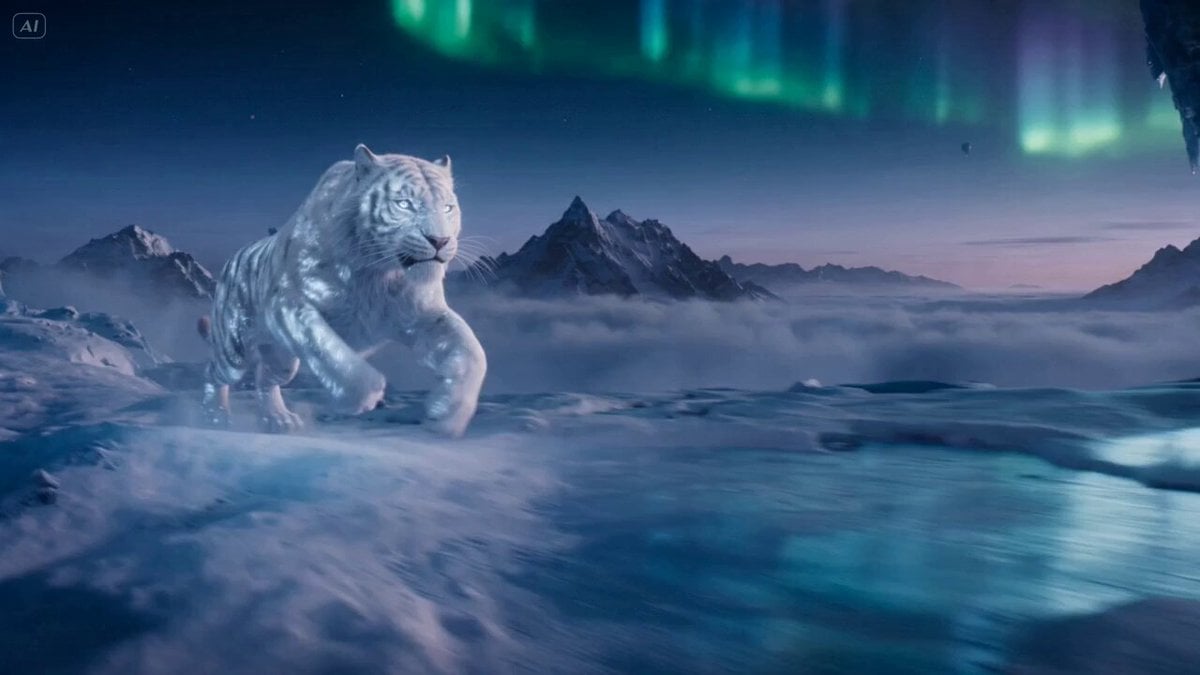
Ice Tiger vs Dragon - Seedance 2.0

Necromancer Battlefield Orbit
Ice Queen — Frozen Battlefield Time Control (Seedance)
Sea Serpent vs Crab Titan — Ocean Battle
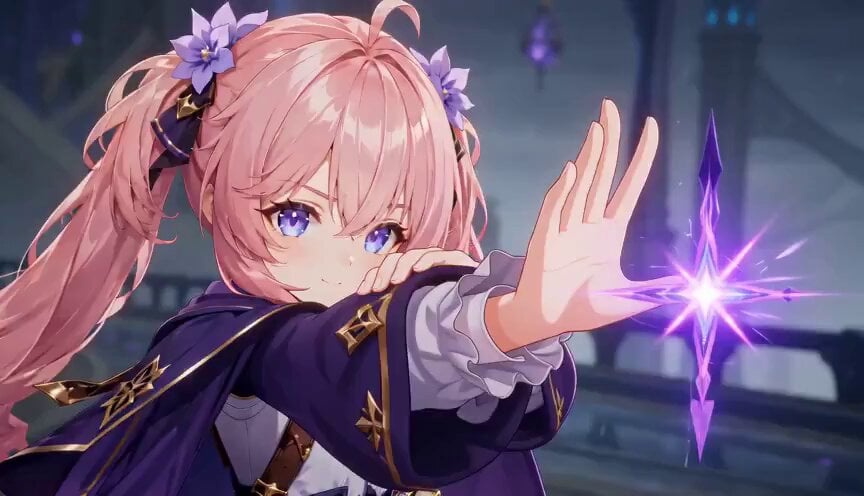
Magic City Fantasy Battle Animation

Dragon Rider Cinematic Flight — Seedance 2.5
Make it yours
Fantasy Battle Warrior Action Video Prompt works as-is. These are the safest ways to change it without losing the look.
Change one field
Copy a single group, rewrite it, and generate again so you can see what that field is doing.
Keep the frame, change the subject
Hold the composition and light of Fantasy Battle Warrior Action Video Prompt, then swap wardrobe, props or the person for a new take.
| If the result… | Why | Fix |
|---|---|---|
| The result drifts from the preview | Too many fields changed at once. | Reuse Fantasy Battle Warrior Action Video Prompt as-is first, then change one group — subject, light, or setting. |
| The model over-stylizes the scene | The prose prompt leaves finish and camera underspecified. | Add one camera or lighting sentence and stay on Seedance 2.0. |
More Seedance 2.0 templates
Other prompts made for Seedance 2.0.

Comical Martial Arts Punch Scene

Maglev Train Action Sequence

Martial Arts Fight Sequence

Wuxia Protection and Trust Script

Vintage Korean Arcade MiniDV Vlog

Mercedes 190 SL Luxury Ad

Rainy Night Supernatural Reverse Comedy Video Script

Amazon Civilization Discovery

Futuristic South Asian City Transformation

Cozy Luxury Cafe Commercial
More video prompts
Fresh picks from across the catalog.
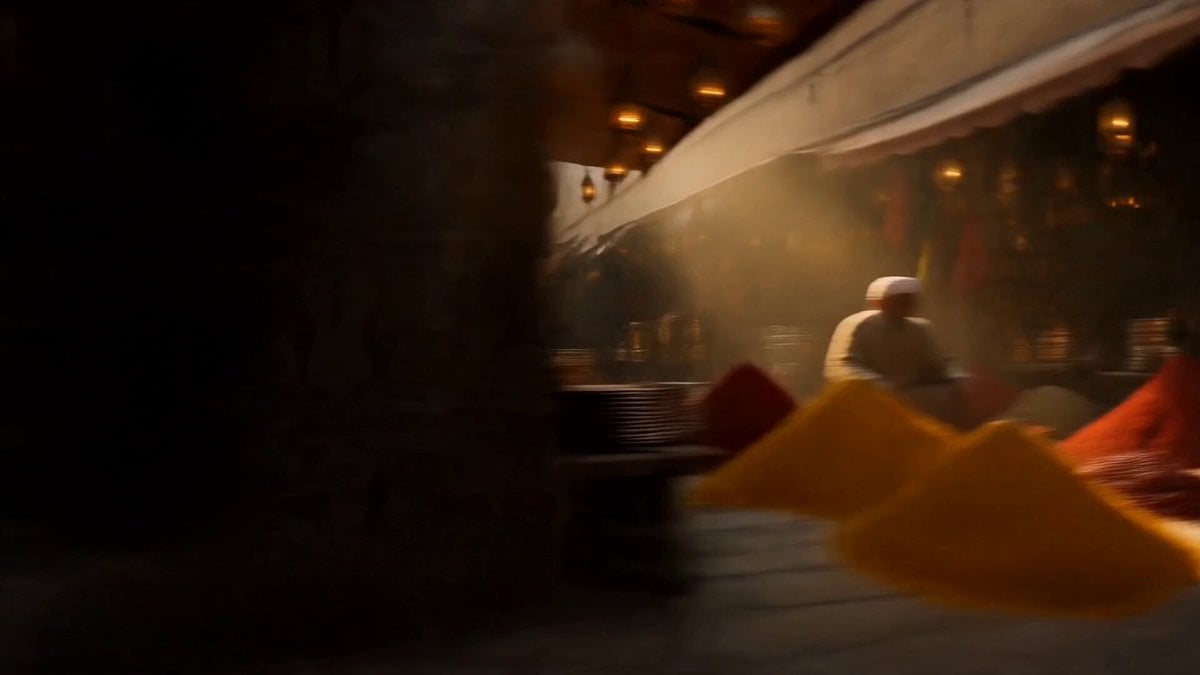
Vintage 1960s Cairo Bazaar
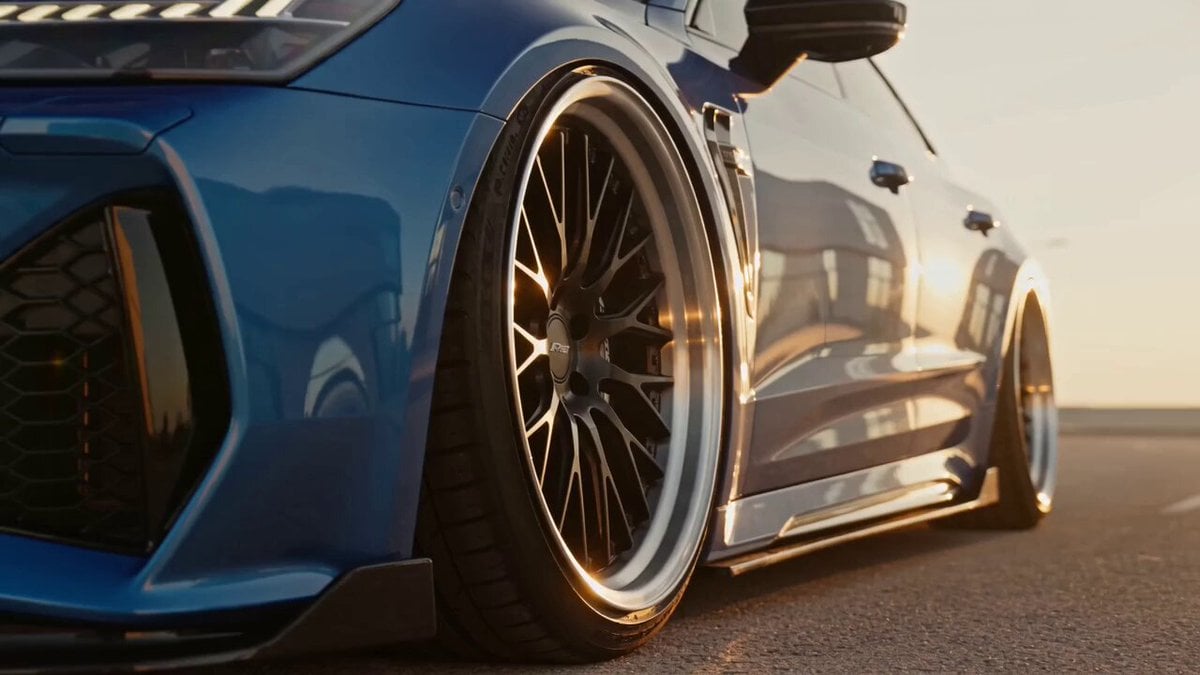
Metallic Blue Sports Sedan Commercial
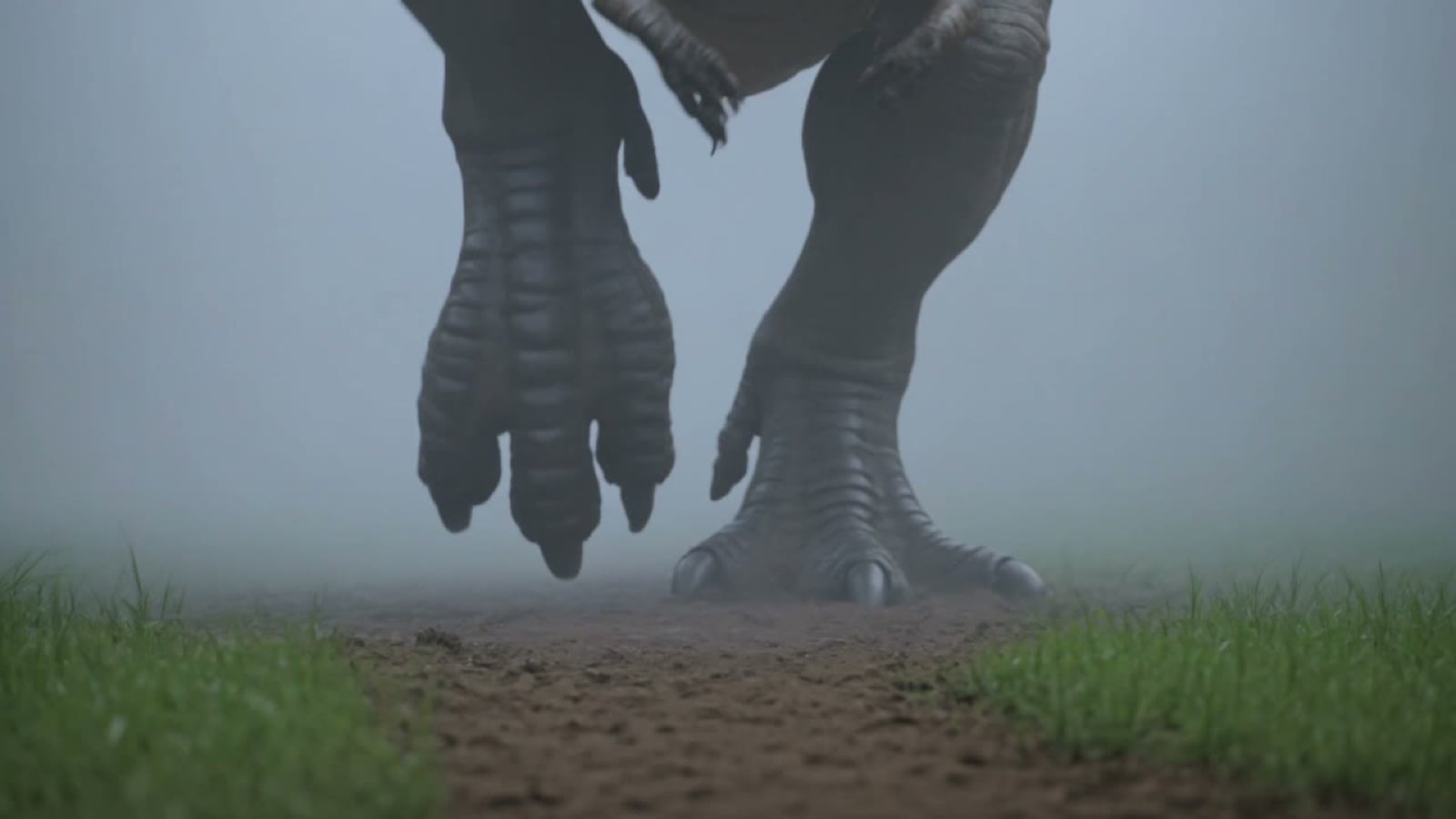
Prehistoric Titan Dinosaur Battle
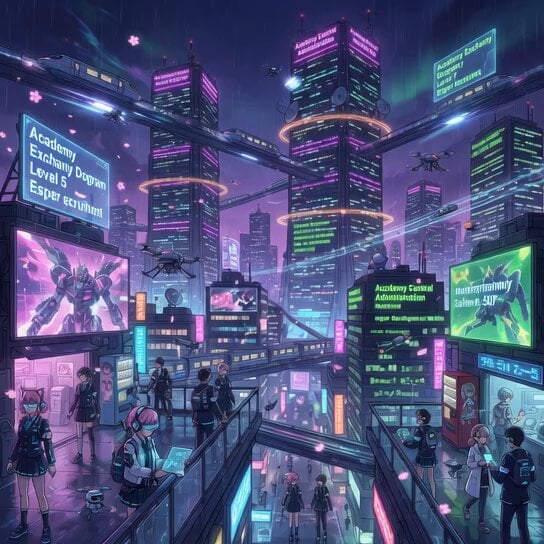
Rainy Encounter in Cyberpunk Academy
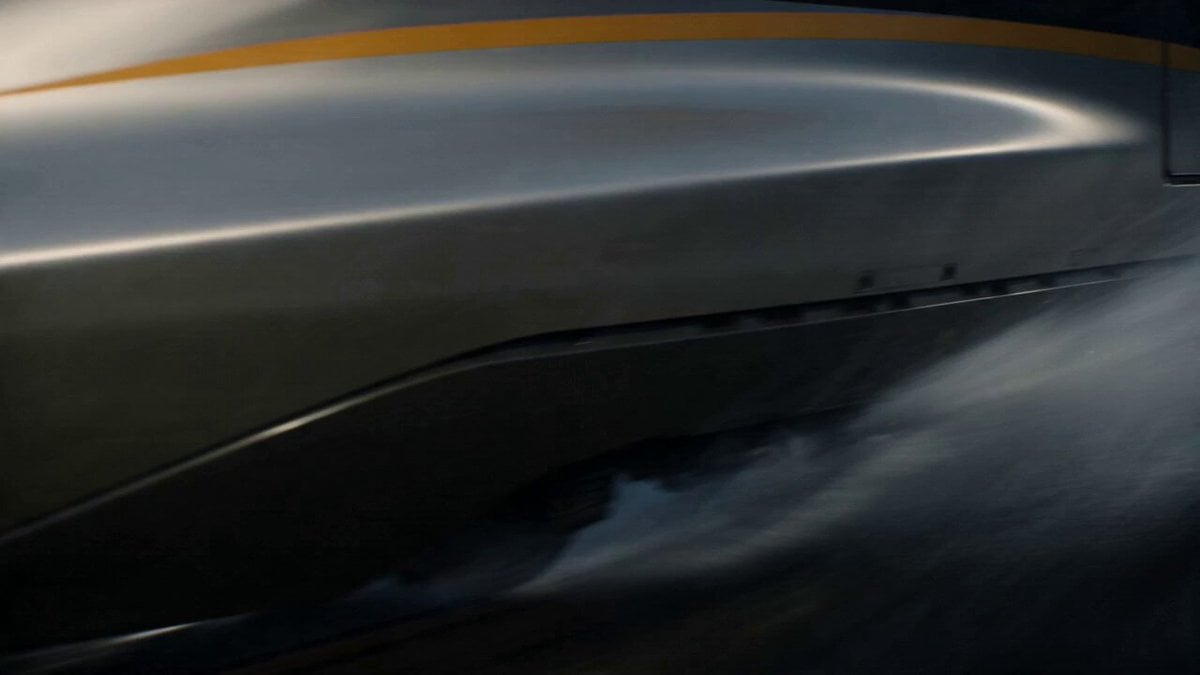
Kaiju Train Attack
Anime cyberpunk woman video
Hyperrealistic spaceship launch prompt
Immortal Sword Master Comedy Twist
Lemonade Electrolyte Drink Commercial
Cinematic Tabby Cat Explosion Meme
Browse template categories
Fantasy Battle Warrior Action Video Prompt questions
How do I use the Fantasy Battle Warrior Action Video Prompt template?
Add your photo if the template asks for one, edit the prompt if you like — the template's model and format are already selected — and press Generate. Your version opens in PicX Studio.
Can I customize the Fantasy Battle Warrior Action Video Prompt template?
Yes. You can change the subject, setting, lighting, mood, format, and available model controls before creating your video.
Is the Fantasy Battle Warrior Action Video Prompt template free?
Opening and editing this template is free. Generating uses credits, shown on the Generate button when you are signed in.
Which AI model should I use?
Start with Seedance 2.0, which is the model associated with this template. You can compare another compatible model for a different finish.
Looking for something else? Browse all templates.

Your photo, any look
Thousands of ready templates for every top image and video model, from one credit balance.