
Animated Coffee Cup Romance
A heartwarming animation prompt featuring two animated coffee cups in a cozy cafe whose steam forms hearts as they eventually meet.

- Prompt included
- Model and format preset
- Premium template
The prompt behind this video
Copy the exact prompt behind Animated Coffee Cup Romance, or open it in the studio and make it yours.
A cozy aesthetic café in soft morning light. Two animated coffee cups sit on different tables every day. One cup is warm brown with cute steam shapes, the other is creamy white with soft pastel details. As the café fills with gentle background music, their steam subtly forms tiny hearts whenever they’re near each other, hinting at a silent connection. Every morning, the cups are placed in different spots, always close but never together, as if fate keeps separating them. The camera follows their “feelings” through soft zoom-ins on the steam and warm lighting reflections. Days pass in a calming time-lapse. One rainy morning, the café rearranges its seating. Finally, both cups are placed side by side on the same table. Their steam rises together, forming one big glowing heart. The scene ends with a cozy close-up as the café lights softly blur in the background.
How to use Animated Coffee Cup Romance in 3 steps
- 1
Open
The prompt is already in the box next to the preview, with the template's model and format selected.
- 2…a portrait of your subject in softgolden-hour light, 85mm…
Personalize
Edit the subject and creative details for your destination.
- 3Generate
Generate
Press Generate — your video is created in PicX Studio, so you can compare it with the original and refine one variable at a time.
More like this
Templates with the same subject, style or setup. Open one to see its prompt.
Animated Comedy Coffee Mugs

Mediterranean Coffee Run Vlog - Seedance 2.5

3D Animated Newspaper Delivery Short - Seedance 2.5

3D Animated Cat and Old Man - Seedance
Levitating Coffee Cup Prank Ad

Coffee Cup Interaction Motion
Capsule Coffee Machine Tutorial
Watercolor Storybook Animated Short

Romance Reality Show Confession
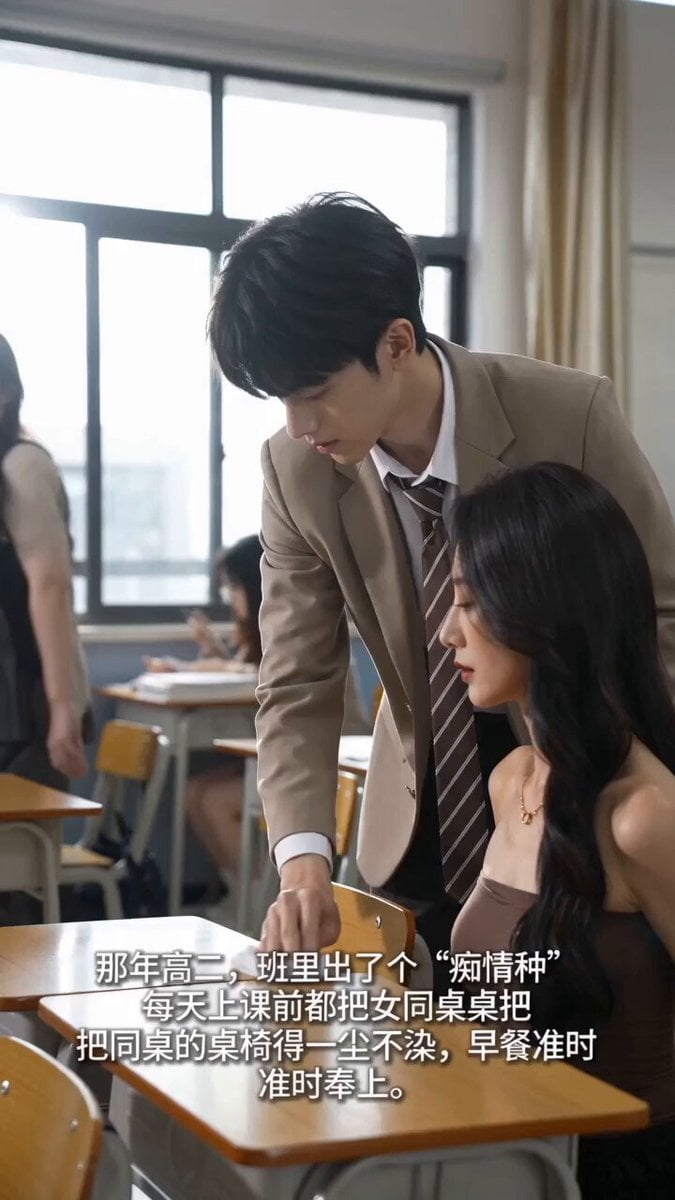
Handheld iPhone Style School Romance
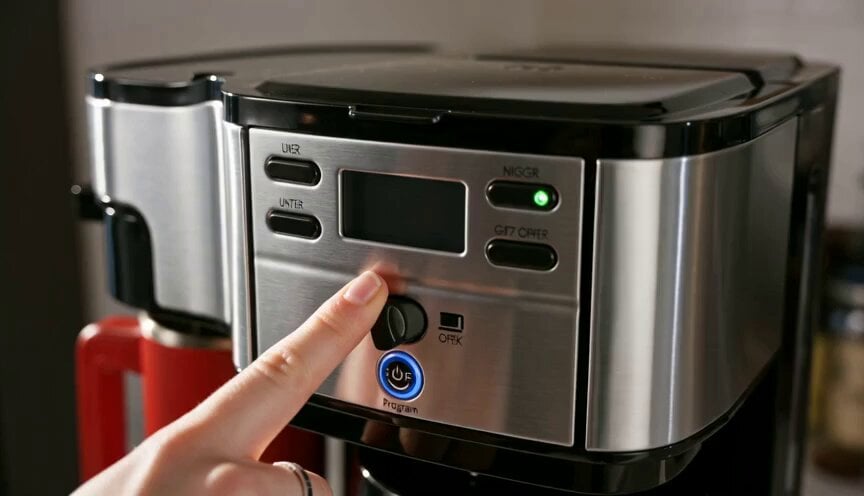
Premium Coffee Maker UGC Ad
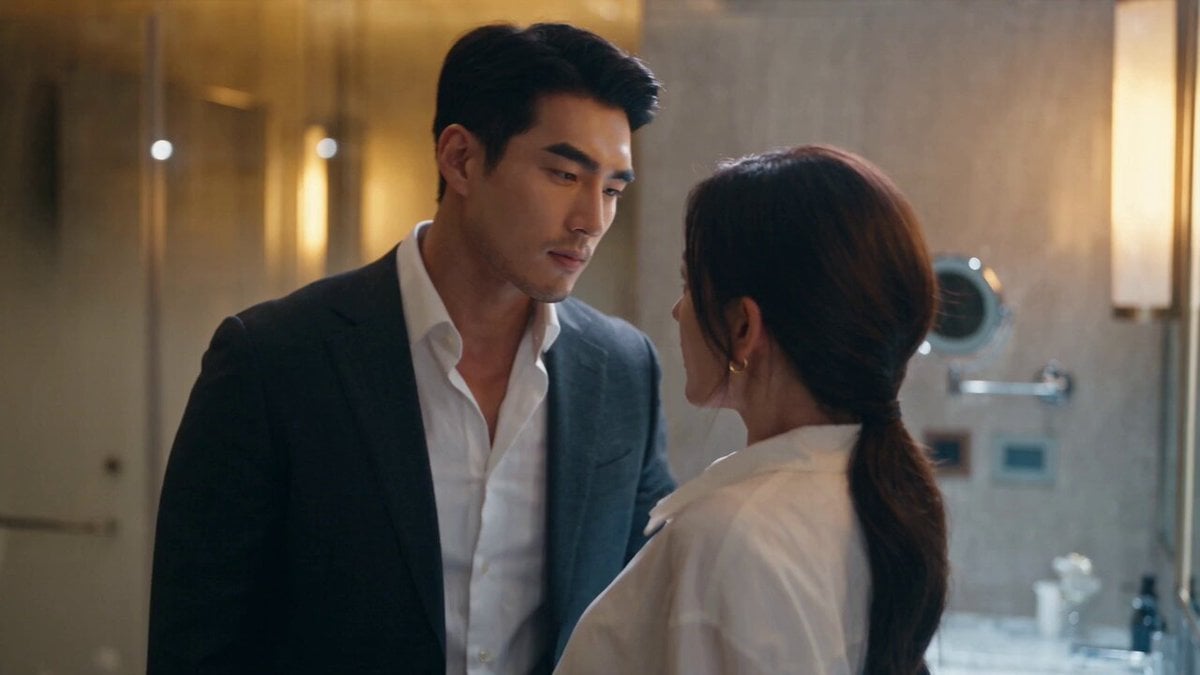
Luxury Hotel CEO Romance Drama
Make it yours
Animated Coffee Cup Romance works as-is. These are the safest ways to change it without losing the look.
Change one field
Copy a single group, rewrite it, and generate again so you can see what that field is doing.
Keep the frame, change the subject
Hold the composition and light of Animated Coffee Cup Romance, then swap wardrobe, props or the person for a new take.
| If the result… | Why | Fix |
|---|---|---|
| The result drifts from the preview | Too many fields changed at once. | Reuse Animated Coffee Cup Romance as-is first, then change one group — subject, light, or setting. |
| The model over-stylizes the scene | The prose prompt leaves finish and camera underspecified. | Add one camera or lighting sentence and stay on Seedance 2.0. |
More Seedance 2.0 templates
Other prompts made for Seedance 2.0.

Comical Martial Arts Punch Scene

Maglev Train Action Sequence

Martial Arts Fight Sequence

Wuxia Protection and Trust Script

Vintage Korean Arcade MiniDV Vlog

Mercedes 190 SL Luxury Ad

Rainy Night Supernatural Reverse Comedy Video Script

Amazon Civilization Discovery

Futuristic South Asian City Transformation

Cozy Luxury Cafe Commercial
More video prompts
Fresh picks from across the catalog.
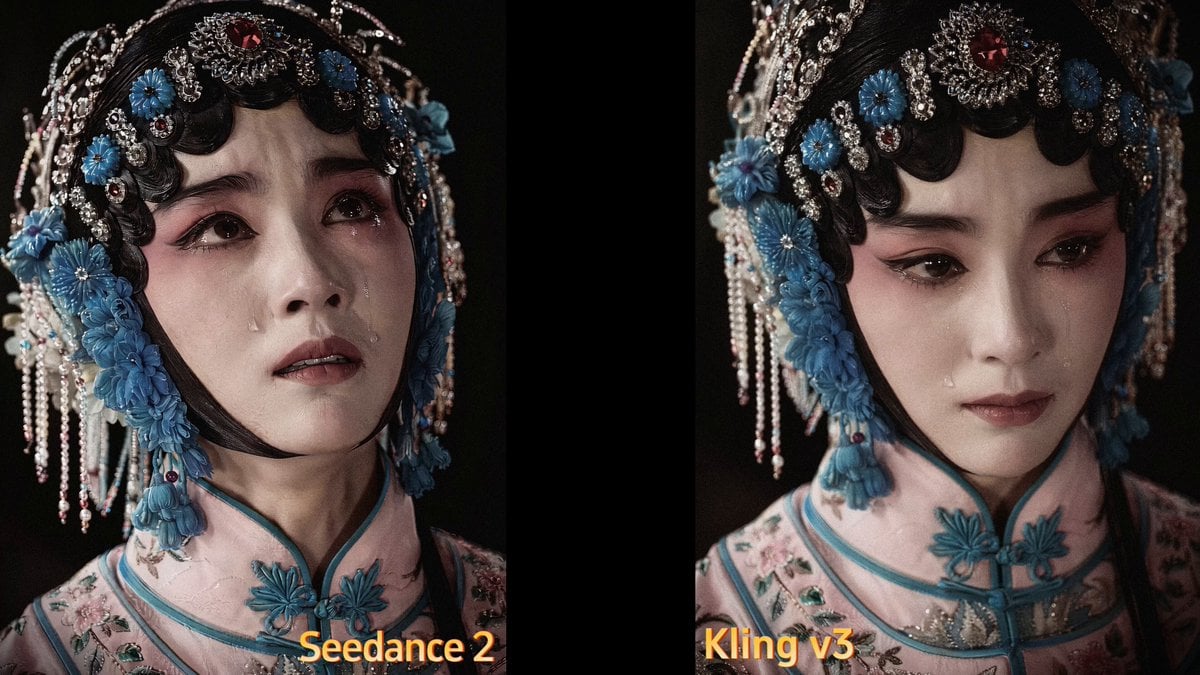
Second Facial Expression Choreography

Sahara Belly Dancers Soap Display

Raccoon Pippin Dialogue Scene

Starship Launch Video with Hanging Perspective

Cyberpunk Robot Transformation Video
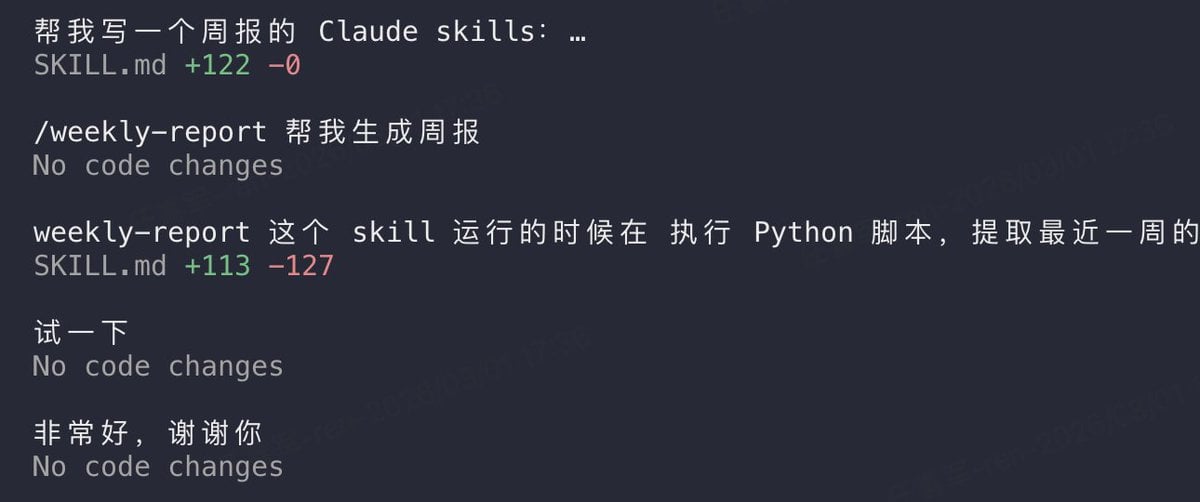
Claude prompt for generating a weekly report skill
Time Freeze — Snap Shockwave Scene Seedance
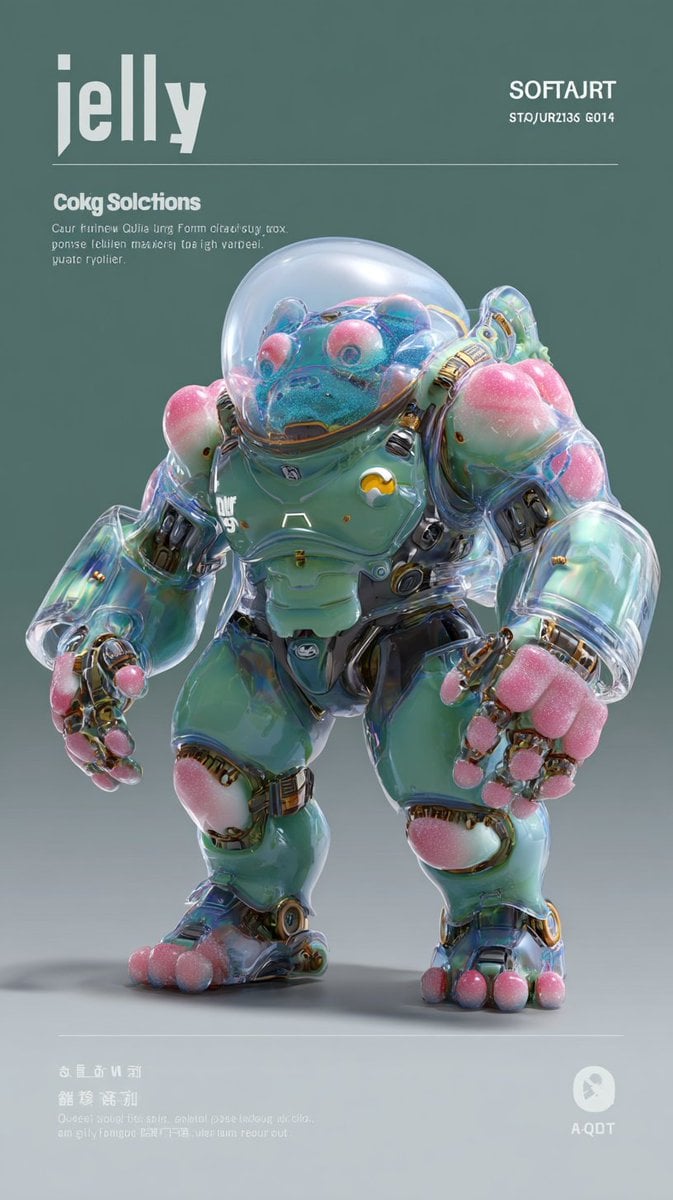
Multi-Shot Jelly Bio-Mech Video Prompt
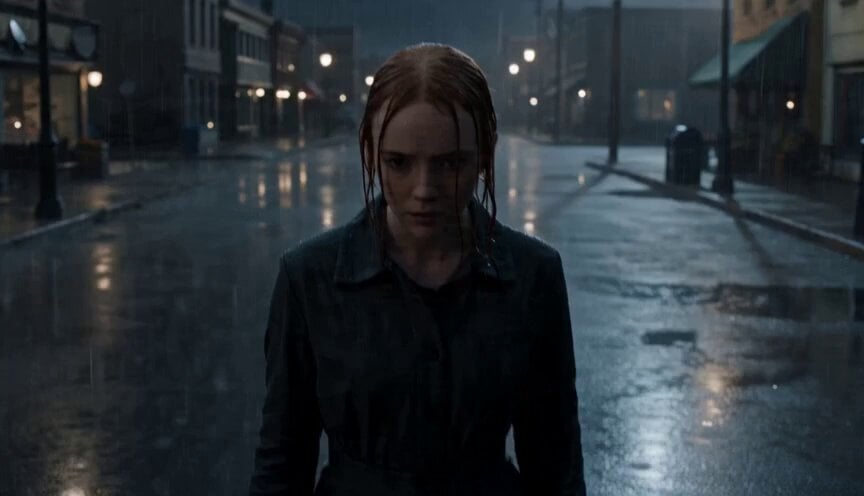
Cinematic Unreal Engine Video Prompt with Shockwave Effect

Sci-fi short film: The Girl vs. the Robot Spider
Browse template categories
Animated Coffee Cup Romance questions
How do I use the Animated Coffee Cup Romance template?
Add your photo if the template asks for one, edit the prompt if you like — the template's model and format are already selected — and press Generate. Your version opens in PicX Studio.
Can I customize the Animated Coffee Cup Romance template?
Yes. You can change the subject, setting, lighting, mood, format, and available model controls before creating your video.
Is the Animated Coffee Cup Romance template free?
Opening and editing this template is free. Generating uses credits, shown on the Generate button when you are signed in.
Which AI model should I use?
Start with Seedance 2.0, which is the model associated with this template. You can compare another compatible model for a different finish.
Looking for something else? Browse all templates.

Your photo, any look
Thousands of ready templates for every top image and video model, from one credit balance.