How do I use the Anime Streetwear Illustration template?
Choose the primary action to open PicX Studio with the available template settings. Review the model and format, personalize the creative direction, and generate when ready.
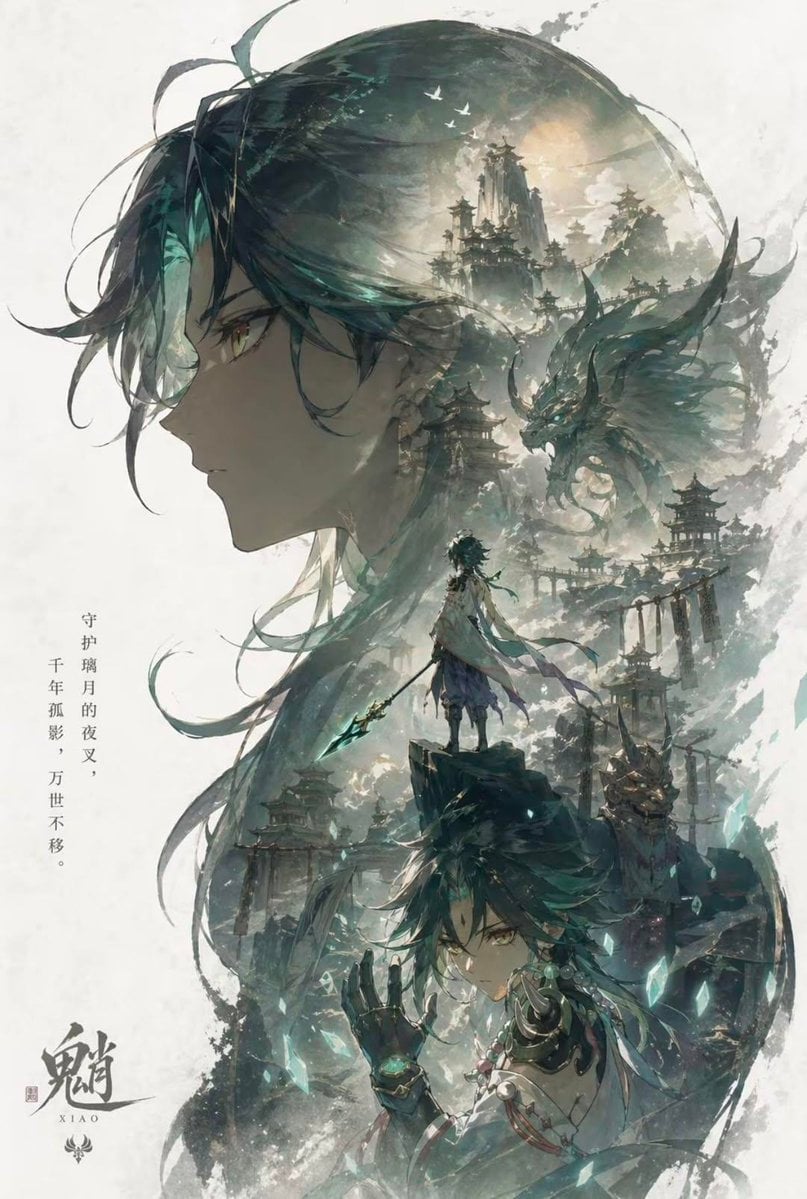
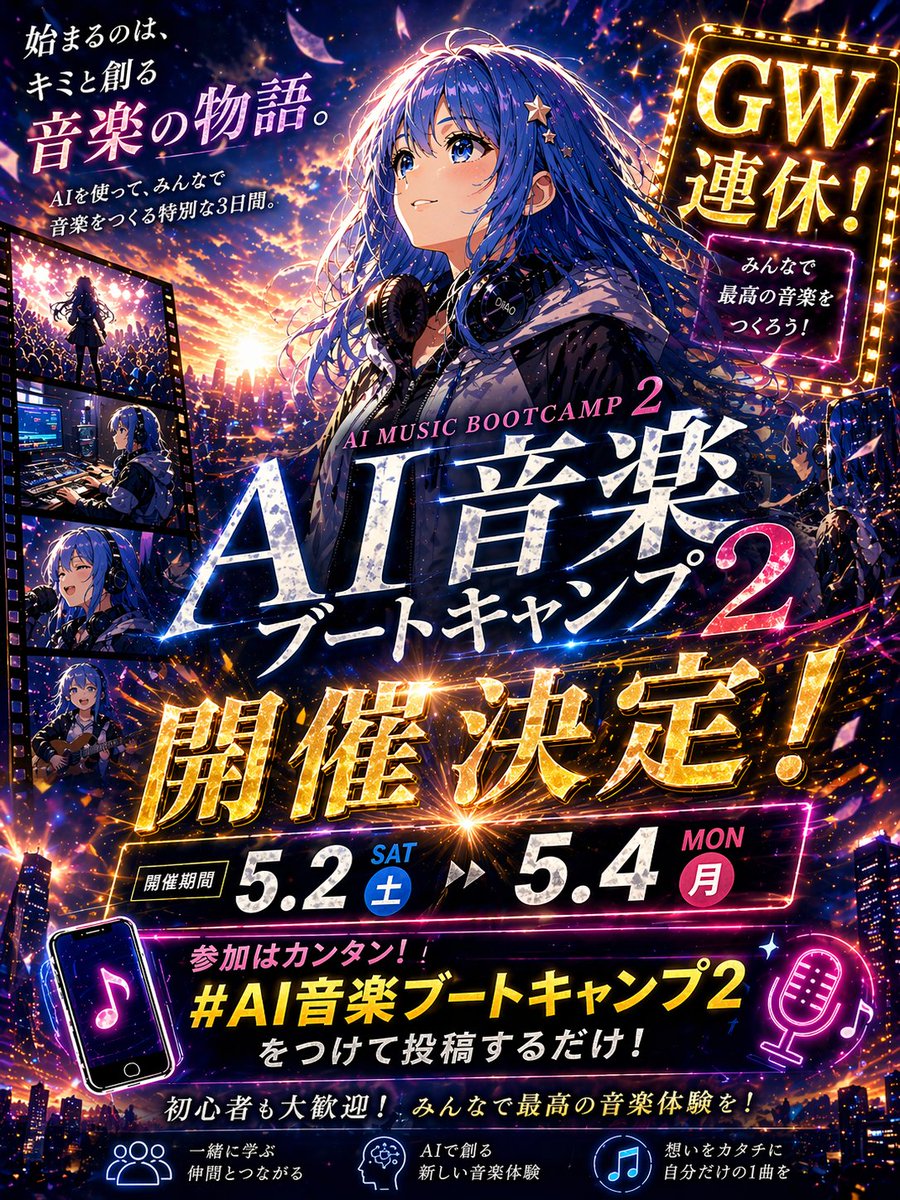
A detailed anime-style prompt combining traditional kimono elements with modern streetwear and celestial symbols for a high-quality artbook aesthetic.
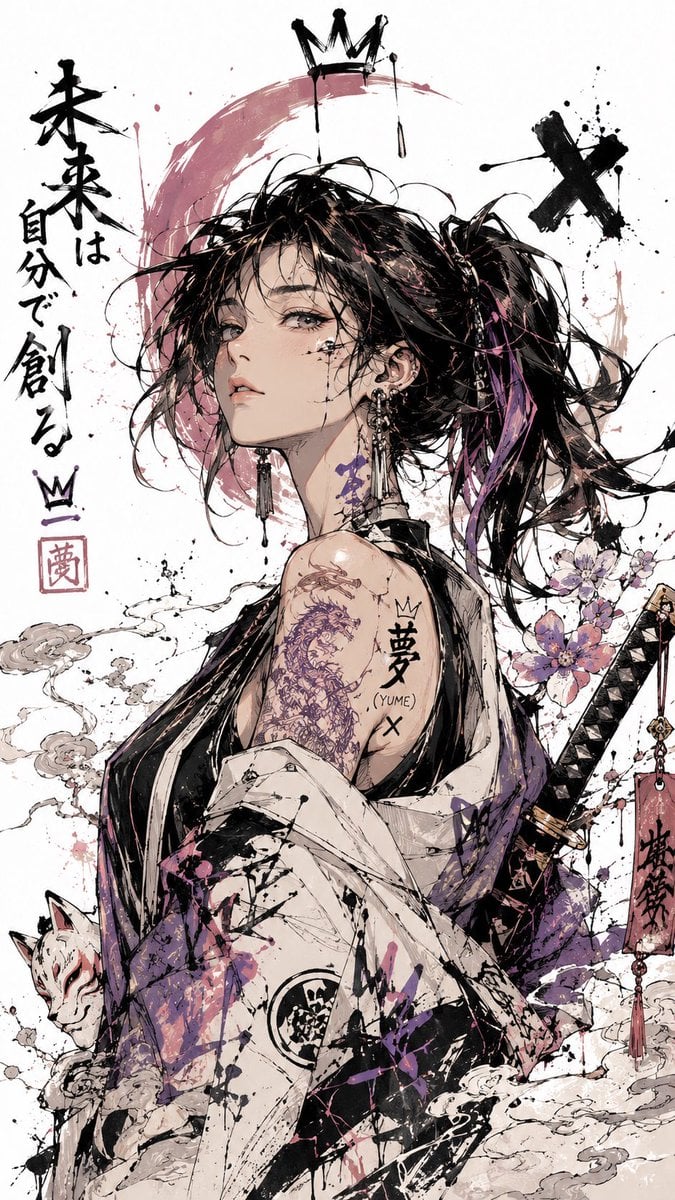
Contemporary anime illustration of a {argument name="subject" default="confident young woman"} shown from the waist up, windswept hair and expressive eyes, captured in a dramatic three-quarter pose. Fashion-forward {argument name="outfit style" default="kimono-inspired streetwear with oversized sleeves, layered fabrics, and metallic accessories"}. Floating around her are {argument name="elements" default="symbolic elements including cherry blossoms, paper cranes, and celestial symbols"}. Graffiti-inspired sketchwork, energetic brush pen strokes, ink drips, splatter effects, and free-flowing calligraphic lines blend with soft watercolor pastels. White gallery-style background with generous negative space. Rich comic sketch texture, handcrafted illustration feel, emotional storytelling atmosphere, exceptional detail, polished Japanese visual novel and artbook aesthetic, ultra-high quality, vertical format.
Choose the primary action to open PicX Studio with the available template settings. Review the model and format, personalize the creative direction, and generate when ready.
Yes. You can change the subject, setting, lighting, mood, format, and available model controls before creating your image.
This template is free to open and customize. Generation usage is shown in PicX Studio before you create.
Start with Nano Banana 2, which is the model associated with this template. You can compare another compatible model for a different finish.
Follow a topic to a crawlable collection of related PicX Studio templates.