
Editorial Parisian Street Style Portrait
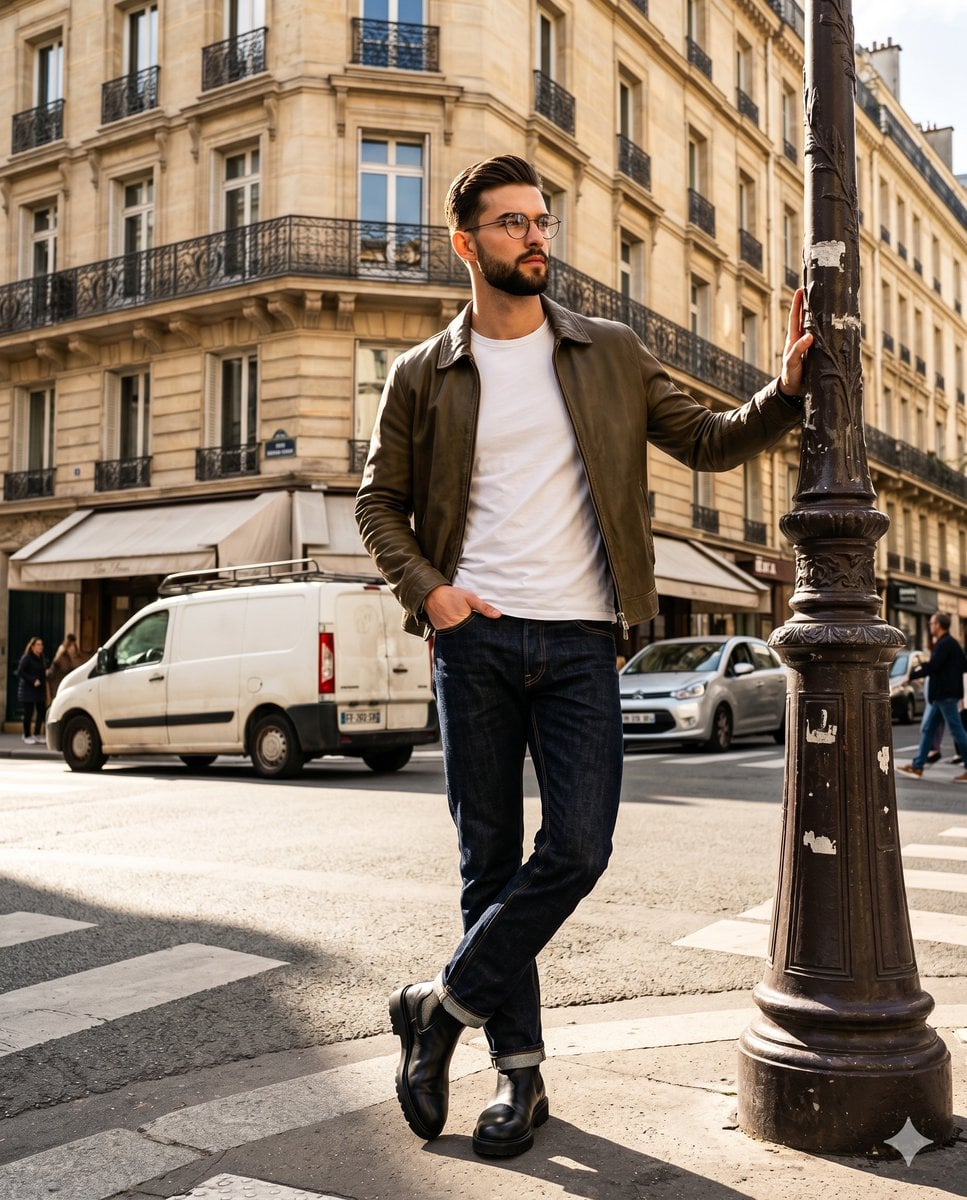
An incredibly detailed editorial photography prompt for a street-style portrait of a male model in a Parisian setting, featuring complex lighting and composition.
- Prompt included
- Model and format preset
- Free template
The prompt behind this image
Copy the exact prompt behind Editorial Parisian Street Style Portrait, or open it in the studio and make it yours.
A {argument name="subject" default="handsome young adult male with an athletic build and wavy brown hair"} stands fully in frame, wearing a crisp white t-shirt under an olive brown leather jacket, paired with dark raw indigo selvedge denim jeans and chunky black chelsea boots. His face, framed by round wire glasses, holds a confident, posed expression with a closed, neutral mouth, relaxed eyebrows, and a gaze directed off-camera to the right. His posture is deliberately posed, shoulders tilted as his body turns at a 45-degree angle with his weight shifted, leaning casually. His left hand is tucked into the front left pocket of his dark denim, with the thumb hooked inside the pocket edge, knuckles visible, and fingers resting relaxed on the outside fabric, while his right arm extends upward, the hand resting flat against the fluted mid-section of an ornate cast iron lamppost, fingers gently curling to wrap around the metal molding in a relaxed grip. This heavy, dark charcoal-painted foreground lamppost on the left, showing signs of weathered dust and wear along its decorative scrollwork base, visually balances his leaning posture and guides the eye through a deep, bustling {argument name="location" default="Parisian street intersection"}. A worn white commercial panel van and a silver car wait in the midground traffic over medium warm gray concrete marked with white lines, while distant pedestrians navigate beneath bare, weathered branches. Towering in the background are vintage Haussmann-style buildings featuring warm sandstone-beige, slightly textured matte plaster facades aged with architectural moldings, tall arched windows, wrought iron Juliet balconies, shop awnings. An energetic atmosphere is established by bright, highly directional natural sunlight striking from a front 45-degree angle, casting a warm golden glow over the complementary color palette. This single hard light source creates specular highlights on the rounded metal details of the lamppost, the left shoulder of the leather jacket, and the subject's forehead and hair, while carving out deep black, harshly defined shadows under his chin, on the right side of his face and nose, across his left leg cast by his right leg, and stretching directly onto the street surface to the right of the subject and lamppost. Captured with digital photography mimicking a 35mm to 50mm lens at an aperture between f/4.0 and f/5.6 for a medium depth of field, this low-angle editorial street style portrait utilizes a fast 1/1000s shutter speed at ISO 100. The image is meticulously post-processed with a warm color temperature adjustment and a high contrast curve, increasing clarity and texture to highlight the tack-sharp, grain-free material details of the clothing and cast iron, structured around the rule of thirds for an asymmetric balance, and naturally framed in a 4:5 aspect ratio.
How to use Editorial Parisian Street Style Portrait in 3 steps
- 1
Open
The prompt is already in the box next to the preview, with the template's model and format selected.
- 2…a portrait of your subject in softgolden-hour light, 85mm…
Personalize
Edit the subject and creative details for your destination.
- 3Generate
Generate
Press Generate — your image is created in PicX Studio, so you can compare it with the original and refine one variable at a time.
More like this
Templates with the same subject, style or setup. Open one to see its prompt.
untitled

Caution Tape Fashion — Industrial Editorial
Parisian Street Style Portrait
Parisian Apartment Editorial Portrait
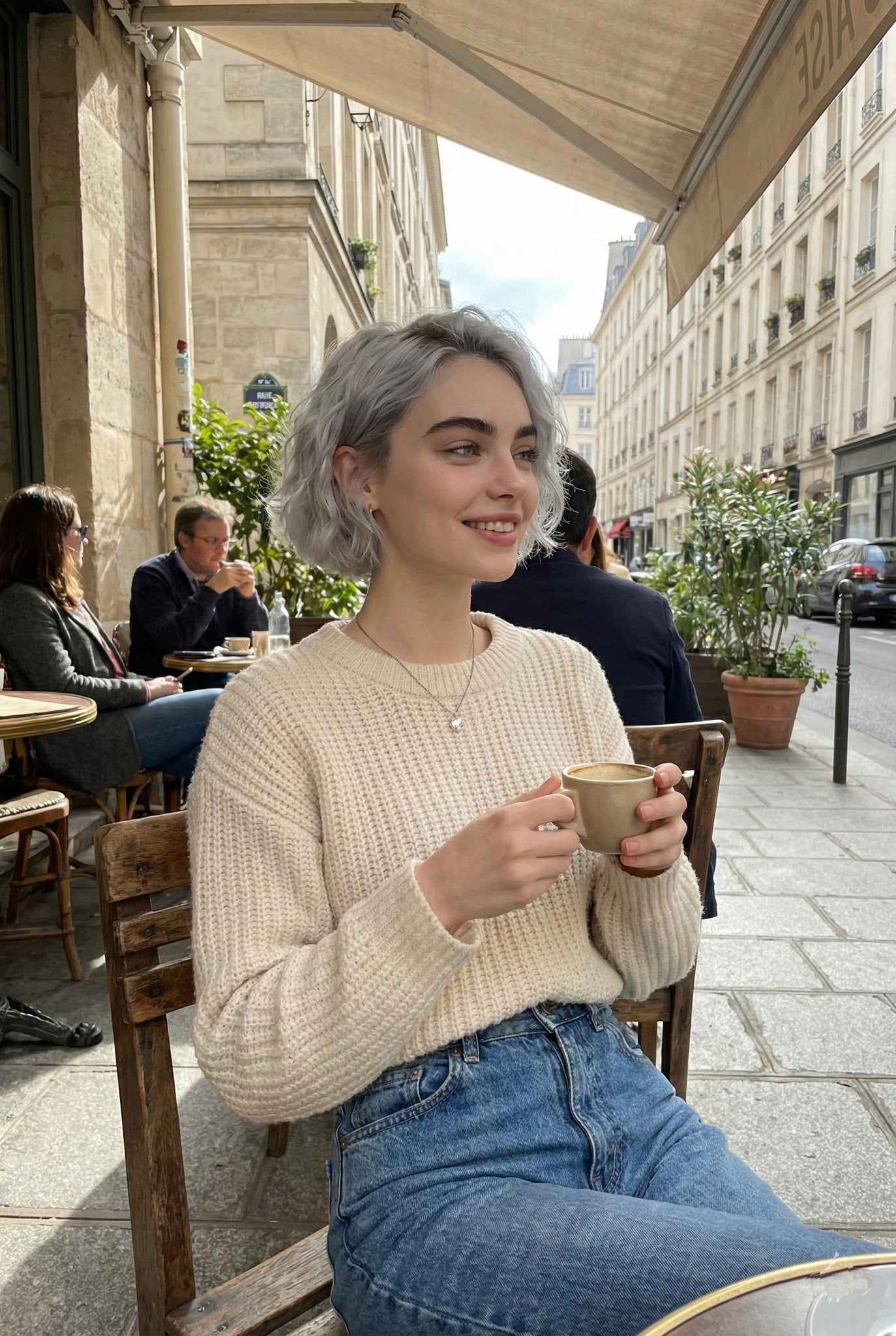
Parisian Outdoor Café Silver-Hair Portrait

Couture Fashion Editorial Woman and Drag

Nano Banana 2 Editorial Fashion Portrait

Two Tickets, One Night

Found Photograph: Us, 1970

Meet Me When It Rains
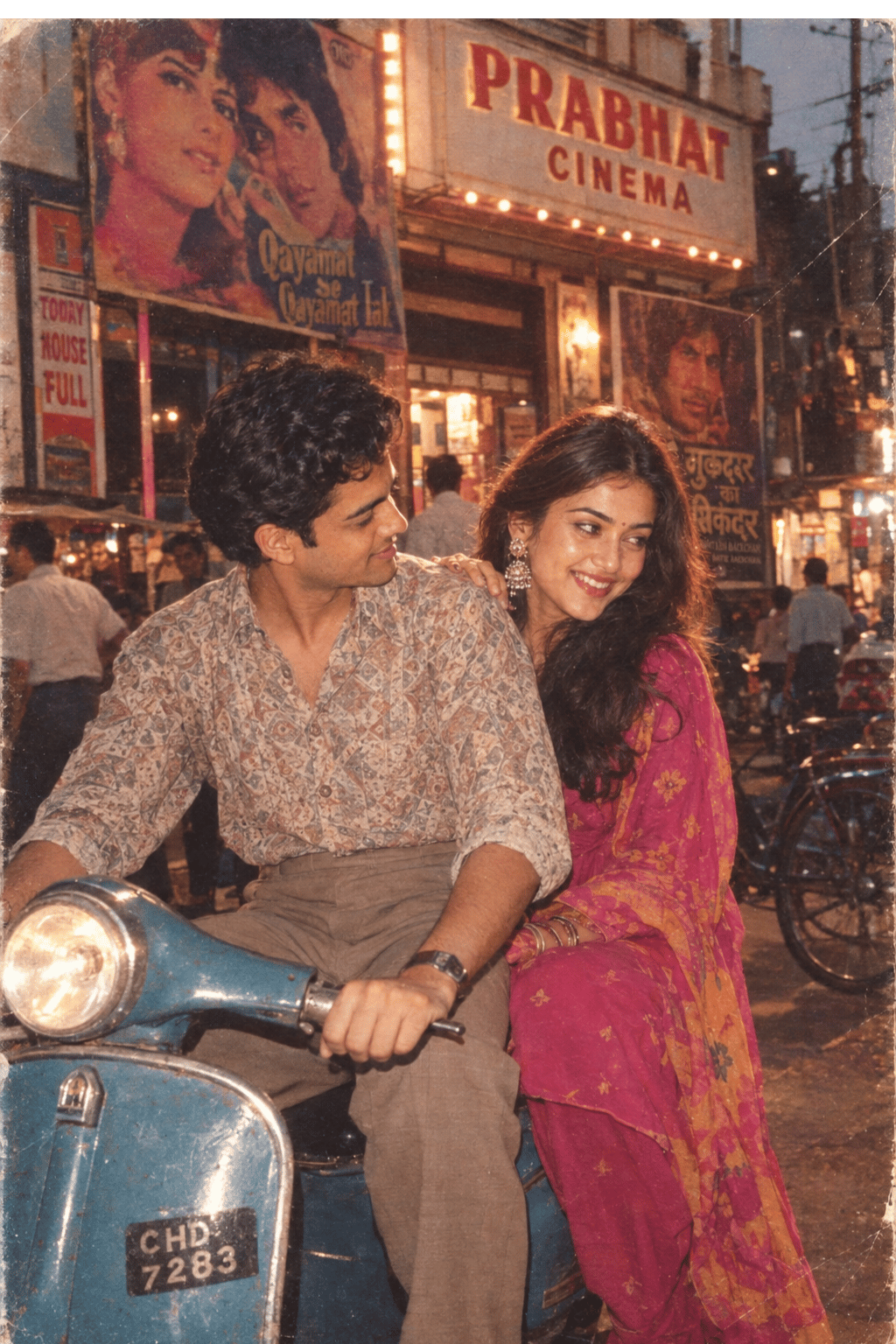
Two Hearts. One Scooter.

80s Couple Studio Portrait
Make it yours
Editorial Parisian Street Style Portrait works as-is. These are the safest ways to change it without losing the look.
Change one field
Copy a single group, rewrite it, and generate again so you can see what that field is doing.
Keep the frame, change the subject
Hold the composition and light of Editorial Parisian Street Style Portrait, then swap wardrobe, props or the person for a new take.
| If the result… | Why | Fix |
|---|---|---|
| The result drifts from the preview | Too many fields changed at once. | Reuse Editorial Parisian Street Style Portrait as-is first, then change one group — subject, light, or setting. |
| The model over-stylizes the scene | The prose prompt leaves finish and camera underspecified. | Add one camera or lighting sentence and stay on Nano Banana 2. |
More Nano Banana 2 templates
Other prompts made for Nano Banana 2.

Photorealistic Leaf Shaped Like a Dragon

K-Pop Idol Portrait Grid for Rapid Selection

Poetic Rain Forest Portrait During Golden Hour

Urban Street Portrait with Cartoon Inner Self Duo

Candid Nighttime Photo with Cat Prompt

High-Concept 3D Diorama Generation Prompt

Cinematic Futuristic Studio Portrait Template

Skincare Editorial Photography Collage Prompt

Hyper-Realistic Commercial Product Photography (Splash Effect)

Hyper-Realistic Nightclub Portrait Prompt
More image prompts
Fresh picks from across the catalog.
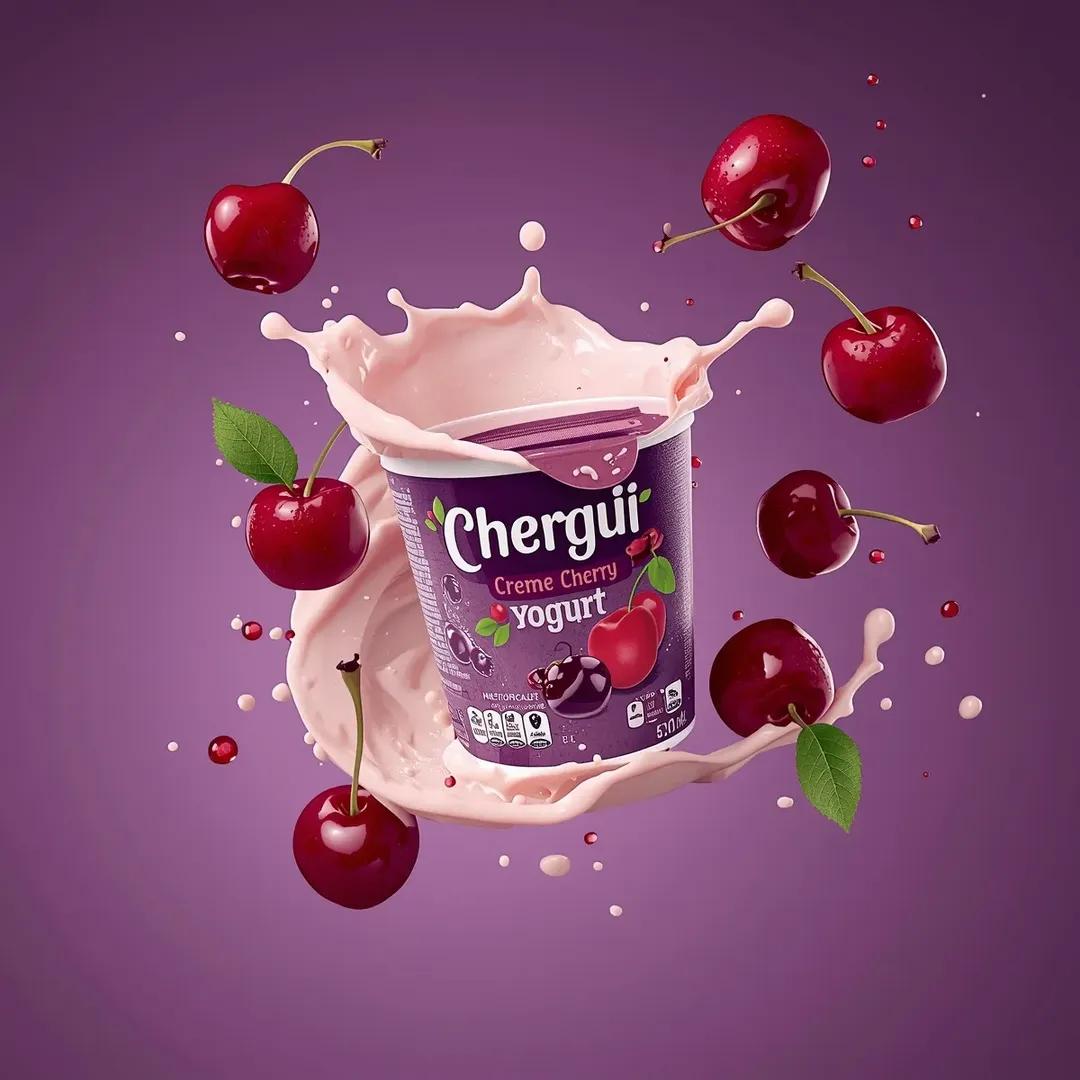
High-End Commercial Yogurt Product Photography Prompt for Nano Banana Pro
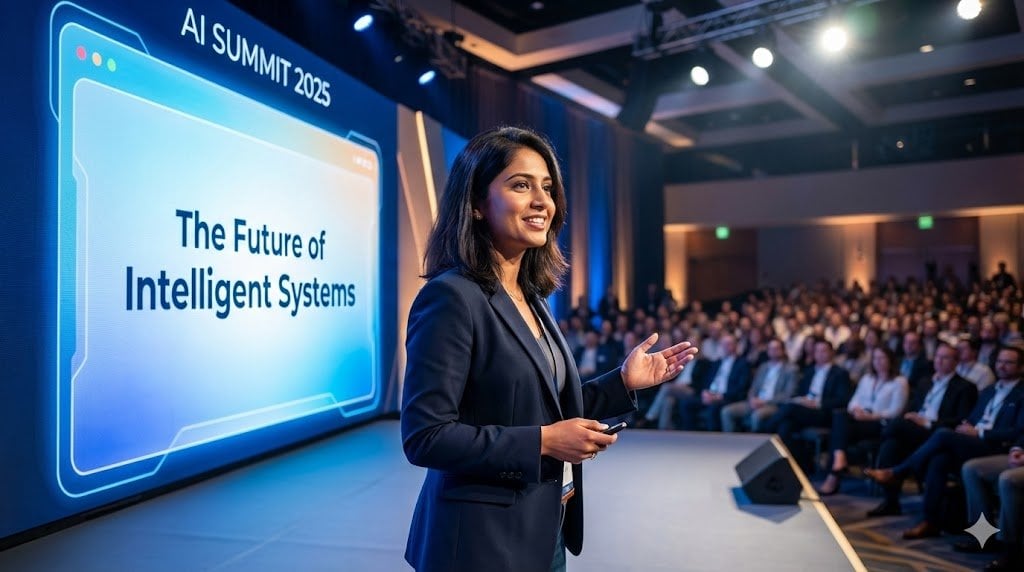
Nano Banana Pro Master Prompt Template (JSON)
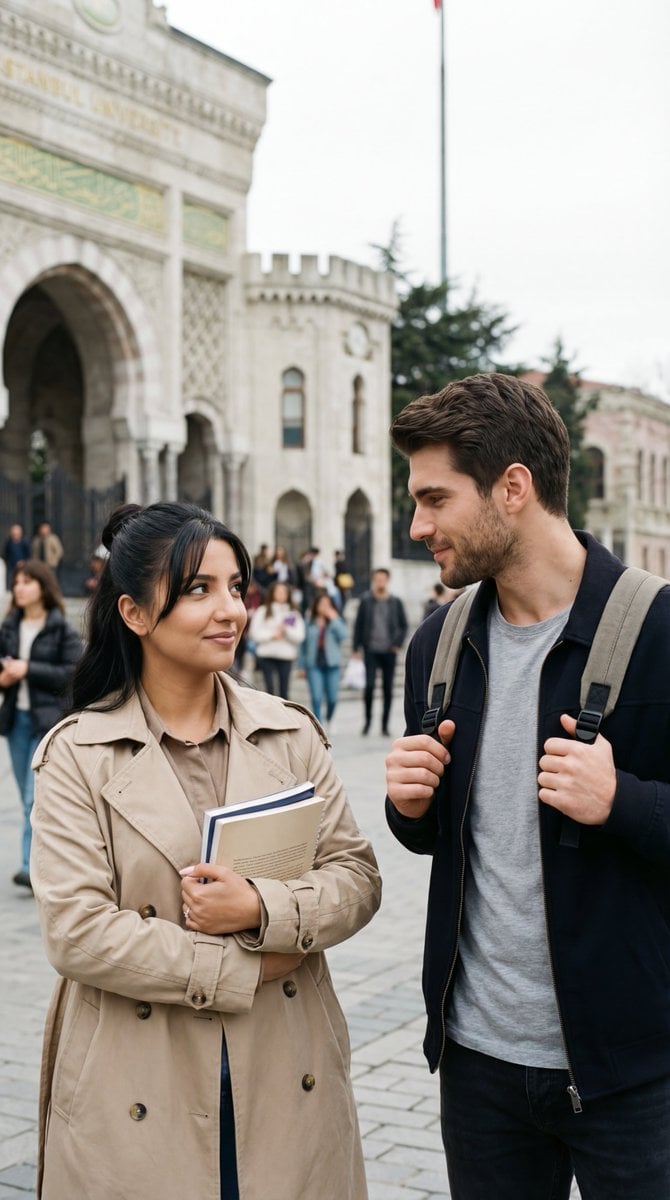
Ultra-Photoreal Candid Street Romance Film Still
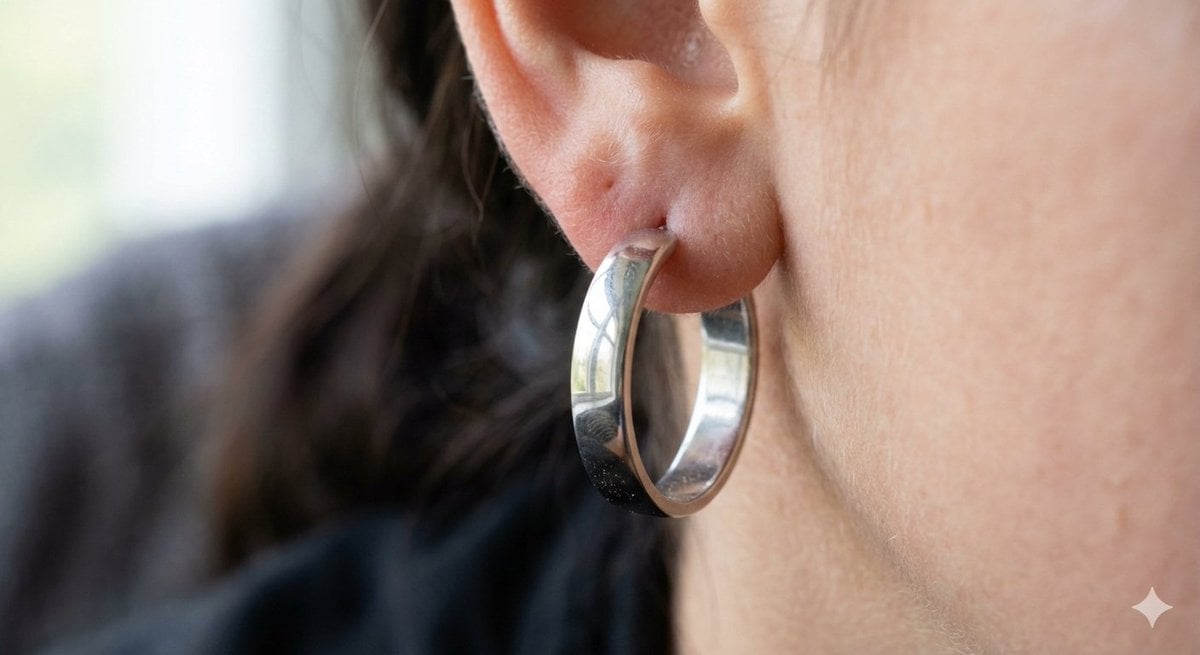
Realistic Macro Photograph of an Ear with Earring
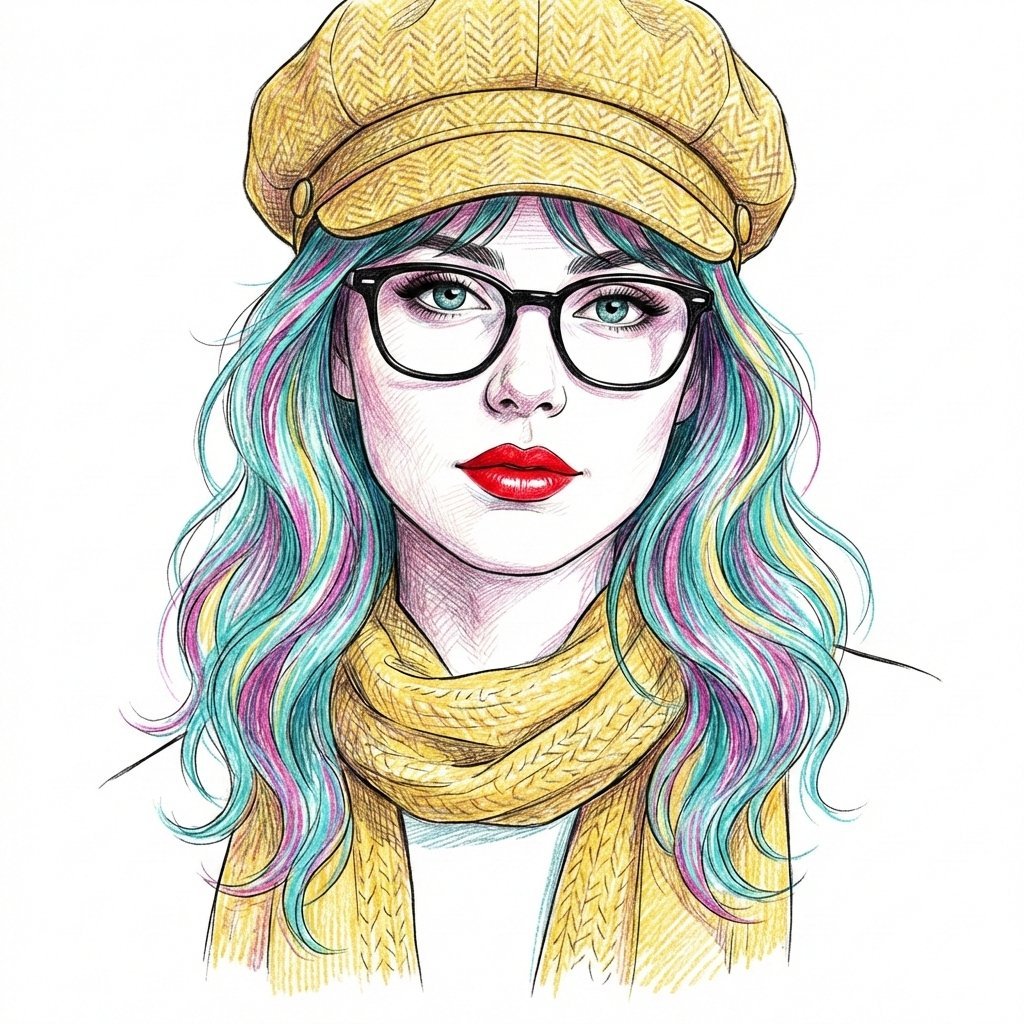
Digital Line Art Portrait Illustration
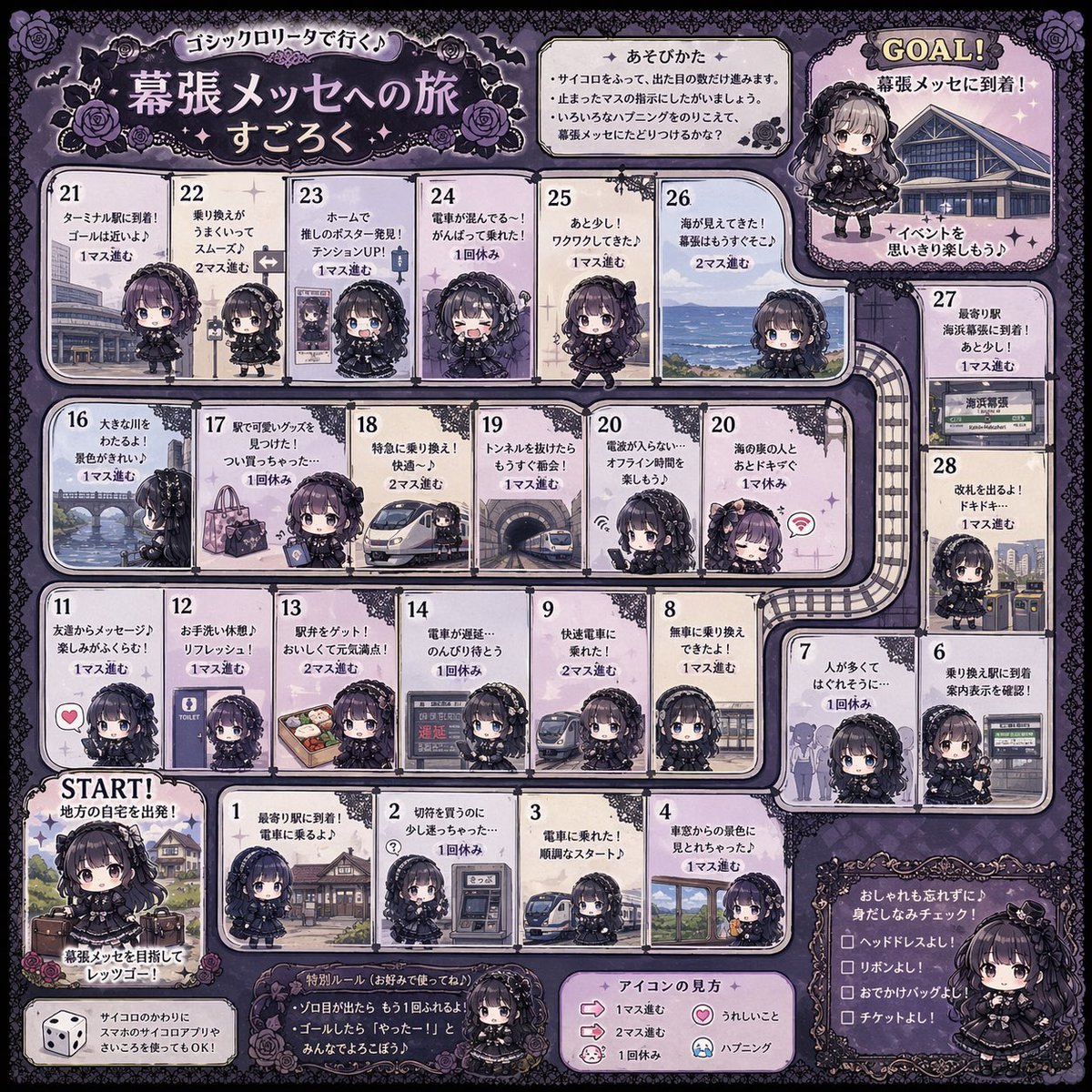
Gothic Lolita board game generator
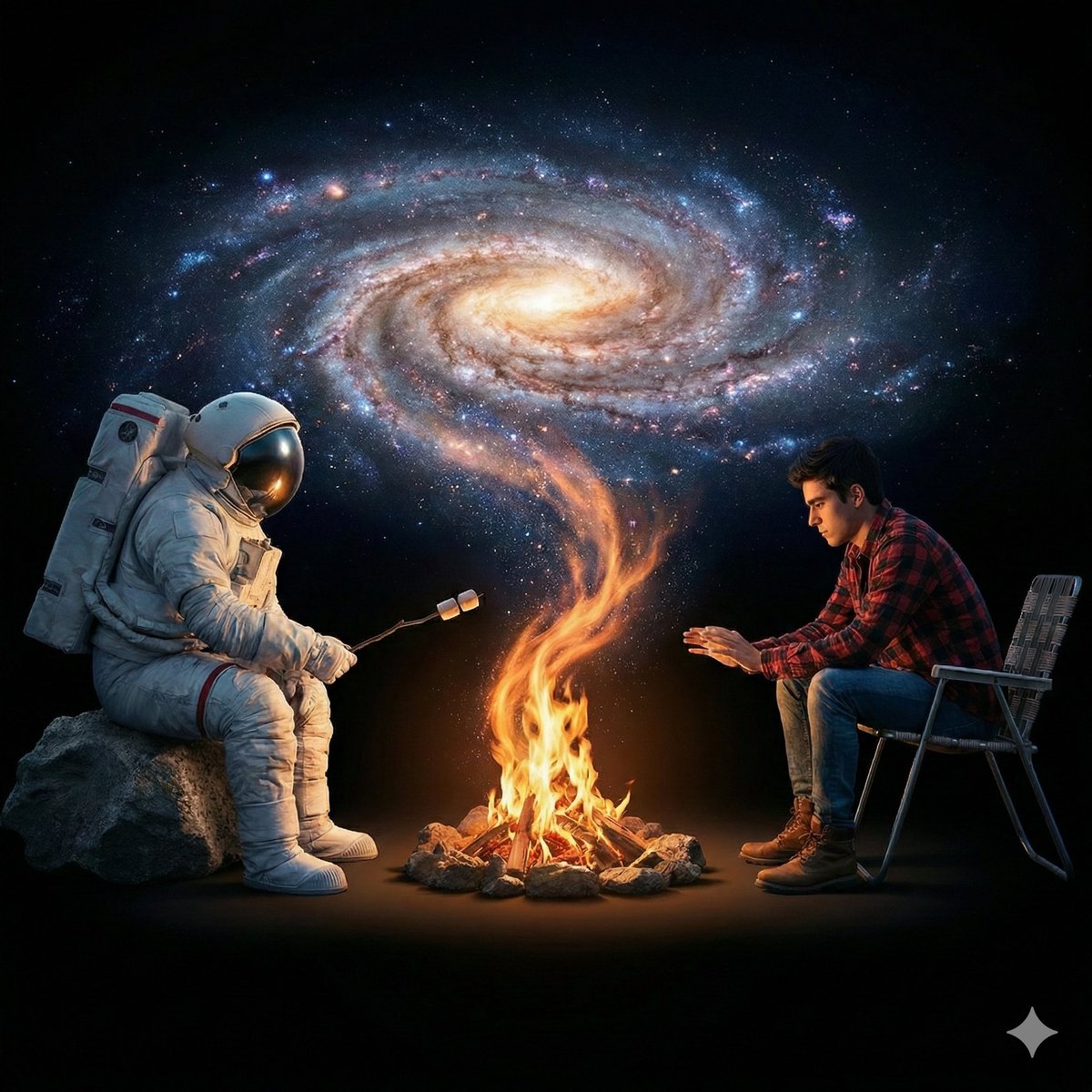
Surreal Cinematic Campfire in Cosmic Void
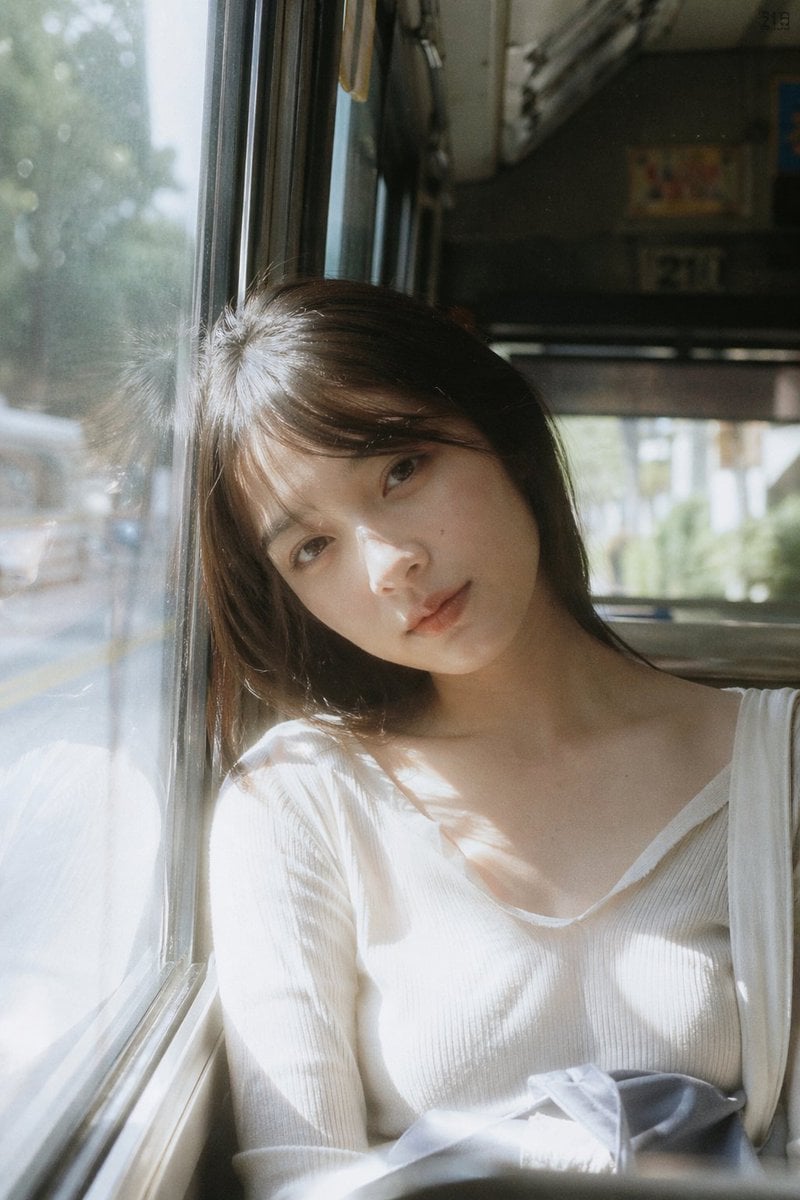
Bus Window Film Aesthetic
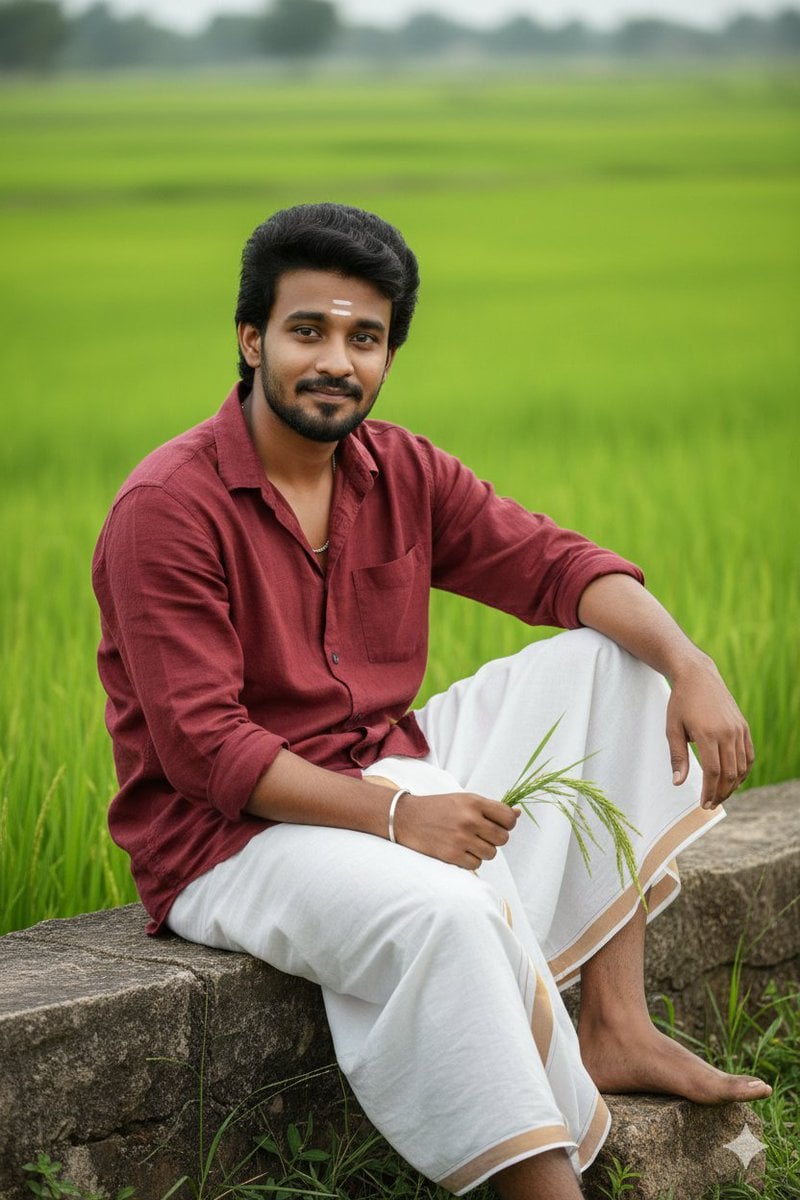
Pongal Festival Photo Prompt for Gemini Nano Banana
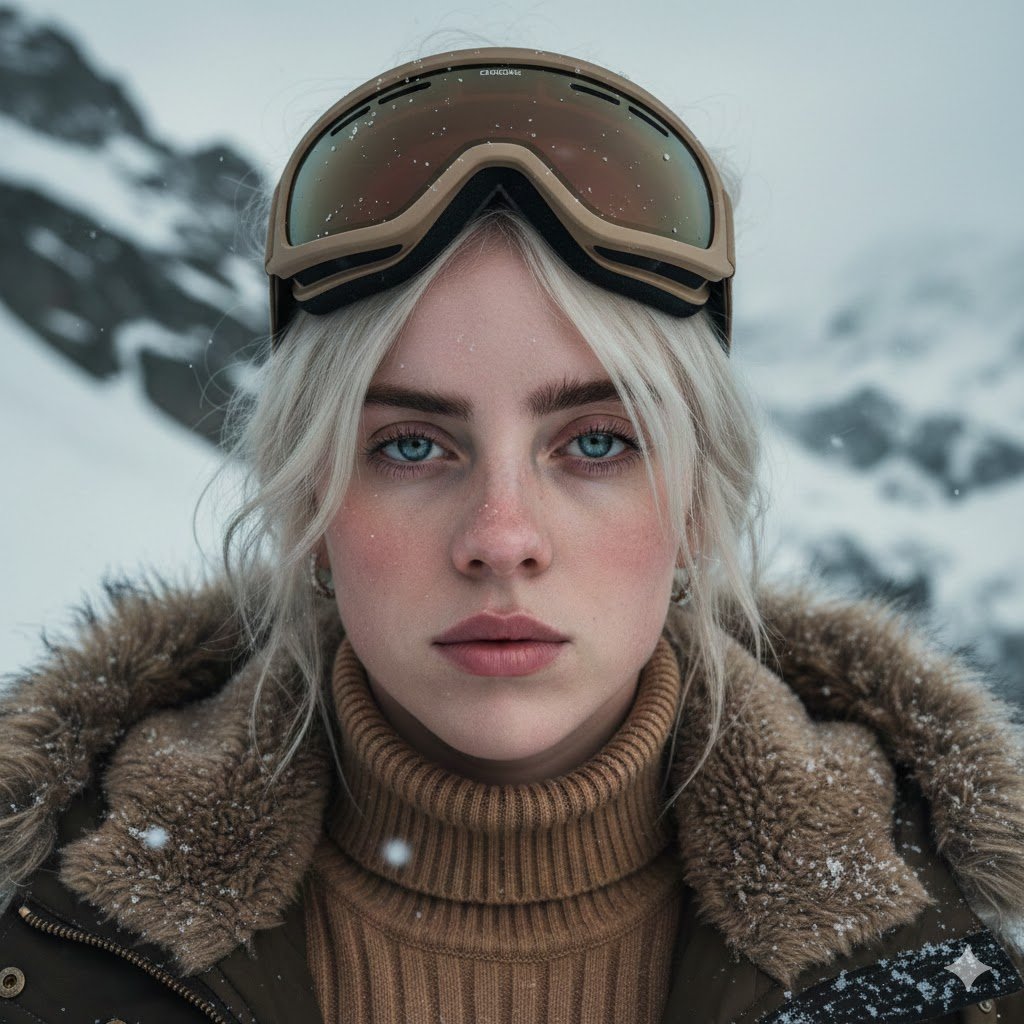
Cinematic Alpine Portrait (Duplicate)
Browse template categories
Editorial Parisian Street Style Portrait questions
How do I use the Editorial Parisian Street Style Portrait template?
Add your photo if the template asks for one, edit the prompt if you like — the template's model and format are already selected — and press Generate. Your version opens in PicX Studio.
Can I customize the Editorial Parisian Street Style Portrait template?
Yes. You can change the subject, setting, lighting, mood, format, and available model controls before creating your image.
Is the Editorial Parisian Street Style Portrait template free?
Opening and editing this template is free. Generating uses credits, shown on the Generate button when you are signed in.
Which AI model should I use?
Start with Nano Banana 2, which is the model associated with this template. You can compare another compatible model for a different finish.
Looking for something else? Browse all templates.

Your photo, any look
Thousands of ready templates for every top image and video model, from one credit balance.