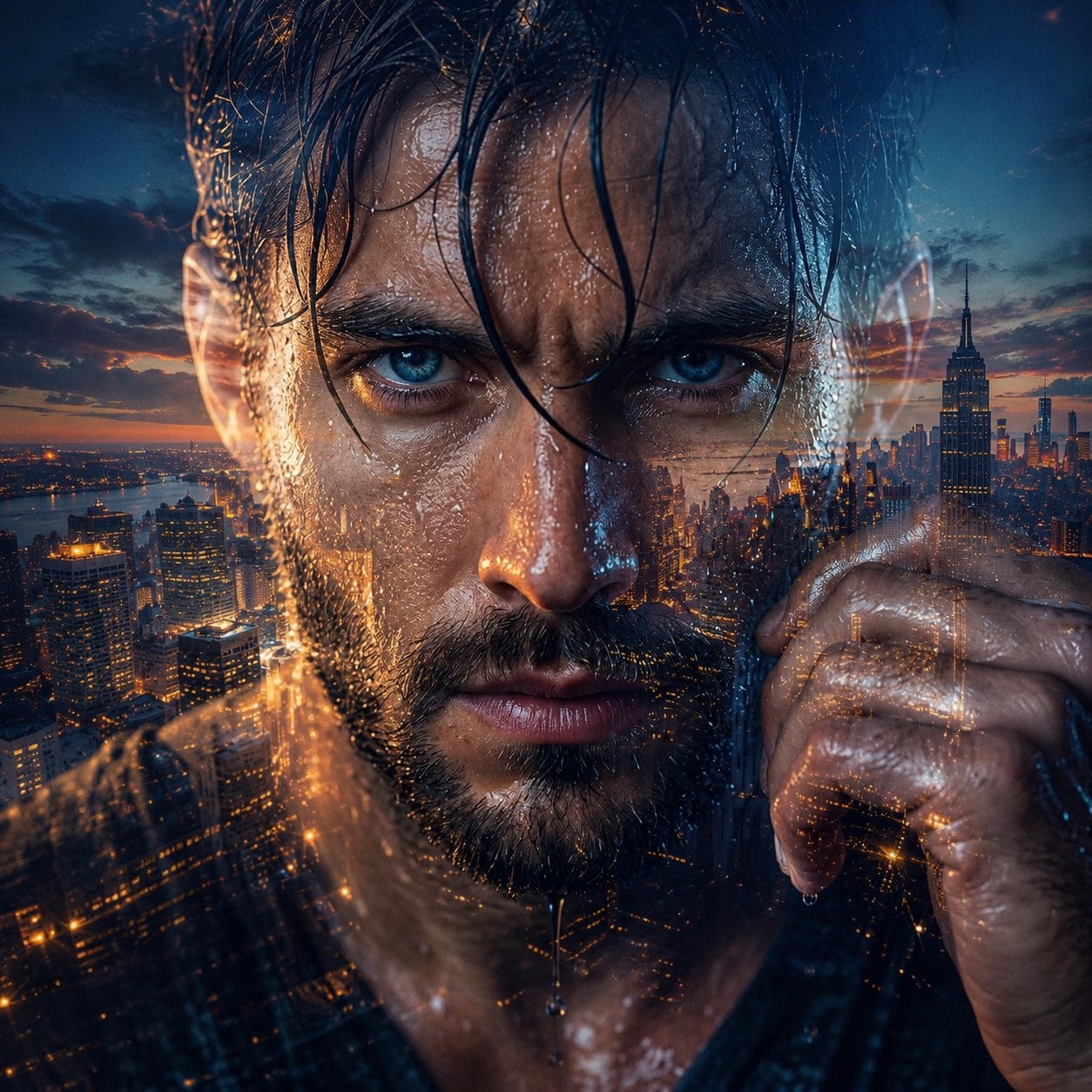
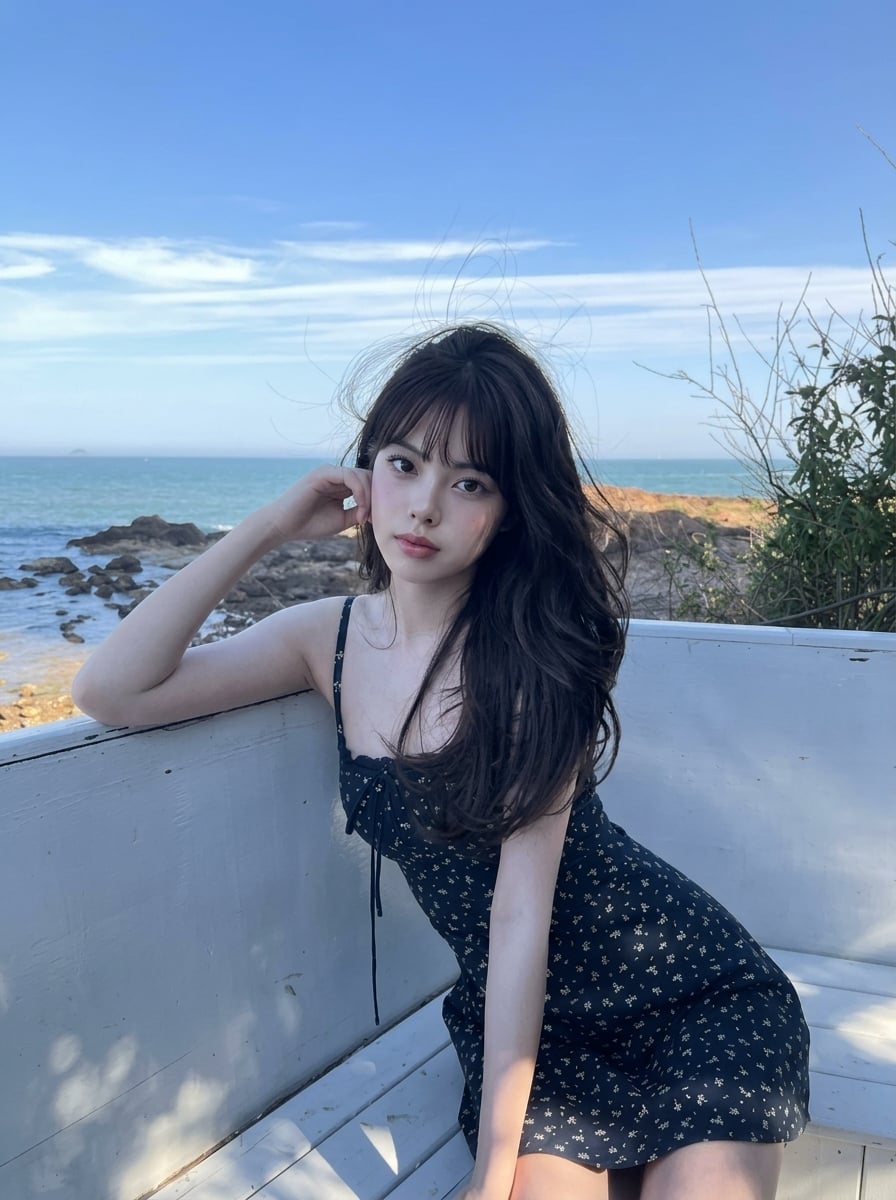
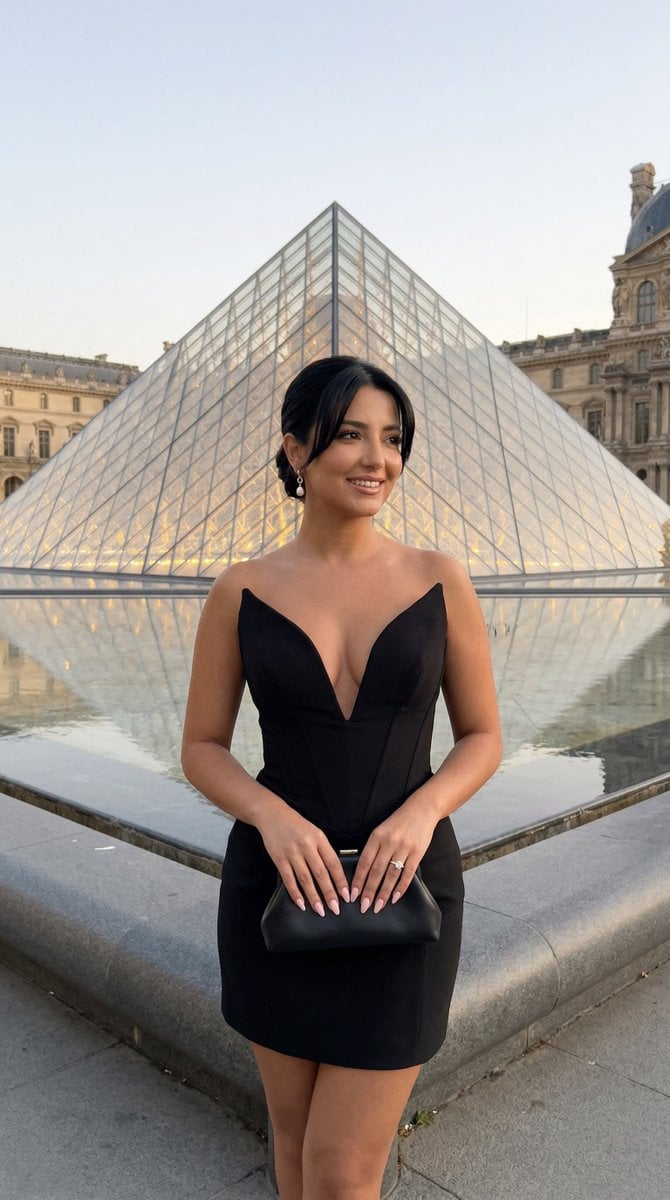
How do I use the 90s Coastal Roadside Street Style template?
Choose the primary action to open PicX Studio with the available template settings. Review the model and format, personalize the creative direction, and generate when ready.
A 90s-inspired street style prompt featuring a subject tying shoelaces on the hood of a vintage pink Beetle car by a scenic coastal roadside.
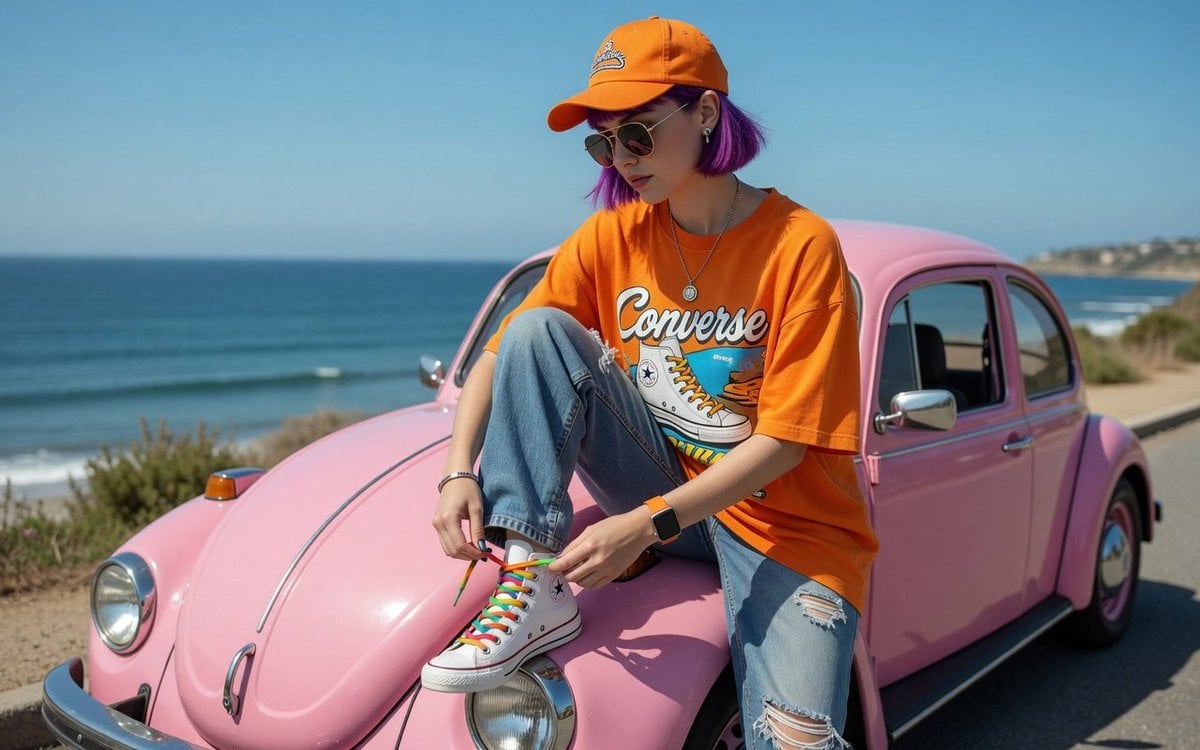
{ "environment_and_background": { "location": "{argument name="location" default="Coastal roadside, beachside view"}", "background_elements": [ "Deep blue ocean/sea extending to the horizon", "Clear, bright blue sunny sky", "A portion of a {argument name="car style" default="vintage pink Volkswagen Beetle"} car, parked on the side" ], "lighting": "Bright, direct natural sunlight, daytime outdoor lighting", "overall_vibe": "Summer, casual, scenic travel, 90s-inspired street style" }, "pose_and_composition": { "shot_type": "Full-body shot, vertical orientation", "camera_angle": "Eye-level, slightly angled from the side", "pose": { "action": "Sitting casually on the front hood/fender of a pink vintage car", "leg_position": "One leg bent upwards with the foot resting on the car's headlight area, while the person leans forward to tie their shoelaces", "hand_position": "Both hands actively holding and tying the colorful shoelaces of the raised foot", "head_position": "Looking down toward the hands and shoe, face partially turned in profile" } }, "outfit_and_apparel": { "top": { "type": "Oversized graphic T-shirt", "color": "Vibrant orange", "details": "Features 'Converse' text and a vintage sneaker graphic printed on the front" }, "bottom": { "type": "Loose-fit distressed denim jeans", "color": "Light blue wash", "details": "Ripped detailing on the knee, relaxed 90s streetwear style" }, "footwear": { "type": "High-top canvas sneakers", "color": "White", "brand_style": "Converse All-Star style", "special_features": "{argument name="details" default="Eye-catching multi-colored rainbow shoelaces"}" } }, "accessories": { "headwear": "Orange baseball cap featuring an embroidered logo on the front", "eyewear": "Classic aviator sunglasses with gold frames and tinted lenses", "jewelry": [ "Silver chain necklace with a gear-shaped or circular pendant", "Minimalist silver bracelet on the right wrist", "Small stud earrings" ], "tech": "Smartwatch with an orange strap on the left wrist, matching the overall color theme" } }
Choose the primary action to open PicX Studio with the available template settings. Review the model and format, personalize the creative direction, and generate when ready.
Yes. You can change the subject, setting, lighting, mood, format, and available model controls before creating your image.
This template is free to open and customize. Generation usage is shown in PicX Studio before you create.
Start with Nano Banana 2, which is the model associated with this template. You can compare another compatible model for a different finish.
Follow a topic to a crawlable collection of related PicX Studio templates.