How do I use the Egyptian Tomb Adventure Scene template?
Choose the primary action to open PicX Studio with the available template settings. Review the model and format, personalize the creative direction, and generate when ready.
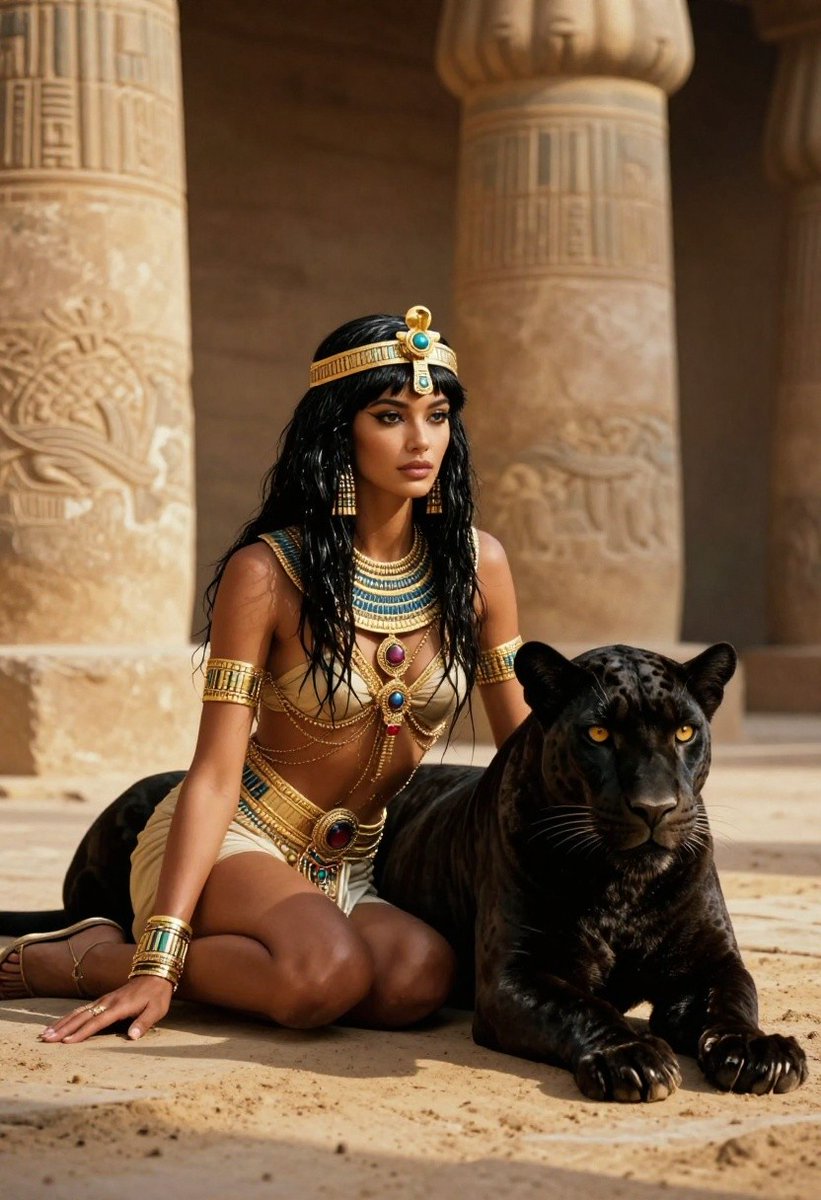
A cinematic prompt for generating two female adventurers inside an ancient, dimly lit Egyptian tomb, featuring detailed outfits and lighting.

scene_description": "{argument name="scene" default="Two female adventurers standing back-to-back inside an ancient, dimly lit Egyptian tomb}", looking directly at the camera with serious and determined expressions.", "characters": [ { "hair": "{argument name="first character hair" default="Blonde, styled in a long, thick braid resting over her left shoulder."}", "clothing": "Olive-green, rugged tactical jumpsuit with rolled-up sleeves, a brown leather utility belt with multiple pouches, and dark leather gloves.", "equipment": "Holding a heavy, weathered metal pickaxe with both hands across her body.", "pose": "Standing on the left side, angled slightly to the side but looking forward." }, { "hair": "Vibrant red/auburn, styled in a messy high bun with soft bangs framing her face.", "clothing": "{argument name="second character clothing" default="Rust-orange or terracotta-colored tactical jumpsuit"}, fitted brown utility harness, a matching crossbody canvas messenger bag with leather straps, and dark gloves.", "equipment": "Holding a small, glowing, intricate ancient artifact or stone tablet with glowing cyan and gold detailing.", "pose": "Standing on the right side, looking forward with a subtle, confident smirk." } ], "environment_and_background": { "setting": "An ancient subterranean temple chamber or tomb interior.", "architectural_elements": [ "Massive stone pillars carved with detailed Egyptian hieroglyphs, reliefs of pharaohs, and ancient deities.", "A weathered stone altar or pedestal situated between the characters in the lower center.", "Cracked stone tile flooring covered in dust, debris, and scattered rocks." ], "details": "Faint cobwebs stretching across the corners and columns, indicating an untouched, ancient location." }, "lighting_and_atmosphere": { "primary_light_source": "A dramatic, cinematic beam of dusty top-down sunlight cutting through a opening in the ceiling, illuminating the characters.", "secondary_light_source": "Warm, flickering firelight from wall-mounted iron torches or braziers casting a soft glow on the pillars.", "mood": "Mysterious, adventurous, dramatic, and atmospheric." }, "art_style_and_quality": { "style": "Hyper-realistic, cinematic digital photography.", "details": "Intricate textures on fabric, weathered stone, metallic surfaces, and skin pores.", "resolution": "4K, highly detailed rendering with deep contrast and volumetric lighting." }
Choose the primary action to open PicX Studio with the available template settings. Review the model and format, personalize the creative direction, and generate when ready.
Yes. You can change the subject, setting, lighting, mood, format, and available model controls before creating your image.
This template is free to open and customize. Generation usage is shown in PicX Studio before you create.
Start with Nano Banana 2, which is the model associated with this template. You can compare another compatible model for a different finish.
Follow a topic to a crawlable collection of related PicX Studio templates.