
Golden Hour Car Driver Portrait
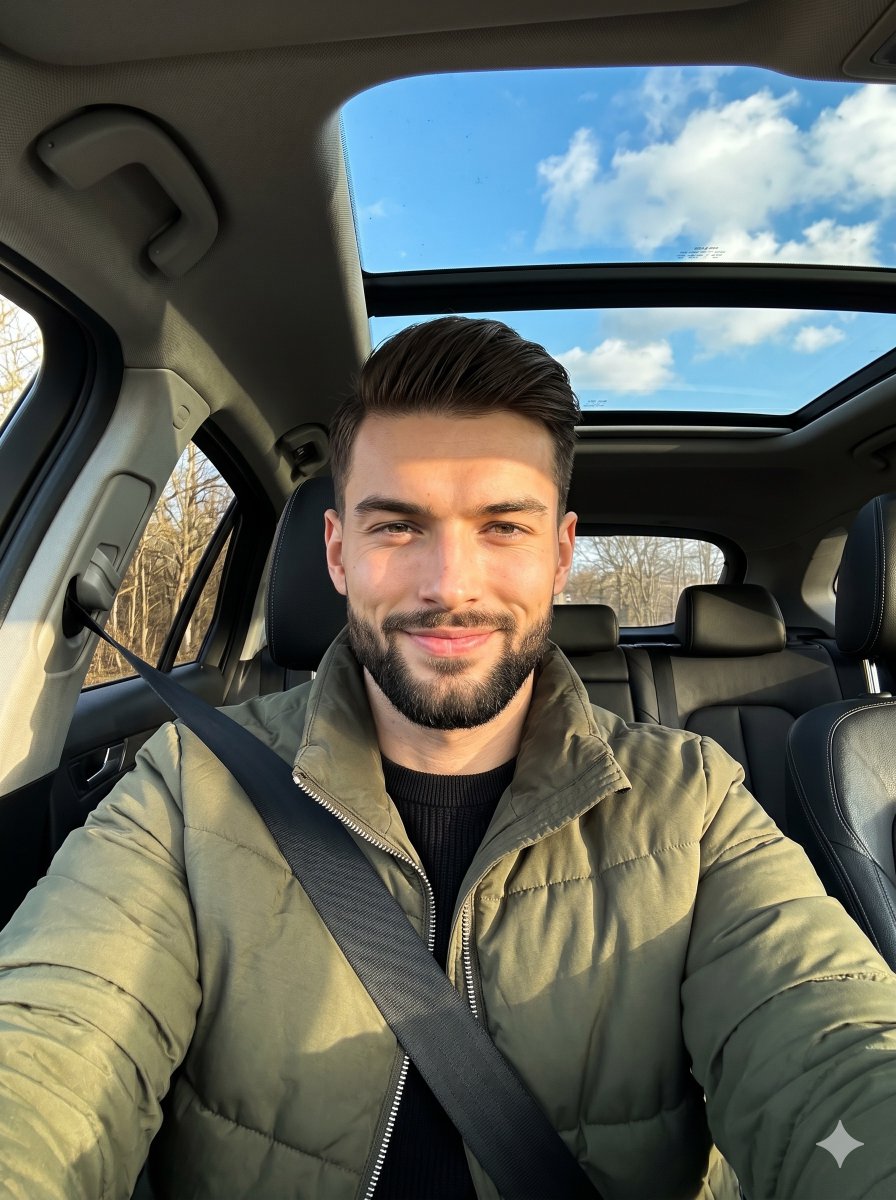
A descriptive prompt for a realistic portrait of a man in a car, capturing detailed lighting, car interior textures, and a specific golden hour mood.
- Prompt included
- Model and format preset
- Free template
The prompt behind this image
Copy the exact prompt behind Golden Hour Car Driver Portrait, or open it in the studio and make it yours.
A young male sits centered in the driver's seat of a car, facing the camera with level shoulders in a deliberately posed, confident posture. His short, blonde to light-brown brushed-back hair exhibits natural texture and subtle flyaways. He wears an olive green puffy jacket with a silver zipper layered over a black ribbed zip-up sweater, with a pristine black woven seatbelt crossing his chest. His expression features a subtle, confident closed smile and a direct gaze with a relaxed squint, while his arms extend out of frame, implying he is holding the camera. Surrounding him is the deep spatial interior of the vehicle, constructed of smooth glass and slightly textured matte charcoal black leather and plastic trim. To his right in the midground rests a pristine black leather seat headrest with visible stitching. Overhead, a dominant panoramic sunroof enclosed in a black frame displays perfectly clear glass, while the distant background through the rear side window reveals weathered bare trees, suggesting late autumn or winter. The calm yet energetic mood is driven by highly directional, hard 45-degree golden natural window light that illuminates the right side of his face, placing distinct highlights on his right cheekbone, nose bridge, jawline, and jacket collar. This creates high contrast with deep black, harshly defined shadows falling under his jaw, inside the collar, across the unlit left side of his face, and deep into the car's interior. A split-complementary palette dominates, contrasting his warm skin and the olive green jacket against the charcoal blacks and a bright sky blue expanse filled with white cumulus clouds visible through the sunroof. The tack sharp, realistic digital photograph is captured from a slightly low angle using a smartphone equivalent 24mm lens at f/1.8 to f/2.2, a 1/1000s shutter speed, and ISO 100, featuring a deep depth of field with focus firmly locked on his eyes. Post-processing enhances the golden hour lifestyle aesthetic by deepening the interior blacks, slightly boosting the saturation of the sky and jacket, and applying digital noise grain and sharpening to his facial features and hair, beautifully framed in a 3:4 aspect ratio.
How to use Golden Hour Car Driver Portrait in 3 steps
- 1
Open
The prompt is already in the box next to the preview, with the template's model and format selected.
- 2…a portrait of your subject in softgolden-hour light, 85mm…
Personalize
Edit the subject and creative details for your destination.
- 3Generate
Generate
Press Generate — your image is created in PicX Studio, so you can compare it with the original and refine one variable at a time.
More like this
Templates with the same subject, style or setup. Open one to see its prompt.

80s Golden Hour Cinema

Rooftop Fisheye — Cat-Ear Balaclava at Golden Hour

Ultra Detailed 3d Plush Cartoon Characte

Cinematic Golden Hour Garden Portrait

Cinematic Golden Hour Urban Portrait

Golden Hour Redhead Portrait

Golden Hour Cinematic Boss Energy Portrait

Golden Hour Cinematic Portrait
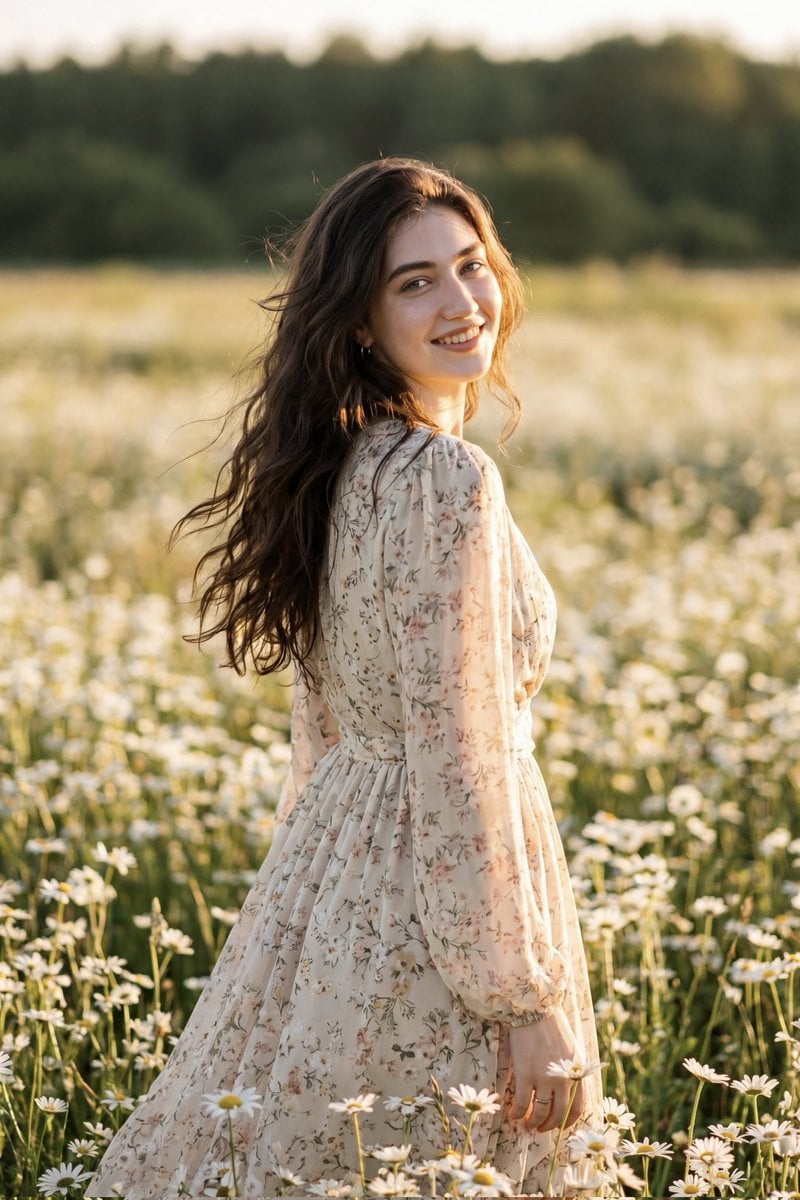
Golden Hour Daisy Field Portrait
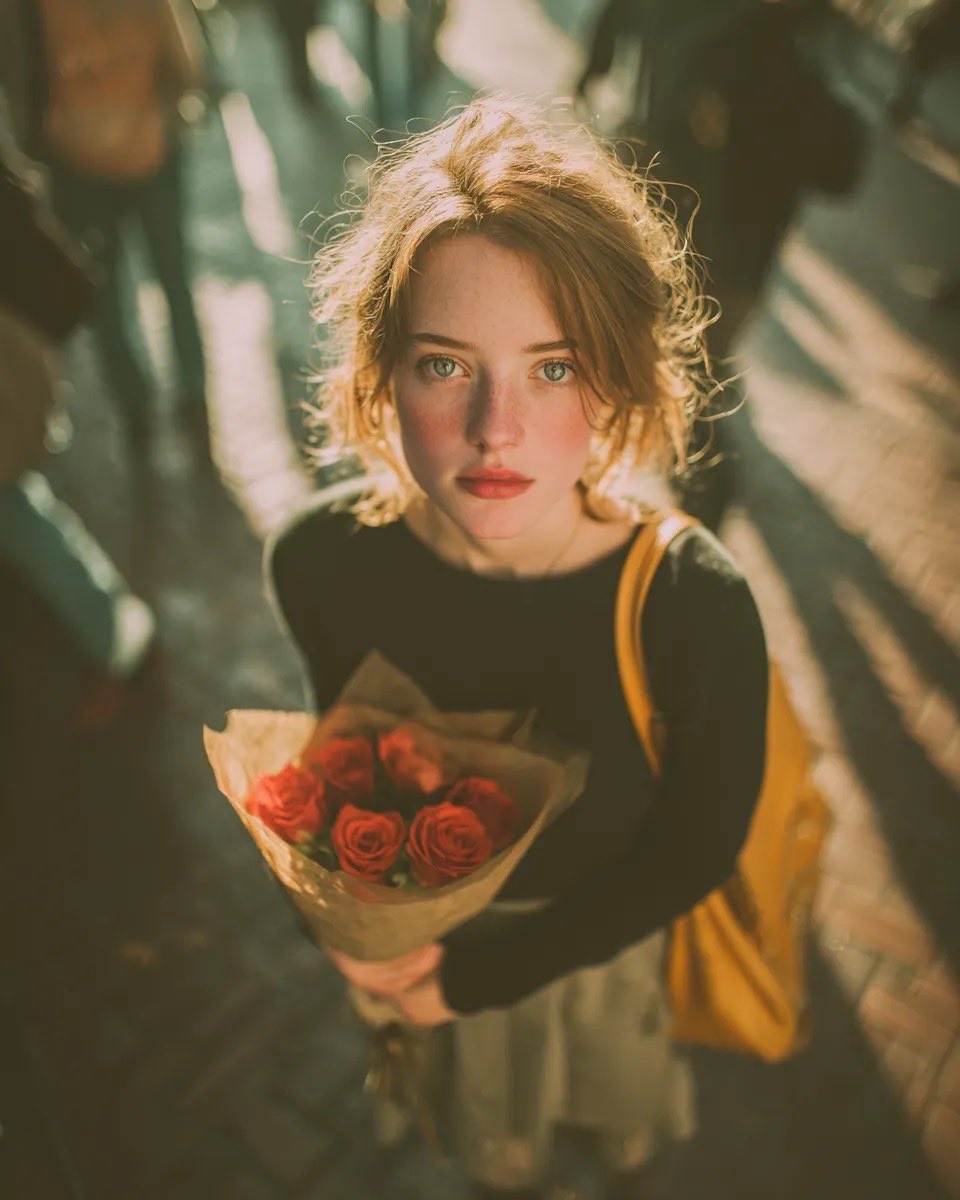
Golden Hour Rose Portrait

Golden Hour Korean Classroom Portrait
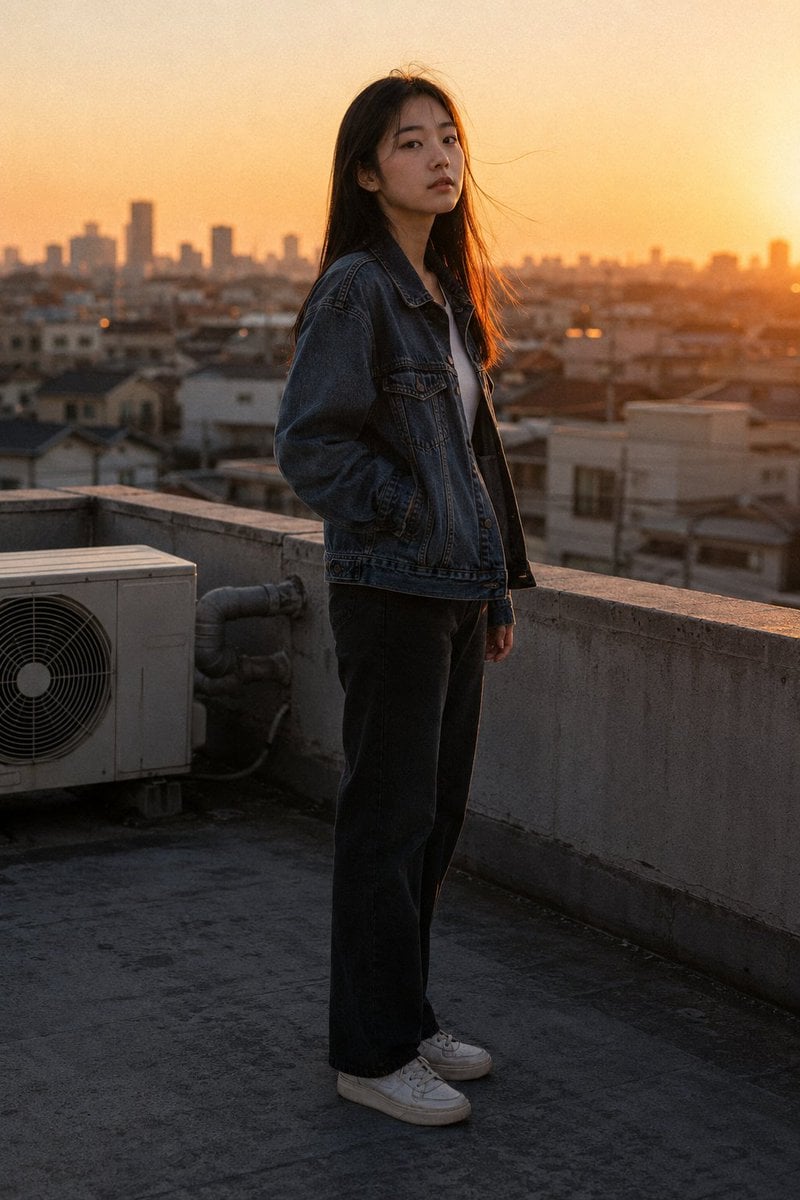
Golden Hour Rooftop Portrait
Make it yours
Golden Hour Car Driver Portrait works as-is. These are the safest ways to change it without losing the look.
Change one field
Copy a single group, rewrite it, and generate again so you can see what that field is doing.
Keep the frame, change the subject
Hold the composition and light of Golden Hour Car Driver Portrait, then swap wardrobe, props or the person for a new take.
| If the result… | Why | Fix |
|---|---|---|
| The result drifts from the preview | Too many fields changed at once. | Reuse Golden Hour Car Driver Portrait as-is first, then change one group — subject, light, or setting. |
| The model over-stylizes the scene | The prose prompt leaves finish and camera underspecified. | Add one camera or lighting sentence and stay on Nano Banana 2. |
More Nano Banana 2 templates
Other prompts made for Nano Banana 2.

Photorealistic Leaf Shaped Like a Dragon

K-Pop Idol Portrait Grid for Rapid Selection

Urban Street Portrait with Cartoon Inner Self Duo

Candid Nighttime Photo with Cat Prompt

High-Concept 3D Diorama Generation Prompt

Cinematic Futuristic Studio Portrait Template

Skincare Editorial Photography Collage Prompt

Hyper-Realistic Commercial Product Photography (Splash Effect)

Hyper-Realistic Nightclub Portrait Prompt

Cinematic Urban Rain Scene Prompt (Neo-Noir)
More image prompts
Fresh picks from across the catalog.
Maze Solver Transformation
Hyper-realistic New Chinese Style Portrait with Gobo Lighting
Beach Selfie Portrait
Dramatic Black and White Portrait with Silhouette Lighting Prompt
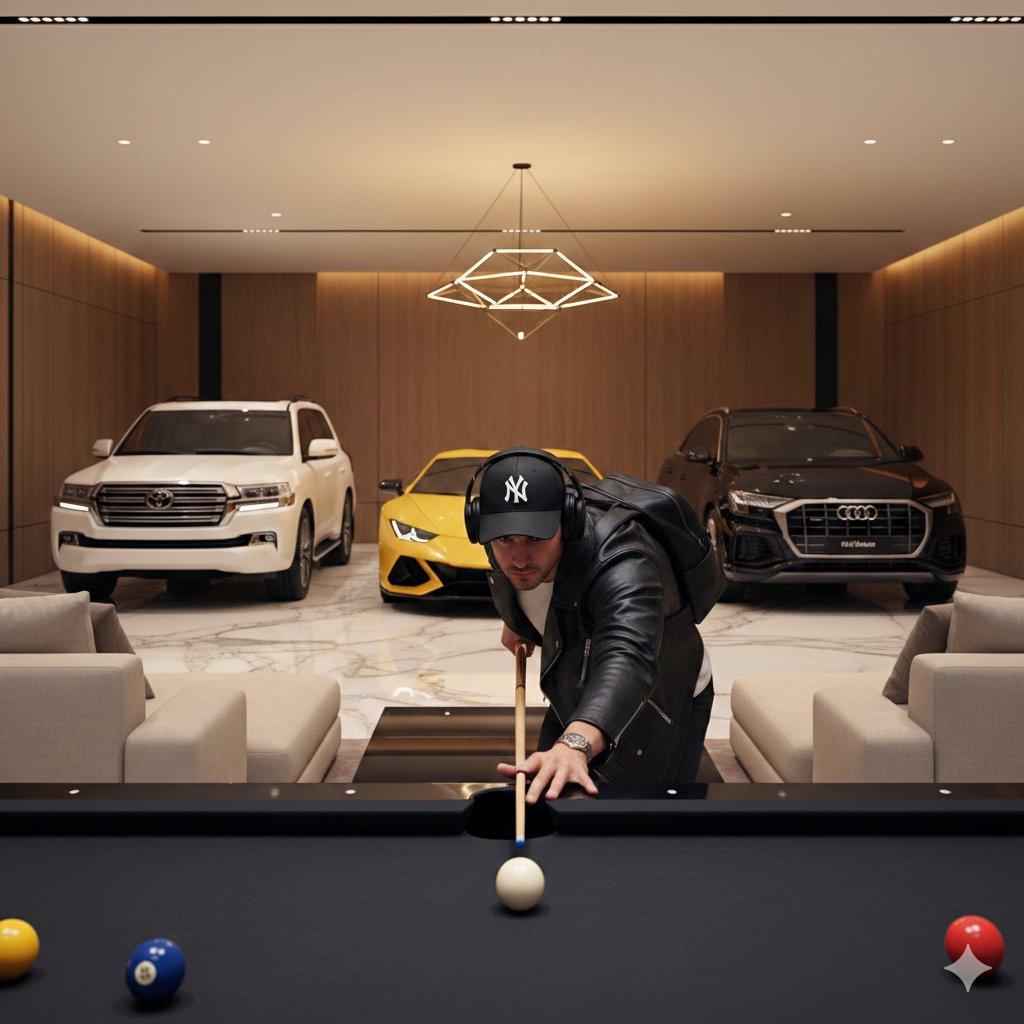
Luxury Lifestyle Billiards Scene with High-End Cars
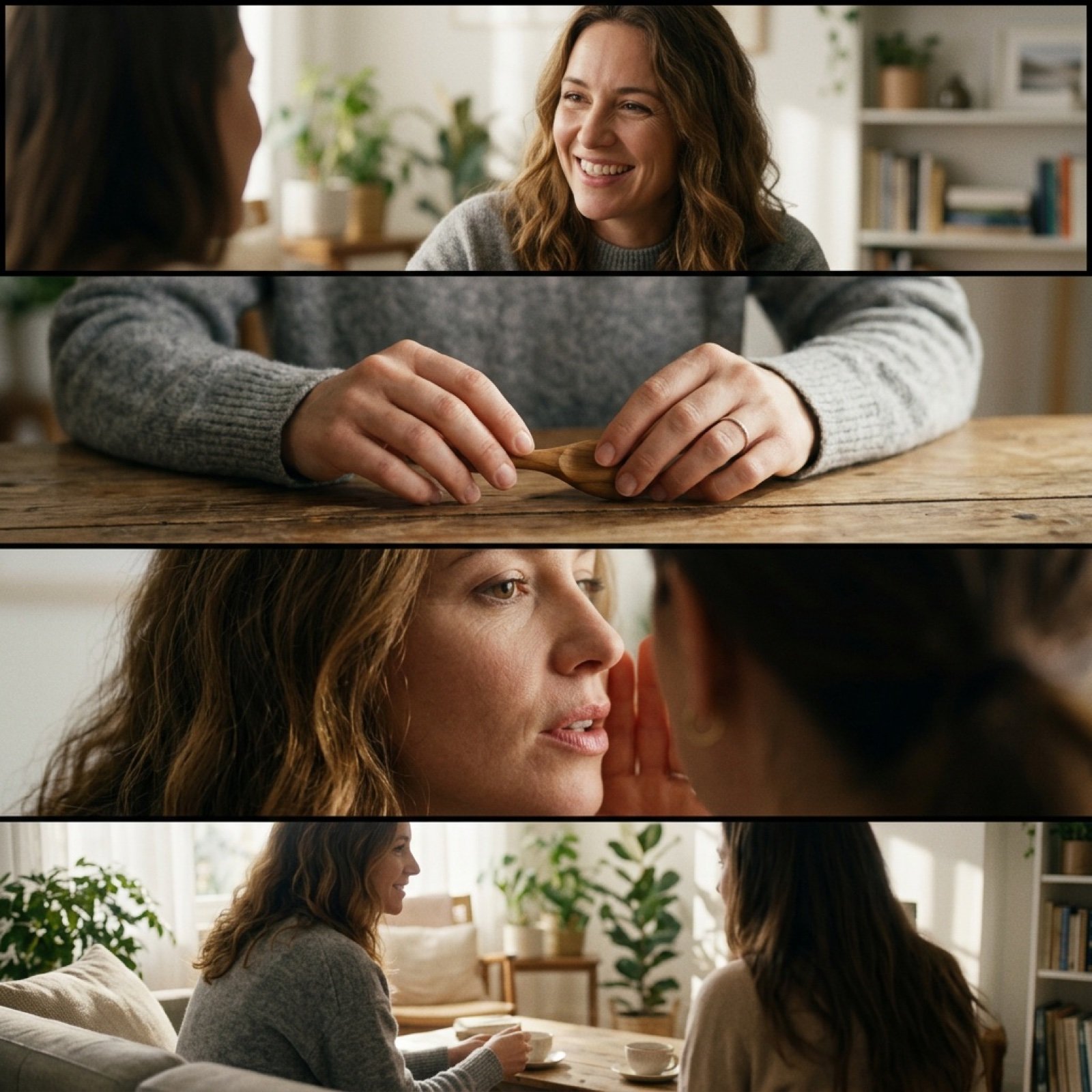
Cinematic 4-Cut Video Prompt of Women Chatting
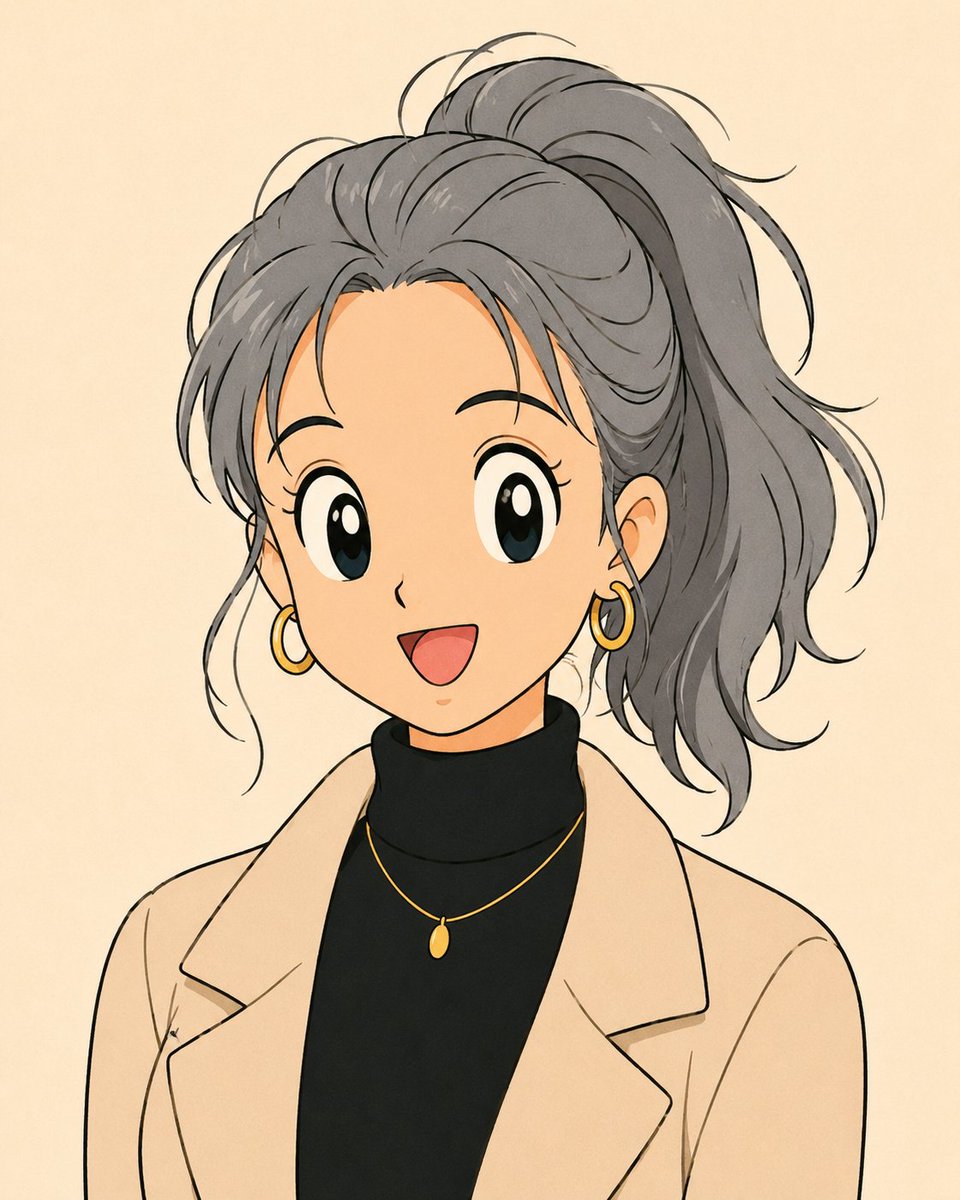
Anime Portrait with Censored Face

Photorealistic Fast Food Storefront
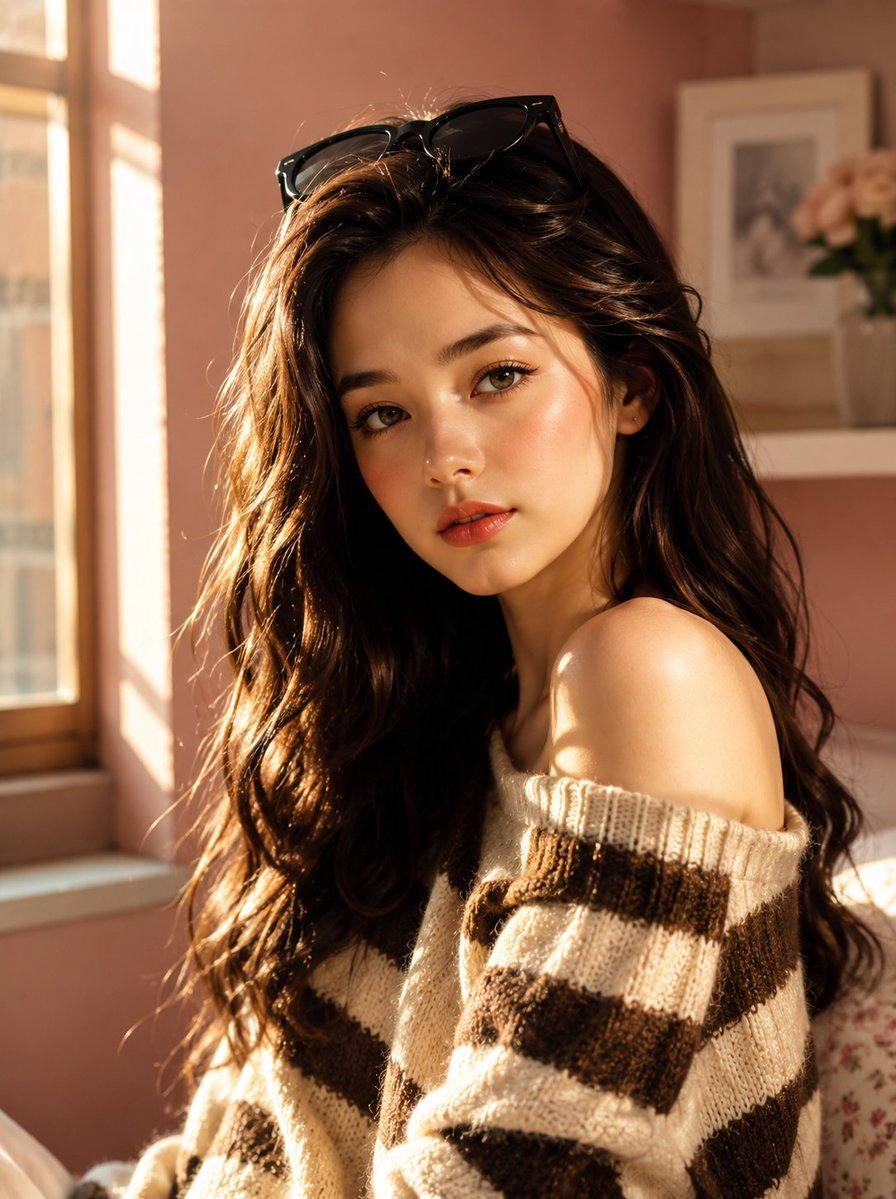
Korean Beauty Lifestyle Portrait
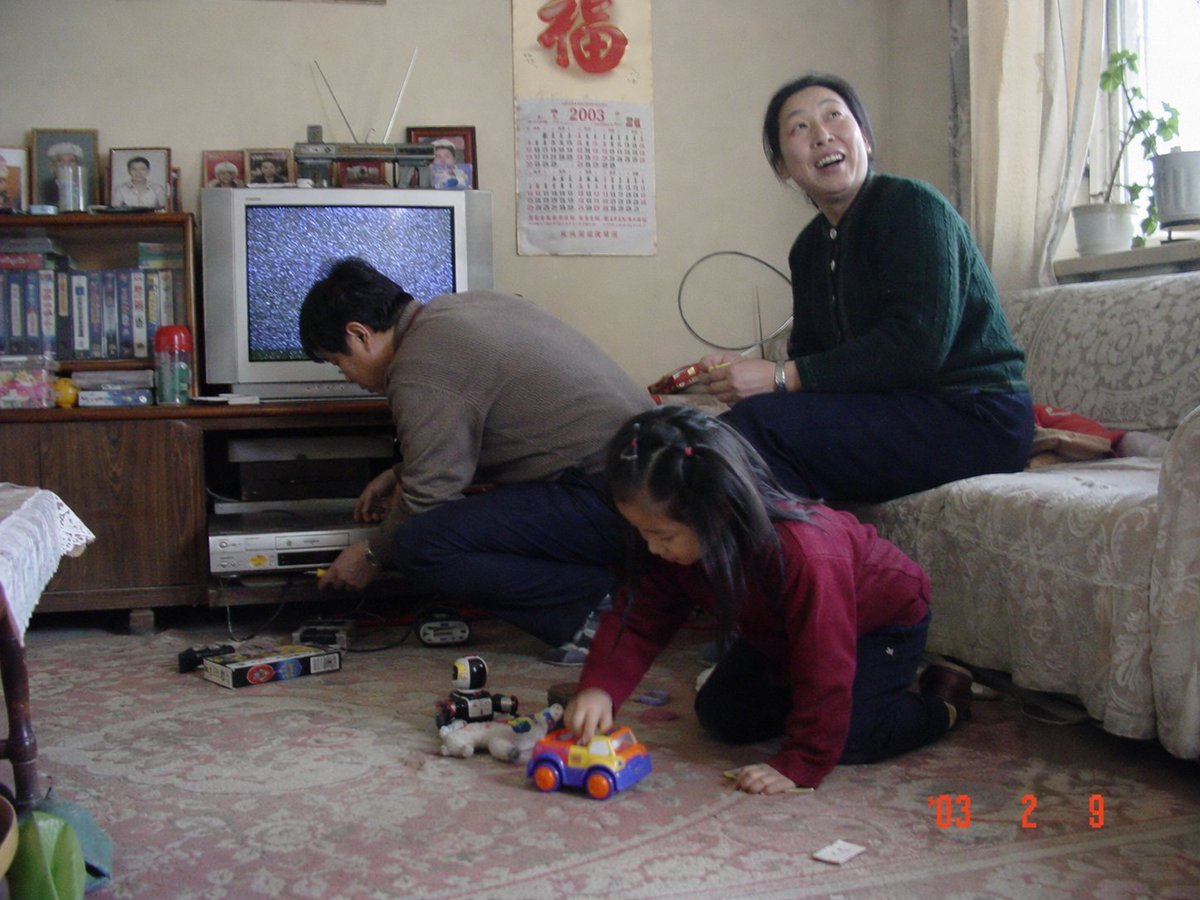
Nostalgic 2003 Family Apartment Photo
Browse template categories
Golden Hour Car Driver Portrait questions
How do I use the Golden Hour Car Driver Portrait template?
Add your photo if the template asks for one, edit the prompt if you like — the template's model and format are already selected — and press Generate. Your version opens in PicX Studio.
Can I customize the Golden Hour Car Driver Portrait template?
Yes. You can change the subject, setting, lighting, mood, format, and available model controls before creating your image.
Is the Golden Hour Car Driver Portrait template free?
Opening and editing this template is free. Generating uses credits, shown on the Generate button when you are signed in.
Which AI model should I use?
Start with Nano Banana 2, which is the model associated with this template. You can compare another compatible model for a different finish.
Looking for something else? Browse all templates.

Your photo, any look
Thousands of ready templates for every top image and video model, from one credit balance.