
Anatolian Kilim Motif Makeup Art
An editorial beauty prompt inspired by the geometric symbols and rich colors of Anatolian kilim textiles, featuring woven-style face painting and cultural motifs.
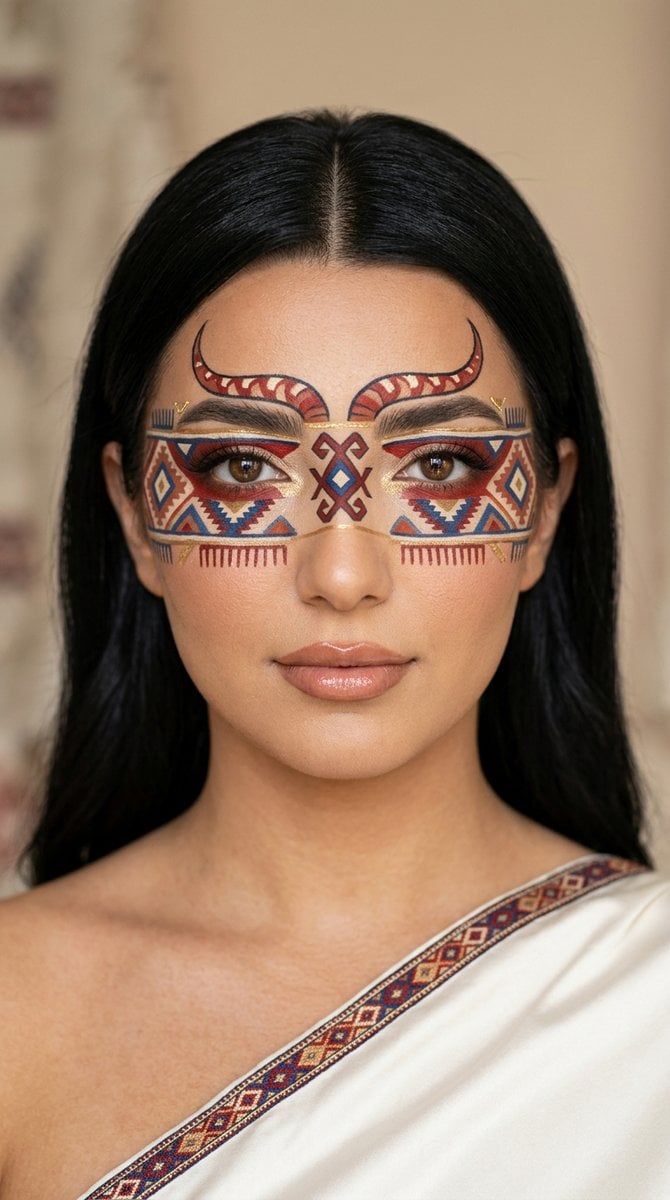
- Prompt included
- Model and format preset
- Free template
The prompt behind this image
Copy the exact prompt behind Anatolian Kilim Motif Makeup Art, or open it in the studio and make it yours.
{ "concept": "{argument name="concept" default="wearable_art_makeup_anatolian_kilim_motifs_turkish_series"}", "format": "{argument name="format" default="vertical 4:5 close-up beauty editorial portrait, single hero frame, face-as-canvas composition"}", "style": "{argument name="style" default="luxury editorial beauty portrait inspired by Anatolian kilim motifs, woven symbolism, and couture wearable-art makeup"}", "styling_harmony": { "core_rule": "All elements must derive from Anatolian kilim language: woven geometry, symbolic motifs, Turkish red, indigo blue, warm ivory, earthy terracotta, and subtle gold accents." }, "subject": { "type": "young female model, face as cultural canvas", "skin_finish": "real skin pores, soft natural glow, visible texture, no plastic smoothing", "expression": "quietly grounded, warm, strong, direct gaze" }, "makeup_artwork": { "approach": "Anatolian kilim symbolism translated into refined editorial face painting", "eye_band": "horizontal mask band across both eyes composed of woven-looking geometric patterning in indigo blue, Turkish red, ivory, and terracotta accents", "central_motif": "an elegant Elibelinde motif centered over the bridge of the nose, balanced with Koçboynuzu-inspired horn curves extending subtly across the brow line", "supporting_strokes": "tiny kilim diamond forms, comb motifs, fine woven-border accents, minimal gold micro-lines", "eyes_treatment": "natural eye color visible, subtle black liner, delicate lashes", "lips": "glossy ombre with Turkish red upper lip and warm terracotta-gold lower lip", "cheeks": "bare, fresh, luminous" }, "hair": { "description": "long dark glossy hair, center part, simple and smooth, softly framing the face", "harmony_logic": "the clean hairstyle lets the woven geometry remain crisp and legible" }, "hands_visible": { "show_hands": false }, "wardrobe": { "garment": "warm ivory silk or matte satin drape with a narrow kilim-inspired embroidered edge in Turkish red and indigo blue", "details": "minimal couture drape, no folk-costume excess", "tonal_logic": "the ivory base keeps the portrait elegant while the red-blue embroidered edge extends the kilim language from face to garment" }, "accessories": { "principle": "no modern jewelry, no rings, no visible hands" }, "environment": { "background": "soft warm beige backdrop with faint woven-textile atmosphere, subtle and out of focus" }, "camera": { "lens": "120mm macro beauty prime", "aperture": "f/5.6", "focus": "sharp on motif geometry, eyes, lips, and skin texture" }, "color_palette": [ "Turkish red", "indigo blue", "warm ivory", "terracotta", "soft gold", "beige" ], "negative_prompt": "different woman, identity drift, cartoon kilim, tourist-folk costume, visible hands, modern jewelry, plastic skin, messy geometry, busy background, watermark, logo" }
How to use Anatolian Kilim Motif Makeup Art in 3 steps
- 1
Open
The prompt is already in the box next to the preview, with the template's model and format selected.
- 2…a portrait of your subject in softgolden-hour light, 85mm…
Personalize
Edit the subject and creative details for your destination.
- 3Generate
Generate
Press Generate — your image is created in PicX Studio, so you can compare it with the original and refine one variable at a time.
More like this
Templates with the same subject, style or setup. Open one to see its prompt.
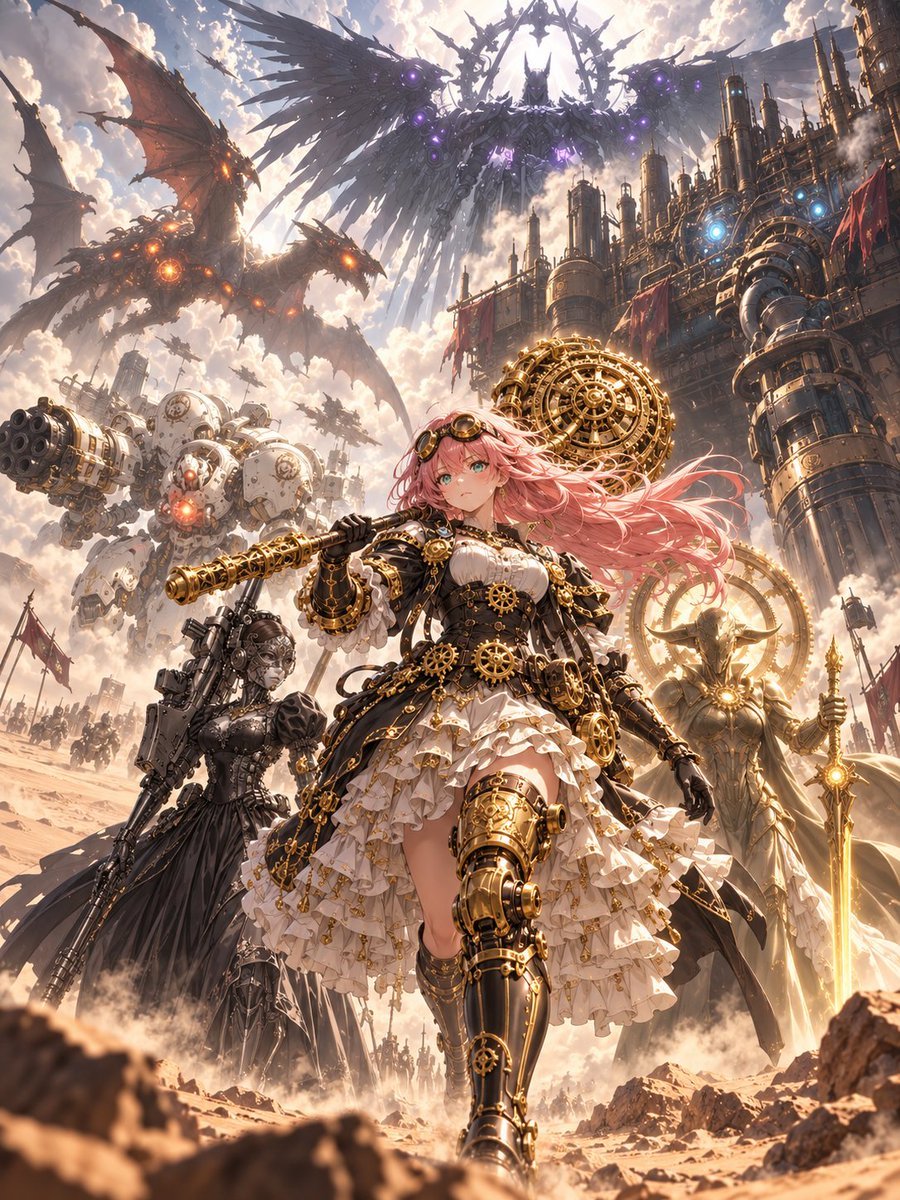
Steampunk Card Motif Ensemble
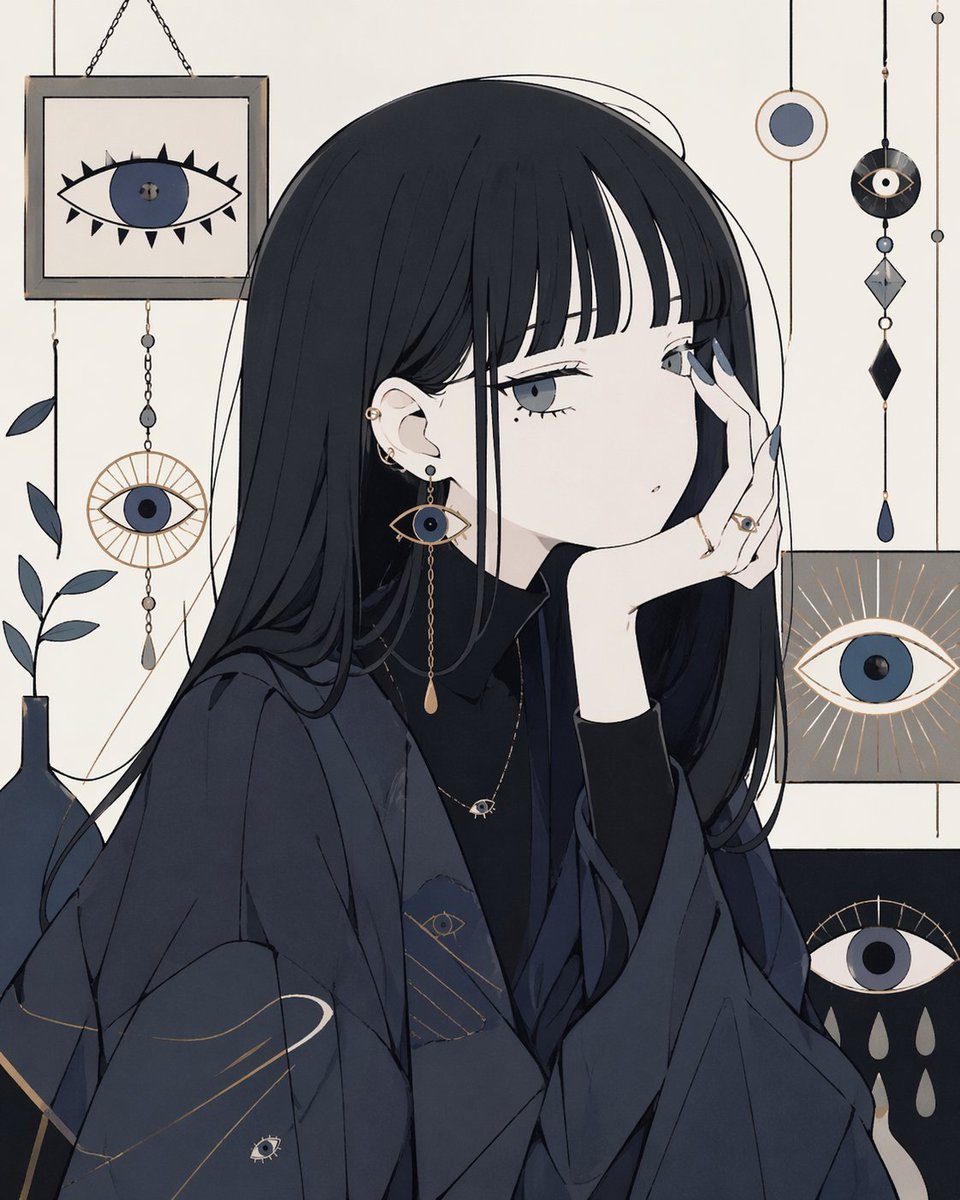
Occult Eye Motif Anime Portrait
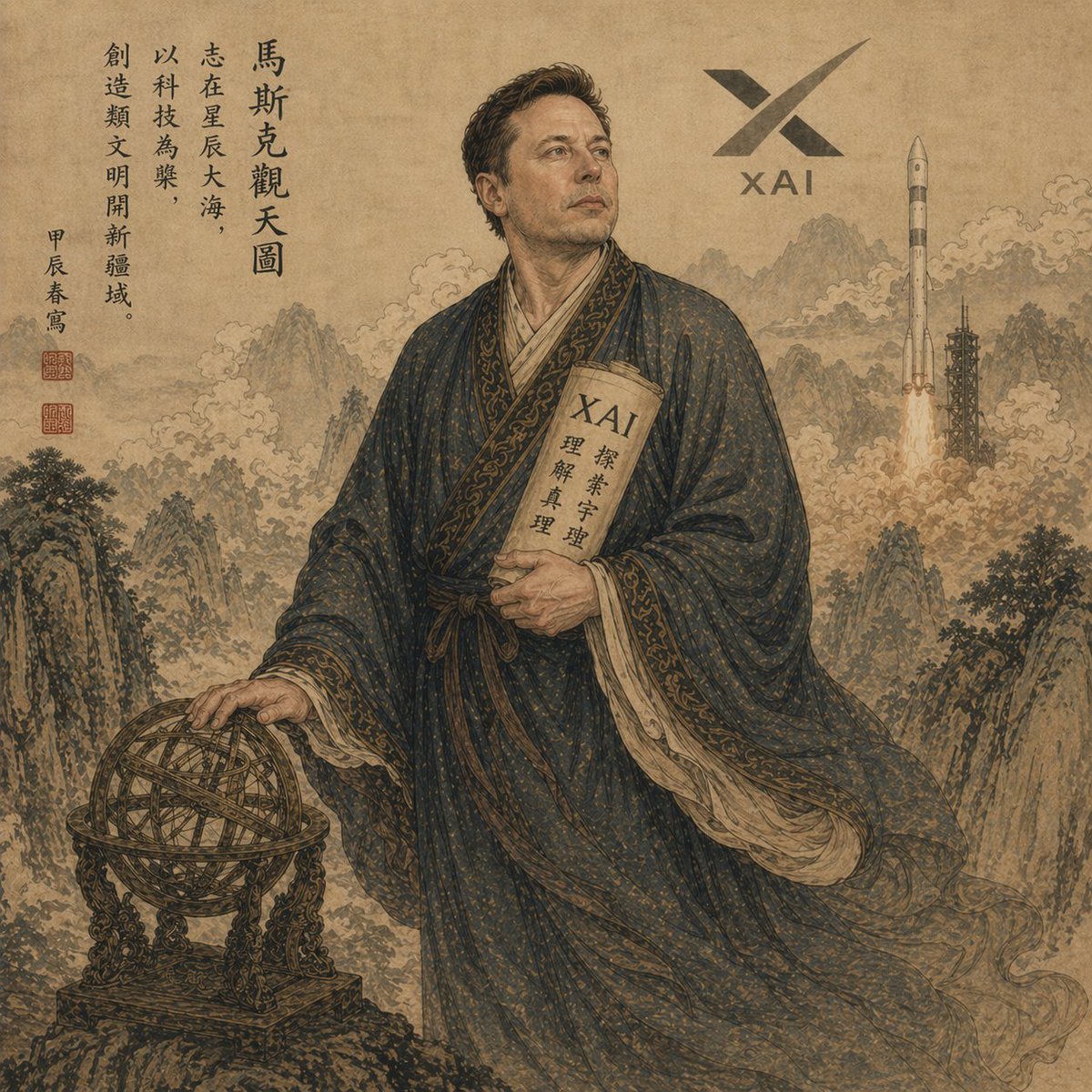
Classical Chinese Scholar with XAI Motif
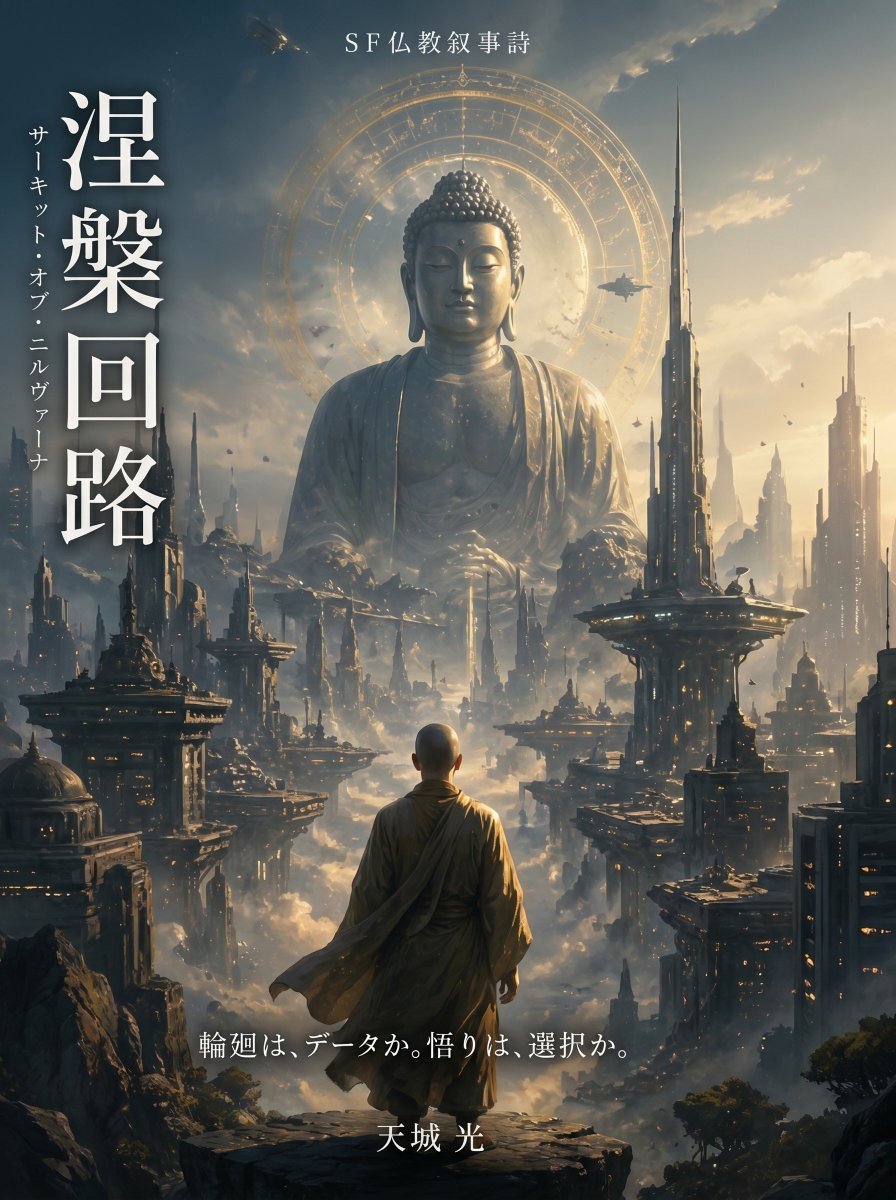
Buddhist Motif Sci-Fi Cover
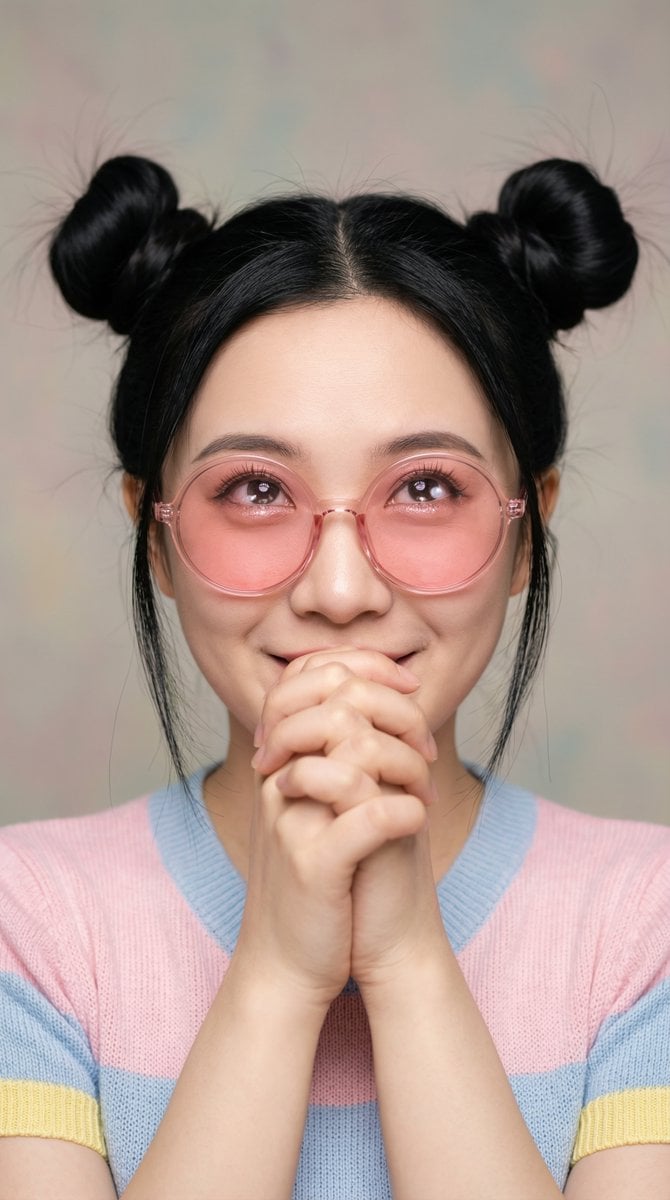
Ultra-Professional Portrait with 'Praying Hands' Motif
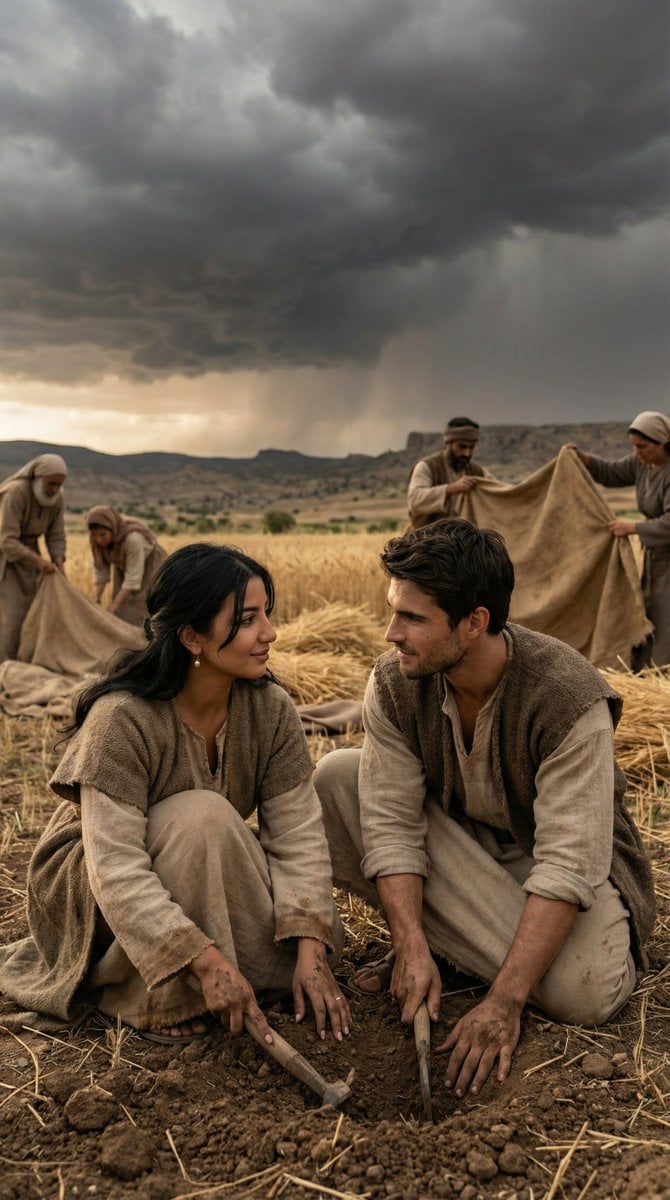
Historical Anatolian Field Editorial
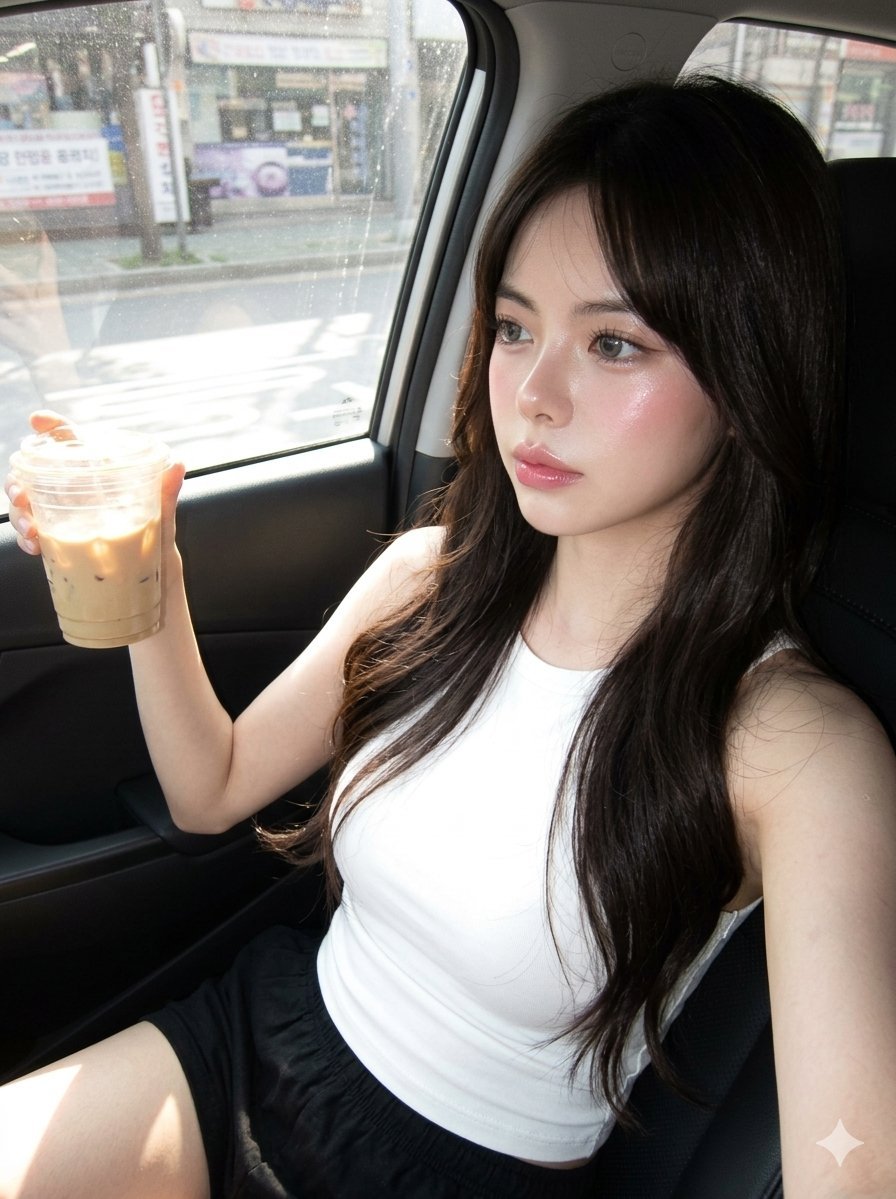
Hyper-Photorealistic Douyin Makeup Portrait
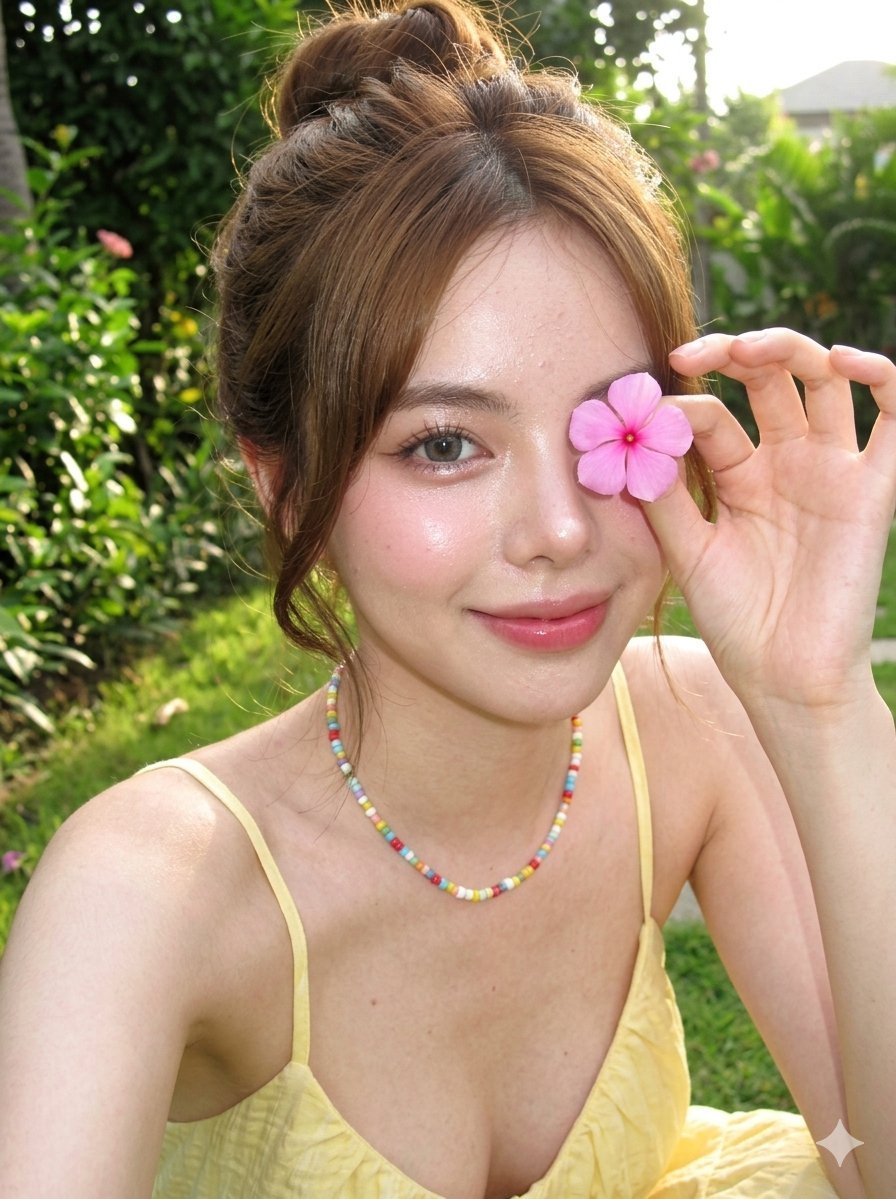
Douyin Makeup Character Shot
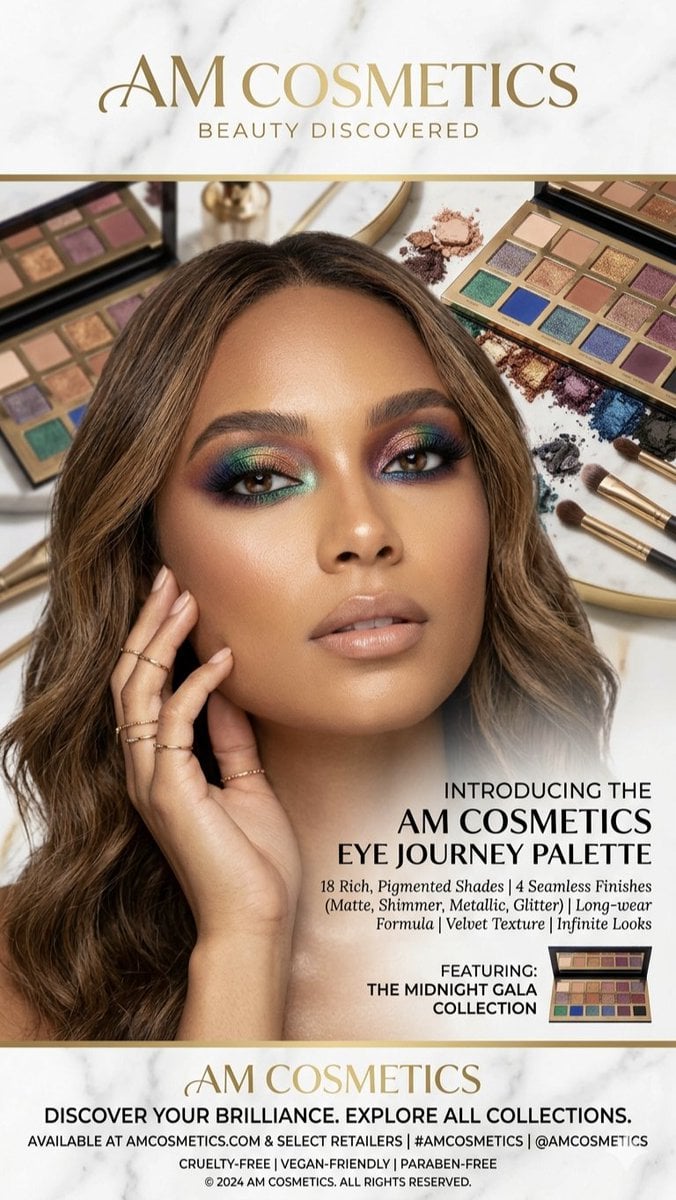
Luxury Makeup Palette Advertisement
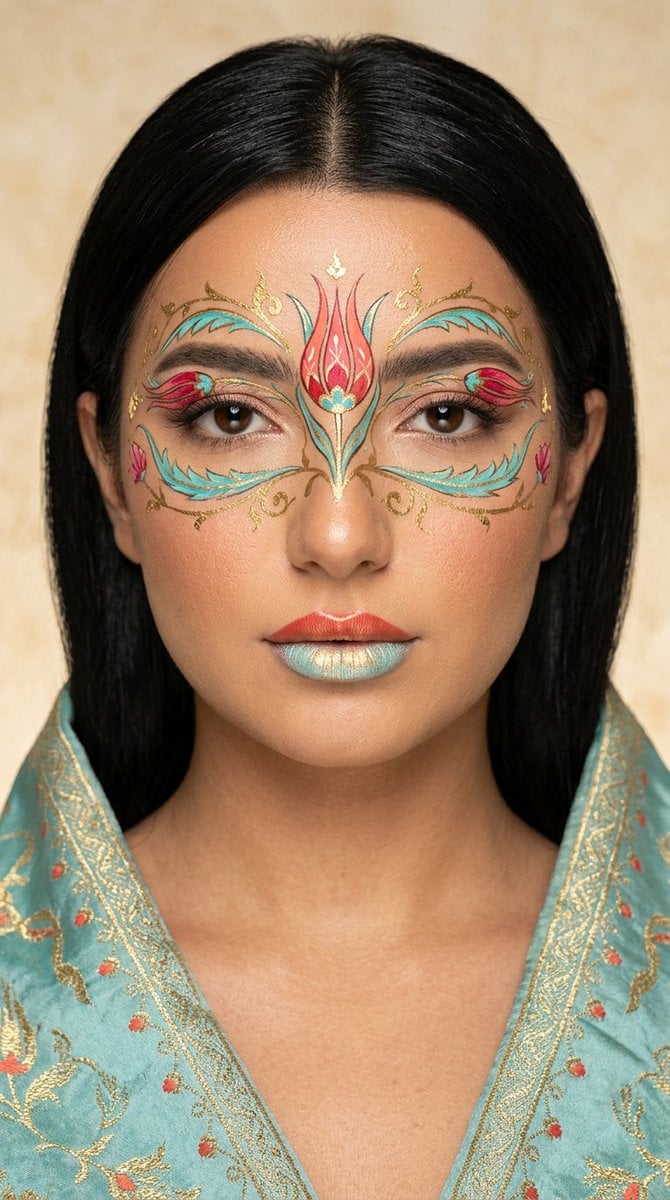
Ottoman Tulip Editorial Makeup Portrait
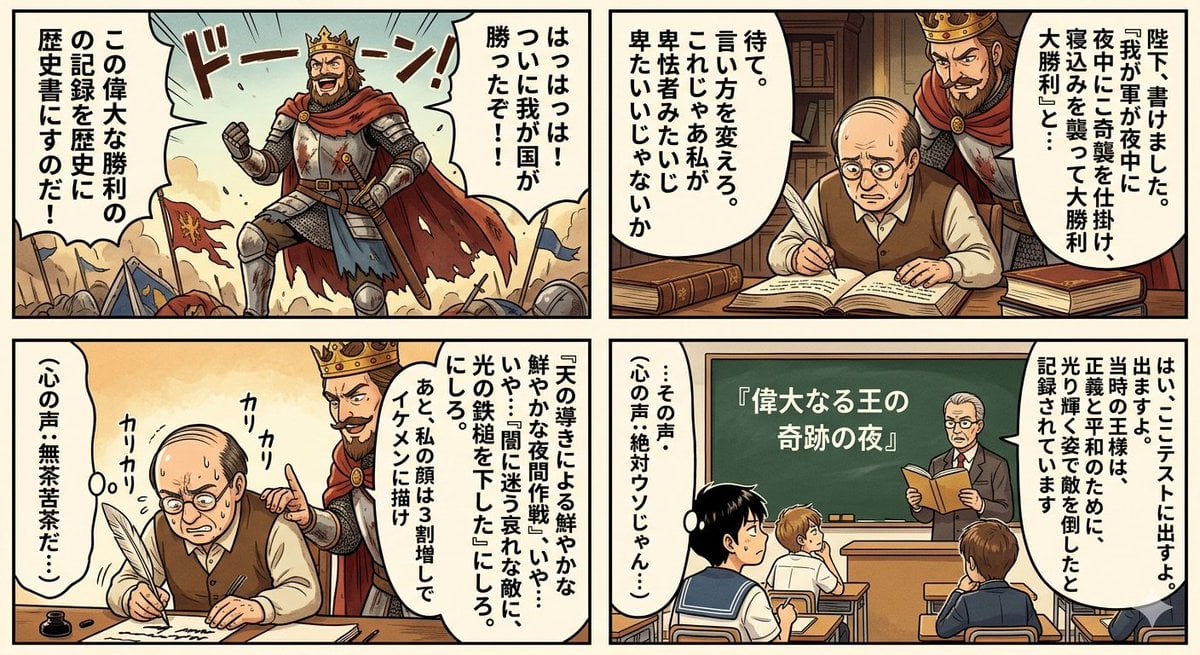
Historical Makeup Napoleon Manga
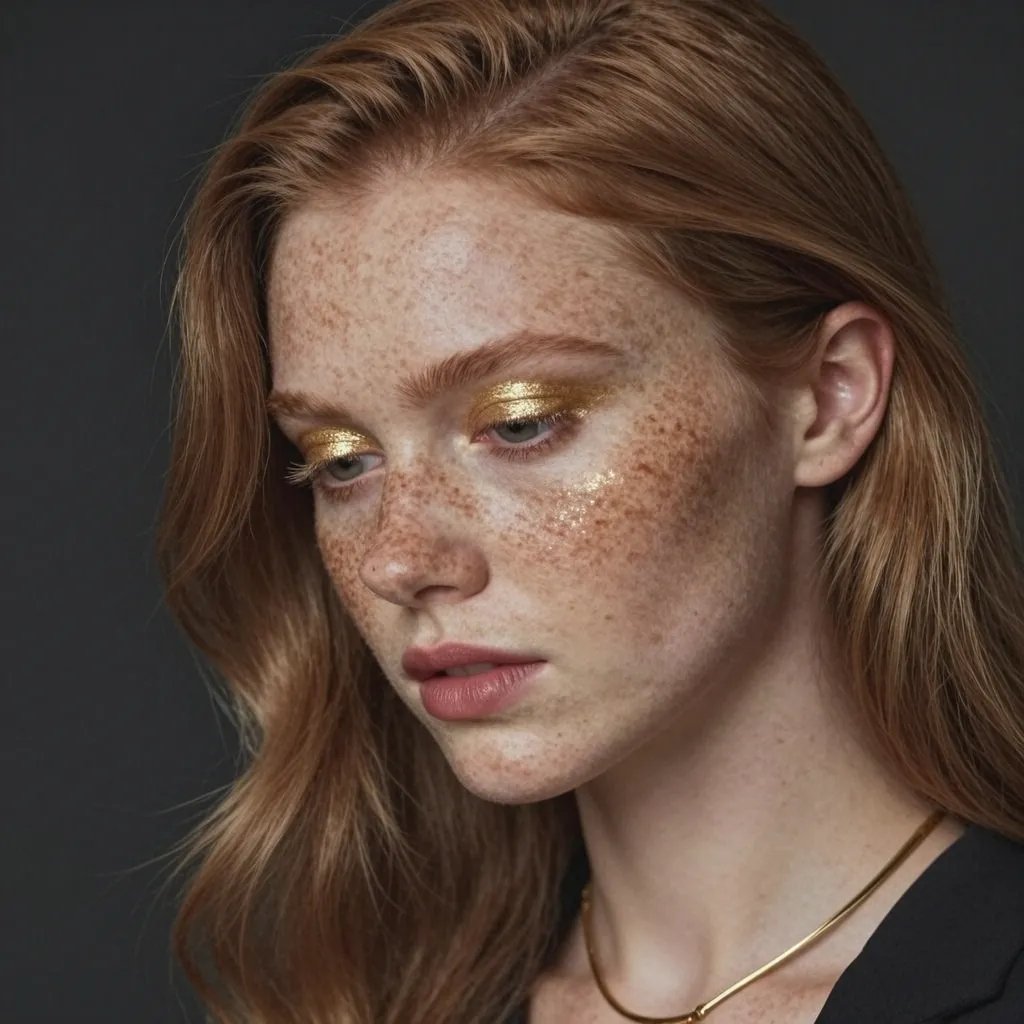
Freckled Model Gold Makeup Portrait
Make it yours
Anatolian Kilim Motif Makeup Art works as-is. These are the safest ways to change it without losing the look.
Change one field
Copy a single group, rewrite it, and generate again so you can see what that field is doing.
Keep the frame, change the subject
Hold the composition and light of Anatolian Kilim Motif Makeup Art, then swap wardrobe, props or the person for a new take.
| If the result… | Why | Fix |
|---|---|---|
| The result drifts from the preview | Too many fields changed at once. | Reuse Anatolian Kilim Motif Makeup Art as-is first, then change one group — subject, light, or setting. |
| The model over-stylizes the scene | The prose prompt leaves finish and camera underspecified. | Add one camera or lighting sentence and stay on Nano Banana 2. |
More Nano Banana 2 templates
Other prompts made for Nano Banana 2.

Photorealistic Leaf Shaped Like a Dragon

K-Pop Idol Portrait Grid for Rapid Selection

Poetic Rain Forest Portrait During Golden Hour

Urban Street Portrait with Cartoon Inner Self Duo

Candid Nighttime Photo with Cat Prompt

High-Concept 3D Diorama Generation Prompt

Cinematic Futuristic Studio Portrait Template

Skincare Editorial Photography Collage Prompt

Hyper-Realistic Commercial Product Photography (Splash Effect)

Hyper-Realistic Nightclub Portrait Prompt
More image prompts
Fresh picks from across the catalog.
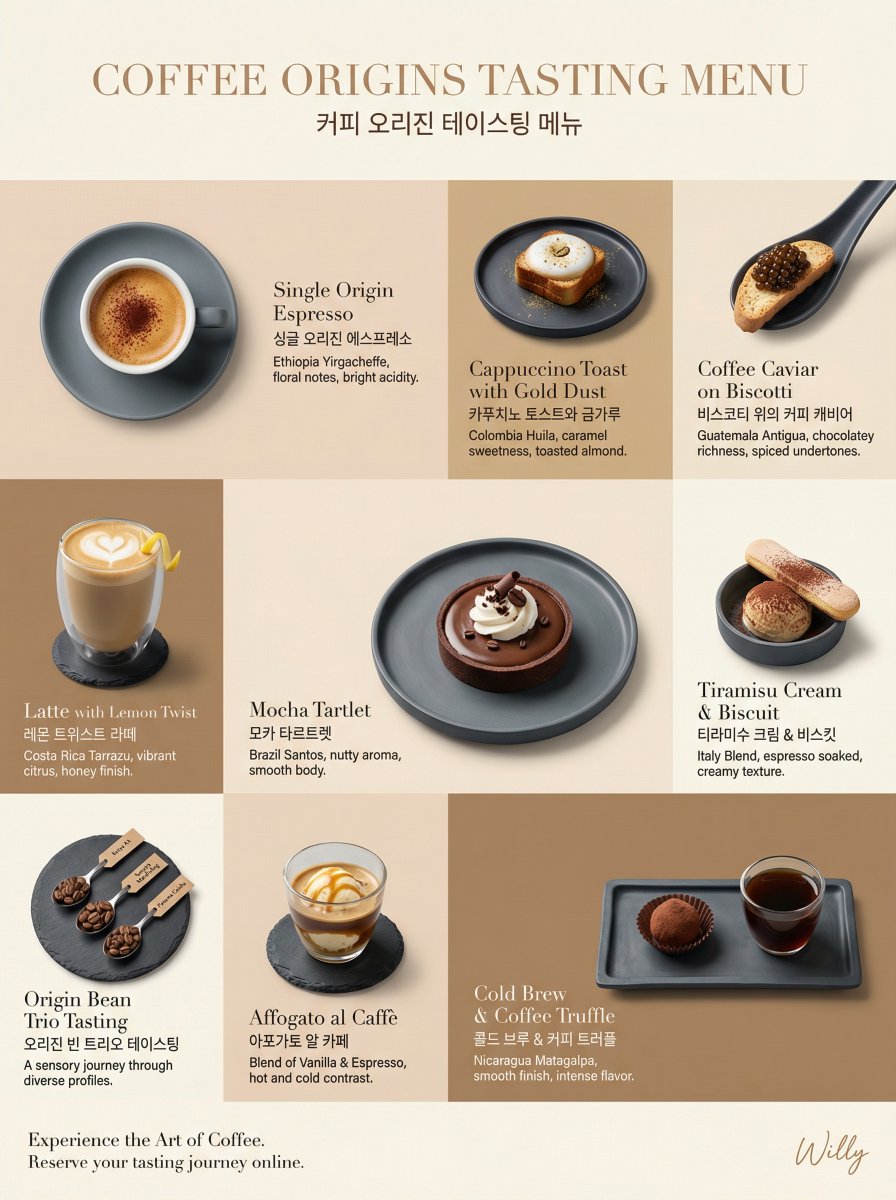
Luxury Coffee Tasting Menu Layout Prompt
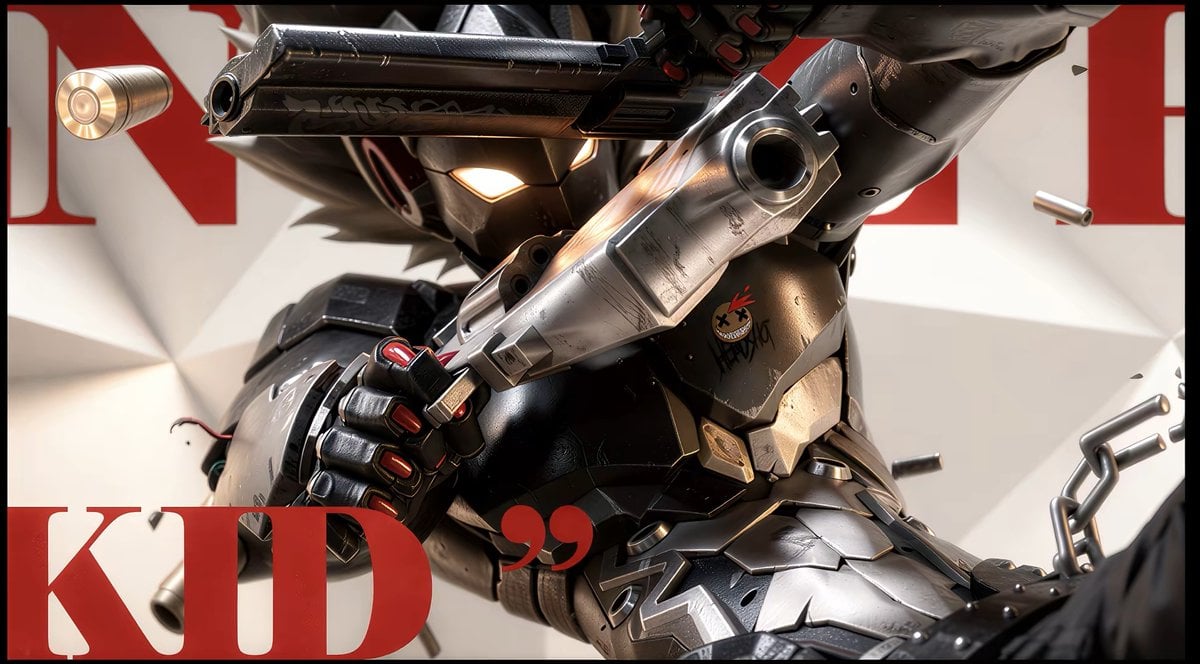
Anime Illustration to Hyperreal Photo
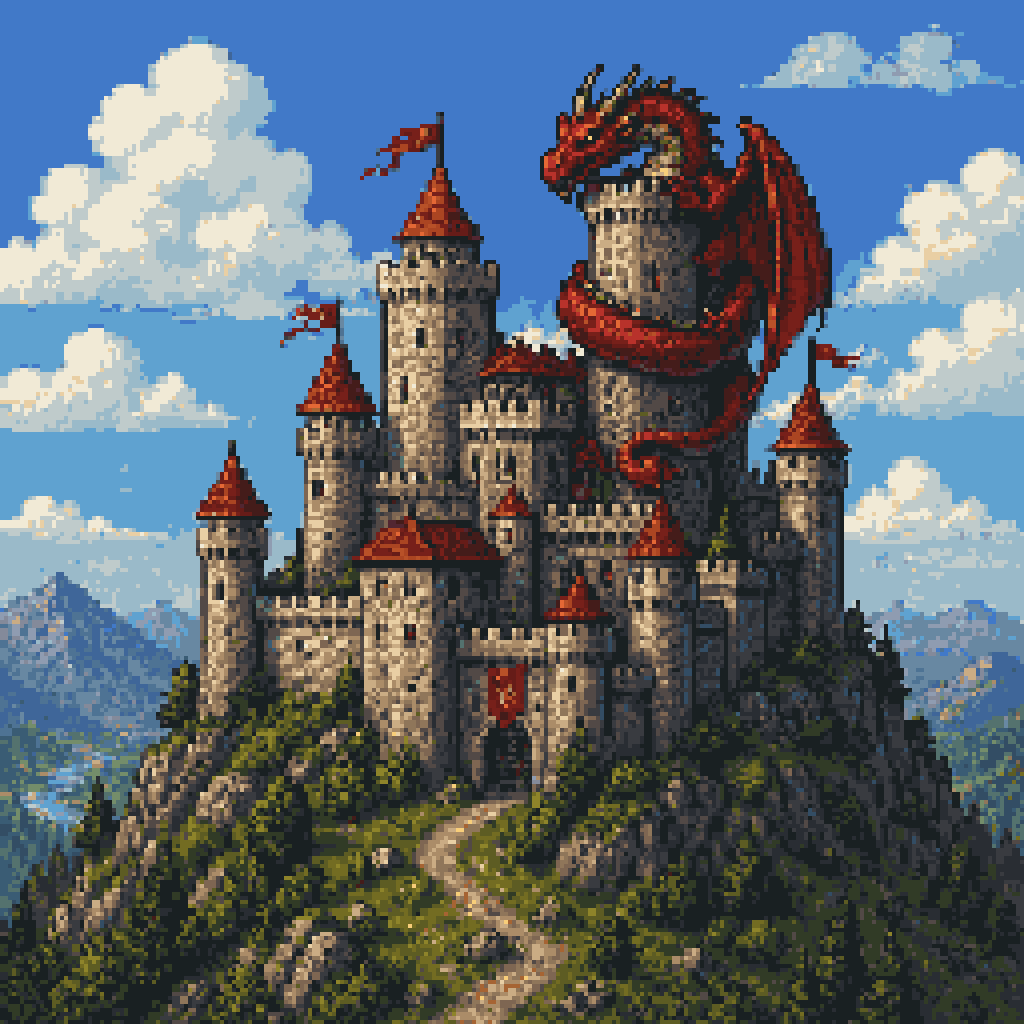
Pixel Art Dragon Castle
Hallstatt Austria Lakeside Travel Portrait
Cinematic Photo of Woman on Airport Runway
Korean Classroom Aesthetic Portrait
Hyper-Defined Portrait with Neon Lighting and Architectural Fashion
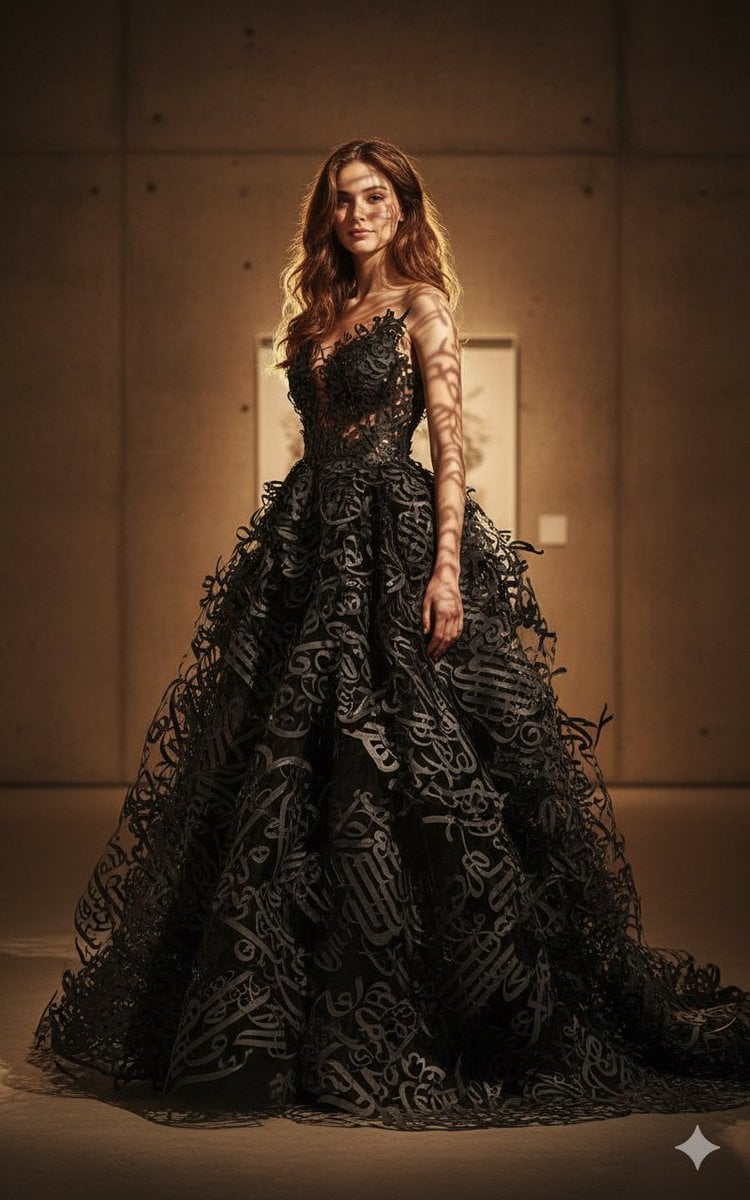
Art-Couture Portrait with Calligraphy Fabric
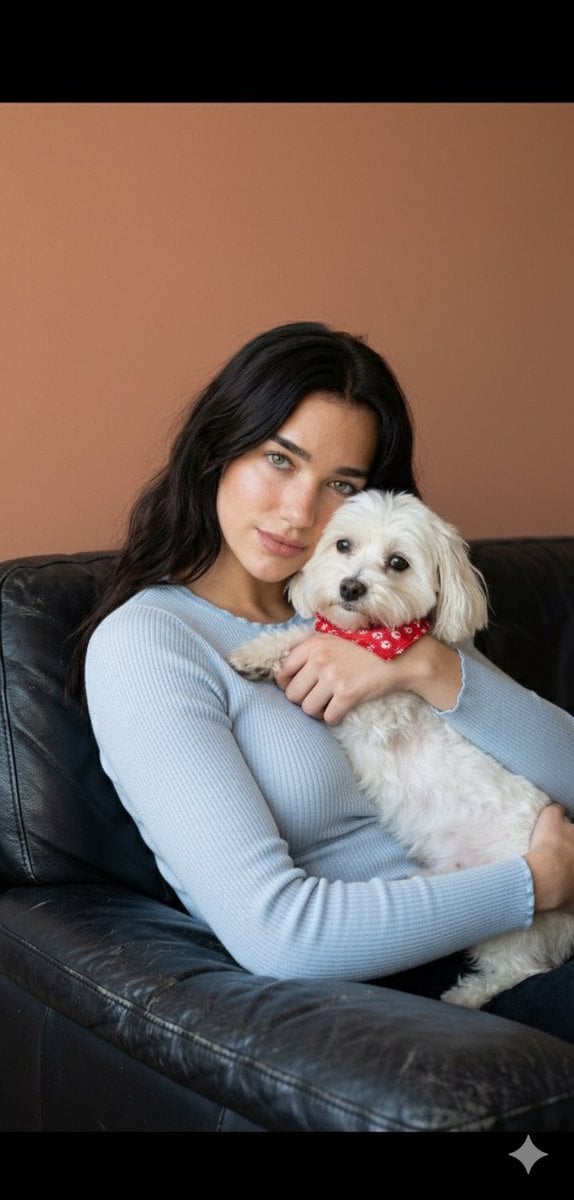
Dua Lipa Cozy Portrait with Maltese Dog Prompt

Horror Cinematic Portrait
Browse template categories
Anatolian Kilim Motif Makeup Art questions
How do I use the Anatolian Kilim Motif Makeup Art template?
Add your photo if the template asks for one, edit the prompt if you like — the template's model and format are already selected — and press Generate. Your version opens in PicX Studio.
Can I customize the Anatolian Kilim Motif Makeup Art template?
Yes. You can change the subject, setting, lighting, mood, format, and available model controls before creating your image.
Is the Anatolian Kilim Motif Makeup Art template free?
Opening and editing this template is free. Generating uses credits, shown on the Generate button when you are signed in.
Which AI model should I use?
Start with Nano Banana 2, which is the model associated with this template. You can compare another compatible model for a different finish.
Looking for something else? Browse all templates.

Your photo, any look
Thousands of ready templates for every top image and video model, from one credit balance.