
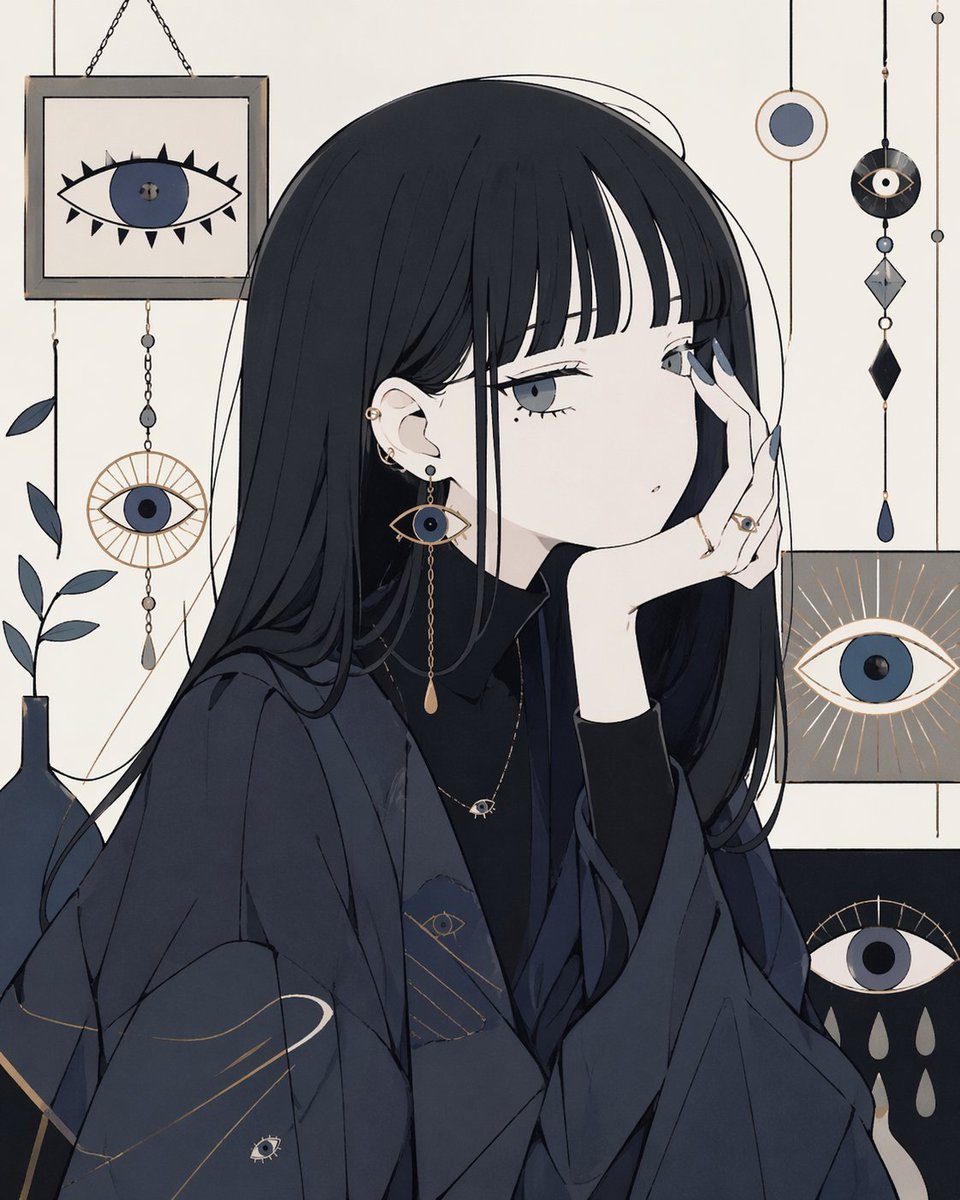
Occult Eye Motif Anime Portrait
This prompt generates a stylish single-character anime portrait with mystical eye-themed decor, ideal for moody editorial art, posters, or profile illustrations.
- Prompt included
- Model and format preset
- Free template
The prompt behind this image
Copy the exact prompt behind Occult Eye Motif Anime Portrait, or open it in the studio and make it yours.
A clean, minimalist anime illustration of a melancholic young woman in three-quarter profile, seated and resting her cheek against one hand. She has long straight {argument name="hair color" default="blue-black"} hair with blunt bangs, very pale skin, and soft gray-blue eyes with a distant, tired expression. Her face is small and delicate, with a tiny beauty mark under one eye and subtle lashes. She wears a dark oversized layered outfit in deep navy and charcoal: a high-neck black top under a loose draped jacket or kimono-like outer layer, with faint gold line accents and tiny eye motifs worked into the fabric. Her accessories are occult-inspired and elegant: multiple ear piercings, one long dangling earring shaped like an eye with a teardrop pendant, a thin necklace with a small eye charm, and several rings including an eye ring on the hand touching her face. Her nails are painted muted slate blue. The background is a flat warm off-white with a carefully arranged gallery of mystical eye symbols and hanging ornaments. Include exactly 6 eye-themed wall elements: 1 framed eye picture in the upper left, 1 circular eye ornament hanging below it, 1 small circle target-like ornament near the upper right, 1 black hanging charm with an eye and geometric crystals on the far right, 1 square panel with a radiant eye at mid-right, and 1 dark rectangular panel with an eye and 4 teardrop shapes at the lower right. Add a dark bottle silhouette and a few muted blue-gray leaves on the left side as secondary decor. Use a restrained palette of navy, black, cream, gray-blue, and touches of muted gold. The composition should feel quiet, gothic, feminine, and introspective, with flat graphic shapes, crisp linework, little shading, and a modern decorative poster aesthetic.
How to use Occult Eye Motif Anime Portrait in 3 steps
- 1Upload ImagePNG, JPG or paste
Add your photo
Upload the photo the template builds on. The prompt, model and format are already set.
- 2…a portrait of your subject in softgolden-hour light, 85mm…
Personalize
Edit the subject and creative details for your destination.
- 3Generate
Generate
Press Generate — your image is created in PicX Studio, so you can compare it with the original and refine one variable at a time.
More like this
Templates with the same subject, style or setup. Open one to see its prompt.

Rooftop Fisheye — Cat-Ear Balaclava at Golden Hour

Found Photograph: Us, 1970

80s Couple Studio Portrait

80s Bollywood Star

80s Golden Hour Cinema

Me in 1985

1985 Studio Portrait

Hyper-Realistic Minecraft POV Portrait
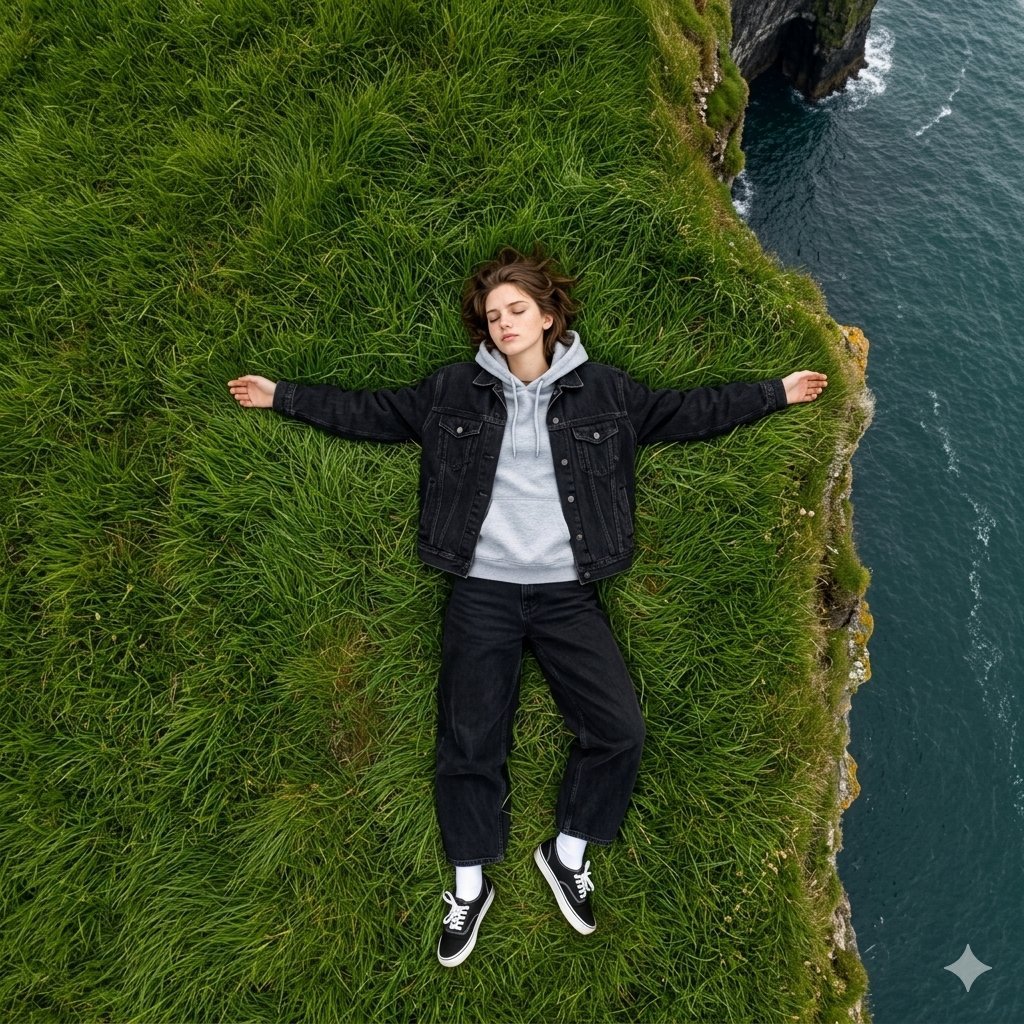
Bird's Eye View Coastal Portrait
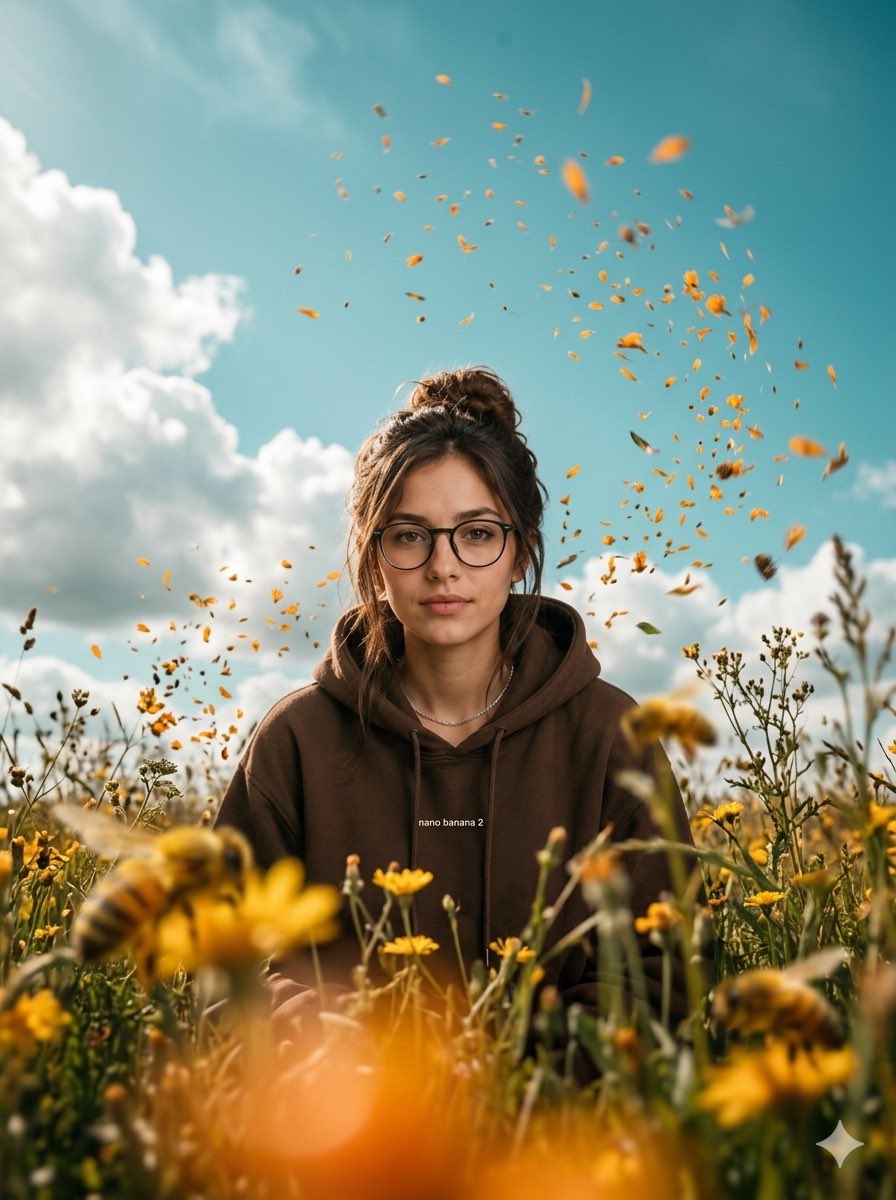
Cinematic Worm's-Eye View Field Portrait

Cel 2D Underwater Reef

Anime Monorail Sunset
Make it yours
Occult Eye Motif Anime Portrait works as-is. These are the safest ways to change it without losing the look.
Change one field
Copy a single group, rewrite it, and generate again so you can see what that field is doing.
Keep the frame, change the subject
Hold the composition and light of Occult Eye Motif Anime Portrait, then swap wardrobe, props or the person for a new take.
| If the result… | Why | Fix |
|---|---|---|
| The result drifts from the preview | Too many fields changed at once. | Reuse Occult Eye Motif Anime Portrait as-is first, then change one group — subject, light, or setting. |
| The model over-stylizes the scene | The prose prompt leaves finish and camera underspecified. | Add one camera or lighting sentence and stay on GPT Image 2. |
More GPT Image 2 templates
Other prompts made for GPT Image 2.

Six VTuber Japanese Logo Sheet

Realistic Portrait of Woman and Deer

The Vista Modular Condo Poster

AI Model Routing Comparison Infographic

2.5D Anime Art Board

Isometric Productivity Desk Scene

New York Double Exposure Poster

Four-Panel AI Landscape Comparison

Japanese Tatami Lifestyle Magazine Cover

NESCAFÉ Coffee Map Poster
More image prompts
Fresh picks from across the catalog.
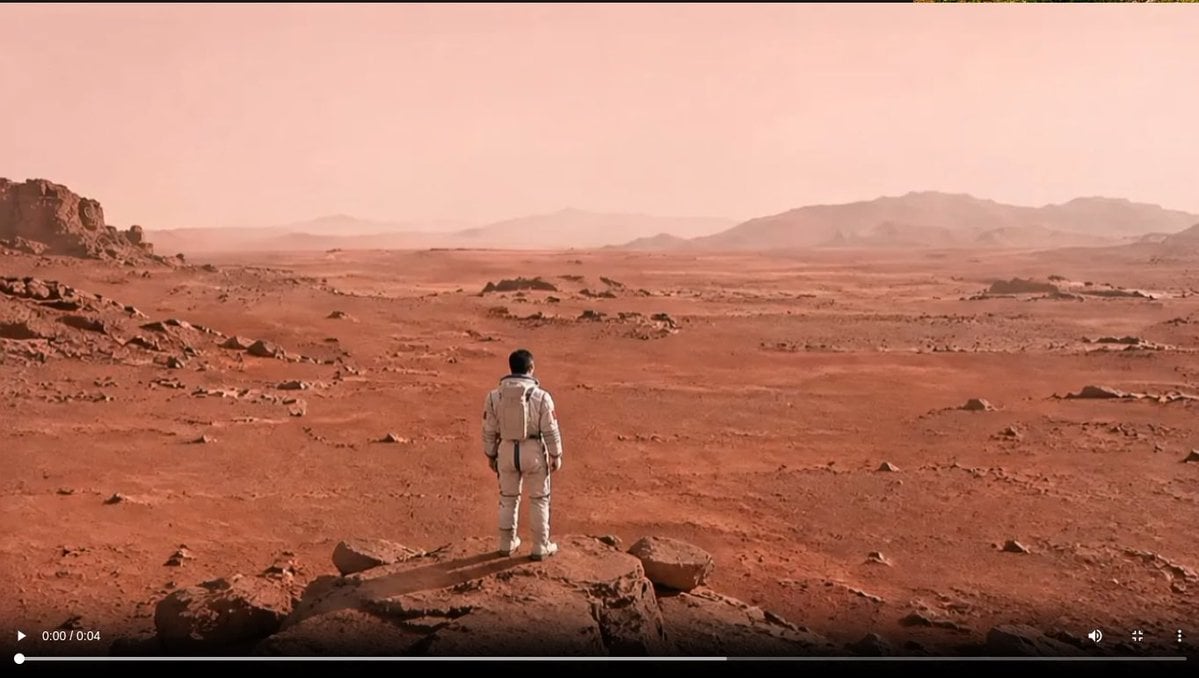
Astronaut on a Red Desert World
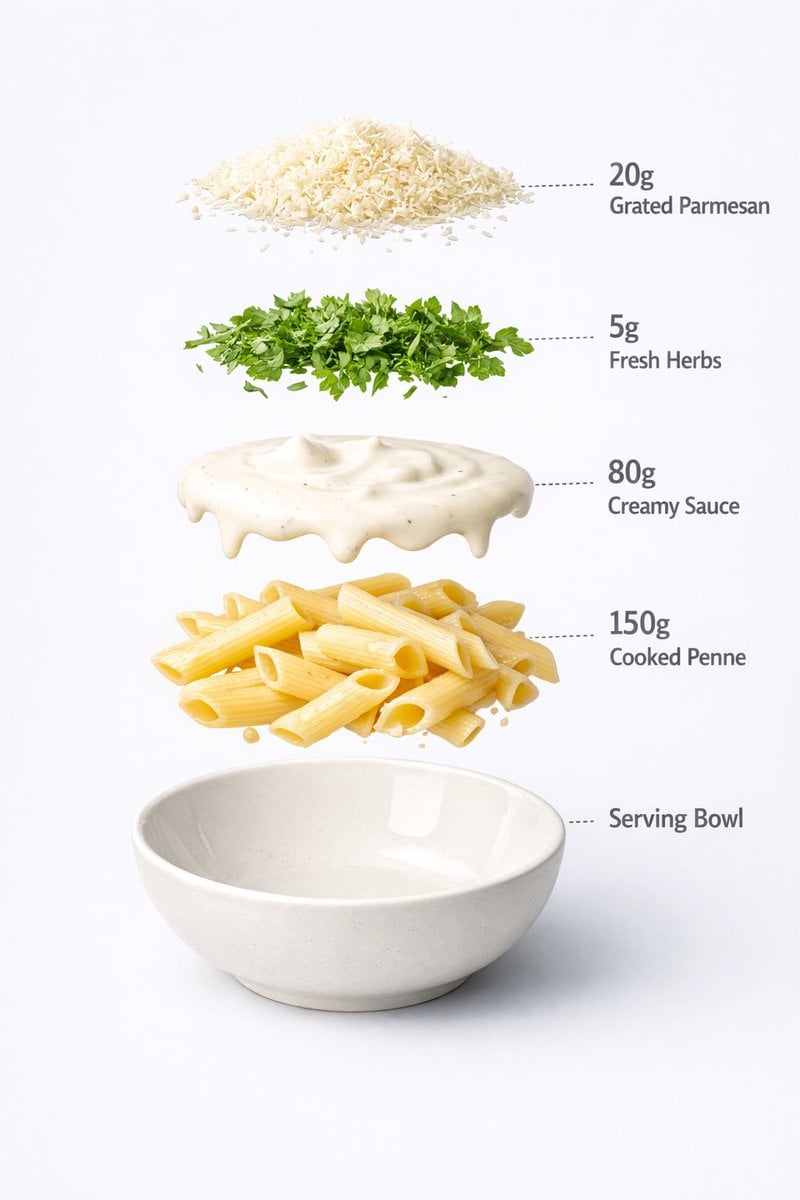
Motion and Image Prompt for Ultra-Realistic Food Photography of Pasta
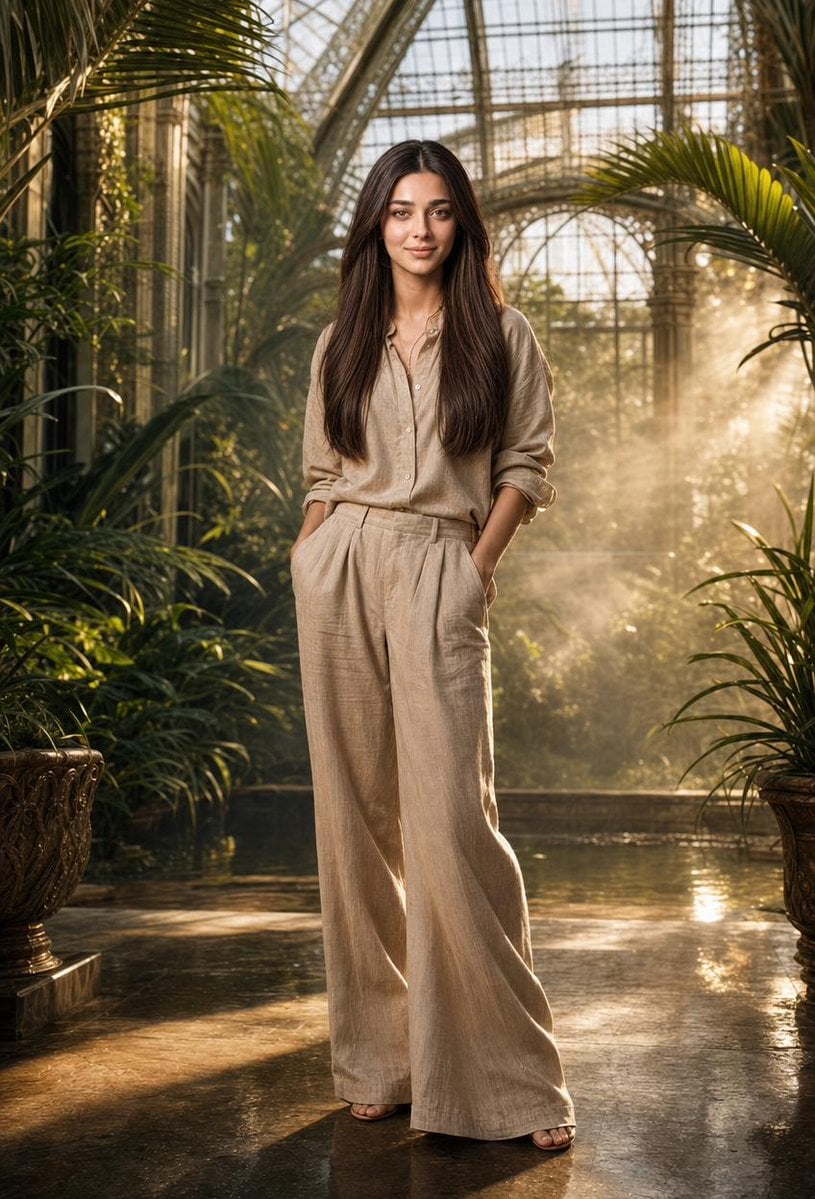
Tropical Greenhouse Editorial Portrait
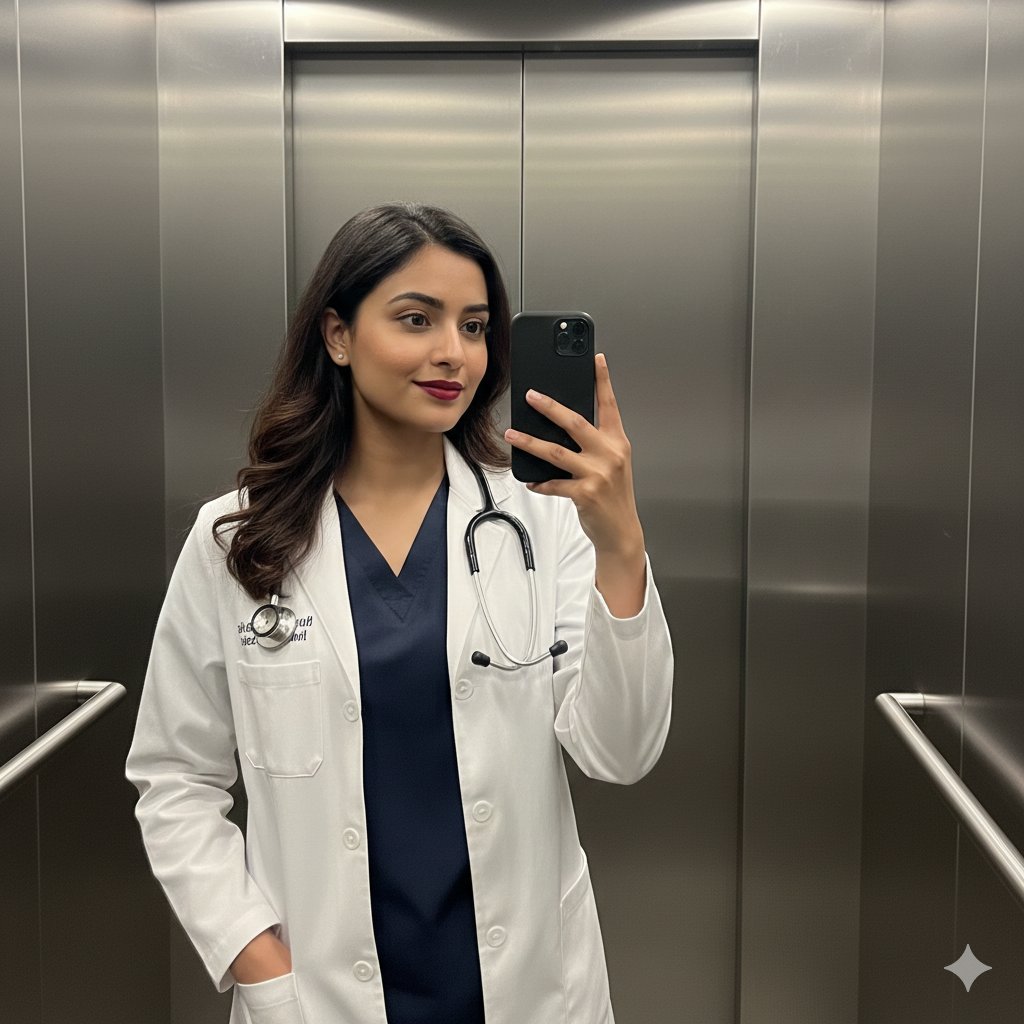
South Asian Doctor Mirror Selfie Prompt
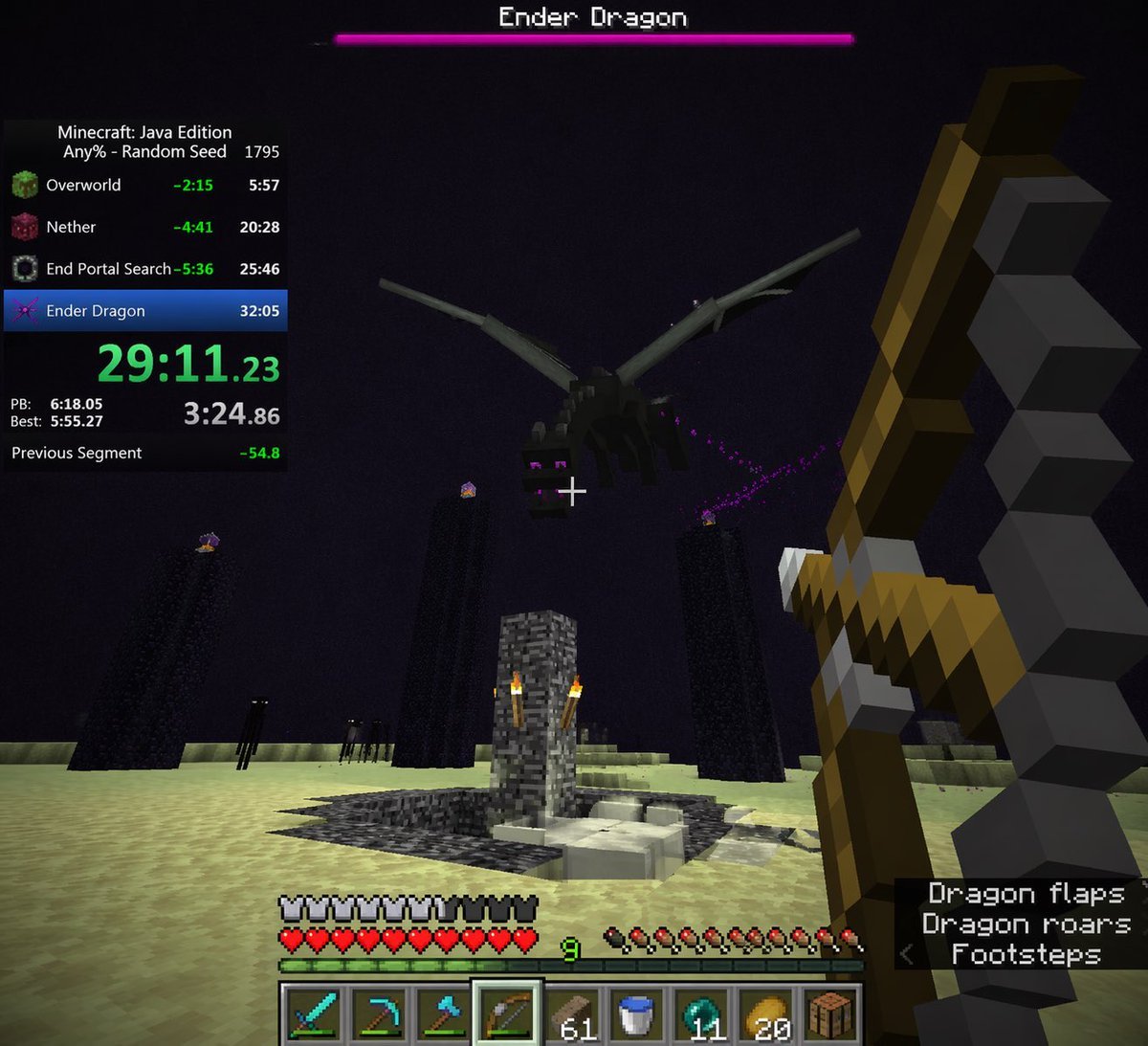
Minecraft Speedrun Screenshot
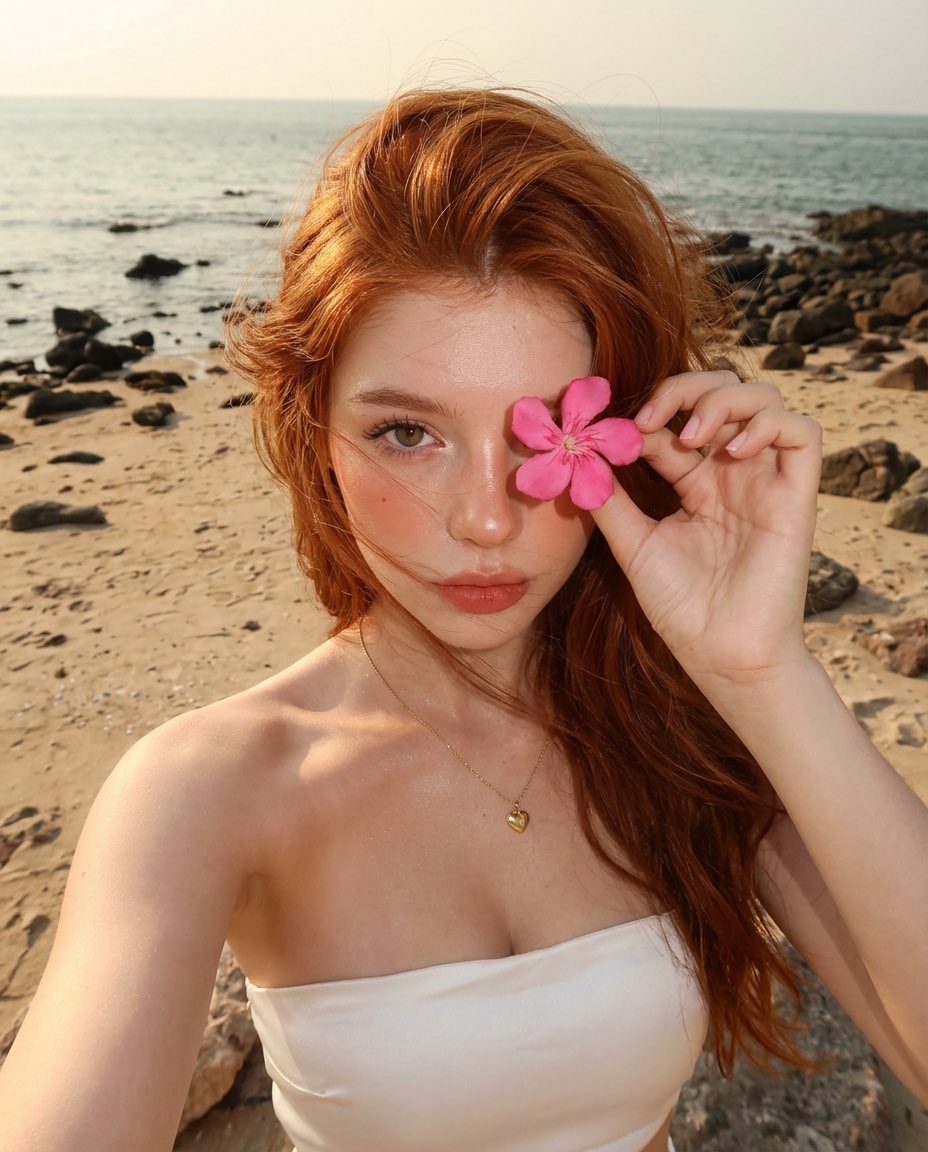
Golden Hour Beach Selfie with Pink Flower
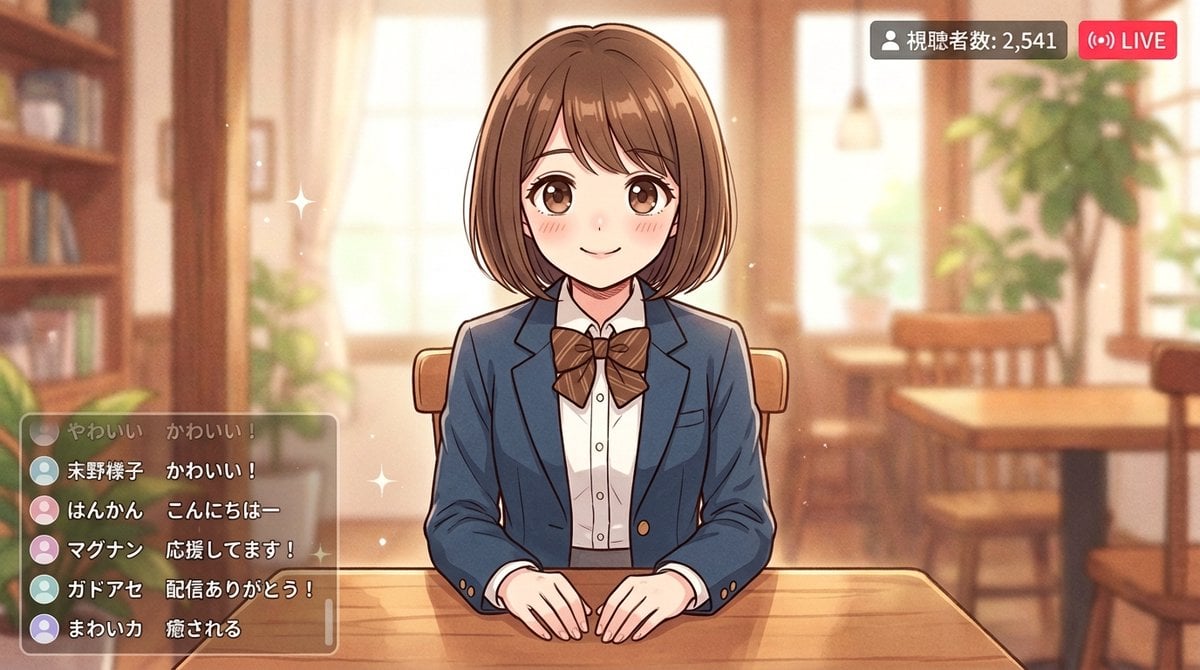
Anime Style Girl in Blazer Uniform Prompt for Nano Banana 2
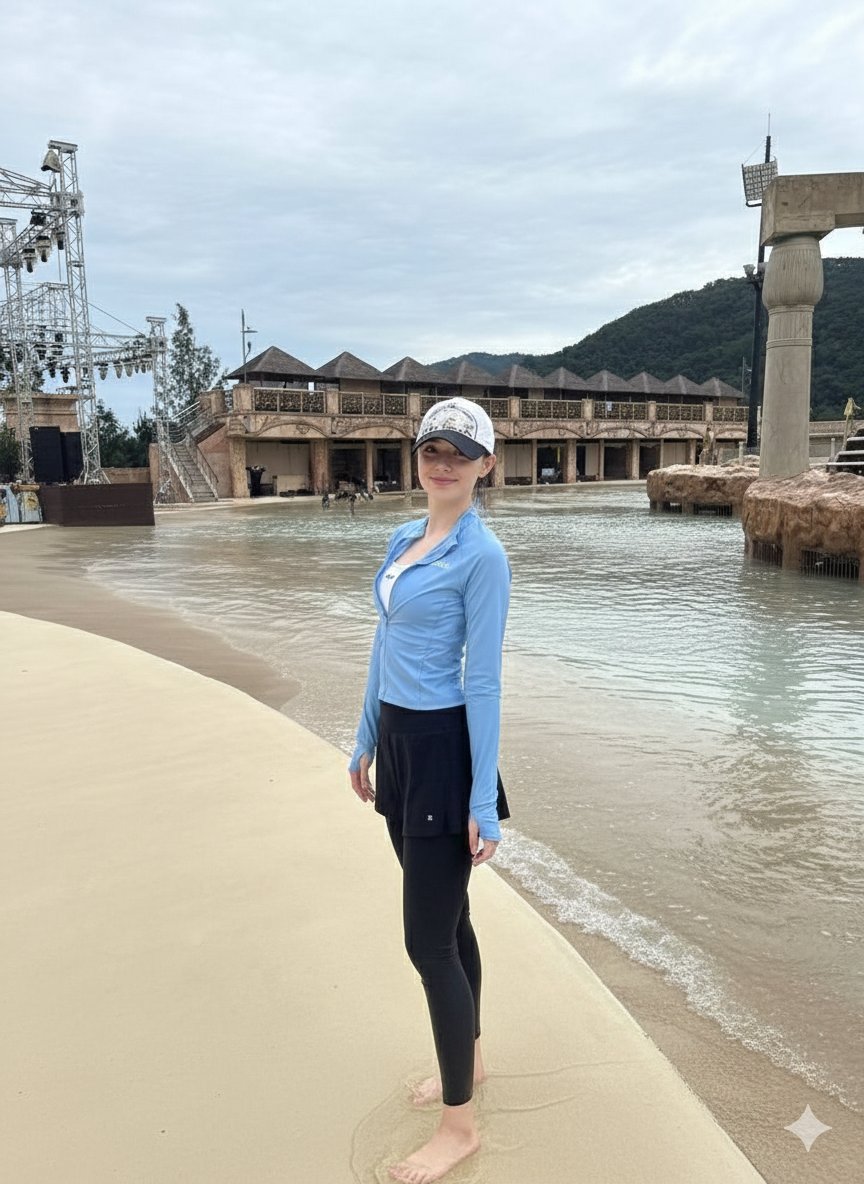
Tropical Water Park Portrait with Thai Architecture
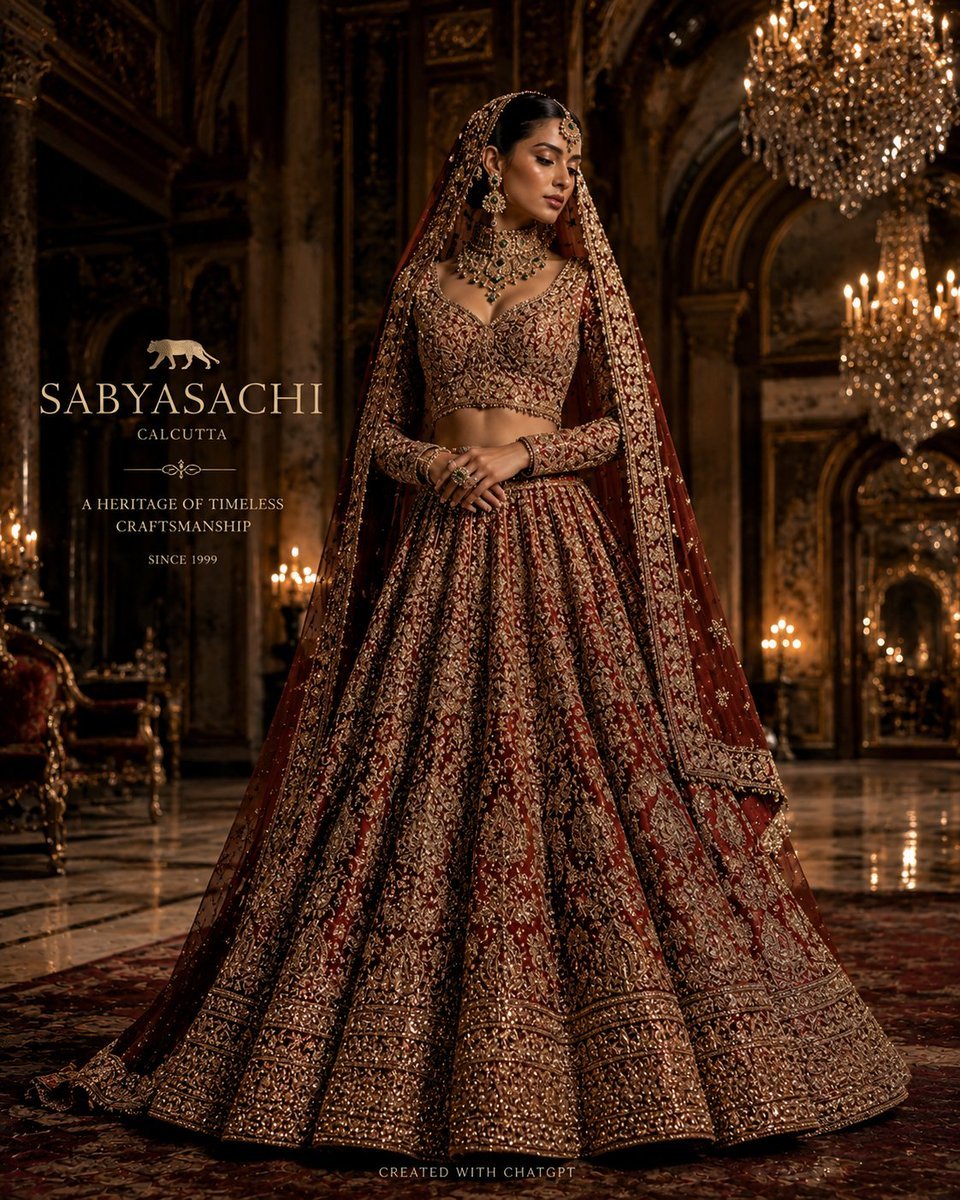
Luxury Bridal Fashion Empire Poster
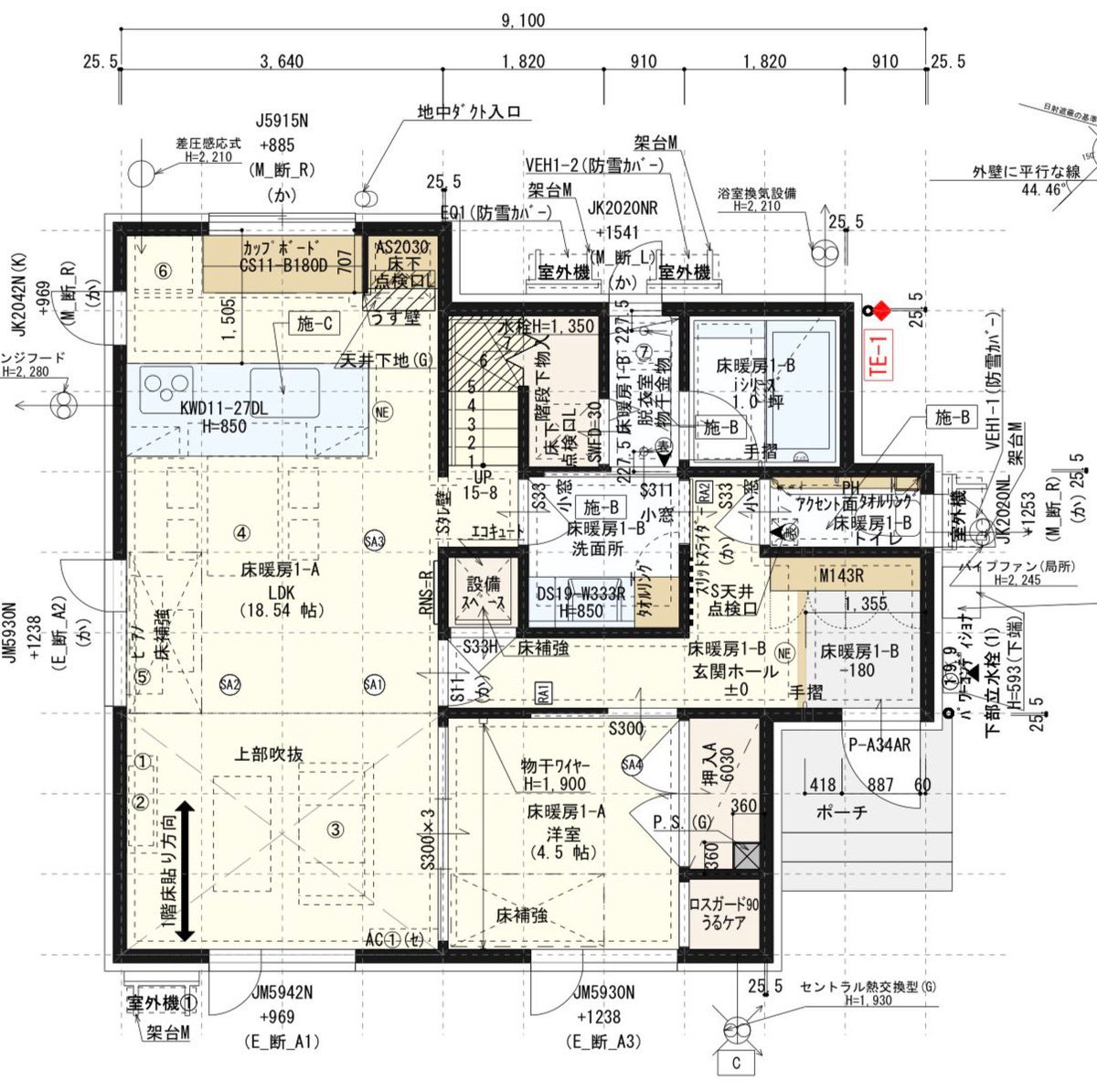
Floor Plan Visualization with Family Life
Browse template categories
Occult Eye Motif Anime Portrait questions
How do I use the Occult Eye Motif Anime Portrait template?
Add your photo if the template asks for one, edit the prompt if you like — the template's model and format are already selected — and press Generate. Your version opens in PicX Studio.
Can I customize the Occult Eye Motif Anime Portrait template?
Yes. You can change the subject, setting, lighting, mood, format, and available model controls before creating your image.
Is the Occult Eye Motif Anime Portrait template free?
Opening and editing this template is free. Generating uses credits, shown on the Generate button when you are signed in.
Which AI model should I use?
Start with GPT Image 2, which is the model associated with this template. You can compare another compatible model for a different finish.
Looking for something else? Browse all templates.

Your photo, any look
Thousands of ready templates for every top image and video model, from one credit balance.