
Cinematic Paparazzi Night Portrait
A complex flash-photography style prompt featuring a man in winter formalwear with an umbrella, utilizing harsh lighting and paparazzi aesthetics.
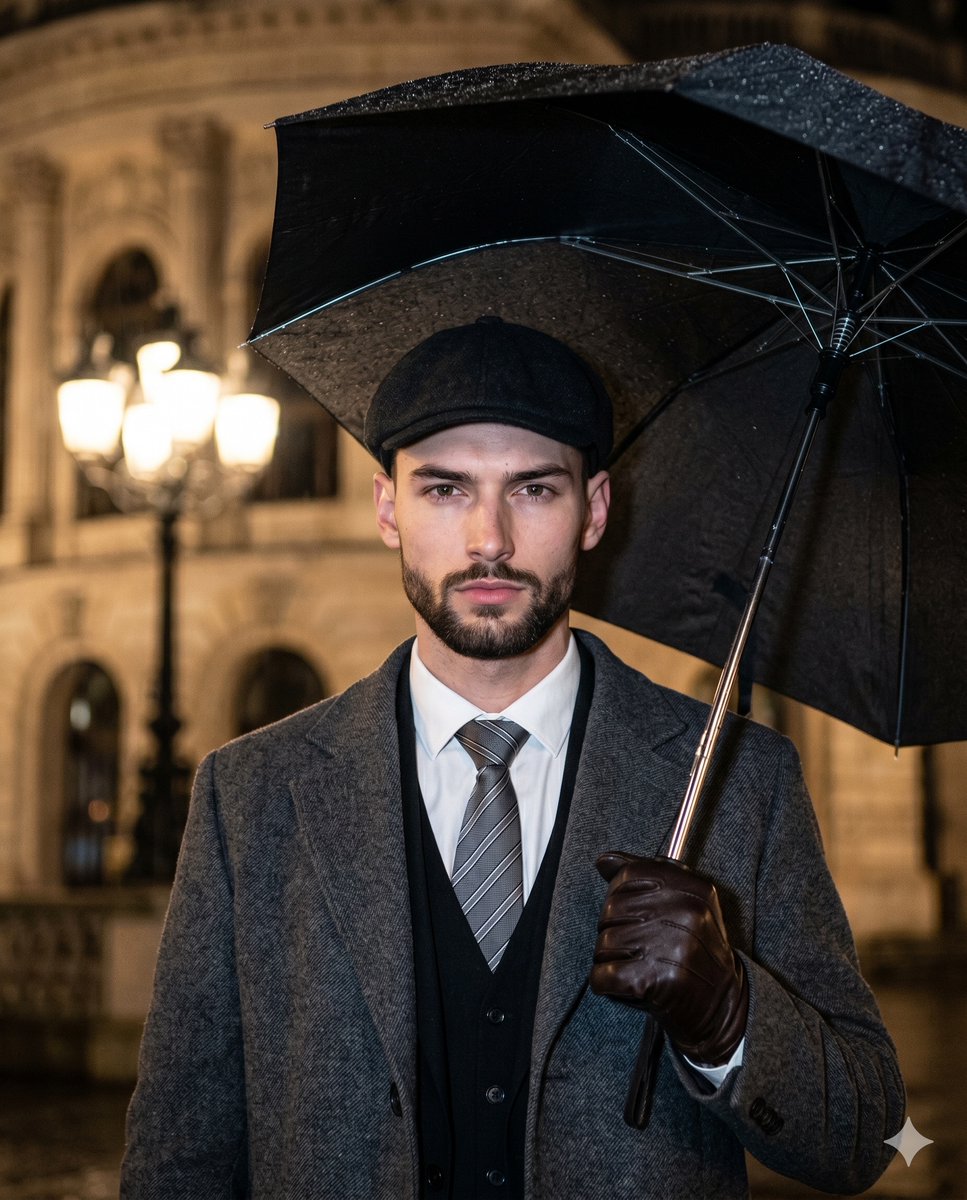
- Prompt included
- Model and format preset
- Premium template
The prompt behind this image
Copy the exact prompt behind Cinematic Paparazzi Night Portrait, or open it in the studio and make it yours.
A young male with a {argument name="beard style" default="textured short beard"} stands perfectly centered, facing the camera with a deliberately posed, serious expression characterized by a neutral mouth, relaxed eyebrows, and a piercing direct gaze. He is dressed in striking winter formalwear, wearing a textured dark flat cap, a {argument name="coat type" default="heavy gray wool overcoat"} over a dark vest, a stark white dress shirt, and a diagonally striped gray tie. His right hand, clad in a dark brown leather glove with specular highlights catching on the taut knuckles, grips a metallic umbrella shaft with tense, deliberate force in the lower left quadrant of the frame. The expansive black canopy of the umbrella is heavily weighted to the right side of the composition, creating an asymmetric balance against his rigid posture while shielding him from a crisp, rainy evening. The environment falls away into deep, heavily blurred spatial depth, revealing a dark gray solid concrete floor and a rich outdoor setting where a pristine, ornate streetlamp glows warmly from the top center with multiple bulbs. To the top right, a vintage classical building facade made of smooth matte plaster transitions through an aged gradient of warm terracotta and pale yellow, detailed with architectural columns and arched windows glowing softly from within. The atmosphere is dominated by a stark split-complementary palette of charcoal gray, warm amber, stark white, and deep black, entirely shaped by a highly directional, {argument name="lighting type" default="bright, cool-toned single-source hard light"} striking the subject directly from the front. This intrusive, raw flash creates dramatic, high-contrast illumination with specular highlights gleaming sharply on his forehead, the bridge of his nose, his cheeks, and the scattered rain droplets across the dark umbrella canopy. Harsh, deep black shadows with sharply defined edges are cast directly from the umbrella shaft onto his crisp white chest, from the thick overcoat lapels onto his dark vest, and fall heavily onto the unseen space behind him. Captured as a realistic digital photograph with tack-sharp focus on the subject and a shallow depth of field, the image embraces a paparazzi aesthetic and cinematic night photography influences, complete with visible digital noise and enhanced clarity on the intricate fabric textures. The straight-on composition mimics a DSLR equipped with a 50mm lens at f/2.8 and a fast shutter speed to sync with the bare-bulb on-camera flash, processed with increased contrast to emphasize the harsh flash falloff, a color grade that cools the foreground while warming the ambient background streetlights, and a slight edge-darkening vignette, all beautifully framed in a 4:5 aspect ratio.
How to use Cinematic Paparazzi Night Portrait in 3 steps
- 1
Open
The prompt is already in the box next to the preview, with the template's model and format selected.
- 2…a portrait of your subject in softgolden-hour light, 85mm…
Personalize
Edit the subject and creative details for your destination.
- 3Generate
Generate
Press Generate — your image is created in PicX Studio, so you can compare it with the original and refine one variable at a time.
More like this
Templates with the same subject, style or setup. Open one to see its prompt.

Found Photograph: Us, 1970

80s Couple Studio Portrait

80s Bollywood Star

80s Golden Hour Cinema

Me in 1985

1985 Studio Portrait

Hyper-Realistic Minecraft POV Portrait

Rooftop Fisheye — Cat-Ear Balaclava at Golden Hour

Rainy Café Window Moody Portrait
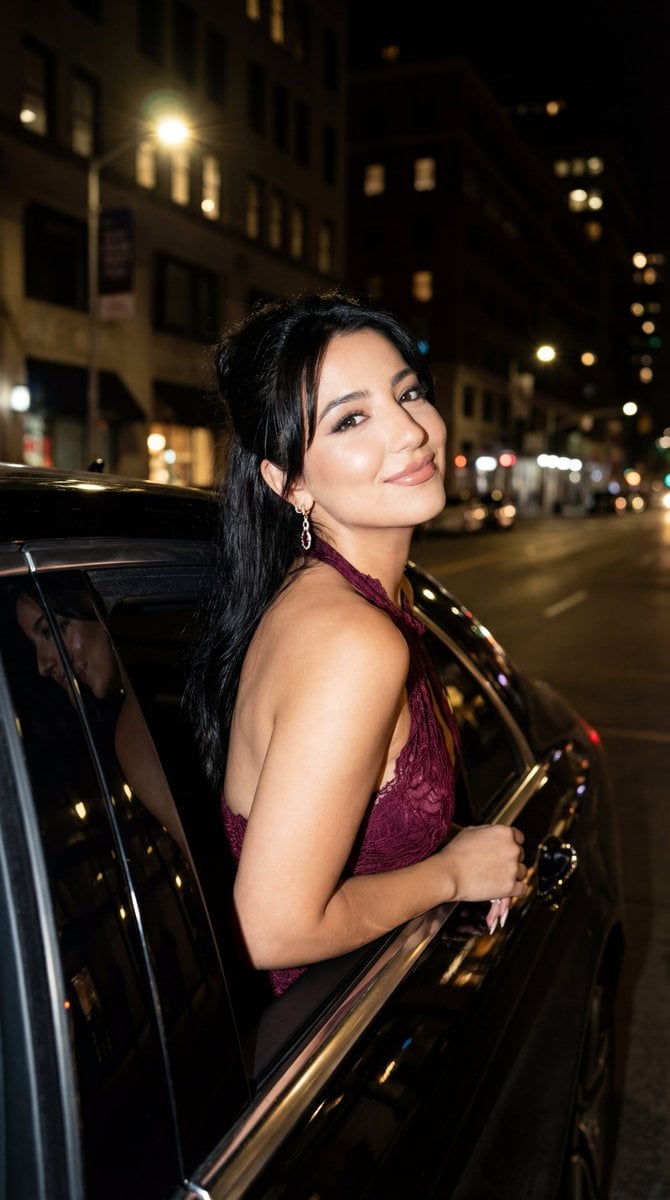
Night Paparazzi Car Editorial Prompt with Identity Lock

untitled

2025 Aesthetic Photography
Make it yours
Cinematic Paparazzi Night Portrait works as-is. These are the safest ways to change it without losing the look.
Change one field
Copy a single group, rewrite it, and generate again so you can see what that field is doing.
Keep the frame, change the subject
Hold the composition and light of Cinematic Paparazzi Night Portrait, then swap wardrobe, props or the person for a new take.
| If the result… | Why | Fix |
|---|---|---|
| The result drifts from the preview | Too many fields changed at once. | Reuse Cinematic Paparazzi Night Portrait as-is first, then change one group — subject, light, or setting. |
| The model over-stylizes the scene | The prose prompt leaves finish and camera underspecified. | Add one camera or lighting sentence and stay on Nano Banana 2. |
More Nano Banana 2 templates
Other prompts made for Nano Banana 2.

Photorealistic Leaf Shaped Like a Dragon

K-Pop Idol Portrait Grid for Rapid Selection

Poetic Rain Forest Portrait During Golden Hour

Urban Street Portrait with Cartoon Inner Self Duo

Candid Nighttime Photo with Cat Prompt

High-Concept 3D Diorama Generation Prompt

Cinematic Futuristic Studio Portrait Template

Skincare Editorial Photography Collage Prompt

Hyper-Realistic Commercial Product Photography (Splash Effect)

Hyper-Realistic Nightclub Portrait Prompt
More image prompts
Fresh picks from across the catalog.
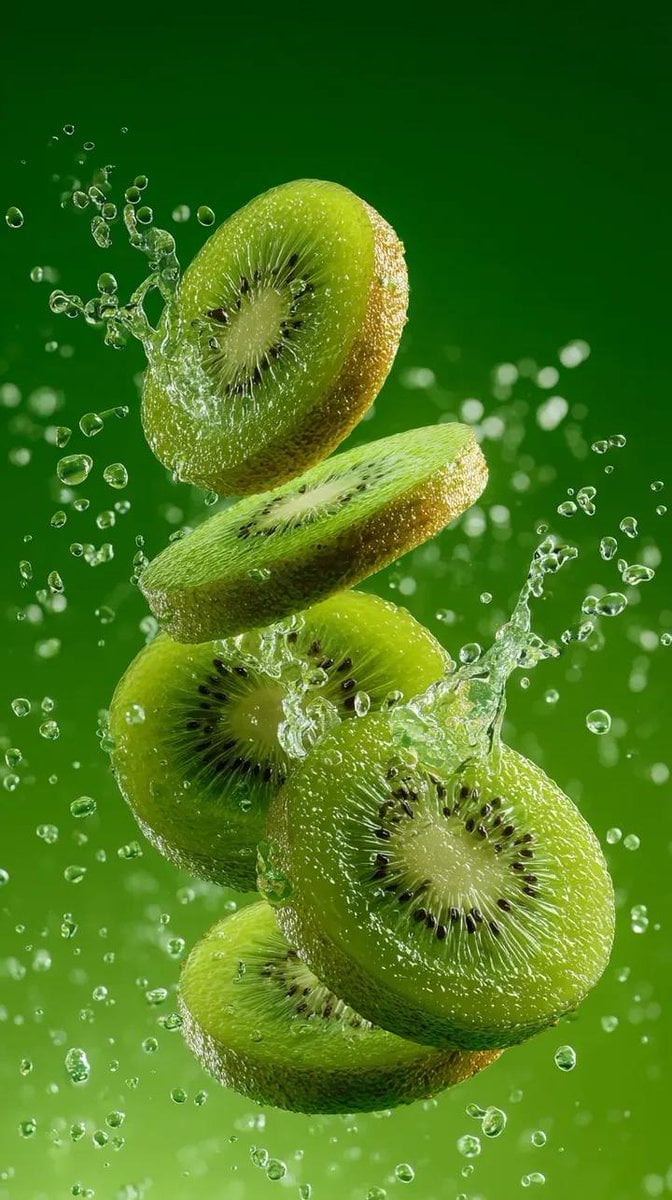
Hyper-Realistic Kiwi Splash Macro Photography Prompt
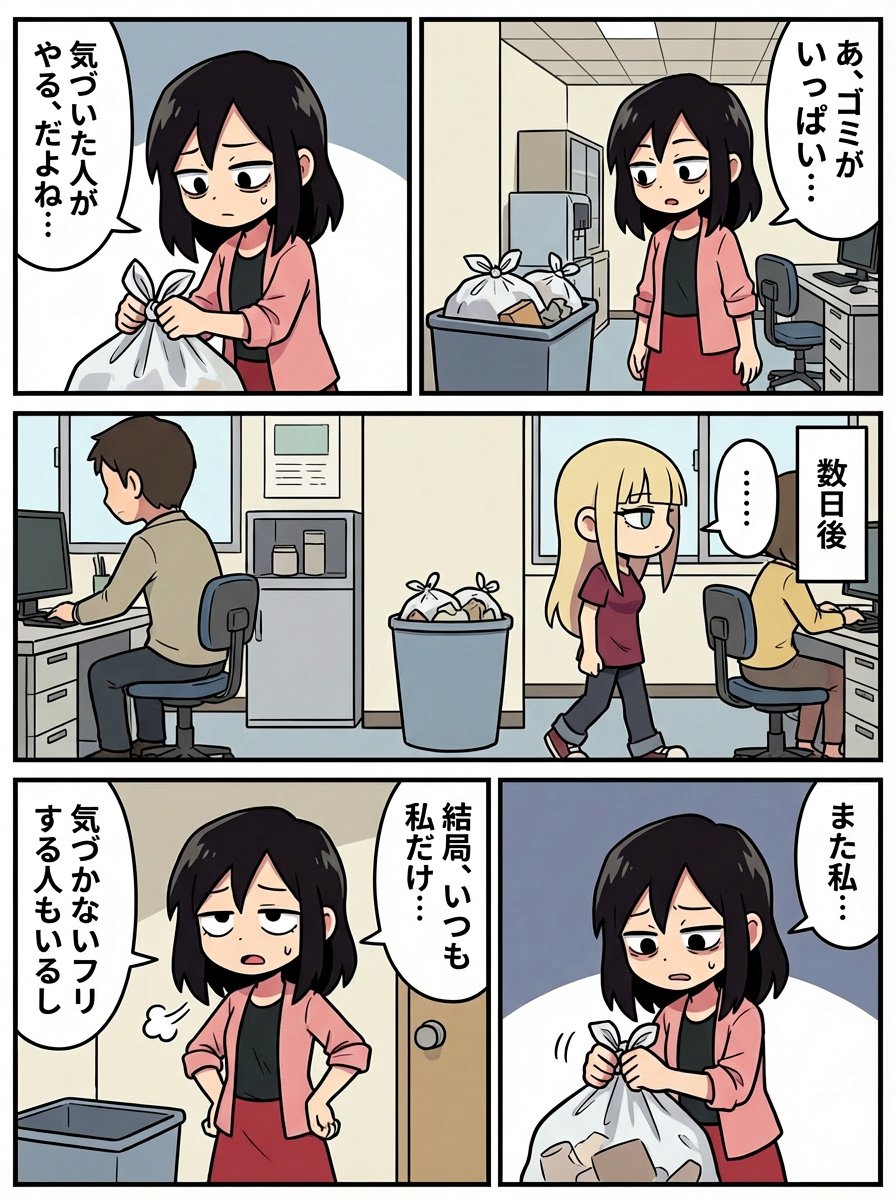
Japanese Text Prompt about Workplace Atmosphere
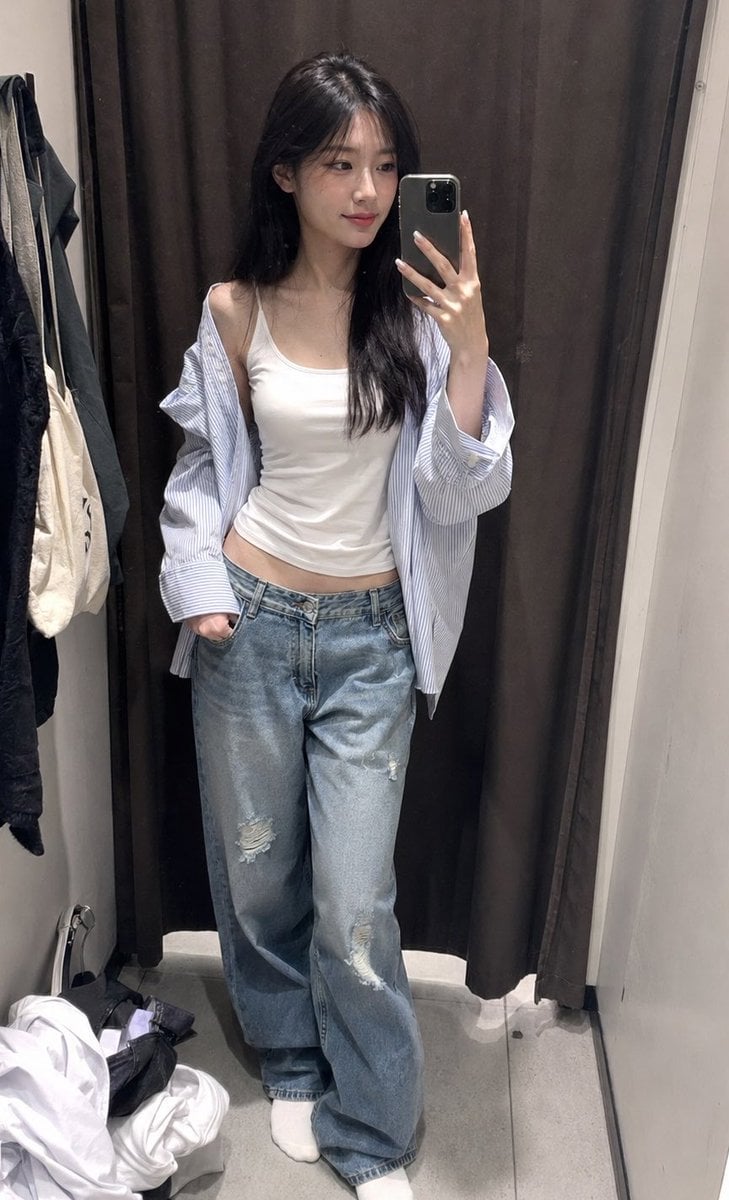
ZARA Fitting Room Mirror Selfie
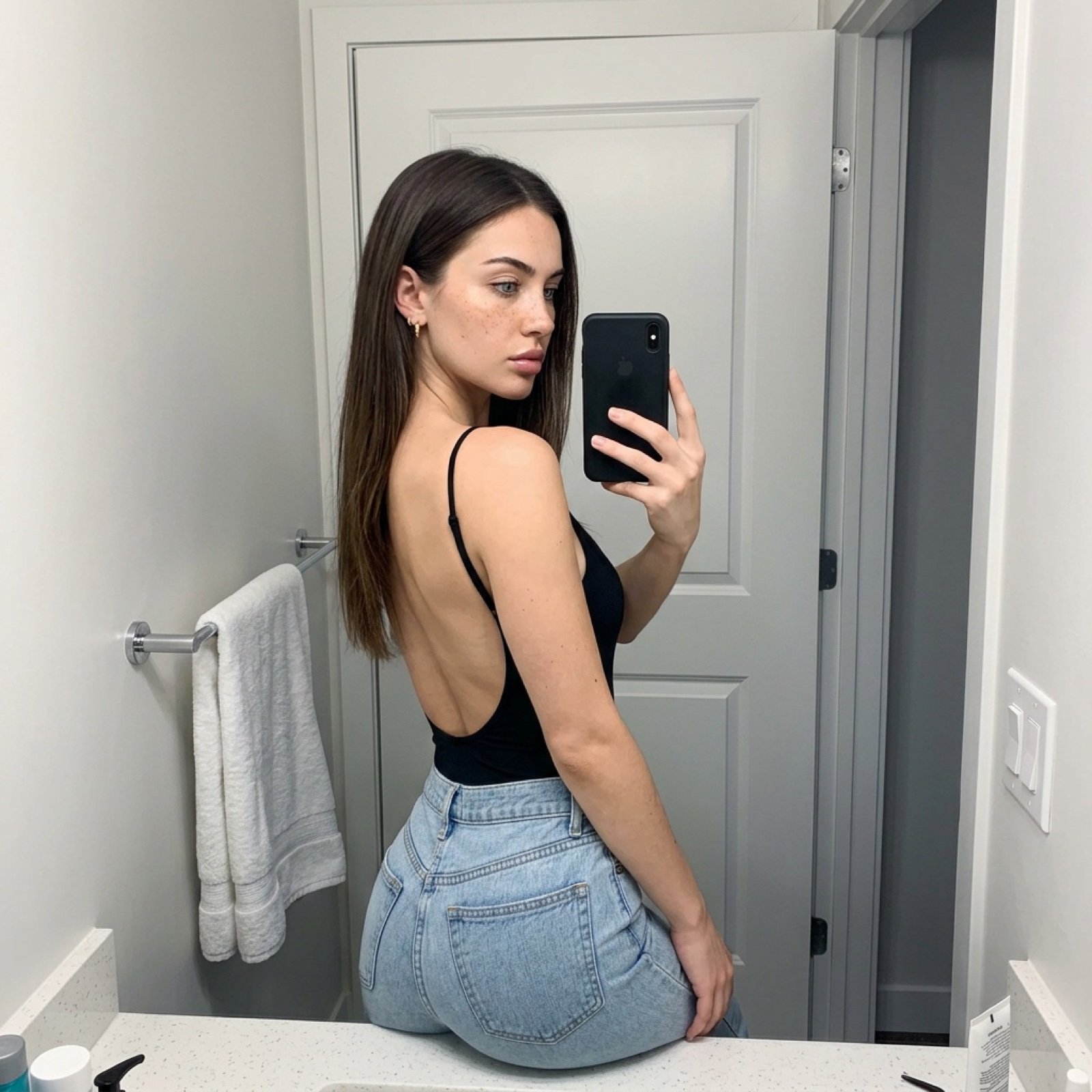
Viral TikTok Mirror Selfie Prompt
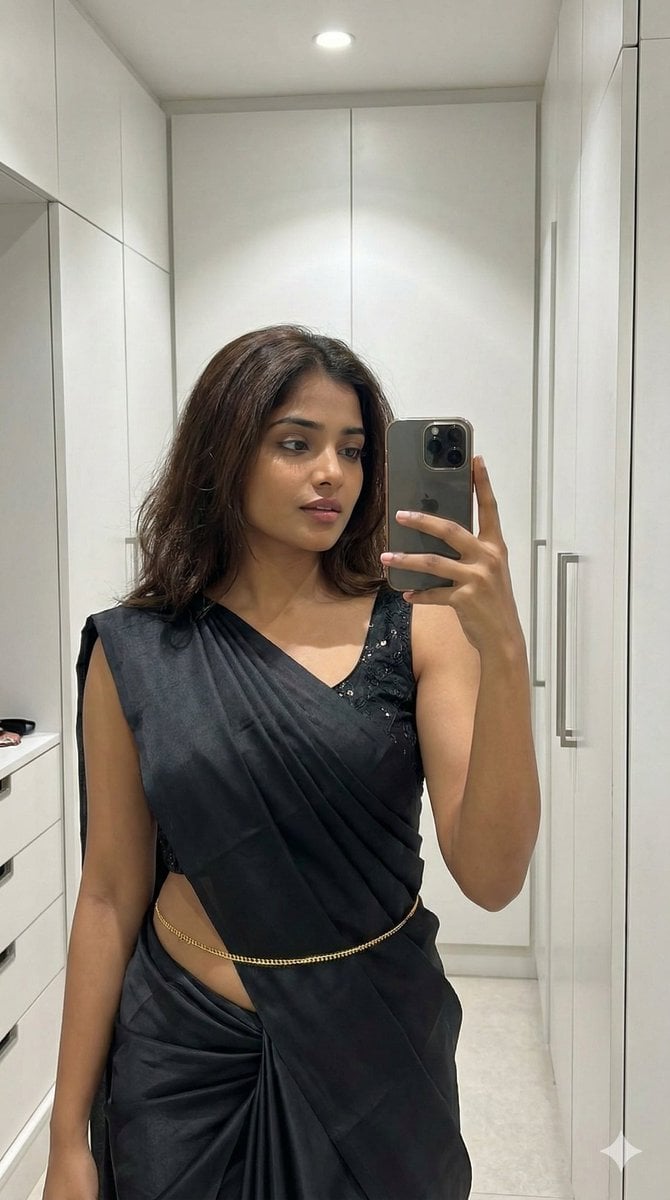
Ultra-Photorealistic Saree Mirror Selfie
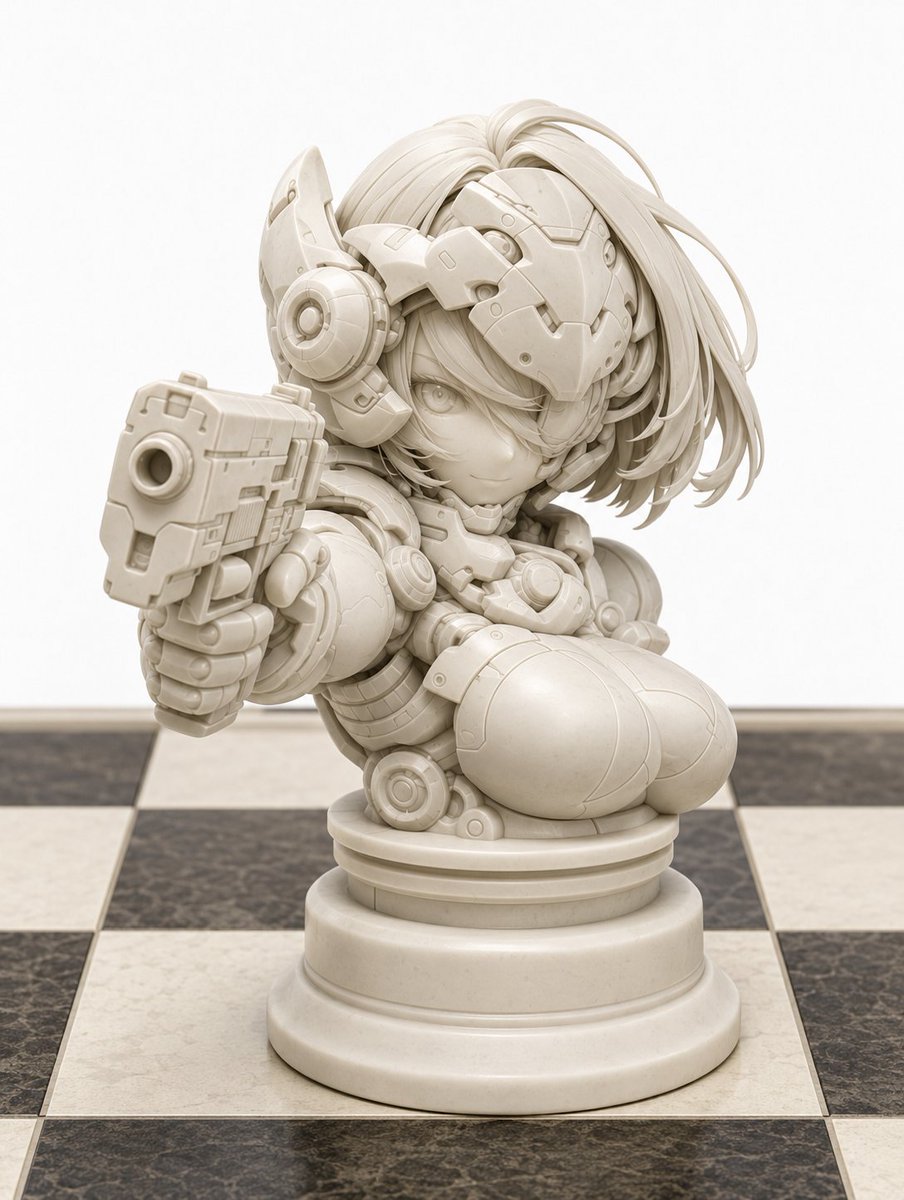
Character to Chess Piece Transformation
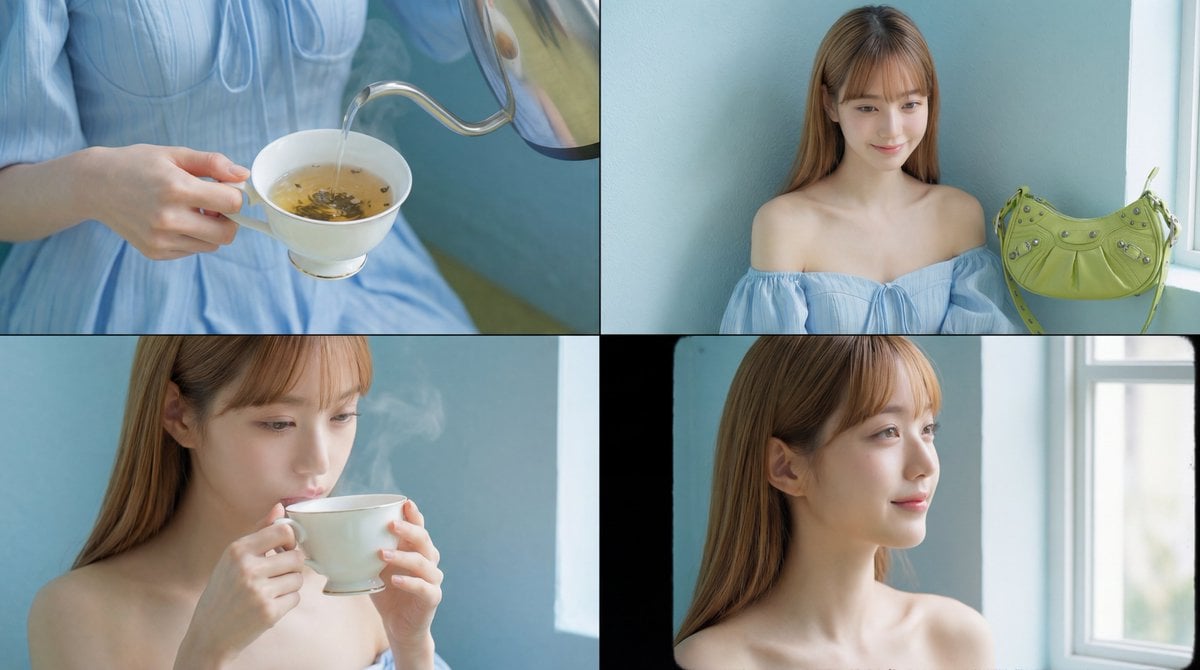
Cinematic Tea Time Prompt (Shared for Image and Video Generation)
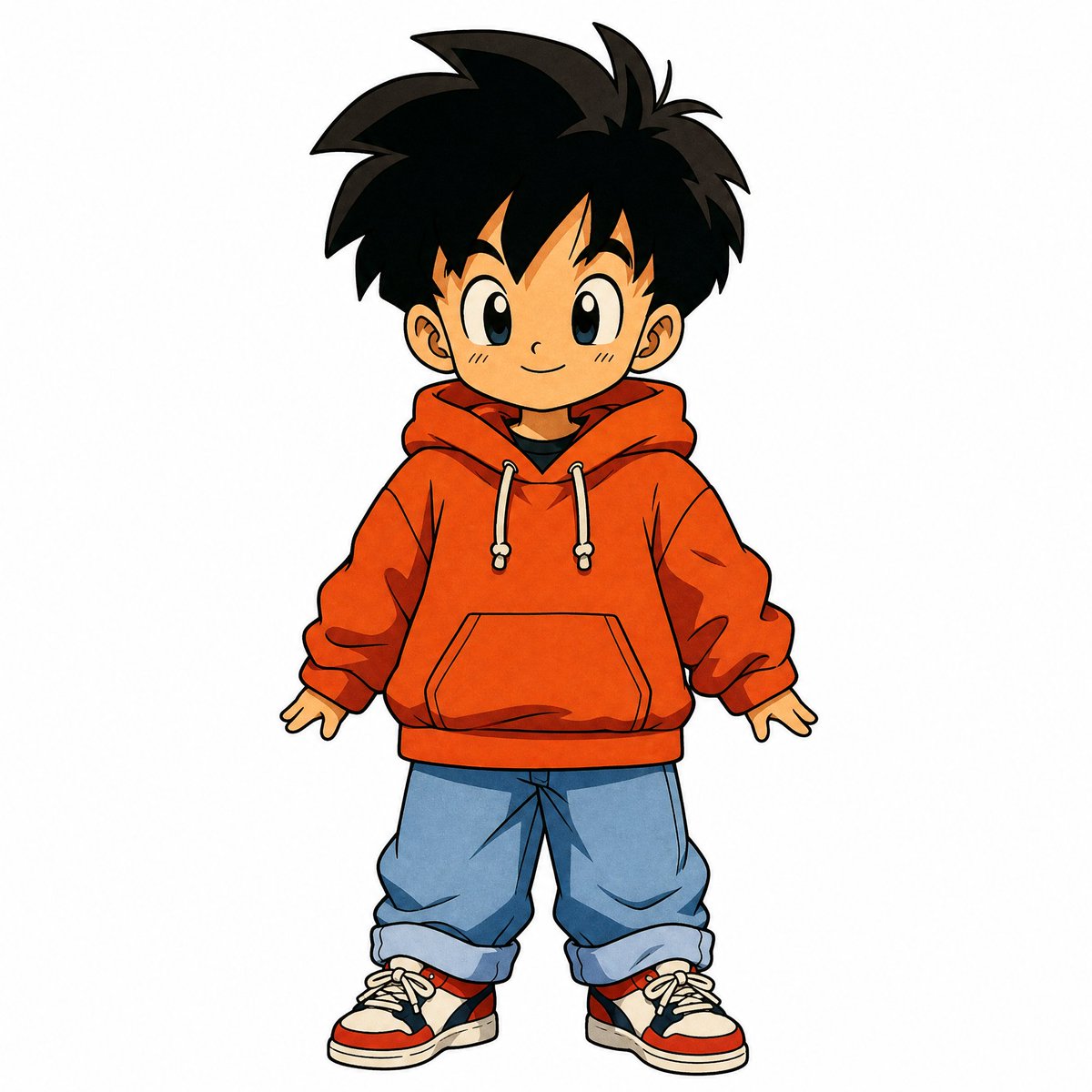
90s Japanese Retro Anime Style
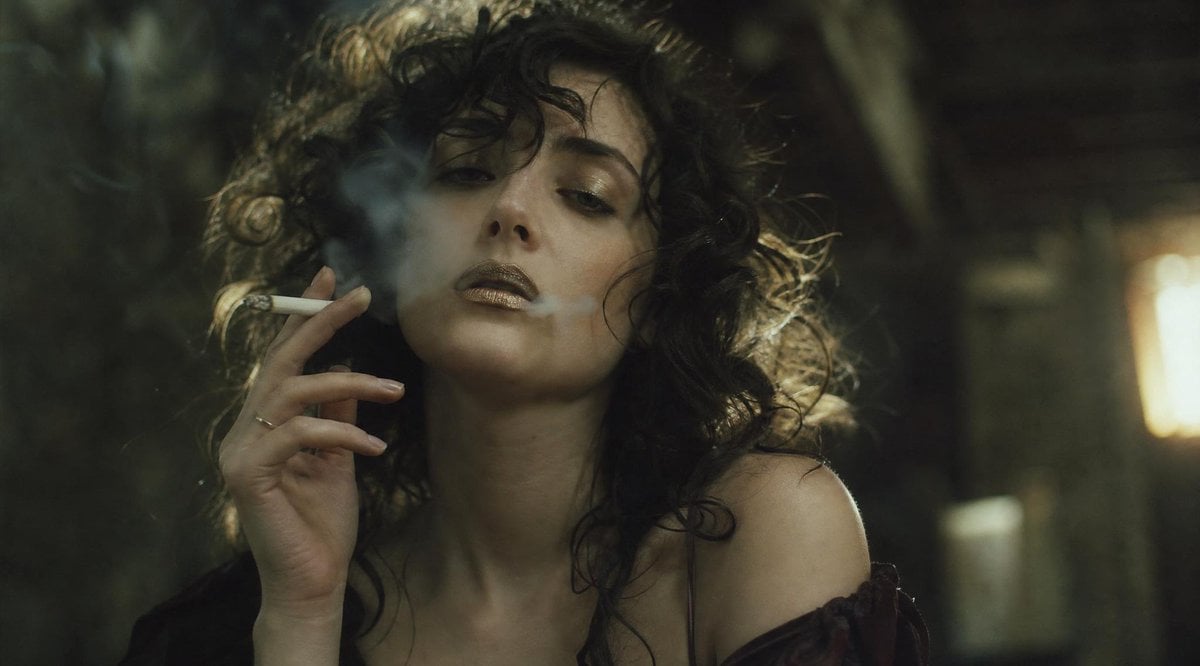
Censored Smoky Film Still
Nano Banana Pro branded header (duplicate)
Browse template categories
Cinematic Paparazzi Night Portrait questions
How do I use the Cinematic Paparazzi Night Portrait template?
Add your photo if the template asks for one, edit the prompt if you like — the template's model and format are already selected — and press Generate. Your version opens in PicX Studio.
Can I customize the Cinematic Paparazzi Night Portrait template?
Yes. You can change the subject, setting, lighting, mood, format, and available model controls before creating your image.
Is the Cinematic Paparazzi Night Portrait template free?
Opening and editing this template is free. Generating uses credits, shown on the Generate button when you are signed in.
Which AI model should I use?
Start with Nano Banana 2, which is the model associated with this template. You can compare another compatible model for a different finish.
Looking for something else? Browse all templates.

Your photo, any look
Thousands of ready templates for every top image and video model, from one credit balance.