How do I use the Sadie Sink in Traditional Red Saree Portrait template?
Choose the primary action to open PicX Studio with the available template settings. Review the model and format, personalize the creative direction, and generate when ready.
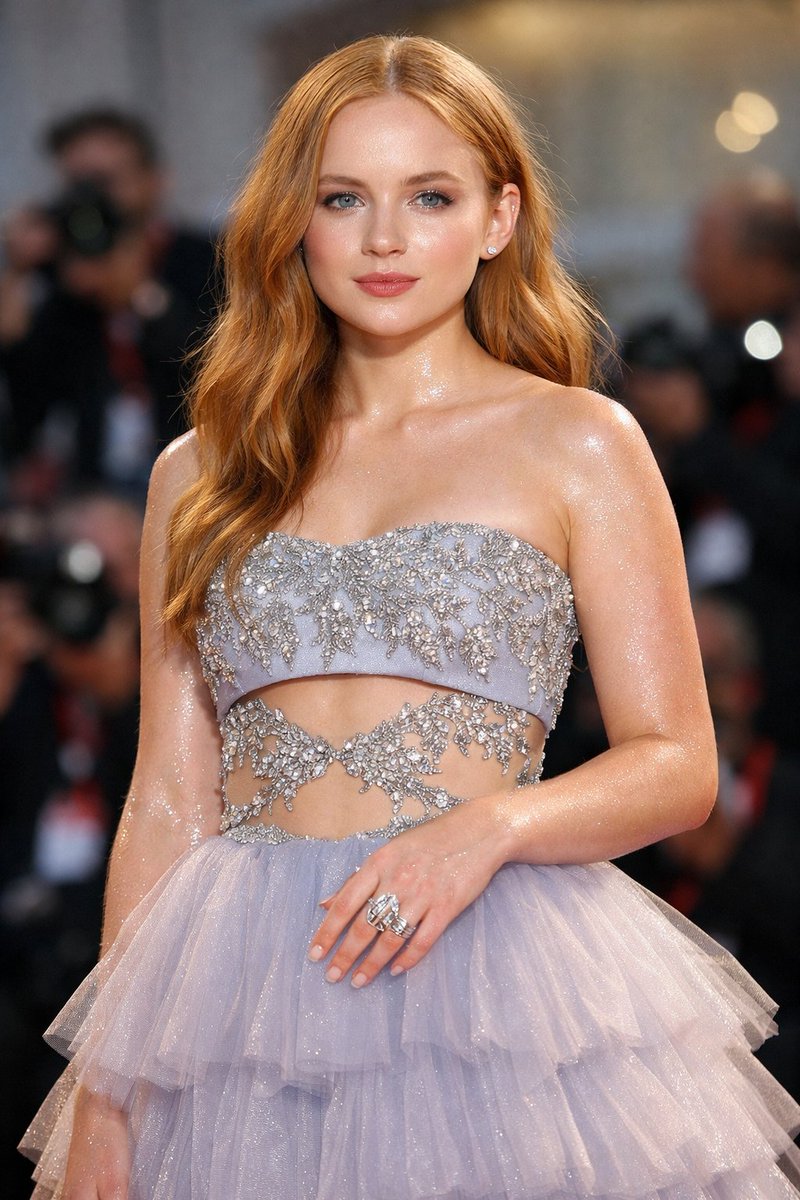
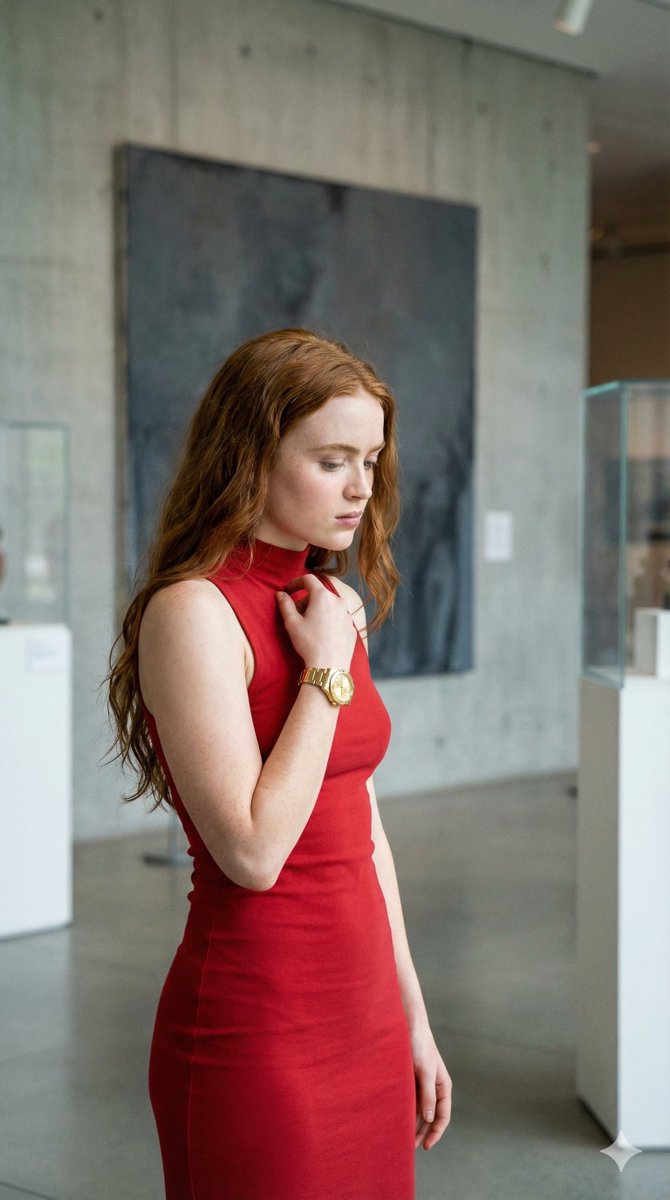
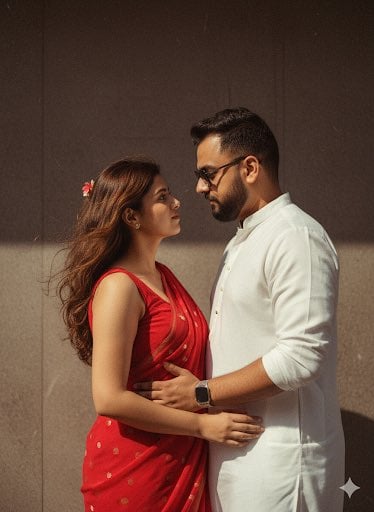
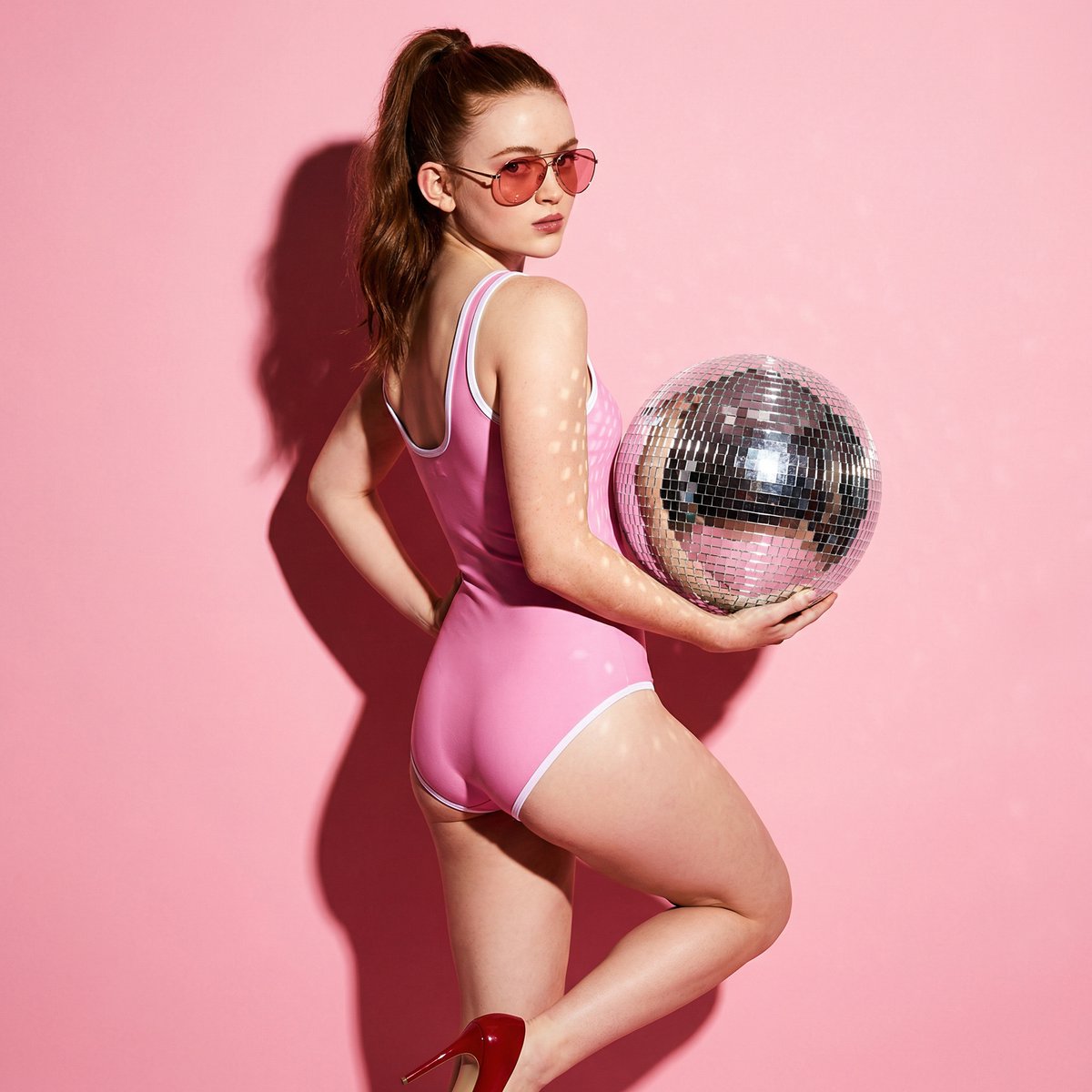
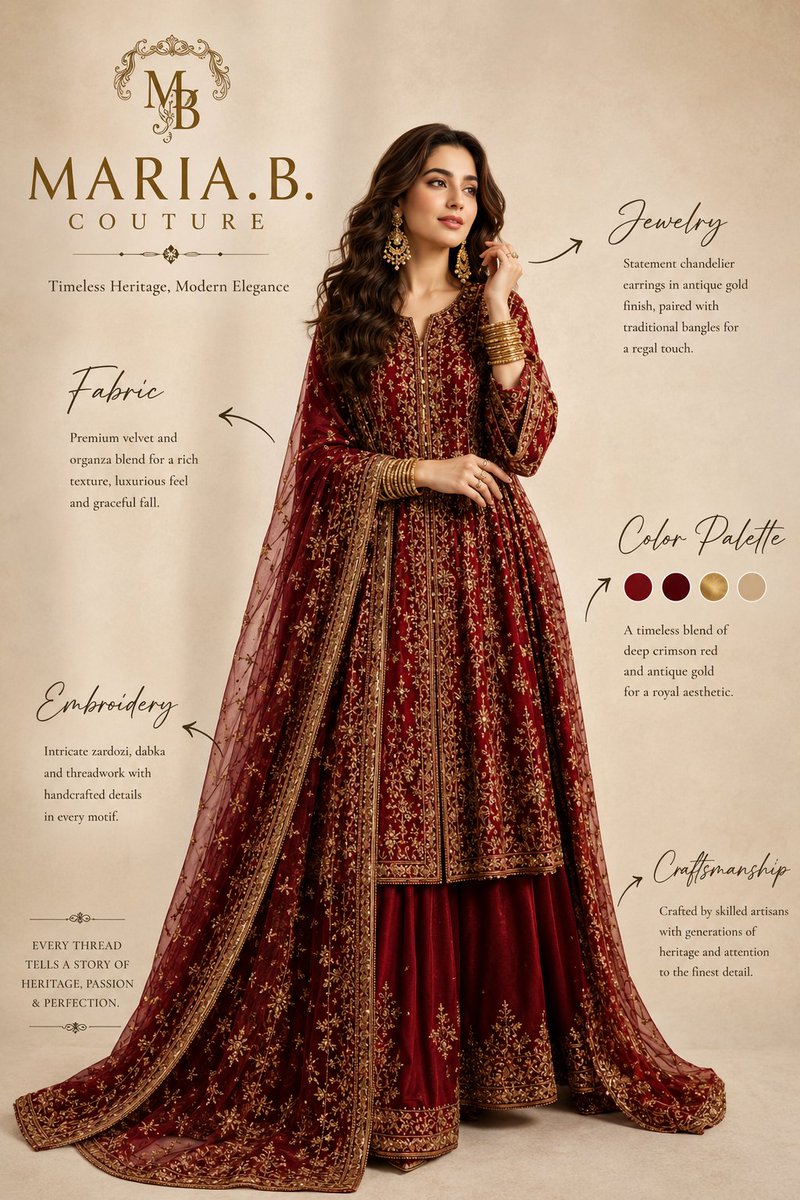
A photorealistic prompt for generating a portrait of a woman in a traditional red saree, featuring high-detail photography and soft indoor lighting.
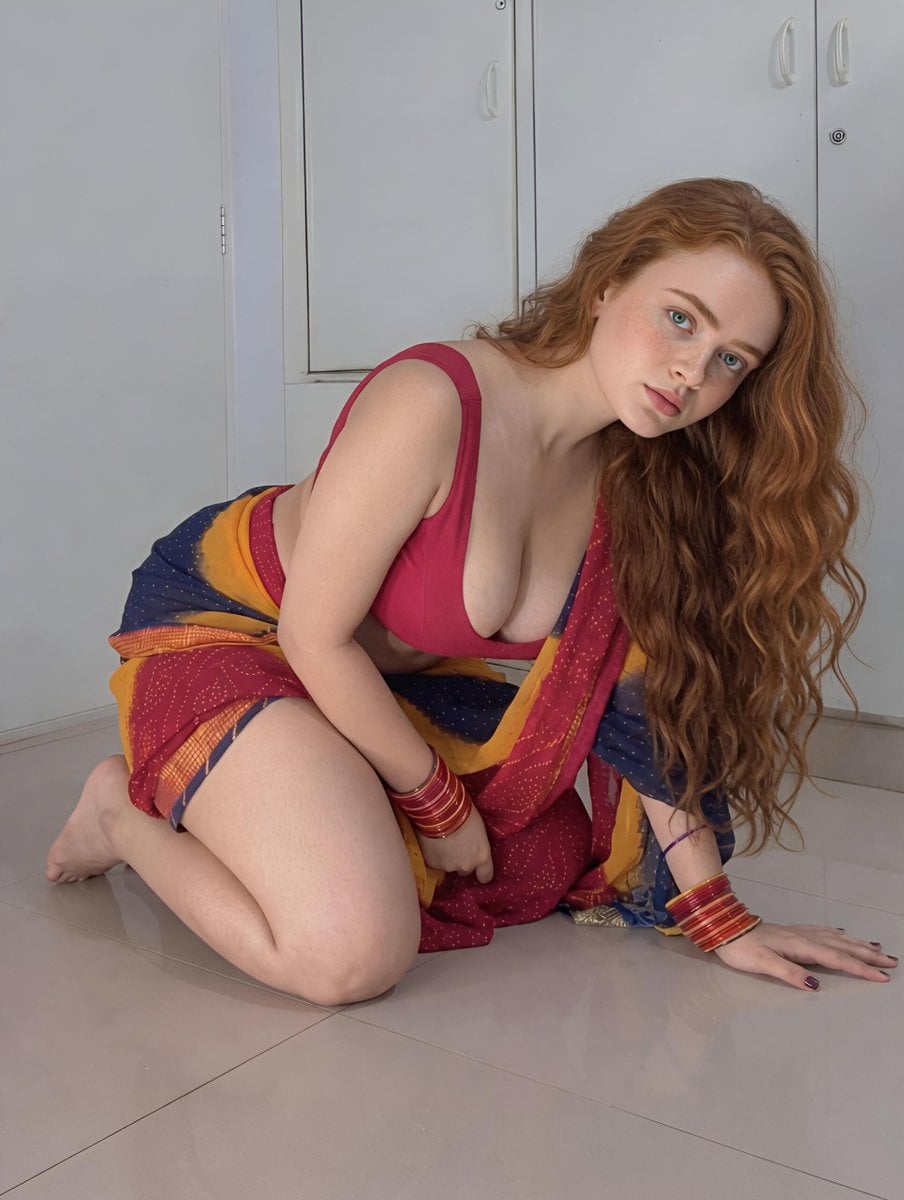
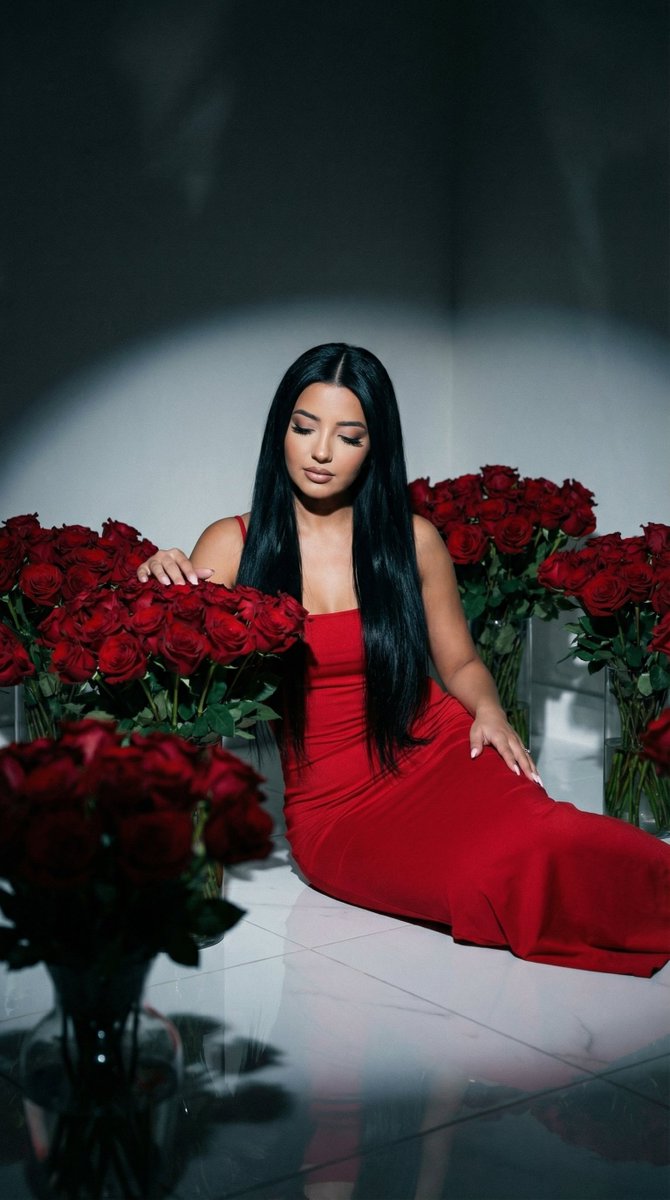
A {argument name="subject" default="beautiful young woman"} with fair skin, striking blue eyes, and long, voluminous wavy red hair cascading down her back and over one shoulder, is seated gracefully on a light-colored tiled floor indoors. She is wearing a {argument name="outfit" default="traditional saree in vibrant red with blue, yellow, and golden border patterns"}, draped elegantly around her body with a matching red sleeveless blouse. She has a delicate necklace, colorful bangles on both wrists, and dark nail polish on her fingers and toes. Her pose is relaxed and artistic, with one leg extended and the other bent, one hand resting on her knee and the other supporting her on the floor beside her. She is looking thoughtfully to the side with a serene expression. The {argument name="background" default="background features plain white walls and a tall white cabinet with handles"}. The lighting is bright and even, creating a clean, modern indoor setting with soft shadows. High detail, realistic photography style.
Choose the primary action to open PicX Studio with the available template settings. Review the model and format, personalize the creative direction, and generate when ready.
Yes. You can change the subject, setting, lighting, mood, format, and available model controls before creating your image.
This template is free to open and customize. Generation usage is shown in PicX Studio before you create.
Start with Nano Banana 2, which is the model associated with this template. You can compare another compatible model for a different finish.
Follow a topic to a crawlable collection of related PicX Studio templates.